
How to Use esp32s3 hitam: Examples, Pinouts, and Specs
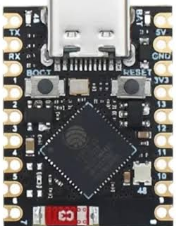
 Design with esp32s3 hitam in Cirkit Designer
Introduction
The ESP32-S3 HITAM, manufactured in China with part ID ESP32, is a high-performance microcontroller designed for IoT (Internet of Things) applications. It integrates Wi-Fi and Bluetooth capabilities, making it ideal for wireless communication in smart devices. With its dual-core processor, extensive GPIO pins, and support for various peripherals, the ESP32-S3 is well-suited for complex projects such as home automation, wearable devices, and industrial IoT systems.
Explore Projects Built with esp32s3 hitam
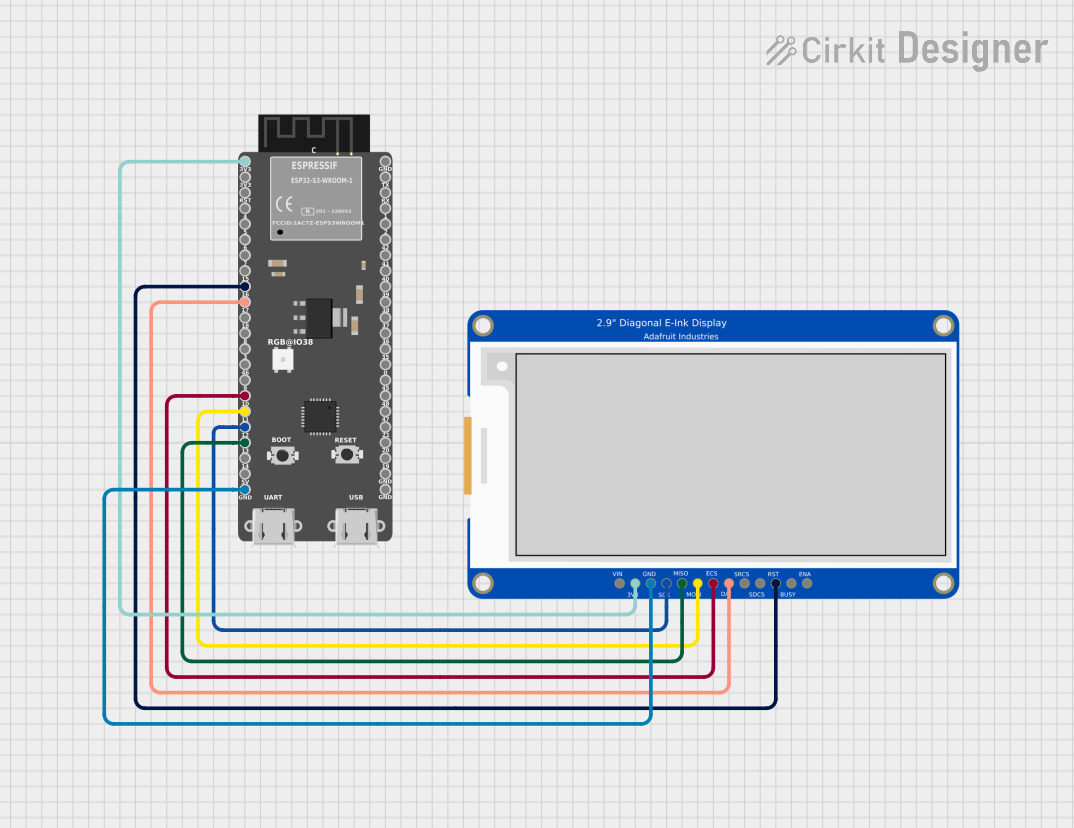 Open Project in Cirkit Designer
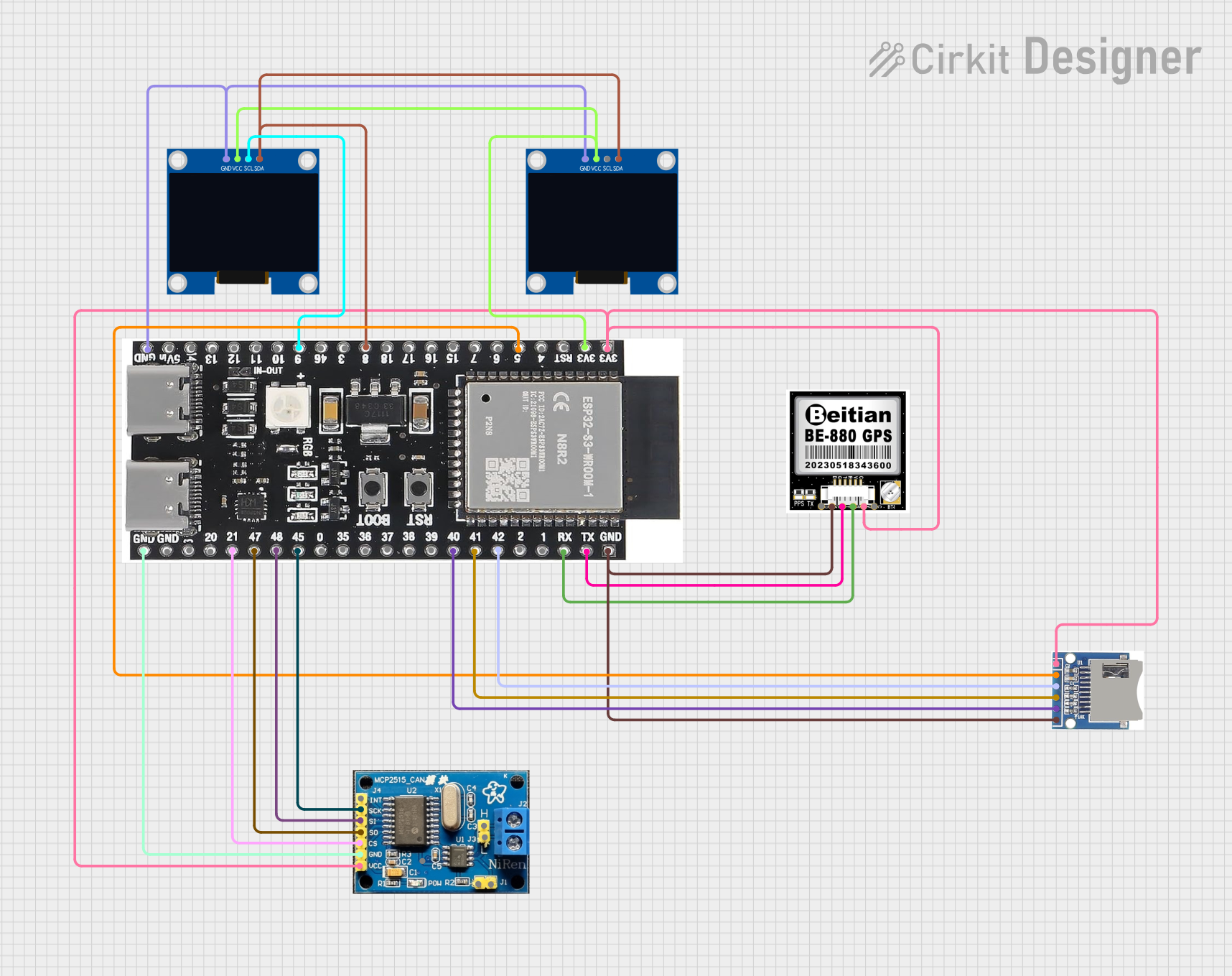 Open Project in Cirkit Designer
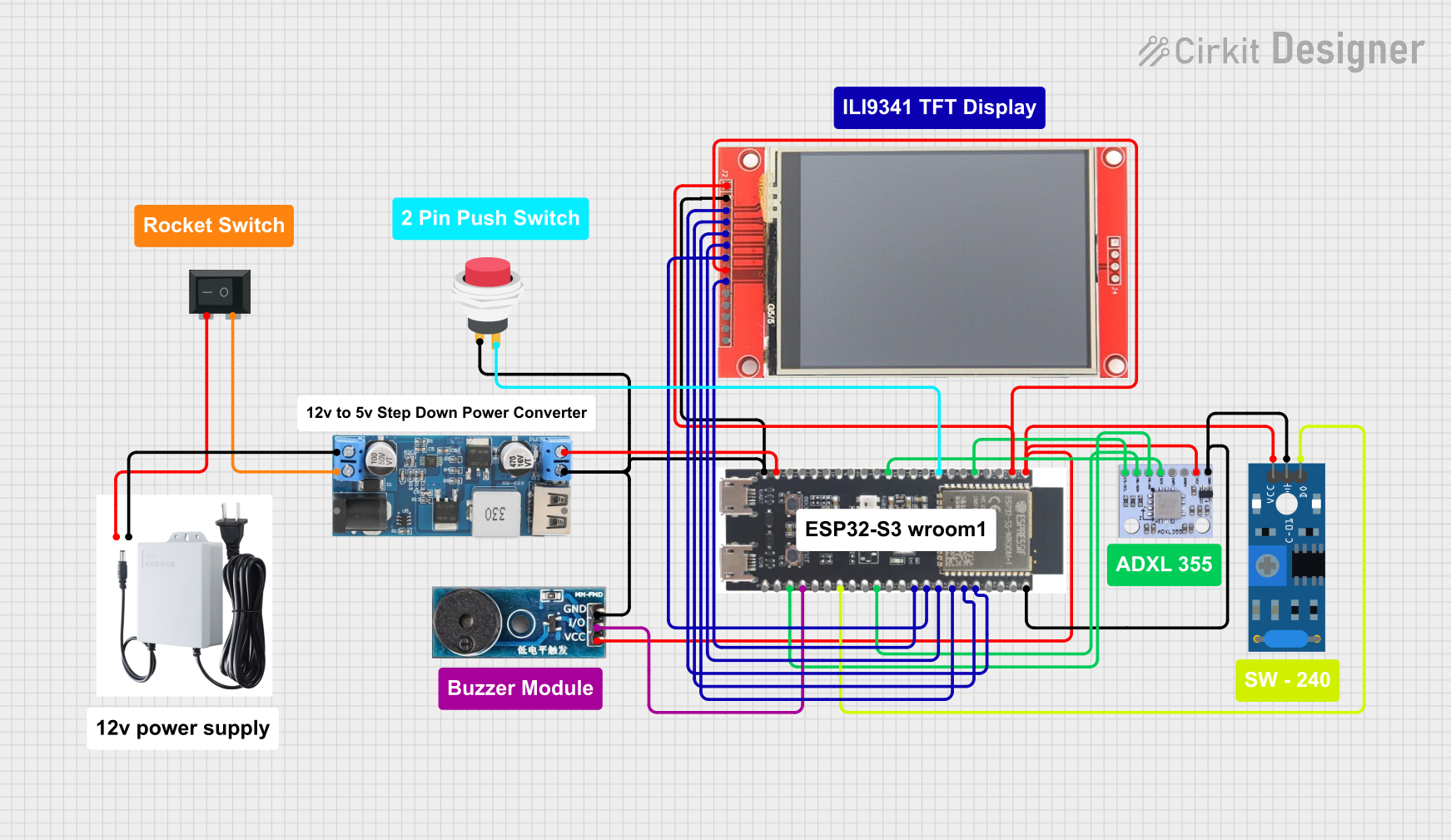 Open Project in Cirkit Designer
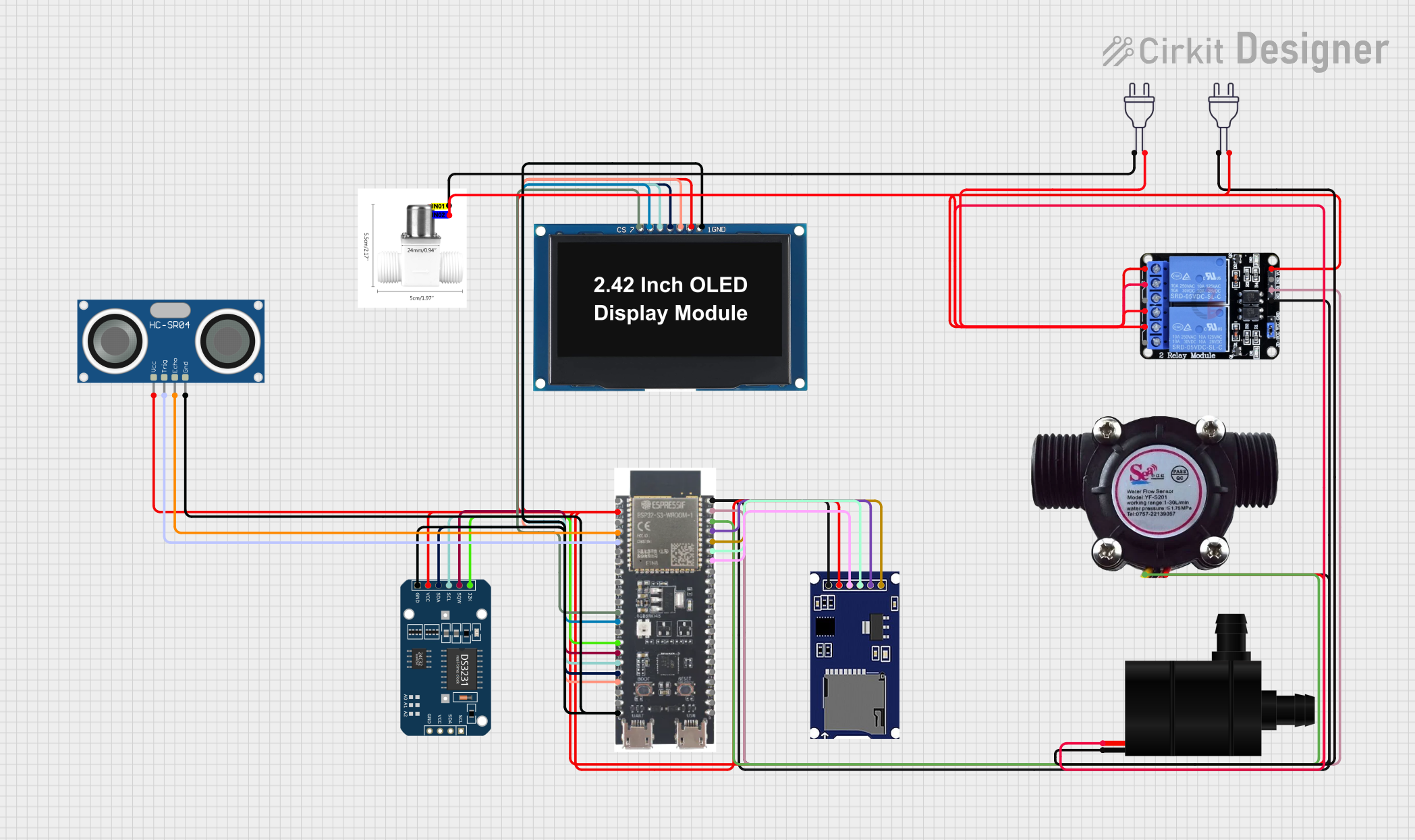 Open Project in Cirkit Designer
Explore Projects Built with esp32s3 hitam
Open Project in Cirkit DesignerOpen Project in Cirkit DesignerOpen Project in Cirkit DesignerOpen Project in Cirkit DesignerCommon Applications
- Smart home devices (e.g., smart lights, thermostats)
- Wearable technology
- Industrial IoT systems
- Wireless sensor networks
- Robotics and automation
- Real-time data monitoring and logging
Technical Specifications
Key Technical Details
| Parameter | Specification |
|---|---|
| Processor | Dual-core Xtensa® LX7 @ 240 MHz |
| Wireless Connectivity | Wi-Fi 802.11 b/g/n, Bluetooth 5.0 |
| Flash Memory | Up to 16 MB |
| SRAM | 512 KB |
| GPIO Pins | 45 (configurable for various functions) |
| Operating Voltage | 3.3V |
| Input Voltage Range | 3.0V - 3.6V |
| Power Consumption | Ultra-low power in deep sleep mode |
| Interfaces | SPI, I2C, UART, ADC, DAC, PWM, etc. |
| Operating Temperature | -40°C to 85°C |
Pin Configuration and Descriptions
The ESP32-S3 HITAM has a total of 45 GPIO pins, which can be configured for various functions. Below is a table of some commonly used pins:
| Pin Number | Default Function | Description |
|---|---|---|
| GPIO0 | Boot Mode Select | Used for boot mode selection |
| GPIO1 | UART TX | Transmit data for UART communication |
| GPIO2 | General Purpose | Configurable GPIO pin |
| GPIO3 | UART RX | Receive data for UART communication |
| GPIO4 | PWM Output | Pulse Width Modulation output |
| GPIO12 | ADC Input | Analog-to-Digital Converter input |
| GPIO13 | DAC Output | Digital-to-Analog Converter output |
| GPIO21 | I2C SDA | Data line for I2C communication |
| GPIO22 | I2C SCL | Clock line for I2C communication |
| GPIO23 | SPI MOSI | Master Out Slave In for SPI |
| GPIO25 | SPI MISO | Master In Slave Out for SPI |
| GPIO26 | SPI SCK | Clock line for SPI communication |
Note: Some GPIO pins have specific restrictions or are reserved for internal functions. Refer to the ESP32-S3 datasheet for detailed pin assignments.
Usage Instructions
How to Use the ESP32-S3 in a Circuit
- Power Supply: Ensure the ESP32-S3 is powered with a stable 3.3V supply. Avoid exceeding the input voltage range (3.0V - 3.6V) to prevent damage.
- GPIO Configuration: Configure the GPIO pins according to your application. Use pull-up or pull-down resistors as needed.
- Programming: The ESP32-S3 can be programmed using the Arduino IDE, ESP-IDF, or other compatible environments. Connect the microcontroller to your computer via USB for programming.
- Peripherals: Connect sensors, actuators, or other peripherals to the appropriate GPIO pins. Use level shifters if interfacing with 5V devices.
Example: Connecting to an Arduino UNO
The ESP32-S3 can communicate with an Arduino UNO via UART or I2C. Below is an example of using the ESP32-S3 with the Arduino IDE to blink an LED:
// Example code to blink an LED on GPIO2 of the ESP32-S3

// Define the GPIO pin for the LED
#define LED_PIN 2

void setup() {
  // Initialize the LED pin as an output
  pinMode(LED_PIN, OUTPUT);
}

void loop() {
  // Turn the LED on
  digitalWrite(LED_PIN, HIGH);
  delay(1000); // Wait for 1 second

  // Turn the LED off
  digitalWrite(LED_PIN, LOW);
  delay(1000); // Wait for 1 second
}
Important Considerations
- Voltage Levels: Ensure all connected devices operate at 3.3V logic levels. Use level shifters for 5V devices.
- Wi-Fi and Bluetooth: Avoid placing the ESP32-S3 near metal objects or other sources of interference to maintain strong wireless signals.
- Heat Management: If the ESP32-S3 operates under heavy loads, consider adding a heatsink or ensuring proper ventilation.
Troubleshooting and FAQs
Common Issues and Solutions
ESP32-S3 Not Detected by Computer
- Ensure the USB cable is functional and supports data transfer.
- Install the correct USB-to-serial drivers for the ESP32-S3.
Wi-Fi Connection Fails
- Verify the SSID and password in your code.
- Check for interference or weak signal strength.
GPIO Pin Not Responding
- Confirm the pin is not reserved for internal functions.
- Check for proper pull-up or pull-down resistor configuration.
Program Upload Fails
- Ensure the ESP32-S3 is in boot mode by holding the BOOT button during upload.
- Verify the correct board and port are selected in the Arduino IDE.
FAQs
Q: Can the ESP32-S3 operate on battery power?
A: Yes, the ESP32-S3 can operate on battery power. Use a 3.7V LiPo battery with a voltage regulator to provide a stable 3.3V supply.
Q: How do I reset the ESP32-S3?
A: Press the RESET button on the board to restart the microcontroller.
Q: Can I use the ESP32-S3 for audio processing?
A: Yes, the ESP32-S3 supports audio processing and has hardware acceleration for AI and DSP tasks.
Q: Is the ESP32-S3 compatible with ESP32 libraries?
A: Most ESP32 libraries are compatible with the ESP32-S3, but some may require updates for specific features.
By following this documentation, you can effectively utilize the ESP32-S3 HITAM for your IoT and embedded system projects.