
How to Use MKE-M02_BUTTON: Examples, Pinouts, and Specs
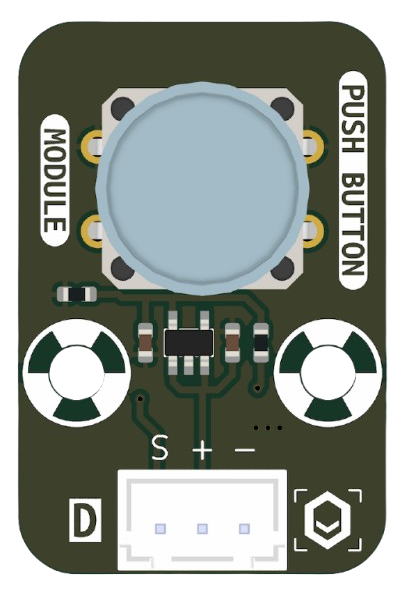
 Design with MKE-M02_BUTTON in Cirkit Designer
Introduction
The MKE-M02_BUTTON is a compact push-button switch manufactured by MakerEdu.vn (Part ID: BUTTON). It is designed for user input in electronic devices, offering a durable design and reliable performance. This versatile component is widely used in various applications, including prototyping, embedded systems, and consumer electronics.
Explore Projects Built with MKE-M02_BUTTON
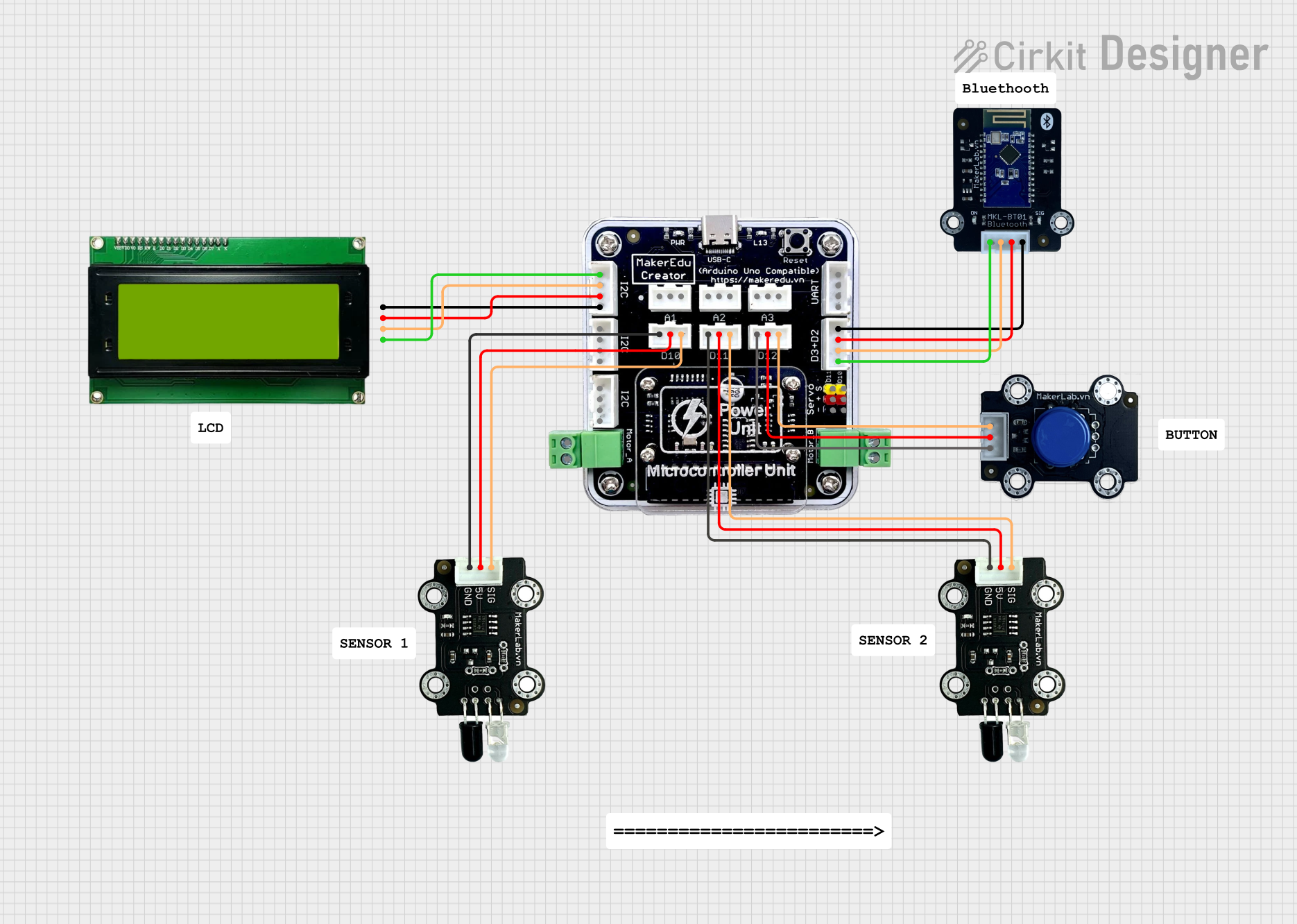 Open Project in Cirkit Designer
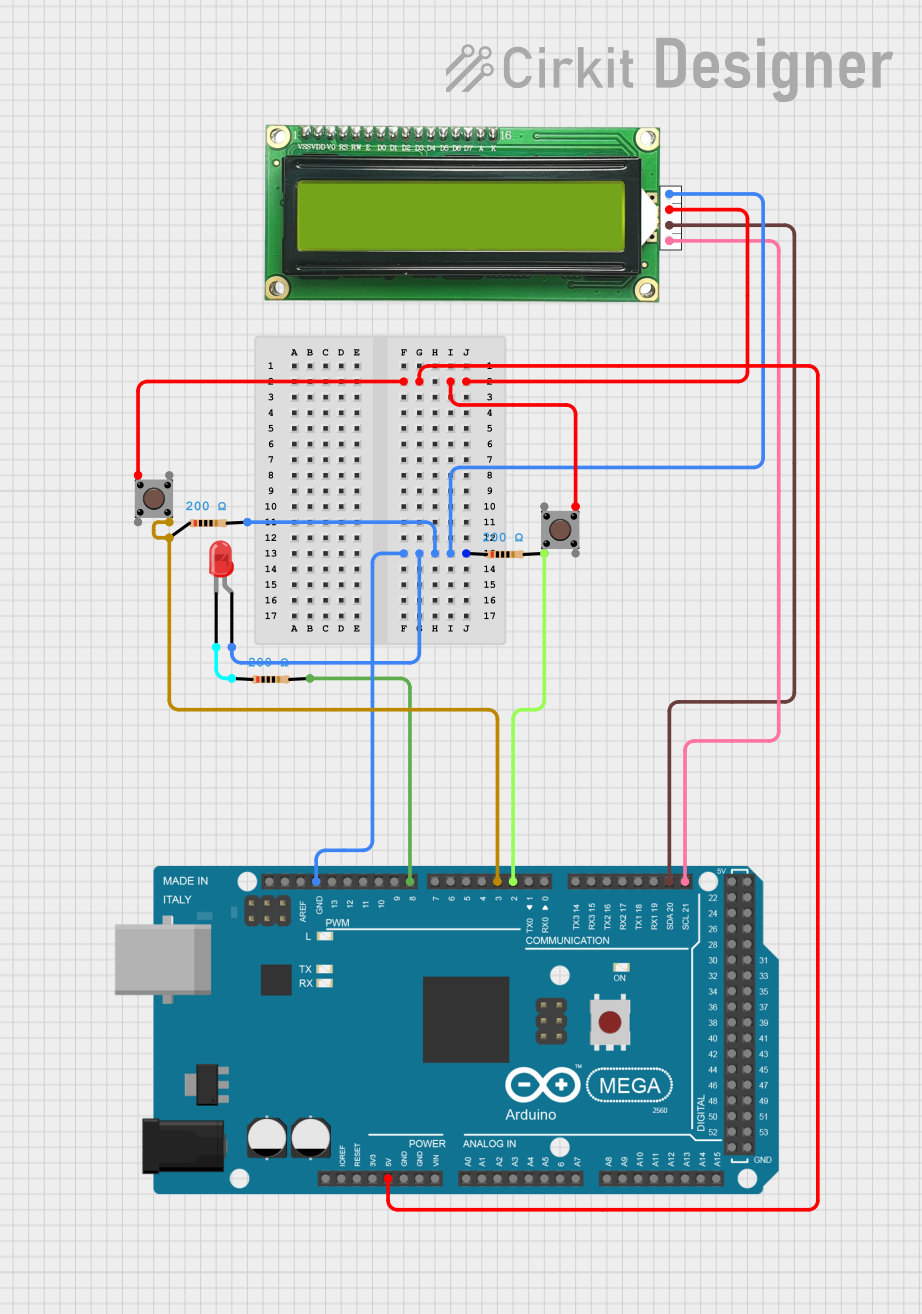 Open Project in Cirkit Designer
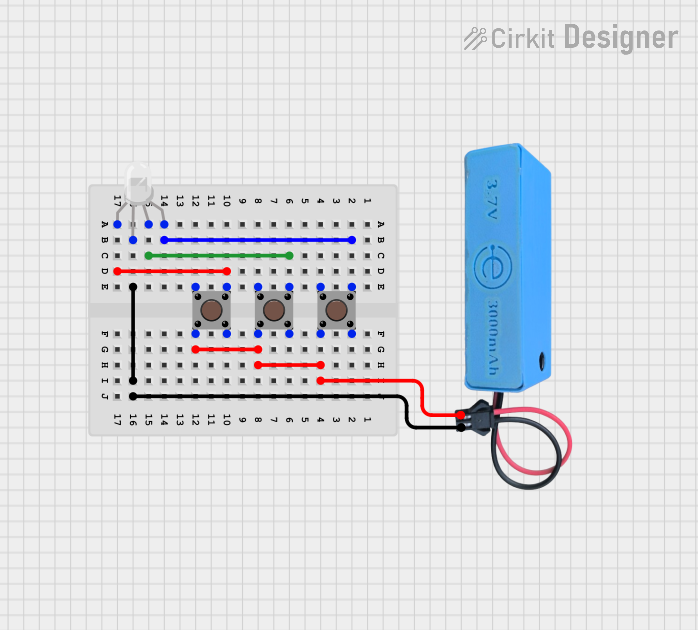 Open Project in Cirkit Designer
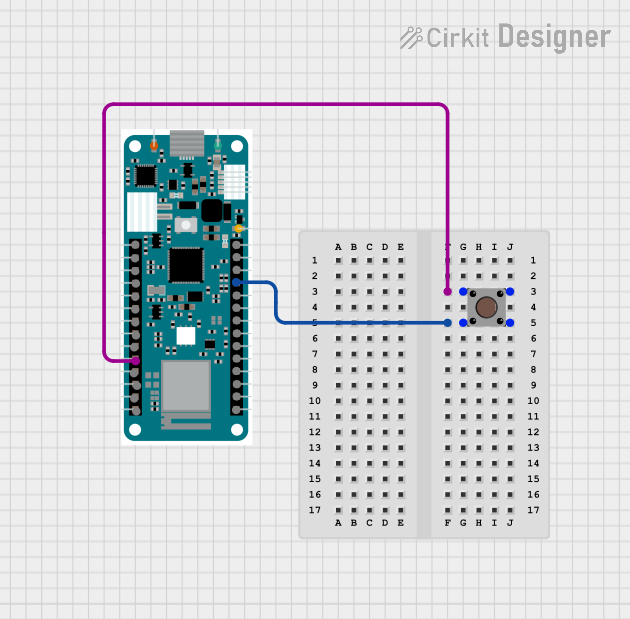 Open Project in Cirkit Designer
Explore Projects Built with MKE-M02_BUTTON
Open Project in Cirkit DesignerOpen Project in Cirkit DesignerOpen Project in Cirkit DesignerOpen Project in Cirkit DesignerCommon Applications and Use Cases
- User input for microcontroller-based projects (e.g., Arduino, Raspberry Pi)
- On/off control in small electronic devices
- Reset or mode selection buttons in embedded systems
- Prototyping and educational projects
Technical Specifications
Key Technical Details
| Parameter | Value |
|---|---|
| Manufacturer | MakerEdu.vn |
| Part ID | BUTTON |
| Operating Voltage | 3.3V to 5V |
| Maximum Current Rating | 50mA |
| Contact Resistance | ≤ 100mΩ |
| Insulation Resistance | ≥ 100MΩ at 500V DC |
| Operating Temperature | -20°C to +70°C |
| Mechanical Durability | 100,000 cycles |
| Dimensions | 6mm x 6mm x 5mm |
Pin Configuration and Descriptions
The MKE-M02_BUTTON is a 4-pin push-button switch. The pins are internally connected in pairs, as shown below:
| Pin Number | Description |
|---|---|
| 1 | Connected to Pin 2 (internally) |
| 2 | Connected to Pin 1 (internally) |
| 3 | Connected to Pin 4 (internally) |
| 4 | Connected to Pin 3 (internally) |
Note: Pins 1 and 2 form one terminal, while Pins 3 and 4 form the other terminal. When the button is pressed, the two terminals are shorted.
Usage Instructions
How to Use the Component in a Circuit
Connection:
- Connect one terminal (Pins 1 and 2) to the input signal or microcontroller pin.
- Connect the other terminal (Pins 3 and 4) to ground or the desired circuit path.
Pull-Up or Pull-Down Resistor:
- Use a pull-up resistor (typically 10kΩ) to ensure a stable HIGH signal when the button is not pressed.
- Alternatively, use a pull-down resistor to ensure a stable LOW signal when the button is not pressed.
Debouncing:
- Mechanical switches like the MKE-M02_BUTTON may produce noise or "bouncing" when pressed. Use a hardware capacitor (e.g., 0.1µF) or software debouncing techniques to eliminate this issue.
Example Circuit with Arduino UNO
Below is an example of how to connect and use the MKE-M02_BUTTON with an Arduino UNO:
Circuit Diagram
- Connect one terminal of the button to digital pin 2 on the Arduino.
- Connect the other terminal to ground.
- Add a 10kΩ pull-up resistor between digital pin 2 and 5V.
Arduino Code
// Define the pin connected to the button
const int buttonPin = 2;
// Define the pin for the LED
const int ledPin = 13;

// Variable to store the button state
int buttonState = 0;

void setup() {
  pinMode(buttonPin, INPUT_PULLUP); // Set button pin as input with internal pull-up
  pinMode(ledPin, OUTPUT);         // Set LED pin as output
}

void loop() {
  // Read the state of the button
  buttonState = digitalRead(buttonPin);

  // If the button is pressed (LOW state due to pull-up resistor)
  if (buttonState == LOW) {
    digitalWrite(ledPin, HIGH); // Turn on the LED
  } else {
    digitalWrite(ledPin, LOW);  // Turn off the LED
  }
}
Important Considerations and Best Practices
- Always use a pull-up or pull-down resistor to avoid floating input states.
- For reliable operation, implement debouncing in hardware or software.
- Avoid exceeding the maximum current rating (50mA) to prevent damage.
- Ensure the operating voltage is within the specified range (3.3V to 5V).
Troubleshooting and FAQs
Common Issues and Solutions
| Issue | Possible Cause | Solution |
|---|---|---|
| Button does not respond | Incorrect wiring or loose connections | Verify connections and wiring. |
| Button produces erratic behavior | Switch bouncing | Implement hardware/software debouncing. |
| Microcontroller reads incorrect state | Missing pull-up or pull-down resistor | Add a pull-up or pull-down resistor. |
| Button feels stuck or unresponsive | Mechanical wear or debris | Inspect and clean the button. |
FAQs
Can I use the MKE-M02_BUTTON with 3.3V systems?
- Yes, the button is compatible with both 3.3V and 5V systems.
What is the lifespan of the button?
- The button is rated for 100,000 mechanical cycles.
Do I need an external pull-up resistor if using an Arduino?
- No, you can use the Arduino's internal pull-up resistor by configuring the pin as
INPUT_PULLUP.
- No, you can use the Arduino's internal pull-up resistor by configuring the pin as
How do I debounce the button in software?
- Use a delay or a state-change detection algorithm in your code to filter out bouncing signals.
By following this documentation, you can effectively integrate the MKE-M02_BUTTON into your projects and ensure reliable performance.