
How to Use WiFi Single Relay Module ESP DC5-80V Wireless Controller Relay Module Board: Examples, Pinouts, and Specs
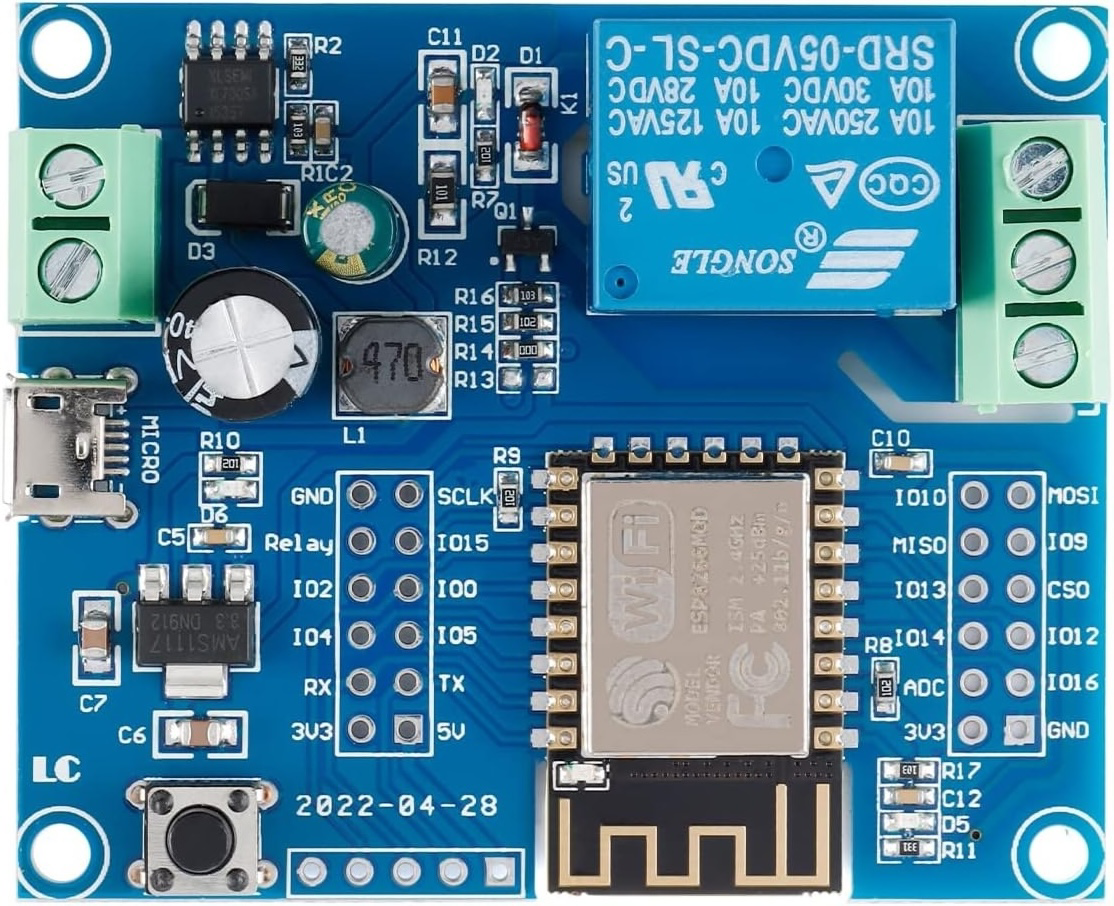
 Design with WiFi Single Relay Module ESP DC5-80V Wireless Controller Relay Module Board in Cirkit Designer
Introduction
The WiFi Single Relay Module ESP DC5-80V Wireless Controller Relay Module Board (Manufacturer: JESSINIE, Part ID: ESP-12F) is a versatile wireless relay module designed for remote control of electrical devices via WiFi. It integrates seamlessly with ESP8266/ESP32 microcontrollers, making it an ideal choice for IoT and home automation projects. This module supports a wide DC voltage range of 5-80V, providing flexibility for various applications.
Explore Projects Built with WiFi Single Relay Module ESP DC5-80V Wireless Controller Relay Module Board
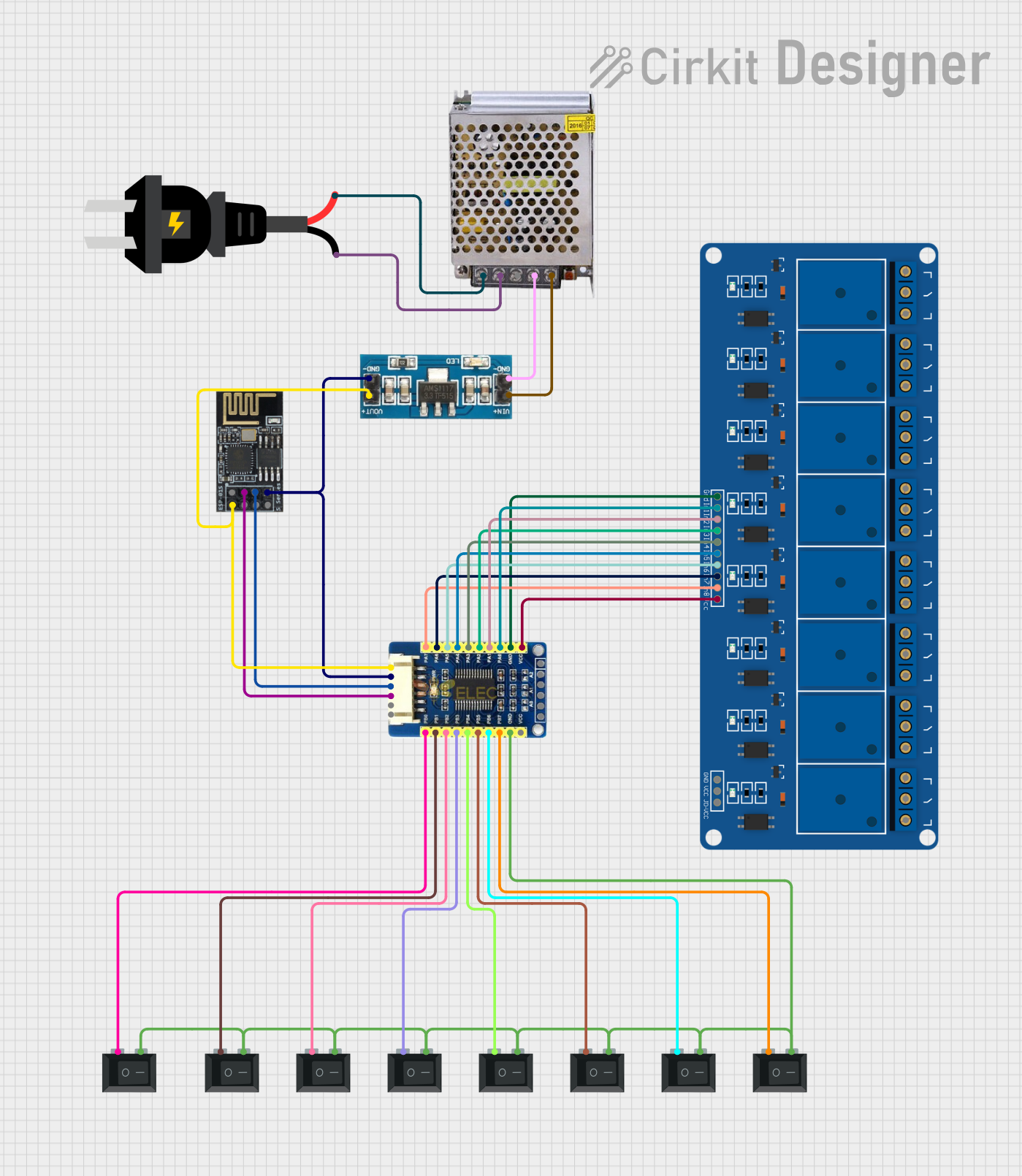 Open Project in Cirkit Designer
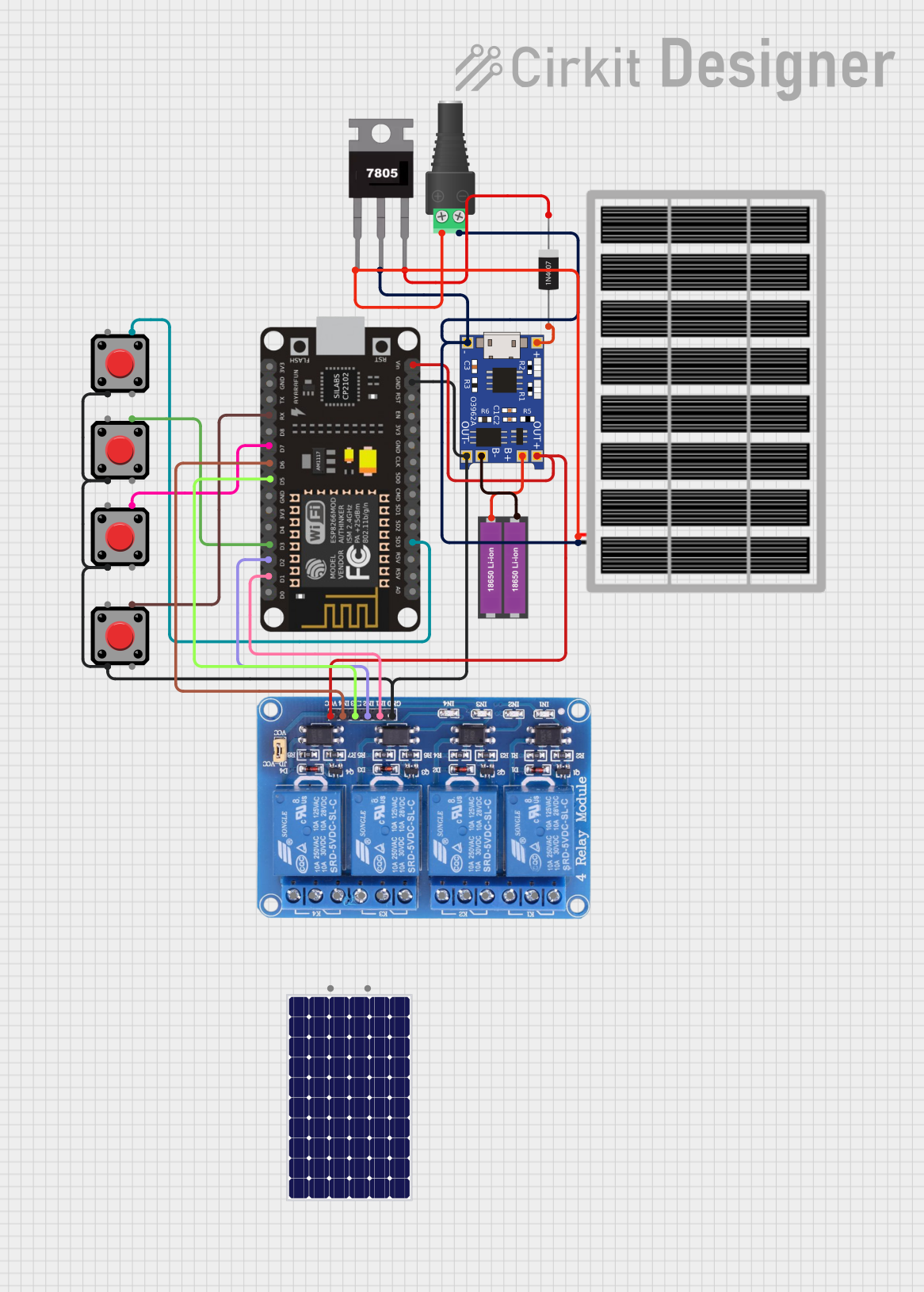 Open Project in Cirkit Designer
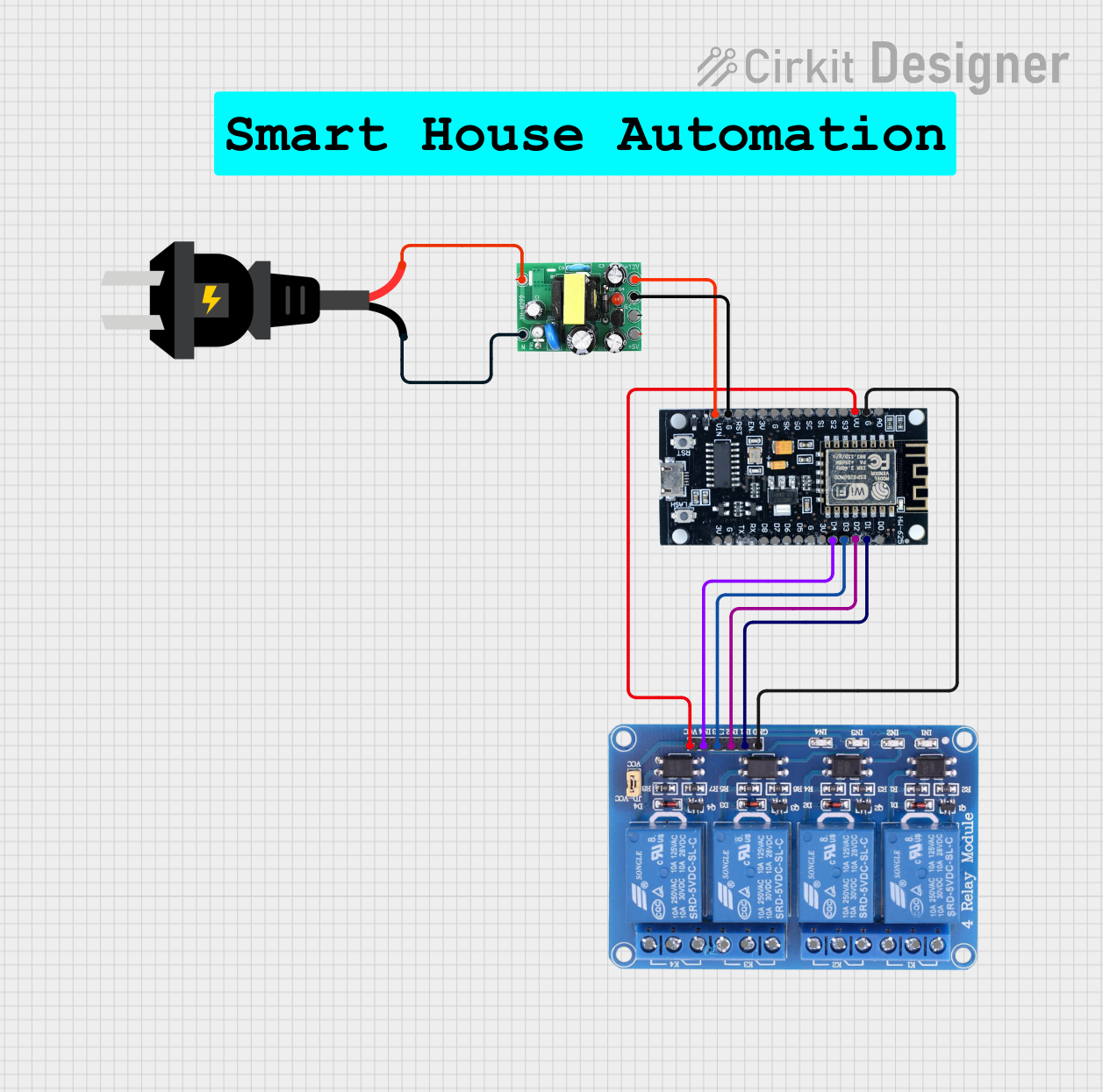 Open Project in Cirkit Designer
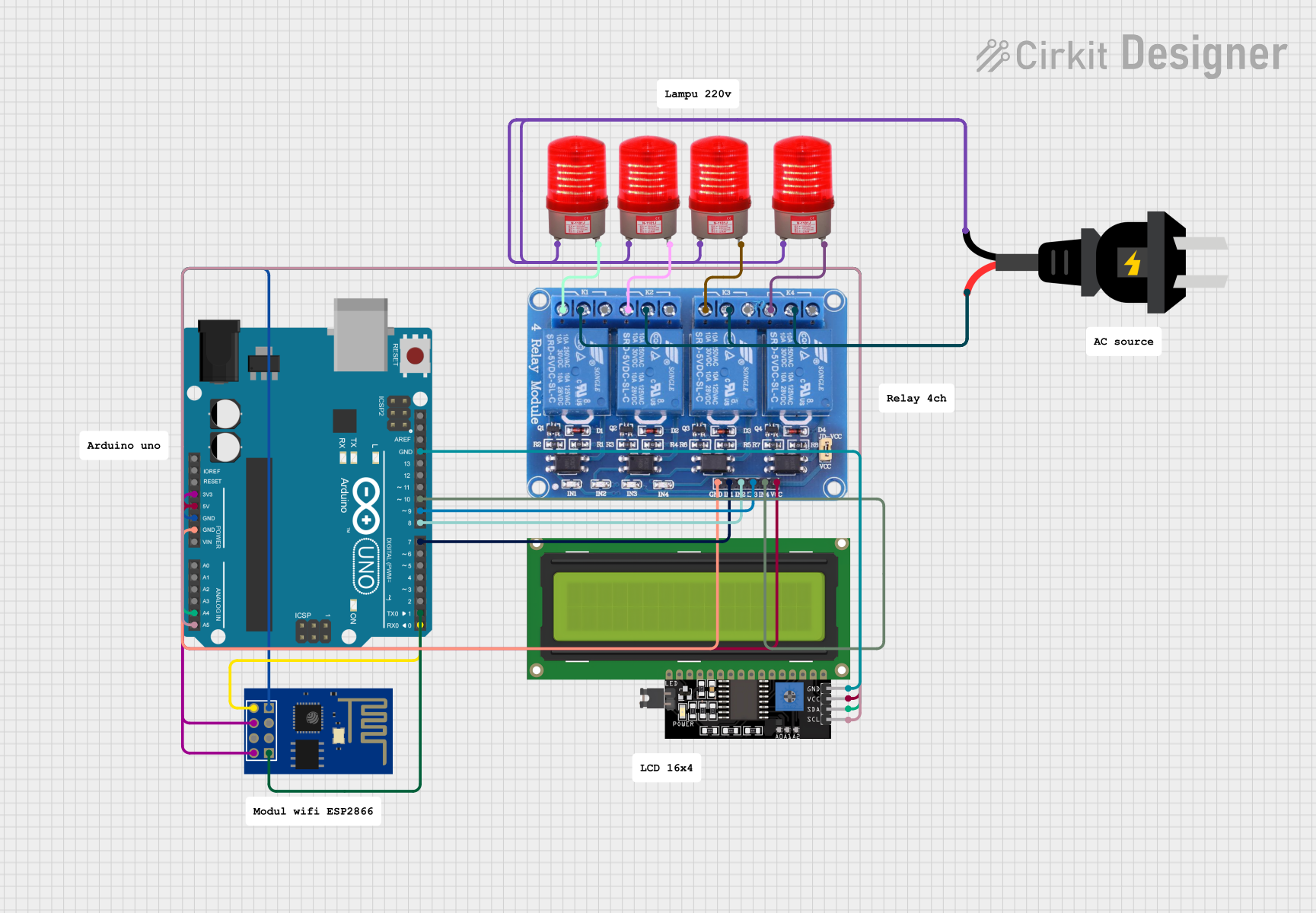 Open Project in Cirkit Designer
Explore Projects Built with WiFi Single Relay Module ESP DC5-80V Wireless Controller Relay Module Board
Open Project in Cirkit DesignerOpen Project in Cirkit DesignerOpen Project in Cirkit DesignerOpen Project in Cirkit DesignerCommon Applications and Use Cases
- Home automation (e.g., controlling lights, fans, or appliances remotely)
- Industrial automation and control systems
- IoT projects requiring wireless relay control
- Smart agriculture systems (e.g., irrigation control)
- Remote switching of low-power or high-power devices
Technical Specifications
Below are the key technical details and pin configuration for the module:
Key Technical Details
| Parameter | Specification |
|---|---|
| Operating Voltage | DC 5-80V |
| Relay Type | Single-channel relay |
| Wireless Protocol | WiFi (2.4 GHz, IEEE 802.11 b/g/n) |
| Microcontroller Support | ESP8266/ESP32 |
| Relay Control Voltage | 3.3V (logic high) |
| Maximum Load Current | 10A |
| Maximum Load Voltage | 250V AC / 30V DC |
| Dimensions | 50mm x 25mm x 18mm |
| Operating Temperature | -40°C to 85°C |
Pin Configuration and Descriptions
| Pin Name | Description |
|---|---|
| VCC | Power input pin (DC 5-80V) |
| GND | Ground pin |
| IN | Control signal input pin (connects to ESP8266/ESP32 GPIO pin) |
| NO | Normally Open terminal of the relay (connects to the load when activated) |
| COM | Common terminal of the relay |
| NC | Normally Closed terminal of the relay (connects to the load when inactive) |
Usage Instructions
How to Use the Component in a Circuit
- Power the Module: Connect the VCC pin to a DC power source (5-80V) and the GND pin to ground.
- Connect the Load:
- For devices that should be powered when the relay is active, connect the load between the NO (Normally Open) and COM (Common) terminals.
- For devices that should be powered when the relay is inactive, connect the load between the NC (Normally Closed) and COM terminals.
- Control the Relay: Connect the IN pin to a GPIO pin of an ESP8266/ESP32 microcontroller. When the GPIO pin outputs a HIGH signal (3.3V), the relay will activate, switching the load.
- Program the Microcontroller: Use the provided code example to control the relay via WiFi.
Important Considerations and Best Practices
- Ensure the load current and voltage do not exceed the relay's maximum ratings (10A, 250V AC / 30V DC).
- Use proper insulation and safety precautions when working with high-voltage loads.
- Avoid rapid switching of the relay to prevent wear and tear on the mechanical components.
- Use a flyback diode across inductive loads (e.g., motors) to protect the relay from voltage spikes.
Example Code for Arduino UNO with ESP8266
Below is an example code to control the relay module using an ESP8266 microcontroller:
#include <ESP8266WiFi.h>

// Replace with your network credentials
const char* ssid = "Your_SSID";
const char* password = "Your_PASSWORD";

// Define the GPIO pin connected to the relay module
#define RELAY_PIN D1

void setup() {
  // Initialize serial communication for debugging
  Serial.begin(115200);

  // Set the relay pin as an output
  pinMode(RELAY_PIN, OUTPUT);

  // Start with the relay off
  digitalWrite(RELAY_PIN, LOW);

  // Connect to WiFi
  Serial.print("Connecting to WiFi...");
  WiFi.begin(ssid, password);
  while (WiFi.status() != WL_CONNECTED) {
    delay(500);
    Serial.print(".");
  }
  Serial.println("\nWiFi connected!");
}

void loop() {
  // Example: Turn the relay on for 5 seconds, then off for 5 seconds
  Serial.println("Relay ON");
  digitalWrite(RELAY_PIN, HIGH); // Activate the relay
  delay(5000);                  // Wait for 5 seconds

  Serial.println("Relay OFF");
  digitalWrite(RELAY_PIN, LOW); // Deactivate the relay
  delay(5000);                  // Wait for 5 seconds
}
Troubleshooting and FAQs
Common Issues and Solutions
Relay Not Activating:
- Ensure the IN pin is receiving a 3.3V HIGH signal from the microcontroller.
- Verify that the VCC and GND pins are properly connected to a power source.
WiFi Connection Fails:
- Double-check the SSID and password in the code.
- Ensure the ESP8266 is within range of the WiFi router.
Load Not Switching:
- Confirm that the load is connected to the correct relay terminals (NO/NC and COM).
- Check that the load's voltage and current are within the relay's rated limits.
Module Overheating:
- Ensure the load does not exceed the relay's maximum current rating (10A).
- Provide adequate ventilation around the module.
FAQs
Q1: Can this module be used with a 5V microcontroller like Arduino UNO?
A1: Yes, but you will need a level shifter or a transistor circuit to step down the 5V control signal to 3.3V for the IN pin.
Q2: Is this module compatible with MQTT or other IoT protocols?
A2: Yes, when paired with an ESP8266/ESP32, you can use libraries like PubSubClient to implement MQTT or other IoT protocols.
Q3: Can I control the relay over the internet?
A3: Yes, by configuring the ESP8266/ESP32 for internet connectivity, you can control the relay remotely via a web server or cloud platform.
Q4: What happens if the power supply exceeds 80V?
A4: Exceeding the maximum voltage rating can damage the module. Always use a regulated power supply within the specified range (5-80V).