
How to Use HDR 24V/15W/0.63A: Examples, Pinouts, and Specs

 Design with HDR 24V/15W/0.63A in Cirkit Designer
Introduction
The HDR 24V/15W/0.63A (Manufacturer Part ID: HDR-15-24) is a high-density DIN rail power supply unit manufactured by Mean Well. It is designed to deliver a stable 24V DC output with a maximum power rating of 15W and a current capacity of 0.63A. This compact and efficient power supply is ideal for industrial automation, building automation, and other electronic applications requiring reliable DC power.
Explore Projects Built with HDR 24V/15W/0.63A
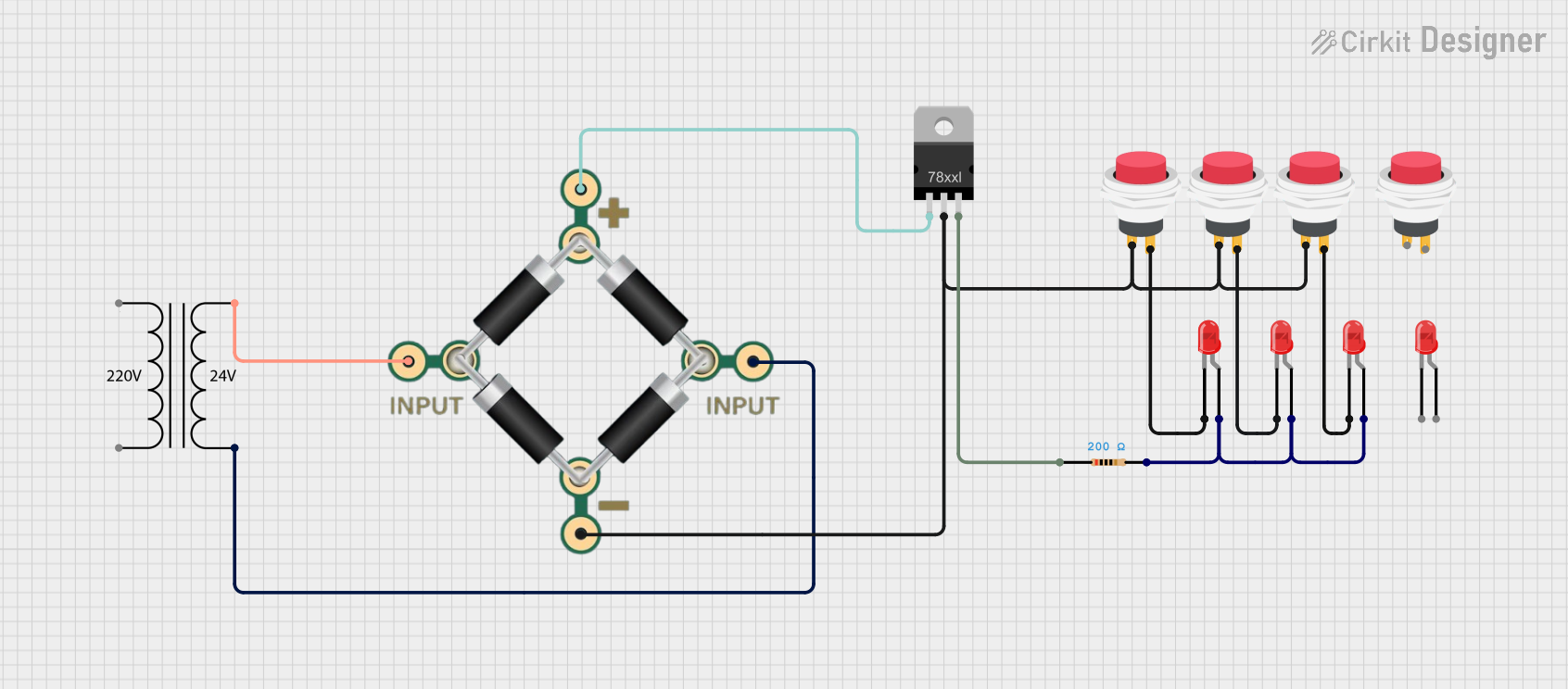 Open Project in Cirkit Designer
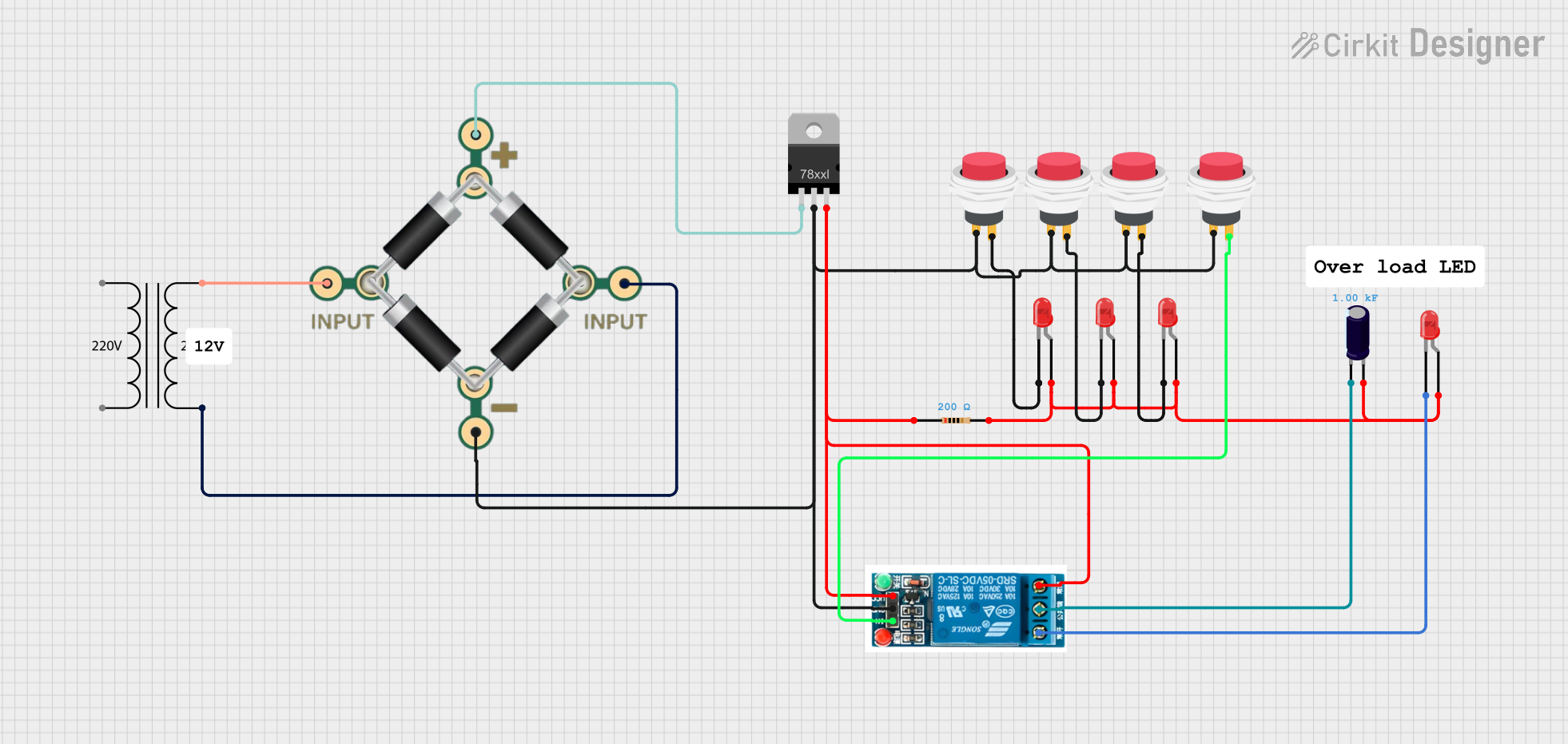 Open Project in Cirkit Designer
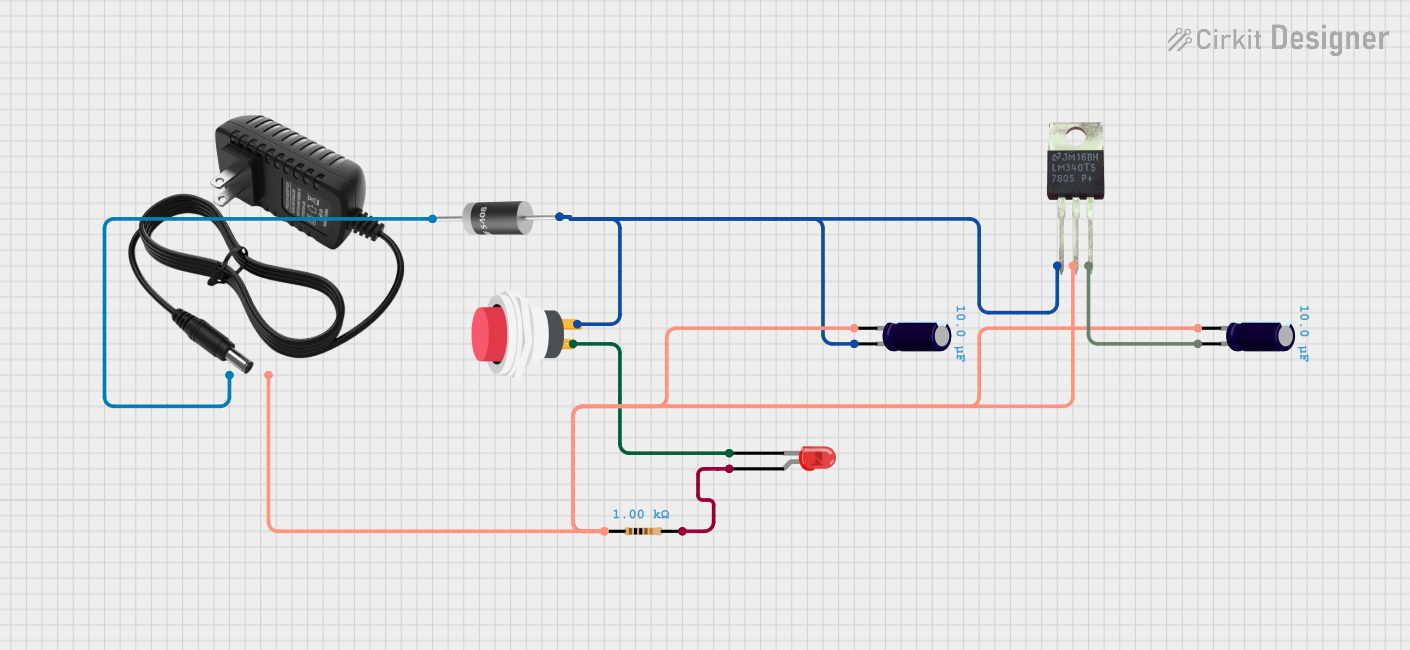 Open Project in Cirkit Designer
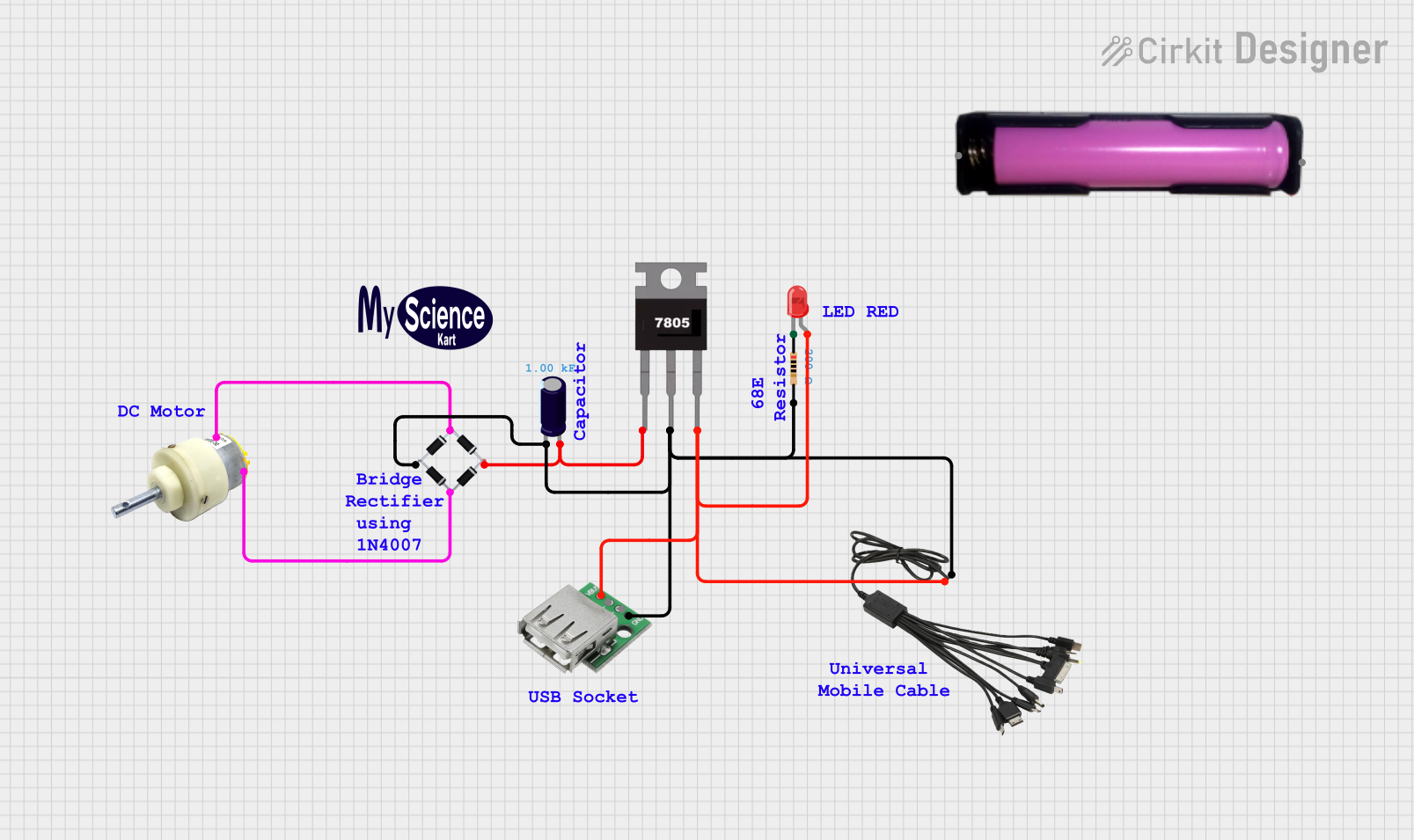 Open Project in Cirkit Designer
Explore Projects Built with HDR 24V/15W/0.63A
Open Project in Cirkit DesignerOpen Project in Cirkit DesignerOpen Project in Cirkit DesignerOpen Project in Cirkit DesignerCommon Applications and Use Cases
- Industrial control systems
- Building automation (e.g., HVAC systems, lighting control)
- IoT devices and sensors
- Relay and actuator control
- Low-power DC motor drives
- General-purpose DC power supply for electronic circuits
Technical Specifications
Key Technical Details
| Parameter | Value |
|---|---|
| Manufacturer | Mean Well |
| Model | HDR-15-24 |
| Input Voltage Range | 85-264 VAC / 120-370 VDC |
| Output Voltage | 24V DC |
| Output Current | 0.63A |
| Output Power | 15W |
| Efficiency | Up to 88% |
| Operating Temperature | -30°C to +70°C |
| Dimensions | 17.5 x 90 x 54.5 mm |
| Mounting Type | DIN Rail |
| Protection Features | Overload, Overvoltage, Short Circuit |
Pin Configuration and Descriptions
The HDR-15-24 features screw terminal connections for input and output. Below is the pin configuration:
| Pin Number | Label | Description |
|---|---|---|
| 1 | L | AC Line Input |
| 2 | N | AC Neutral Input |
| 3 | +V | Positive DC Output (24V) |
| 4 | -V | Negative DC Output (Ground) |
Usage Instructions
How to Use the Component in a Circuit
- Mounting: Secure the HDR-15-24 onto a DIN rail in your control panel or enclosure.
- Input Connection:
- Connect the AC mains supply to the
L(Line) andN(Neutral) terminals. - Ensure the input voltage is within the specified range (85-264 VAC).
- Connect the AC mains supply to the
- Output Connection:
- Connect the load to the
+V(positive) and-V(negative) terminals. - Ensure the load does not exceed the maximum output current of 0.63A.
- Connect the load to the
- Power On:
- After verifying all connections, power on the AC mains supply.
- The HDR-15-24 will provide a stable 24V DC output to the connected load.
Important Considerations and Best Practices
- Ventilation: Ensure adequate airflow around the power supply to prevent overheating.
- Load Matching: Do not exceed the maximum power rating of 15W or the current limit of 0.63A.
- Protection Features: The HDR-15-24 includes overload, overvoltage, and short-circuit protection. If the power supply shuts down, disconnect the load, resolve the issue, and restart.
- Grounding: Properly ground the power supply to ensure safety and reduce electrical noise.
Example: Using HDR-15-24 with an Arduino UNO
The HDR-15-24 can be used to power an Arduino UNO and other peripherals. Below is an example circuit and code:
Circuit Setup
- Connect the
+Vterminal of the HDR-15-24 to the Arduino UNO'sVinpin. - Connect the
-Vterminal of the HDR-15-24 to the Arduino UNO'sGNDpin. - Ensure the HDR-15-24 is powered by an appropriate AC mains supply.
Arduino Code Example
// Example code to blink an LED connected to pin 13 of the Arduino UNO
// Ensure the HDR-15-24 is providing a stable 24V DC to the Arduino's Vin pin

void setup() {
  pinMode(13, OUTPUT); // Set pin 13 as an output
}

void loop() {
  digitalWrite(13, HIGH); // Turn the LED on
  delay(1000);            // Wait for 1 second
  digitalWrite(13, LOW);  // Turn the LED off
  delay(1000);            // Wait for 1 second
}
Troubleshooting and FAQs
Common Issues Users Might Face
No Output Voltage:
- Cause: Incorrect input wiring or no AC mains supply.
- Solution: Verify the AC input connections and ensure the mains supply is active.
Overload Shutdown:
- Cause: Load exceeds the maximum power rating (15W) or current limit (0.63A).
- Solution: Reduce the load to within the specified limits and restart the power supply.
Overheating:
- Cause: Insufficient ventilation or operation in high-temperature environments.
- Solution: Improve airflow around the power supply or operate within the specified temperature range.
Intermittent Output:
- Cause: Loose connections or fluctuating input voltage.
- Solution: Check all connections and ensure the input voltage is stable.
Solutions and Tips for Troubleshooting
- Always use a multimeter to verify input and output voltages.
- If the power supply shuts down due to protection features, disconnect the load, resolve the issue, and restart.
- For long-term reliability, operate the power supply at 70-80% of its maximum capacity.
By following this documentation, users can effectively integrate the HDR-15-24 into their projects and ensure reliable operation.