
How to Use Level Gauge Indicator: Examples, Pinouts, and Specs
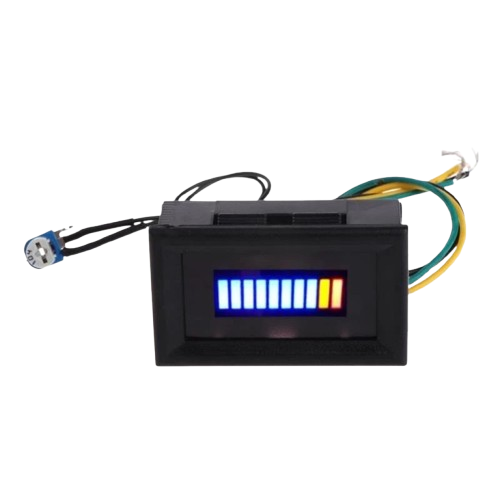
 Design with Level Gauge Indicator in Cirkit Designer
Introduction
The Level Gauge Indicator is a device designed to measure and display the level of a liquid within a container. It is commonly used in industrial, automotive, and household applications to monitor liquid levels such as water, fuel, or chemicals. The device typically operates using floats, ultrasonic sensors, or capacitive sensing to provide accurate and reliable readings.
Explore Projects Built with Level Gauge Indicator
 Open Project in Cirkit Designer
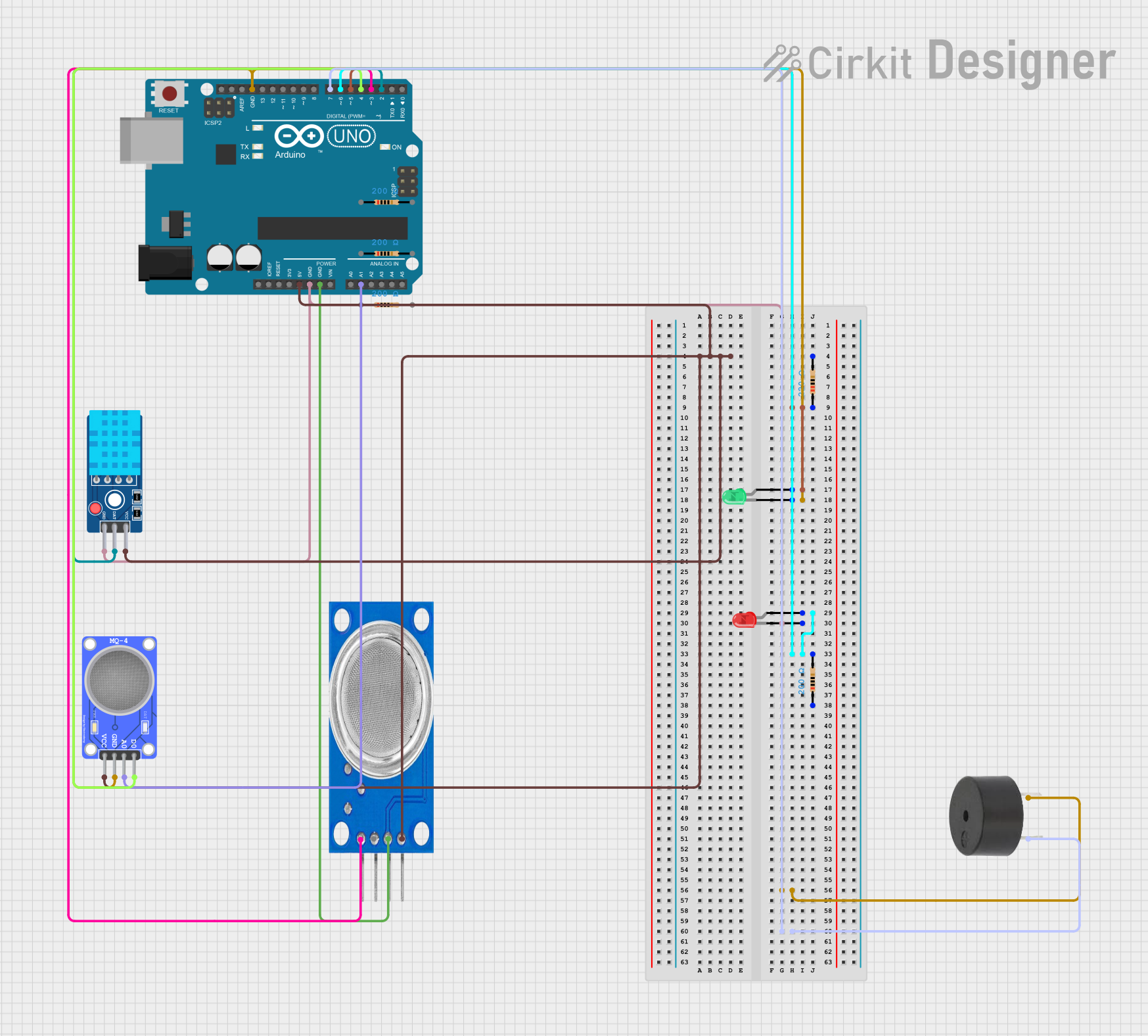 Open Project in Cirkit Designer
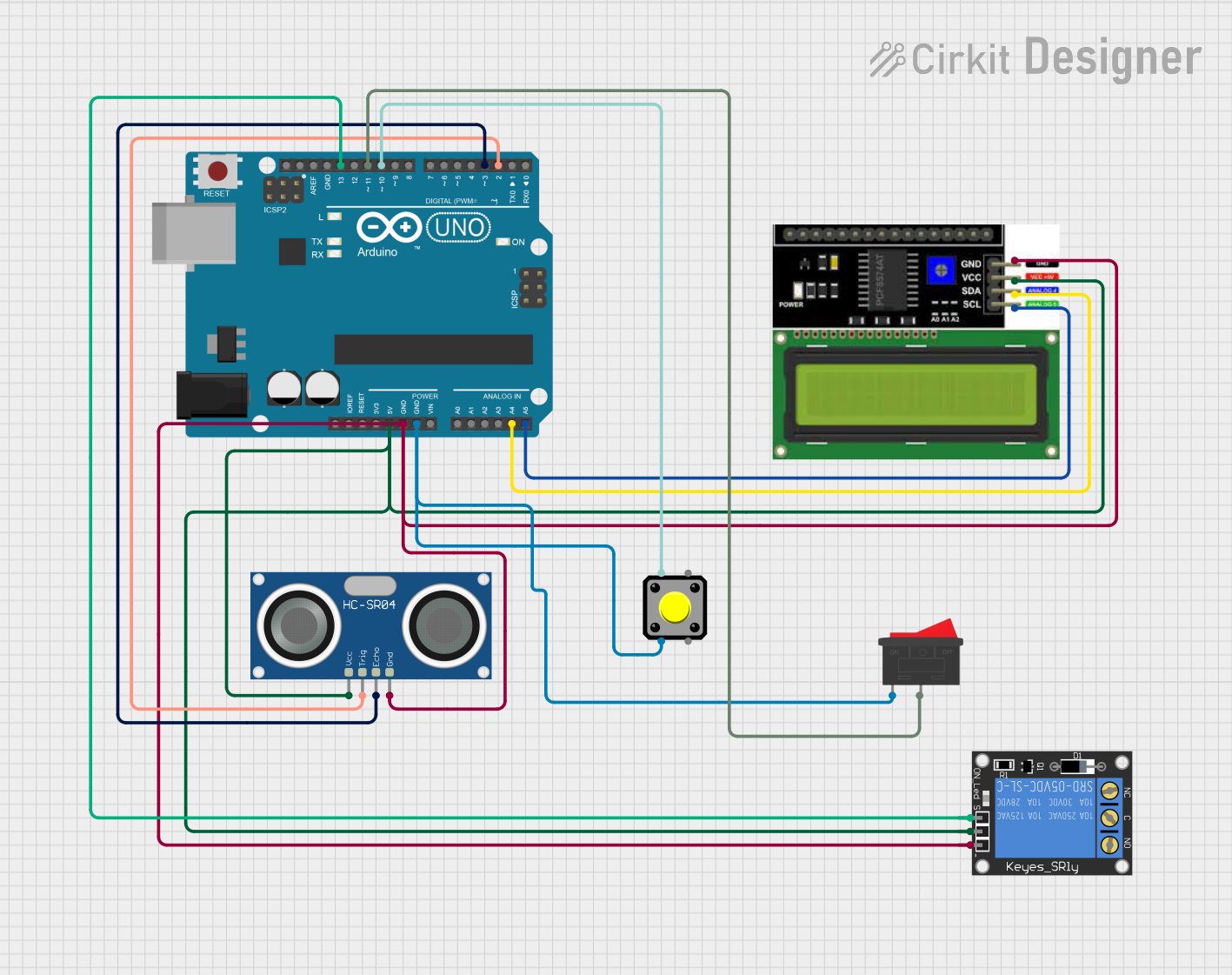 Open Project in Cirkit Designer
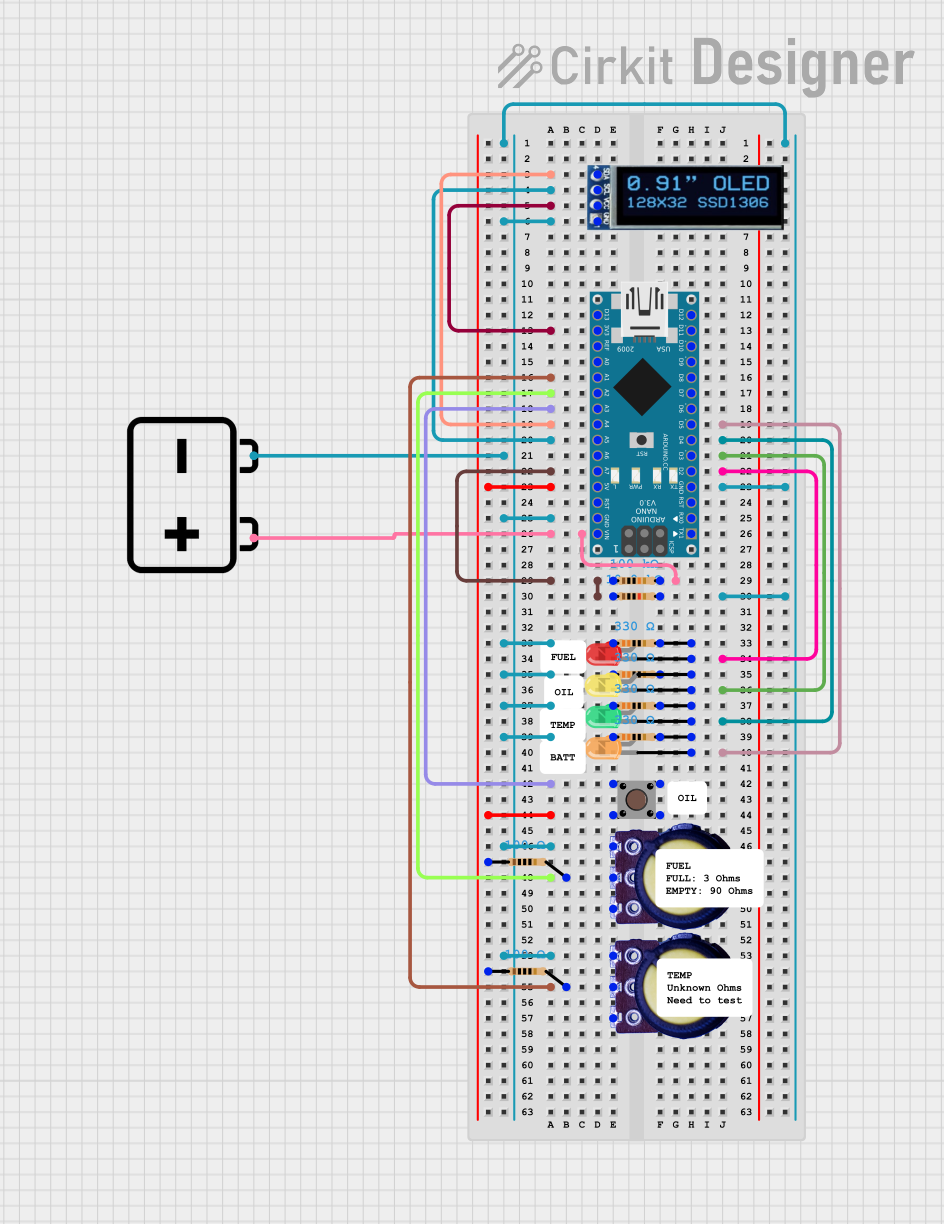 Open Project in Cirkit Designer
Explore Projects Built with Level Gauge Indicator
Open Project in Cirkit DesignerOpen Project in Cirkit DesignerOpen Project in Cirkit DesignerOpen Project in Cirkit DesignerCommon Applications and Use Cases
- Monitoring water levels in tanks or reservoirs
- Fuel level measurement in vehicles or storage tanks
- Chemical level monitoring in industrial processes
- Liquid level detection in household appliances (e.g., washing machines)
- Agricultural irrigation systems
Technical Specifications
Below are the general technical specifications for a typical Level Gauge Indicator. Specific models may vary, so always refer to the manufacturer's datasheet for precise details.
Key Technical Details
- Operating Voltage: 5V to 24V DC (depending on the model)
- Current Consumption: 10mA to 50mA
- Measurement Range: 0 to 100% of tank capacity
- Accuracy: ±1% of full scale
- Output Signal: Analog (0-5V), Digital (I2C, UART, or SPI), or Resistive
- Operating Temperature: -10°C to 70°C
- Sensor Type: Float-based, ultrasonic, or capacitive
Pin Configuration and Descriptions
The pin configuration may vary depending on the type of Level Gauge Indicator. Below is an example for a digital ultrasonic-based indicator:
| Pin Name | Description |
|---|---|
| VCC | Power supply input (5V or 12V DC) |
| GND | Ground connection |
| TRIG | Trigger pin for ultrasonic pulse |
| ECHO | Echo pin for receiving ultrasonic signal |
| OUT | Analog or digital output signal |
For a float-based resistive indicator, the pin configuration might look like this:
| Pin Name | Description |
|---|---|
| VCC | Power supply input (5V or 12V DC) |
| GND | Ground connection |
| OUT | Resistive output signal |
Usage Instructions
How to Use the Component in a Circuit
- Power Supply: Connect the VCC pin to a regulated power source (e.g., 5V or 12V DC) and the GND pin to the ground of the circuit.
- Signal Connection:
- For analog output models, connect the OUT pin to an analog input pin of your microcontroller or ADC (Analog-to-Digital Converter).
- For digital output models, connect the TRIG and ECHO pins to digital I/O pins of your microcontroller.
- Calibration: Some models may require calibration to ensure accurate readings. Follow the manufacturer's instructions for calibration procedures.
- Integration with Microcontroller: Use the appropriate code or library to read and process the output signal.
Important Considerations and Best Practices
- Ensure the sensor is installed at the correct height and orientation for accurate readings.
- Avoid exposing the sensor to extreme temperatures or corrosive liquids unless it is specifically designed for such conditions.
- Use proper filtering or signal conditioning to reduce noise in the output signal.
- For ultrasonic models, ensure there are no obstructions between the sensor and the liquid surface.
Example Code for Arduino UNO (Ultrasonic Model)
// Example code to interface an ultrasonic Level Gauge Indicator with Arduino UNO
// This code measures the liquid level and displays it on the Serial Monitor.

#define TRIG_PIN 9  // Define the TRIG pin
#define ECHO_PIN 10 // Define the ECHO pin

void setup() {
  pinMode(TRIG_PIN, OUTPUT); // Set TRIG pin as output
  pinMode(ECHO_PIN, INPUT);  // Set ECHO pin as input
  Serial.begin(9600);        // Initialize serial communication
}

void loop() {
  long duration;
  float distance;

  // Send a 10us pulse to trigger the ultrasonic sensor
  digitalWrite(TRIG_PIN, LOW);
  delayMicroseconds(2);
  digitalWrite(TRIG_PIN, HIGH);
  delayMicroseconds(10);
  digitalWrite(TRIG_PIN, LOW);

  // Measure the time it takes for the echo to return
  duration = pulseIn(ECHO_PIN, HIGH);

  // Calculate the distance (in cm) based on the speed of sound
  distance = (duration * 0.034) / 2;

  // Display the distance on the Serial Monitor
  Serial.print("Liquid Level: ");
  Serial.print(distance);
  Serial.println(" cm");

  delay(1000); // Wait for 1 second before the next reading
}
Troubleshooting and FAQs
Common Issues Users Might Face
No Output Signal:
- Check the power supply connections and ensure the correct voltage is applied.
- Verify that the sensor is properly connected to the microcontroller.
Inaccurate Readings:
- Ensure the sensor is installed correctly and is not tilted or obstructed.
- Check for electrical noise or interference in the circuit.
Intermittent Signal Loss:
- Inspect the wiring for loose connections or damaged cables.
- Ensure the sensor is not exposed to extreme environmental conditions.
Ultrasonic Sensor Not Responding:
- Verify that the TRIG and ECHO pins are correctly connected to the microcontroller.
- Ensure the sensor is not blocked by any objects.
Solutions and Tips for Troubleshooting
- Use a multimeter to check the voltage levels at the sensor pins.
- Test the sensor in a controlled environment to rule out external factors.
- For ultrasonic models, ensure the sensor is clean and free from dust or debris.
- Consult the manufacturer's datasheet for specific troubleshooting steps.
By following this documentation, users can effectively integrate and troubleshoot a Level Gauge Indicator in their projects.