
How to Use Raspberry PI : Examples, Pinouts, and Specs
 Design with Raspberry PI in Cirkit Designer
Introduction
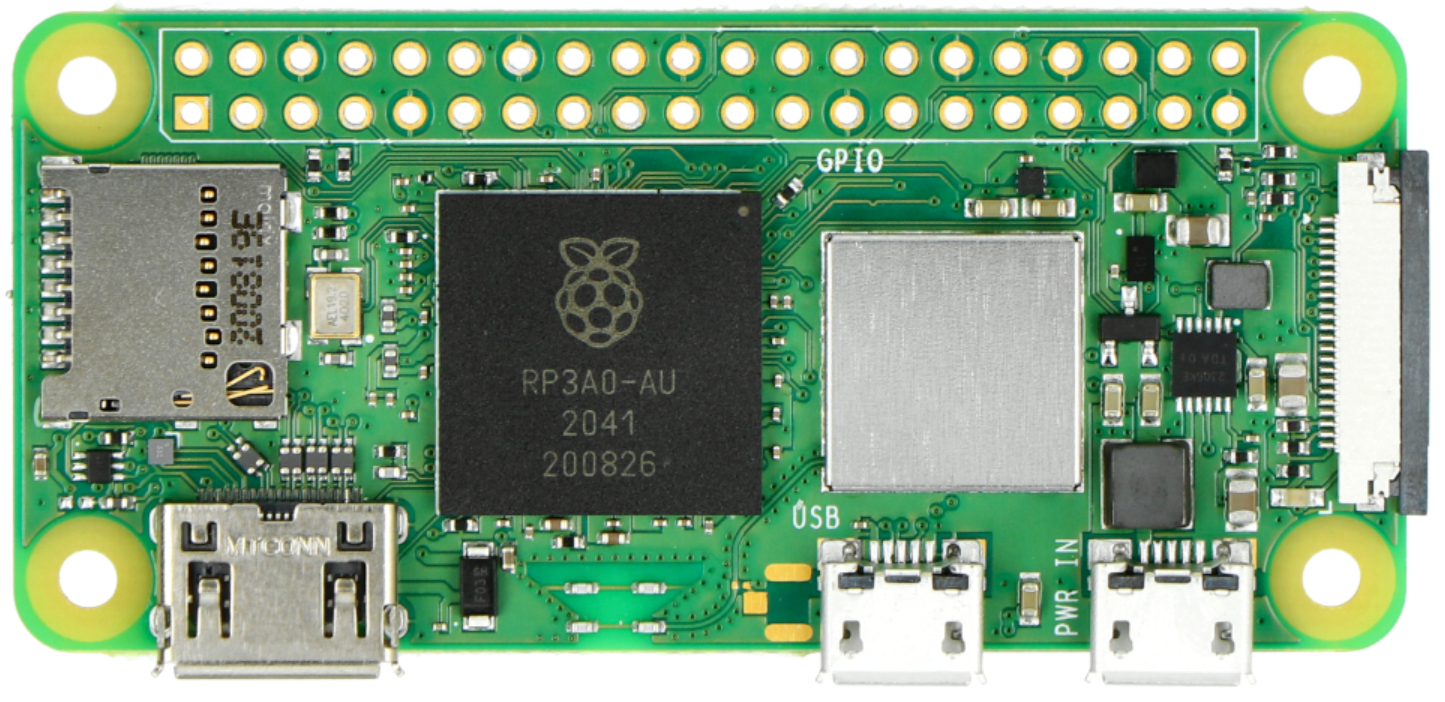
The Raspberry Pi Zero 2 W, manufactured by Raspberry, is a compact and affordable single-board computer designed for a wide range of applications. Despite its small size, it offers impressive processing power and versatility, making it an excellent choice for hobbyists, educators, and professionals alike. Whether you're building a smart home device, learning to code, or creating a media streaming setup, the Raspberry Pi Zero 2 W provides a reliable and cost-effective solution.
Explore Projects Built with Raspberry PI
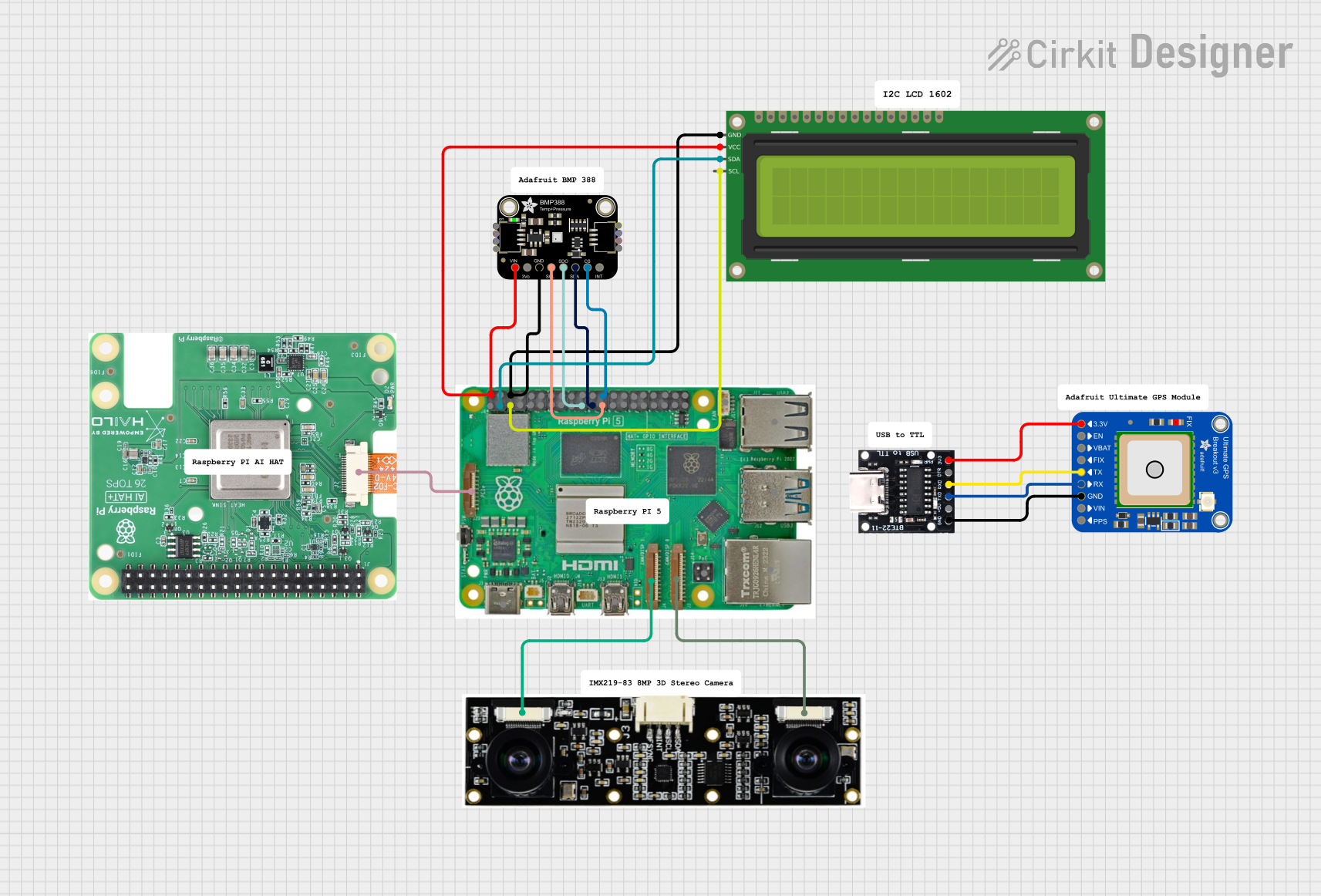 Open Project in Cirkit Designer
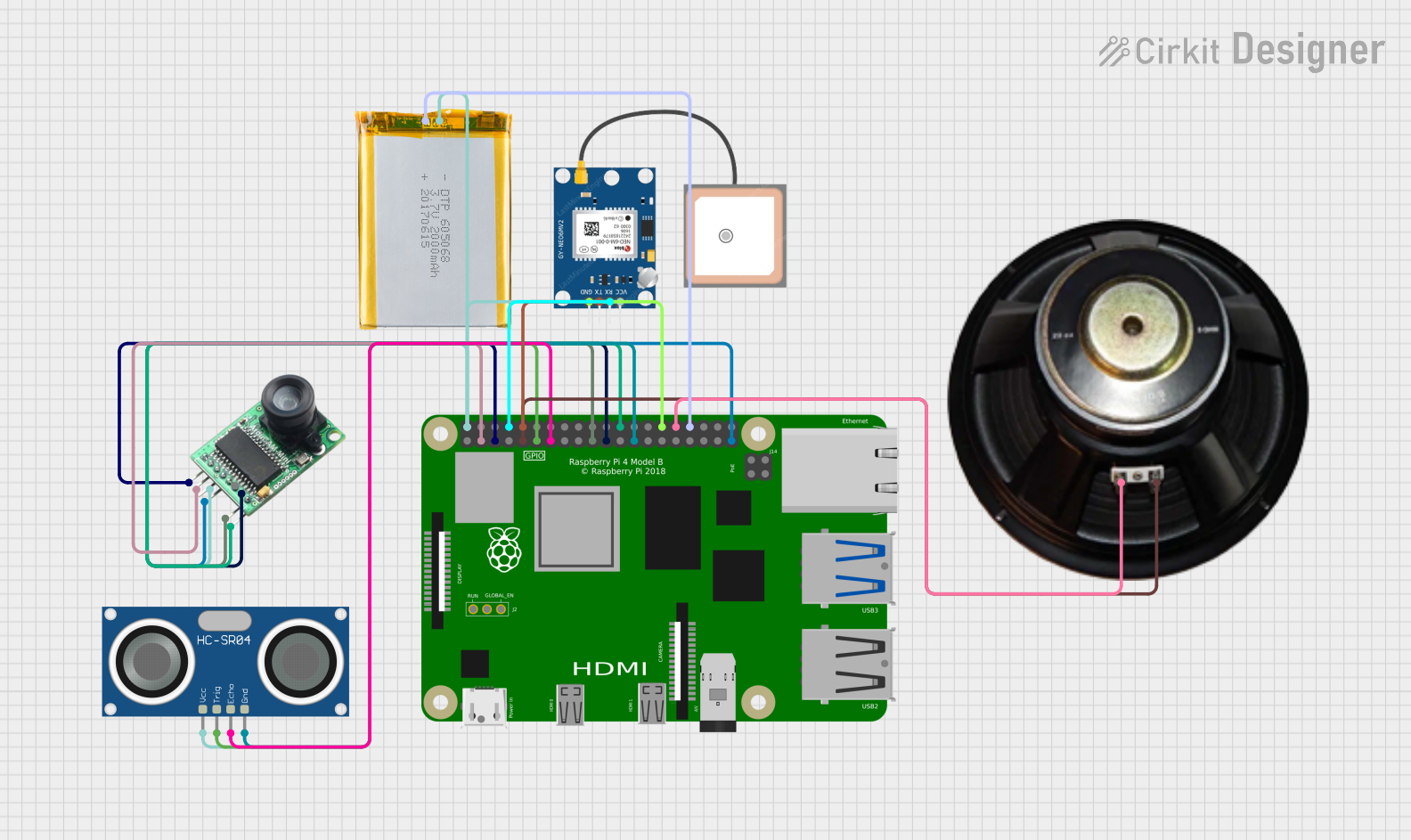 Open Project in Cirkit Designer
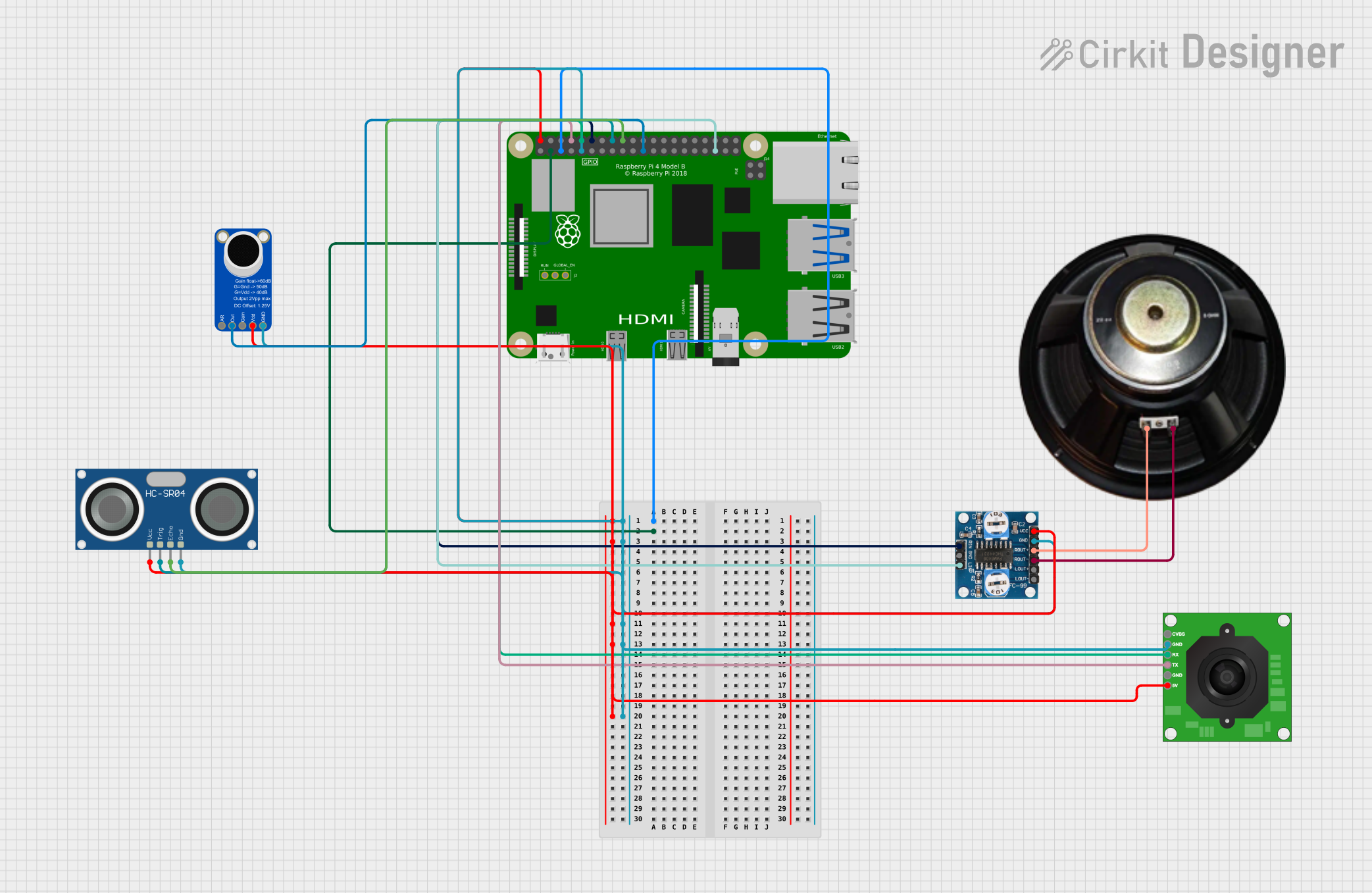 Open Project in Cirkit Designer
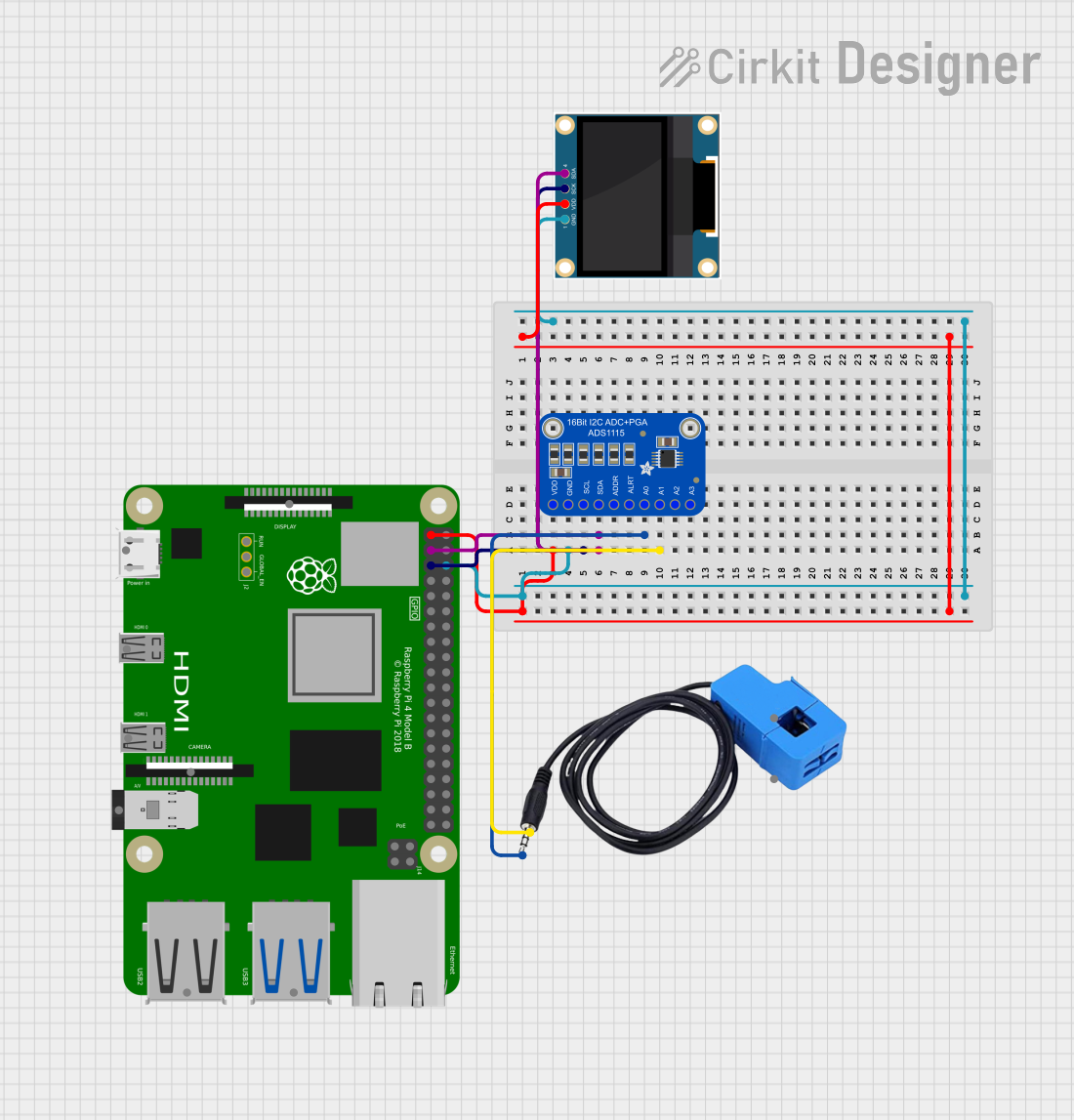 Open Project in Cirkit Designer
Explore Projects Built with Raspberry PI
Open Project in Cirkit DesignerOpen Project in Cirkit DesignerOpen Project in Cirkit DesignerOpen Project in Cirkit DesignerCommon Applications and Use Cases
- IoT Projects: Ideal for Internet of Things (IoT) devices due to its small form factor and wireless connectivity.
- Media Streaming: Can be used as a lightweight media center with software like Kodi.
- Programming and Education: A great tool for learning programming languages such as Python and Scratch.
- DIY Electronics: Perfect for integrating with sensors, actuators, and other peripherals in custom projects.
- Retro Gaming: Can be used to emulate classic gaming consoles with software like RetroPie.
Technical Specifications
Key Technical Details
| Specification | Details |
|---|---|
| Processor | Broadcom BCM2710A1, quad-core Cortex-A53, 64-bit, 1 GHz |
| RAM | 512 MB LPDDR2 SDRAM |
| Wireless Connectivity | 802.11 b/g/n Wi-Fi and Bluetooth 4.2, BLE |
| Ports | Mini HDMI, Micro USB (data and power), 40-pin GPIO header (unpopulated) |
| Power Supply | 5V/2.5A via Micro USB |
| Storage | MicroSD card slot for OS and data storage |
| Dimensions | 65mm × 30mm × 5mm |
| Weight | Approximately 9 grams |
Pin Configuration and Descriptions
The Raspberry Pi Zero 2 W features a 40-pin GPIO header (unpopulated by default). Below is the pinout for the GPIO header:
| Pin Number | Pin Name | Description |
|---|---|---|
| 1 | 3.3V Power | 3.3V power supply |
| 2 | 5V Power | 5V power supply |
| 3 | GPIO2 (SDA1) | I2C Data |
| 4 | 5V Power | 5V power supply |
| 5 | GPIO3 (SCL1) | I2C Clock |
| 6 | Ground | Ground |
| 7 | GPIO4 | General-purpose I/O |
| 8 | GPIO14 (TXD) | UART Transmit |
| 9 | Ground | Ground |
| 10 | GPIO15 (RXD) | UART Receive |
| ... | ... | ... |
| 39 | Ground | Ground |
| 40 | GPIO21 | General-purpose I/O |
For the full GPIO pinout, refer to the official Raspberry Pi documentation.
Usage Instructions
How to Use the Raspberry Pi Zero 2 W in a Circuit
- Powering the Device: Connect a 5V/2.5A power supply to the Micro USB power port.
- Connecting Peripherals: Use the Mini HDMI port for video output, and connect a USB OTG adapter to attach peripherals like a keyboard or mouse.
- Booting the OS: Flash a compatible operating system (e.g., Raspberry Pi OS) onto a MicroSD card, insert it into the MicroSD card slot, and power on the device.
- Using GPIO Pins: Solder header pins to the GPIO header if needed, and connect sensors, LEDs, or other components as per your project requirements.
Important Considerations and Best Practices
- Heat Management: While the Raspberry Pi Zero 2 W is energy-efficient, consider using a heatsink for prolonged high-performance tasks.
- Power Supply: Always use a reliable 5V/2.5A power supply to avoid instability.
- Static Precautions: Handle the board with care to avoid damage from static electricity.
- Software Updates: Regularly update the operating system and software packages for optimal performance and security.
Example: Blinking an LED with GPIO and Python
Below is an example of how to blink an LED connected to GPIO17 (pin 11) using Python:
Import the necessary library for GPIO control
import RPi.GPIO as GPIO import time
Set up GPIO mode and pin
GPIO.setmode(GPIO.BCM) # Use Broadcom pin numbering GPIO.setup(17, GPIO.OUT) # Set GPIO17 as an output pin
try: while True: GPIO.output(17, GPIO.HIGH) # Turn the LED on time.sleep(1) # Wait for 1 second GPIO.output(17, GPIO.LOW) # Turn the LED off time.sleep(1) # Wait for 1 second except KeyboardInterrupt: # Clean up GPIO settings when the program is interrupted GPIO.cleanup()
**Note**: Ensure a current-limiting resistor (e.g., 330Ω) is connected in series with the LED to prevent damage.

---
Troubleshooting and FAQs
Common Issues and Solutions
Device Not Booting:
- Cause: Incorrectly flashed MicroSD card or incompatible OS.
- Solution: Reflash the MicroSD card with a compatible OS (e.g., Raspberry Pi OS) using tools like Raspberry Pi Imager.
Wi-Fi Connectivity Issues:
- Cause: Weak signal or incorrect network credentials.
- Solution: Ensure the device is within range of the router and double-check the Wi-Fi credentials.
Overheating:
- Cause: Prolonged high-performance tasks without proper cooling.
- Solution: Attach a heatsink or ensure adequate ventilation.
GPIO Not Working:
- Cause: Incorrect pin configuration or software setup.
- Solution: Verify the GPIO pinout and ensure the correct library (e.g., RPi.GPIO) is installed.
FAQs
Q: Can I power the Raspberry Pi Zero 2 W via GPIO pins?
- A: Yes, you can power the device using the 5V and Ground pins on the GPIO header, but ensure a stable 5V supply.
Q: What operating systems are compatible with the Raspberry Pi Zero 2 W?
- A: The Raspberry Pi Zero 2 W supports Raspberry Pi OS, Ubuntu, and other lightweight Linux distributions.
Q: Can I use the Raspberry Pi Zero 2 W for AI/ML projects?
- A: While it is not as powerful as other Raspberry Pi models, it can handle lightweight AI/ML tasks with optimized frameworks like TensorFlow Lite.
Q: How do I enable SSH on the Raspberry Pi Zero 2 W?
- A: Place an empty file named
ssh(without any extension) in the boot partition of the MicroSD card before booting.
- A: Place an empty file named
This concludes the documentation for the Raspberry Pi Zero 2 W. For further details, refer to the official Raspberry Pi website or community forums.