
How to Use Bluetooth Module Breakout - Roving Networks (RN-41): Examples, Pinouts, and Specs
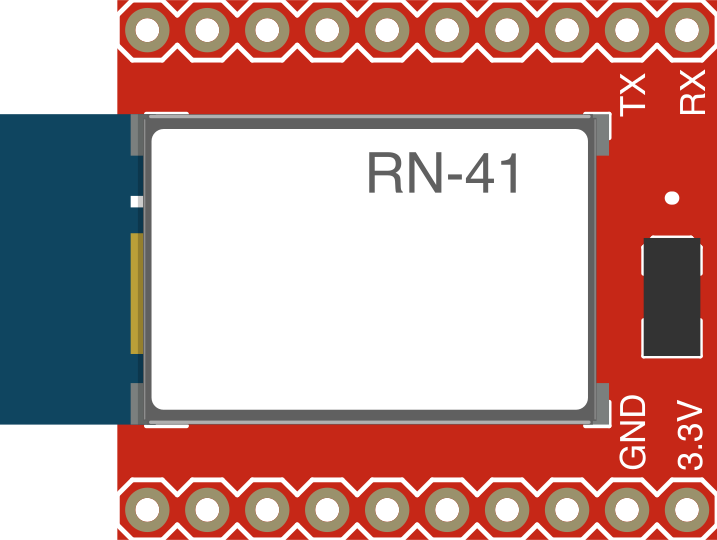
 Design with Bluetooth Module Breakout - Roving Networks (RN-41) in Cirkit Designer
Introduction
The Bluetooth Module Breakout - Roving Networks (RN-41) is a compact and versatile Bluetooth module designed to enable wireless communication between devices. Supporting Bluetooth 2.1+EDR (Enhanced Data Rate), this module is ideal for applications requiring reliable and efficient wireless connectivity. Its small form factor and simple interface make it easy to integrate into a wide range of projects, including IoT devices, robotics, and wireless data transfer systems.
Explore Projects Built with Bluetooth Module Breakout - Roving Networks (RN-41)
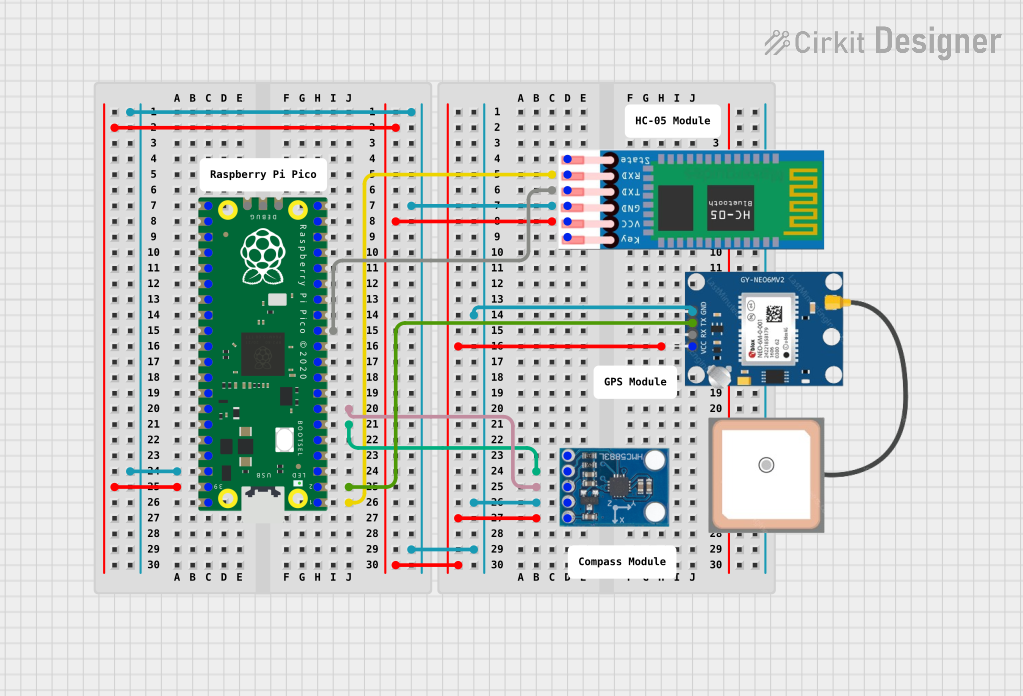 Open Project in Cirkit Designer
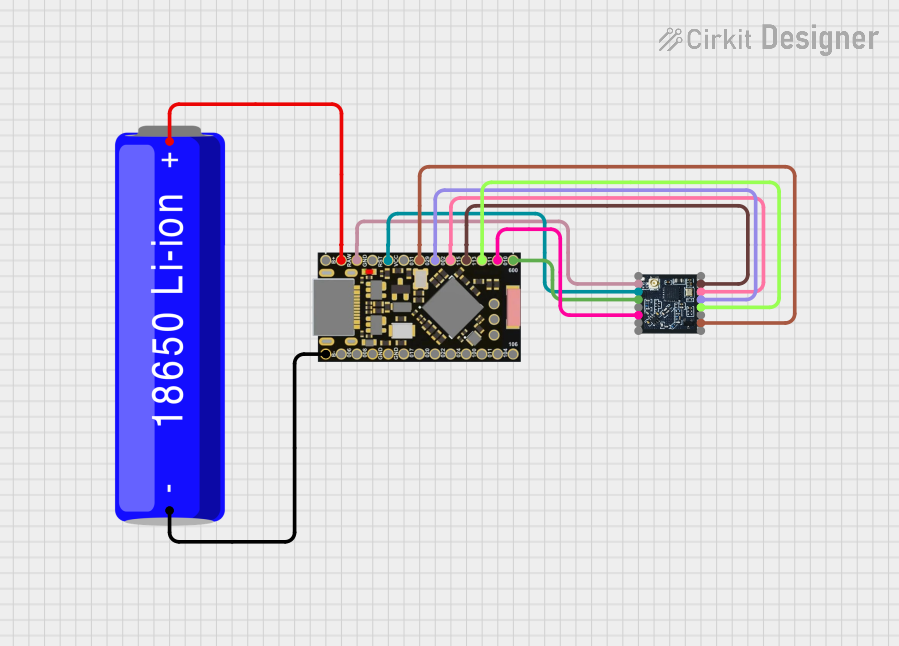 Open Project in Cirkit Designer
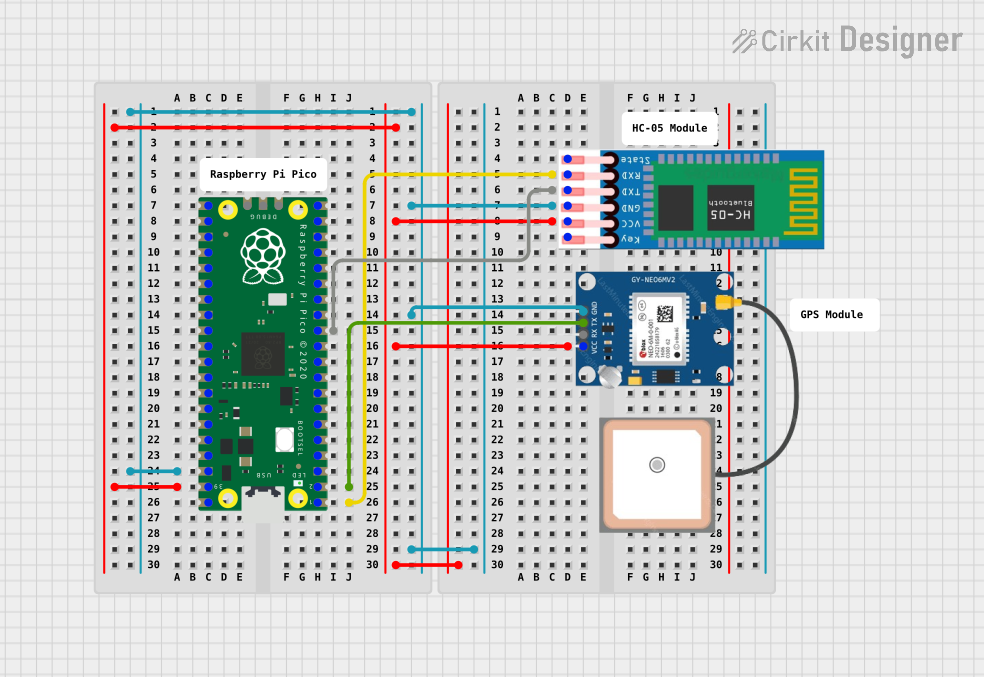 Open Project in Cirkit Designer
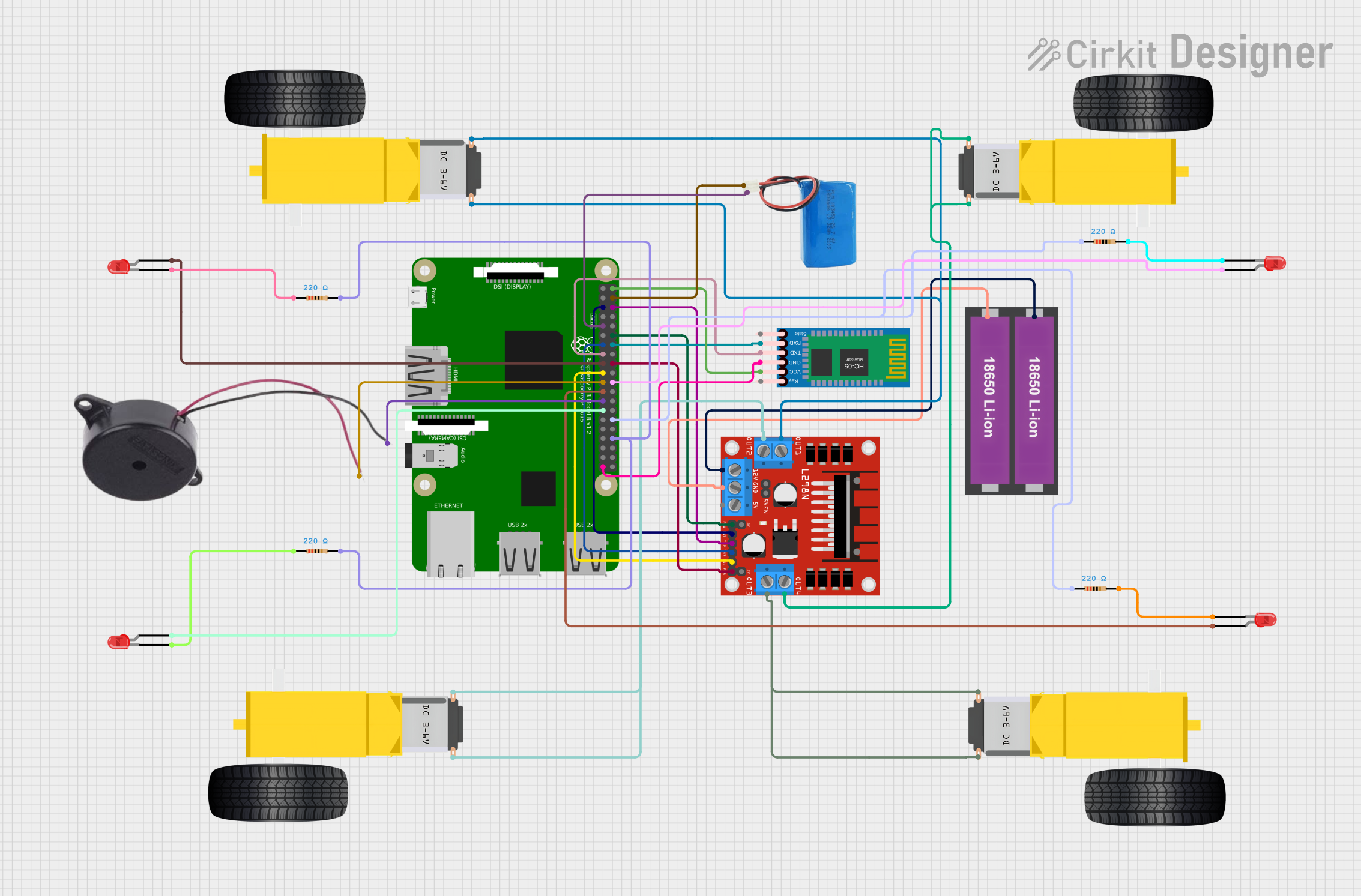 Open Project in Cirkit Designer
Explore Projects Built with Bluetooth Module Breakout - Roving Networks (RN-41)
Open Project in Cirkit DesignerOpen Project in Cirkit DesignerOpen Project in Cirkit DesignerOpen Project in Cirkit DesignerCommon Applications:
- Wireless communication between microcontrollers and devices
- IoT (Internet of Things) applications
- Robotics and automation systems
- Wireless sensor networks
- Serial cable replacement
Technical Specifications
Below are the key technical details of the RN-41 Bluetooth module:
| Specification | Details |
|---|---|
| Bluetooth Version | Bluetooth 2.1+EDR |
| Operating Voltage | 3.3V (typical) |
| Current Consumption | 30 mA (connected), 250 µA (idle, sleep mode) |
| Communication Protocol | UART (default baud rate: 9600 bps) |
| Range | Up to 20 meters (unobstructed) |
| Data Rate | Up to 3 Mbps (with EDR) |
| Operating Temperature | -40°C to +85°C |
| Dimensions | 26.7 mm x 13.4 mm x 2 mm |
Pin Configuration and Descriptions
The RN-41 module breakout board has the following pin configuration:
| Pin | Name | Description |
|---|---|---|
| 1 | GND | Ground connection |
| 2 | VCC | Power supply input (3.3V) |
| 3 | TXD | UART Transmit pin (connect to RX of microcontroller) |
| 4 | RXD | UART Receive pin (connect to TX of microcontroller) |
| 5 | CTS | Clear to Send (hardware flow control, optional) |
| 6 | RTS | Request to Send (hardware flow control, optional) |
| 7 | RESET | Reset pin (active low, used to reset the module) |
| 8 | STATUS | Status indicator pin (high when connected, low when idle) |
| 9 | PIO4 | General-purpose I/O pin (can be configured for specific functions) |
| 10 | PIO5 | General-purpose I/O pin (can be configured for specific functions) |
Usage Instructions
How to Use the RN-41 in a Circuit
- Power Supply: Connect the VCC pin to a 3.3V power source and the GND pin to ground.
- UART Communication: Connect the TXD pin of the RN-41 to the RX pin of your microcontroller, and the RXD pin of the RN-41 to the TX pin of your microcontroller.
- Optional Flow Control: If hardware flow control is required, connect the CTS and RTS pins to the corresponding pins on your microcontroller.
- Reset: Optionally, connect the RESET pin to a GPIO pin on your microcontroller for manual or software-controlled resets.
- Status Monitoring: Use the STATUS pin to monitor the connection status of the module.
Important Considerations and Best Practices
- Voltage Levels: Ensure that the module operates at 3.3V. If your microcontroller operates at 5V, use a level shifter for the UART pins.
- Antenna Placement: Avoid placing the module near metal objects or other RF sources to ensure optimal signal strength.
- Baud Rate Configuration: The default UART baud rate is 9600 bps. You can change it using AT commands if needed.
- Pairing: The default pairing code for the RN-41 is typically "1234". This can be changed using AT commands.
Example: Connecting RN-41 to Arduino UNO
Below is an example of how to connect the RN-41 to an Arduino UNO and send data wirelessly.
Wiring:
- RN-41 TXD → Arduino UNO RX (Pin 0)
- RN-41 RXD → Arduino UNO TX (Pin 1)
- RN-41 VCC → Arduino UNO 3.3V
- RN-41 GND → Arduino UNO GND
Code:
// Example code to send data from Arduino to RN-41 Bluetooth module
// Ensure the Serial Monitor baud rate matches the RN-41's default (9600 bps)

void setup() {
  Serial.begin(9600); // Initialize UART communication at 9600 bps
  delay(1000);        // Allow time for the RN-41 to initialize
  Serial.println("RN-41 Bluetooth Module Test");
  // Send a test message to the Bluetooth module
}

void loop() {
  // Continuously send data to the RN-41
  Serial.println("Hello, Bluetooth!");
  delay(1000); // Send data every second
}
Notes:
- Disconnect the RX and TX pins from the Arduino UNO when uploading code to avoid interference with the serial communication.
- Use a Bluetooth terminal app on your smartphone or PC to receive the data sent by the Arduino.
Troubleshooting and FAQs
Common Issues and Solutions
Module Not Powering On:
- Ensure the VCC pin is connected to a 3.3V power source.
- Verify all ground connections are secure.
No Data Transmission:
- Check the TXD and RXD connections between the module and the microcontroller.
- Ensure the baud rate of the microcontroller matches the RN-41's baud rate.
Bluetooth Pairing Fails:
- Verify the pairing code (default is "1234").
- Ensure the module is in discoverable mode (STATUS pin should indicate idle state).
Weak Signal or Connection Drops:
- Avoid placing the module near metal objects or other RF sources.
- Ensure the module is within its specified range (20 meters unobstructed).
FAQs
Q: Can I use the RN-41 with a 5V microcontroller?
A: Yes, but you must use a level shifter for the UART pins to avoid damaging the module, as it operates at 3.3V.
Q: How do I change the baud rate of the RN-41?
A: Use AT commands to configure the baud rate. For example, send $$$ to enter command mode, then use the SU,<baud_rate> command to set the desired baud rate.
Q: What is the default name of the RN-41 module?
A: The default name is typically "RNBT-XXXX", where "XXXX" is the last four digits of the module's MAC address.
Q: Can I disable hardware flow control?
A: Yes, hardware flow control is optional. If not used, leave the CTS and RTS pins unconnected.
This concludes the documentation for the Bluetooth Module Breakout - Roving Networks (RN-41).