
How to Use N20 motor custom: Examples, Pinouts, and Specs
 Design with N20 motor custom in Cirkit Designer
Introduction
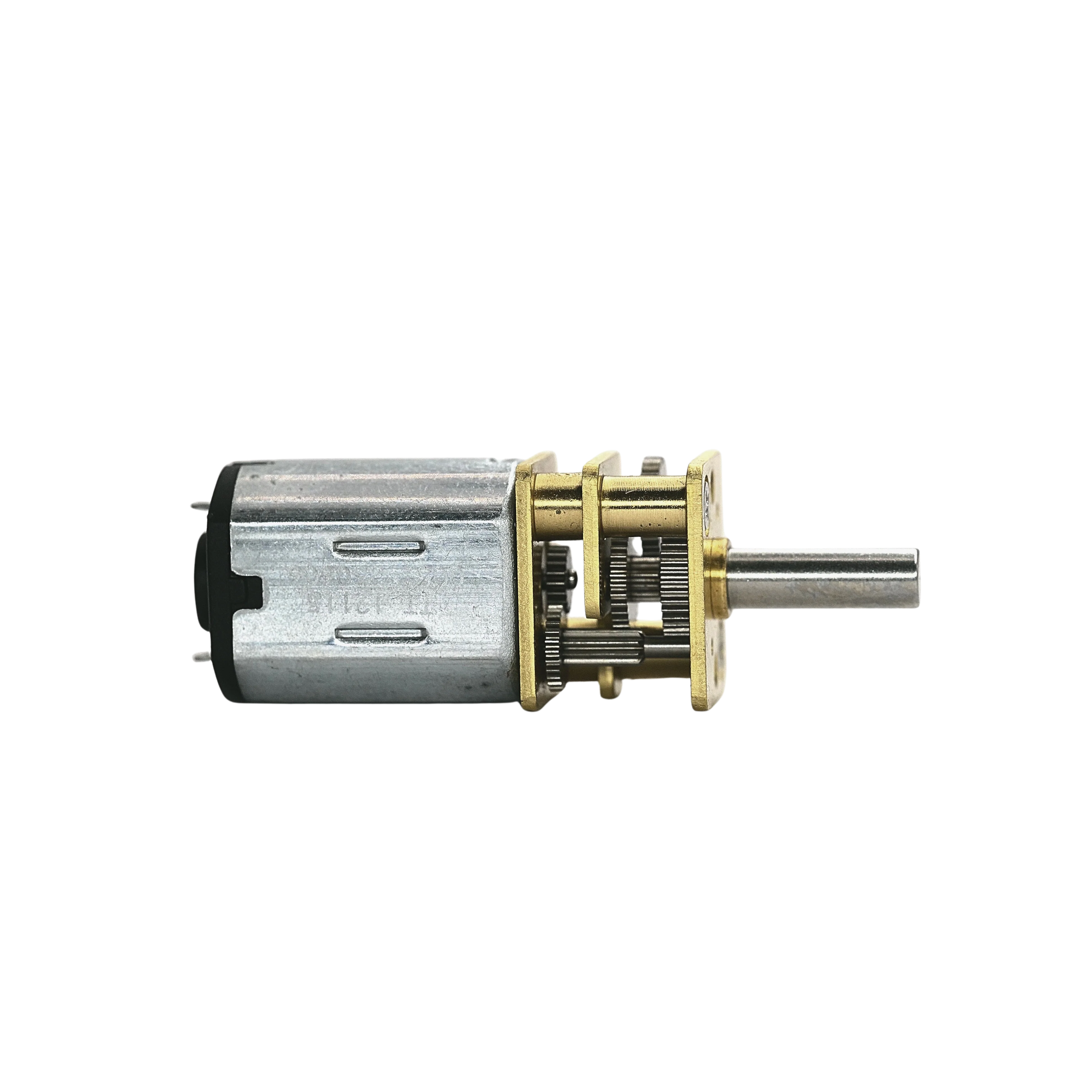
The N20 Motor Custom is a small, high-torque DC motor manufactured by Arduino, designed for use in robotics, automation, and other precision-driven applications. Known for its compact size and efficiency, this motor is ideal for projects requiring reliable performance in a small form factor. Its versatility makes it a popular choice for hobbyists and professionals alike.
Explore Projects Built with N20 motor custom
 Open Project in Cirkit Designer
 Open Project in Cirkit Designer
 Open Project in Cirkit Designer
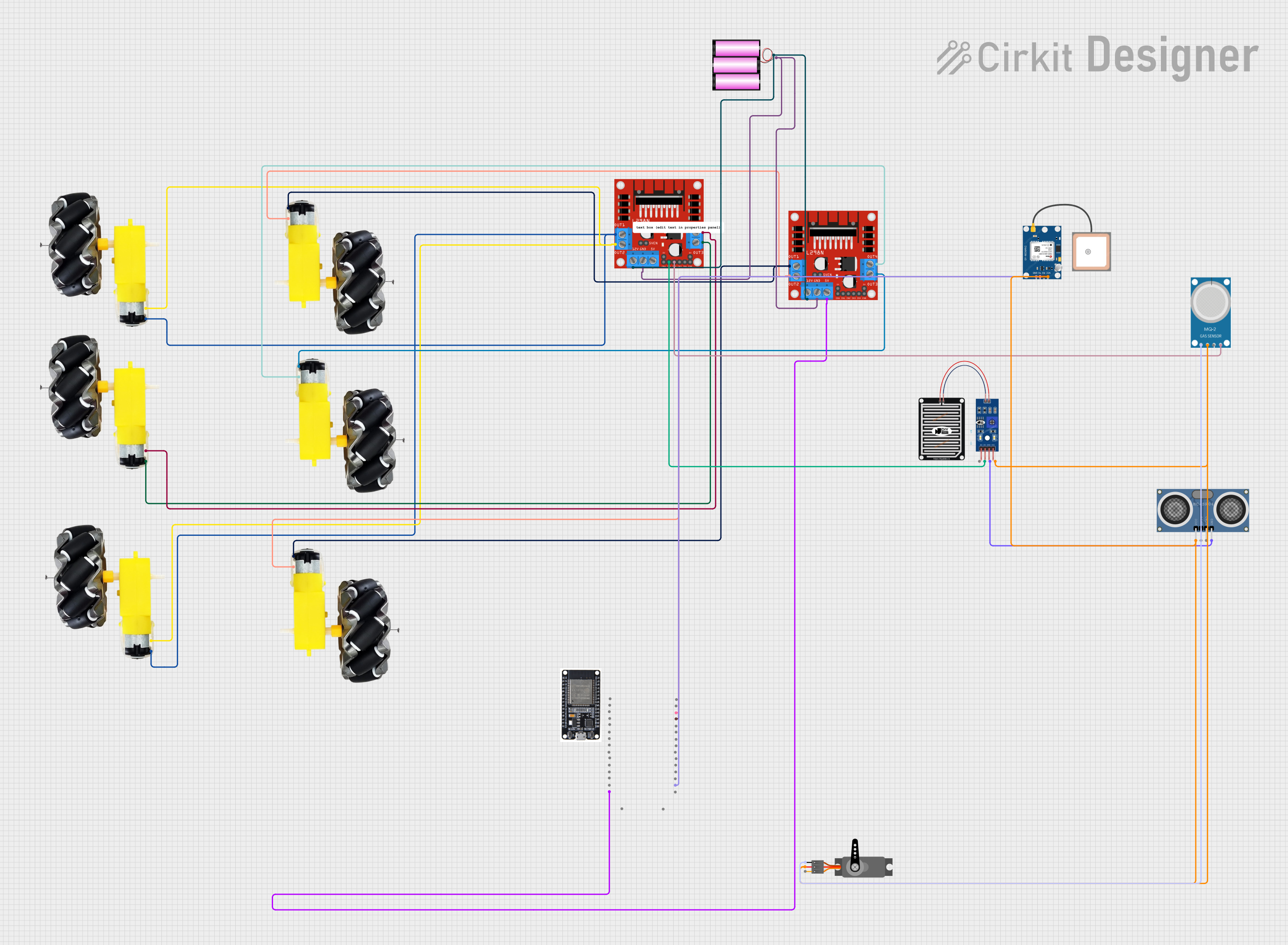 Open Project in Cirkit Designer
Explore Projects Built with N20 motor custom
Open Project in Cirkit DesignerOpen Project in Cirkit DesignerOpen Project in Cirkit DesignerOpen Project in Cirkit DesignerCommon Applications
- Robotics (e.g., driving wheels or actuators)
- Automated systems (e.g., conveyor belts, small mechanisms)
- DIY projects (e.g., remote-controlled vehicles, robotic arms)
- Educational kits and prototyping
Technical Specifications
The following table outlines the key technical details of the N20 Motor Custom:
| Parameter | Value |
|---|---|
| Manufacturer | Arduino |
| Part ID | Motor N20 Custom |
| Operating Voltage | 3V to 12V |
| Rated Voltage | 6V |
| No-Load Speed | 300 RPM to 12,000 RPM (varies by model) |
| Stall Torque | Up to 1.2 kg·cm |
| Stall Current | 1.2A (at 6V) |
| Gear Ratio | 1:10 to 1:1000 (varies by model) |
| Motor Type | Brushed DC Motor |
| Dimensions | 12mm x 10mm x 26mm |
| Shaft Diameter | 3mm |
| Weight | ~10g |
Pin Configuration and Descriptions
The N20 Motor Custom has two terminals for electrical connections:
| Pin | Description |
|---|---|
| V+ | Positive terminal for power input |
| V- | Negative terminal for power input |
Note: The motor's direction of rotation can be reversed by swapping the polarity of the V+ and V- connections.
Usage Instructions
How to Use the N20 Motor Custom in a Circuit
- Power Supply: Connect the motor to a DC power source within the operating voltage range (3V to 12V). A motor driver or H-bridge circuit is recommended for precise control.
- Polarity: Ensure correct polarity for the desired direction of rotation. Reversing the polarity will reverse the motor's direction.
- Motor Driver: Use a motor driver (e.g., L298N or L293D) to control the motor's speed and direction. This is especially important when interfacing with microcontrollers like the Arduino UNO.
- Load Considerations: Avoid exceeding the motor's stall torque to prevent damage. Use appropriate gearing for heavy loads.
Important Considerations
- Current Limiting: Use a current-limiting resistor or motor driver to prevent excessive current draw.
- Heat Management: Prolonged operation at high loads may cause the motor to overheat. Allow for adequate cooling.
- Noise Suppression: Add capacitors (e.g., 0.1µF) across the motor terminals to reduce electrical noise.
Example: Connecting the N20 Motor Custom to an Arduino UNO
Below is an example of controlling the N20 Motor Custom using an Arduino UNO and an L298N motor driver:
// Example: Controlling N20 Motor Custom with Arduino UNO and L298N Motor Driver

// Define motor control pins
const int motorPin1 = 9; // IN1 on L298N
const int motorPin2 = 10; // IN2 on L298N
const int enablePin = 11; // ENA on L298N (PWM pin)

void setup() {
  // Set motor control pins as outputs
  pinMode(motorPin1, OUTPUT);
  pinMode(motorPin2, OUTPUT);
  pinMode(enablePin, OUTPUT);
}

void loop() {
  // Rotate motor in one direction
  digitalWrite(motorPin1, HIGH); // Set IN1 high
  digitalWrite(motorPin2, LOW);  // Set IN2 low
  analogWrite(enablePin, 128);   // Set speed (0-255)

  delay(2000); // Run for 2 seconds

  // Stop the motor
  digitalWrite(motorPin1, LOW);
  digitalWrite(motorPin2, LOW);
  delay(1000); // Pause for 1 second

  // Rotate motor in the opposite direction
  digitalWrite(motorPin1, LOW);  // Set IN1 low
  digitalWrite(motorPin2, HIGH); // Set IN2 high
  analogWrite(enablePin, 128);   // Set speed (0-255)

  delay(2000); // Run for 2 seconds

  // Stop the motor
  digitalWrite(motorPin1, LOW);
  digitalWrite(motorPin2, LOW);
  delay(1000); // Pause for 1 second
}
Note: Adjust the analogWrite value to control the motor speed. A value of 0 stops the motor, while 255 runs it at full speed.
Troubleshooting and FAQs
Common Issues and Solutions
Motor Not Spinning
- Cause: Insufficient power supply or incorrect wiring.
- Solution: Verify the power source voltage and check all connections. Ensure the motor driver is functioning correctly.
Motor Overheating
- Cause: Prolonged operation at high loads or stall conditions.
- Solution: Reduce the load or use a heat sink. Avoid running the motor at stall torque for extended periods.
Noisy Operation
- Cause: Electrical noise or mechanical vibrations.
- Solution: Add capacitors across the motor terminals and ensure the motor is securely mounted.
Inconsistent Speed
- Cause: Fluctuating power supply or poor PWM signal.
- Solution: Use a stable power source and verify the PWM signal from the microcontroller.
FAQs
Q: Can the N20 Motor Custom be used with a battery?
- A: Yes, it can be powered by batteries within the operating voltage range (e.g., 4x AA batteries for 6V).
Q: What is the maximum load the motor can handle?
- A: The motor can handle loads up to its stall torque (1.2 kg·cm). Use appropriate gearing for heavier loads.
Q: Can I control the motor without a motor driver?
- A: While possible, it is not recommended. A motor driver provides better control and protects the motor and microcontroller.
Q: How do I reduce motor noise?
- A: Add a 0.1µF capacitor across the motor terminals and ensure proper mounting to minimize vibrations.
This concludes the documentation for the N20 Motor Custom. For further assistance, refer to Arduino's official support resources.