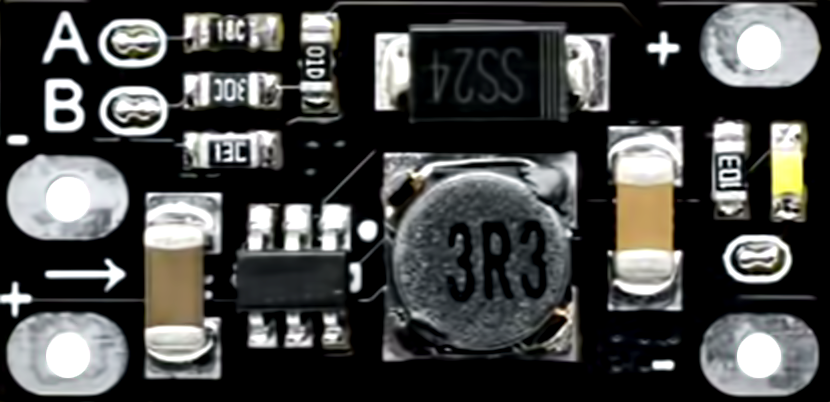
The Mini Boost Converter HW-085 is a compact DC-DC step-up module designed to increase a lower input voltage to a fixed higher output voltage. It supports four fixed output voltage levels: 5V, 8V, 9V, and 12V, selectable via a jumper. With a maximum output current of 1.5A, this module is ideal for powering devices that require a higher voltage than the input source can provide. Its small size and efficiency make it suitable for portable electronics, battery-powered projects, and DIY applications.
Explore Projects Built with Mini Boost Converter HW-085 1.5A - 5/8/9/12V Fixed
Use Cirkit Designer to design, explore, and prototype these projects online. Some projects support real-time simulation. Click "Open Project" to start designing instantly!
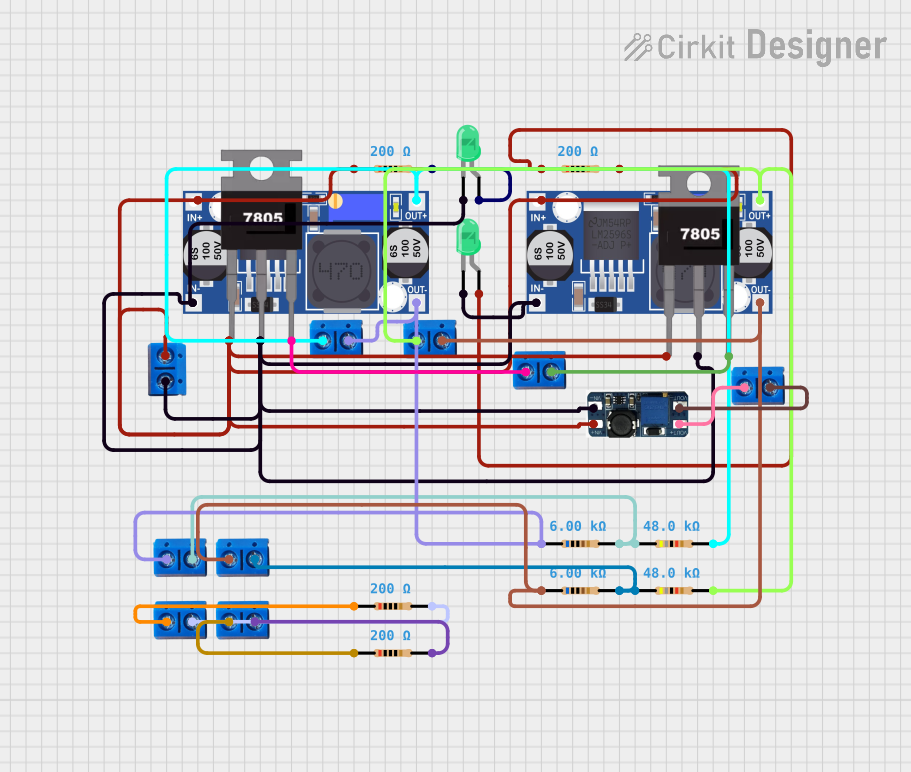
This circuit is designed for power management, featuring buck and boost converters for voltage adjustment, and linear regulators for stable voltage output. It includes LEDs for status indication, and terminal blocks for external connections.
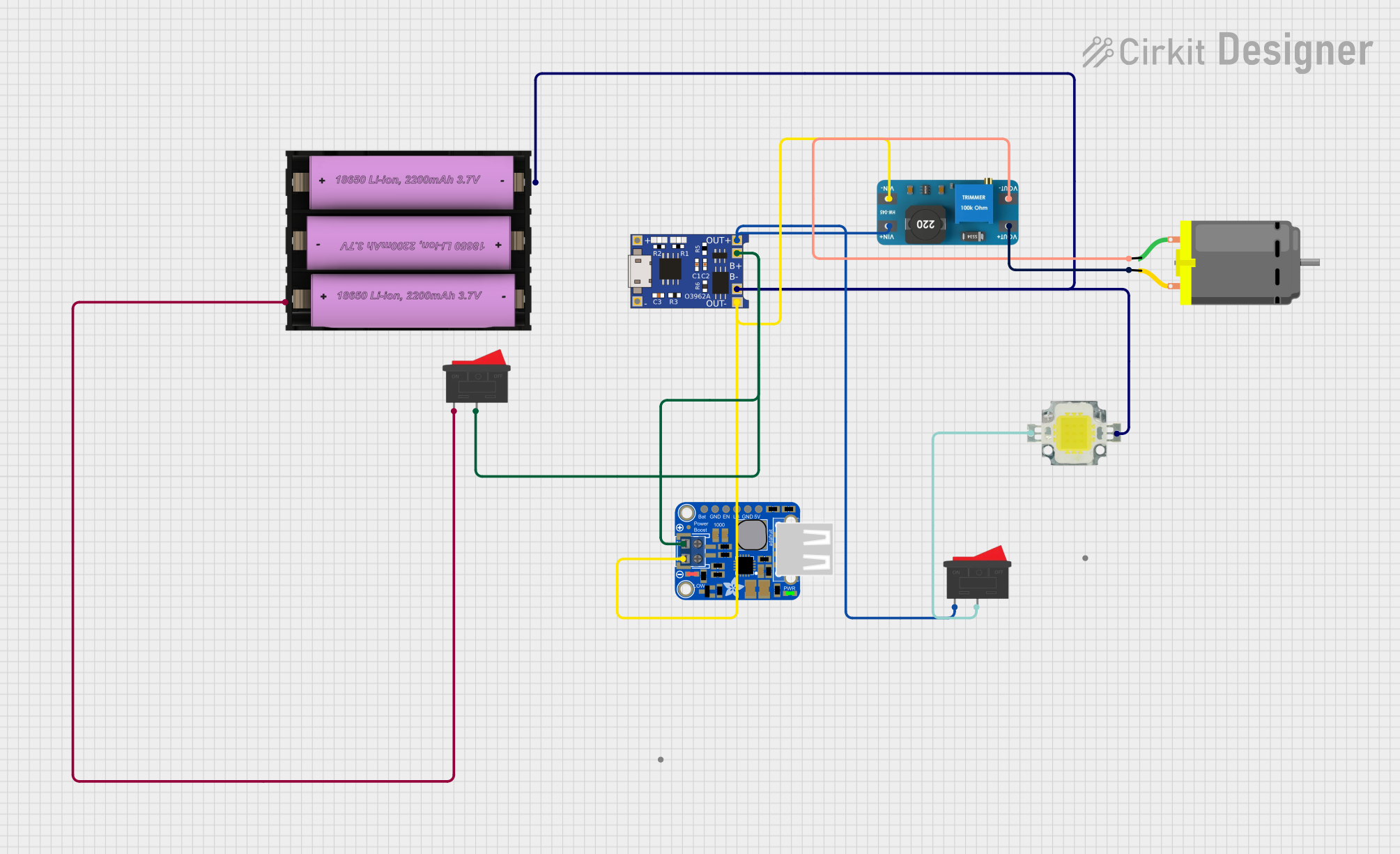
This circuit is designed to charge a Li-ion battery and power a DC motor and a 12V LED. The TP4056 module manages the battery charging process, while the PowerBoost 1000 and MT3608 boost converters step up the voltage to drive the motor and LED, respectively. Two rocker switches control the power flow to the LED and the charging circuit.
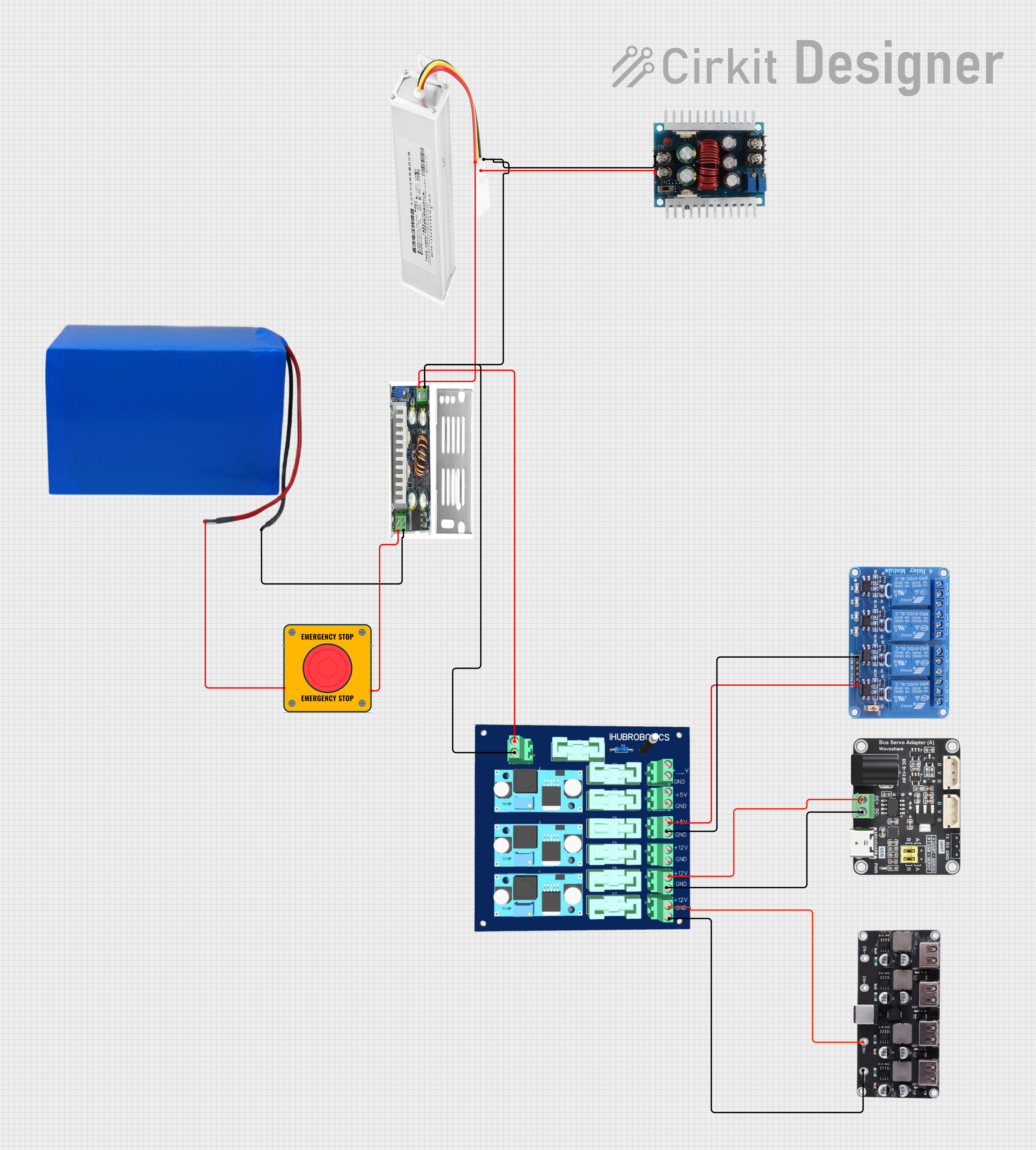
This circuit converts a 38.5V battery output to multiple lower voltage levels using a series of DC-DC converters and a power module. It includes an emergency stop switch for safety and distributes power to various components such as a relay module, USB ports, and a bus servo adaptor.
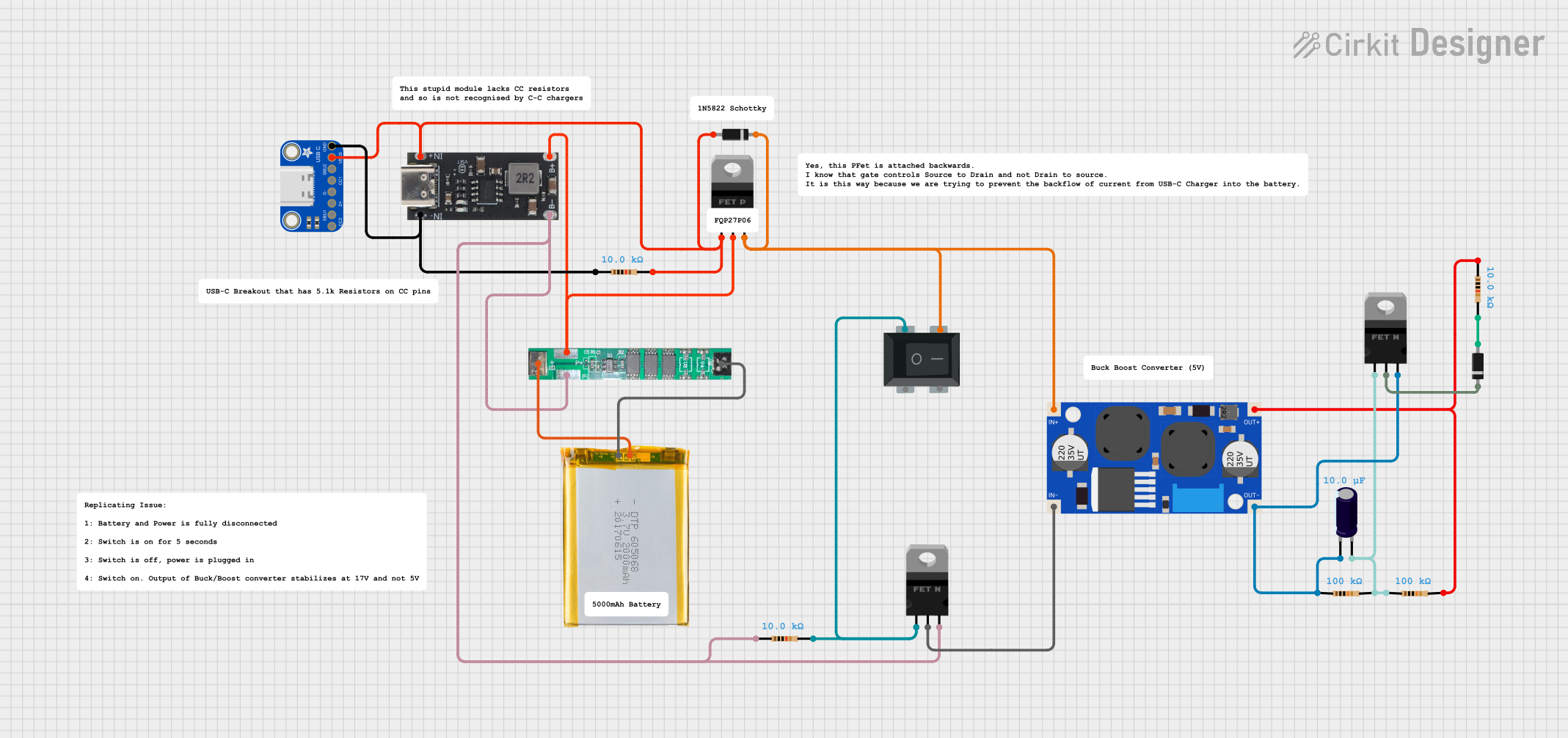
This circuit is a power management and conversion system that includes a boost converter, battery management system (BMS), and various MOSFETs and passive components. It is designed to regulate and boost the voltage from a 2000mAh battery, providing stable power output through a USB Type C interface. The circuit also includes protection and switching mechanisms to ensure safe and efficient power delivery.
Powering microcontrollers, sensors, and modules from a lower voltage source
Boosting voltage from batteries (e.g., 3.7V Li-ion or 1.5V AA cells)
DIY electronics projects requiring compact power solutions
Portable devices and USB-powered gadgets
Technical Specifications
Key Technical Details
Parameter
Value
Input Voltage Range
2V to 24V
Output Voltage Options
5V, 8V, 9V, 12V (selectable via jumper)
Maximum Output Current
1.5A (varies with input voltage)
Efficiency
Up to 93% (depending on input/output load)
Dimensions
30mm x 17mm x 14mm
Weight
~5g
Pin Configuration and Descriptions
Pin Name
Description
VIN
Positive input voltage terminal (2V to 24V)
GND
Ground terminal (common ground for input and output)
VOUT
Positive output voltage terminal (fixed at 5V, 8V, 9V, or 12V, as selected)
Jumper Configuration
Jumper Position
Output Voltage
Short 5V
5V
Short 8V
8V
Short 9V
9V
Short 12V
12V
Usage Instructions
How to Use the Mini Boost Converter HW-085
Connect the Input Voltage:
Connect the positive terminal of your power source to the VIN pin.
Connect the negative terminal of your power source to the GND pin.
Ensure the input voltage is within the range of 2V to 24V.
Set the Desired Output Voltage:
Use the onboard jumper to select the desired output voltage (5V, 8V, 9V, or 12V).
Ensure the jumper is securely placed in the correct position.
Connect the Load:
Connect the positive terminal of your load to the VOUT pin.
Connect the negative terminal of your load to the GND pin.
Power On:
Turn on the input power source. The module will step up the input voltage to the selected output voltage.
Important Considerations and Best Practices
Input Voltage Range: Ensure the input voltage is within the specified range (2V to 24V). Exceeding this range may damage the module.
Output Current Limit: The maximum output current is 1.5A, but it may vary depending on the input voltage and load. Avoid overloading the module.
Heat Dissipation: At higher loads, the module may generate heat. Ensure adequate ventilation or consider adding a heatsink if necessary.
Polarity Protection: The module does not have reverse polarity protection. Double-check connections before powering on.
Noise Filtering: If using the module in sensitive circuits, consider adding capacitors at the input and output to reduce noise.
Example: Using with an Arduino UNO
The Mini Boost Converter HW-085 can be used to power an Arduino UNO from a 3.7V Li-ion battery by stepping up the voltage to 5V.
Circuit Connection
Connect the battery's positive terminal to VIN and negative terminal to GND.
Set the jumper to the 5V position.
Connect the VOUT pin to the Arduino's 5V pin and GND to the Arduino's GND pin.
Sample Code
// Example code to blink an LED connected to Arduino UNO
// Ensure the Mini Boost Converter is providing 5V to the Arduino

void setup() {
  pinMode(13, OUTPUT); // Set pin 13 as an output for the onboard LED
}

void loop() {
  digitalWrite(13, HIGH); // Turn the LED on
  delay(1000);            // Wait for 1 second
  digitalWrite(13, LOW);  // Turn the LED off
  delay(1000);            // Wait for 1 second
}
Troubleshooting and FAQs
Common Issues and Solutions
No Output Voltage:
Cause: Incorrect jumper configuration or loose connections.
Solution: Verify the jumper is set to the desired output voltage and check all connections.
Output Voltage is Incorrect:
Cause: Input voltage is too low or jumper is in the wrong position.
Solution: Ensure the input voltage is within the specified range and recheck the jumper setting.
Module Overheats:
Cause: Excessive load or poor ventilation.
Solution: Reduce the load current or improve ventilation around the module.
Load Does Not Power On:
Cause: Load requires more current than the module can provide.
Solution: Ensure the load's current requirement is within the module's 1.5A limit.
FAQs
Q1: Can I use this module to charge a battery?
A1: No, this module is not designed for battery charging. It is a step-up converter for powering devices.
Q2: What happens if I reverse the input polarity?
A2: The module does not have reverse polarity protection and may be damaged. Always double-check connections.
Q3: Can I adjust the output voltage to a custom value?
A3: No, the output voltage is fixed to 5V, 8V, 9V, or 12V, as selected by the jumper.
Q4: Is the module suitable for audio applications?
A4: The module may introduce noise, so additional filtering may be required for sensitive audio circuits.

 Open Project in Cirkit Designer