
How to Use 4xAA Switchable Battery Pack w/Bare Wire: Examples, Pinouts, and Specs
 Design with 4xAA Switchable Battery Pack w/Bare Wire in Cirkit Designer
Introduction
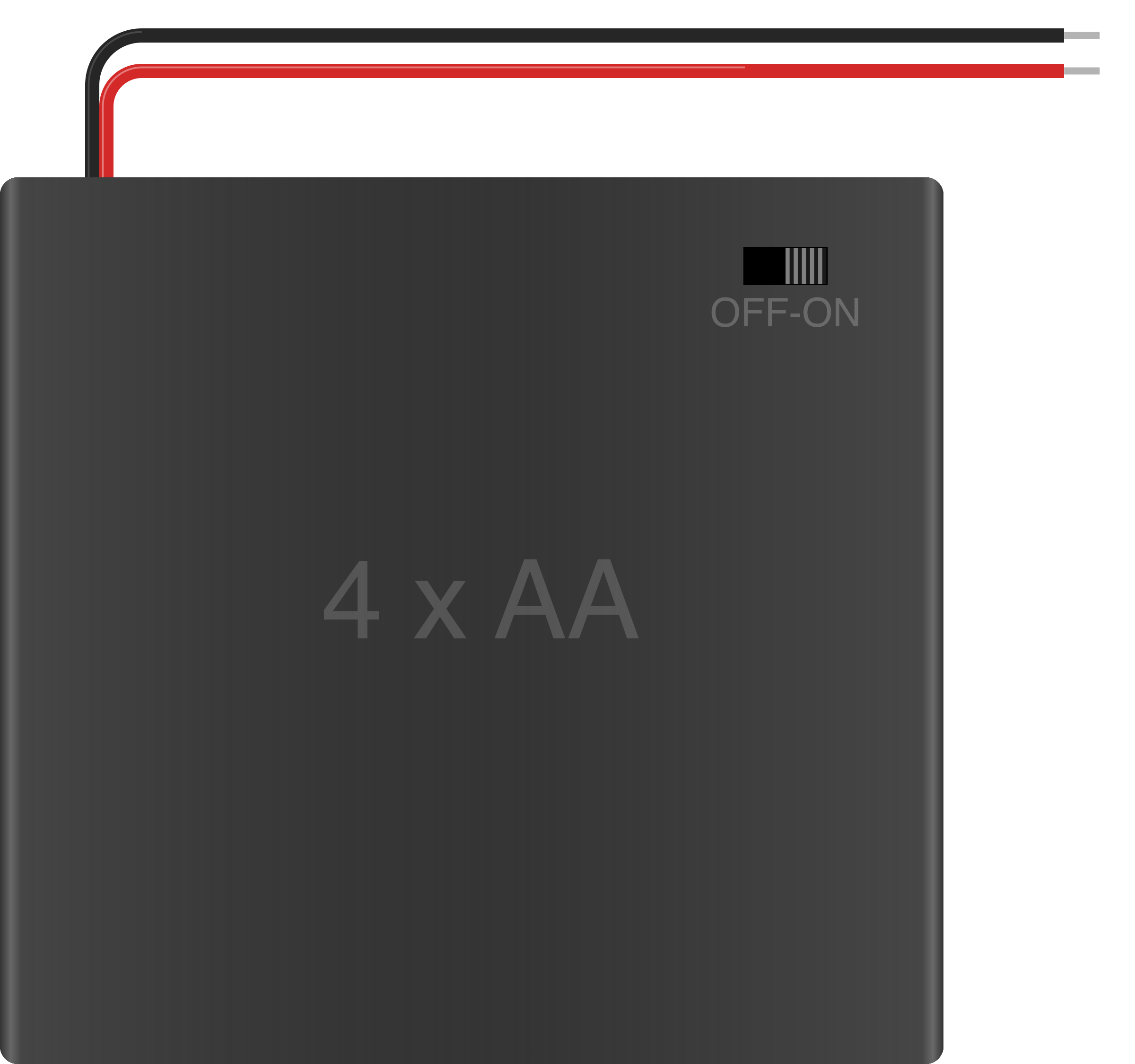
The 4xAA Switchable Battery Pack w/Bare Wire is a compact and versatile power source designed to hold four AA batteries. It features an integrated on/off switch for convenient power control and bare wire leads for easy connection to a wide range of electronic circuits and devices. This battery pack is ideal for powering small to medium-sized projects, prototyping, and educational purposes.
Explore Projects Built with 4xAA Switchable Battery Pack w/Bare Wire
 Open Project in Cirkit Designer
 Open Project in Cirkit Designer
 Open Project in Cirkit Designer
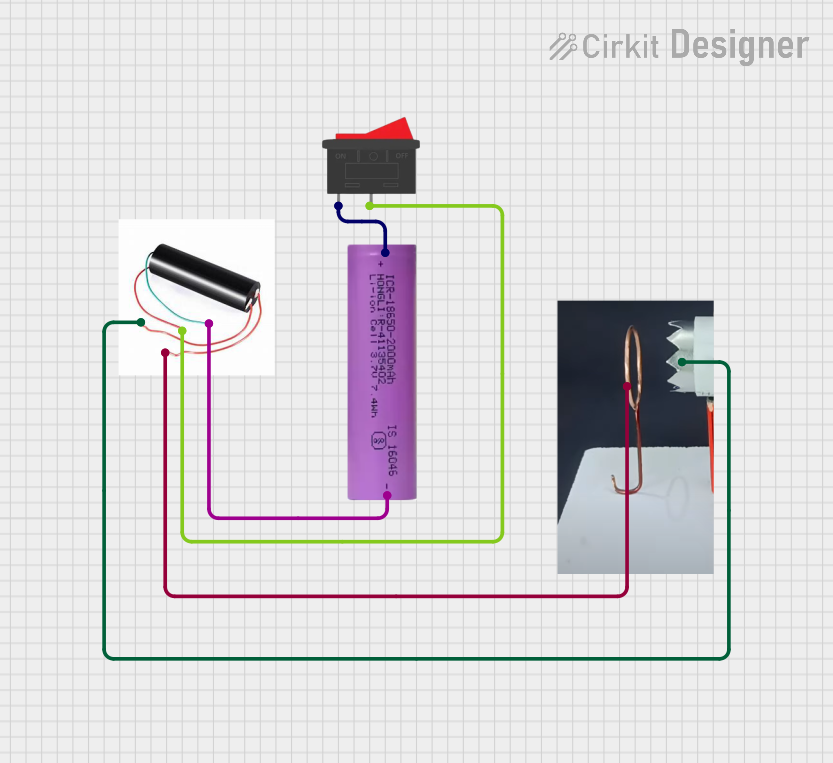 Open Project in Cirkit Designer
Explore Projects Built with 4xAA Switchable Battery Pack w/Bare Wire
Open Project in Cirkit DesignerOpen Project in Cirkit DesignerOpen Project in Cirkit DesignerOpen Project in Cirkit DesignerCommon Applications and Use Cases
- Powering small electronic devices and circuits
- Prototyping and breadboard projects
- Educational kits and DIY electronics
- Robotics and motorized systems
- Arduino and microcontroller-based projects
Technical Specifications
Below are the key technical details of the 4xAA Switchable Battery Pack w/Bare Wire:
| Specification | Details |
|---|---|
| Battery Type | 4x AA (1.5V each, not included) |
| Nominal Voltage Output | 6V (when using 1.5V alkaline batteries) |
| Maximum Current Output | Dependent on battery type (e.g., ~2A for alkaline) |
| Switch Type | Integrated on/off slide switch |
| Wire Leads | Bare wire (approx. 6-8 cm length) |
| Dimensions | ~65mm x 60mm x 20mm |
| Weight | ~30g (without batteries) |
| Material | Plastic housing with metal contacts |
Pin Configuration and Descriptions
The 4xAA Switchable Battery Pack does not have traditional pins but instead features two bare wire leads for connection. The table below describes the leads:
| Wire Color | Description |
|---|---|
| Red | Positive terminal (+6V when fully loaded) |
| Black | Negative terminal (Ground, 0V) |
Usage Instructions
How to Use the Component in a Circuit
- Insert Batteries: Open the battery compartment and insert four AA batteries, ensuring correct polarity as indicated inside the compartment.
- Connect Wires:
- Connect the red wire to the positive terminal of your circuit.
- Connect the black wire to the ground (negative terminal) of your circuit.
- Switch On: Use the integrated slide switch to turn the power on or off as needed.
- Verify Voltage: If required, use a multimeter to confirm the output voltage before connecting to sensitive components.
Important Considerations and Best Practices
- Battery Type: Use high-quality alkaline or rechargeable NiMH batteries for optimal performance. Avoid mixing battery types or old and new batteries.
- Current Limitations: Ensure the connected circuit does not draw more current than the batteries can safely supply.
- Polarity: Double-check the polarity of the connections to avoid damaging your circuit.
- Switch Usage: Always turn off the switch when the battery pack is not in use to prevent battery drain.
- Wire Protection: If the bare wires are exposed to potential short circuits, consider insulating them with heat shrink tubing or electrical tape.
Example: Connecting to an Arduino UNO
The 4xAA Switchable Battery Pack can be used to power an Arduino UNO via its VIN and GND pins. Below is an example setup:
- Connect the red wire from the battery pack to the VIN pin on the Arduino UNO.
- Connect the black wire from the battery pack to the GND pin on the Arduino UNO.
- Turn on the battery pack using the slide switch.
Sample Code for Testing
The following Arduino code blinks an LED connected to pin 13, powered by the battery pack:
// Blink an LED on pin 13 using power from the 4xAA Switchable Battery Pack

void setup() {
  pinMode(13, OUTPUT); // Set pin 13 as an output
}

void loop() {
  digitalWrite(13, HIGH); // Turn the LED on
  delay(1000);            // Wait for 1 second
  digitalWrite(13, LOW);  // Turn the LED off
  delay(1000);            // Wait for 1 second
}
Note: Ensure the total current draw of the Arduino and connected components does not exceed the battery pack's capacity.
Troubleshooting and FAQs
Common Issues and Solutions
No Power Output:
- Ensure the batteries are inserted correctly with proper polarity.
- Verify that the batteries are not depleted.
- Check that the slide switch is in the "ON" position.
- Inspect the wire connections for any loose or broken connections.
Low Voltage Output:
- Confirm that all batteries are of the same type and charge level.
- Replace old or weak batteries with new ones.
- Check for corrosion on the battery contacts and clean if necessary.
Overheating Wires:
- Ensure the connected circuit is not drawing excessive current.
- Use thicker wires or connectors if the current demand is high.
Intermittent Power:
- Inspect the switch for proper operation; replace the battery pack if the switch is faulty.
- Verify that the wires are securely connected to the circuit.
FAQs
Q: Can I use rechargeable batteries with this pack?
A: Yes, you can use rechargeable NiMH or NiCd batteries. However, note that the nominal voltage of rechargeable AA batteries is typically 1.2V, resulting in a total output of 4.8V instead of 6V.
Q: Is the battery pack waterproof?
A: No, the battery pack is not waterproof. Avoid exposing it to moisture or water.
Q: Can I use this battery pack to power a motor?
A: Yes, but ensure the motor's current requirements do not exceed the capacity of the batteries used.
Q: How long will the batteries last?
A: Battery life depends on the type of batteries used and the current draw of the connected circuit. For example, alkaline batteries typically provide longer runtime than rechargeable batteries.
By following this documentation, you can effectively integrate the 4xAA Switchable Battery Pack w/Bare Wire into your electronic projects.