
How to Use VS1000: Examples, Pinouts, and Specs
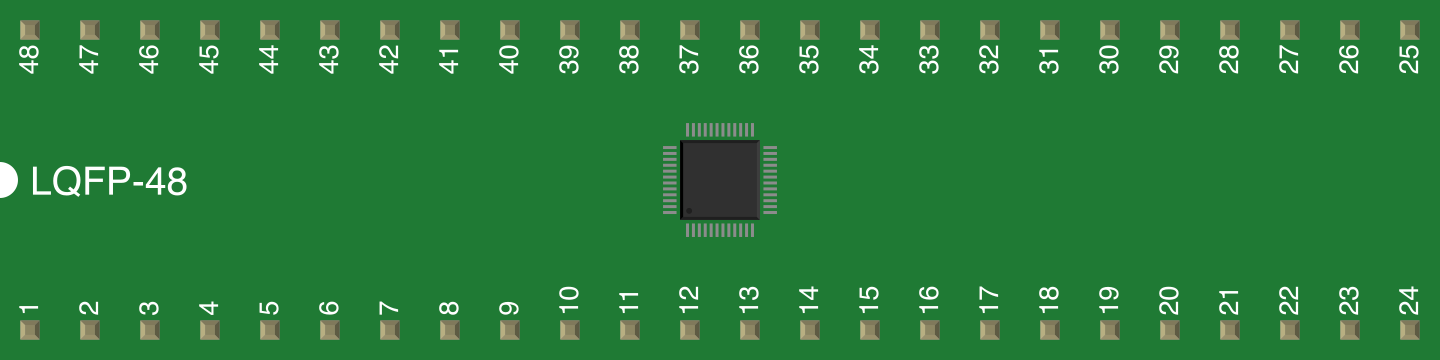
 Design with VS1000 in Cirkit Designer
Introduction
The VS1000, manufactured by VLSI Solution, is a versatile audio decoder and player chip designed for embedded systems. It supports multiple audio formats, including MP3 and WAV, making it ideal for audio playback applications. The chip features built-in memory, a simple control interface, and low power consumption, making it suitable for portable and embedded audio solutions.
Explore Projects Built with VS1000
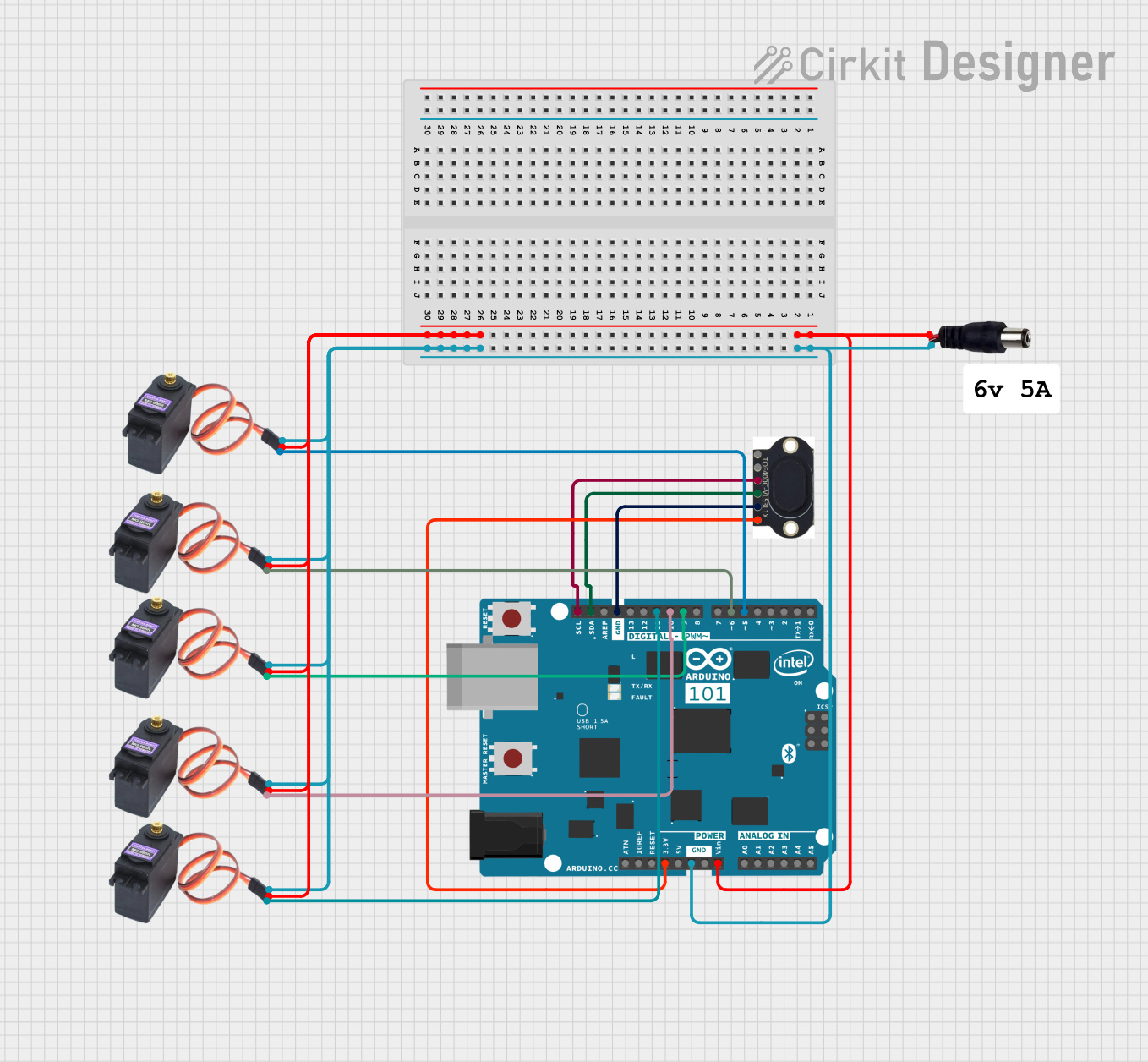 Open Project in Cirkit Designer
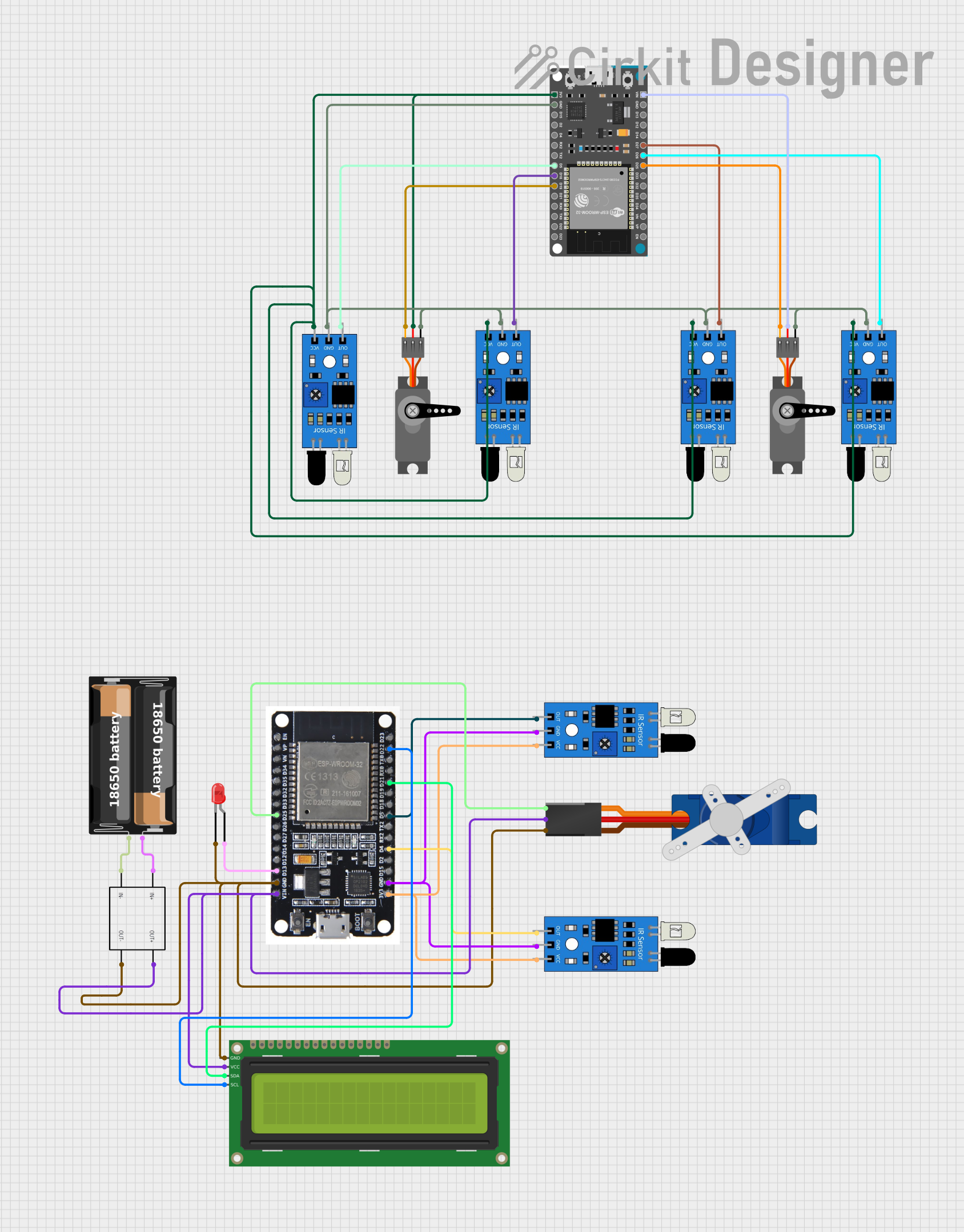 Open Project in Cirkit Designer
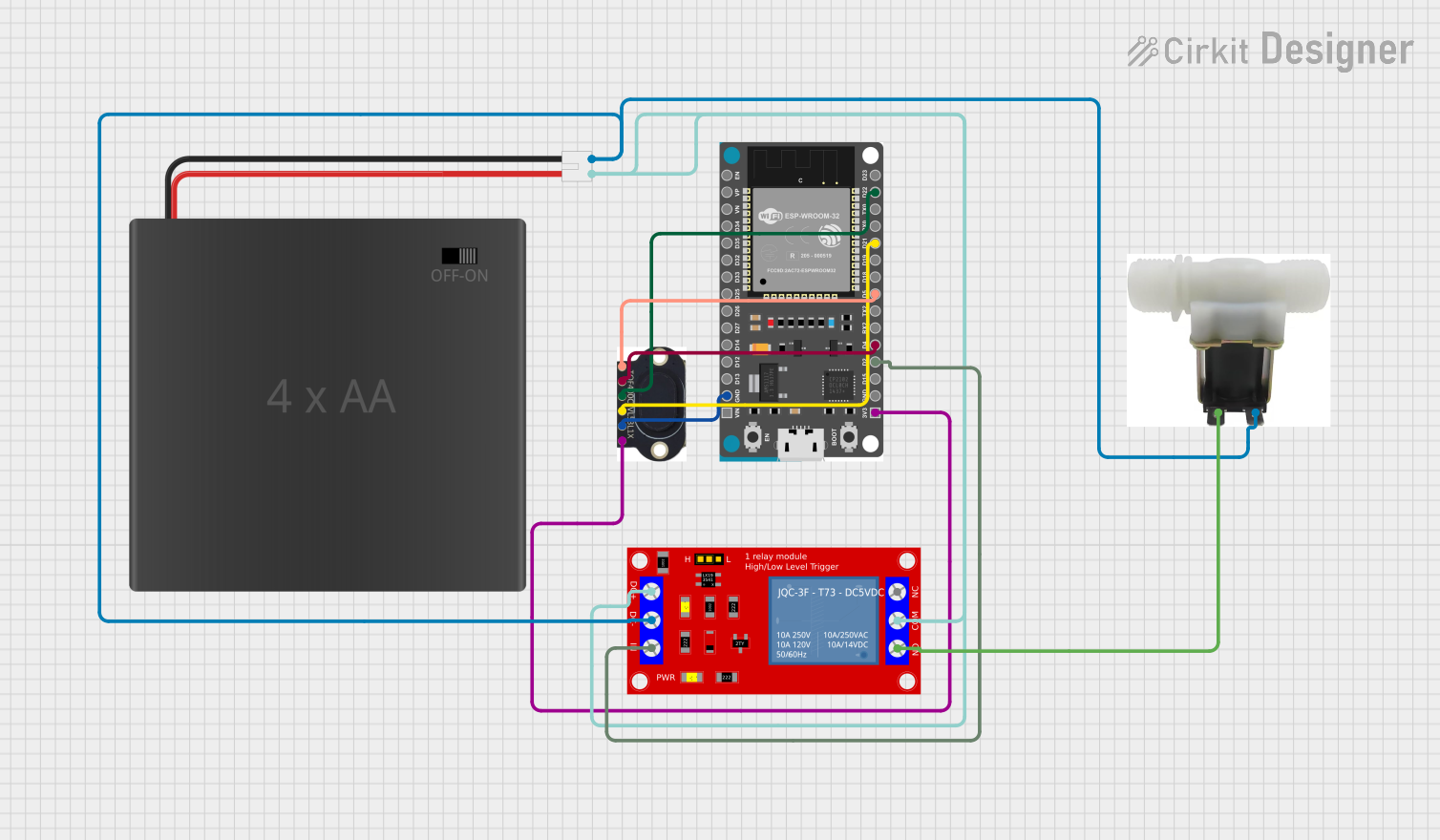 Open Project in Cirkit Designer
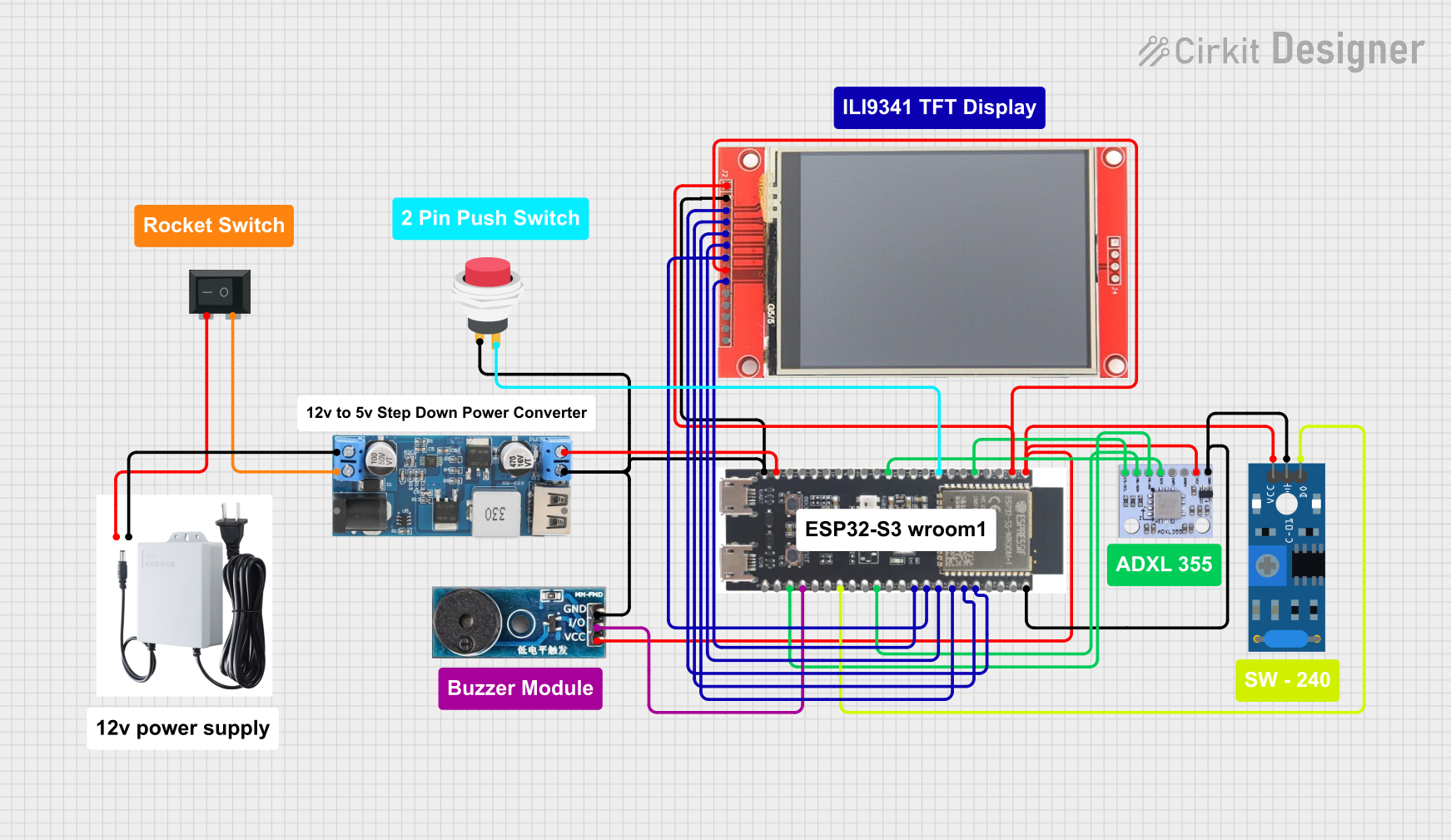 Open Project in Cirkit Designer
Explore Projects Built with VS1000
Open Project in Cirkit DesignerOpen Project in Cirkit DesignerOpen Project in Cirkit DesignerOpen Project in Cirkit DesignerCommon Applications
- Audio playback in embedded systems
- Portable audio devices
- Voice guidance systems
- Audio toys and educational devices
- Industrial audio alerts and notifications
Technical Specifications
Key Technical Details
| Parameter | Value |
|---|---|
| Manufacturer Part ID | VS1000 |
| Supported Audio Formats | MP3, WAV |
| Operating Voltage | 2.7V to 3.6V |
| Power Consumption | Low power consumption (varies by use case) |
| Built-in Memory | 32 KB RAM, 128 KB Flash |
| Clock Frequency | 12 MHz |
| Audio Output | Stereo DAC with line-level output |
| Control Interface | UART, SPI, GPIO |
| Package Type | LQFP-48 |
Pin Configuration and Descriptions
The VS1000 comes in a 48-pin LQFP package. Below is a summary of the key pins and their functions:
| Pin Number | Pin Name | Description |
|---|---|---|
| 1 | VDD | Positive power supply |
| 2 | GND | Ground |
| 10 | RX | UART receive pin for control commands |
| 11 | TX | UART transmit pin for status and data |
| 20 | SPI_CS | SPI chip select |
| 21 | SPI_CLK | SPI clock |
| 22 | SPI_MOSI | SPI master-out, slave-in |
| 23 | SPI_MISO | SPI master-in, slave-out |
| 30 | AUDIO_L | Left channel audio output |
| 31 | AUDIO_R | Right channel audio output |
| 40 | GPIO0 | General-purpose I/O pin |
| 41 | GPIO1 | General-purpose I/O pin |
For a complete pinout, refer to the official datasheet provided by VLSI Solution.
Usage Instructions
Using the VS1000 in a Circuit
- Power Supply: Connect the VS1000 to a stable 3.3V power supply. Ensure proper decoupling capacitors are placed near the VDD and GND pins to minimize noise.
- Audio Output: Connect the AUDIO_L and AUDIO_R pins to an audio amplifier or directly to headphones/speakers for playback.
- Control Interface: Use either UART or SPI to send commands to the VS1000. For simple applications, GPIO pins can also be used for basic control.
- Audio Files: Store audio files in the internal flash memory or an external storage device (e.g., SD card) connected to the VS1000.
- Clock Source: Ensure the 12 MHz clock is properly connected and stable for accurate audio decoding.
Important Considerations
- Decoupling: Use 0.1 µF and 10 µF capacitors close to the power pins to reduce noise.
- Audio Quality: Use high-quality external components (e.g., capacitors, resistors) to ensure optimal audio performance.
- Heat Dissipation: Ensure proper ventilation or heat sinking if the chip operates for extended periods.
- Firmware Updates: The VS1000 supports firmware updates via its SPI interface. Always use the latest firmware for improved functionality and bug fixes.
Example: Connecting VS1000 to Arduino UNO
Below is an example of how to control the VS1000 using an Arduino UNO via UART:
#include <SoftwareSerial.h>

// Define RX and TX pins for communication with VS1000
SoftwareSerial vs1000Serial(10, 11); // RX = Pin 10, TX = Pin 11

void setup() {
  // Initialize serial communication with VS1000
  vs1000Serial.begin(9600); // Set baud rate to 9600
  Serial.begin(9600);       // For debugging with PC

  // Send initialization command to VS1000
  vs1000Serial.println("INIT"); // Replace with actual VS1000 command
  Serial.println("VS1000 Initialized");
}

void loop() {
  // Example: Play an audio file
  vs1000Serial.println("PLAY audiofile.mp3"); // Replace with actual command
  Serial.println("Playing audio file...");

  delay(5000); // Wait for 5 seconds (simulate playback duration)

  // Example: Stop playback
  vs1000Serial.println("STOP");
  Serial.println("Playback stopped");

  delay(2000); // Wait before repeating
}
Note: Replace the commands (INIT, PLAY, STOP) with the actual command set supported by the VS1000. Refer to the VS1000 command documentation for details.
Troubleshooting and FAQs
Common Issues and Solutions
No Audio Output:
- Ensure the audio files are in a supported format (MP3 or WAV).
- Verify the connections to the AUDIO_L and AUDIO_R pins.
- Check the power supply voltage and ensure it is within the operating range.
Chip Not Responding to Commands:
- Verify the UART or SPI connections.
- Check the baud rate or clock settings.
- Ensure the VS1000 is properly powered and reset.
Distorted Audio:
- Check the quality of external components (e.g., capacitors, resistors).
- Ensure the audio output is not overloaded (e.g., driving low-impedance speakers directly).
Firmware Update Fails:
- Ensure the SPI interface is correctly connected.
- Use the official firmware update tool provided by VLSI Solution.
FAQs
Q: Can the VS1000 play audio from an SD card?
A: Yes, the VS1000 supports external storage devices like SD cards for audio playback.
Q: What is the maximum audio file size supported?
A: The maximum file size depends on the storage medium and file system used. Refer to the datasheet for specific details.
Q: Can I use the VS1000 for real-time audio streaming?
A: The VS1000 is primarily designed for audio playback. Real-time streaming may require additional hardware or software support.
Q: Is the VS1000 compatible with 5V logic?
A: No, the VS1000 operates at 3.3V logic levels. Use level shifters if interfacing with 5V systems.
For further assistance, consult the official datasheet or contact VLSI Solution's technical support.