
How to Use GPS NEO6MV2: Examples, Pinouts, and Specs
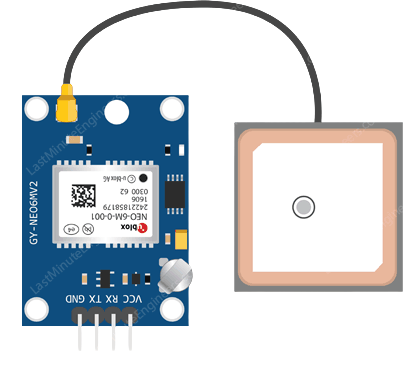
 Design with GPS NEO6MV2 in Cirkit Designer
Introduction
The GPS NEO6MV2, manufactured by Ublox, is a compact and reliable GPS module designed to provide accurate positioning data using the Global Positioning System. It features a high-sensitivity receiver, low power consumption, and a compact design, making it ideal for a wide range of navigation and location-based applications. This module is commonly used in drones, vehicle tracking systems, wearable devices, and IoT projects.
Explore Projects Built with GPS NEO6MV2
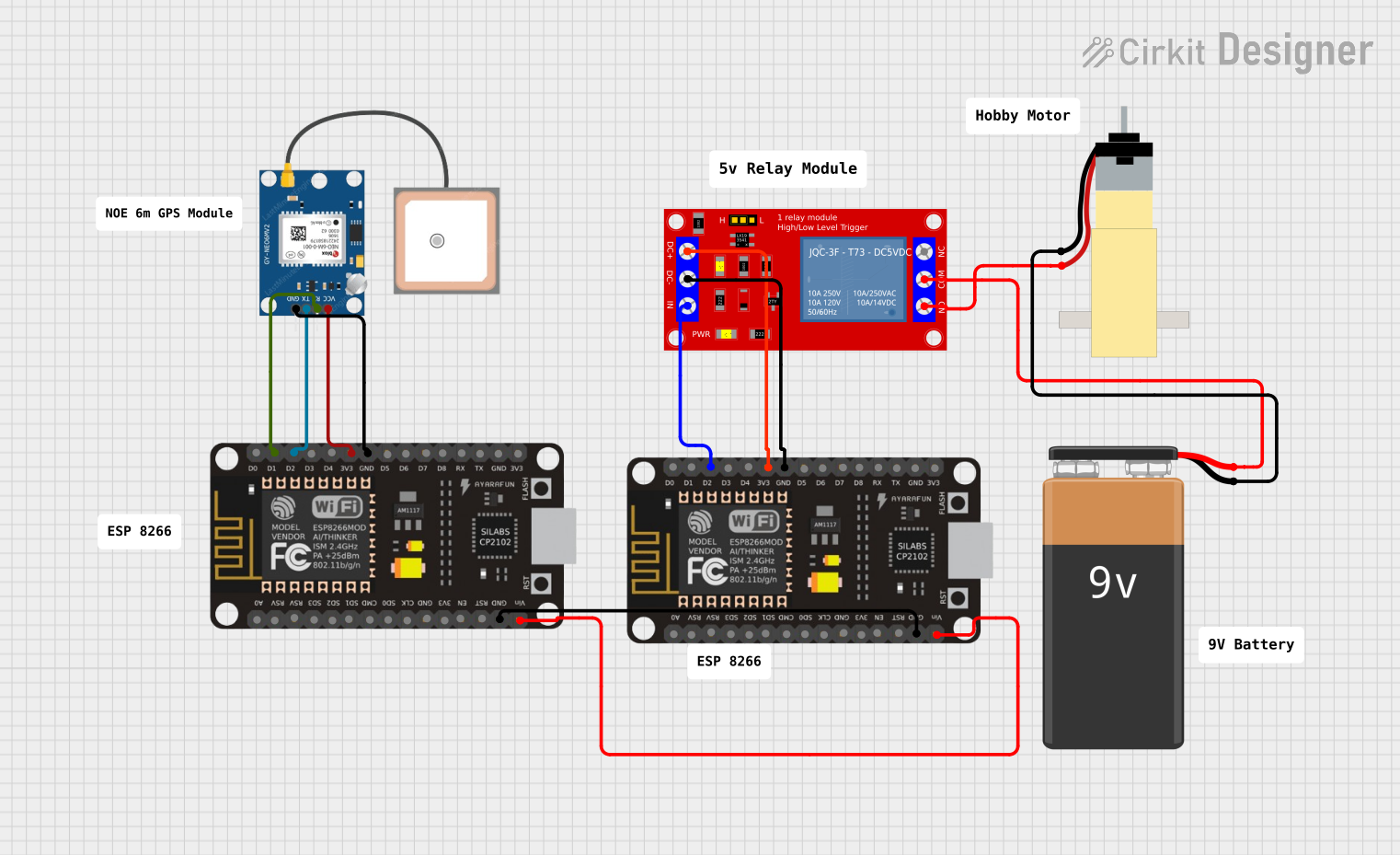 Open Project in Cirkit Designer
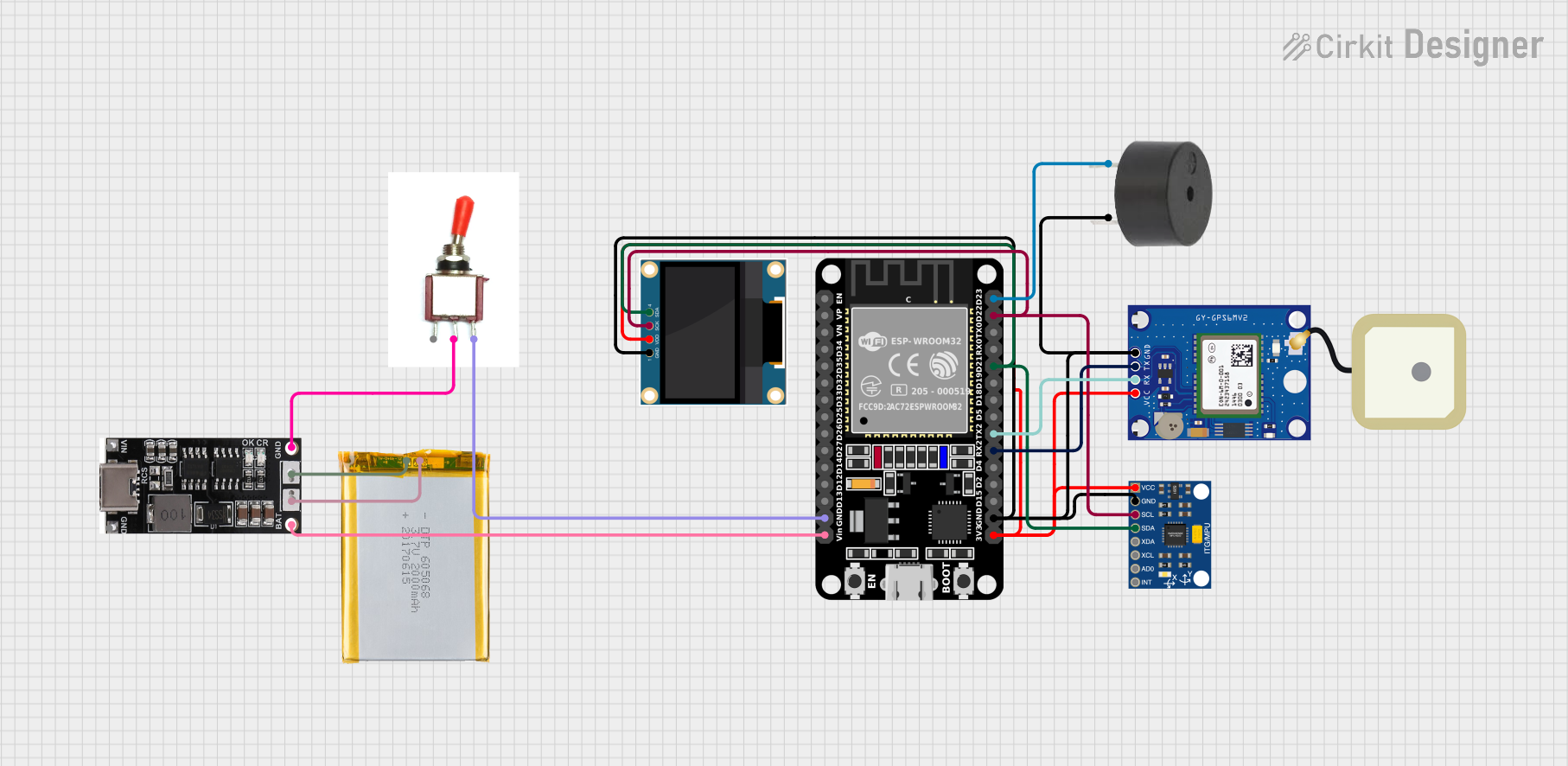 Open Project in Cirkit Designer
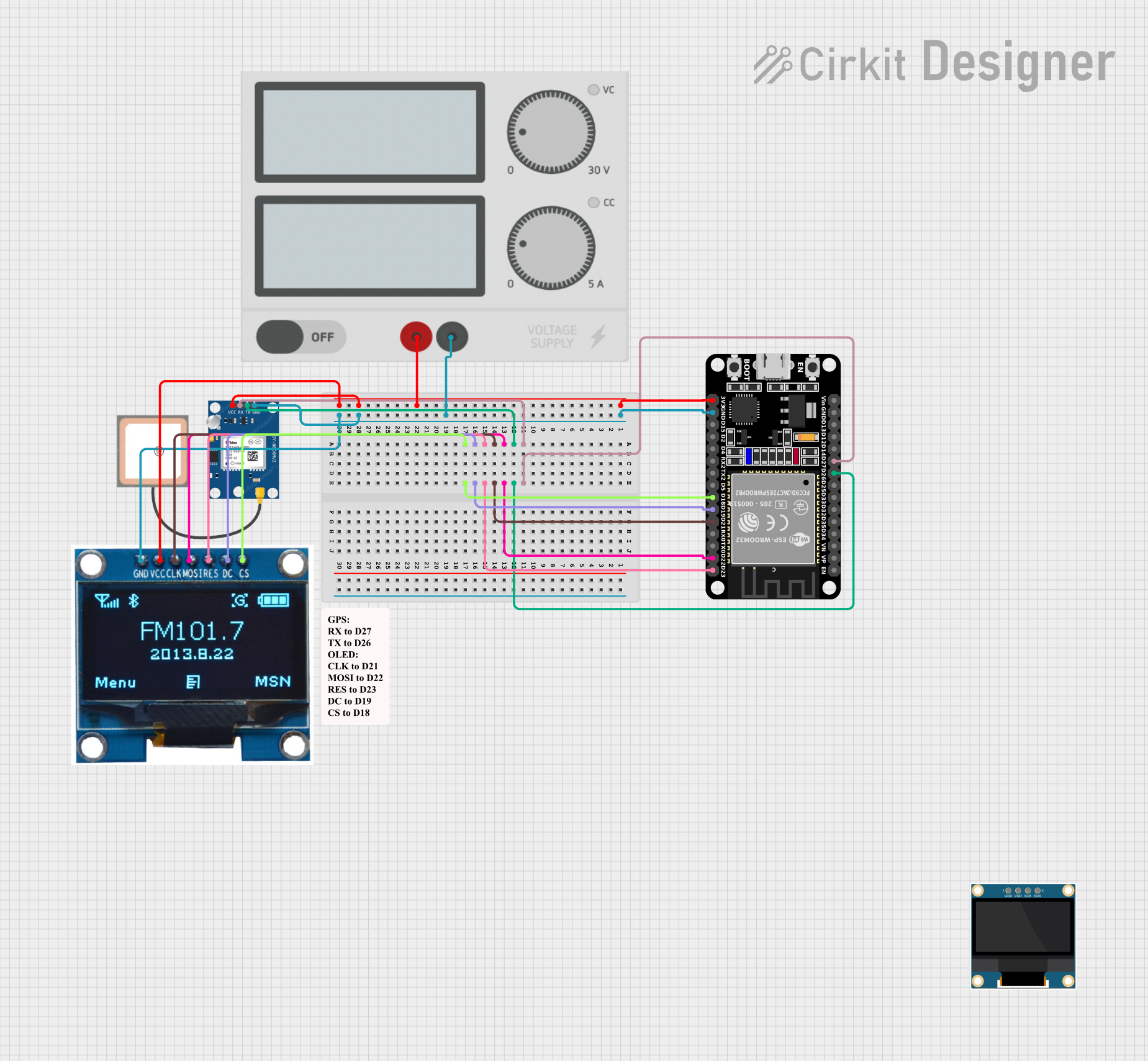 Open Project in Cirkit Designer
 Open Project in Cirkit Designer
Explore Projects Built with GPS NEO6MV2
Open Project in Cirkit DesignerOpen Project in Cirkit DesignerOpen Project in Cirkit DesignerOpen Project in Cirkit DesignerTechnical Specifications
The GPS NEO6MV2 module is equipped with advanced features to ensure precise and efficient GPS data acquisition. Below are the key technical details:
Key Specifications
- Manufacturer: Ublox
- Part ID: GPS
- Supply Voltage: 2.7V to 3.6V (typical 3.3V)
- Operating Current: ~45mA
- Communication Protocol: UART (default) or I2C
- Baud Rate: Default 9600 bps (configurable)
- Position Accuracy: 2.5 meters CEP (Circular Error Probable)
- Update Rate: Up to 5 Hz
- Antenna: External active antenna (3V)
- Operating Temperature: -40°C to +85°C
- Dimensions: 16 x 12.2 x 2.4 mm
Pin Configuration and Descriptions
The GPS NEO6MV2 module typically comes with a 4-pin interface for easy integration into circuits. Below is the pinout description:
| Pin | Name | Description |
|---|---|---|
| 1 | VCC | Power supply input (3.3V recommended). |
| 2 | GND | Ground connection. |
| 3 | TXD | Transmit data pin (UART output). Sends GPS data to the microcontroller. |
| 4 | RXD | Receive data pin (UART input). Receives configuration commands from the MCU. |
Usage Instructions
The GPS NEO6MV2 module is straightforward to use and can be easily integrated into microcontroller-based projects. Below are the steps and best practices for using the module:
Connecting the GPS NEO6MV2 to a Microcontroller
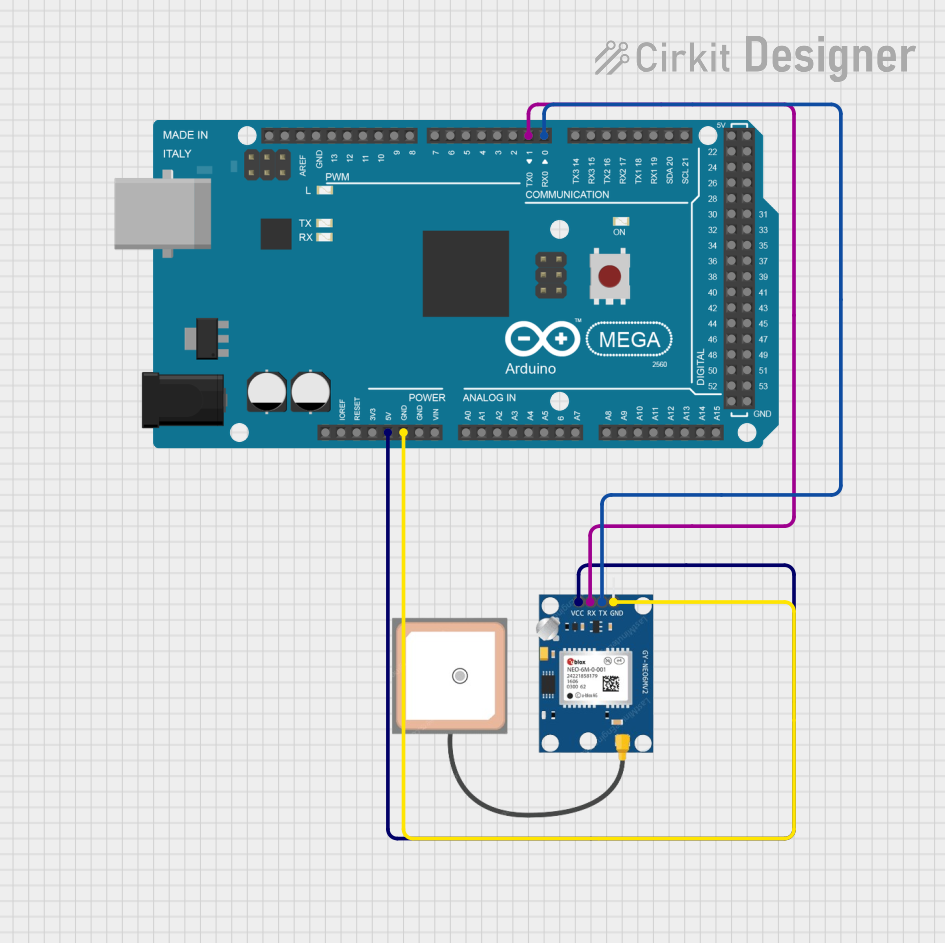
- Power Supply: Connect the VCC pin to a 3.3V power source and the GND pin to the ground.
- UART Communication:
- Connect the TXD pin of the GPS module to the RX pin of the microcontroller.
- Connect the RXD pin of the GPS module to the TX pin of the microcontroller.
- Antenna: Attach an external active antenna to the module for better signal reception, especially in indoor or obstructed environments.
Example: Using GPS NEO6MV2 with Arduino UNO
Below is an example code to interface the GPS NEO6MV2 module with an Arduino UNO. The code reads GPS data and displays it on the Serial Monitor.
#include <SoftwareSerial.h>

// Define RX and TX pins for SoftwareSerial
SoftwareSerial gpsSerial(4, 3); // RX = Pin 4, TX = Pin 3

void setup() {
  Serial.begin(9600);          // Initialize Serial Monitor at 9600 bps
  gpsSerial.begin(9600);       // Initialize GPS module at 9600 bps
  Serial.println("GPS Module Initialized");
}

void loop() {
  // Check if data is available from the GPS module
  while (gpsSerial.available()) {
    char gpsData = gpsSerial.read(); // Read one character from GPS
    Serial.print(gpsData);           // Print the character to Serial Monitor
  }
}
Best Practices
- Ensure the module is placed in an open area for optimal satellite signal reception.
- Use a stable 3.3V power supply to avoid damaging the module.
- Configure the baud rate of the GPS module to match the microcontroller's UART settings.
- Use a decoupling capacitor (e.g., 10µF) near the VCC pin to reduce power supply noise.
Troubleshooting and FAQs
Common Issues and Solutions
No GPS Data Received
- Cause: Poor satellite signal reception or incorrect wiring.
- Solution: Ensure the module is in an open area with a clear view of the sky. Verify the TX and RX connections.
Garbage Data on Serial Monitor
- Cause: Mismatched baud rate between the GPS module and the microcontroller.
- Solution: Set the correct baud rate (default is 9600 bps) in your code.
Module Not Powering On
- Cause: Insufficient or incorrect power supply.
- Solution: Provide a stable 3.3V power source and check the connections.
Intermittent GPS Signal
- Cause: Weak antenna signal or interference.
- Solution: Use an active antenna and ensure it is properly connected.
FAQs
Q: Can the GPS NEO6MV2 work indoors?
A: The module may work indoors but with reduced accuracy and reliability. For best results, use it in an open area.Q: How do I change the baud rate of the GPS module?
A: You can send specific configuration commands (UBX protocol) to the module via UART to change the baud rate.Q: What is the maximum update rate of the GPS NEO6MV2?
A: The module supports an update rate of up to 5 Hz, which means it can provide position data 5 times per second.Q: Can I use the GPS NEO6MV2 with a 5V microcontroller?
A: Yes, but you need a level shifter or voltage divider to safely interface the 3.3V TX/RX pins with the 5V logic.
By following this documentation, you can effectively integrate and utilize the GPS NEO6MV2 module in your projects.