
How to Use LVD: Examples, Pinouts, and Specs
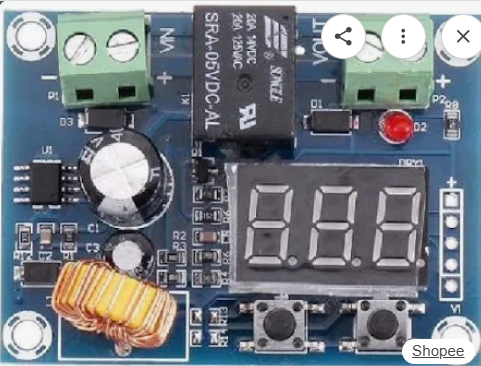
 Design with LVD in Cirkit Designer
Introduction
A Low Voltage Disconnect (LVD) is a protective device designed to disconnect a battery from its load when the battery voltage falls below a predefined threshold. This functionality prevents deep discharge, which can lead to permanent damage or reduced lifespan of the battery. LVDs are commonly used in renewable energy systems, automotive applications, and backup power systems to ensure battery health and reliability.
Explore Projects Built with LVD
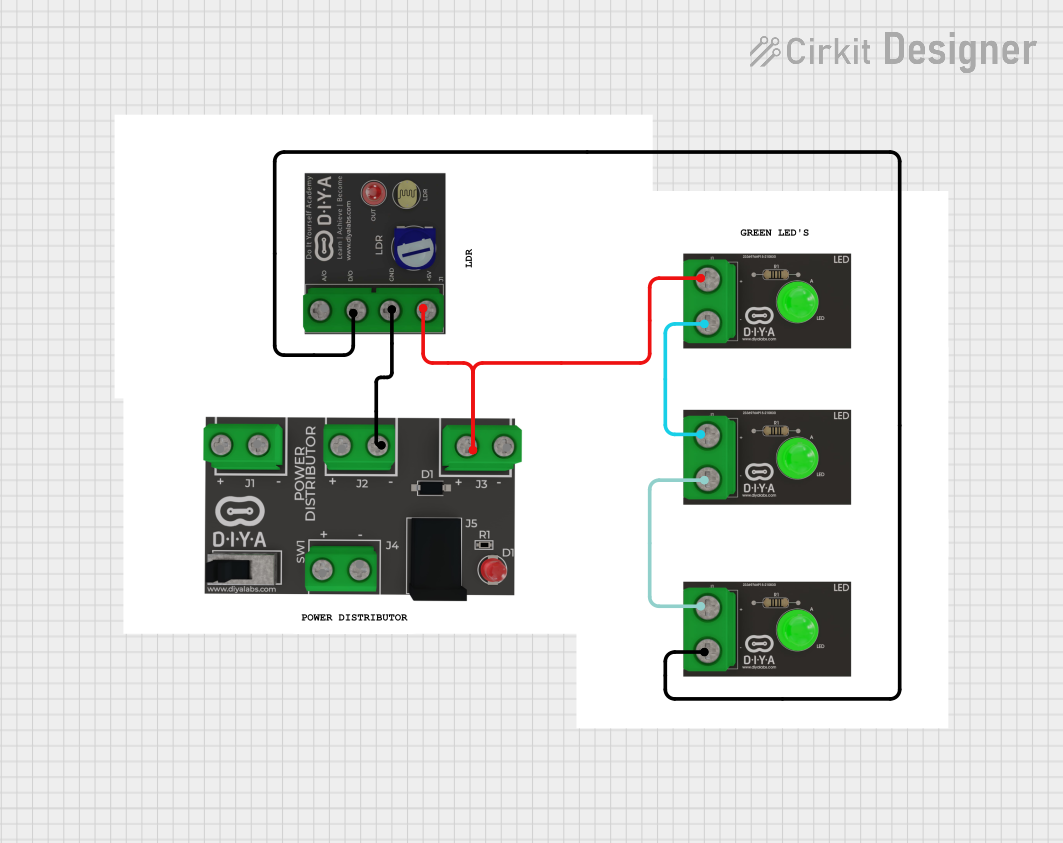 Open Project in Cirkit Designer
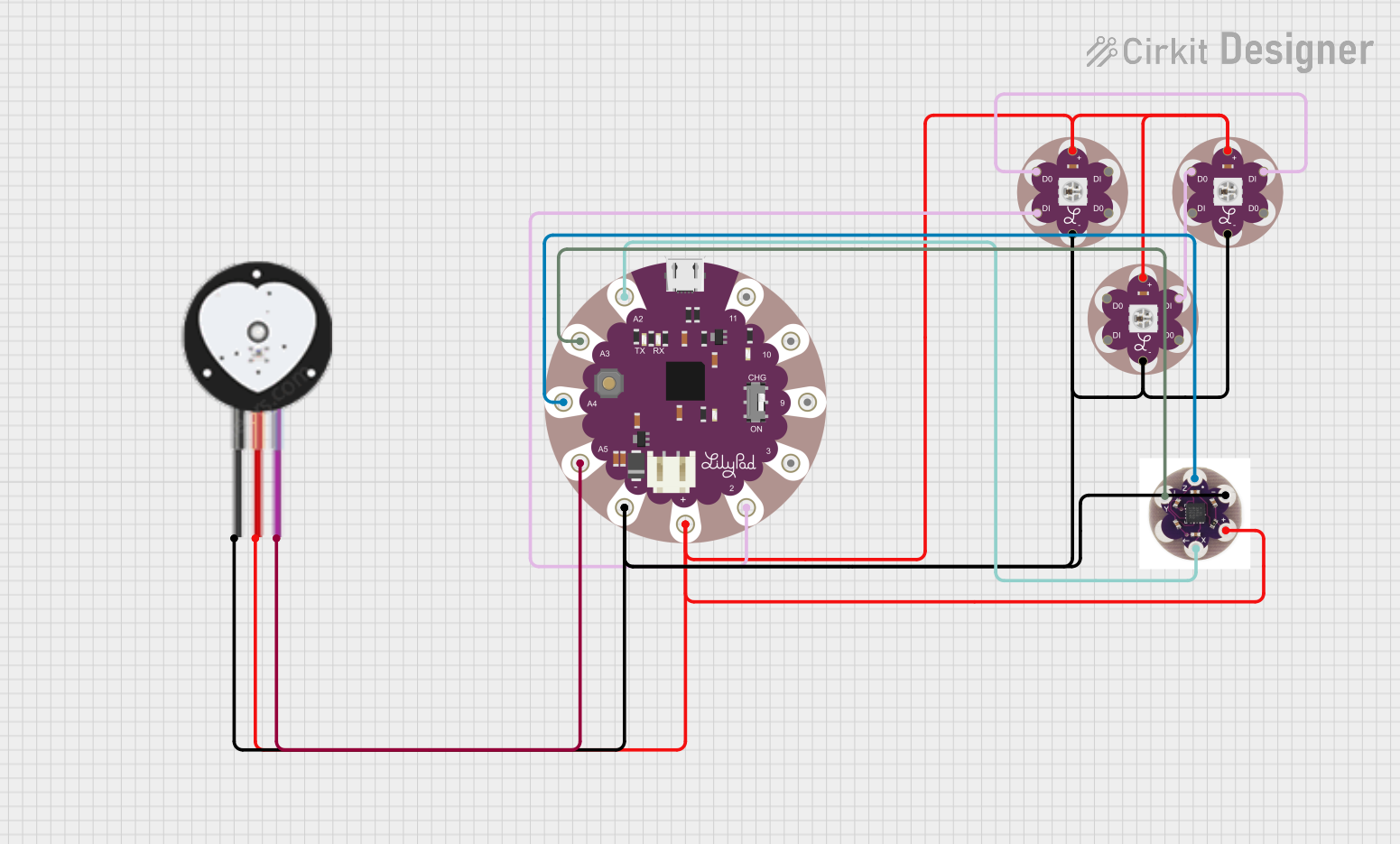 Open Project in Cirkit Designer
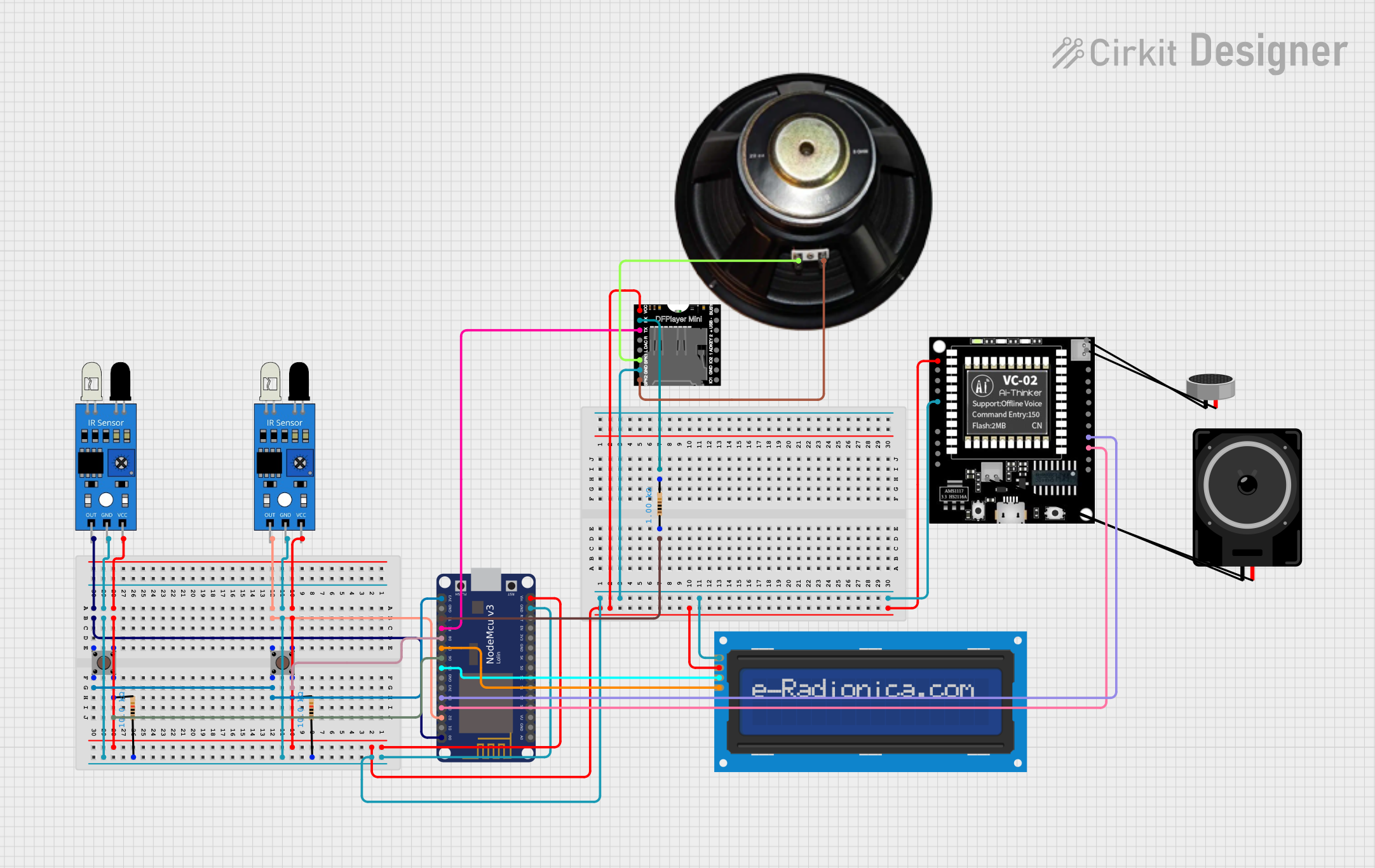 Open Project in Cirkit Designer
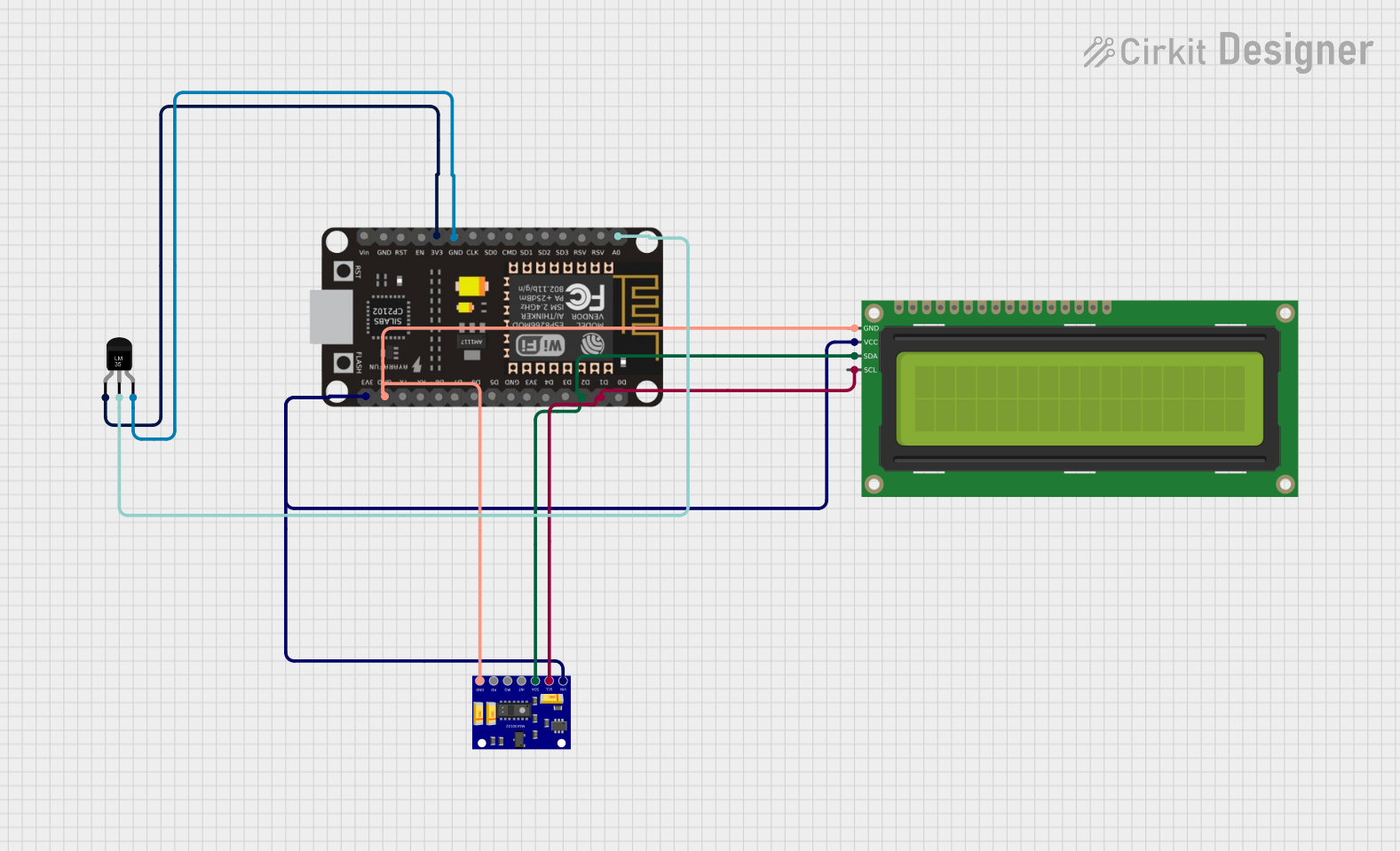 Open Project in Cirkit Designer
Explore Projects Built with LVD
Open Project in Cirkit DesignerOpen Project in Cirkit DesignerOpen Project in Cirkit DesignerOpen Project in Cirkit DesignerCommon Applications and Use Cases
- Solar power systems to protect batteries from over-discharge.
- Automotive systems to prevent battery drain from auxiliary loads.
- Uninterruptible Power Supplies (UPS) and backup power systems.
- Off-grid energy storage systems.
- Marine and RV battery management.
Technical Specifications
Below are the general technical specifications for a typical LVD. Note that specific models may vary, so always refer to the manufacturer's datasheet for exact details.
| Parameter | Value |
|---|---|
| Operating Voltage Range | 6V to 48V (model-dependent) |
| Disconnect Voltage | Adjustable (e.g., 10.5V for 12V systems) |
| Reconnect Voltage | Adjustable (e.g., 12.5V for 12V systems) |
| Maximum Load Current | 10A to 100A (model-dependent) |
| Power Consumption | Typically < 10mA |
| Operating Temperature | -40°C to +85°C |
| Protection Features | Overload, short circuit, reverse polarity |
Pin Configuration and Descriptions
The LVD typically has the following terminals or connections:
| Pin/Terminal | Description |
|---|---|
| Battery (+) | Positive terminal of the battery. |
| Battery (-) | Negative terminal of the battery (ground). |
| Load (+) | Positive terminal of the load. |
| Load (-) | Negative terminal of the load (ground). |
| Control Input | Optional input for external control or override. |
| Status Output | Optional output to indicate LVD status (e.g., LED). |
Usage Instructions
How to Use the LVD in a Circuit
- Connect the Battery:
- Attach the positive terminal of the battery to the
Battery (+)pin. - Attach the negative terminal of the battery to the
Battery (-)pin.
- Attach the positive terminal of the battery to the
- Connect the Load:
- Connect the positive terminal of the load to the
Load (+)pin. - Connect the negative terminal of the load to the
Load (-)pin.
- Connect the positive terminal of the load to the
- Adjust Voltage Thresholds (if applicable):
- Use the adjustment knobs or programming interface (if available) to set the disconnect and reconnect voltage levels according to your battery's specifications.
- Power On:
- Once connected, the LVD will monitor the battery voltage and automatically disconnect the load if the voltage drops below the set threshold.
Important Considerations and Best Practices
- Set Proper Voltage Levels: Ensure the disconnect and reconnect voltages are set according to the battery manufacturer's recommendations to avoid over-discharge or premature disconnection.
- Check Current Ratings: Verify that the LVD's maximum load current rating exceeds the current requirements of your load.
- Use Proper Wiring: Use appropriately rated wires and connectors to handle the current without overheating or voltage drops.
- Monitor Status: If the LVD has a status output, connect it to an LED or microcontroller to monitor its operation.
- Avoid Overloading: Do not exceed the LVD's maximum current rating, as this may damage the device.
Example: Connecting an LVD to an Arduino UNO
If your LVD has a status output, you can connect it to an Arduino UNO to monitor the LVD's state. Below is an example code snippet:
// Example code to monitor LVD status using Arduino UNO
const int lvdStatusPin = 2; // Pin connected to LVD status output
const int ledPin = 13;      // Built-in LED for status indication

void setup() {
  pinMode(lvdStatusPin, INPUT); // Set LVD status pin as input
  pinMode(ledPin, OUTPUT);      // Set LED pin as output
  Serial.begin(9600);           // Initialize serial communication
}

void loop() {
  int lvdStatus = digitalRead(lvdStatusPin); // Read LVD status

  if (lvdStatus == HIGH) {
    // LVD is active (load disconnected)
    digitalWrite(ledPin, HIGH); // Turn on LED
    Serial.println("LVD Active: Load Disconnected");
  } else {
    // LVD is inactive (load connected)
    digitalWrite(ledPin, LOW);  // Turn off LED
    Serial.println("LVD Inactive: Load Connected");
  }

  delay(1000); // Wait for 1 second before next reading
}
Troubleshooting and FAQs
Common Issues and Solutions
LVD Does Not Disconnect the Load:
- Cause: Disconnect voltage is set too low.
- Solution: Adjust the disconnect voltage to a higher value suitable for your battery.
LVD Disconnects Prematurely:
- Cause: Disconnect voltage is set too high or there is a sudden voltage drop due to high load.
- Solution: Lower the disconnect voltage or check for excessive load current.
LVD Does Not Reconnect the Load:
- Cause: Reconnect voltage is set too high.
- Solution: Adjust the reconnect voltage to a lower value within the battery's safe operating range.
Overheating of Wires or Connectors:
- Cause: Wires are undersized for the current.
- Solution: Use thicker wires with appropriate current ratings.
LVD Status Output Not Working:
- Cause: Incorrect wiring or damaged status pin.
- Solution: Verify connections and check the LVD's datasheet for proper usage.
FAQs
Q1: Can I use an LVD with a lithium-ion battery?
A1: Yes, but ensure the disconnect and reconnect voltages are set according to the lithium-ion battery's specifications to avoid over-discharge or overcharging.
Q2: What happens if the load exceeds the LVD's current rating?
A2: Most LVDs have built-in overload protection and will disconnect the load. However, repeated overloading can damage the device.
Q3: Can I use an LVD in a 24V system?
A3: Yes, as long as the LVD's operating voltage range includes 24V and the disconnect/reconnect voltages are appropriately set.
Q4: How do I know if the LVD is working?
A4: Many LVDs have an LED indicator or status output pin that shows whether the load is connected or disconnected. You can also measure the voltage at the load terminals to verify.
By following this documentation, you can effectively use an LVD to protect your battery and ensure reliable operation in your system.