
How to Use Fuse 300A: Examples, Pinouts, and Specs
 Design with Fuse 300A in Cirkit Designer
Introduction
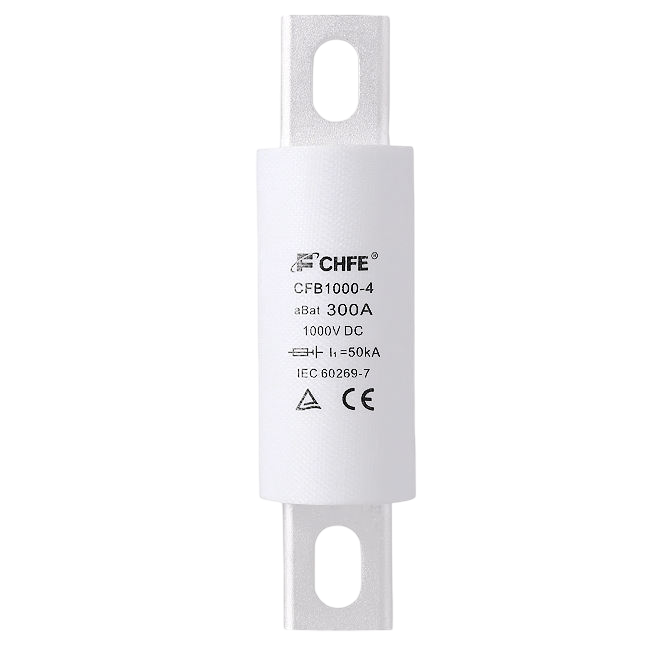
The Fuse 300A by Saya is a high-current protective device designed to safeguard electrical circuits by interrupting the flow of electricity when the current exceeds 300 amperes. This ensures the protection of sensitive components and prevents potential damage caused by overcurrent conditions. The fuse is a critical component in high-power systems, offering reliable and efficient circuit protection.
Explore Projects Built with Fuse 300A
 Open Project in Cirkit Designer
 Open Project in Cirkit Designer
 Open Project in Cirkit Designer
 Open Project in Cirkit Designer
Explore Projects Built with Fuse 300A
Open Project in Cirkit DesignerOpen Project in Cirkit DesignerOpen Project in Cirkit DesignerOpen Project in Cirkit DesignerCommon Applications and Use Cases
- Automotive electrical systems (e.g., battery protection in electric vehicles)
- Industrial machinery and equipment
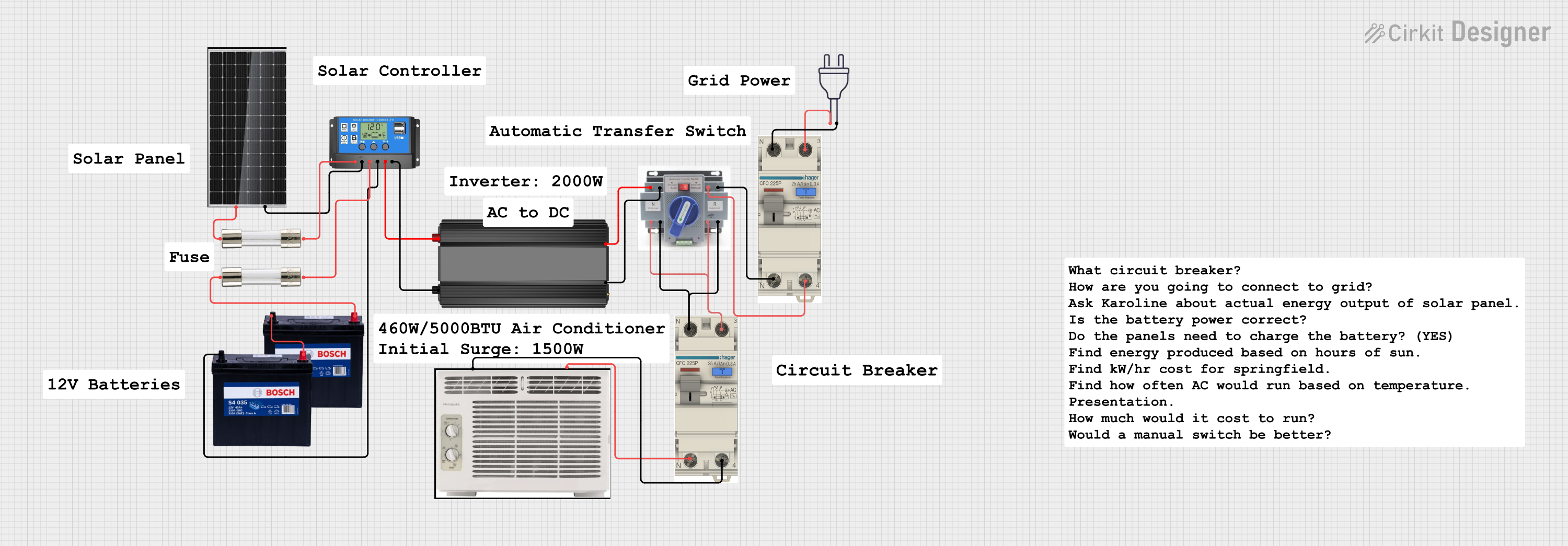
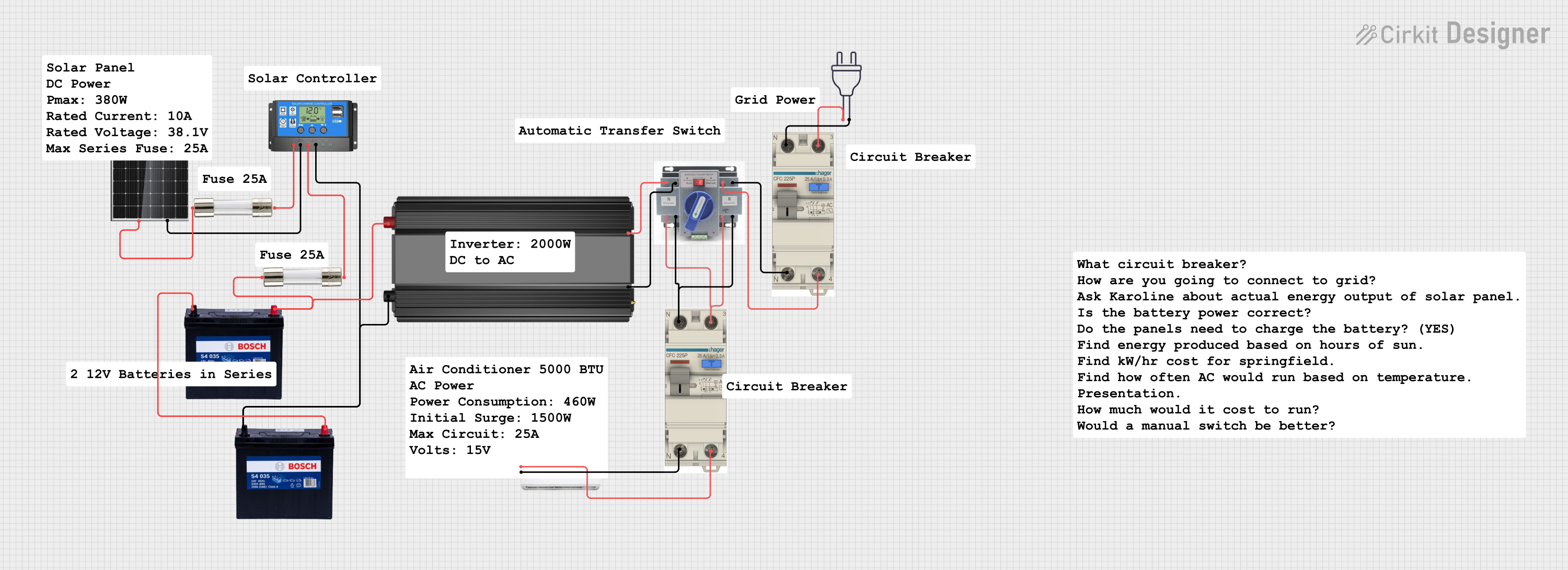
- Renewable energy systems (e.g., solar inverters, battery banks)
- High-power distribution panels
- Uninterruptible Power Supplies (UPS)
Technical Specifications
The following table outlines the key technical details of the Fuse 300A:
| Parameter | Specification |
|---|---|
| Rated Current | 300 Amperes |
| Rated Voltage | 32 Volts DC |
| Interrupting Capacity | 10,000 Amperes at 32V DC |
| Fuse Type | Blade-type (ANL style) |
| Material | Zinc alloy element, thermoplastic body |
| Operating Temperature | -40°C to +105°C |
| Dimensions | 80mm x 20mm x 8mm |
| Mounting Style | Bolt-on |
| Compliance Standards | RoHS, UL 248-14 |
Pin Configuration and Descriptions
The Fuse 300A does not have traditional pins but instead features two bolt-on terminals for secure connections. The table below describes the terminals:
| Terminal | Description |
|---|---|
| Terminal 1 | Input terminal for connecting the power source |
| Terminal 2 | Output terminal for connecting to the load |
Usage Instructions
How to Use the Fuse 300A in a Circuit
- Determine the Fuse Rating: Ensure the Fuse 300A is appropriate for your circuit's current requirements. The fuse should be rated slightly above the normal operating current but below the maximum current the circuit can handle.
- Mounting the Fuse:
- Secure the fuse in a compatible fuse holder or directly bolt it onto the circuit using the provided terminals.
- Ensure the connections are tight to minimize resistance and prevent overheating.
- Connect the Circuit:
- Attach the input terminal to the positive side of the power source.
- Connect the output terminal to the load.
- Verify the Installation:
- Double-check all connections for proper polarity and secure mounting.
- Ensure the fuse is installed in an accessible location for easy replacement.
Important Considerations and Best Practices
- Voltage Rating: Do not exceed the rated voltage of 32V DC to avoid compromising the fuse's performance.
- Interrupting Capacity: Ensure the circuit's fault current does not exceed the fuse's interrupting capacity of 10,000A.
- Environmental Conditions: Avoid exposing the fuse to extreme temperatures or moisture beyond its operating range.
- Replacement: Always replace a blown fuse with an identical Fuse 300A to maintain circuit protection.
Example: Using the Fuse 300A with an Arduino UNO
While the Fuse 300A is not typically used directly with low-power devices like an Arduino UNO, it can be integrated into the power supply circuit of a larger system that includes the Arduino. Below is an example of how to protect a 12V battery-powered system:
// Example: Monitoring a 12V battery system with Arduino
// Note: The Fuse 300A is used to protect the battery circuit, not the Arduino itself.

const int batteryPin = A0; // Analog pin to read battery voltage
float voltageDividerRatio = 5.0; // Adjust based on your resistor divider

void setup() {
  Serial.begin(9600); // Initialize serial communication
  pinMode(batteryPin, INPUT); // Set battery pin as input
}

void loop() {
  int sensorValue = analogRead(batteryPin); // Read voltage from battery
  float batteryVoltage = sensorValue * (5.0 / 1023.0) * voltageDividerRatio;

  // Print the battery voltage to the serial monitor
  Serial.print("Battery Voltage: ");
  Serial.print(batteryVoltage);
  Serial.println(" V");

  delay(1000); // Wait 1 second before the next reading
}
Note: In this example, the Fuse 300A is used to protect the 12V battery circuit. Ensure the fuse is installed between the battery's positive terminal and the load.
Troubleshooting and FAQs
Common Issues and Solutions
| Issue | Possible Cause | Solution |
|---|---|---|
| Fuse blows frequently | Circuit current exceeds 300A | Check the circuit for short circuits or excessive load. Use a higher-rated fuse if necessary. |
| Fuse terminals overheating | Loose connections or high resistance | Tighten the terminal connections and ensure proper contact. |
| Circuit not functioning after fuse installation | Incorrect polarity or blown fuse | Verify the connections and replace the fuse if necessary. |
| Fuse does not blow during overcurrent | Fault current is below the fuse's rating | Ensure the circuit's fault current exceeds 300A for proper operation. |
FAQs
Can the Fuse 300A be used in AC circuits?
- No, the Fuse 300A is rated for DC circuits only. Using it in AC circuits may result in improper operation.
How do I know if the fuse has blown?
- Inspect the fuse visually for a broken element or use a multimeter to check for continuity.
Can I use a lower-rated fuse as a replacement?
- No, always replace the Fuse 300A with an identical fuse to ensure proper circuit protection.
What happens if the fuse is exposed to temperatures beyond its operating range?
- Extreme temperatures may degrade the fuse's performance or cause premature failure. Always operate within the specified range of -40°C to +105°C.
By following this documentation, you can effectively integrate and maintain the Fuse 300A in your high-current circuits, ensuring reliable protection and performance.