The WeAct 4.2 E-paper Module is a low-power display module that utilizes E-ink technology to deliver a paper-like reading experience. This module is designed for applications where minimal power consumption and excellent visibility in various lighting conditions are critical. Its reflective display technology ensures that content remains readable even under direct sunlight, making it ideal for outdoor and portable devices.
Explore Projects Built with WeAct 4.2 E-paper module
Use Cirkit Designer to design, explore, and prototype these projects online. Some projects support real-time simulation. Click "Open Project" to start designing instantly!
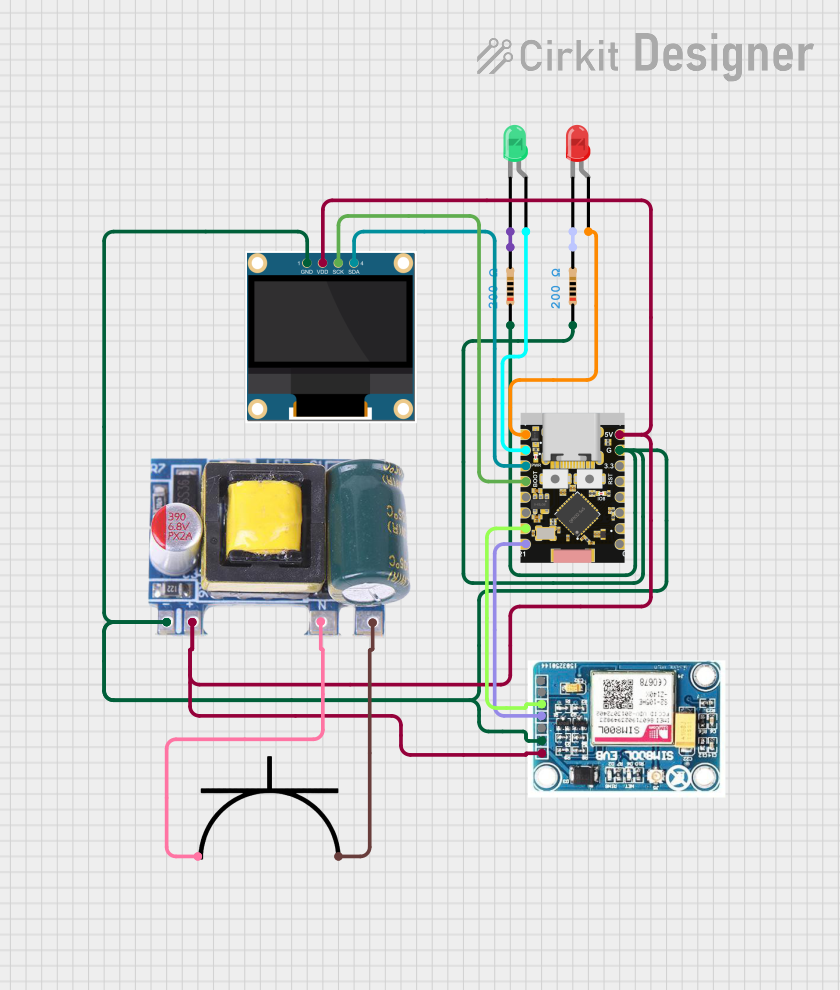
This circuit is a power monitoring system that uses an ESP32C3 microcontroller to collect power usage data from slave devices via WiFi and SMS. The collected data is displayed on a 0.96" OLED screen, and the system is powered by an AC-DC converter module. Additionally, the circuit includes a SIM800L GSM module for SMS communication and LEDs for status indication.
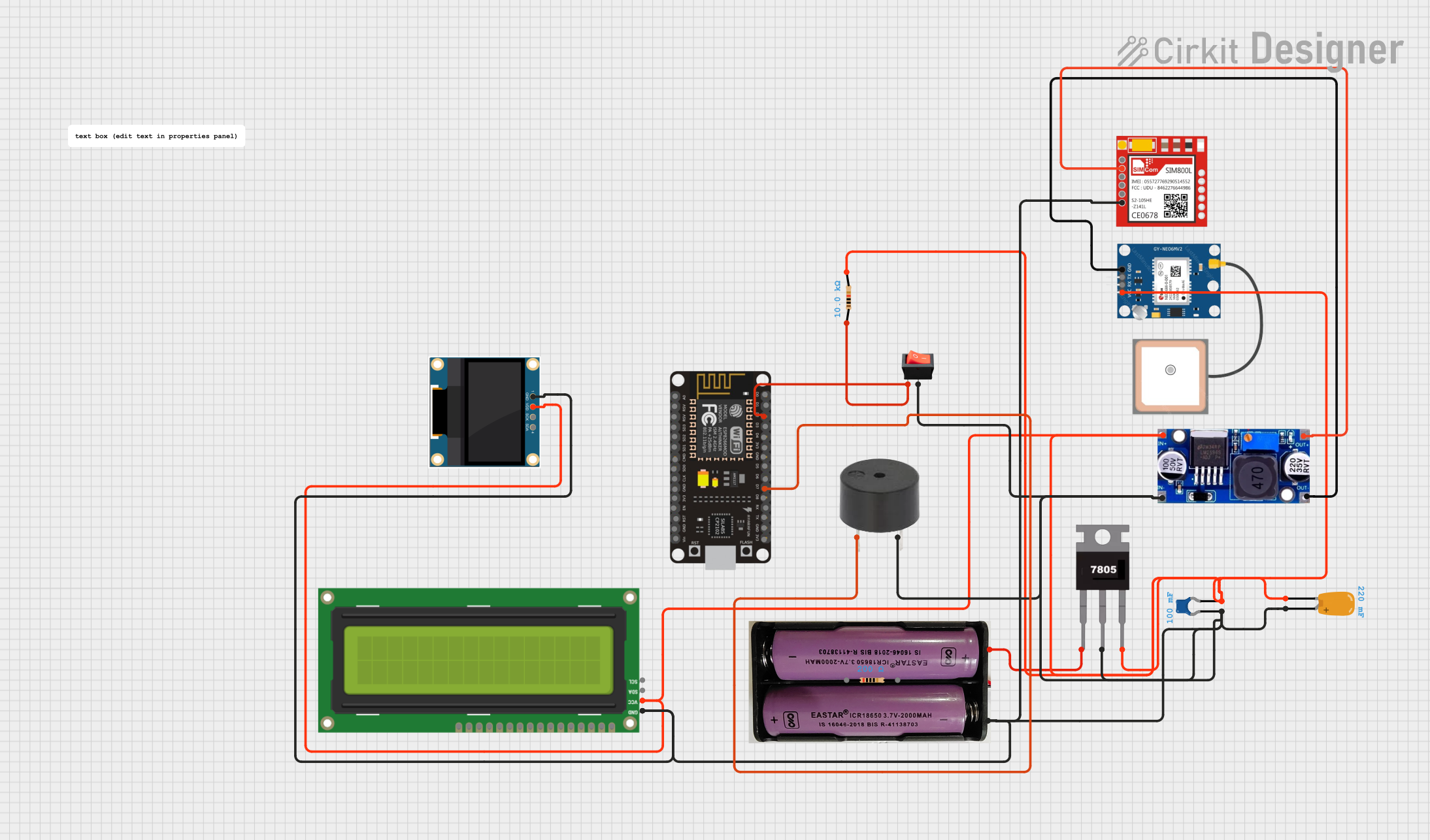
This circuit is a woman safety device that uses an ESP8266 NodeMCU to control an OLED display, a SIM800L GSM module, a GPS NEO 6M module, and a buzzer. The device is powered by a 7.4V battery regulated to 5V using a 7805 voltage regulator and includes a rocker switch for activation. When the switch is pressed, the buzzer sounds and an alert message is sent via the GSM module.
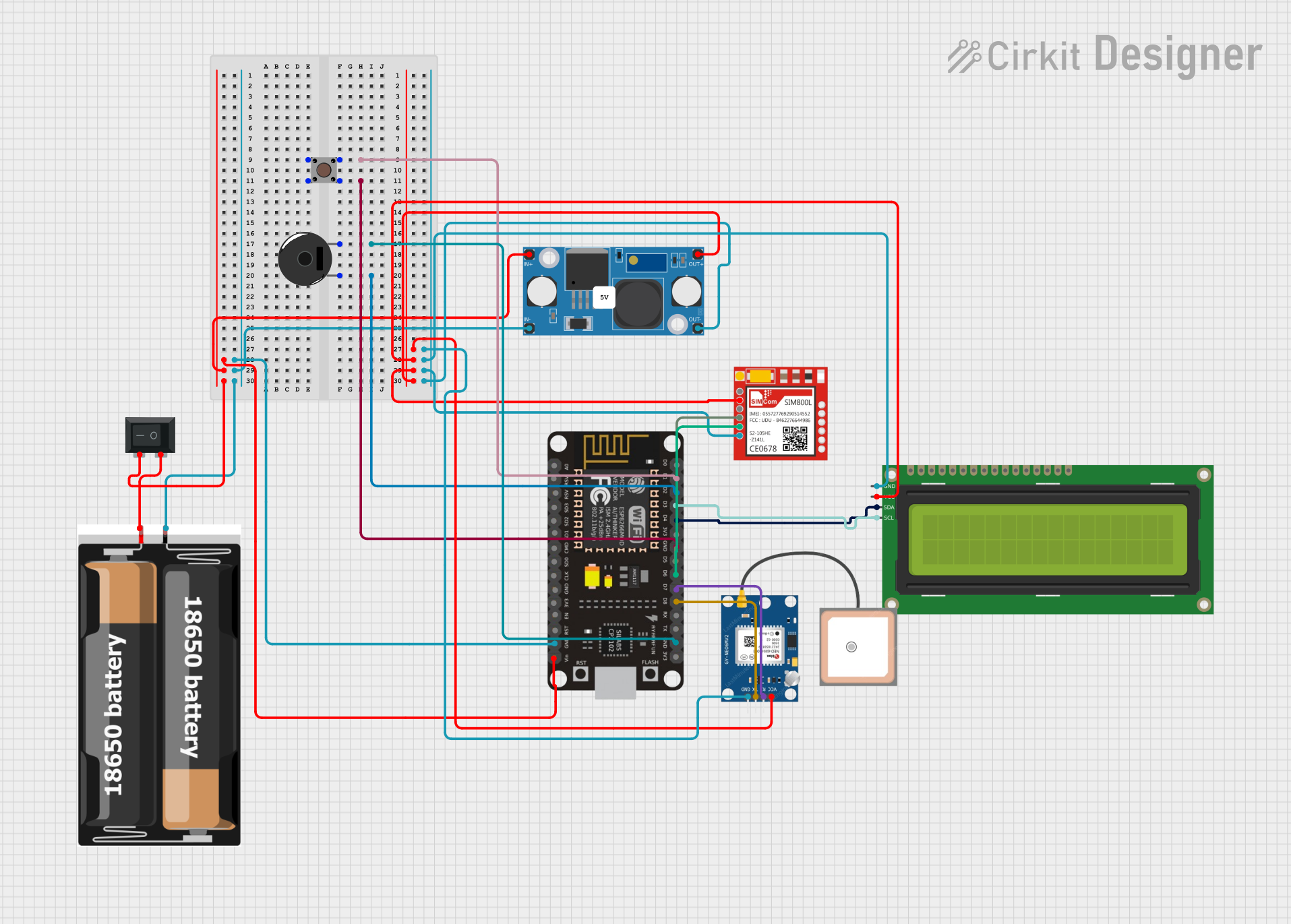
This circuit integrates an ESP8266 NodeMCU microcontroller with a SIM800L GSM module, a GPS NEO 6M module, and a 16x2 I2C LCD display for communication and location tracking. It also includes a pushbutton for user input, a piezo buzzer for audio alerts, and is powered by a 2x 18650 battery pack through an LM2596 step-down module.
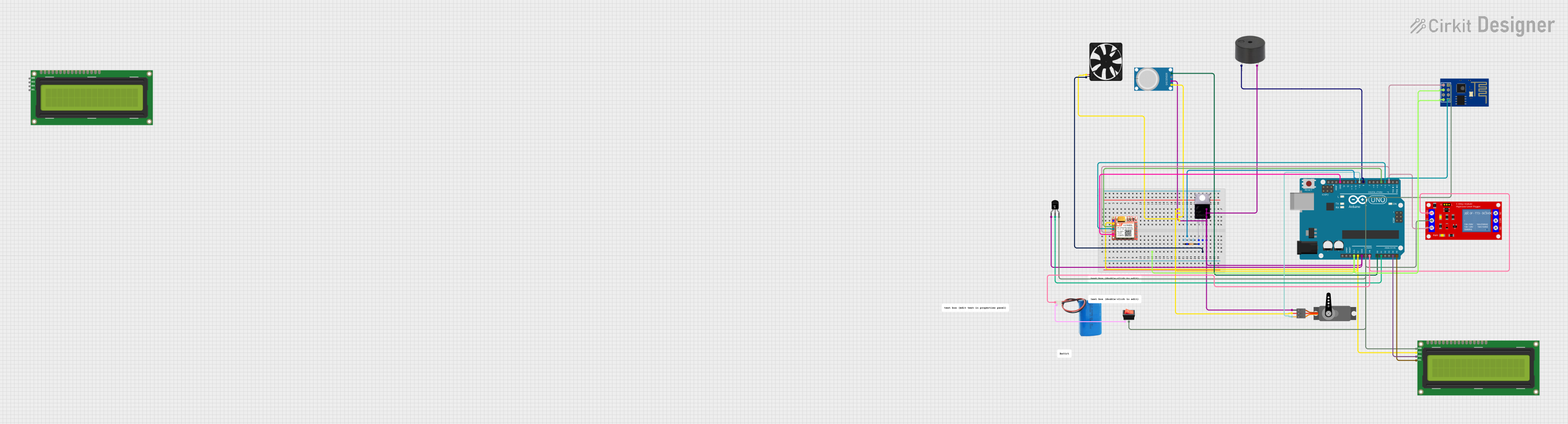
This is a multi-functional sensor and actuator system with wireless and GSM capabilities, built around an Arduino UNO. It includes environmental sensing, data display, and controlled actuation, suitable for applications like a smart environmental monitoring system with remote notifications.
E-readers: For displaying text and images in a paper-like format.
Smart home devices: Such as thermostats, weather stations, and digital signage.
Wearable devices: Low-power displays for fitness trackers or smartwatches.
Industrial applications: Status displays, inventory tags, and electronic shelf labels.
Prototyping and DIY projects: For hobbyists and developers working on low-power display solutions.
Technical Specifications
The following table outlines the key technical details of the WeAct 4.2 E-paper Module:
Parameter
Specification
Manufacturer
WeAct
Part ID
WeAct 4.2 E-paper Module
Display Size
4.2 inches
Resolution
400 x 300 pixels
Display Colors
Black and White
Interface
SPI
Operating Voltage
3.3V
Power Consumption
Ultra-low (only during refresh)
Refresh Time
~2 seconds
Viewing Angle
180°
Operating Temperature
-20°C to 70°C
Storage Temperature
-25°C to 80°C
Pin Configuration and Descriptions
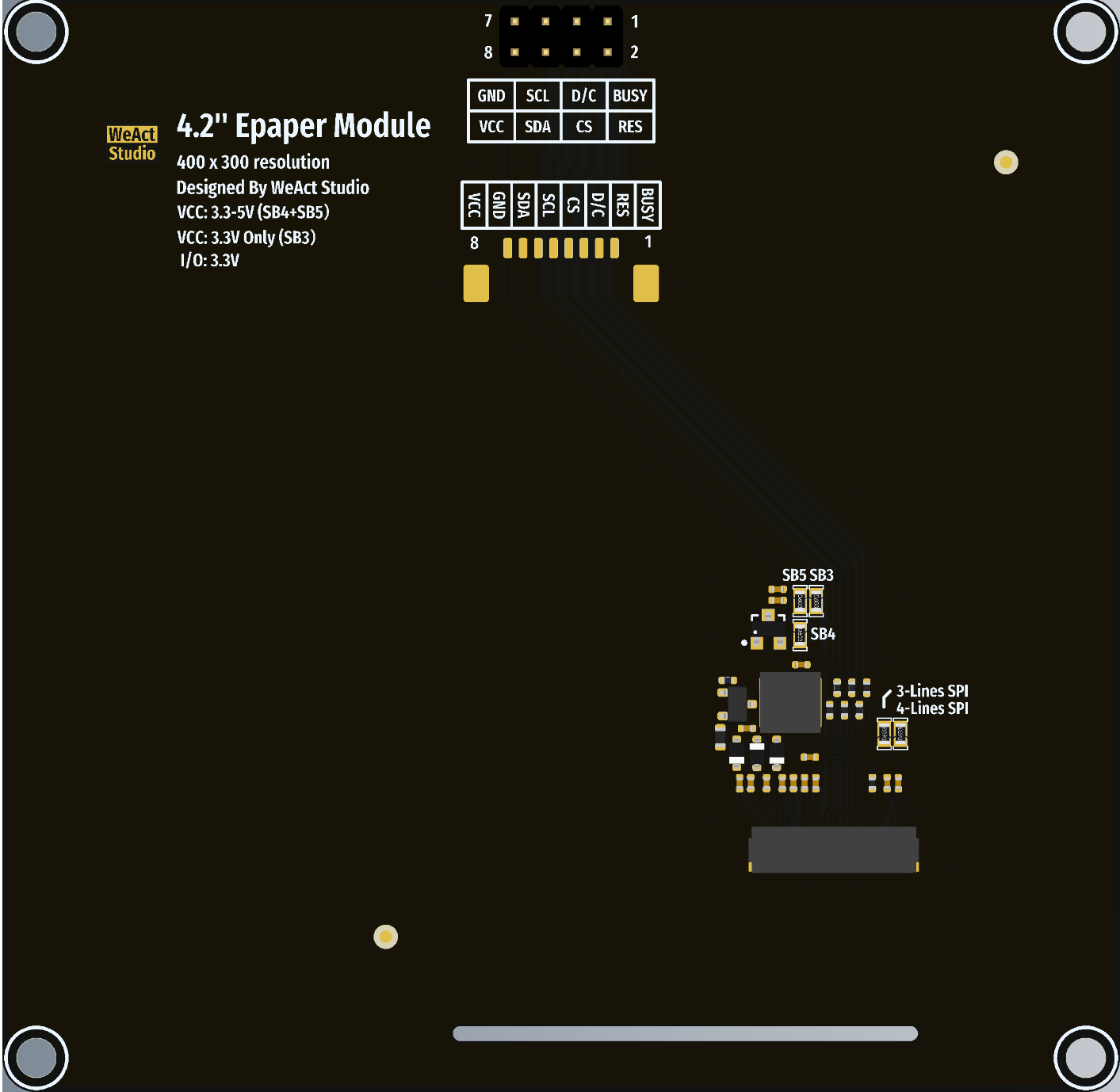
The WeAct 4.2 E-paper Module uses an SPI interface for communication. Below is the pin configuration:
Pin Name
Pin Number
Description
VCC
1
Power supply input (3.3V).
GND
2
Ground connection.
DIN
3
SPI data input (MOSI).
CLK
4
SPI clock input (SCK).
CS
5
Chip select (active low).
DC
6
Data/Command control pin.
RST
7
Reset pin (active low).
BUSY
8
Busy status output (high when refreshing).
Usage Instructions
How to Use the Component in a Circuit
Power Supply: Connect the VCC pin to a 3.3V power source and the GND pin to ground.
SPI Communication: Connect the SPI pins (DIN, CLK, CS) to the corresponding SPI pins on your microcontroller.
Control Pins:
Connect the DC pin to a GPIO pin on your microcontroller to toggle between data and command modes.
Connect the RST pin to a GPIO pin for resetting the module.
Connect the BUSY pin to a GPIO pin to monitor the module's busy status.
Initialization: Use the appropriate library or driver to initialize the module and send data for display.
Important Considerations and Best Practices
Power Consumption: The module consumes power only during screen refresh. Ensure that your circuit design accounts for this behavior.
Refresh Time: The refresh process takes approximately 2 seconds. Avoid sending new data during this time.
Avoid Frequent Refreshes: E-paper displays are not designed for rapid updates. Use them for static or semi-static content.
Protective Measures: Handle the module carefully to avoid damaging the delicate E-ink display surface.
Operating Voltage: Ensure that the module operates at 3.3V. Using higher voltages may damage the module.
Example Code for Arduino UNO
Below is an example of how to use the WeAct 4.2 E-paper Module with an Arduino UNO:
#include <SPI.h>
#include <GxEPD.h> // Include the GxEPD library for E-paper displays
#include <GxGDEW042T2/GxGDEW042T2.h> // Include the specific driver for 4.2" E-paper

// Pin definitions for the WeAct 4.2 E-paper Module
#define CS_PIN 10   // Chip select pin
#define DC_PIN 9    // Data/Command pin
#define RST_PIN 8   // Reset pin
#define BUSY_PIN 7  // Busy pin

// Create an instance of the display driver
GxIO_Class io(SPI, CS_PIN, DC_PIN, RST_PIN);
GxEPD_Class display(io, RST_PIN, BUSY_PIN);

void setup() {
  // Initialize serial communication for debugging
  Serial.begin(9600);
  Serial.println("Initializing E-paper Module...");

  // Initialize the display
  display.init();

  // Clear the display
  display.fillScreen(GxEPD_WHITE);
  display.update();

  // Display a message
  display.setTextColor(GxEPD_BLACK);
  display.setCursor(10, 50); // Set cursor position
  display.setTextSize(2);    // Set text size
  display.print("Hello, E-paper!");
  display.update();          // Refresh the display
}

void loop() {
  // The display retains the content without power, so no need to refresh here
}
Notes:
Install the GxEPD library in the Arduino IDE before running the code.
Adjust the pin definitions if using a different microcontroller.
Troubleshooting and FAQs
Common Issues Users Might Face
Display Not Refreshing:
Ensure that the SPI connections are correct and secure.
Verify that the power supply is stable and provides 3.3V.
Check the BUSY pin to ensure the module is not in a busy state.
Corrupted or Incomplete Display:
Ensure that the data sent to the module matches its resolution (400x300 pixels).
Verify that the correct driver is being used for the module.
Module Not Responding:
Check the RST pin connection and ensure the module is properly reset during initialization.
Confirm that the CS pin is correctly toggled during SPI communication.
Solutions and Tips for Troubleshooting
Use a multimeter to verify the voltage levels on the module's pins.
Test the SPI communication with a logic analyzer to ensure proper data transfer.
Refer to the GxEPD library documentation for additional configuration options and troubleshooting steps.
By following this documentation, you can effectively integrate the WeAct 4.2 E-paper Module into your projects and take advantage of its low-power, high-visibility display capabilities.

 Open Project in Cirkit Designer