
How to Use ESP32-S3 N16R8: Examples, Pinouts, and Specs
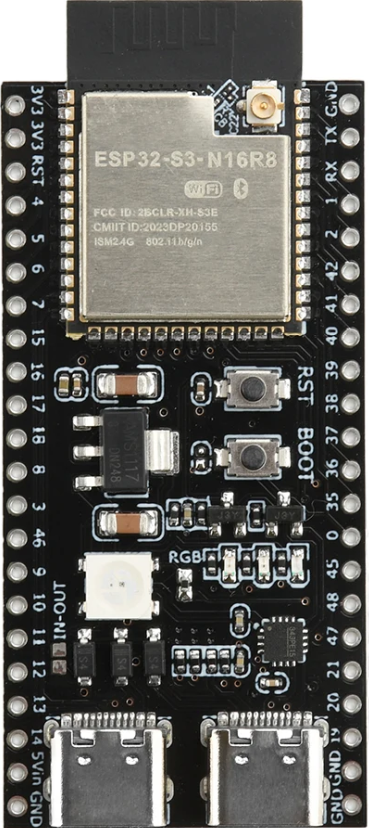
 Design with ESP32-S3 N16R8 in Cirkit Designer
Introduction
The ESP32-S3 N16R8 is a powerful microcontroller designed for advanced IoT applications and complex processing tasks. It features integrated Wi-Fi and Bluetooth connectivity, making it ideal for wireless communication in smart devices. With 16MB of flash memory and 8MB of RAM, the ESP32-S3 N16R8 is well-suited for applications requiring high processing power, such as AI, machine learning, and multimedia processing.
Explore Projects Built with ESP32-S3 N16R8
 Open Project in Cirkit Designer
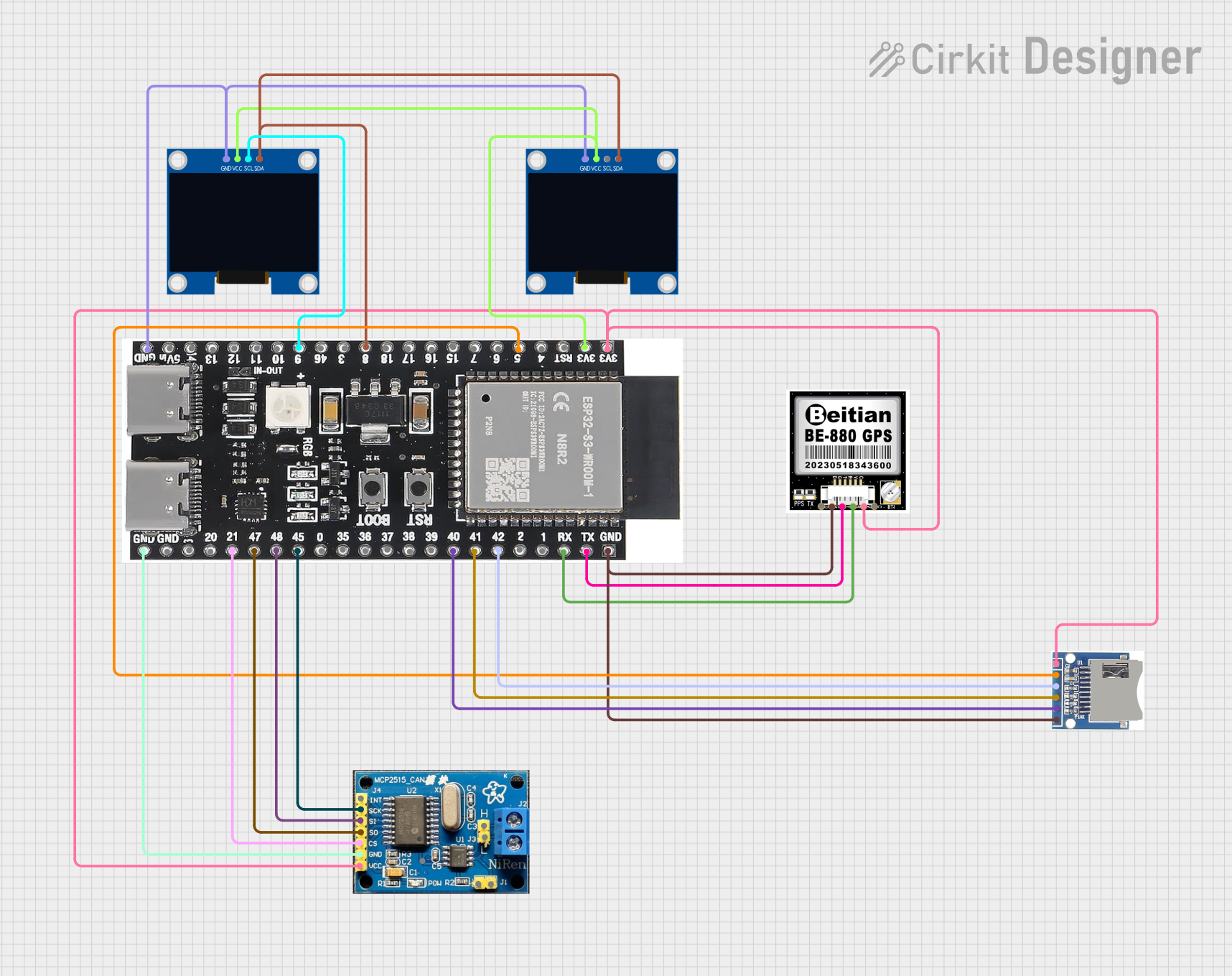 Open Project in Cirkit Designer
 Open Project in Cirkit Designer
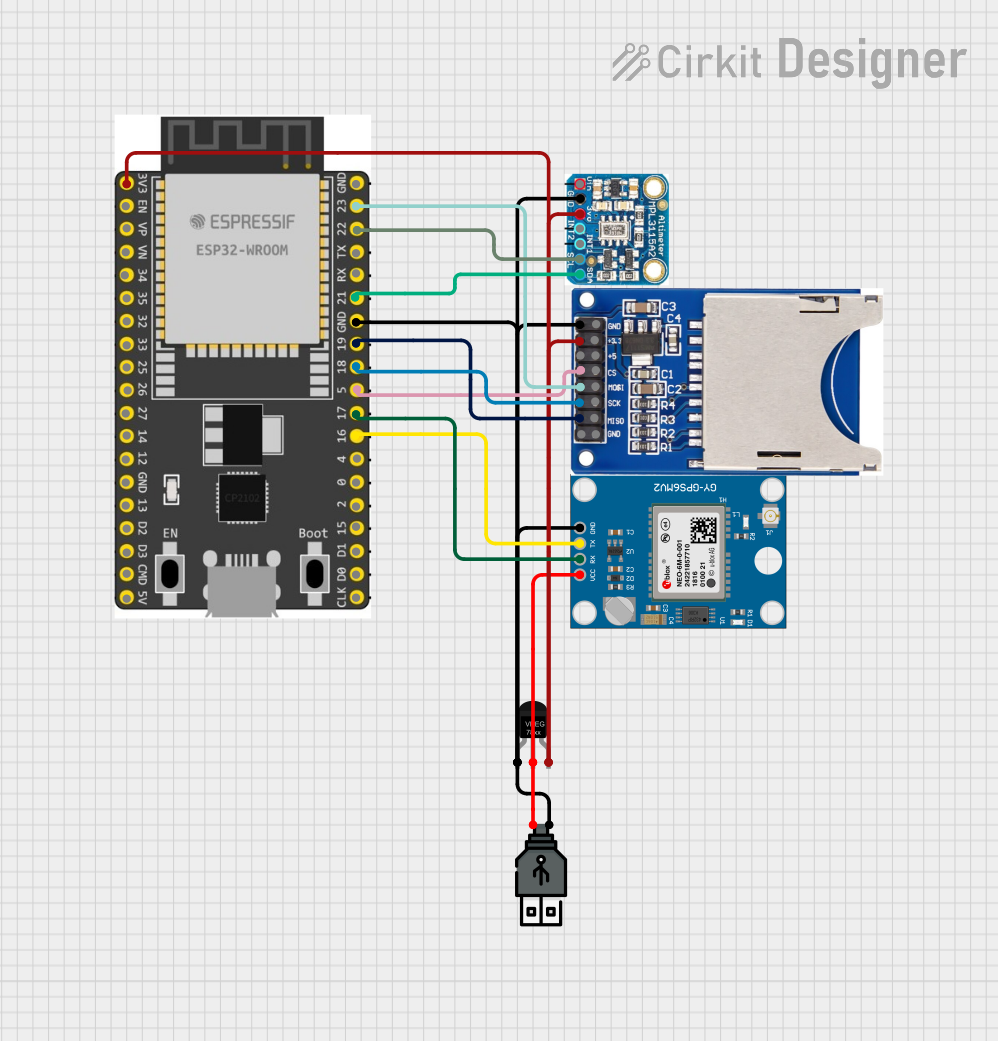 Open Project in Cirkit Designer
Explore Projects Built with ESP32-S3 N16R8
Open Project in Cirkit DesignerOpen Project in Cirkit DesignerOpen Project in Cirkit DesignerOpen Project in Cirkit DesignerCommon Applications and Use Cases
- IoT devices and smart home automation
- Wearable technology
- AI and machine learning applications
- Multimedia streaming and processing
- Industrial automation and control systems
- Wireless communication hubs
Technical Specifications
The ESP32-S3 N16R8 is equipped with robust hardware and connectivity features. Below are its key technical details:
Key Technical Details
| Parameter | Specification |
|---|---|
| Microcontroller | Xtensa® 32-bit LX7 dual-core processor |
| Clock Speed | Up to 240 MHz |
| Flash Memory | 16MB |
| RAM | 8MB |
| Wi-Fi | 802.11 b/g/n (2.4 GHz) |
| Bluetooth | Bluetooth 5.0 LE |
| GPIO Pins | 45 |
| Operating Voltage | 3.3V |
| Power Consumption | Ultra-low power modes available |
| Interfaces | SPI, I2C, I2S, UART, ADC, DAC, PWM |
| Operating Temperature | -40°C to +85°C |
Pin Configuration and Descriptions
The ESP32-S3 N16R8 has a rich set of GPIO pins and peripheral interfaces. Below is a summary of its pin configuration:
| Pin Name | Functionality | Description |
|---|---|---|
| GPIO0 | Input/Output, Boot Mode Selection | Used for boot mode selection during reset |
| GPIO1 | UART TX | Transmit pin for UART communication |
| GPIO2 | Input/Output, ADC, PWM | General-purpose I/O with ADC and PWM |
| GPIO3 | UART RX | Receive pin for UART communication |
| GPIO4 | Input/Output, ADC, PWM | General-purpose I/O with ADC and PWM |
| GPIO5 | Input/Output, SPI_CLK | SPI clock pin |
| GPIO12 | Input/Output, ADC, Touch Sensor | Supports ADC and capacitive touch input |
| GPIO13 | Input/Output, ADC, Touch Sensor | Supports ADC and capacitive touch input |
| GPIO18 | Input/Output, SPI_MOSI | SPI Master Out Slave In |
| GPIO19 | Input/Output, SPI_MISO | SPI Master In Slave Out |
| GPIO21 | Input/Output, I2C SDA | I2C data line |
| GPIO22 | Input/Output, I2C SCL | I2C clock line |
| GPIO25 | Input/Output, DAC1 | Digital-to-Analog Converter output 1 |
| GPIO26 | Input/Output, DAC2 | Digital-to-Analog Converter output 2 |
Note: Not all GPIO pins are listed here. Refer to the ESP32-S3 datasheet for a complete pinout.
Usage Instructions
The ESP32-S3 N16R8 can be used in a variety of circuits and applications. Below are the steps and best practices for using this microcontroller effectively.
How to Use the ESP32-S3 N16R8 in a Circuit
- Power Supply: Ensure the ESP32-S3 is powered with a stable 3.3V supply. Avoid exceeding the voltage limit to prevent damage.
- Boot Mode: To upload code, connect GPIO0 to GND during reset to enter bootloader mode.
- Programming: Use the USB interface or an external UART-to-USB converter to upload code via the ESP-IDF or Arduino IDE.
- Peripheral Connections: Connect sensors, actuators, or other peripherals to the GPIO pins. Use appropriate pull-up or pull-down resistors if required.
- Wi-Fi and Bluetooth: Configure the Wi-Fi and Bluetooth settings in your code to enable wireless communication.
Important Considerations and Best Practices
- Use decoupling capacitors (e.g., 0.1 µF) near the power pins to reduce noise.
- Avoid using GPIO pins that are reserved for internal functions (e.g., GPIO6–GPIO11 for flash memory).
- Use level shifters if interfacing with 5V logic devices.
- Ensure proper grounding to minimize interference and improve signal integrity.
Example Code for Arduino IDE
Below is an example of how to connect the ESP32-S3 N16R8 to a Wi-Fi network and control an LED:
#include <WiFi.h> // Include the Wi-Fi library

// Replace with your network credentials
const char* ssid = "Your_SSID";
const char* password = "Your_PASSWORD";

const int ledPin = 2; // GPIO2 is connected to the LED

void setup() {
  pinMode(ledPin, OUTPUT); // Set GPIO2 as an output pin
  Serial.begin(115200);    // Initialize serial communication

  // Connect to Wi-Fi
  Serial.print("Connecting to Wi-Fi");
  WiFi.begin(ssid, password);
  while (WiFi.status() != WL_CONNECTED) {
    delay(500);
    Serial.print(".");
  }
  Serial.println("\nWi-Fi connected!");
  Serial.print("IP Address: ");
  Serial.println(WiFi.localIP());
}

void loop() {
  digitalWrite(ledPin, HIGH); // Turn the LED on
  delay(1000);                // Wait for 1 second
  digitalWrite(ledPin, LOW);  // Turn the LED off
  delay(1000);                // Wait for 1 second
}
Tip: Replace
Your_SSIDandYour_PASSWORDwith your Wi-Fi credentials.
Troubleshooting and FAQs
Common Issues and Solutions
ESP32-S3 Not Connecting to Wi-Fi
- Solution: Double-check the SSID and password in your code. Ensure the Wi-Fi network is active and within range.
- Tip: Use
WiFi.status()to debug connection issues.
Code Upload Fails
- Solution: Ensure GPIO0 is connected to GND during reset to enter bootloader mode.
- Tip: Check the USB cable and port for proper connection.
Random Resets or Instability
- Solution: Verify the power supply is stable and capable of providing sufficient current (at least 500mA).
- Tip: Add decoupling capacitors near the power pins.
GPIO Pin Not Responding
- Solution: Ensure the pin is not reserved for internal functions or being used by another peripheral.
- Tip: Use the
pinMode()function to configure the pin correctly.
FAQs
Q: Can the ESP32-S3 N16R8 run on 5V?
A: No, the ESP32-S3 operates at 3.3V. Use a voltage regulator or level shifter when interfacing with 5V devices.
Q: How do I enable Bluetooth on the ESP32-S3?
A: Use the ESP-IDF or Arduino IDE Bluetooth libraries to configure and enable Bluetooth functionality.
Q: What is the maximum number of GPIO pins I can use?
A: The ESP32-S3 has 45 GPIO pins, but some are reserved for internal functions. Refer to the datasheet for details.
Q: Can I use the ESP32-S3 for AI applications?
A: Yes, the ESP32-S3 supports AI and machine learning tasks, thanks to its powerful dual-core processor and ample RAM.
For additional support, refer to the official ESP32-S3 documentation or community forums.