
How to Use pzem-004t: Examples, Pinouts, and Specs
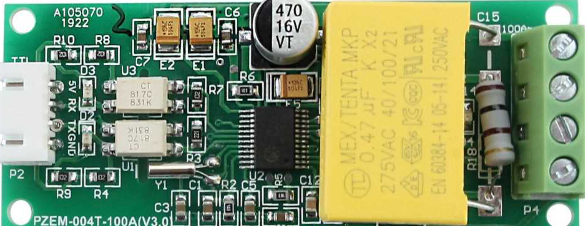
 Design with pzem-004t in Cirkit Designer
Introduction
The PZEM-004T is a digital power meter designed for monitoring and measuring key electrical parameters in AC circuits. It provides real-time data on voltage, current, power, energy consumption, and frequency. This module is equipped with a serial communication interface, making it easy to integrate with microcontrollers such as the Arduino UNO (manufacturer part ID: UNO). Its compact design and high accuracy make it ideal for applications in energy monitoring, home automation, industrial systems, and power management.
Explore Projects Built with pzem-004t
 Open Project in Cirkit Designer
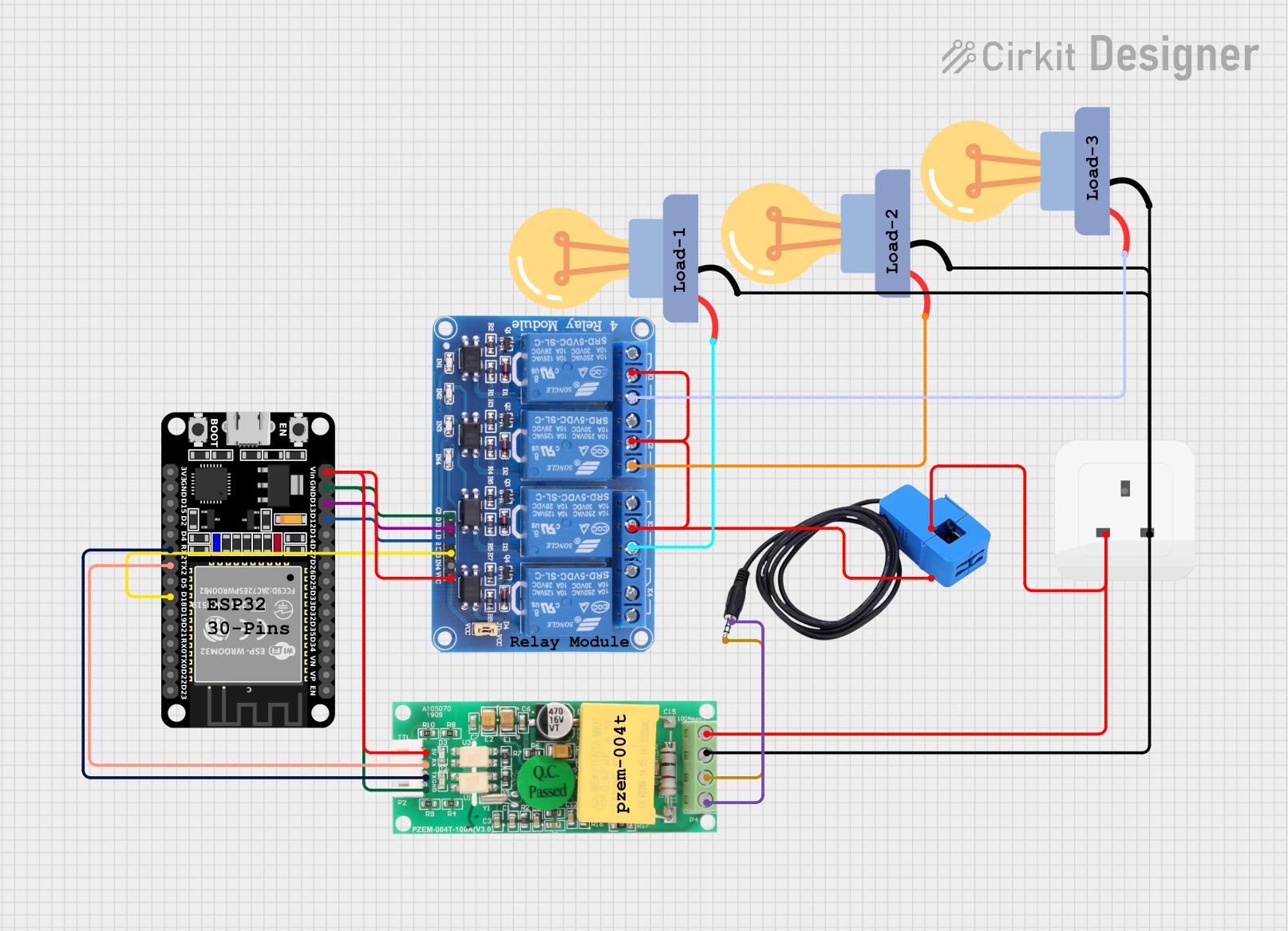 Open Project in Cirkit Designer
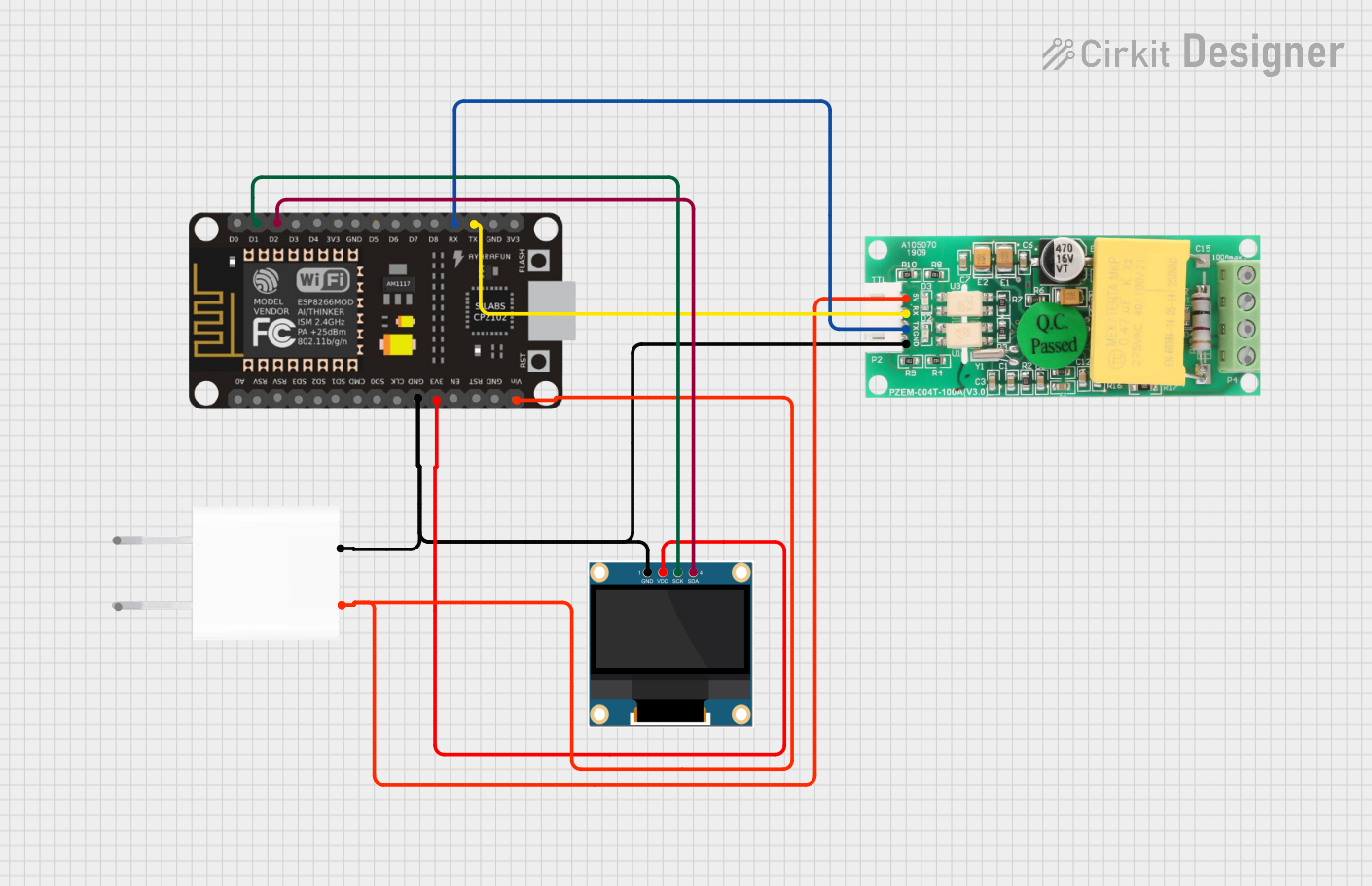 Open Project in Cirkit Designer
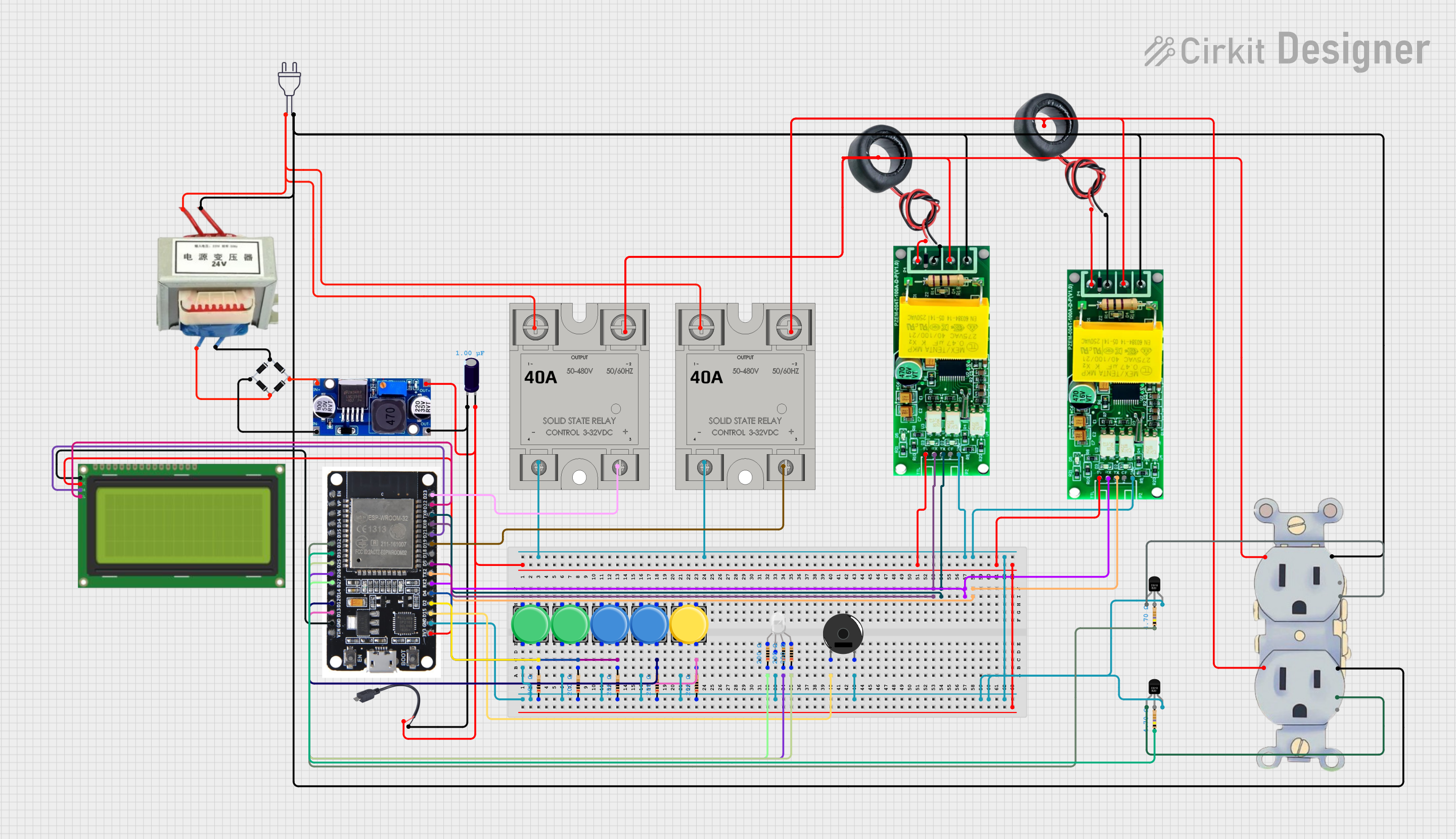 Open Project in Cirkit Designer
Explore Projects Built with pzem-004t
Open Project in Cirkit DesignerOpen Project in Cirkit DesignerOpen Project in Cirkit DesignerOpen Project in Cirkit DesignerCommon Applications
- Energy monitoring in residential and industrial environments
- Smart home automation systems
- Power consumption analysis for appliances
- Integration with IoT platforms for remote monitoring
- Overload protection and energy efficiency optimization
Technical Specifications
The following table outlines the key technical details of the PZEM-004T module:
| Parameter | Value |
|---|---|
| Voltage Range | 80V - 260V AC |
| Current Range | 0A - 100A (with external current transformer) |
| Power Range | 0W - 22kW |
| Energy Range | 0kWh - 9999kWh |
| Frequency Range | 45Hz - 65Hz |
| Communication Interface | TTL Serial (3.3V/5V compatible) |
| Baud Rate | 9600 bps |
| Accuracy | ±0.5% |
| Operating Temperature | -10°C to 60°C |
| Dimensions | 48mm x 23mm x 15mm |
Pin Configuration
The PZEM-004T module has a 4-pin interface for power and communication. The pin configuration is as follows:
| Pin | Name | Description |
|---|---|---|
| 1 | VCC | Power supply input (5V DC) |
| 2 | GND | Ground |
| 3 | RX | Serial data receive pin (connect to TX of microcontroller) |
| 4 | TX | Serial data transmit pin (connect to RX of microcontroller) |
Usage Instructions
Connecting the PZEM-004T to an Arduino UNO
To use the PZEM-004T with an Arduino UNO, follow these steps:
Wiring:
- Connect the VCC pin of the PZEM-004T to the 5V pin on the Arduino UNO.
- Connect the GND pin of the PZEM-004T to the GND pin on the Arduino UNO.
- Connect the RX pin of the PZEM-004T to the TX pin (pin 1) on the Arduino UNO.
- Connect the TX pin of the PZEM-004T to the RX pin (pin 0) on the Arduino UNO.
- Ensure the current transformer (CT) is properly connected to the PZEM-004T for current measurement.
Install Required Libraries:
- Download and install the
PZEM004Tlibrary from the Arduino Library Manager or GitHub.
- Download and install the
Upload Code: Use the following example code to read data from the PZEM-004T:
#include <PZEM004T.h> // Include the PZEM-004T library

// Define the RX and TX pins for the PZEM-004T
#define RX_PIN 0
#define TX_PIN 1

// Create a PZEM object
PZEM004T pzem(RX_PIN, TX_PIN);

void setup() {
    Serial.begin(9600); // Initialize serial communication
    Serial.println("PZEM-004T Power Meter Example");
}

void loop() {
    // Read voltage
    float voltage = pzem.voltage();
    if (voltage != NAN) {
        Serial.print("Voltage: ");
        Serial.print(voltage);
        Serial.println(" V");
    } else {
        Serial.println("Error reading voltage!");
    }

    // Read current
    float current = pzem.current();
    if (current != NAN) {
        Serial.print("Current: ");
        Serial.print(current);
        Serial.println(" A");
    } else {
        Serial.println("Error reading current!");
    }

    // Read power
    float power = pzem.power();
    if (power != NAN) {
        Serial.print("Power: ");
        Serial.print(power);
        Serial.println(" W");
    } else {
        Serial.println("Error reading power!");
    }

    // Read energy
    float energy = pzem.energy();
    if (energy != NAN) {
        Serial.print("Energy: ");
        Serial.print(energy);
        Serial.println(" kWh");
    } else {
        Serial.println("Error reading energy!");
    }

    // Wait for 1 second before the next reading
    delay(1000);
}
Important Considerations
- Ensure the PZEM-004T is connected to an AC circuit within its specified voltage and current range.
- Use proper insulation and safety precautions when working with high-voltage AC circuits.
- Avoid reversing the RX and TX connections, as this will prevent communication with the Arduino.
- The current transformer (CT) must be clamped around only one conductor (live or neutral) for accurate current measurement.
Troubleshooting and FAQs
Common Issues
No Data Output:
- Verify the RX and TX connections between the PZEM-004T and the Arduino UNO.
- Ensure the baud rate in the code matches the module's default baud rate (9600 bps).
- Check the power supply to the PZEM-004T module.
Incorrect Readings:
- Ensure the current transformer (CT) is properly connected and clamped around a single conductor.
- Verify that the AC voltage and current are within the module's specified range.
Communication Errors:
- Check for loose or incorrect wiring.
- Ensure no other devices are using the same serial pins on the Arduino UNO.
FAQs
Q: Can the PZEM-004T measure DC circuits?
A: No, the PZEM-004T is designed specifically for AC circuits and cannot measure DC voltage or current.
Q: Can I use the PZEM-004T with a 3.3V microcontroller?
A: Yes, the PZEM-004T's serial interface is compatible with both 3.3V and 5V logic levels.
Q: How do I reset the energy reading to zero?
A: The energy reading can be reset using a specific command sent via the serial interface. Refer to the module's datasheet for details.
Q: What is the maximum cable length for the current transformer?
A: The cable length should be kept as short as possible to minimize signal loss and ensure accurate readings.