
How to Use LM35D TEMP Sensor: Examples, Pinouts, and Specs
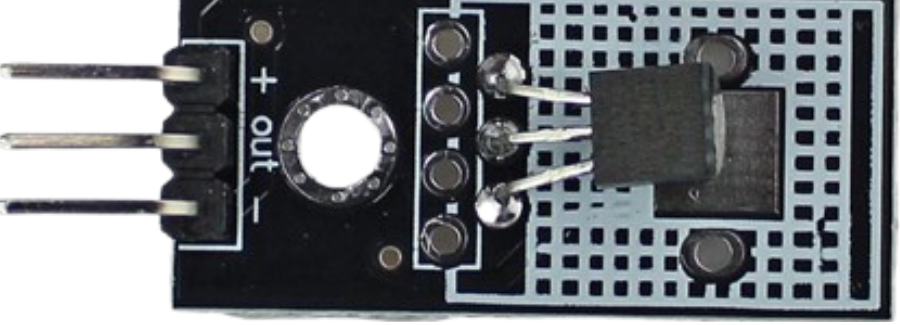
 Design with LM35D TEMP Sensor in Cirkit Designer
Introduction
The LM35D is a precision temperature sensor that provides an analog output voltage proportional to the temperature in degrees Celsius. Unlike thermistors, the LM35D does not require any external calibration or trimming, as it is internally calibrated. It operates over a wide temperature range and is known for its accuracy and linearity, making it suitable for various temperature measurement applications.
Explore Projects Built with LM35D TEMP Sensor
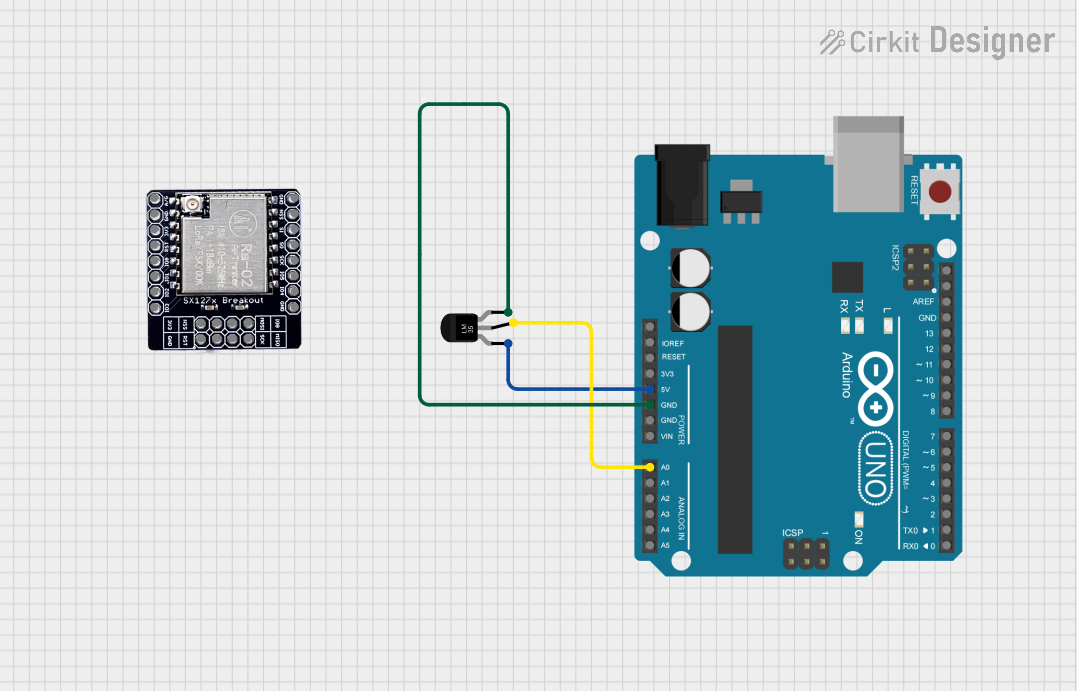 Open Project in Cirkit Designer
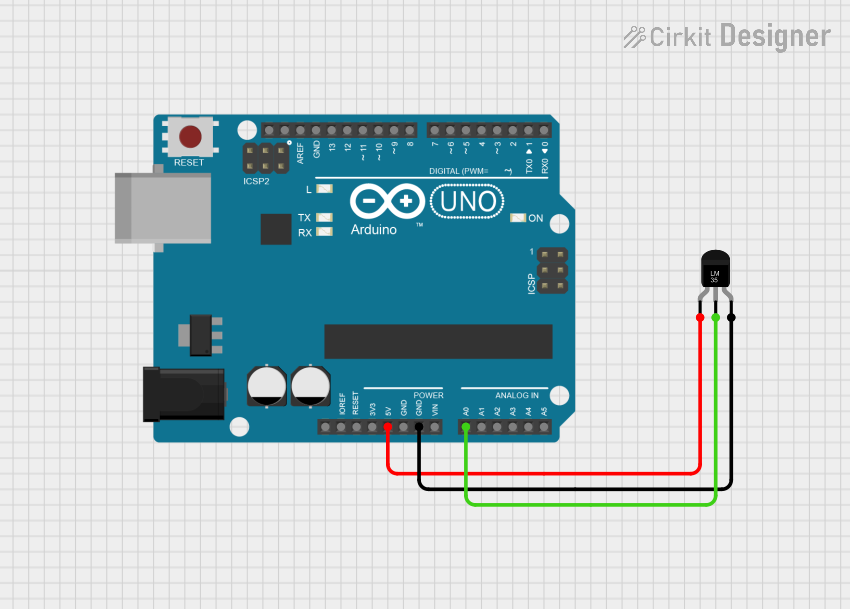 Open Project in Cirkit Designer
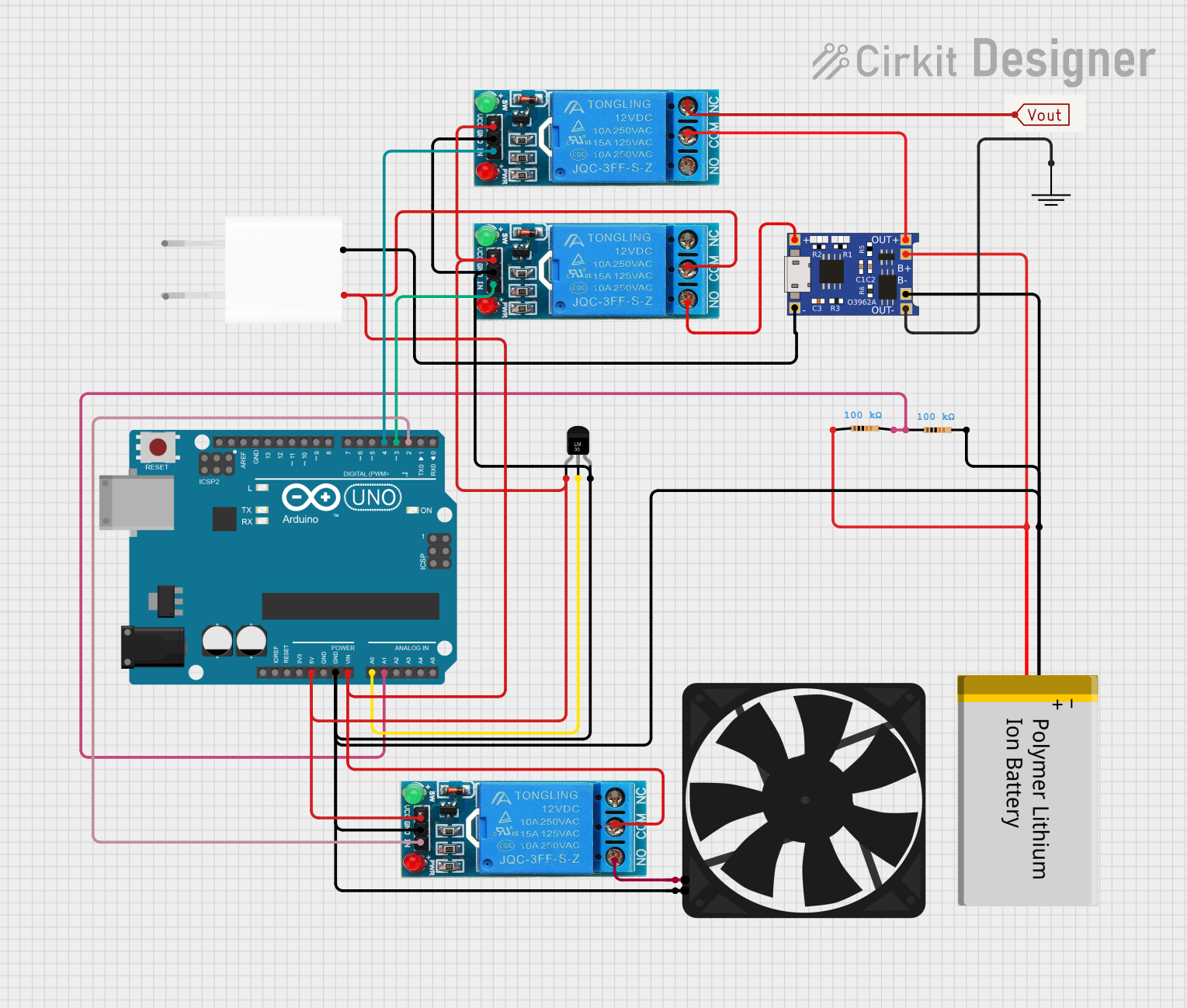 Open Project in Cirkit Designer
 Open Project in Cirkit Designer
Explore Projects Built with LM35D TEMP Sensor
Open Project in Cirkit DesignerOpen Project in Cirkit DesignerOpen Project in Cirkit DesignerOpen Project in Cirkit DesignerCommon Applications
- HVAC systems for temperature monitoring and control
- Weather stations and environmental monitoring
- Industrial process control
- Consumer electronics, such as thermostats
- Medical devices for temperature sensing
Technical Specifications
The LM35D is designed for ease of use and high performance. Below are its key technical details:
| Parameter | Value |
|---|---|
| Supply Voltage (Vcc) | 4V to 30V |
| Output Voltage Range | 0V to 1.5V (for 0°C to 150°C) |
| Temperature Range | 0°C to 100°C |
| Accuracy | ±0.5°C (at 25°C) |
| Output Sensitivity | 10mV/°C |
| Current Consumption | 60 µA (typical) |
| Linearity | ±0.3°C (typical) |
| Response Time | 1 second (typical) |
Pin Configuration and Descriptions
The LM35D is a 3-pin device, typically housed in a TO-92 package. Below is the pinout:
| Pin Number | Pin Name | Description |
|---|---|---|
| 1 | Vcc | Positive power supply (4V to 30V) |
| 2 | Vout | Analog output voltage proportional to temperature |
| 3 | GND | Ground (0V reference) |
Usage Instructions
How to Use the LM35D in a Circuit
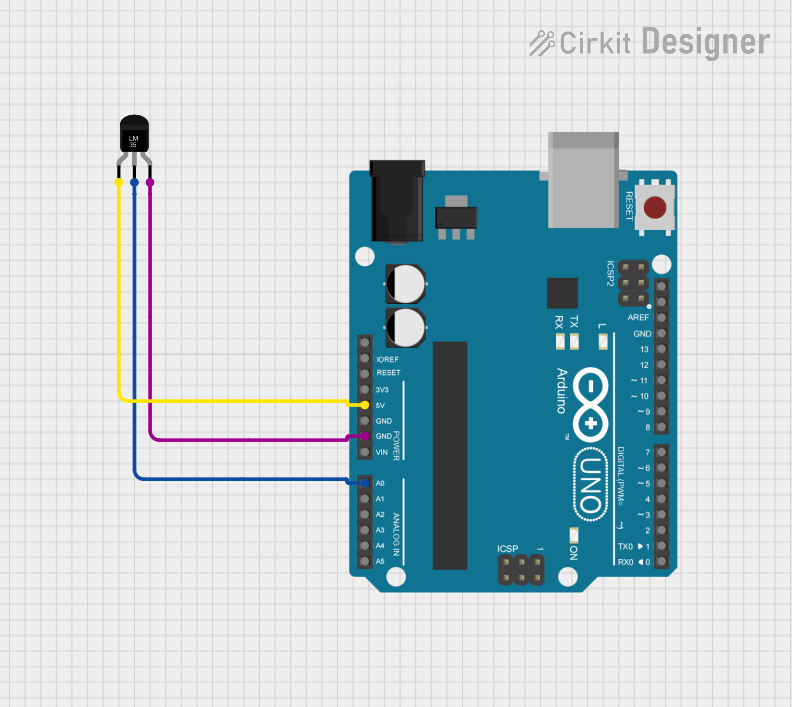
- Power Supply: Connect the Vcc pin to a stable DC voltage source (4V to 30V). For most applications, 5V is commonly used.
- Ground Connection: Connect the GND pin to the ground of the circuit.
- Output Voltage: The Vout pin provides an analog voltage proportional to the temperature. For example:
- At 25°C, the output voltage will be approximately 250mV (10mV/°C × 25°C).
- At 0°C, the output voltage will be 0V.
- Analog-to-Digital Conversion: If using a microcontroller (e.g., Arduino UNO), connect the Vout pin to an analog input pin to read the voltage and calculate the temperature.
Important Considerations
- Decoupling Capacitor: Place a 0.1µF capacitor between Vcc and GND to reduce noise and improve stability.
- Wiring Length: Keep the wiring between the LM35D and the microcontroller as short as possible to minimize noise.
- Temperature Range: Ensure the sensor operates within its specified temperature range (0°C to 100°C for the LM35D).
- Calibration: While the LM35D is factory-calibrated, you may need to account for minor offsets in your application.
Example: Using LM35D with Arduino UNO
Below is an example code to read temperature data from the LM35D using an Arduino UNO:
// Define the analog pin connected to the LM35D Vout pin
const int sensorPin = A0;

void setup() {
  Serial.begin(9600); // Initialize serial communication at 9600 baud
}

void loop() {
  int sensorValue = analogRead(sensorPin);
  // Read the analog value (0-1023) from the LM35D

  float voltage = sensorValue * (5.0 / 1023.0);
  // Convert the analog value to voltage (5V reference)

  float temperature = voltage * 100.0;
  // Convert voltage to temperature in Celsius (10mV/°C)

  Serial.print("Temperature: ");
  Serial.print(temperature);
  Serial.println(" °C"); // Print the temperature to the Serial Monitor

  delay(1000); // Wait for 1 second before the next reading
}
Notes on the Code
- Ensure the Arduino is powered with a stable 5V supply.
- The
analogRead()function assumes a 10-bit ADC resolution (0-1023). - Adjust the reference voltage in the code if using a different ADC reference.
Troubleshooting and FAQs
Common Issues
No Output Voltage
- Cause: Incorrect wiring or insufficient power supply.
- Solution: Verify the connections and ensure the Vcc pin is receiving 4V to 30V.
Inaccurate Temperature Readings
- Cause: Electrical noise or long wiring.
- Solution: Add a 0.1µF decoupling capacitor between Vcc and GND. Minimize wiring length.
Output Voltage Stuck at 0V
- Cause: Temperature below 0°C or damaged sensor.
- Solution: Ensure the temperature is within the sensor's operating range (0°C to 100°C). Replace the sensor if damaged.
Fluctuating Readings
- Cause: Unstable power supply or interference.
- Solution: Use a regulated power supply and shield the sensor from external noise.
FAQs
Q1: Can the LM35D measure negative temperatures?
No, the LM35D is designed for a temperature range of 0°C to 100°C. For negative temperatures, consider using the LM35 or LM35C variants.
Q2: What is the maximum distance between the LM35D and the microcontroller?
The distance should be kept as short as possible (preferably under 1 meter) to minimize noise. For longer distances, use shielded cables or signal conditioning.
Q3: Can I power the LM35D with 3.3V?
No, the LM35D requires a minimum supply voltage of 4V. Use a 5V or higher power source.
Q4: How do I improve accuracy in noisy environments?
Use a decoupling capacitor (0.1µF) and ensure proper grounding. Additionally, average multiple readings in your code to reduce noise effects.