
How to Use L9110 DC Fan: Examples, Pinouts, and Specs
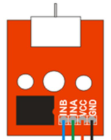
 Design with L9110 DC Fan in Cirkit Designer
Introduction
The L9110 DC Fan is a compact, low-power fan designed for cooling applications in electronic devices. It operates on direct current (DC) and is commonly used in computer systems, power supplies, and other electronic equipment to dissipate heat and maintain optimal operating temperatures. Its small size and efficient design make it ideal for use in space-constrained environments where effective heat management is critical.
Explore Projects Built with L9110 DC Fan
 Open Project in Cirkit Designer
 Open Project in Cirkit Designer
 Open Project in Cirkit Designer
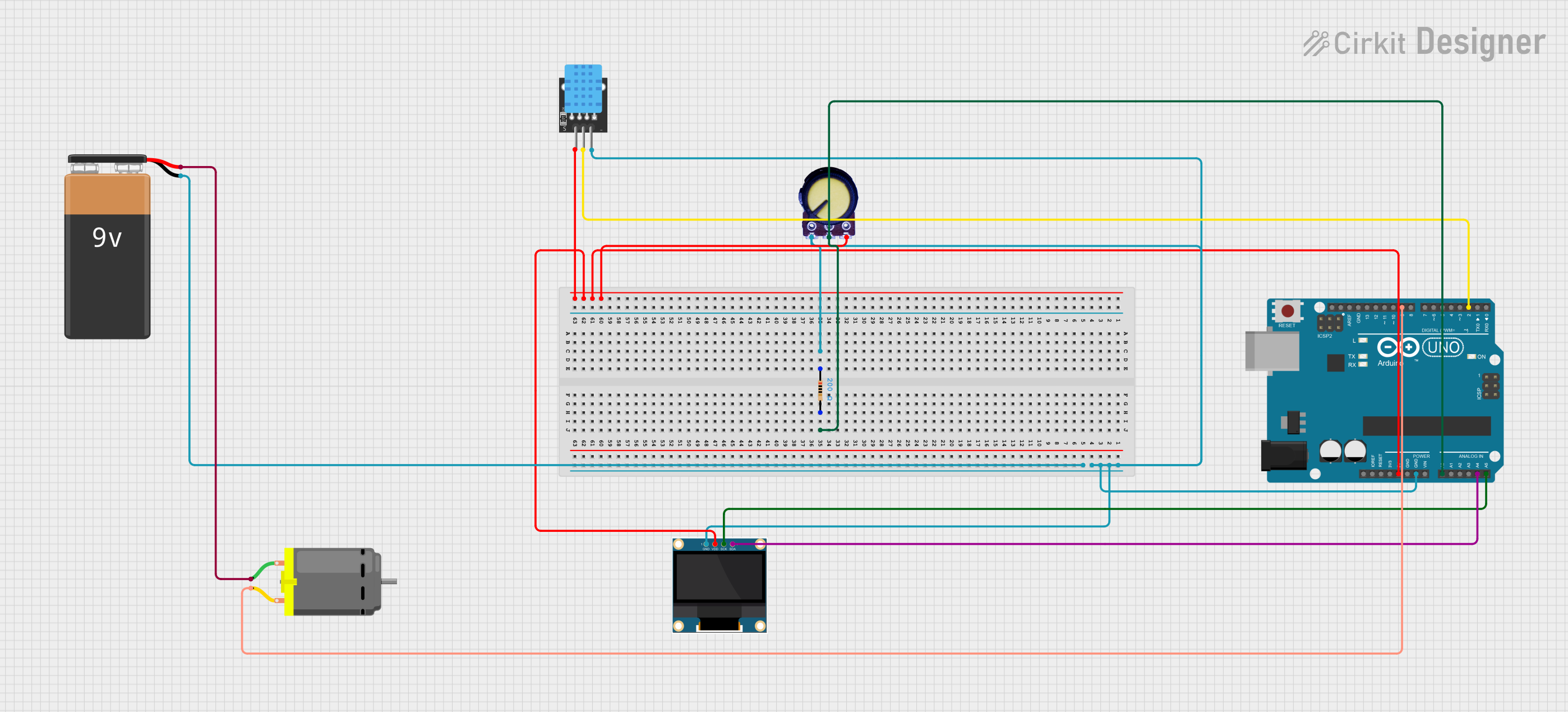 Open Project in Cirkit Designer
Explore Projects Built with L9110 DC Fan
Open Project in Cirkit DesignerOpen Project in Cirkit DesignerOpen Project in Cirkit DesignerOpen Project in Cirkit DesignerCommon Applications and Use Cases
- Cooling microcontrollers, processors, and other heat-sensitive components.
- Heat dissipation in power supplies and voltage regulators.
- Ventilation in compact electronic enclosures.
- General-purpose cooling in robotics and DIY electronics projects.
Technical Specifications
The L9110 DC Fan is designed to operate efficiently under a range of conditions. Below are its key technical specifications:
| Parameter | Value |
|---|---|
| Operating Voltage | 5V DC |
| Operating Current | 100mA (typical) |
| Power Consumption | 0.5W |
| Fan Speed | 3000 RPM (±10%) |
| Airflow | 5 CFM (Cubic Feet per Minute) |
| Dimensions | 40mm x 40mm x 10mm |
| Connector Type | 2-pin JST |
| Noise Level | ≤ 25 dBA |
| Operating Temperature | -10°C to 70°C |
| Weight | 15g |
Pin Configuration and Descriptions
The L9110 DC Fan typically uses a 2-pin JST connector for power input. The pin configuration is as follows:
| Pin | Name | Description |
|---|---|---|
| 1 | VCC | Positive power supply (5V DC) |
| 2 | GND | Ground connection |
Usage Instructions
How to Use the L9110 DC Fan in a Circuit
- Power Supply: Connect the fan's VCC pin to a 5V DC power source and the GND pin to the ground of your circuit.
- Placement: Position the fan near the heat source for optimal cooling. Ensure that the airflow is not obstructed.
- Mounting: Use screws or adhesive mounts to secure the fan in place. Avoid placing it too close to sensitive components to prevent vibration-related issues.
- Control: If you wish to control the fan speed, you can use a PWM (Pulse Width Modulation) signal from a microcontroller like an Arduino.
Important Considerations and Best Practices
- Voltage Compatibility: Ensure the power supply voltage matches the fan's operating voltage (5V DC). Overvoltage can damage the fan.
- Current Supply: Verify that your power source can supply at least 100mA of current.
- Airflow Direction: Check the fan's markings to identify the airflow direction and install it accordingly.
- Noise Reduction: Use rubber mounts or grommets to minimize vibration and noise.
- Heat Management: Avoid blocking the fan's intake or exhaust to ensure proper airflow.
Example: Controlling the L9110 DC Fan with an Arduino UNO
Below is an example of how to control the L9110 DC Fan using an Arduino UNO and a PWM signal:
// Define the pin connected to the fan
const int fanPin = 9; // PWM pin on Arduino UNO

void setup() {
  pinMode(fanPin, OUTPUT); // Set the fan pin as an output
}

void loop() {
  analogWrite(fanPin, 128); // Set fan speed to 50% (128 out of 255)
  delay(5000); // Run the fan at 50% speed for 5 seconds

  analogWrite(fanPin, 255); // Set fan speed to 100% (255 out of 255)
  delay(5000); // Run the fan at full speed for 5 seconds

  analogWrite(fanPin, 0); // Turn off the fan
  delay(5000); // Wait for 5 seconds before repeating
}
Note: Use a transistor or motor driver module if the fan's current exceeds the Arduino's pin current limit (40mA).
Troubleshooting and FAQs
Common Issues and Solutions
Fan Does Not Spin
- Cause: No power supply or incorrect wiring.
- Solution: Verify the connections to the VCC and GND pins. Ensure the power supply is providing 5V DC.
Fan Spins Slowly
- Cause: Insufficient current or low PWM duty cycle.
- Solution: Check the power source's current capacity. If using PWM, increase the duty cycle.
Excessive Noise
- Cause: Vibration or obstruction in the fan blades.
- Solution: Ensure the fan is securely mounted and free of obstructions. Use rubber mounts to reduce vibration.
Overheating Components
- Cause: Improper fan placement or insufficient airflow.
- Solution: Reposition the fan closer to the heat source and ensure proper ventilation.
FAQs
Q1: Can I use the L9110 DC Fan with a 12V power supply?
A1: No, the fan is designed for 5V DC operation. Using a 12V power supply may damage the fan.
Q2: How do I reverse the airflow direction?
A2: The airflow direction is fixed by the fan's design. To reverse airflow, physically rotate the fan.
Q3: Can I control the fan speed without a microcontroller?
A3: Yes, you can use a variable resistor or a dedicated fan speed controller circuit to adjust the voltage or PWM signal.
Q4: Is the fan waterproof?
A4: No, the L9110 DC Fan is not waterproof. Avoid exposing it to moisture or liquids.