
How to Use voltage regulator: Examples, Pinouts, and Specs
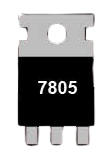
 Design with voltage regulator in Cirkit Designer
Introduction
The LM7805 is a fixed-output voltage regulator manufactured by CDIL (Continental Device India Ltd). It is designed to provide a stable 5V DC output, making it ideal for powering sensitive electronic components and circuits. The LM7805 is part of the 78xx series of voltage regulators, which are widely used in power supply designs due to their reliability and ease of use.
Explore Projects Built with voltage regulator
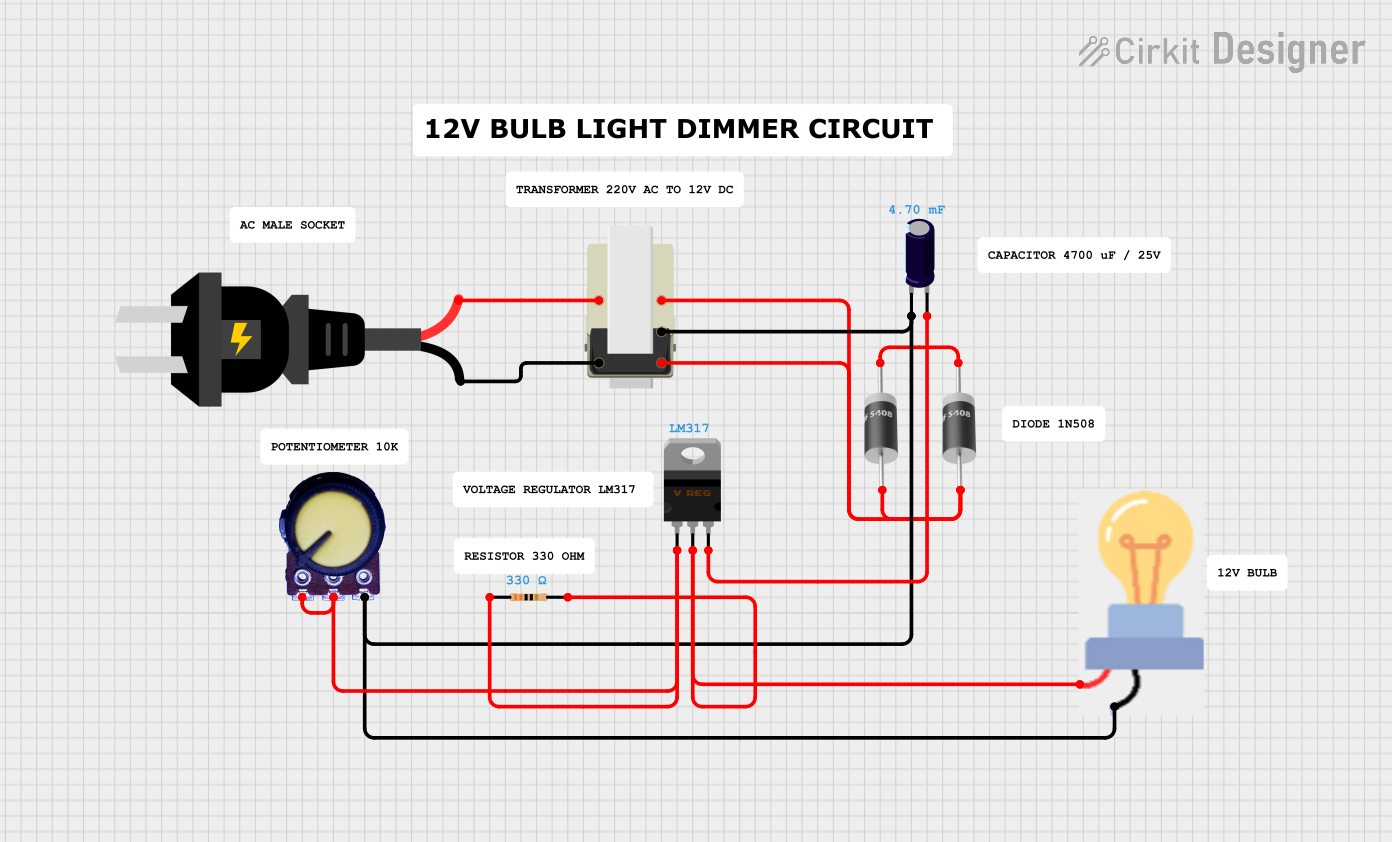 Open Project in Cirkit Designer
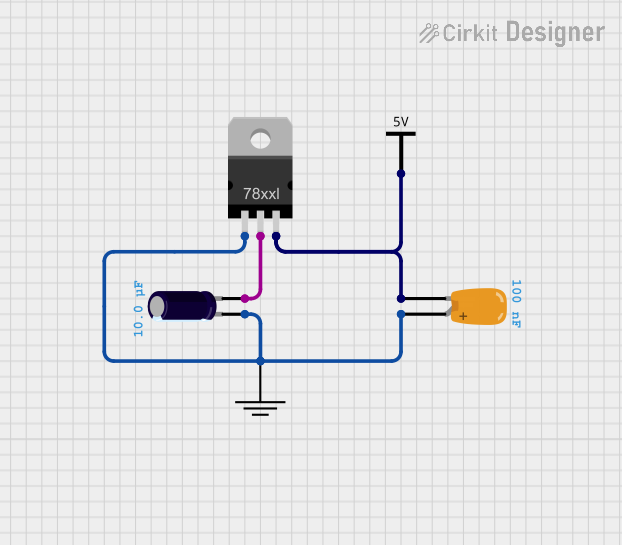 Open Project in Cirkit Designer
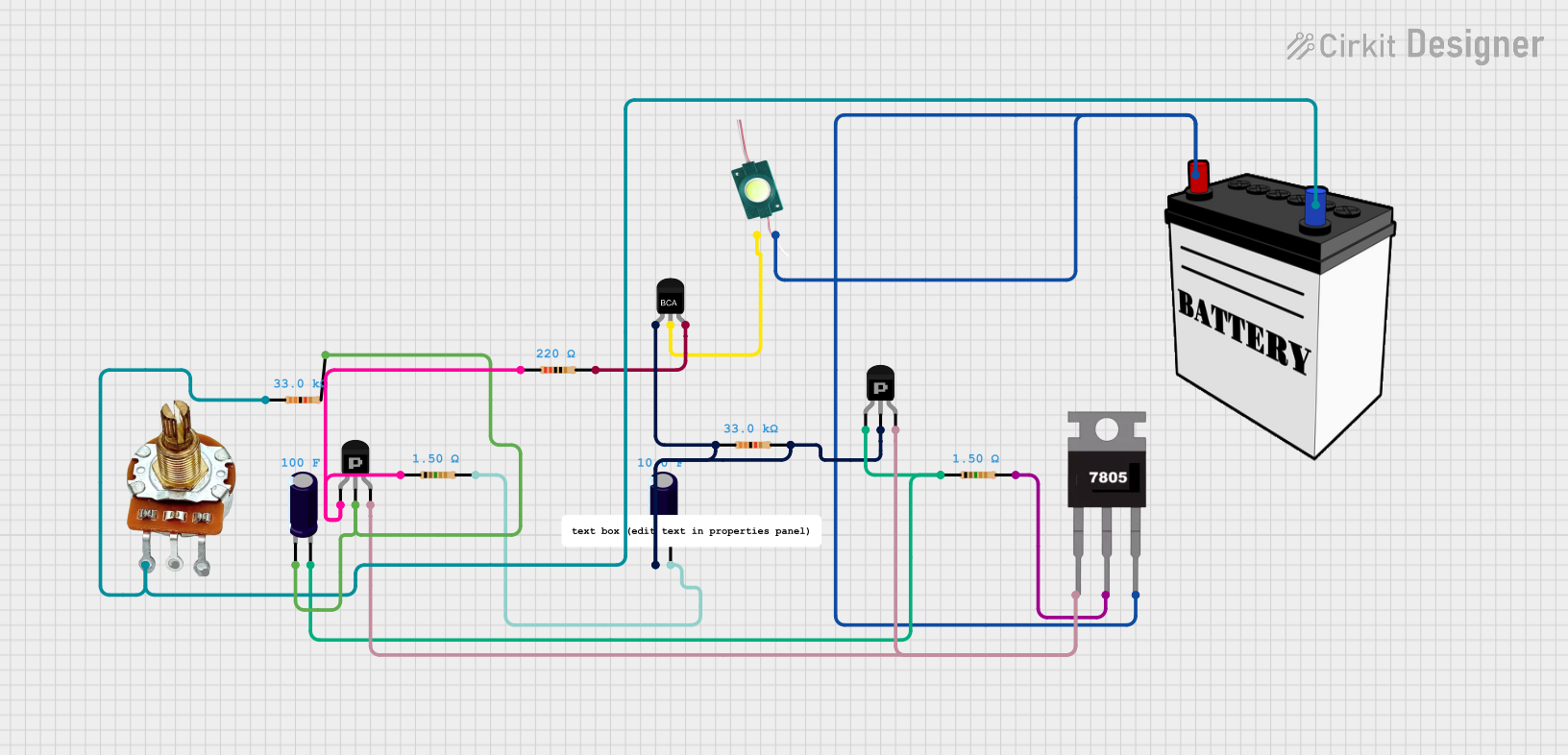 Open Project in Cirkit Designer
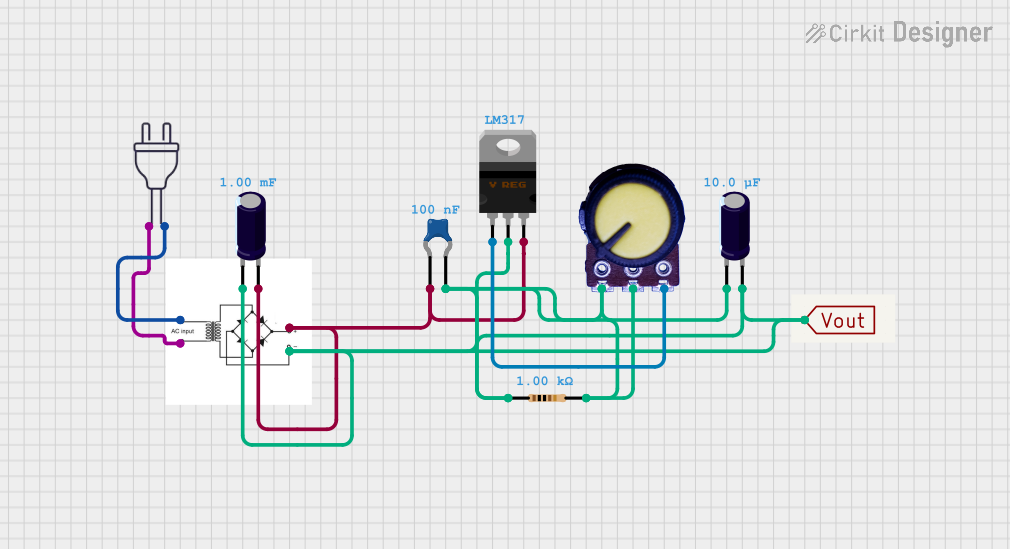 Open Project in Cirkit Designer
Explore Projects Built with voltage regulator
Open Project in Cirkit DesignerOpen Project in Cirkit DesignerOpen Project in Cirkit DesignerOpen Project in Cirkit DesignerCommon Applications and Use Cases
- Power supply circuits for microcontrollers, sensors, and other electronic devices
- Voltage regulation in battery-powered systems
- Protection of sensitive components from voltage fluctuations
- DIY electronics projects and prototyping
Technical Specifications
The LM7805 is a robust and versatile component with the following key specifications:
| Parameter | Value |
|---|---|
| Output Voltage | 5V DC |
| Input Voltage Range | 7V to 35V |
| Maximum Output Current | 1.5A |
| Dropout Voltage | 2V (typical) |
| Operating Temperature | 0°C to +125°C |
| Package Type | TO-220 |
| Thermal Shutdown | Yes |
| Short-Circuit Protection | Yes |
Pin Configuration and Descriptions
The LM7805 has three pins, as shown in the table below:
| Pin Number | Pin Name | Description |
|---|---|---|
| 1 | Input | Connects to the unregulated input voltage source |
| 2 | Ground | Common ground for input and output |
| 3 | Output | Provides the regulated 5V output |
Usage Instructions
How to Use the LM7805 in a Circuit
- Input Voltage: Connect a DC voltage source (7V to 35V) to the
Inputpin. Ensure the input voltage is at least 2V higher than the desired 5V output to account for the dropout voltage. - Output Voltage: Connect the
Outputpin to the load or circuit requiring a stable 5V supply. - Ground Connection: Connect the
Groundpin to the common ground of the circuit. - Capacitors: Add decoupling capacitors to improve stability and reduce noise:
- Place a 0.33µF capacitor between the
Inputpin and ground. - Place a 0.1µF capacitor between the
Outputpin and ground.
- Place a 0.33µF capacitor between the
Circuit Diagram
Below is a simple circuit diagram for using the LM7805:
   Input Voltage (7V-35V)
          |
          |
         [C1]  0.33µF
          |
          |-----> Pin 1 (Input)
          |
         GND
          |
          |-----> Pin 2 (Ground)
          |
          |
         [C2]  0.1µF
          |
          |-----> Pin 3 (Output) -----> Regulated 5V Output
Arduino UNO Example
The LM7805 can be used to power an Arduino UNO by providing a stable 5V supply. Below is an example of how to connect the LM7805 to an Arduino UNO:
- Connect the
Outputpin of the LM7805 to the 5V pin of the Arduino UNO. - Connect the
Groundpin of the LM7805 to the GND pin of the Arduino UNO. - Connect the
Inputpin of the LM7805 to a DC voltage source (e.g., 9V battery or adapter).
Important Considerations and Best Practices
- Heat Dissipation: The LM7805 can generate heat during operation, especially at high input voltages or currents. Use a heatsink to prevent overheating.
- Input Voltage Range: Ensure the input voltage is within the specified range (7V to 35V) to avoid damage to the regulator.
- Load Current: Do not exceed the maximum output current of 1.5A to ensure reliable operation.
- Bypass Capacitors: Always use the recommended capacitors to improve stability and reduce noise.
Troubleshooting and FAQs
Common Issues and Solutions
No Output Voltage
- Cause: Input voltage is too low.
- Solution: Ensure the input voltage is at least 7V.
Overheating
- Cause: Excessive input voltage or current.
- Solution: Use a heatsink or reduce the input voltage/current.
Output Voltage Fluctuations
- Cause: Missing or incorrect decoupling capacitors.
- Solution: Add the recommended capacitors (0.33µF on input, 0.1µF on output).
Short Circuit
- Cause: Output is shorted to ground.
- Solution: Disconnect the load, check for shorts, and reconnect after resolving the issue.
FAQs
Q1: Can I use the LM7805 to power a 3.3V device?
A1: No, the LM7805 provides a fixed 5V output. To power a 3.3V device, use a voltage regulator designed for 3.3V output, such as the LM7833.
Q2: What happens if the input voltage exceeds 35V?
A2: Exceeding the maximum input voltage can damage the LM7805. Always ensure the input voltage is within the specified range.
Q3: Can I use the LM7805 without capacitors?
A3: While the LM7805 can function without capacitors, it is highly recommended to use them to improve stability and reduce noise.
Q4: Is the LM7805 suitable for battery-powered applications?
A4: Yes, but ensure the battery voltage is within the input voltage range and consider the dropout voltage when designing the circuit.