
How to Use SW-420 Vibration Sensor: Examples, Pinouts, and Specs
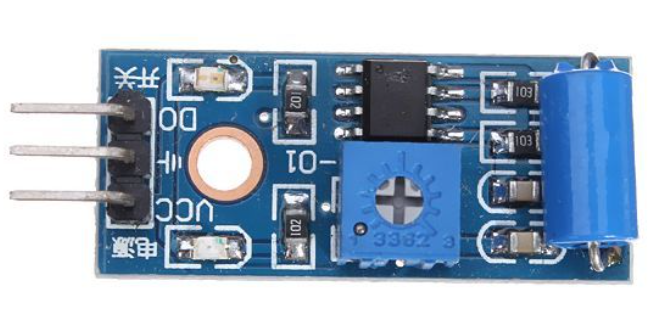
 Design with SW-420 Vibration Sensor in Cirkit Designer
Introduction
The SW-420 is a vibration sensor designed to detect vibrations and movements. It is widely used in security systems, alarm systems, and other applications requiring motion detection. The sensor outputs a digital signal when the detected vibrations exceed a predefined threshold, making it ideal for applications such as anti-theft systems, earthquake detection, and industrial monitoring.
Explore Projects Built with SW-420 Vibration Sensor
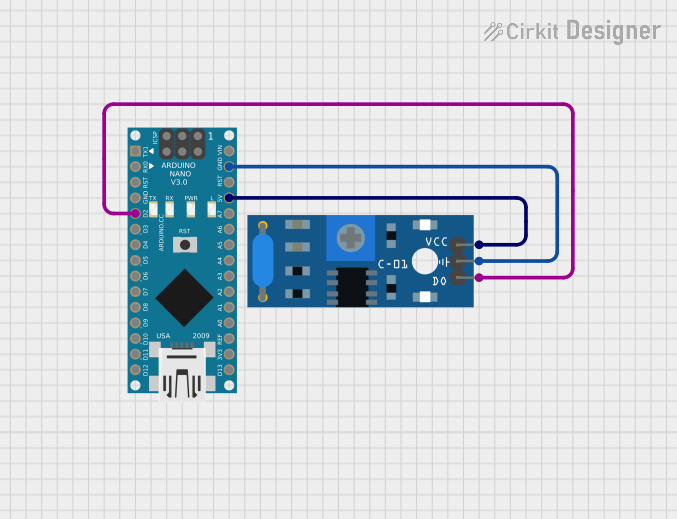 Open Project in Cirkit Designer
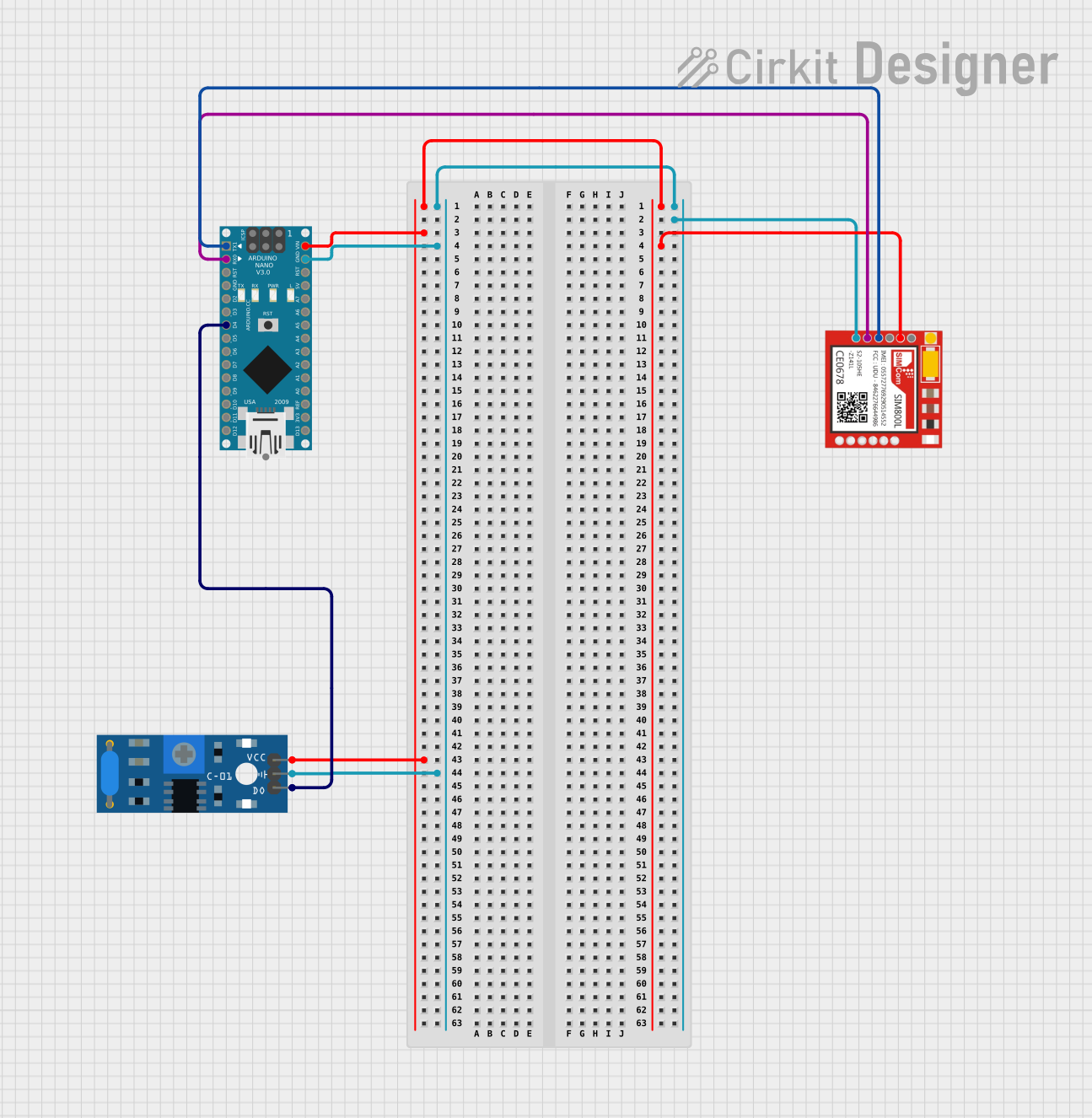 Open Project in Cirkit Designer
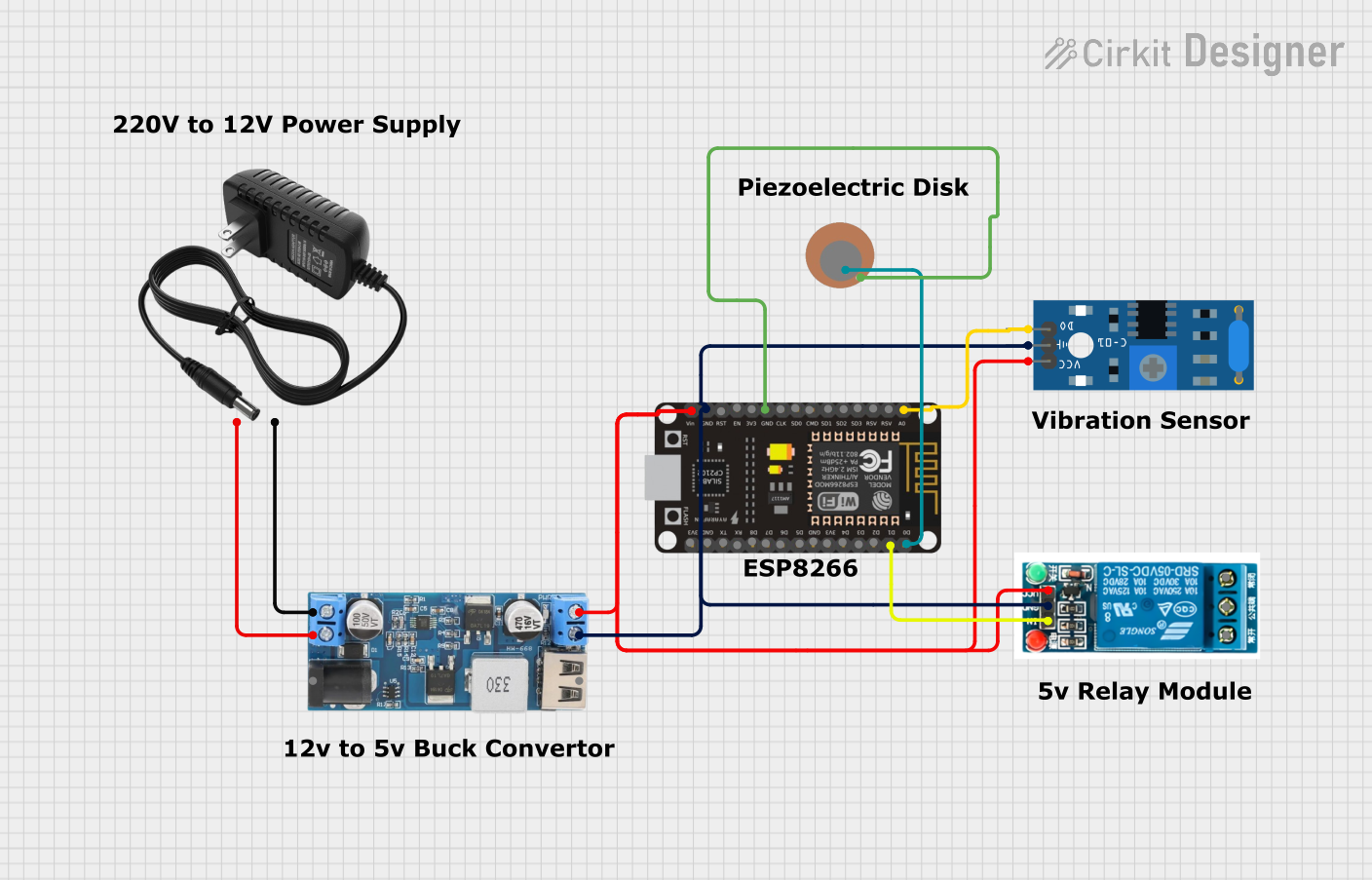 Open Project in Cirkit Designer
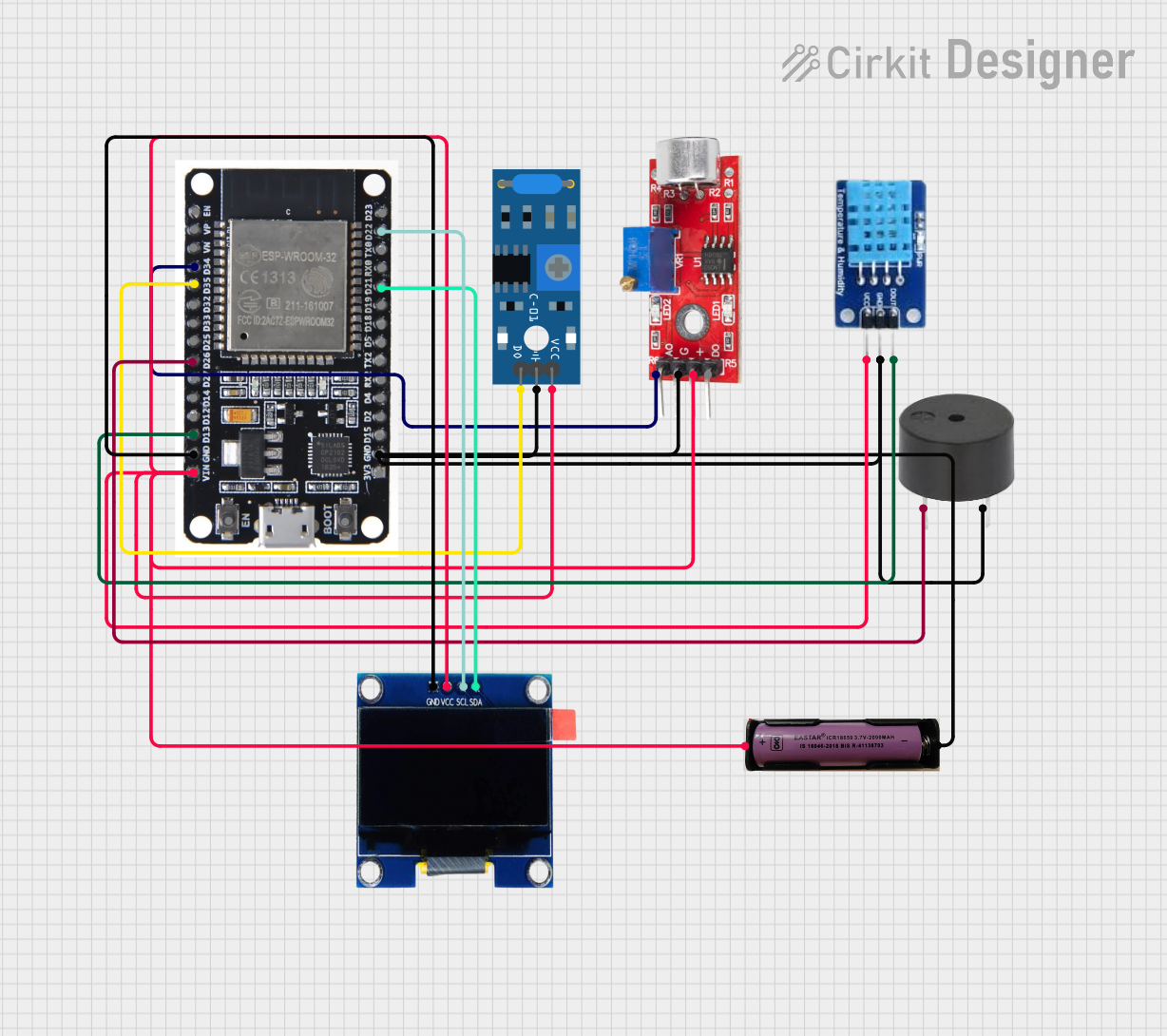 Open Project in Cirkit Designer
Explore Projects Built with SW-420 Vibration Sensor
Open Project in Cirkit DesignerOpen Project in Cirkit DesignerOpen Project in Cirkit DesignerOpen Project in Cirkit DesignerTechnical Specifications
- Operating Voltage: 3.3V to 5V DC
- Output Type: Digital (High/Low)
- Sensitivity Adjustment: Adjustable via onboard potentiometer
- Output Signal: High (no vibration) / Low (vibration detected)
- Dimensions: 32mm x 14mm x 8mm
- Operating Temperature: -40°C to 85°C
Pin Configuration and Descriptions
| Pin Name | Description |
|---|---|
| VCC | Power supply pin. Connect to 3.3V or 5V DC. |
| GND | Ground pin. Connect to the ground of the circuit. |
| DO | Digital Output pin. Outputs HIGH when no vibration is detected and LOW when vibration is detected. |
Usage Instructions
How to Use the SW-420 in a Circuit
- Power the Sensor: Connect the VCC pin to a 3.3V or 5V DC power supply and the GND pin to the ground of your circuit.
- Connect the Output: Connect the DO (Digital Output) pin to a microcontroller or other digital input device to read the sensor's output.
- Adjust Sensitivity: Use the onboard potentiometer to adjust the vibration sensitivity. Turning the potentiometer clockwise increases sensitivity, while turning it counterclockwise decreases sensitivity.
- Monitor the Output: The DO pin will output HIGH when no vibration is detected and LOW when vibrations exceed the threshold.
Important Considerations and Best Practices
- Ensure the sensor is securely mounted to avoid false triggers caused by loose connections.
- Avoid placing the sensor near strong electromagnetic interference sources, as this may affect its performance.
- Use pull-up or pull-down resistors if required by your microcontroller to stabilize the digital signal.
- Test and calibrate the sensitivity in the actual application environment for optimal performance.
Example: Connecting SW-420 to an Arduino UNO
Below is an example of how to connect and use the SW-420 vibration sensor with an Arduino UNO:
Circuit Connections
- SW-420 VCC → Arduino 5V
- SW-420 GND → Arduino GND
- SW-420 DO → Arduino Digital Pin 2
Arduino Code
// SW-420 Vibration Sensor Example Code
// Connect the SW-420 DO pin to Arduino Digital Pin 2

const int sensorPin = 2;  // Pin connected to the SW-420 DO pin
const int ledPin = 13;    // Built-in LED on Arduino for indication

void setup() {
  pinMode(sensorPin, INPUT);  // Set sensor pin as input
  pinMode(ledPin, OUTPUT);    // Set LED pin as output
  Serial.begin(9600);         // Initialize serial communication
}

void loop() {
  int sensorValue = digitalRead(sensorPin);  // Read the sensor output

  if (sensorValue == LOW) {
    // Vibration detected
    digitalWrite(ledPin, HIGH);  // Turn on LED
    Serial.println("Vibration detected!");
  } else {
    // No vibration
    digitalWrite(ledPin, LOW);   // Turn off LED
    Serial.println("No vibration.");
  }

  delay(100);  // Small delay for stability
}
Troubleshooting and FAQs
Common Issues and Solutions
No Output Signal
- Cause: Loose connections or incorrect wiring.
- Solution: Double-check all connections and ensure the sensor is powered correctly.
False Triggers
- Cause: High sensitivity or environmental noise.
- Solution: Adjust the potentiometer to reduce sensitivity and ensure the sensor is mounted securely.
Sensor Not Responding to Vibrations
- Cause: Sensitivity set too low.
- Solution: Increase the sensitivity by turning the potentiometer clockwise.
Interference with Other Components
- Cause: Electromagnetic interference from nearby devices.
- Solution: Place the sensor away from high-frequency devices and use proper shielding if necessary.
FAQs
Q: Can the SW-420 detect small vibrations?
A: Yes, the sensitivity can be adjusted to detect small vibrations by using the onboard potentiometer.Q: Is the SW-420 suitable for outdoor use?
A: The SW-420 is not waterproof or weatherproof. For outdoor use, ensure it is enclosed in a protective casing.Q: Can I use the SW-420 with a 3.3V microcontroller?
A: Yes, the SW-420 operates within a voltage range of 3.3V to 5V, making it compatible with 3.3V microcontrollers.Q: How do I know if the sensor is working?
A: The onboard LED will light up when vibrations are detected, and the DO pin will output a LOW signal.
This concludes the documentation for the SW-420 vibration sensor.