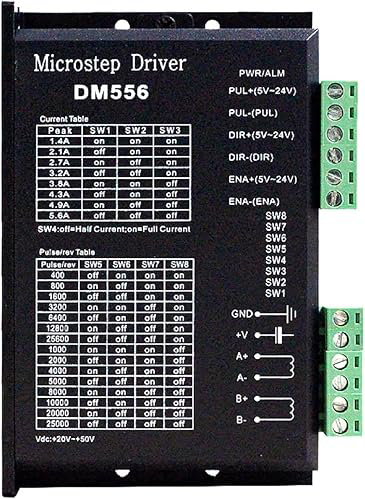
The DM556 is a dual precision timer IC designed for generating accurate time delays and oscillations. It features two independent timing circuits, making it highly versatile for applications requiring precise timing and pulse generation. The DM556 is widely used in various electronic circuits, including oscillators, pulse-width modulation (PWM) circuits, and time delay generators.
Explore Projects Built with dm556
Use Cirkit Designer to design, explore, and prototype these projects online. Some projects support real-time simulation. Click "Open Project" to start designing instantly!
This circuit features an Arduino Mega 2560 microcontroller interfaced with a SIM800L GSM module, two fingerprint scanners, an I2C LCD display, an IR sensor, and a piezo buzzer. Power management is handled by a PowerBoost 1000 Basic Pad USB, a TP4056 charging module, and a Li-ion 18650 battery, with an option to use a Mini AC-DC 110V-230V to 5V 700mA module for direct power supply. The primary functionality appears to be a security system with GSM communication capabilities, biometric access control, and visual/audible feedback.
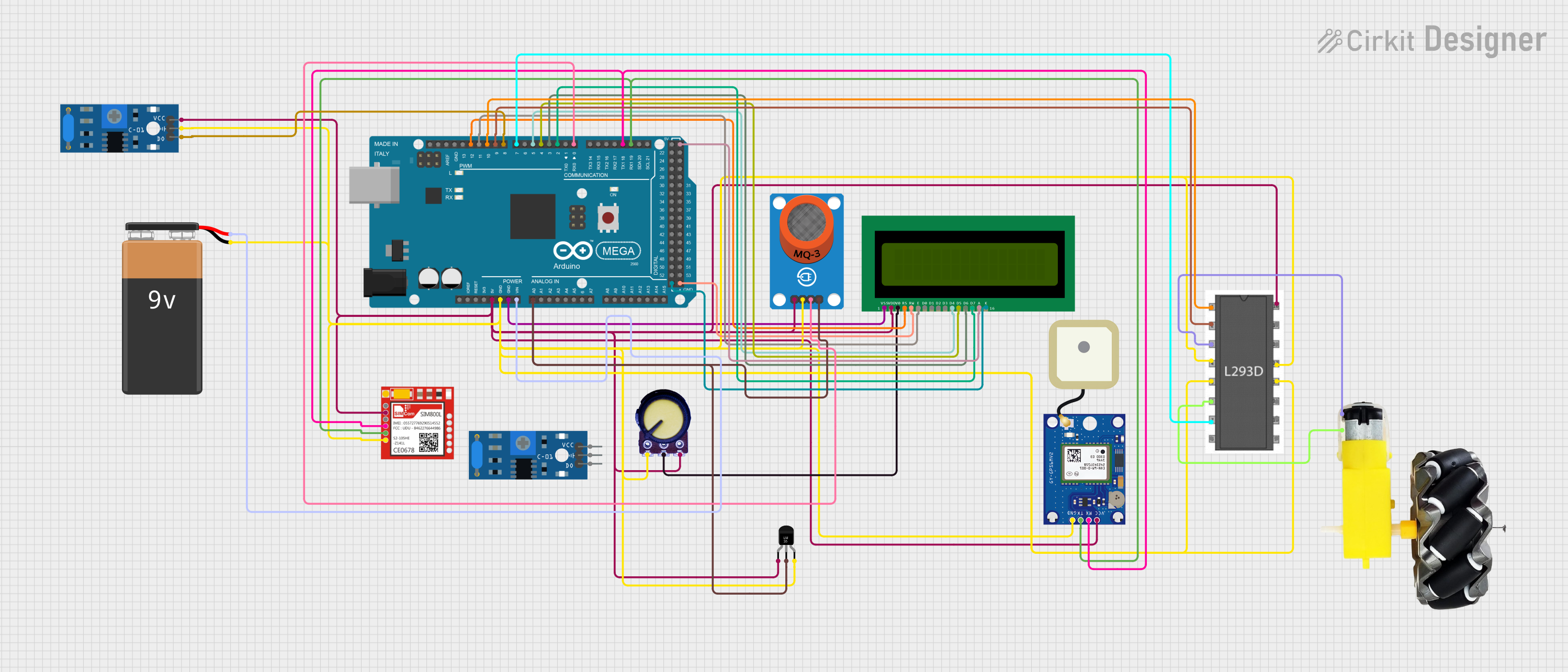
This is a vehicle safety and tracking system that uses an Arduino Mega 2560 to monitor alcohol levels with an MQ-3 sensor, track location with a GPS module, communicate via GSM with a Sim800l module, display data on an LCD, and control a motor with an L293D driver. It also includes temperature sensing and vibration detection for additional monitoring and feedback.
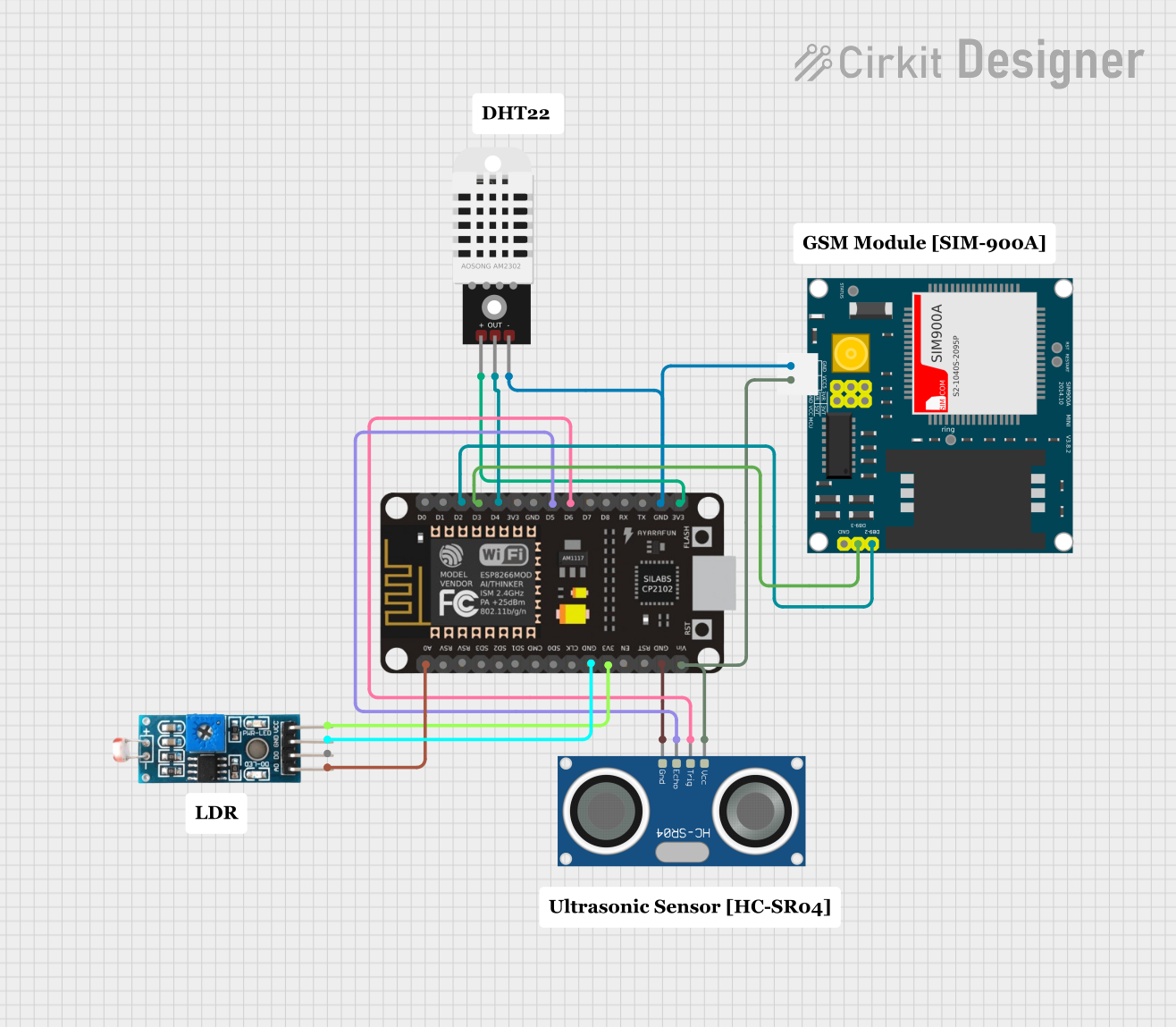
This is a sensor-based data acquisition system with GSM communication capability. It uses an ESP8266 NodeMCU to collect environmental data from a DHT22 sensor and light levels from an LDR, as well as distance measurements from an HC-SR04 ultrasonic sensor. The SIM900A GSM module enables the system to transmit the collected data over a cellular network.
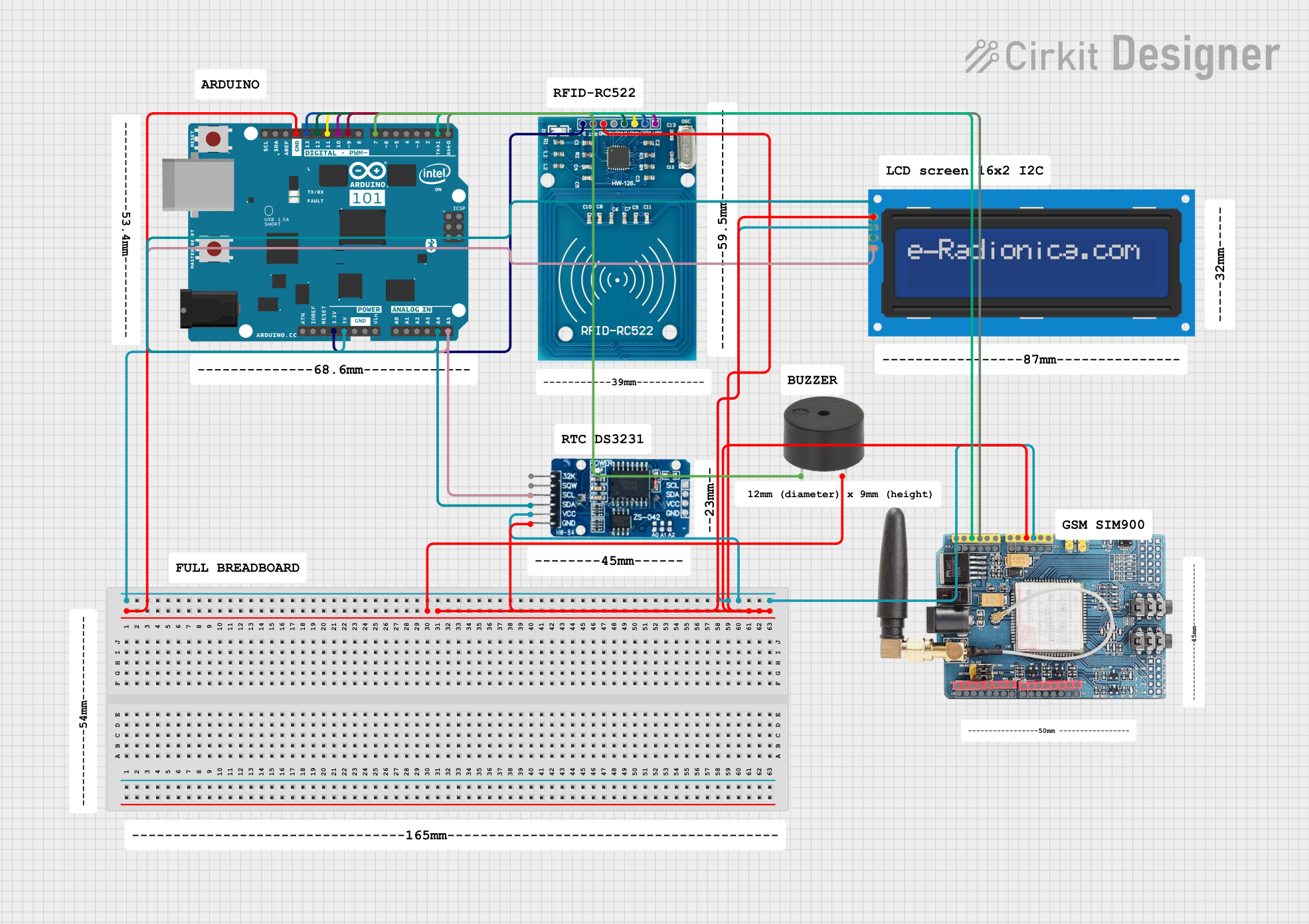
This circuit features an Arduino 101 microcontroller interfaced with an RFID-RC522 module for RFID reading, a GSM SIM900 module for cellular communication, a DS3231 Real Time Clock for timekeeping, and an I2C LCD screen for display. The Arduino controls a buzzer connected to its D7 pin and communicates with the GSM module via serial connection on pins D0/RX and D1/TX. The RFID, RTC, and LCD modules are powered by the Arduino's 5V and 3.3V outputs, and they use I2C (SCL/SDA) for communication, except for the RFID module which uses SPI (MISO/MOSI/SCK) and a digital pin for reset (D9).
Monostable (one-shot) and astable (oscillating) multivibrators
Pulse-width modulation (PWM) circuits
Time delay generation
Frequency generation and measurement
Sequential timing circuits
LED flashers and light controllers
Technical Specifications
The DM556 is a robust and reliable timer IC with the following key specifications:
Parameter
Value
Supply Voltage (Vcc)
4.5V to 16V
Supply Current
10mA (typical)
Output Voltage (High)
Vcc - 1.5V (typical)
Output Voltage (Low)
0.1V (typical)
Timing Accuracy
±1%
Operating Temperature
-40°C to +85°C
Package Type
DIP-14, SOIC-14
Pin Configuration and Descriptions
The DM556 comes in a 14-pin package. Below is the pinout and description:
Pin Number
Pin Name
Description
1
GND
Ground pin for the IC
2
TRIG1
Trigger input for Timer 1
3
OUT1
Output of Timer 1
4
RESET1
Reset input for Timer 1 (active low)
5
CTRL1
Control voltage input for Timer 1
6
THRES1
Threshold input for Timer 1
7
DISCH1
Discharge pin for Timer 1
8
VCC
Positive supply voltage
9
DISCH2
Discharge pin for Timer 2
10
THRES2
Threshold input for Timer 2
11
CTRL2
Control voltage input for Timer 2
12
RESET2
Reset input for Timer 2 (active low)
13
OUT2
Output of Timer 2
14
TRIG2
Trigger input for Timer 2
Usage Instructions
The DM556 can be used in both monostable and astable configurations. Below are the steps and considerations for using the component effectively:
Monostable Mode (One-Shot Timer)
Connect a resistor (R) and capacitor (C) to the THRES and DISCH pins to set the desired time delay.
Apply a trigger pulse to the TRIG pin. The output will go high for a duration determined by the RC time constant.
Use the RESET pin to terminate the timing cycle prematurely if needed (active low).
Astable Mode (Oscillator)
Connect a resistor (R1) between VCC and DISCH, and another resistor (R2) between DISCH and THRES.
Connect a capacitor (C) between THRES and GND.
The output will oscillate between high and low states, with the frequency determined by the values of R1, R2, and C.
Important Considerations
Ensure the supply voltage (Vcc) is within the specified range (4.5V to 16V).
Use decoupling capacitors (e.g., 0.1µF) near the Vcc pin to reduce noise and improve stability.
Avoid leaving unused pins floating; connect them to appropriate logic levels or ground.
For precise timing, use high-quality resistors and capacitors with low tolerances.
Example: Using DM556 with Arduino UNO
The DM556 can be used with an Arduino UNO to generate precise timing signals. Below is an example of interfacing the DM556 in astable mode:
Circuit Connections
Connect VCC to the 5V pin of the Arduino.
Connect GND to the GND pin of the Arduino.
Connect the OUT1 pin to a digital input pin on the Arduino (e.g., D2).
Configure the timing components (R1, R2, and C) as per the desired frequency.
Arduino Code
// Example code to read the DM556 output and toggle an LED
const int dm556OutputPin = 2; // DM556 OUT1 connected to Arduino pin 2
const int ledPin = 13;        // Onboard LED pin

void setup() {
  pinMode(dm556OutputPin, INPUT); // Set DM556 output pin as input
  pinMode(ledPin, OUTPUT);        // Set LED pin as output
}

void loop() {
  int signal = digitalRead(dm556OutputPin); // Read the DM556 output signal
  digitalWrite(ledPin, signal);             // Toggle LED based on DM556 output
}
Troubleshooting and FAQs
Common Issues
No Output Signal
Ensure the supply voltage is within the specified range (4.5V to 16V).
Verify the connections of the timing components (R and C).
Check if the RESET pin is held high; a low signal will disable the output.
Inaccurate Timing
Use resistors and capacitors with low tolerances for better accuracy.
Ensure the control voltage pin (CTRL) is properly connected or left floating (default behavior).
Output Stuck High or Low
Verify the trigger signal is correctly applied to the TRIG pin.
Check for short circuits or incorrect wiring.
FAQs
Q: Can the DM556 operate at 3.3V?
A: No, the minimum supply voltage for the DM556 is 4.5V. Operating below this voltage may result in erratic behavior.
Q: How do I calculate the frequency in astable mode?
A: The frequency is determined by the formula:
[
f = \frac{1.44}{(R1 + 2R2) \cdot C}
]
where R1, R2 are resistors, and C is the capacitor.
Q: Can I use the DM556 for PWM applications?
A: Yes, the DM556 can be configured in astable mode to generate PWM signals by adjusting the duty cycle using R1, R2, and C.
By following this documentation, you can effectively use the DM556 in your electronic projects for precise timing and pulse generation.


 Open Project in Cirkit Designer