
How to Use V_REG_NCP50X: Examples, Pinouts, and Specs
 Design with V_REG_NCP50X in Cirkit Designer
Introduction
The NCP50X is a low-dropout (LDO) voltage regulator designed to provide a stable and precise output voltage with minimal quiescent current. This makes it an ideal choice for battery-powered applications where energy efficiency is critical. The component supports a wide input voltage range and is optimized for high efficiency and thermal performance, ensuring reliable operation in various environments.
Explore Projects Built with V_REG_NCP50X
 Open Project in Cirkit Designer
 Open Project in Cirkit Designer
 Open Project in Cirkit Designer
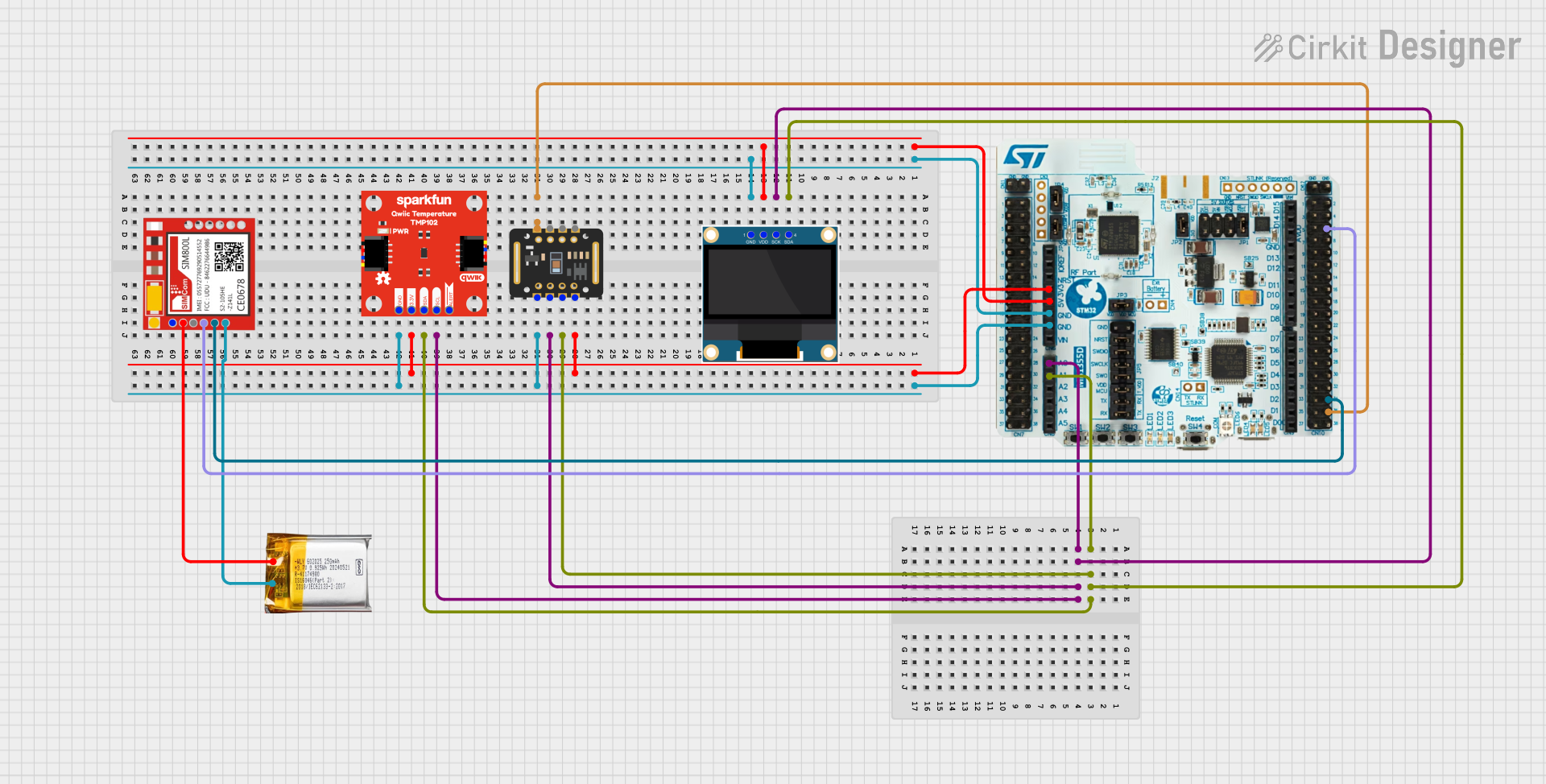 Open Project in Cirkit Designer
Explore Projects Built with V_REG_NCP50X
Open Project in Cirkit DesignerOpen Project in Cirkit DesignerOpen Project in Cirkit DesignerOpen Project in Cirkit DesignerCommon Applications and Use Cases
- Battery-powered devices (e.g., portable electronics, IoT devices)
- Microcontroller power supplies
- Low-noise analog circuits
- Wireless communication modules
- Industrial and automotive systems
Technical Specifications
Key Technical Details
| Parameter | Value |
|---|---|
| Input Voltage Range | 2.0 V to 16 V |
| Output Voltage Range | Fixed options: 1.2 V, 1.8 V, 3.3 V, etc. |
| Output Current Capability | Up to 150 mA |
| Dropout Voltage | 200 mV (typical at 100 mA load) |
| Quiescent Current | 50 µA (typical) |
| Operating Temperature Range | -40°C to +85°C |
| Package Options | SOT-23, SC-70 |
Pin Configuration and Descriptions
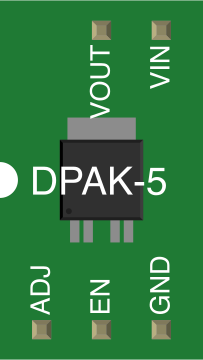
SOT-23 Package Pinout
| Pin Number | Name | Description |
|---|---|---|
| 1 | VIN | Input voltage supply |
| 2 | GND | Ground connection |
| 3 | VOUT | Regulated output voltage |
SC-70 Package Pinout
| Pin Number | Name | Description |
|---|---|---|
| 1 | VIN | Input voltage supply |
| 2 | GND | Ground connection |
| 3 | VOUT | Regulated output voltage |
Usage Instructions
How to Use the NCP50X in a Circuit
- Input Capacitor: Connect a ceramic capacitor (e.g., 1 µF) close to the VIN pin to stabilize the input voltage and reduce noise.
- Output Capacitor: Place a ceramic capacitor (e.g., 1 µF to 10 µF) near the VOUT pin to ensure stable operation and minimize output voltage ripple.
- Load Connection: Connect the load to the VOUT pin, ensuring the current draw does not exceed the regulator's maximum output current (150 mA).
- Thermal Considerations: Ensure adequate heat dissipation, especially in high ambient temperatures or when operating near the maximum current limit.
Important Considerations and Best Practices
- Input Voltage: Ensure the input voltage is within the specified range (2.0 V to 16 V) and sufficiently higher than the desired output voltage to maintain regulation.
- Capacitor Selection: Use low-ESR ceramic capacitors for optimal performance. Verify the capacitor's voltage rating exceeds the input/output voltage.
- PCB Layout: Minimize trace lengths between the regulator and capacitors to reduce noise and improve stability.
- Thermal Management: If operating at high currents, consider using a PCB with good thermal conductivity or adding thermal vias.
Example: Using the NCP50X with an Arduino UNO
The NCP50X can be used to power an Arduino UNO by providing a stable 5 V supply. Below is an example circuit and Arduino code to demonstrate its usage.
Circuit Diagram
- Connect the VIN pin of the NCP50X to a 9 V battery.
- Connect the GND pin to the ground of the Arduino UNO.
- Connect the VOUT pin to the 5 V pin of the Arduino UNO.
Arduino Code Example
// Example code to blink an LED using an Arduino UNO powered by the NCP50X
// Ensure the NCP50X provides a stable 5V output to the Arduino's 5V pin.

const int ledPin = 13; // Built-in LED pin on Arduino UNO

void setup() {
  pinMode(ledPin, OUTPUT); // Set the LED pin as an output
}

void loop() {
  digitalWrite(ledPin, HIGH); // Turn the LED on
  delay(1000);                // Wait for 1 second
  digitalWrite(ledPin, LOW);  // Turn the LED off
  delay(1000);                // Wait for 1 second
}
Troubleshooting and FAQs
Common Issues and Solutions
No Output Voltage
- Cause: Input voltage is below the minimum required (2.0 V).
- Solution: Verify the input voltage and ensure it is within the specified range.
Excessive Output Ripple
- Cause: Insufficient or incorrect output capacitor.
- Solution: Use a low-ESR ceramic capacitor with a value between 1 µF and 10 µF.
Overheating
- Cause: High ambient temperature or excessive current draw.
- Solution: Reduce the load current or improve thermal dissipation (e.g., use a heatsink or thermal vias).
Unstable Output Voltage
- Cause: Poor PCB layout or long traces between the regulator and capacitors.
- Solution: Minimize trace lengths and place capacitors close to the regulator pins.
FAQs
Q1: Can the NCP50X be used with a 12 V input to provide a 3.3 V output?
A1: Yes, the NCP50X supports a wide input voltage range (up to 16 V) and can regulate down to 3.3 V. Ensure proper heat dissipation when operating with a large voltage drop.
Q2: What happens if the load exceeds 150 mA?
A2: The regulator may enter thermal shutdown or current limiting to protect itself. Avoid exceeding the maximum output current to ensure reliable operation.
Q3: Can I use electrolytic capacitors instead of ceramic capacitors?
A3: While electrolytic capacitors can be used, ceramic capacitors are preferred due to their low ESR and better performance in high-frequency applications.
Q4: Is the NCP50X suitable for powering noise-sensitive analog circuits?
A4: Yes, the NCP50X provides low output noise, making it suitable for noise-sensitive applications. Use proper decoupling capacitors for optimal performance.