
How to Use ATmega328P DIP28: Examples, Pinouts, and Specs
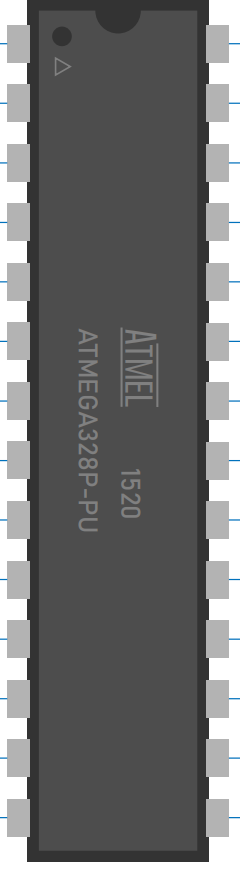
 Design with ATmega328P DIP28 in Cirkit Designer
Introduction
The ATmega328P is an 8-bit microcontroller from the AVR family, widely recognized for its versatility and efficiency in embedded systems. It is the core microcontroller used in popular Arduino boards such as the Arduino UNO. With 32 KB of flash memory, 2 KB of SRAM, and 23 general-purpose I/O pins, the ATmega328P is ideal for a variety of applications, including robotics, IoT devices, and home automation systems.
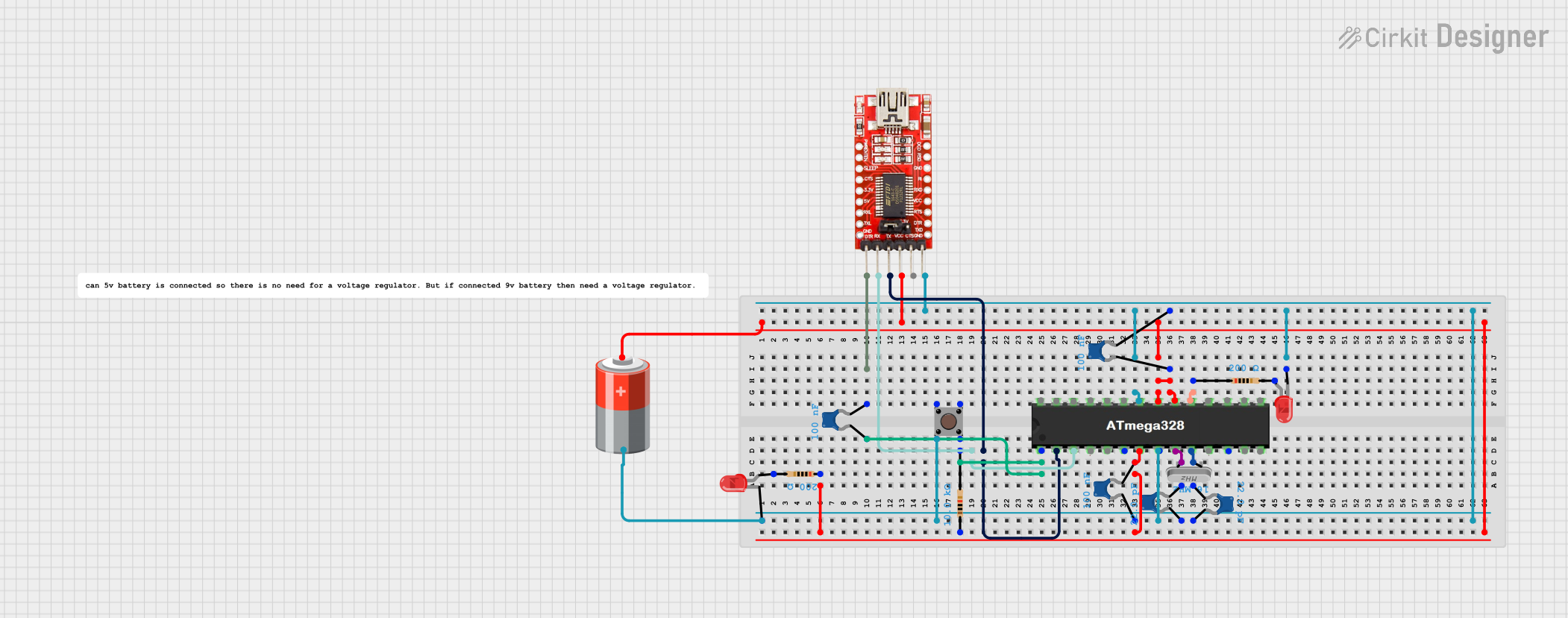
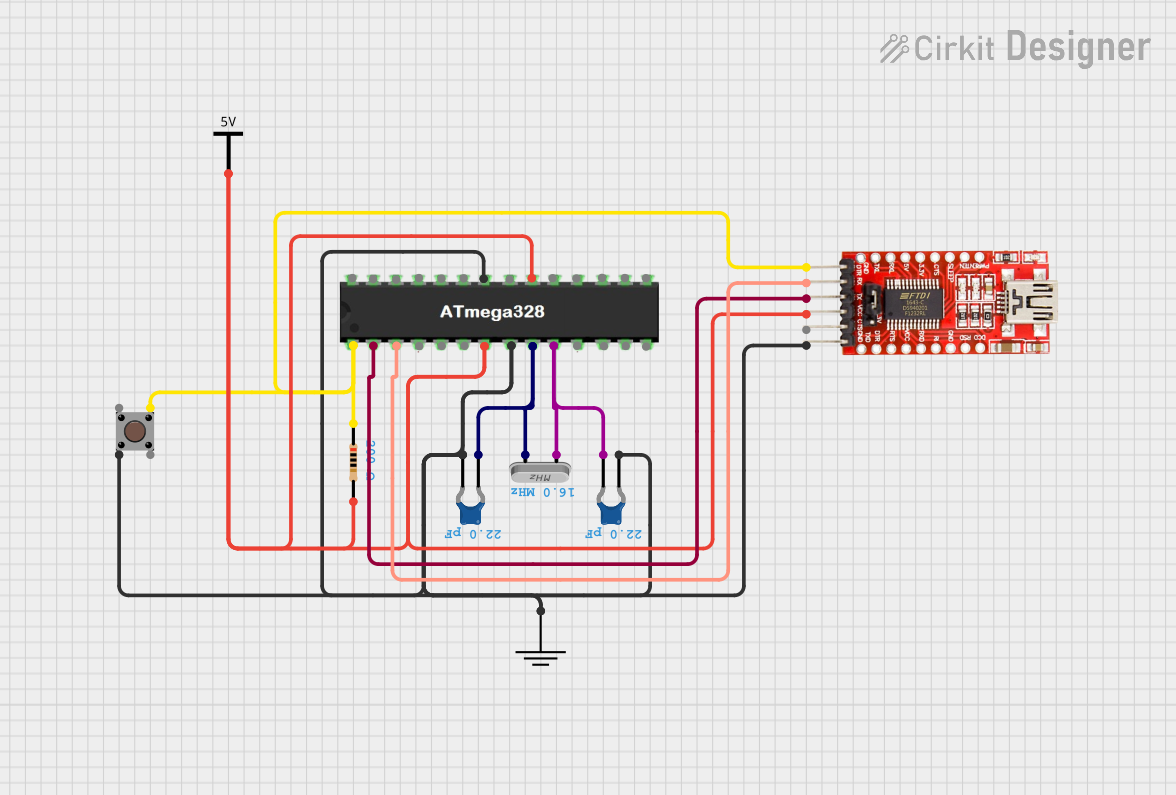
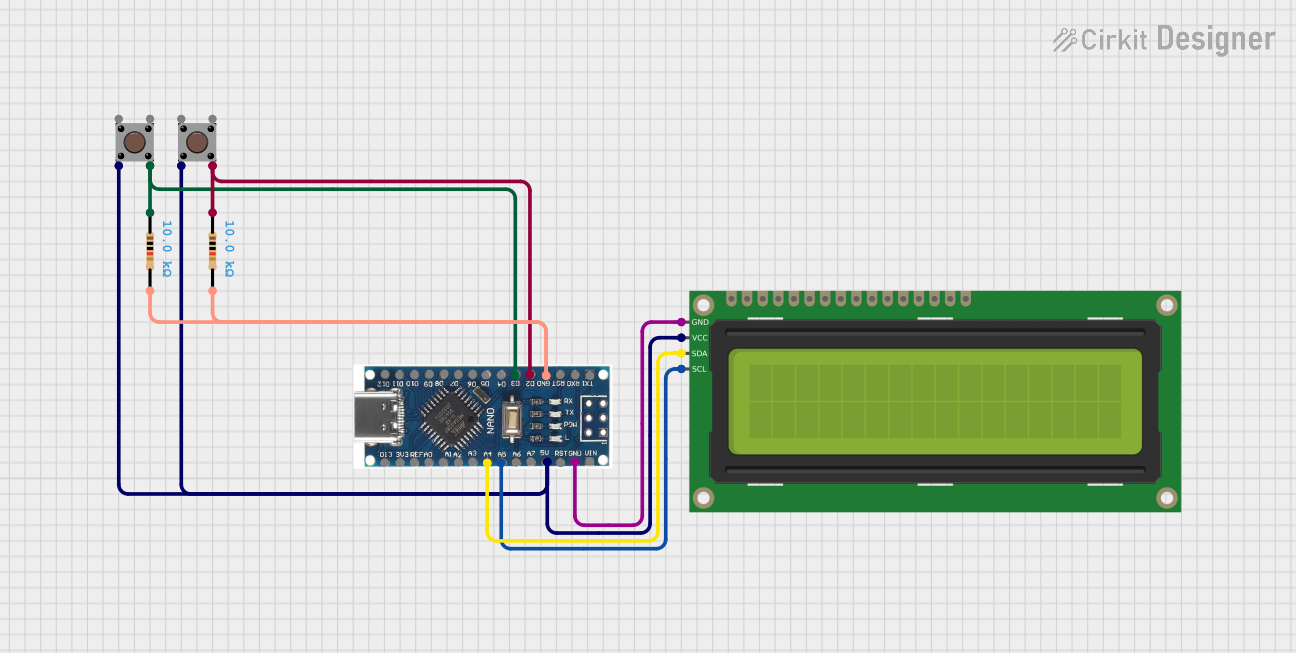
Explore Projects Built with ATmega328P DIP28
 Open Project in Cirkit Designer
 Open Project in Cirkit Designer
 Open Project in Cirkit Designer
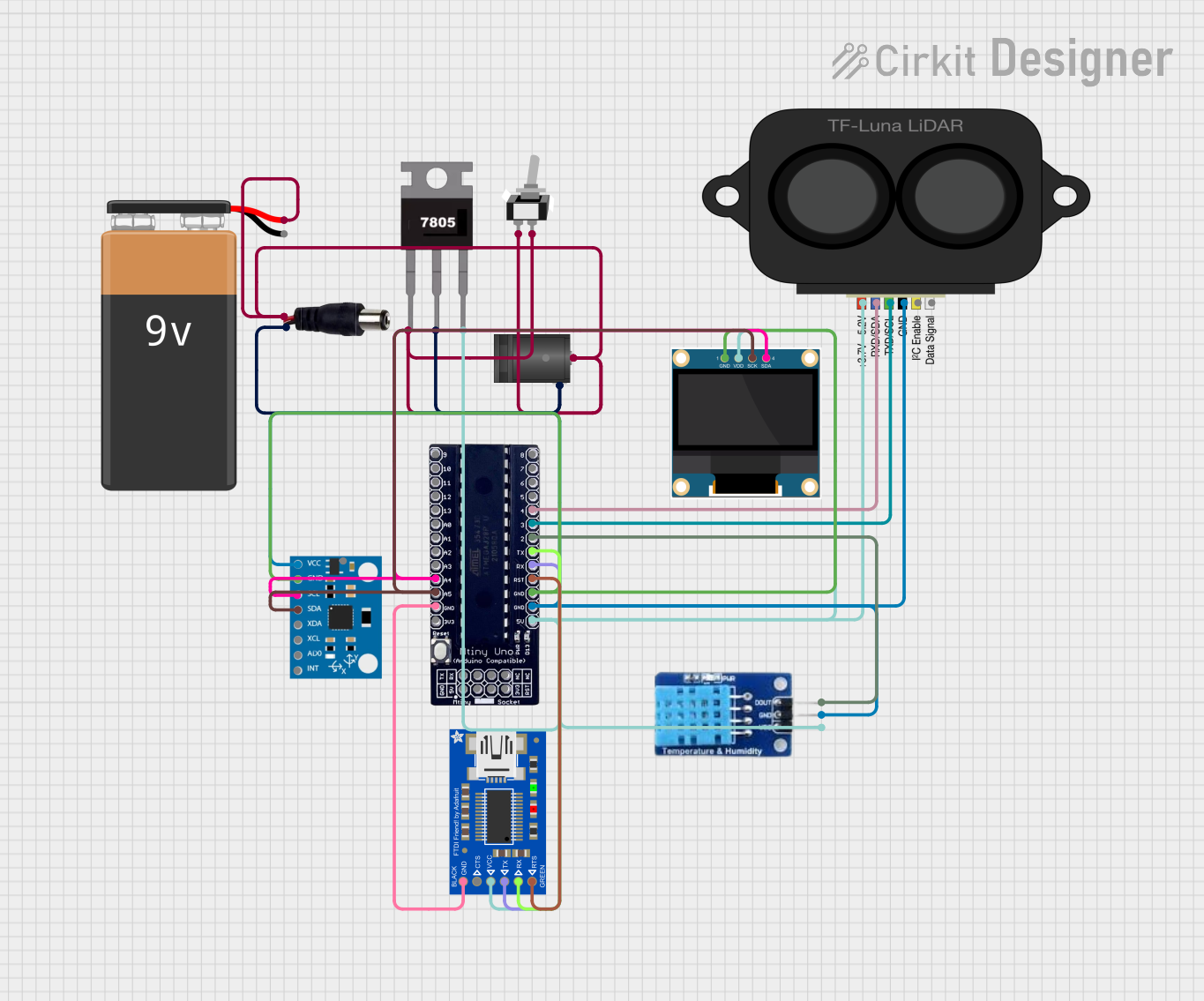 Open Project in Cirkit Designer
Explore Projects Built with ATmega328P DIP28
Open Project in Cirkit DesignerOpen Project in Cirkit DesignerOpen Project in Cirkit DesignerOpen Project in Cirkit DesignerCommon Applications:
- Microcontroller-based development boards (e.g., Arduino UNO)
- Robotics and automation
- Internet of Things (IoT) devices
- Data acquisition systems
- Consumer electronics
Technical Specifications
The ATmega328P DIP28 is a 28-pin Dual Inline Package (DIP) microcontroller with the following key specifications:
| Parameter | Value |
|---|---|
| Architecture | 8-bit AVR RISC |
| Operating Voltage | 1.8V - 5.5V |
| Flash Memory | 32 KB |
| SRAM | 2 KB |
| EEPROM | 1 KB |
| Clock Speed | Up to 20 MHz |
| I/O Pins | 23 (Digital and Analog) |
| ADC Resolution | 10-bit |
| Timers | 3 (2 x 8-bit, 1 x 16-bit) |
| Communication Interfaces | UART, SPI, I2C (TWI) |
| Power Consumption | Low-power modes available |
| Package Type | DIP28 |
Pin Configuration and Descriptions
The ATmega328P DIP28 has 28 pins, each with specific functions. Below is the pinout description:
| Pin Number | Pin Name | Function |
|---|---|---|
| 1 | PC6 (RESET) | Reset pin (active low) |
| 2 | PD0 (RXD) | UART Receive (Serial Communication) |
| 3 | PD1 (TXD) | UART Transmit (Serial Communication) |
| 4 | PD2 | Digital I/O, External Interrupt 0 |
| 5 | PD3 | Digital I/O, External Interrupt 1, PWM Output |
| 6 | PD4 | Digital I/O |
| 7 | VCC | Power Supply (2.7V - 5.5V) |
| 8 | GND | Ground |
| 9 | PB6 (XTAL1) | External Oscillator Input |
| 10 | PB7 (XTAL2) | External Oscillator Output |
| 11 | PD5 | Digital I/O, PWM Output |
| 12 | PD6 | Digital I/O, PWM Output |
| 13 | PD7 | Digital I/O |
| 14 | PB0 | Digital I/O, PWM Output |
| 15 | PB1 | Digital I/O, PWM Output |
| 16 | PB2 | Digital I/O, SPI Chip Select (SS) |
| 17 | PB3 | Digital I/O, SPI MOSI |
| 18 | PB4 | Digital I/O, SPI MISO |
| 19 | PB5 | Digital I/O, SPI Clock (SCK) |
| 20 | AVCC | Analog Power Supply |
| 21 | AREF | Analog Reference Voltage for ADC |
| 22 | GND | Ground |
| 23 | PC0 (ADC0) | Analog Input Channel 0 |
| 24 | PC1 (ADC1) | Analog Input Channel 1 |
| 25 | PC2 (ADC2) | Analog Input Channel 2 |
| 26 | PC3 (ADC3) | Analog Input Channel 3 |
| 27 | PC4 (ADC4) | Analog Input Channel 4, I2C SDA |
| 28 | PC5 (ADC5) | Analog Input Channel 5, I2C SCL |
Usage Instructions
Using the ATmega328P in a Circuit
- Power Supply: Connect the VCC pin to a 5V power source and the GND pin to ground. For analog operations, connect AVCC to 5V and AREF to the desired reference voltage.
- Clock Source: Use an external 16 MHz crystal oscillator connected to XTAL1 and XTAL2, along with two 22 pF capacitors to ground, for stable operation.
- Programming: Use an ISP (In-System Programmer) or an Arduino UNO as a programmer to upload code to the ATmega328P.
- I/O Pins: Configure the digital and analog pins as needed for input or output in your code.
Example: Blinking an LED with Arduino UNO
The ATmega328P is commonly used with Arduino boards. Below is an example of how to blink an LED connected to pin 13:
// This code blinks an LED connected to pin 13 of the ATmega328P.
// Ensure the LED's anode is connected to pin 13 and the cathode to GND.

void setup() {
  pinMode(13, OUTPUT); // Set pin 13 as an output pin
}

void loop() {
  digitalWrite(13, HIGH); // Turn the LED on
  delay(1000);            // Wait for 1 second
  digitalWrite(13, LOW);  // Turn the LED off
  delay(1000);            // Wait for 1 second
}
Best Practices
- Use decoupling capacitors (e.g., 0.1 µF) near the power pins to reduce noise.
- Avoid leaving unused pins floating; connect them to GND or VCC through pull-up or pull-down resistors.
- Use proper heat dissipation techniques if operating at high frequencies or under heavy loads.
Troubleshooting and FAQs
Common Issues
Microcontroller Not Responding:
- Ensure the power supply is stable and within the operating voltage range.
- Verify the reset pin is not held low unintentionally.
Program Upload Fails:
- Check the connections between the programmer and the ATmega328P.
- Ensure the correct COM port and board settings are selected in the Arduino IDE.
Incorrect ADC Readings:
- Verify the AREF pin is connected to the correct reference voltage.
- Ensure the input signal is within the ADC's voltage range.
FAQs
Q: Can I use the ATmega328P without an external crystal?
A: Yes, the ATmega328P has an internal 8 MHz oscillator, but for precise timing, an external crystal is recommended.
Q: How do I reset the ATmega328P?
A: Pull the RESET pin low momentarily to reset the microcontroller.
Q: What is the maximum current the I/O pins can handle?
A: Each I/O pin can source or sink up to 40 mA, but it is recommended to limit the current to 20 mA for safe operation.
By following this documentation, you can effectively integrate the ATmega328P DIP28 into your projects and troubleshoot common issues with ease.