
How to Use TDS75 FLOWMETTER: Examples, Pinouts, and Specs
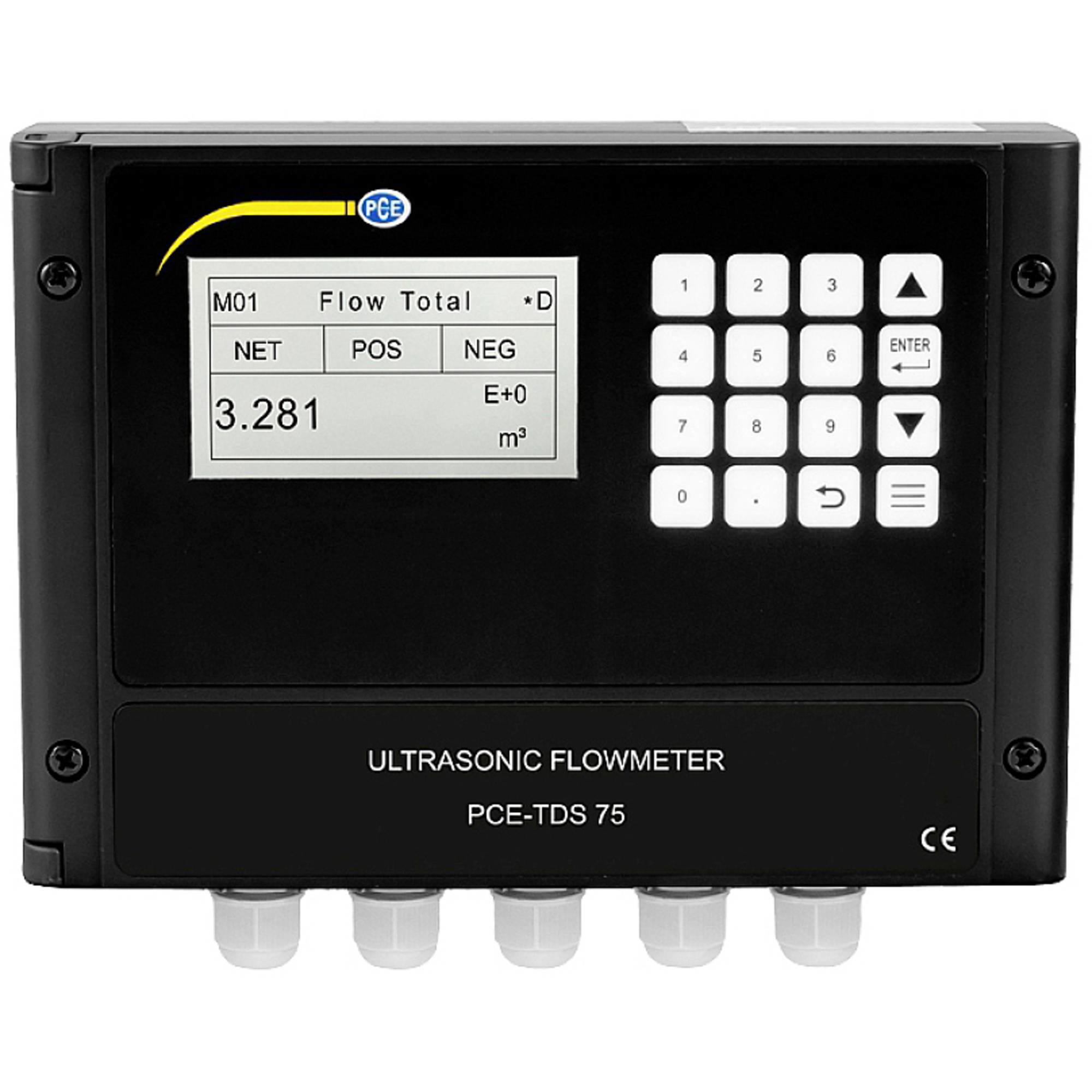
 Design with TDS75 FLOWMETTER in Cirkit Designer
Introduction
The TDS75 Flowmeter, manufactured by PCE, is a precision instrument designed to measure the flow rate of liquids with high accuracy and reliability. It is widely used in industrial, commercial, and laboratory applications where precise flow measurement is critical. The TDS75 features advanced technology, including digital displays and communication interfaces, making it easy to integrate into modern control systems.
Explore Projects Built with TDS75 FLOWMETTER
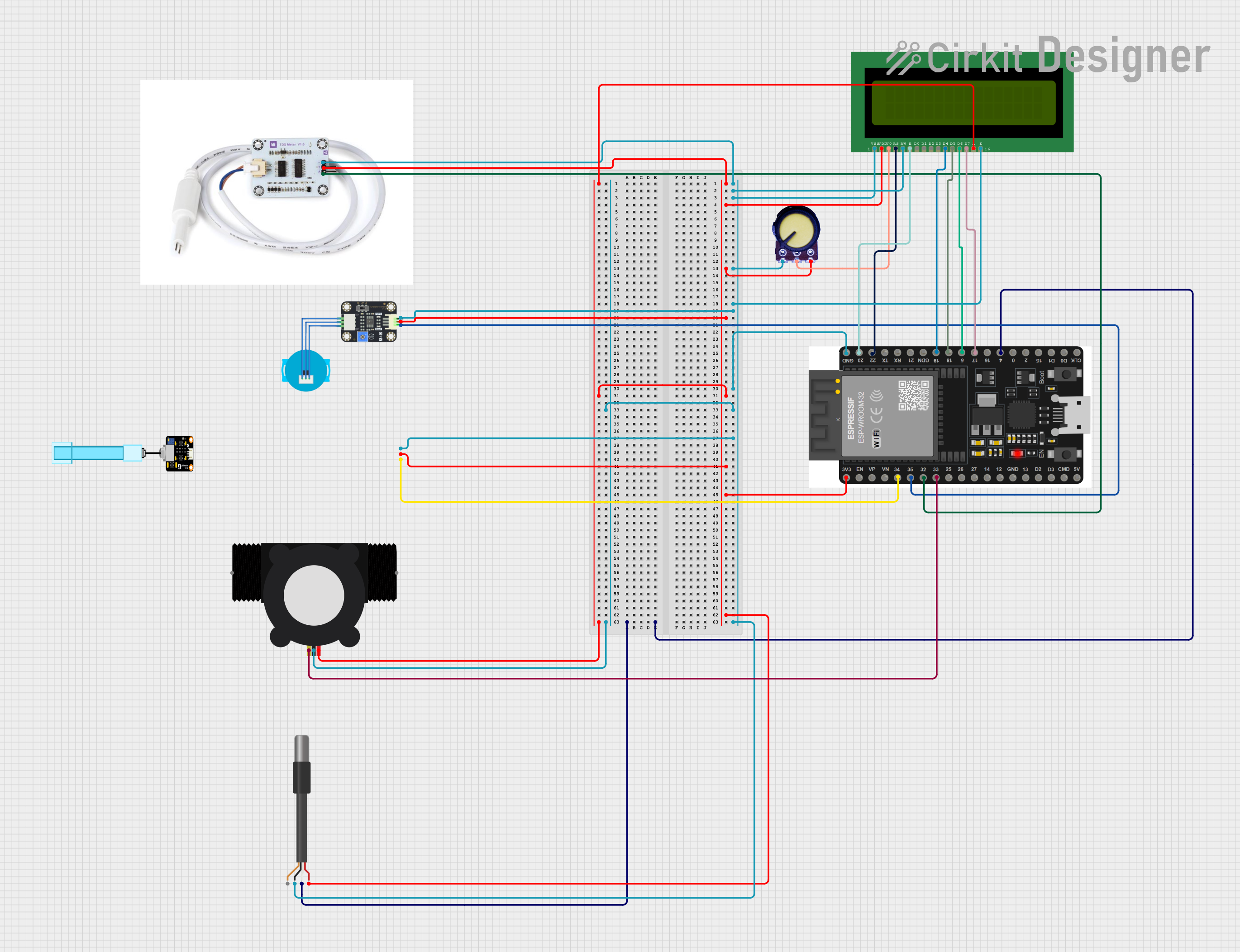 Open Project in Cirkit Designer
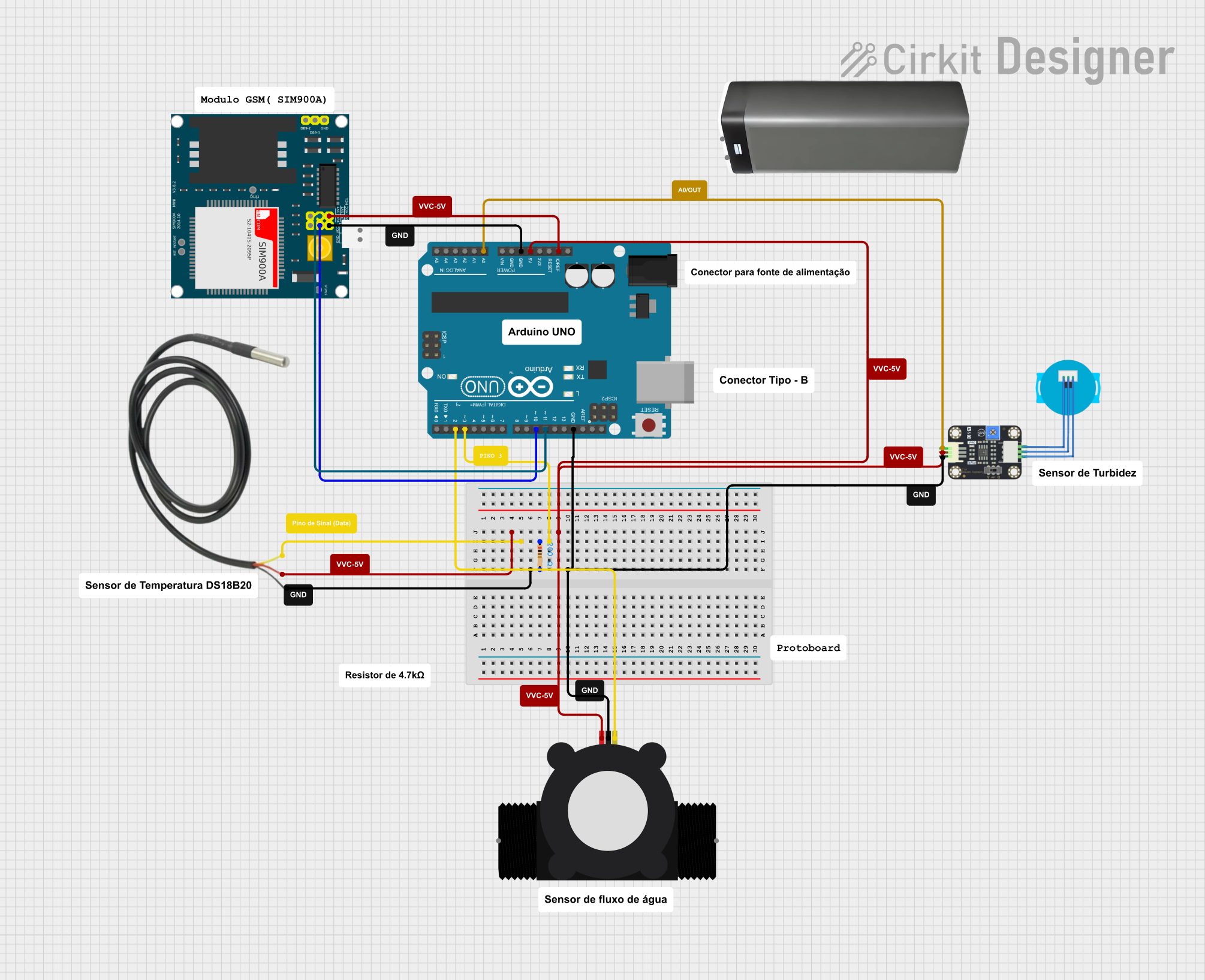 Open Project in Cirkit Designer
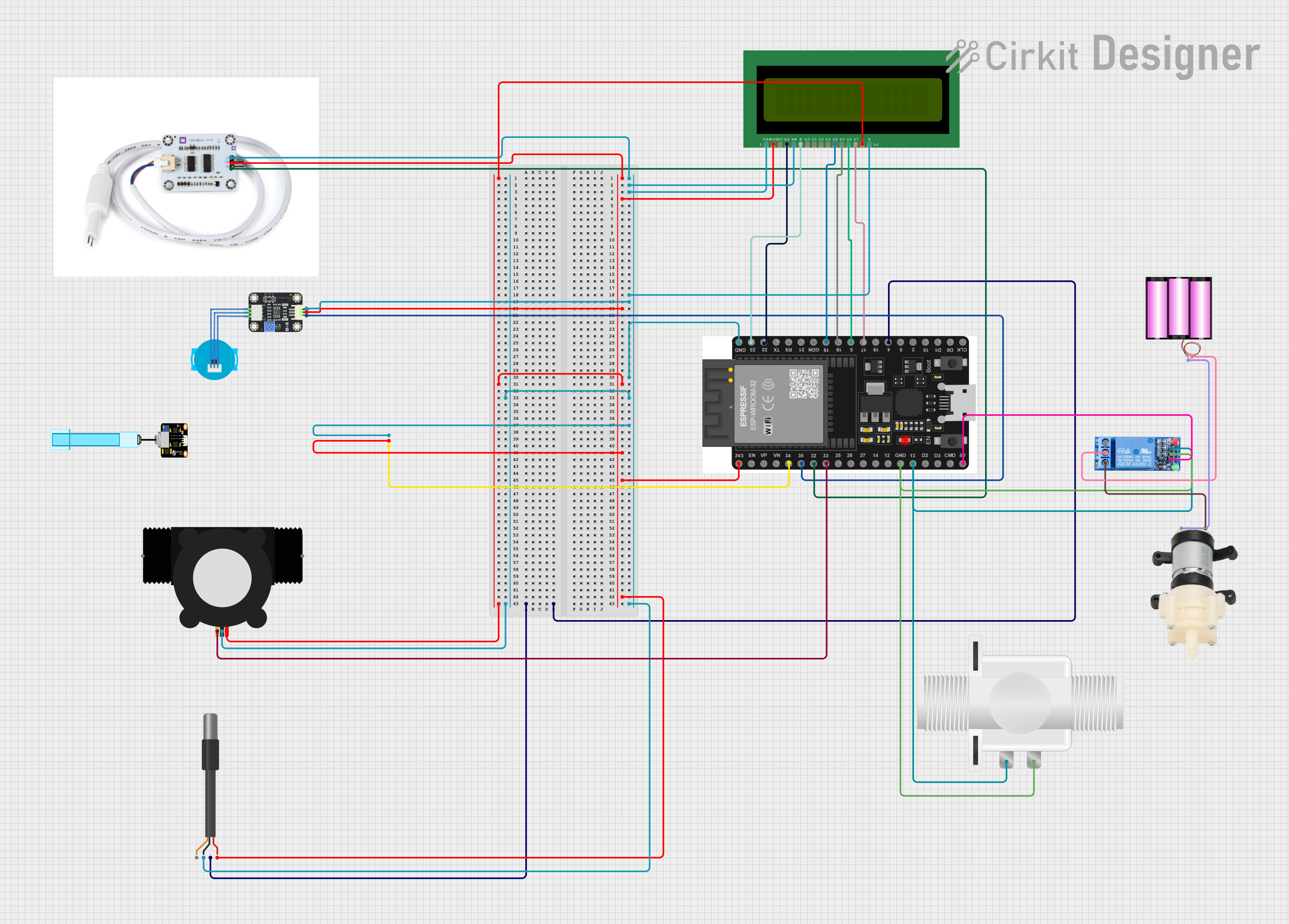 Open Project in Cirkit Designer
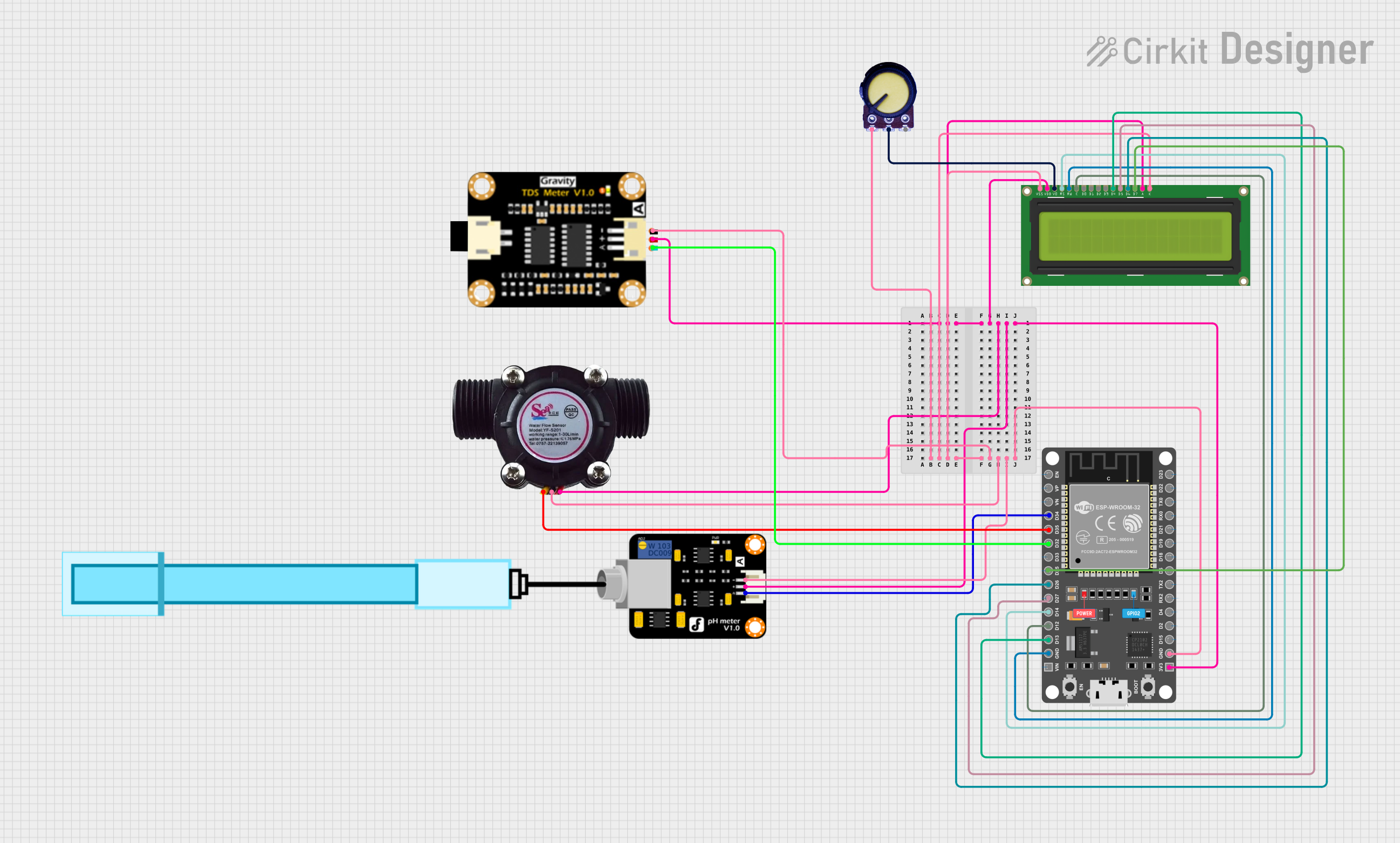 Open Project in Cirkit Designer
Explore Projects Built with TDS75 FLOWMETTER
Open Project in Cirkit DesignerOpen Project in Cirkit DesignerOpen Project in Cirkit DesignerOpen Project in Cirkit DesignerCommon Applications
- Industrial process monitoring and control
- Water treatment plants
- Chemical and pharmaceutical industries
- Food and beverage production
- Laboratory experiments and research
Technical Specifications
Key Technical Details
| Parameter | Specification |
|---|---|
| Manufacturer | PCE |
| Model Number | TDS75 |
| Measurement Range | 0.1 L/min to 100 L/min |
| Accuracy | ±1% of reading |
| Operating Temperature | -10°C to 80°C |
| Operating Pressure | Up to 10 bar |
| Output Signal | 4-20 mA, Pulse, or RS485 |
| Power Supply | 12-24 V DC |
| Display | Digital LCD |
| Communication Protocol | Modbus RTU (via RS485) |
| Material | Stainless Steel (sensor body) |
| Ingress Protection | IP65 |
Pin Configuration and Descriptions
The TDS75 Flowmeter features a standard 4-pin connector for power and signal output. The pin configuration is as follows:
| Pin Number | Name | Description |
|---|---|---|
| 1 | V+ | Positive power supply (12-24 V DC) |
| 2 | GND | Ground (0 V) |
| 3 | Signal Out | Flow rate output (4-20 mA or Pulse) |
| 4 | RS485 A/B | RS485 communication line (A/B differential pair) |
Usage Instructions
How to Use the TDS75 Flowmeter in a Circuit
- Power Connection: Connect the V+ pin to a 12-24 V DC power source and the GND pin to the ground.
- Signal Output: Depending on your application, connect the Signal Out pin to a compatible device (e.g., PLC, data logger, or microcontroller) to read the flow rate.
- RS485 Communication: For advanced applications, connect the RS485 A/B pins to a Modbus RTU-compatible device for digital communication.
- Installation: Mount the flowmeter in-line with the liquid flow. Ensure the arrow on the sensor body aligns with the flow direction.
- Calibration: If required, calibrate the flowmeter using the manufacturer's instructions to ensure accurate readings.
Important Considerations and Best Practices
- Ensure the flowmeter is installed in a straight section of the pipe, with at least 10 pipe diameters of straight run upstream and 5 pipe diameters downstream to minimize turbulence.
- Avoid installing the flowmeter near pumps, valves, or other components that may cause flow disturbances.
- Regularly clean the sensor to prevent clogging or buildup, especially when measuring viscous or particulate-laden liquids.
- Use shielded cables for RS485 communication to reduce electrical noise interference.
- Verify the power supply voltage is within the specified range (12-24 V DC) to avoid damage to the device.
Example: Connecting the TDS75 to an Arduino UNO
The TDS75 Flowmeter can be connected to an Arduino UNO to read flow rate data via the analog signal output. Below is an example code snippet:
// Example code to read flow rate from TDS75 Flowmeter using Arduino UNO
const int flowPin = A0; // Analog pin connected to Signal Out of TDS75
float flowRate = 0.0;   // Variable to store the flow rate

void setup() {
  Serial.begin(9600); // Initialize serial communication
  pinMode(flowPin, INPUT); // Set flowPin as input
}

void loop() {
  int sensorValue = analogRead(flowPin); // Read analog signal from TDS75
  // Convert sensor value to flow rate (example conversion factor: 0.1 L/min per unit)
  flowRate = sensorValue * 0.1;
  Serial.print("Flow Rate: ");
  Serial.print(flowRate);
  Serial.println(" L/min");
  delay(1000); // Wait for 1 second before next reading
}
Note: The conversion factor (0.1 L/min per unit) is an example. Refer to the TDS75 datasheet for the exact conversion formula.
Troubleshooting and FAQs
Common Issues and Solutions
No Output Signal
- Cause: Incorrect wiring or insufficient power supply.
- Solution: Verify all connections and ensure the power supply voltage is within the specified range (12-24 V DC).
Inaccurate Flow Readings
- Cause: Turbulence in the flow or improper installation.
- Solution: Ensure the flowmeter is installed in a straight section of the pipe with proper upstream and downstream lengths.
RS485 Communication Failure
- Cause: Incorrect wiring or configuration.
- Solution: Check the RS485 A/B connections and ensure the Modbus RTU settings (baud rate, parity, etc.) match the master device.
Display Not Working
- Cause: Power supply issue or internal fault.
- Solution: Verify the power supply and check for any visible damage. Contact the manufacturer if the issue persists.
FAQs
Q1: Can the TDS75 measure flow rates of gases?
A1: No, the TDS75 is designed specifically for liquid flow measurement and is not suitable for gases.
Q2: What is the maximum cable length for RS485 communication?
A2: The maximum cable length for RS485 communication is typically 1200 meters, but this may vary depending on the cable quality and environmental conditions.
Q3: How often should the flowmeter be calibrated?
A3: Calibration frequency depends on the application and usage conditions. For critical applications, annual calibration is recommended.
Q4: Can the TDS75 handle corrosive liquids?
A4: The TDS75 is made of stainless steel, which provides good resistance to many chemicals. However, verify compatibility with the specific liquid before use.