
How to Use RGB Smart NeoPixel: Examples, Pinouts, and Specs
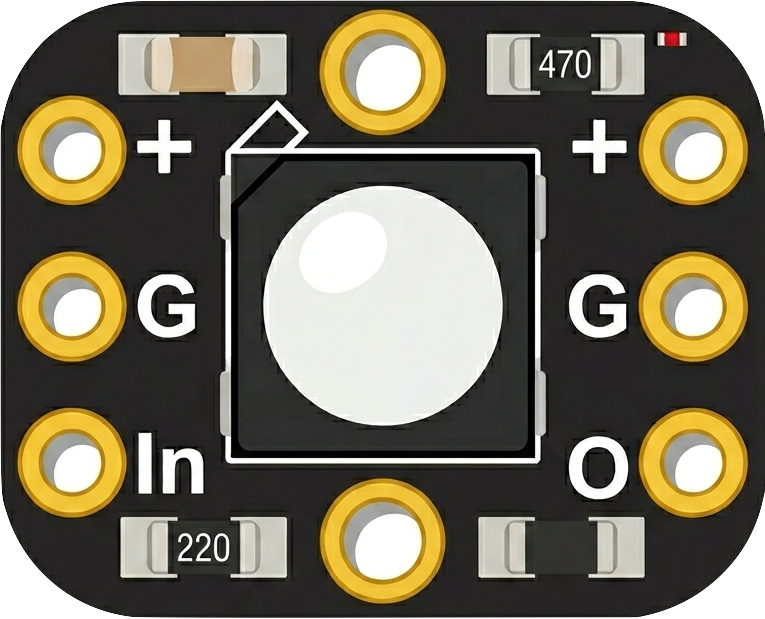
 Design with RGB Smart NeoPixel in Cirkit Designer
Introduction
The RGB Smart NeoPixel, manufactured by Adafruit, is an addressable LED strip that allows for individual control of each LED. Each LED can display a wide range of colors and brightness levels, enabling dynamic lighting effects. The NeoPixel is widely used in decorative lighting, interactive displays, and projects requiring customizable and programmable lighting solutions. Its ease of use and versatility make it a popular choice for hobbyists, makers, and professionals alike.
Explore Projects Built with RGB Smart NeoPixel
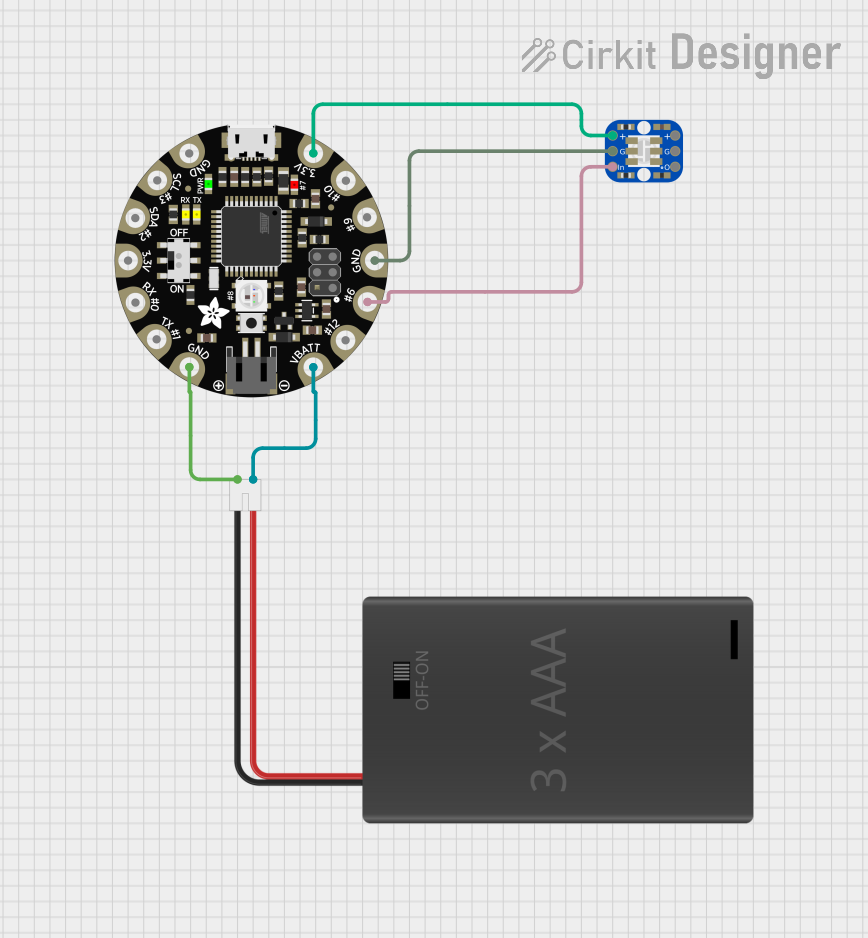 Open Project in Cirkit Designer
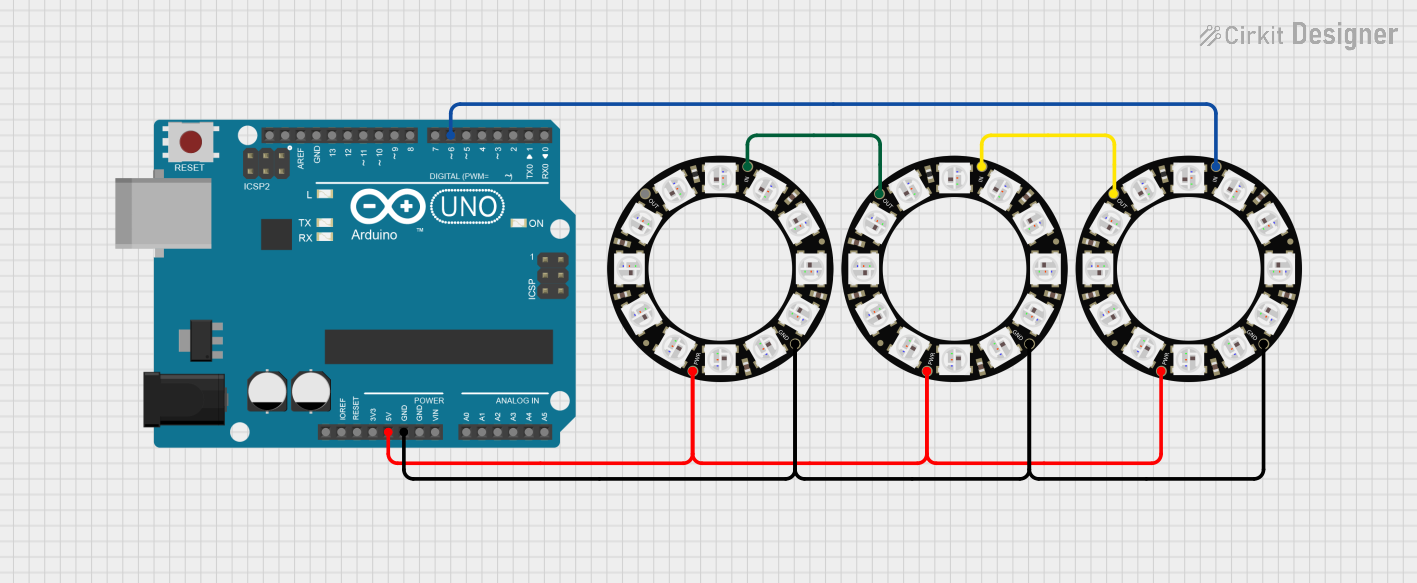 Open Project in Cirkit Designer
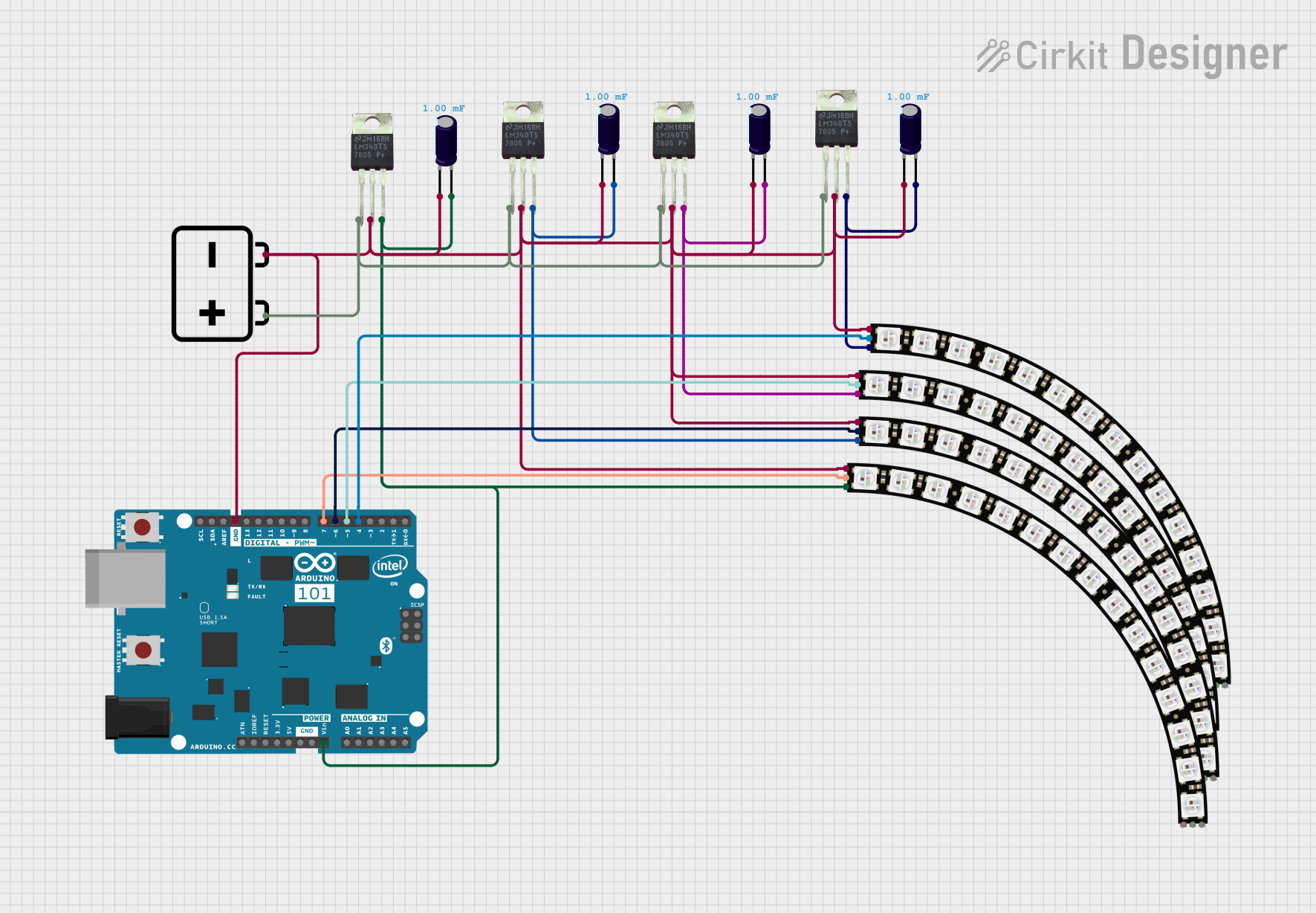 Open Project in Cirkit Designer
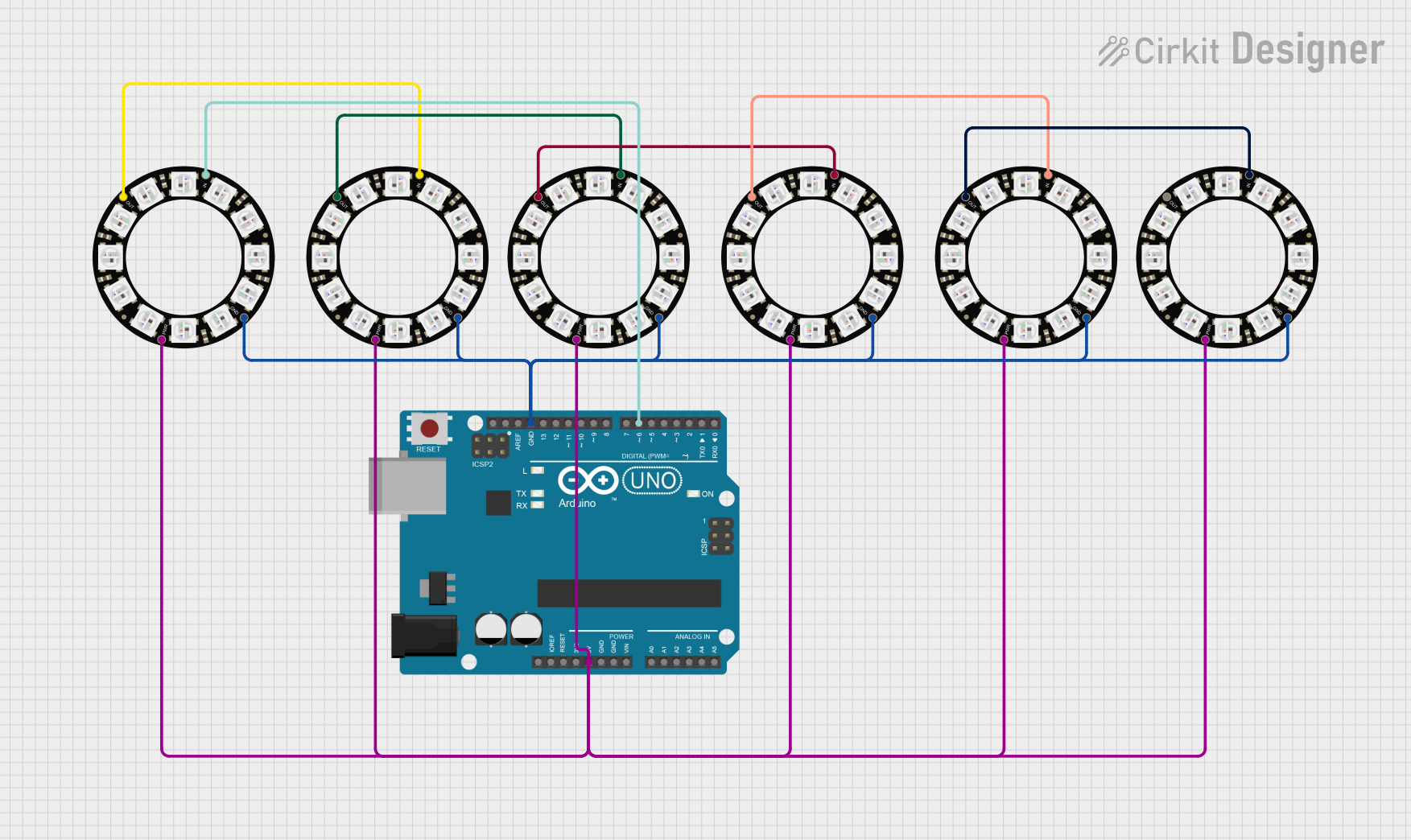 Open Project in Cirkit Designer
Explore Projects Built with RGB Smart NeoPixel
Open Project in Cirkit DesignerOpen Project in Cirkit DesignerOpen Project in Cirkit DesignerOpen Project in Cirkit DesignerCommon Applications
- Decorative lighting for homes, events, and installations
- Interactive displays and signage
- Wearable electronics and costumes
- Robotics and model lighting
- Dynamic lighting effects for art and design projects
Technical Specifications
The RGB Smart NeoPixel is based on WS2812 or SK6812 LEDs, which integrate RGB LEDs and a driver IC into a single package. Below are the key technical details:
Key Specifications
| Parameter | Value |
|---|---|
| Operating Voltage | 5V DC |
| Current Consumption | ~60mA per LED at full brightness (white) |
| Communication Protocol | One-wire (timing-based) |
| LED Color Depth | 24-bit (8 bits per channel: R, G, B) |
| LED Control | Individually addressable |
| Operating Temperature | -40°C to +80°C |
| LED Pitch (spacing) | Varies by strip model (e.g., 30, 60, 144 LEDs/m) |
Pin Configuration
The NeoPixel strip typically has three main pins for connection:
| Pin Name | Description |
|---|---|
| VCC | Power supply input (5V DC) |
| GND | Ground connection |
| DIN | Data input for controlling the LEDs |
Note: Some NeoPixel strips may include an additional DOUT pin for chaining multiple strips together. The DOUT pin of one strip connects to the DIN pin of the next.
Usage Instructions
Connecting the NeoPixel to a Circuit
- Power Supply: Ensure a stable 5V DC power source. For long strips, use a power supply capable of providing sufficient current (e.g., 60mA per LED at full brightness).
- Data Line: Connect the
DINpin to a microcontroller's digital output pin. Use a resistor (330–470 ohms) in series with the data line to protect the first LED. - Capacitor: Place a 1000µF capacitor across the
VCCandGNDpins to stabilize the power supply. - Grounding: Connect the
GNDpin of the NeoPixel strip to the ground of the microcontroller.
Example: Using NeoPixel with Arduino UNO
Below is an example of how to control a NeoPixel strip using an Arduino UNO and the Adafruit NeoPixel library.
Circuit Diagram
- Connect the
VCCpin of the NeoPixel to the 5V pin on the Arduino. - Connect the
GNDpin of the NeoPixel to the GND pin on the Arduino. - Connect the
DINpin of the NeoPixel to digital pin 6 on the Arduino (or any other PWM-capable pin).
Arduino Code
#include <Adafruit_NeoPixel.h>

// Define the pin connected to the NeoPixel data input
#define PIN 6

// Define the number of LEDs in the NeoPixel strip
#define NUM_LEDS 30

// Create a NeoPixel object
Adafruit_NeoPixel strip = Adafruit_NeoPixel(NUM_LEDS, PIN, NEO_GRB + NEO_KHZ800);

void setup() {
  strip.begin();  // Initialize the NeoPixel strip
  strip.show();   // Turn off all LEDs initially
}

void loop() {
  // Example: Cycle through colors on the strip
  for (int i = 0; i < strip.numPixels(); i++) {
    strip.setPixelColor(i, strip.Color(255, 0, 0)); // Set LED to red
    strip.show();                                   // Update the strip
    delay(50);                                      // Wait 50ms
    strip.setPixelColor(i, strip.Color(0, 0, 0));   // Turn off LED
  }
}
Best Practices
- Power Injection: For long strips, inject power at multiple points to prevent voltage drop.
- Data Line Length: Keep the data line as short as possible to avoid signal degradation. Use a level shifter if the microcontroller operates at 3.3V.
- Heat Management: Avoid running LEDs at full brightness for extended periods to prevent overheating.
Troubleshooting and FAQs
Common Issues
LEDs Not Lighting Up
- Cause: Incorrect wiring or insufficient power supply.
- Solution: Double-check connections and ensure the power supply meets the current requirements.
Flickering or Incorrect Colors
- Cause: Signal degradation or noise on the data line.
- Solution: Use a resistor (330–470 ohms) in series with the data line and a capacitor (1000µF) across the power supply.
Only the First LED Works
- Cause: Faulty data connection or damaged first LED.
- Solution: Check the data line connection and replace the first LED if necessary.
LEDs Overheating
- Cause: Running LEDs at full brightness for extended periods.
- Solution: Reduce brightness or add heat dissipation measures.
FAQs
Can I cut the NeoPixel strip to a custom length?
- Yes, NeoPixel strips can be cut at designated points (usually marked with a scissor icon). Ensure proper reconnection of
VCC,GND, andDINpins.
- Yes, NeoPixel strips can be cut at designated points (usually marked with a scissor icon). Ensure proper reconnection of
Can I chain multiple NeoPixel strips together?
- Yes, connect the
DOUTpin of one strip to theDINpin of the next. Ensure the power supply can handle the total current draw.
- Yes, connect the
What is the maximum number of LEDs I can control?
- Theoretically, there is no limit, but practical constraints like memory and timing on the microcontroller may apply. For Arduino UNO, controlling up to 500 LEDs is feasible.
Can I use a 3.3V microcontroller with NeoPixels?
- Yes, but you may need a level shifter to boost the data signal to 5V for reliable operation.
By following this documentation, you can effectively integrate and troubleshoot the Adafruit RGB Smart NeoPixel in your projects.