
How to Use Arduino MKR Zero: Examples, Pinouts, and Specs
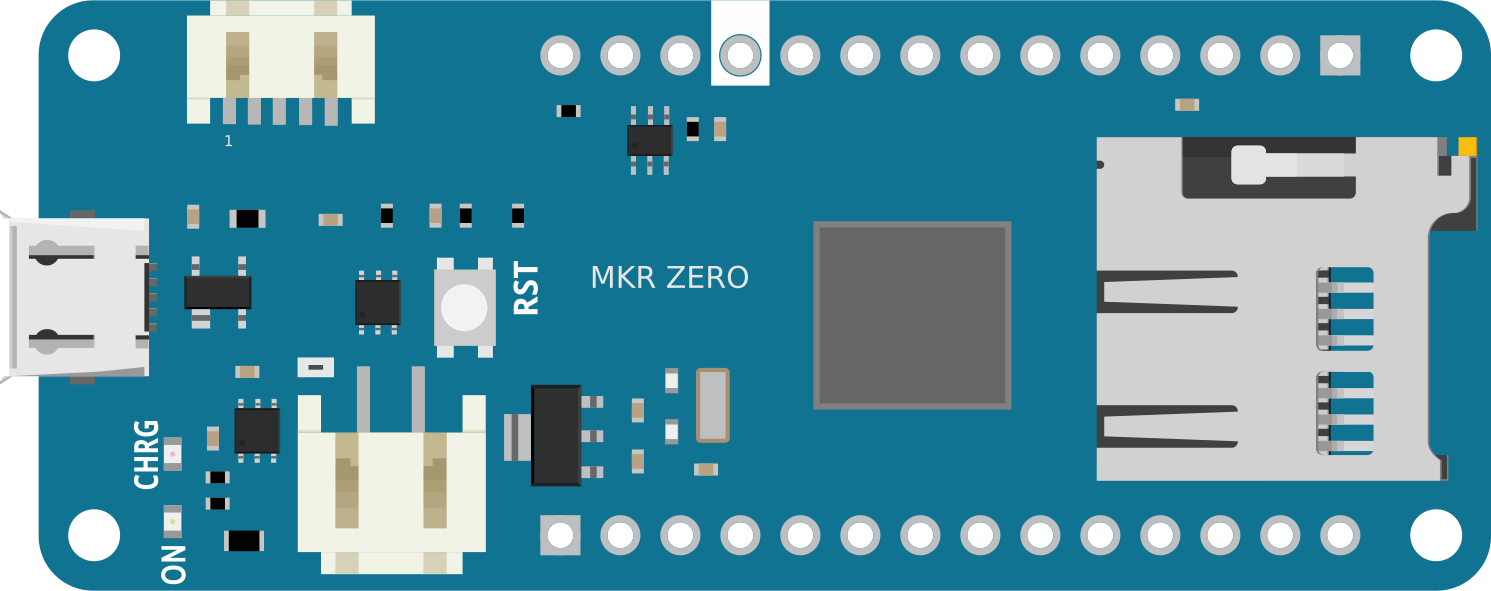
 Design with Arduino MKR Zero in Cirkit Designer
Introduction
The Arduino MKR Zero is a compact microcontroller board powered by the SAMD21 Cortex-M0+ 32-bit ARM processor. Designed for Internet of Things (IoT) applications, it combines powerful processing capabilities with low power consumption. The board features a built-in SD card slot for data logging, USB connectivity for easy programming and communication, and a small form factor ideal for portable and embedded projects.
Explore Projects Built with Arduino MKR Zero
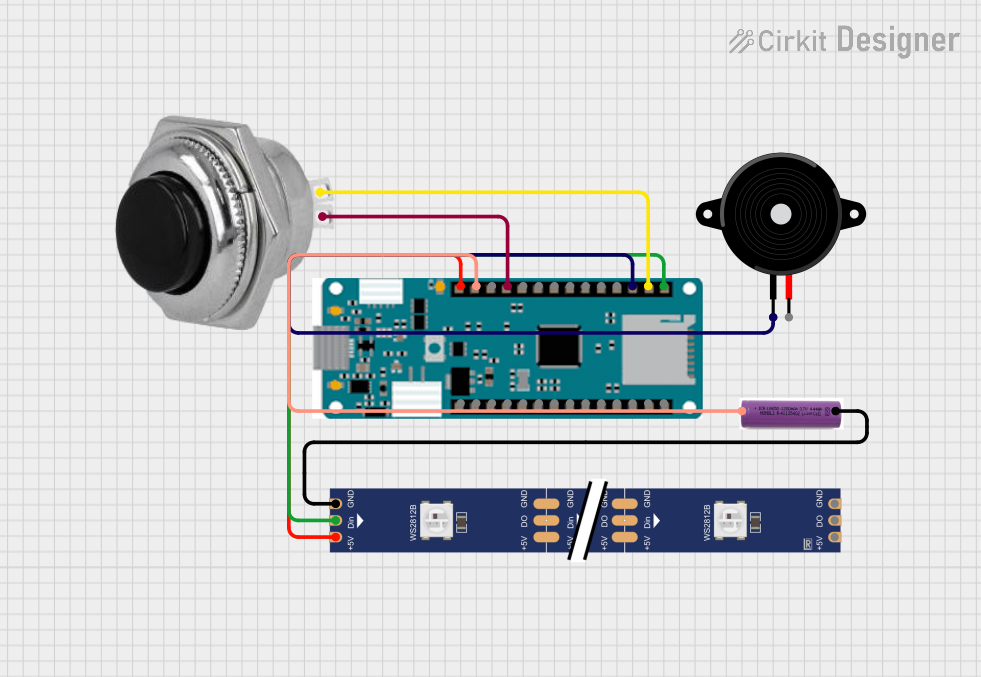 Open Project in Cirkit Designer
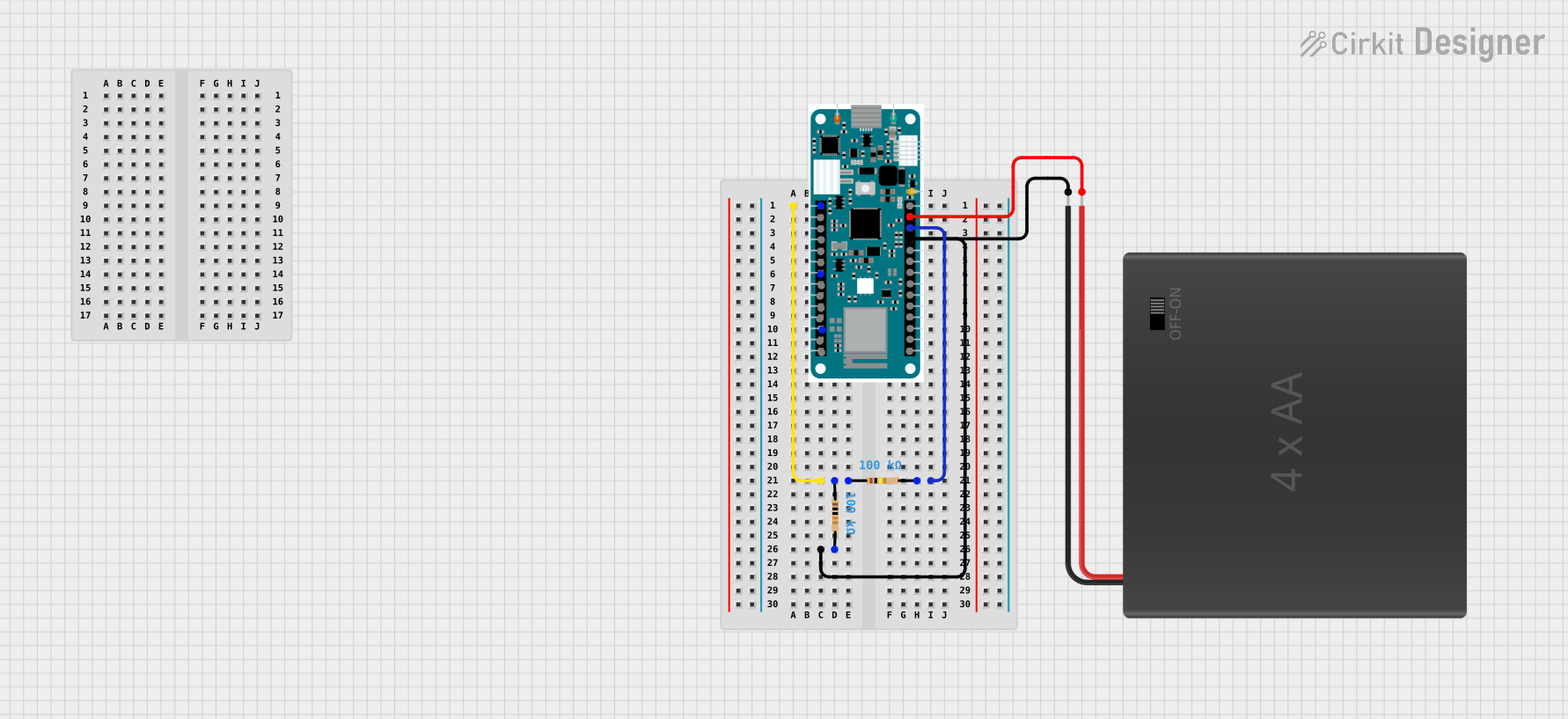 Open Project in Cirkit Designer
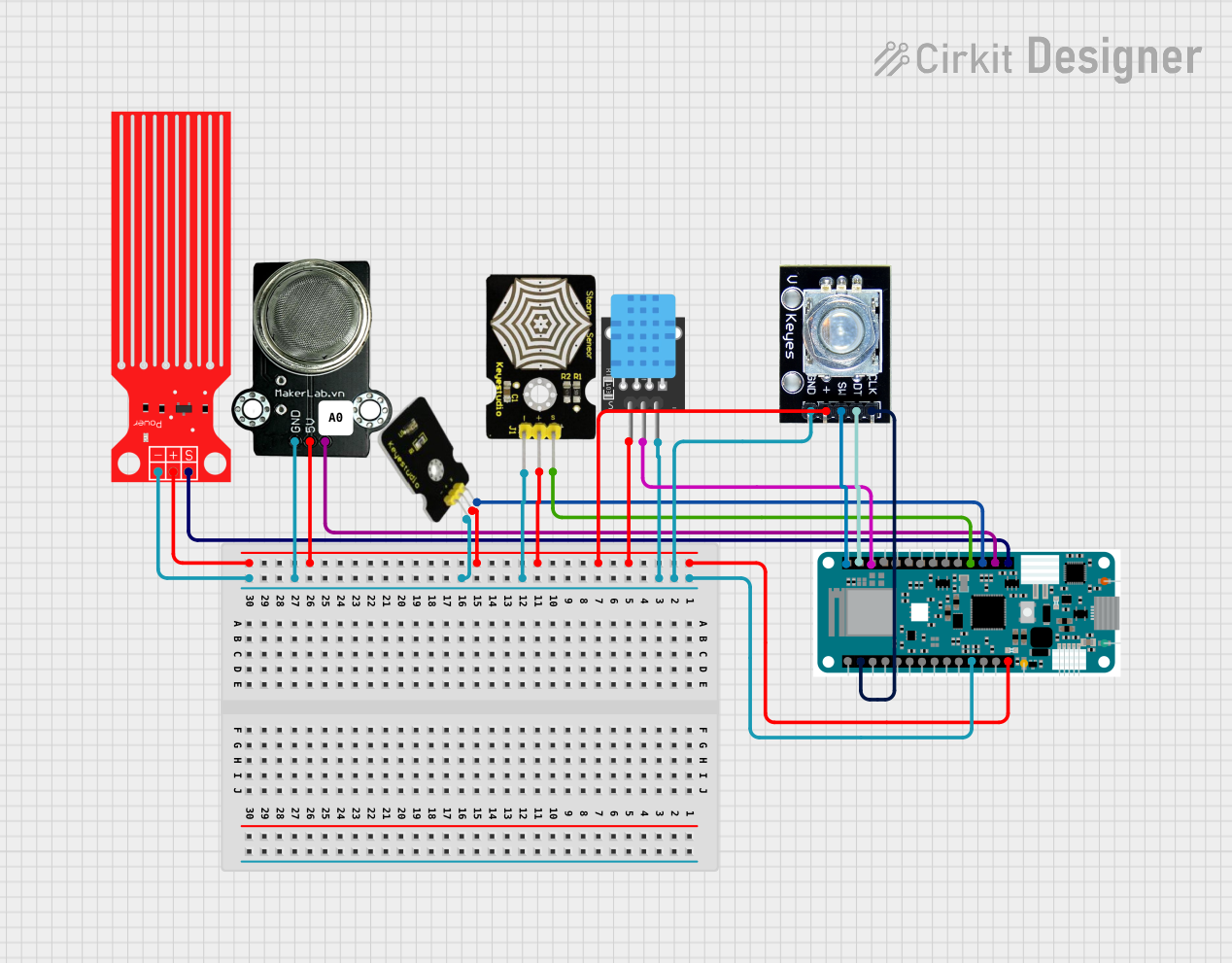 Open Project in Cirkit Designer
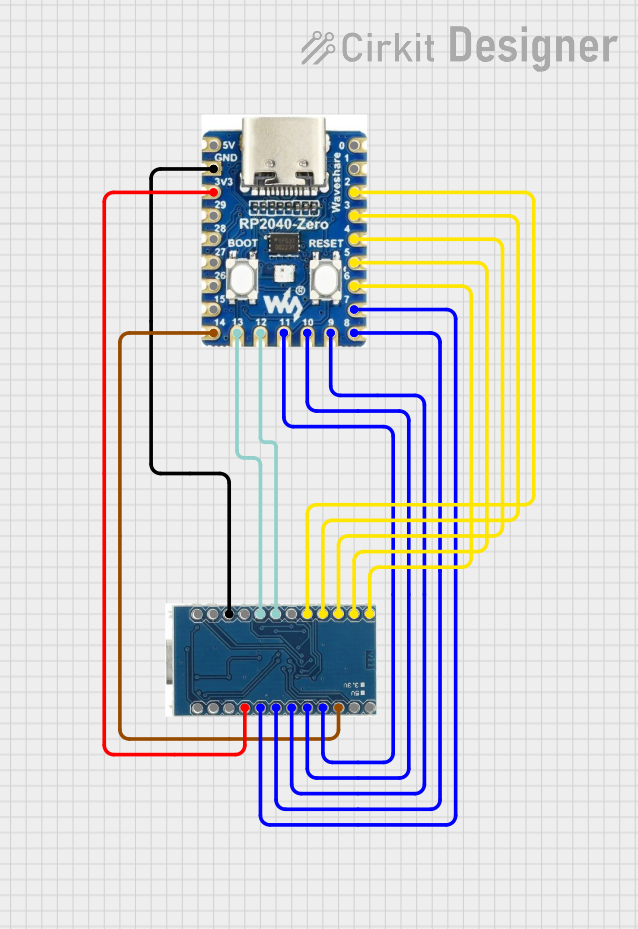 Open Project in Cirkit Designer
Explore Projects Built with Arduino MKR Zero
Open Project in Cirkit DesignerOpen Project in Cirkit DesignerOpen Project in Cirkit DesignerOpen Project in Cirkit DesignerCommon Applications and Use Cases
- Data logging and storage using the SD card slot
- IoT devices and smart sensors
- Audio processing and playback
- Portable and battery-powered projects
- Educational and prototyping purposes
Technical Specifications
Key Technical Details
| Specification | Value |
|---|---|
| Microcontroller | SAMD21 Cortex-M0+ 32-bit ARM MCU |
| Operating Voltage | 3.3V |
| Input Voltage (VIN) | 5V to 6V |
| Digital I/O Pins | 8 |
| PWM Pins | 12 |
| Analog Input Pins | 7 (12-bit ADC) |
| Analog Output Pins | 1 (10-bit DAC) |
| Flash Memory | 256 KB |
| SRAM | 32 KB |
| Clock Speed | 48 MHz |
| Built-in SD Card Slot | Yes |
| USB Interface | Micro USB |
| Dimensions | 61.5 mm x 25 mm |
Pin Configuration and Descriptions
| Pin Name | Description |
|---|---|
| VIN | Input voltage pin (5V to 6V) for powering the board. |
| 3.3V | Regulated 3.3V output pin. |
| GND | Ground pin. |
| Digital Pins | D0 to D7: General-purpose digital I/O pins. |
| PWM Pins | D0 to D7: Can also be used for PWM output. |
| Analog Pins | A0 to A6: Analog input pins with 12-bit resolution. |
| DAC | A0: Can also be used as a 10-bit analog output (DAC). |
| I2C | SDA (D11) and SCL (D12): I2C communication pins. |
| SPI | MOSI (D8), MISO (D10), SCK (D9): SPI communication pins. |
| UART | TX (D14) and RX (D13): Serial communication pins. |
| SD Card Slot | Built-in slot for microSD cards, connected via SPI. |
| Reset | Resets the board when pressed. |
Usage Instructions
How to Use the Arduino MKR Zero in a Circuit
Powering the Board:
- Use the VIN pin (5V to 6V) or connect via the Micro USB port.
- Ensure the power source provides sufficient current for your application.
Programming the Board:
- Connect the board to your computer using a Micro USB cable.
- Open the Arduino IDE, select "Arduino MKR Zero" from the board menu, and upload your code.
Using the SD Card Slot:
- Insert a formatted microSD card into the slot.
- Use the
SDlibrary in the Arduino IDE to read/write data to the card.
Connecting Sensors and Actuators:
- Use the digital and analog pins for interfacing with sensors, actuators, and other peripherals.
- For I2C or SPI devices, connect to the appropriate communication pins.
Important Considerations and Best Practices
- Voltage Levels: The MKR Zero operates at 3.3V. Ensure all connected components are compatible with 3.3V logic levels to avoid damage.
- Power Consumption: For battery-powered projects, use the low-power features of the SAMD21 processor to extend battery life.
- SD Card Compatibility: Use microSD cards formatted with FAT16 or FAT32 for best results.
- Libraries: Install the required libraries (e.g.,
SD,SPI) in the Arduino IDE for specific functionalities.
Example Code: Reading from an SD Card
#include <SPI.h>
#include <SD.h>

const int chipSelect = 4; // SD card chip select pin

void setup() {
  Serial.begin(9600); // Initialize serial communication
  while (!Serial) {
    ; // Wait for the serial port to connect
  }

  Serial.println("Initializing SD card...");

  if (!SD.begin(chipSelect)) {
    Serial.println("Card failed, or not present");
    // Stop the program if the SD card is not detected
    while (1);
  }
  Serial.println("Card initialized successfully.");

  // Open the file for reading
  File dataFile = SD.open("example.txt");
  if (dataFile) {
    Serial.println("Reading from example.txt:");
    while (dataFile.available()) {
      Serial.write(dataFile.read()); // Print file contents to Serial Monitor
    }
    dataFile.close(); // Close the file
  } else {
    Serial.println("Error opening example.txt");
  }
}

void loop() {
  // Nothing to do here
}
Troubleshooting and FAQs
Common Issues and Solutions
The board is not detected by the Arduino IDE:
- Ensure the correct board ("Arduino MKR Zero") and port are selected in the IDE.
- Check the USB cable and connection. Use a data-capable USB cable, not a charge-only cable.
SD card is not recognized:
- Verify the SD card is properly inserted and formatted as FAT16 or FAT32.
- Check the wiring to the SD card slot and ensure the
chipSelectpin is correctly defined in your code.
Power issues:
- Ensure the power supply provides sufficient voltage (5V to 6V) and current.
- Avoid connecting components that exceed the 3.3V logic level.
Code upload fails:
- Press the reset button on the board and try uploading the code again.
- Ensure no other program is using the COM port.
FAQs
Q: Can I power the MKR Zero with a battery?
A: Yes, you can power the board using a Li-Po battery (3.7V) connected to the battery connector or via the VIN pin (5V to 6V).
Q: What is the maximum size of the SD card supported?
A: The MKR Zero supports microSD cards up to 32GB formatted with FAT16 or FAT32.
Q: Can I use the MKR Zero with Arduino shields?
A: The MKR Zero is not directly compatible with standard Arduino shields due to its smaller form factor. However, you can use jumper wires or adapters to connect shields.
Q: Does the MKR Zero support Wi-Fi or Bluetooth?
A: No, the MKR Zero does not have built-in Wi-Fi or Bluetooth. For wireless connectivity, consider using external modules or other MKR boards like the MKR WiFi 1010.