
How to Use ESP32: Examples, Pinouts, and Specs
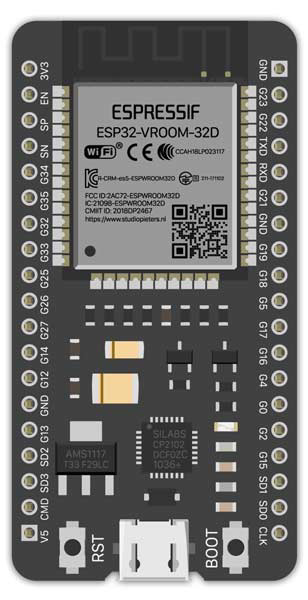
 Design with ESP32 in Cirkit Designer
Introduction
The ESP32 is a powerful microcontroller developed by Espressif Systems, featuring integrated Wi-Fi and Bluetooth capabilities. It is widely used in Internet of Things (IoT) applications, smart devices, and projects requiring wireless communication. With its dual-core processor, low power consumption, and extensive GPIO options, the ESP32 is a versatile choice for both hobbyists and professionals.
Explore Projects Built with ESP32
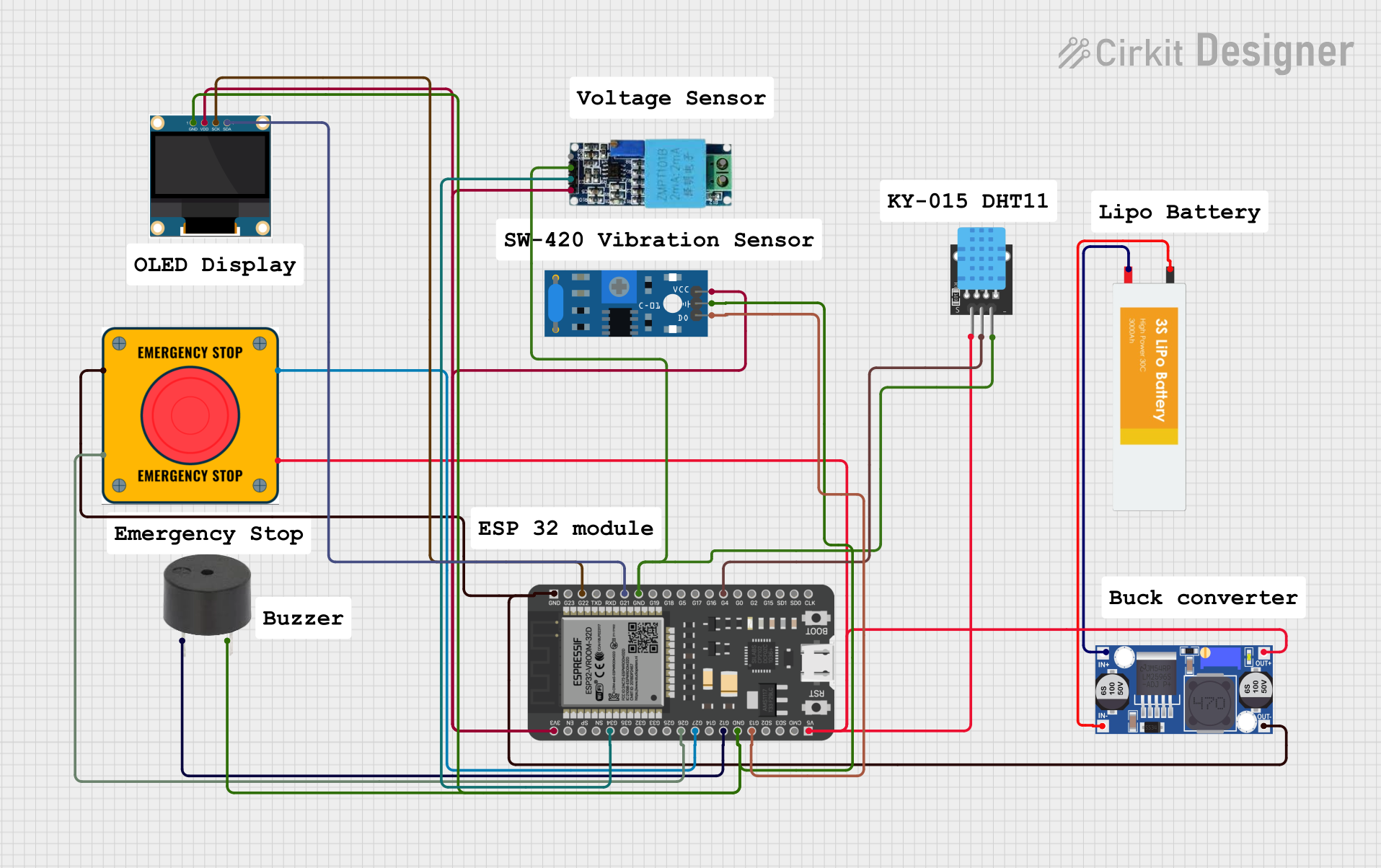 Open Project in Cirkit Designer
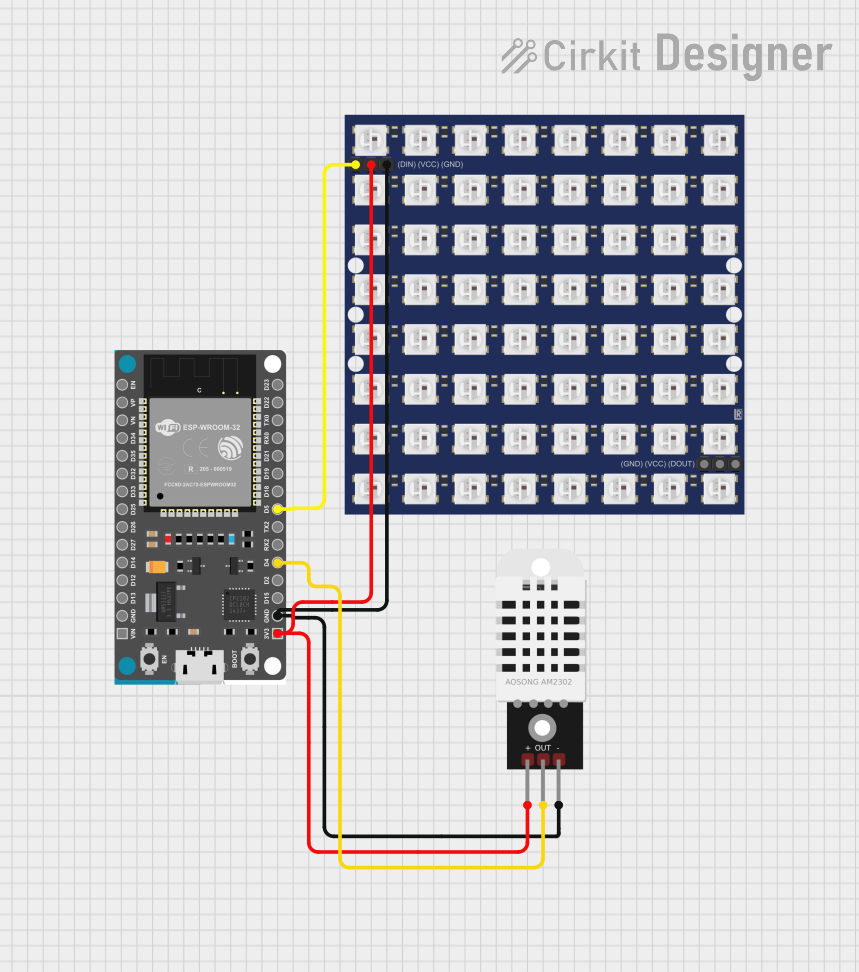 Open Project in Cirkit Designer
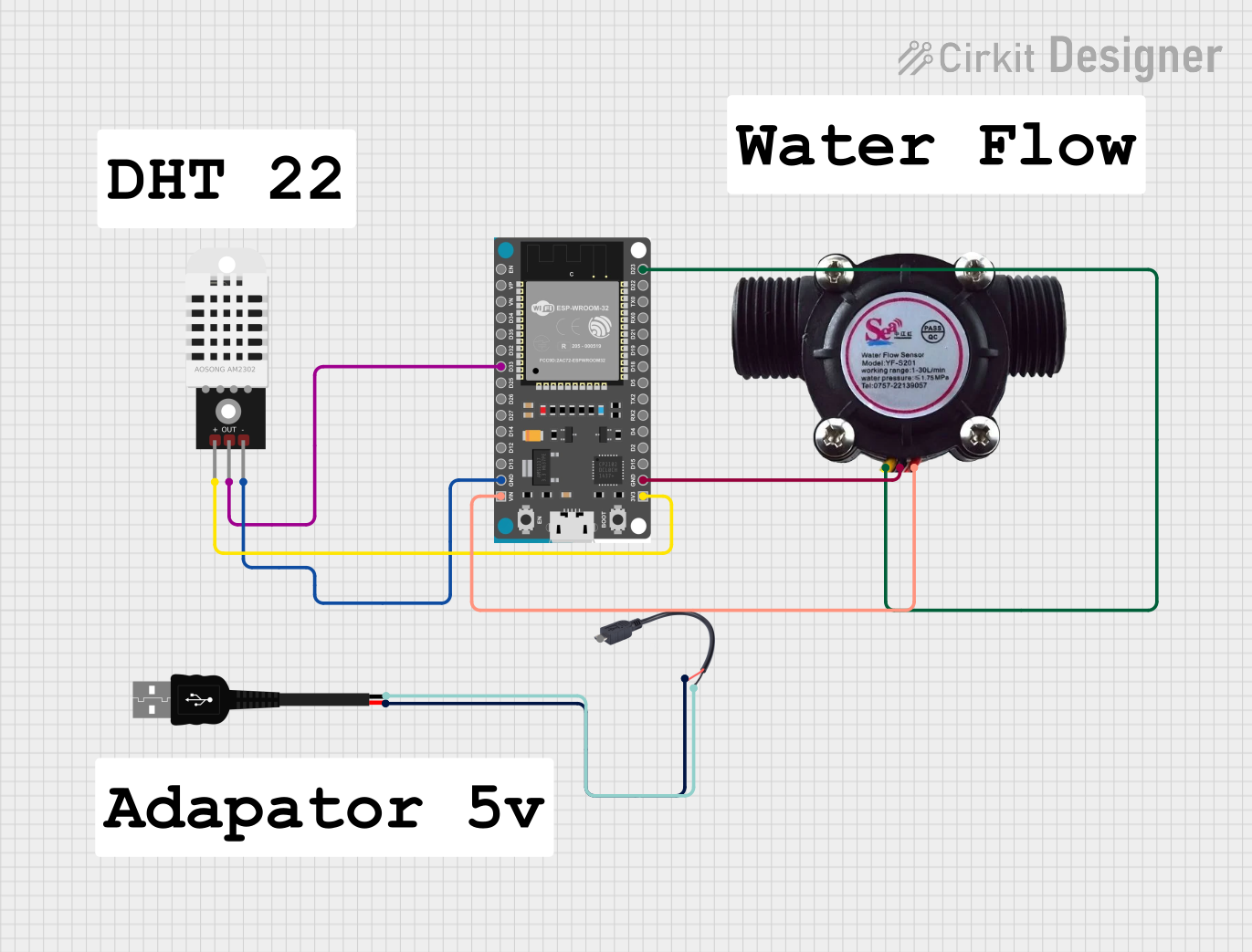 Open Project in Cirkit Designer
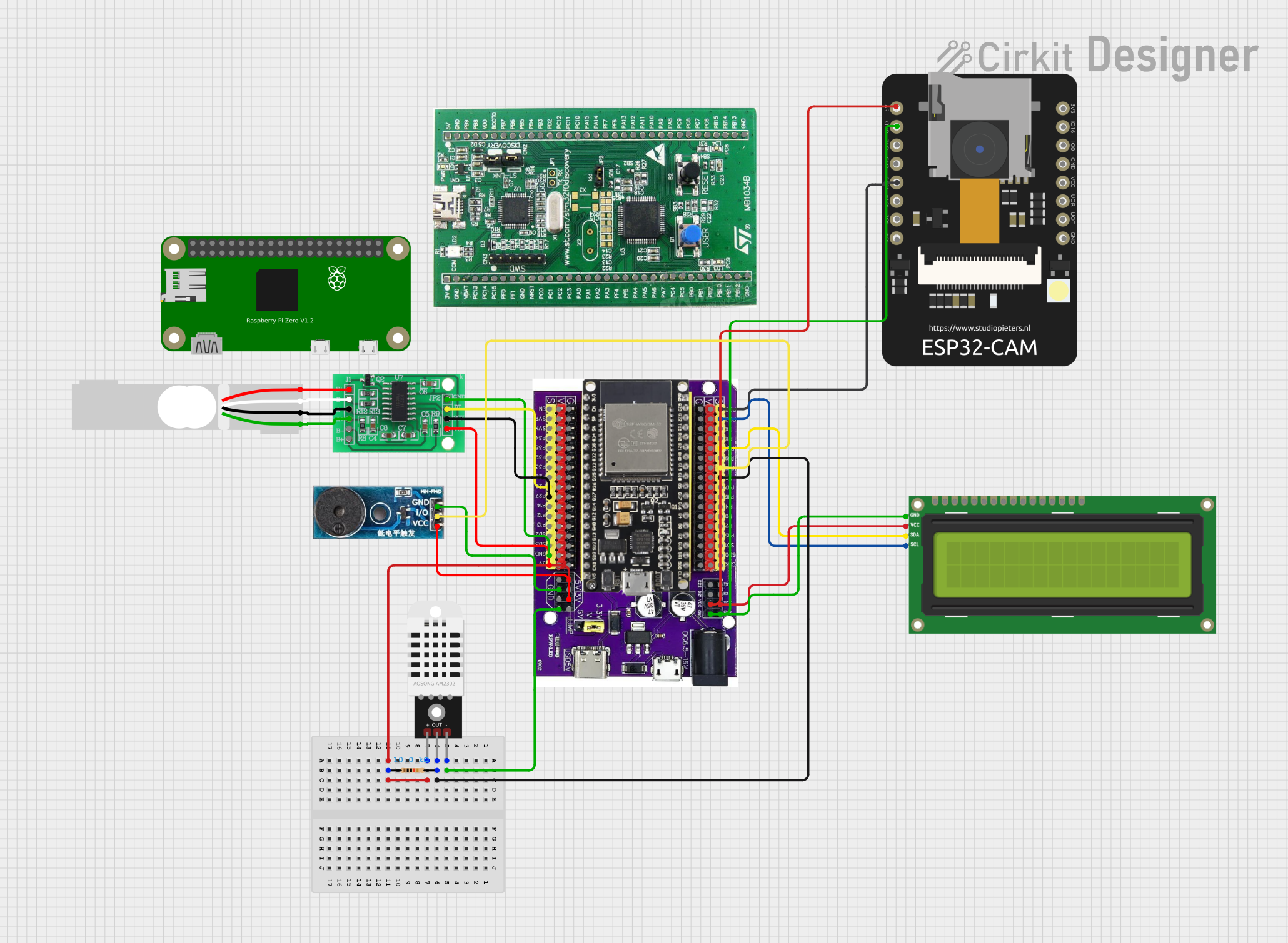 Open Project in Cirkit Designer
Explore Projects Built with ESP32
Open Project in Cirkit DesignerOpen Project in Cirkit DesignerOpen Project in Cirkit DesignerOpen Project in Cirkit DesignerCommon Applications and Use Cases
- IoT devices and smart home automation
- Wireless sensor networks
- Wearable technology
- Robotics and drones
- Real-time data monitoring and logging
- Bluetooth Low Energy (BLE) applications
Technical Specifications
The ESP32 is packed with features that make it suitable for a wide range of applications. Below are its key technical specifications:
Key Technical Details
| Specification | Value |
|---|---|
| Processor | Dual-core Xtensa® 32-bit LX6 microprocessor |
| Clock Speed | Up to 240 MHz |
| Flash Memory | 4 MB (varies by module) |
| SRAM | 520 KB |
| Wi-Fi | 802.11 b/g/n |
| Bluetooth | v4.2 BR/EDR and BLE |
| Operating Voltage | 3.3V |
| GPIO Pins | 34 |
| ADC Channels | 18 (12-bit resolution) |
| DAC Channels | 2 |
| Communication Interfaces | UART, SPI, I2C, I2S, CAN, PWM |
| Power Consumption | Ultra-low power modes available |
Pin Configuration and Descriptions
The ESP32 has a variety of pins for different functionalities. Below is a table summarizing the key pins:
| Pin Name | Functionality | Description |
|---|---|---|
| GPIO0 | Input/Output, Boot Mode Selection | Used for boot mode selection during reset |
| GPIO2 | Input/Output, ADC, Touch Sensor | General-purpose pin with ADC capabilities |
| GPIO12 | Input/Output, ADC, Touch Sensor | Can be used for ADC or touch sensing |
| GPIO13 | Input/Output, PWM, ADC, Touch Sensor | Supports PWM and ADC functions |
| GPIO15 | Input/Output, ADC, Touch Sensor | General-purpose pin |
| EN | Enable | Resets the chip when pulled low |
| 3V3 | Power Supply | Provides 3.3V output |
| GND | Ground | Ground connection |
For a complete pinout, refer to the ESP32 datasheet or module-specific documentation.
Usage Instructions
How to Use the ESP32 in a Circuit
- Powering the ESP32: The ESP32 operates at 3.3V. Ensure your power supply provides a stable 3.3V to the
3V3pin. Avoid exceeding this voltage to prevent damage. - Connecting to a Computer: Use a USB-to-serial adapter or a development board with a built-in USB interface to program the ESP32.
- Programming: The ESP32 can be programmed using the Arduino IDE, Espressif's ESP-IDF, or other compatible environments.
- GPIO Usage: Configure GPIO pins as input or output in your code. Be cautious of pins with special functions (e.g., GPIO0 for boot mode).
Important Considerations and Best Practices
- Voltage Levels: The ESP32 operates at 3.3V logic levels. Use level shifters if interfacing with 5V devices.
- Boot Mode: Ensure GPIO0 is pulled low during boot to enter programming mode.
- Power Supply: Use a decoupling capacitor near the power pins to ensure stable operation.
- Wi-Fi and Bluetooth: Avoid placing the ESP32 near metal objects or enclosures that may interfere with wireless signals.
Example Code for Arduino UNO
Below is an example of how to use the ESP32 with the Arduino IDE to blink an LED connected to GPIO2:
// Blink an LED connected to GPIO2 on the ESP32

#define LED_PIN 2  // Define the GPIO pin for the LED

void setup() {
  pinMode(LED_PIN, OUTPUT);  // Set GPIO2 as an output pin
}

void loop() {
  digitalWrite(LED_PIN, HIGH);  // Turn the LED on
  delay(1000);                  // Wait for 1 second
  digitalWrite(LED_PIN, LOW);   // Turn the LED off
  delay(1000);                  // Wait for 1 second
}
Troubleshooting and FAQs
Common Issues and Solutions
ESP32 Not Detected by Computer:
- Ensure the correct USB driver is installed for your development board.
- Check the USB cable for damage or try a different cable.
Upload Fails with "Failed to Connect" Error:
- Ensure GPIO0 is pulled low during programming.
- Press and hold the "BOOT" button (if available) while uploading the code.
Wi-Fi Connection Issues:
- Verify the SSID and password in your code.
- Ensure the Wi-Fi network is within range and not using unsupported security protocols.
Random Resets or Instability:
- Check the power supply for stability and ensure it can provide sufficient current.
- Add decoupling capacitors near the power pins.
FAQs
Q: Can the ESP32 operate on 5V?
A: No, the ESP32 operates at 3.3V. Applying 5V to its GPIO pins can damage the chip.
Q: How do I reset the ESP32?
A: You can reset the ESP32 by pulling the EN pin low or pressing the reset button on the development board.
Q: Can I use the ESP32 with the Arduino IDE?
A: Yes, the ESP32 is fully compatible with the Arduino IDE. Install the ESP32 board package to get started.
Q: What is the maximum range of the ESP32's Wi-Fi?
A: The range depends on environmental factors but typically extends up to 100 meters in open spaces.
By following this documentation, you can effectively integrate the ESP32 into your projects and troubleshoot common issues.