
How to Use 12-0-12 transformer: Examples, Pinouts, and Specs
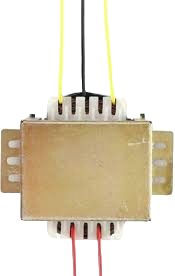
 Design with 12-0-12 transformer in Cirkit Designer
Introduction
The 12-0-12 transformer is a step-down transformer designed to convert high AC mains voltage (e.g., 220V or 110V) into a lower AC voltage with three output terminals: +12V, 0V (neutral), and -12V. This dual-polarity output makes it ideal for powering circuits that require both positive and negative voltage rails, such as operational amplifiers, audio amplifiers, and other analog or digital systems.
Explore Projects Built with 12-0-12 transformer
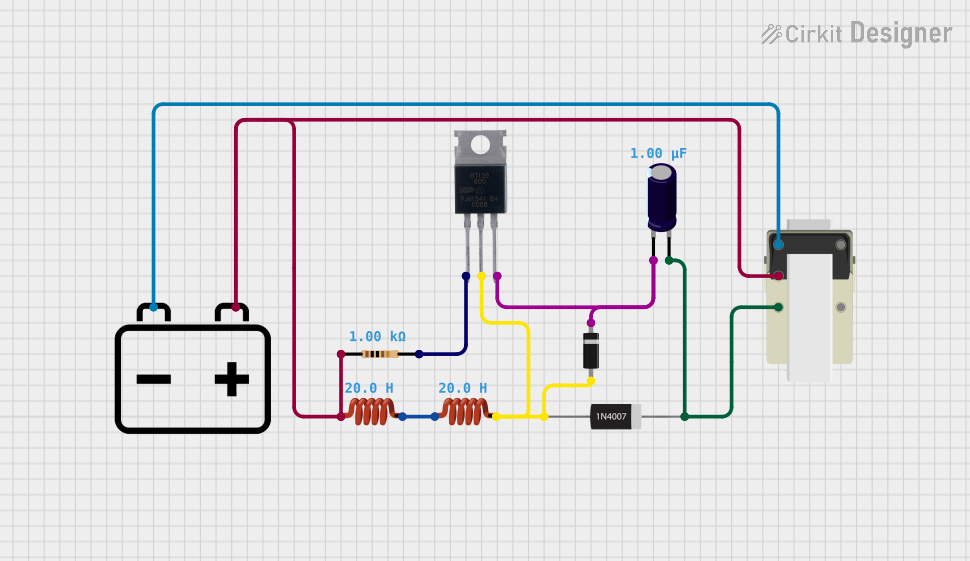 Open Project in Cirkit Designer
 Open Project in Cirkit Designer
 Open Project in Cirkit Designer
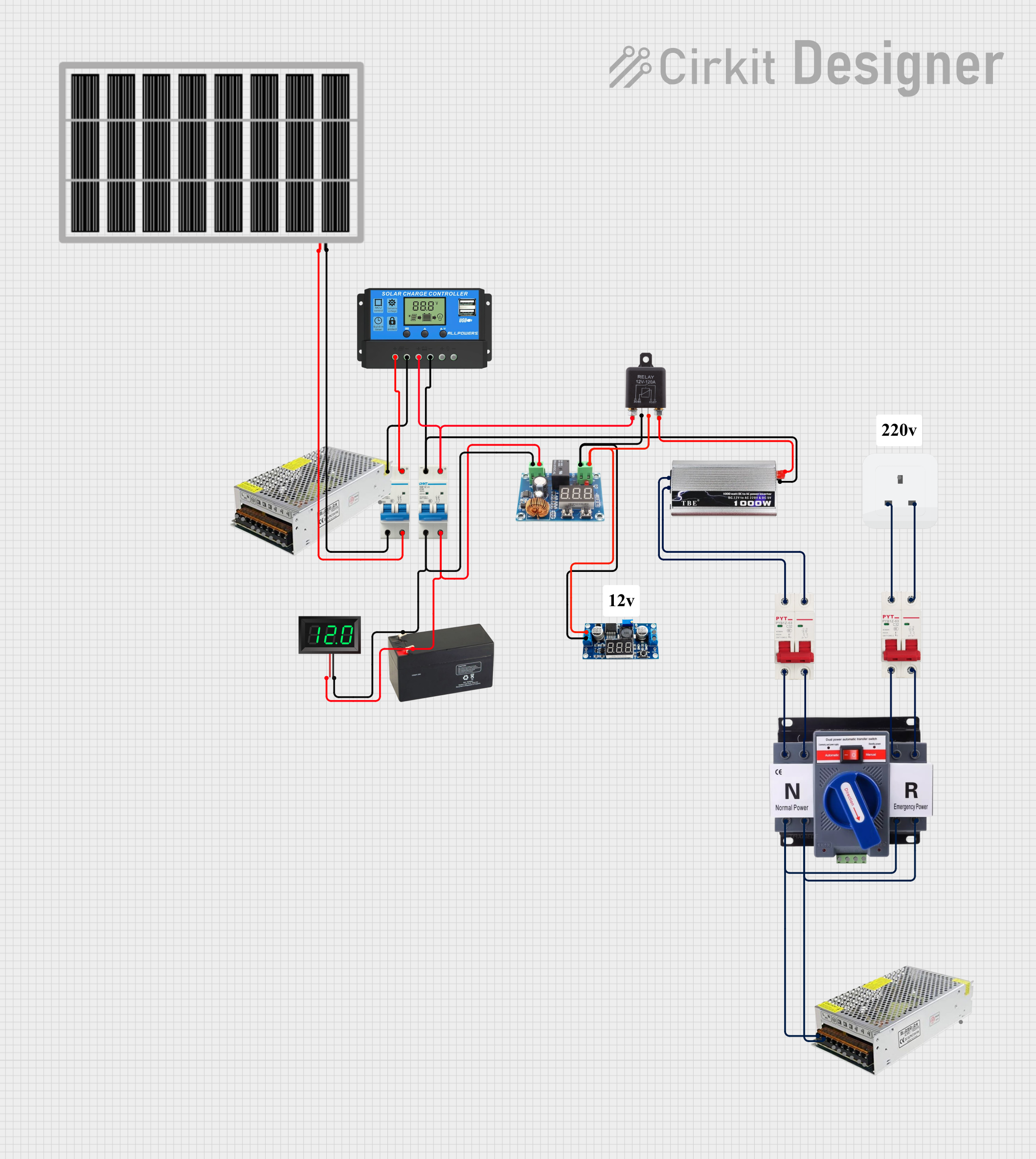 Open Project in Cirkit Designer
Explore Projects Built with 12-0-12 transformer
Open Project in Cirkit DesignerOpen Project in Cirkit DesignerOpen Project in Cirkit DesignerOpen Project in Cirkit DesignerCommon Applications and Use Cases
- Power supply circuits for dual-polarity voltage requirements
- Audio amplifier systems
- Operational amplifier circuits
- Battery charging circuits
- General-purpose low-voltage AC applications
Technical Specifications
The following table outlines the key technical details of the 12-0-12 transformer:
| Parameter | Value |
|---|---|
| Input Voltage (Primary) | 220V AC or 110V AC (depending on model) |
| Output Voltage (Secondary) | +12V, 0V, -12V AC |
| Frequency | 50Hz / 60Hz |
| Power Rating | Typically 12VA to 24VA (varies by model) |
| Current Rating | 1A to 2A (varies by model) |
| Insulation Class | Class B or Class F |
| Efficiency | ~90% |
Pin Configuration and Descriptions
The 12-0-12 transformer has two sets of windings: the primary winding (input) and the secondary winding (output). The pin configuration is as follows:
Primary Winding (Input Side)
| Pin | Description |
|---|---|
| P1 | Live (AC mains input) |
| P2 | Neutral (AC mains input) |
Secondary Winding (Output Side)
| Pin | Description |
|---|---|
| S1 | +12V AC output |
| S2 | 0V (neutral/center tap) |
| S3 | -12V AC output |
Usage Instructions
How to Use the 12-0-12 Transformer in a Circuit
Connect the Primary Winding:
- Connect the P1 pin to the live wire of the AC mains supply.
- Connect the P2 pin to the neutral wire of the AC mains supply.
- Ensure proper insulation and safety precautions when working with high-voltage AC.
Connect the Secondary Winding:
- Use the S1 pin for the +12V AC output.
- Use the S2 pin as the neutral or center tap (0V).
- Use the S3 pin for the -12V AC output.
Rectification and Filtering:
- To convert the AC output to DC, use a bridge rectifier circuit followed by a capacitor filter.
- For dual-polarity DC output, connect the center tap (S2) to the ground of your circuit.
Voltage Regulation:
- Use voltage regulator ICs (e.g., 7812 for +12V and 7912 for -12V) to obtain stable DC outputs.
Important Considerations and Best Practices
- Safety First: Always handle the primary side with care, as it is connected to high-voltage AC mains.
- Load Matching: Ensure the connected load does not exceed the transformer's current rating to avoid overheating.
- Proper Grounding: Connect the center tap (S2) to the circuit ground for proper operation in dual-polarity systems.
- Thermal Management: If the transformer heats up during operation, ensure adequate ventilation or use a heatsink.
Example: Using the Transformer with an Arduino UNO
The 12-0-12 transformer can be used to power an Arduino UNO by converting its AC output to DC. Below is an example circuit and code for powering an Arduino UNO with a regulated +5V DC output:
Circuit Steps:
- Connect the transformer's secondary winding to a bridge rectifier.
- Add a capacitor filter (e.g., 1000µF) to smooth the DC output.
- Use a 7805 voltage regulator to step down the voltage to +5V DC.
- Connect the +5V output to the Arduino UNO's 5V pin and the ground to the GND pin.
Arduino Code Example:
// Example code to blink an LED connected to pin 13 of Arduino UNO
// Ensure the Arduino is powered by the 12-0-12 transformer circuit
// with a regulated +5V DC output.

void setup() {
  pinMode(13, OUTPUT); // Set pin 13 as an output pin
}

void loop() {
  digitalWrite(13, HIGH); // Turn the LED on
  delay(1000);            // Wait for 1 second
  digitalWrite(13, LOW);  // Turn the LED off
  delay(1000);            // Wait for 1 second
}
Troubleshooting and FAQs
Common Issues and Solutions
No Output Voltage:
- Check the primary winding connections to ensure proper AC mains input.
- Verify that the transformer is not damaged or open-circuited.
Overheating:
- Ensure the load does not exceed the transformer's power rating.
- Check for short circuits on the secondary side.
Unstable Output Voltage:
- Verify the rectifier and filter circuit for proper operation.
- Use appropriate voltage regulators for stable DC output.
Humming Noise:
- Ensure the transformer is mounted securely to reduce vibrations.
- Check for loose laminations in the transformer core.
FAQs
Q: Can I use the 12-0-12 transformer for DC output directly?
A: No, the transformer provides AC output. You need a rectifier and filter circuit to convert it to DC.
Q: What happens if I reverse the primary winding connections?
A: The transformer will still function, as AC has no polarity. However, ensure proper insulation and safety.
Q: Can I use this transformer for a single-polarity output?
A: Yes, you can use either the +12V (S1) or -12V (S3) output with the center tap (S2) as the ground.
Q: Is the transformer suitable for high-frequency applications?
A: No, this transformer is designed for 50Hz/60Hz AC mains frequency and is not suitable for high-frequency applications.