
How to Use ac power connector: Examples, Pinouts, and Specs
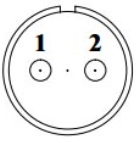
 Design with ac power connector in Cirkit Designer
Introduction
An AC power connector is a device used to connect electrical appliances to an alternating current (AC) power supply, enabling the transfer of electrical energy. These connectors are essential components in a wide range of applications, from household appliances to industrial equipment. They ensure a secure and reliable connection to the power source while adhering to safety standards.
Explore Projects Built with ac power connector
 Open Project in Cirkit Designer
 Open Project in Cirkit Designer
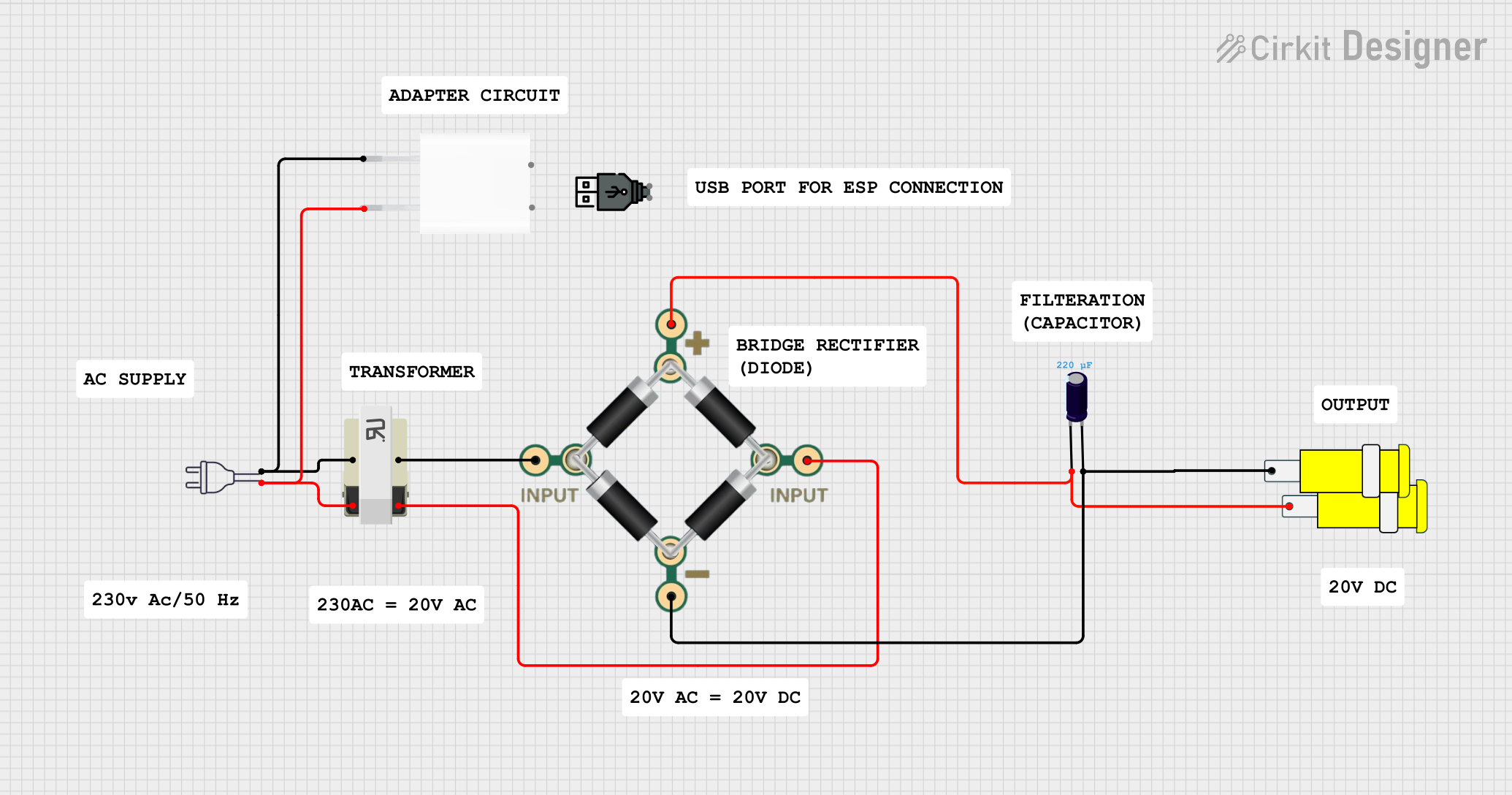 Open Project in Cirkit Designer
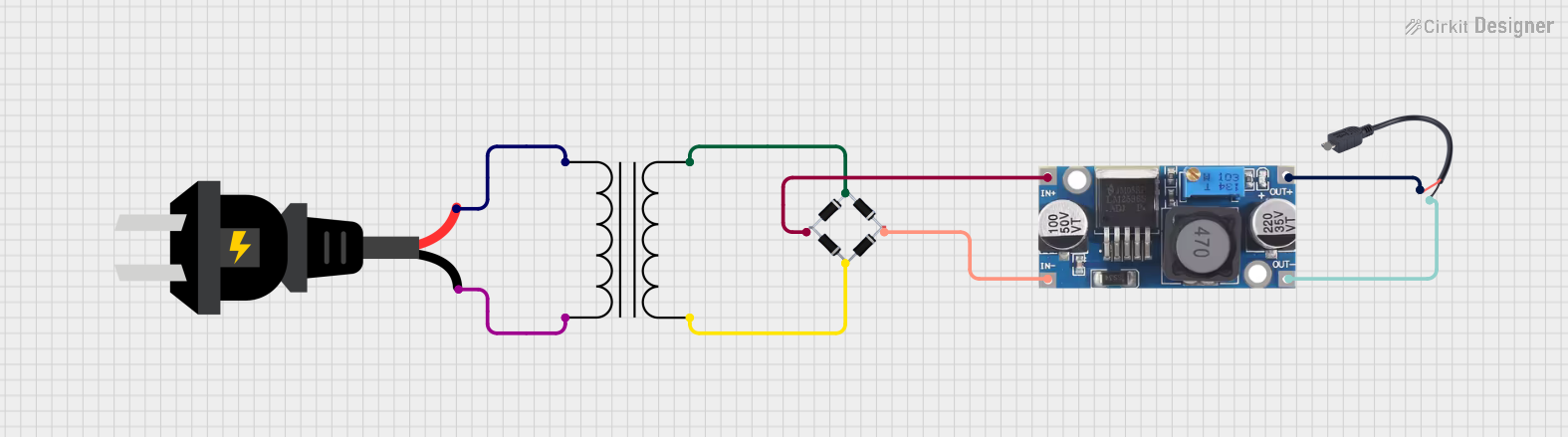 Open Project in Cirkit Designer
Explore Projects Built with ac power connector
Open Project in Cirkit DesignerOpen Project in Cirkit DesignerOpen Project in Cirkit DesignerOpen Project in Cirkit DesignerCommon Applications and Use Cases
- Powering household appliances such as refrigerators, televisions, and washing machines.
- Connecting industrial machinery to AC power supplies.
- Providing power to electronic devices like computers and monitors.
- Used in power distribution systems for commercial and residential buildings.
Technical Specifications
Key Technical Details
- Voltage Rating: Typically 110V-240V AC (varies by region and application).
- Current Rating: Commonly 6A, 10A, or 16A, depending on the connector type.
- Frequency: 50Hz or 60Hz, depending on the regional power grid.
- Insulation Material: High-grade plastic or thermoset material for safety.
- Contact Material: Brass or copper alloy for efficient conductivity.
- Operating Temperature: -25°C to 70°C (varies by model).
Pin Configuration and Descriptions
The pin configuration of an AC power connector depends on the type (e.g., Type A, Type B, Type C, etc.). Below is an example of a standard 3-pin AC power connector (Type B):
| Pin Name | Description | Notes |
|---|---|---|
| Live (L) | Carries the live AC voltage | Typically connected to the brown wire. |
| Neutral (N) | Completes the circuit back to the source | Typically connected to the blue wire. |
| Ground (G) | Provides a safety path for leakage current | Typically connected to the green/yellow wire. |
Usage Instructions
How to Use the Component in a Circuit
- Identify the Pins: Ensure you correctly identify the live, neutral, and ground pins on the connector.
- Wire Connections:
- Connect the live wire (brown) to the live pin.
- Connect the neutral wire (blue) to the neutral pin.
- Connect the ground wire (green/yellow) to the ground pin.
- Secure the Connections: Use appropriate tools (e.g., screwdrivers) to securely fasten the wires to the connector terminals.
- Insulation Check: Ensure all exposed wires are properly insulated to prevent short circuits or electric shocks.
- Testing: After connecting, test the circuit with a multimeter to verify proper voltage and continuity.
Important Considerations and Best Practices
- Always ensure the power is turned off before handling or connecting the AC power connector.
- Use connectors rated for the voltage and current of your application.
- Avoid overloading the connector beyond its specified current rating.
- Ensure proper grounding to prevent electric shocks and equipment damage.
- Use strain relief mechanisms to prevent stress on the wires and terminals.
Example: Connecting an AC Power Connector to an Arduino UNO Power Supply
While the Arduino UNO typically uses DC power, you can use an AC-to-DC adapter with an AC power connector to supply power. Below is an example of how to connect an AC power connector to an adapter:
- Connect the live, neutral, and ground wires of the AC power connector to the input terminals of the AC-to-DC adapter.
- Plug the adapter into the Arduino UNO's DC barrel jack (7-12V DC input).
- Ensure the adapter's output voltage matches the Arduino's requirements.
// Example Arduino code to blink an LED when powered via an AC-to-DC adapter
// Ensure the adapter is properly connected to the AC power connector

void setup() {
  pinMode(13, OUTPUT); // Set pin 13 as an output for the onboard LED
}

void loop() {
  digitalWrite(13, HIGH); // Turn the LED on
  delay(1000);            // Wait for 1 second
  digitalWrite(13, LOW);  // Turn the LED off
  delay(1000);            // Wait for 1 second
}
Troubleshooting and FAQs
Common Issues Users Might Face
Loose Connections:
- Problem: The connector feels loose or the appliance does not power on.
- Solution: Check and tighten all wire connections. Ensure the connector is securely plugged into the socket.
Overheating:
- Problem: The connector becomes excessively hot during operation.
- Solution: Verify that the current does not exceed the connector's rating. Replace damaged connectors.
No Power Output:
- Problem: The connected appliance does not receive power.
- Solution: Check the continuity of the wires using a multimeter. Ensure the power source is active.
Electric Shocks:
- Problem: Users experience shocks when touching the connector.
- Solution: Ensure proper grounding and insulation. Replace damaged connectors immediately.
FAQs
Can I use an AC power connector for DC applications?
- While AC power connectors are designed for AC, they can be used for DC in some cases. However, ensure the voltage and current ratings are compatible.
What is the difference between 2-pin and 3-pin connectors?
- A 2-pin connector lacks a ground pin, while a 3-pin connector includes a ground pin for safety.
How do I know if my connector is overloaded?
- Overloading can cause overheating or tripping of circuit breakers. Use a multimeter to measure the current and ensure it is within the connector's rating.
Is it safe to use an AC power connector outdoors?
- Only use connectors specifically rated for outdoor use, as they are designed to withstand moisture and environmental conditions.