
How to Use M5Stack Core 2: Examples, Pinouts, and Specs
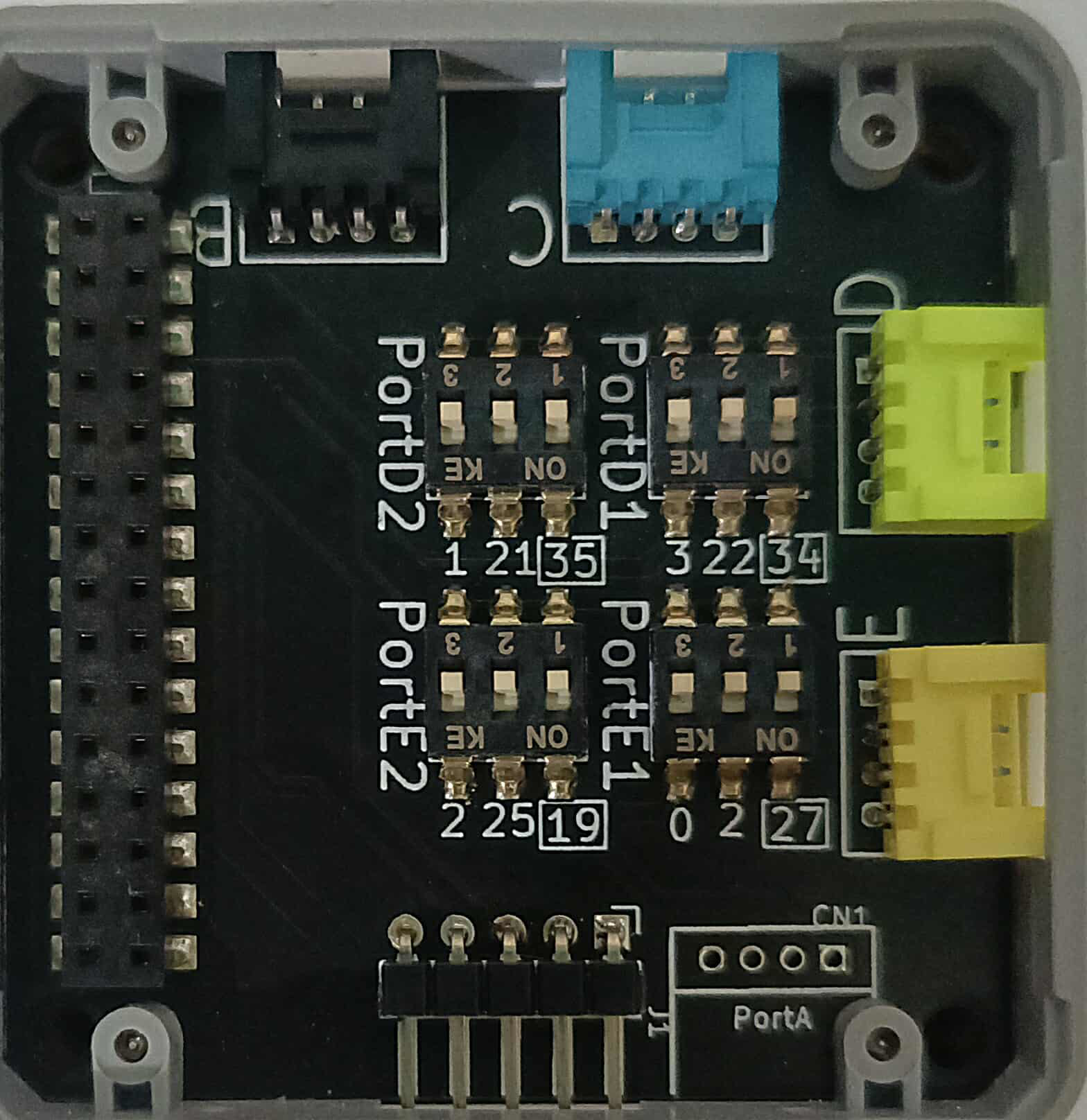
 Design with M5Stack Core 2 in Cirkit Designer
Introduction
The M5Stack Core 2 is a versatile development board manufactured by M5Stack Technology Co., Ltd. (Part ID: SKU K010). It is powered by the ESP32 chip and features a 2-inch touchscreen display, built-in sensors, and a variety of interfaces, making it an excellent choice for IoT projects, rapid prototyping, and educational purposes. Its compact design and modularity allow developers to quickly build and deploy applications.
Explore Projects Built with M5Stack Core 2
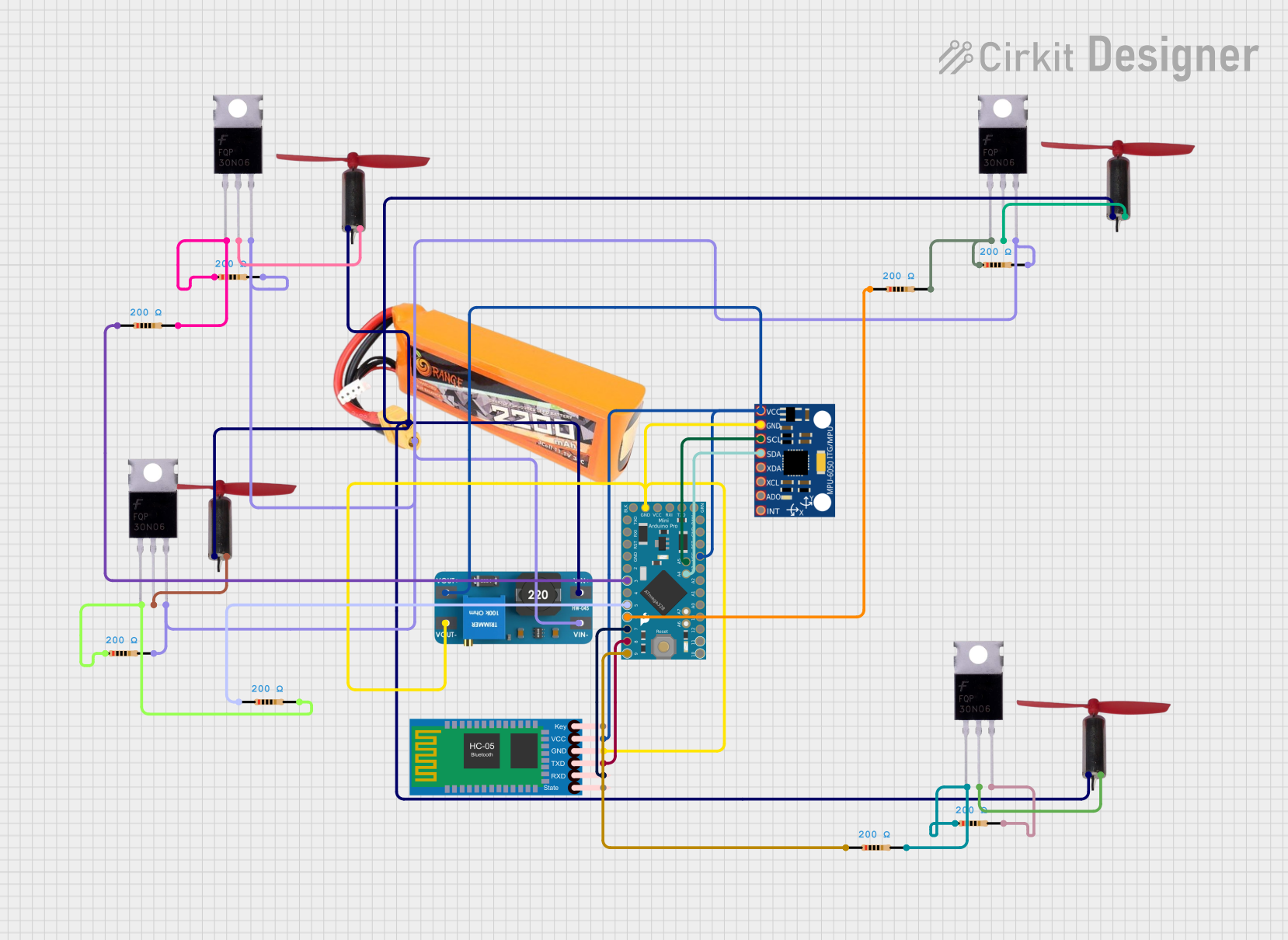 Open Project in Cirkit Designer
 Open Project in Cirkit Designer
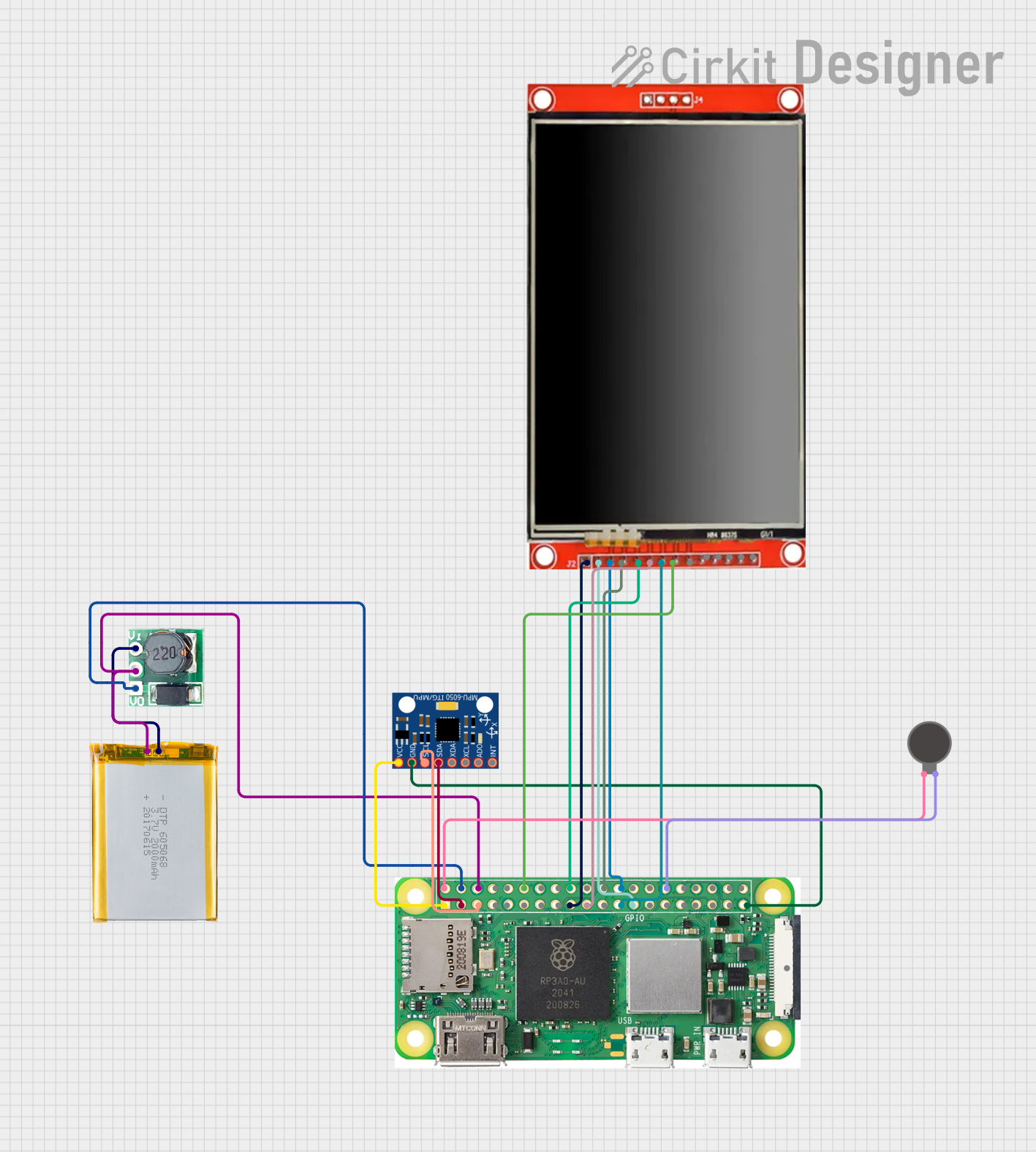 Open Project in Cirkit Designer
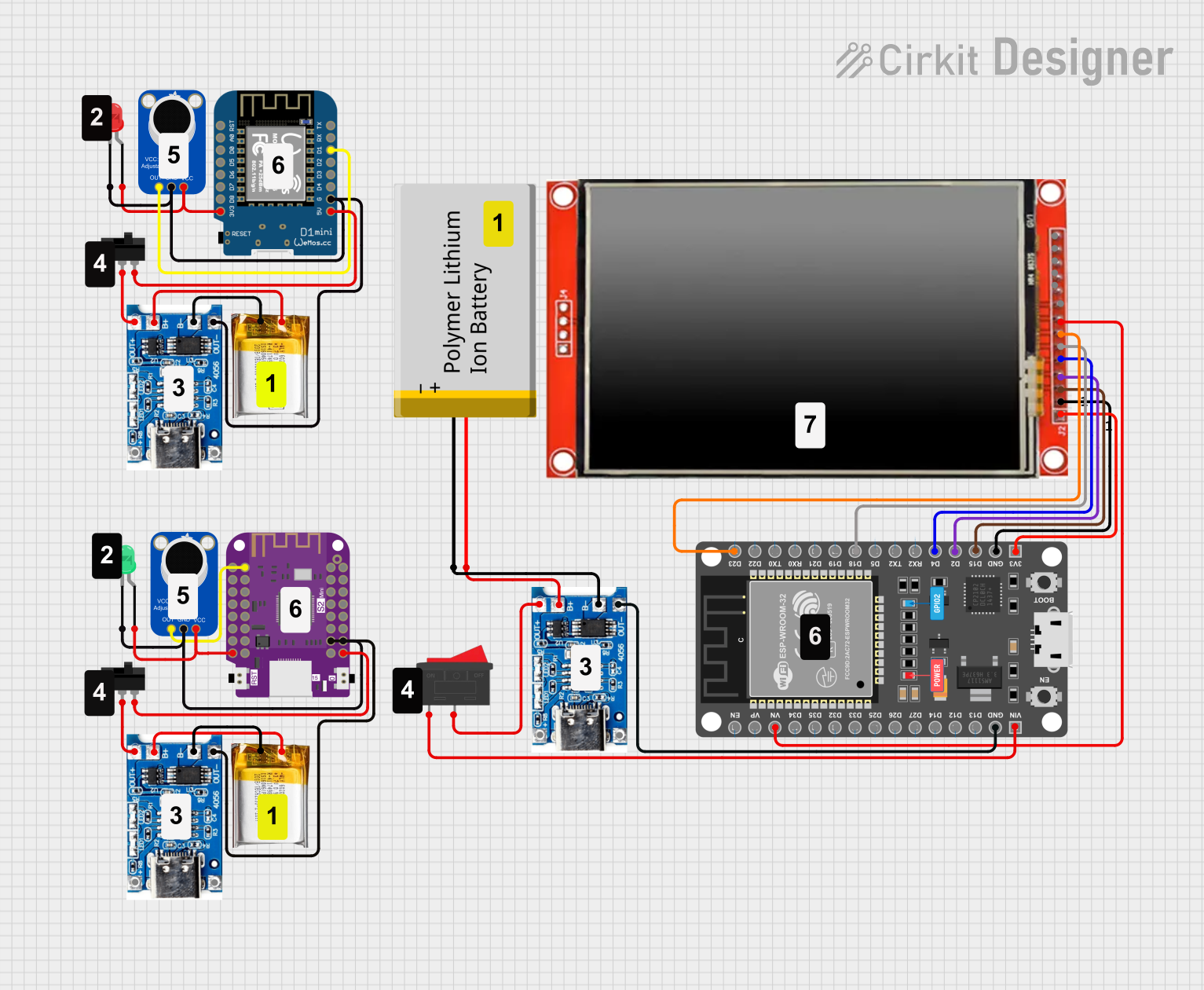 Open Project in Cirkit Designer
Explore Projects Built with M5Stack Core 2
Open Project in Cirkit DesignerOpen Project in Cirkit DesignerOpen Project in Cirkit DesignerOpen Project in Cirkit DesignerCommon Applications
- Internet of Things (IoT) devices
- Smart home automation
- Data logging and environmental monitoring
- Educational tools for learning embedded systems
- Rapid prototyping for hardware and software integration
Technical Specifications
Key Technical Details
| Feature | Specification |
|---|---|
| Microcontroller | ESP32-D0WDQ6-V3 (dual-core, 240 MHz, Wi-Fi, and Bluetooth 4.2) |
| Display | 2-inch IPS touchscreen (320x240 resolution) |
| Flash Memory | 16 MB |
| RAM | 8 MB PSRAM |
| Power Supply | 5V via USB-C or 3.7V via built-in 390 mAh LiPo battery |
| Connectivity | Wi-Fi 802.11 b/g/n, Bluetooth 4.2 |
| Built-in Sensors | IMU (MPU6886), RTC (BM8563), microphone, vibration motor |
| Expansion Ports | GPIO, I2C, UART, SPI, and M-Bus (modular interface for stacking extensions) |
| Dimensions | 54 x 54 x 16 mm |
| Operating Temperature | -20°C to 70°C |
Pin Configuration and Descriptions
The M5Stack Core 2 provides a GPIO header and an M-Bus interface for connecting peripherals. Below is the pin configuration:
GPIO Header
| Pin Number | Pin Name | Functionality |
|---|---|---|
| 1 | GND | Ground |
| 2 | 5V | 5V Power Output |
| 3 | GPIO21 | I2C SDA |
| 4 | GPIO22 | I2C SCL |
| 5 | GPIO23 | SPI MOSI |
| 6 | GPIO19 | SPI MISO |
| 7 | GPIO18 | SPI SCK |
| 8 | GPIO33 | ADC / GPIO |
| 9 | GPIO32 | ADC / GPIO |
| 10 | GPIO25 | DAC / GPIO |
| 11 | GPIO26 | DAC / GPIO |
| 12 | GPIO27 | GPIO |
M-Bus Interface
| Pin Name | Functionality |
|---|---|
| GND | Ground |
| 5V | 5V Power Output |
| TX | UART TX |
| RX | UART RX |
| I2C SDA | I2C Data Line |
| I2C SCL | I2C Clock Line |
Usage Instructions
How to Use the M5Stack Core 2 in a Circuit
Powering the Device:
- Connect the M5Stack Core 2 to a 5V USB-C power source or use the built-in LiPo battery.
- Ensure the battery is charged if using it in standalone mode.
Programming the Device:
- Install the Arduino IDE or PlatformIO.
- Add the M5Stack Core 2 board support package (BSP) to your development environment.
- Connect the device to your computer via USB-C and select the appropriate COM port.
Connecting Peripherals:
- Use the GPIO header or M-Bus interface to connect external sensors, actuators, or modules.
- Ensure proper voltage levels and pin configurations to avoid damage.
Touchscreen and Built-in Sensors:
- Utilize the touchscreen for user interaction.
- Access built-in sensors (e.g., IMU, RTC) using the M5Stack libraries.
Important Considerations and Best Practices
- Voltage Levels: Ensure connected peripherals operate at 3.3V logic levels to avoid damaging the ESP32.
- Heat Management: Avoid prolonged operation in high-temperature environments to prevent overheating.
- Firmware Updates: Regularly update the firmware to access new features and bug fixes.
- Battery Safety: Do not short-circuit or overcharge the built-in LiPo battery.
Example Code for Arduino IDE
Below is an example of how to use the M5Stack Core 2 to display text on the touchscreen and read data from the built-in IMU sensor:
#include <M5Core2.h> // Include the M5Stack Core 2 library

void setup() {
  M5.begin(); // Initialize the M5Stack Core 2
  M5.Lcd.setTextSize(2); // Set text size for the display
  M5.Lcd.setCursor(10, 10); // Set cursor position
  M5.Lcd.println("Hello, M5Stack Core 2!"); // Display text on the screen

  // Initialize the IMU sensor
  if (M5.IMU.Init() != 0) {
    M5.Lcd.println("IMU initialization failed!");
  } else {
    M5.Lcd.println("IMU initialized successfully!");
  }
}

void loop() {
  float accX, accY, accZ;
  M5.IMU.getAccelData(&accX, &accY, &accZ); // Read accelerometer data

  // Display accelerometer data on the screen
  M5.Lcd.setCursor(10, 50);
  M5.Lcd.printf("Accel X: %.2f, Y: %.2f, Z: %.2f", accX, accY, accZ);

  delay(500); // Wait for 500 ms before updating
}
Troubleshooting and FAQs
Common Issues and Solutions
Device Not Detected by Computer:
- Ensure the USB-C cable supports data transfer (not just charging).
- Verify that the correct COM port is selected in the Arduino IDE.
Touchscreen Not Responding:
- Check if the M5.begin() function is called in the setup() function.
- Ensure the firmware is up to date.
IMU Sensor Not Working:
- Verify that the M5.IMU.Init() function is called during initialization.
- Check for loose connections or hardware damage.
Battery Not Charging:
- Confirm that the USB-C power source provides sufficient current (at least 1A).
- Inspect the battery for physical damage or wear.
FAQs
Q: Can I use the M5Stack Core 2 with MicroPython?
A: Yes, the M5Stack Core 2 supports MicroPython. You can flash the MicroPython firmware and use the M5Stack libraries for Python.
Q: What is the maximum current output of the GPIO pins?
A: Each GPIO pin can source or sink up to 12 mA. For higher currents, use external drivers or transistors.
Q: Can I stack additional modules on the M5Stack Core 2?
A: Yes, the M-Bus interface allows stacking compatible M5Stack modules, such as GPS, LoRa, or relay modules.
Q: Is the M5Stack Core 2 compatible with Arduino libraries?
A: Yes, it is fully compatible with most Arduino libraries, especially those designed for the ESP32 platform.