
How to Use Water Sensor: Examples, Pinouts, and Specs
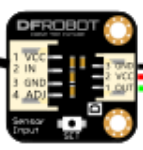
 Design with Water Sensor in Cirkit Designer
Introduction
The DFR XKC-Y25-T12V Water Sensor is a reliable and efficient device designed to detect the presence of water. It is commonly used in applications such as leak detection, water level monitoring, and environmental moisture sensing. This sensor operates on a non-contact principle, making it ideal for situations where direct contact with water is not desirable. Its compact design and ease of integration make it suitable for a wide range of projects, from home automation to industrial systems.
Explore Projects Built with Water Sensor
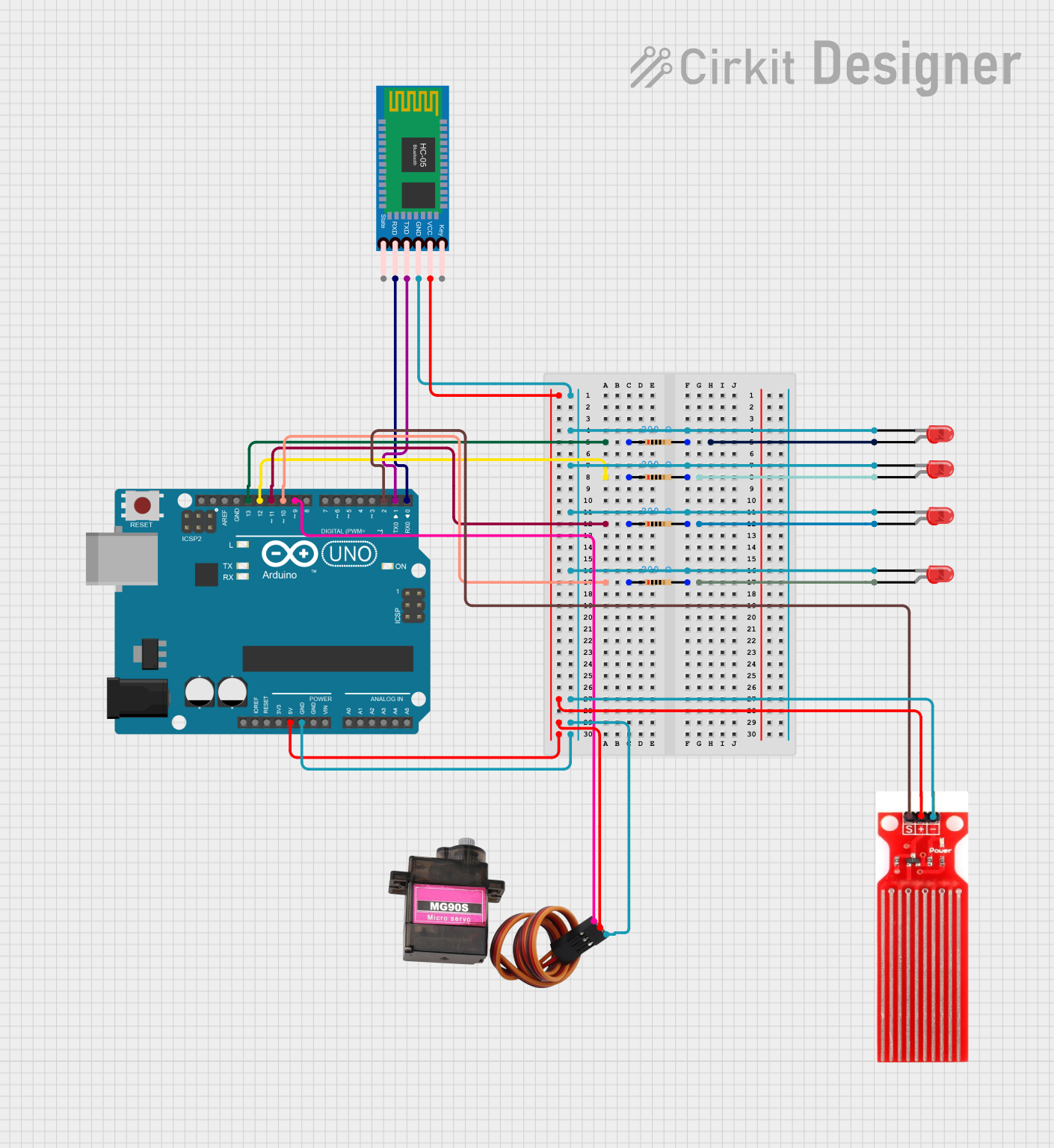 Open Project in Cirkit Designer
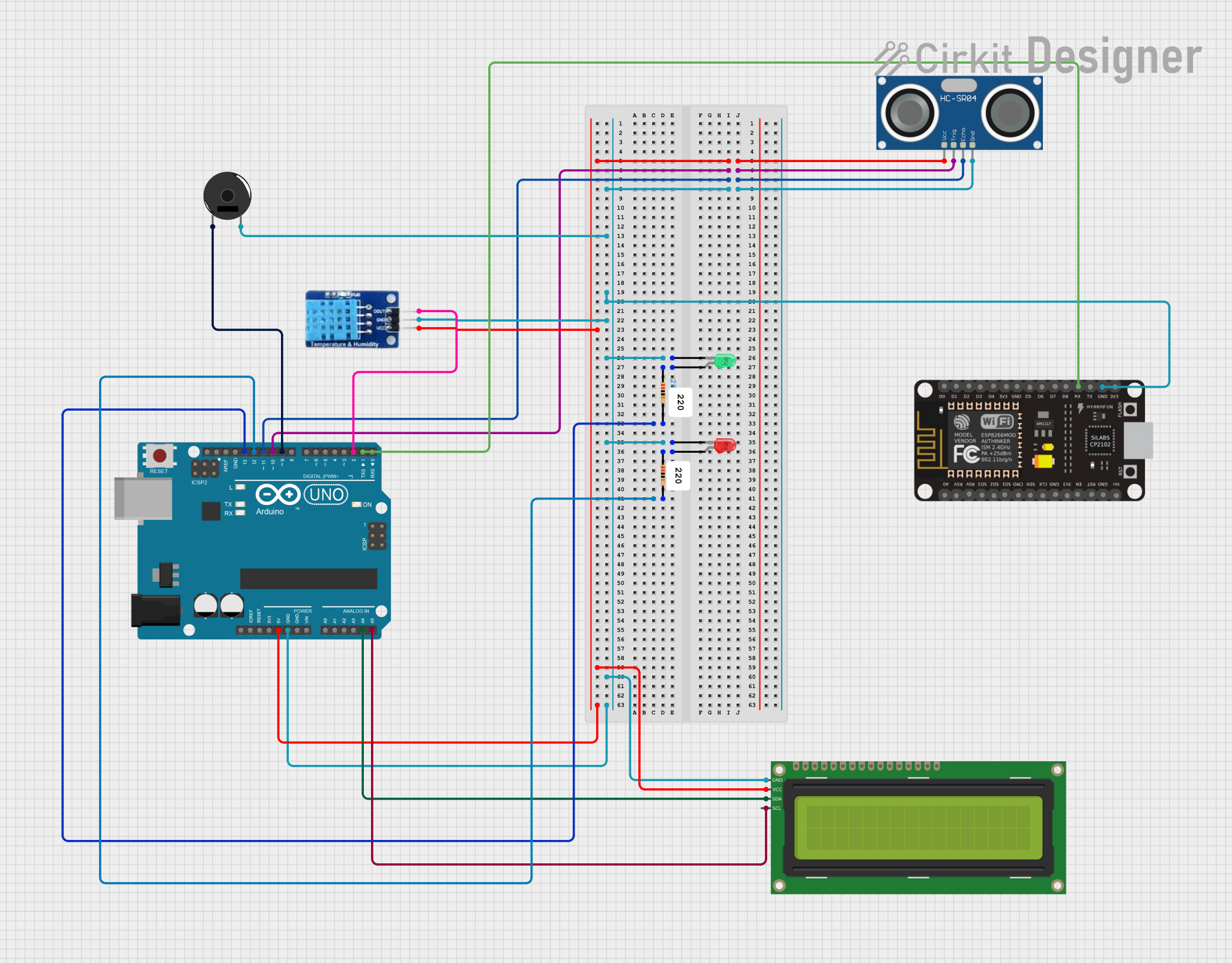 Open Project in Cirkit Designer
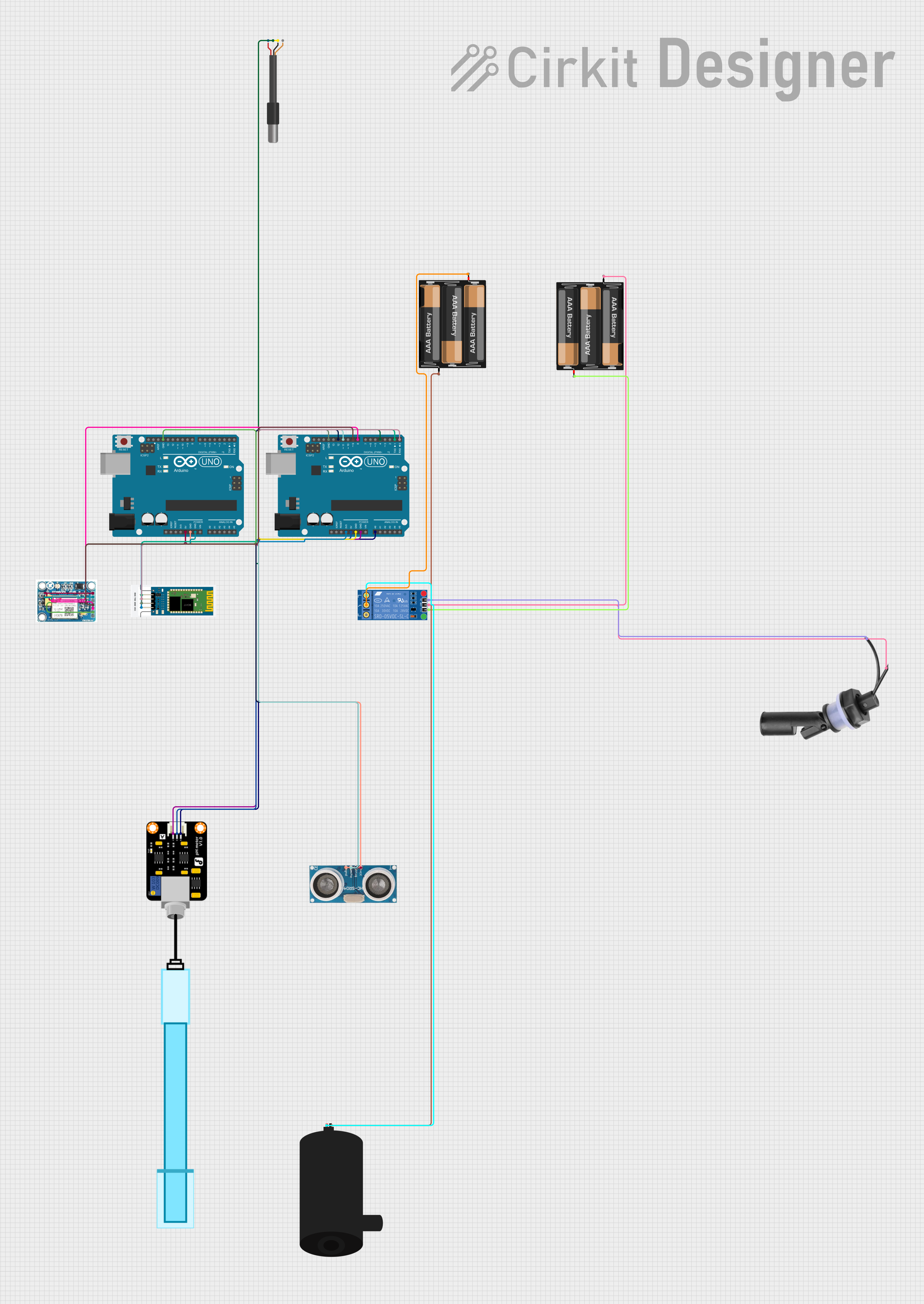 Open Project in Cirkit Designer
 Open Project in Cirkit Designer
Explore Projects Built with Water Sensor
Open Project in Cirkit DesignerOpen Project in Cirkit DesignerOpen Project in Cirkit DesignerOpen Project in Cirkit DesignerCommon Applications
- Leak detection in homes, offices, and industrial facilities
- Water level monitoring in tanks and reservoirs
- Moisture detection in agricultural and environmental systems
- Smart home automation for flood prevention
Technical Specifications
The following table outlines the key technical details of the DFR XKC-Y25-T12V Water Sensor:
| Parameter | Specification |
|---|---|
| Operating Voltage | 5V to 12V DC |
| Operating Current | ≤ 5mA |
| Output Signal | High/Low digital signal |
| Detection Range | 0-20mm (non-contact detection) |
| Response Time | ≤ 500ms |
| Operating Temperature | -20°C to 80°C |
| Dimensions | 28mm x 20mm x 10mm |
| Waterproof Rating | IP67 |
Pin Configuration
The XKC-Y25-T12V has a 3-pin interface. The pinout is as follows:
| Pin | Name | Description |
|---|---|---|
| 1 | VCC | Power supply input (5V to 12V DC) |
| 2 | GND | Ground connection |
| 3 | OUT | Digital output signal (High when water is detected) |
Usage Instructions
How to Use the Water Sensor in a Circuit
- Power the Sensor: Connect the VCC pin to a 5V or 12V DC power source and the GND pin to the ground of your circuit.
- Connect the Output: Attach the OUT pin to a digital input pin of your microcontroller (e.g., Arduino UNO) or to an external circuit for signal processing.
- Position the Sensor: Place the sensor near the area where water detection is required. Ensure the sensor is within the specified detection range (0-20mm) of the water surface or source.
- Read the Output: Monitor the OUT pin. The output will be HIGH (logic 1) when water is detected and LOW (logic 0) when no water is present.
Important Considerations and Best Practices
- Non-Contact Detection: Ensure the sensor is not submerged in water. It is designed for non-contact detection only.
- Power Supply: Use a stable power source within the specified voltage range to avoid damage to the sensor.
- Environmental Conditions: The sensor is rated for operation in temperatures between -20°C and 80°C. Avoid using it in environments outside this range.
- Signal Processing: If the sensor output is noisy, consider adding a pull-down resistor or a capacitor to stabilize the signal.
Example: Connecting to an Arduino UNO
Below is an example of how to connect and use the XKC-Y25-T12V Water Sensor with an Arduino UNO:
Circuit Diagram
- Connect the VCC pin of the sensor to the 5V pin on the Arduino.
- Connect the GND pin of the sensor to the GND pin on the Arduino.
- Connect the OUT pin of the sensor to digital pin 2 on the Arduino.
Arduino Code
// Water Sensor Example Code for Arduino UNO
// This code reads the output of the XKC-Y25-T12V water sensor and prints
// the status to the Serial Monitor.

const int waterSensorPin = 2; // Digital pin connected to the sensor's OUT pin
int waterDetected = 0;        // Variable to store the sensor's output

void setup() {
  pinMode(waterSensorPin, INPUT); // Set the sensor pin as input
  Serial.begin(9600);            // Initialize serial communication
}

void loop() {
  waterDetected = digitalRead(waterSensorPin); // Read the sensor output

  if (waterDetected == HIGH) {
    Serial.println("Water detected!"); // Print message if water is detected
  } else {
    Serial.println("No water detected."); // Print message if no water is detected
  }

  delay(500); // Wait for 500ms before reading again
}
Troubleshooting and FAQs
Common Issues and Solutions
Sensor Not Detecting Water
- Cause: The sensor is placed too far from the water source.
- Solution: Ensure the sensor is within the specified detection range (0-20mm).
False Positives
- Cause: Electrical noise or interference in the circuit.
- Solution: Add a pull-down resistor or a capacitor to stabilize the output signal.
No Output Signal
- Cause: Incorrect wiring or insufficient power supply.
- Solution: Double-check the connections and ensure the power supply voltage is within the 5V to 12V range.
Sensor Overheating
- Cause: Operating the sensor outside the specified voltage range.
- Solution: Use a regulated power supply to prevent overvoltage.
FAQs
Can the sensor detect other liquids besides water?
- The sensor is optimized for water detection. It may not work reliably with other liquids.
Is the sensor waterproof?
- Yes, the sensor has an IP67 rating, making it resistant to water exposure. However, it is designed for non-contact detection and should not be submerged.
Can I use the sensor with a 3.3V microcontroller?
- The sensor requires a minimum operating voltage of 5V. Use a level shifter if interfacing with a 3.3V system.
What is the maximum detection range?
- The sensor can detect water up to 20mm away from its surface.
By following this documentation, you can effectively integrate the DFR XKC-Y25-T12V Water Sensor into your projects for reliable water detection and monitoring.