
How to Use QMC5883L: Examples, Pinouts, and Specs
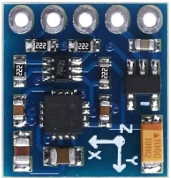
 Design with QMC5883L in Cirkit Designer
Introduction
The QMC5883L, manufactured by QST, is a digital compass sensor designed to measure magnetic fields in three dimensions (X, Y, and Z axes). It provides precise heading information, making it an essential component in navigation systems, robotics, and mobile devices. With its compact size and I2C interface, the QMC5883L is easy to integrate into a wide range of applications.
Explore Projects Built with QMC5883L
 Open Project in Cirkit Designer
 Open Project in Cirkit Designer
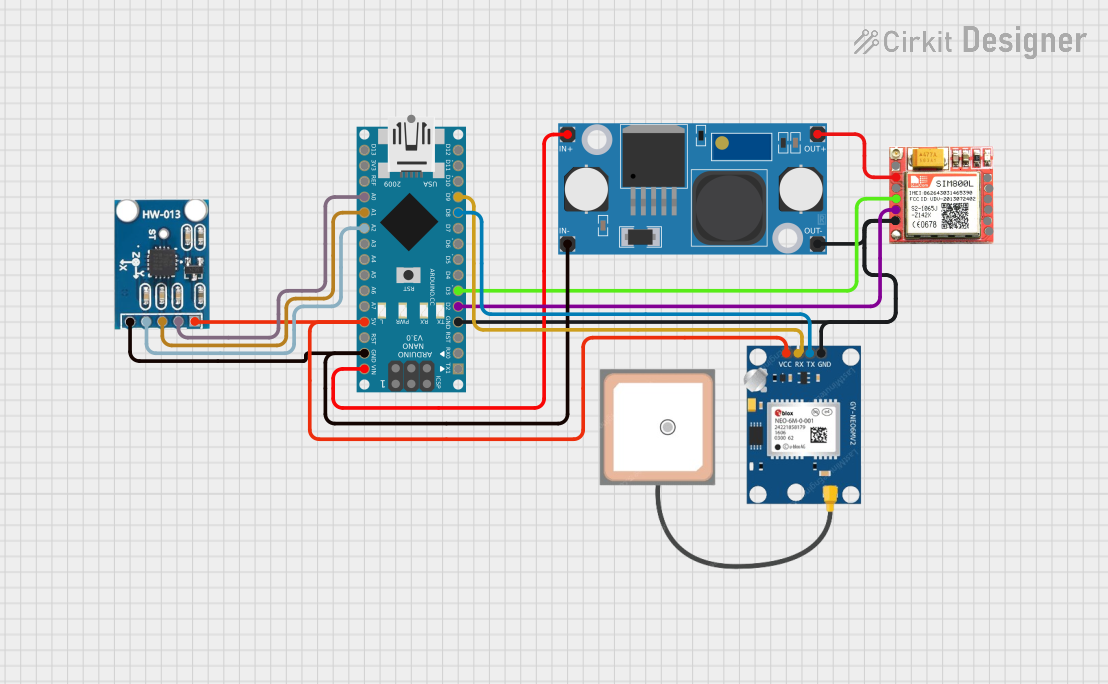 Open Project in Cirkit Designer
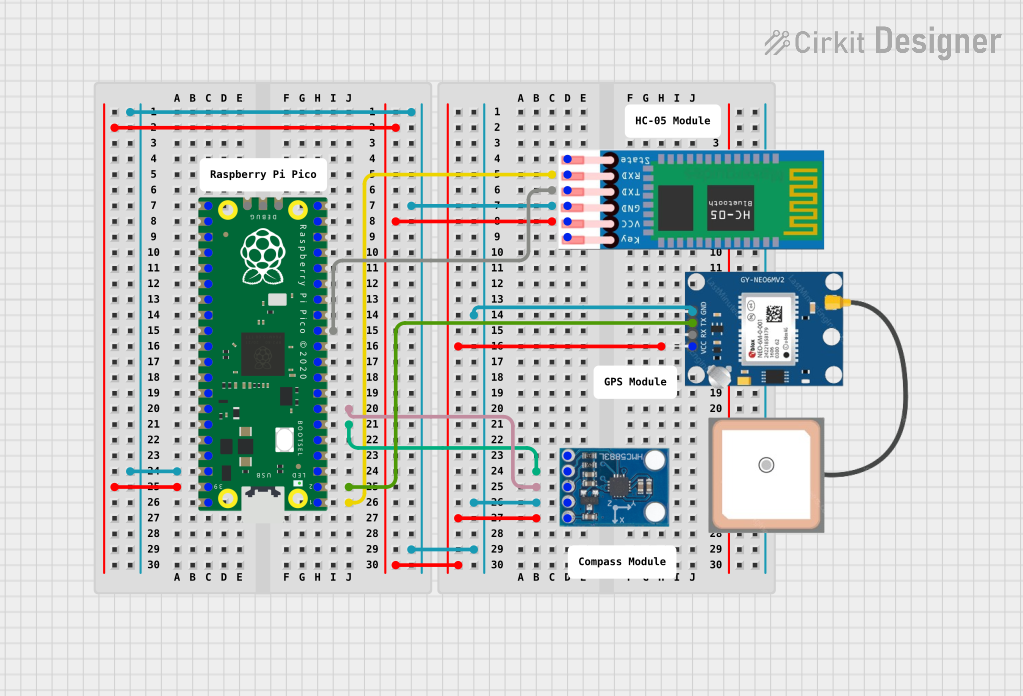 Open Project in Cirkit Designer
Explore Projects Built with QMC5883L
Open Project in Cirkit DesignerOpen Project in Cirkit DesignerOpen Project in Cirkit DesignerOpen Project in Cirkit DesignerCommon Applications and Use Cases
- Navigation systems (e.g., GPS modules with heading correction)
- Robotics for orientation and pathfinding
- Mobile devices for augmented reality and compass functionality
- Drones for stabilization and direction control
- Scientific instruments for magnetic field measurement
Technical Specifications
The QMC5883L is a high-performance magnetometer with the following key specifications:
| Parameter | Value |
|---|---|
| Manufacturer | QST |
| Part ID | QMC5883L |
| Operating Voltage | 2.16V to 3.6V |
| Interface | I2C |
| Measurement Range | ±8 Gauss |
| Resolution | 12-bit |
| Output Data Rate (ODR) | 10Hz, 50Hz, 100Hz, 200Hz |
| Operating Temperature | -40°C to +85°C |
| Power Consumption | 100 µA (typical) |
| Dimensions | 3mm x 3mm x 0.9mm |
Pin Configuration and Descriptions
The QMC5883L has a total of 8 pins, but only 4 are typically used for operation. Below is the pin configuration:
| Pin Name | Pin Number | Description |
|---|---|---|
| VDD | 1 | Power supply (2.16V to 3.6V) |
| GND | 2 | Ground |
| SDA | 3 | I2C data line |
| SCL | 4 | I2C clock line |
| DRDY | 5 | Data ready signal (optional) |
| NC | 6, 7, 8 | Not connected (leave unconnected) |
Usage Instructions
How to Use the QMC5883L in a Circuit
- Power Supply: Connect the VDD pin to a 3.3V power source and the GND pin to ground.
- I2C Communication: Connect the SDA and SCL pins to the corresponding I2C pins on your microcontroller. Use pull-up resistors (typically 4.7kΩ) on both SDA and SCL lines if not already present on your board.
- Optional DRDY Pin: The DRDY pin can be used to detect when new data is available. If not used, leave it unconnected.
- Address: The default I2C address of the QMC5883L is
0x0D.
Important Considerations and Best Practices
- Magnetic Interference: Avoid placing the QMC5883L near ferromagnetic materials or strong magnetic fields, as they can distort measurements.
- Calibration: Perform a calibration routine to account for hard-iron and soft-iron distortions in your environment.
- Data Rate: Choose an appropriate output data rate (ODR) based on your application to balance power consumption and responsiveness.
- Orientation: Mount the sensor on a stable surface with a known orientation to ensure accurate readings.
Example Code for Arduino UNO
Below is an example of how to interface the QMC5883L with an Arduino UNO using the Wire library:
#include <Wire.h>

#define QMC5883L_ADDRESS 0x0D  // Default I2C address of QMC5883L

void setup() {
  Wire.begin();  // Initialize I2C communication
  Serial.begin(9600);  // Start serial communication for debugging

  // Initialize QMC5883L
  Wire.beginTransmission(QMC5883L_ADDRESS);
  Wire.write(0x0B);  // Control register
  Wire.write(0x01);  // Set continuous measurement mode
  Wire.endTransmission();
}

void loop() {
  int16_t x, y, z;

  // Request 6 bytes of data from QMC5883L
  Wire.beginTransmission(QMC5883L_ADDRESS);
  Wire.write(0x00);  // Data output register
  Wire.endTransmission();
  Wire.requestFrom(QMC5883L_ADDRESS, 6);

  if (Wire.available() == 6) {
    // Read X, Y, Z axis data (16-bit values)
    x = Wire.read() | (Wire.read() << 8);
    y = Wire.read() | (Wire.read() << 8);
    z = Wire.read() | (Wire.read() << 8);

    // Print the values to the Serial Monitor
    Serial.print("X: ");
    Serial.print(x);
    Serial.print(" Y: ");
    Serial.print(y);
    Serial.print(" Z: ");
    Serial.println(z);
  }

  delay(500);  // Wait for 500ms before the next reading
}
Troubleshooting and FAQs
Common Issues and Solutions
No Data Output:
- Ensure the QMC5883L is powered correctly (check VDD and GND connections).
- Verify the I2C address (
0x0D) and ensure no other devices on the bus conflict with it. - Check the pull-up resistors on the SDA and SCL lines.
Inaccurate Readings:
- Perform a calibration routine to account for environmental distortions.
- Ensure the sensor is mounted away from magnetic interference sources.
I2C Communication Errors:
- Check the wiring between the QMC5883L and the microcontroller.
- Ensure the I2C clock speed is compatible (typically 100kHz or 400kHz).
FAQs
Q: Can the QMC5883L be used with 5V microcontrollers?
A: The QMC5883L operates at 3.3V, but it can tolerate 5V logic levels on the I2C lines if proper level shifters are used.
Q: How do I calibrate the QMC5883L?
A: Rotate the sensor in all directions to collect raw data, then use an algorithm to calculate offsets and scaling factors for hard-iron and soft-iron corrections.
Q: What is the maximum distance for I2C communication?
A: The I2C bus is typically limited to a few meters, depending on the pull-up resistor values and the capacitance of the bus.
Q: Can the QMC5883L measure tilt or acceleration?
A: No, the QMC5883L is a magnetometer and does not measure tilt or acceleration. For such measurements, use an IMU (Inertial Measurement Unit) that includes an accelerometer and gyroscope.