
How to Use 立创 · 天猛星MSPM0G3507: Examples, Pinouts, and Specs
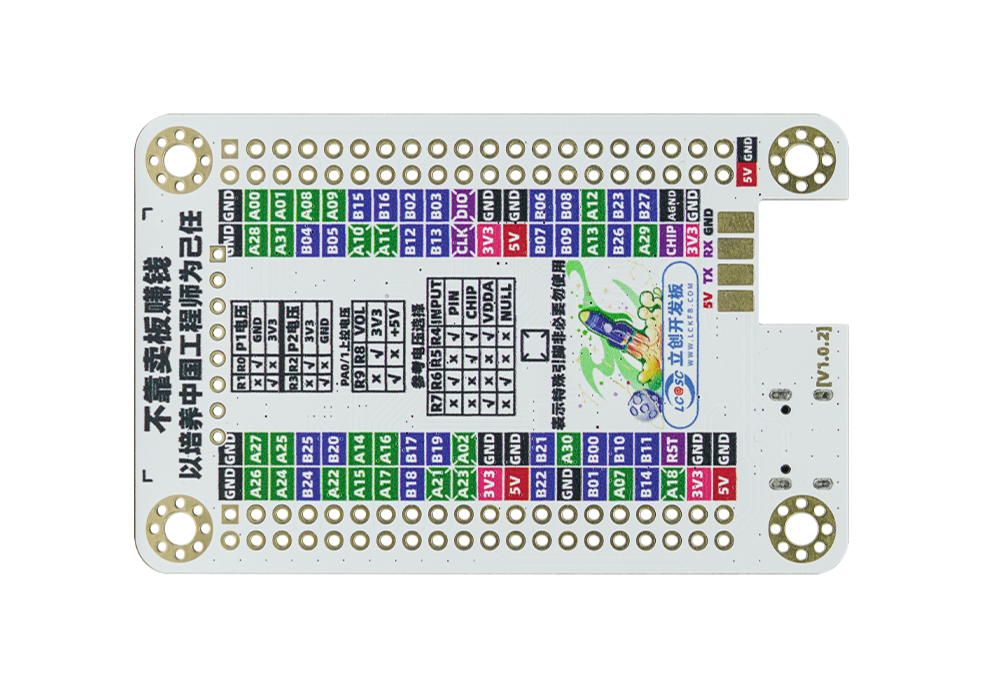
 Design with 立创 · 天猛星MSPM0G3507 in Cirkit Designer
Introduction
The 天猛星MSPM0G3507 is a high-performance microcontroller developed by 立创, designed for a wide range of embedded applications. This microcontroller is optimized for low power consumption while offering robust processing capabilities. It features multiple I/O ports, integrated peripherals, and advanced control functions, making it suitable for applications such as industrial automation, IoT devices, consumer electronics, and motor control systems.
Explore Projects Built with 立创 · 天猛星MSPM0G3507
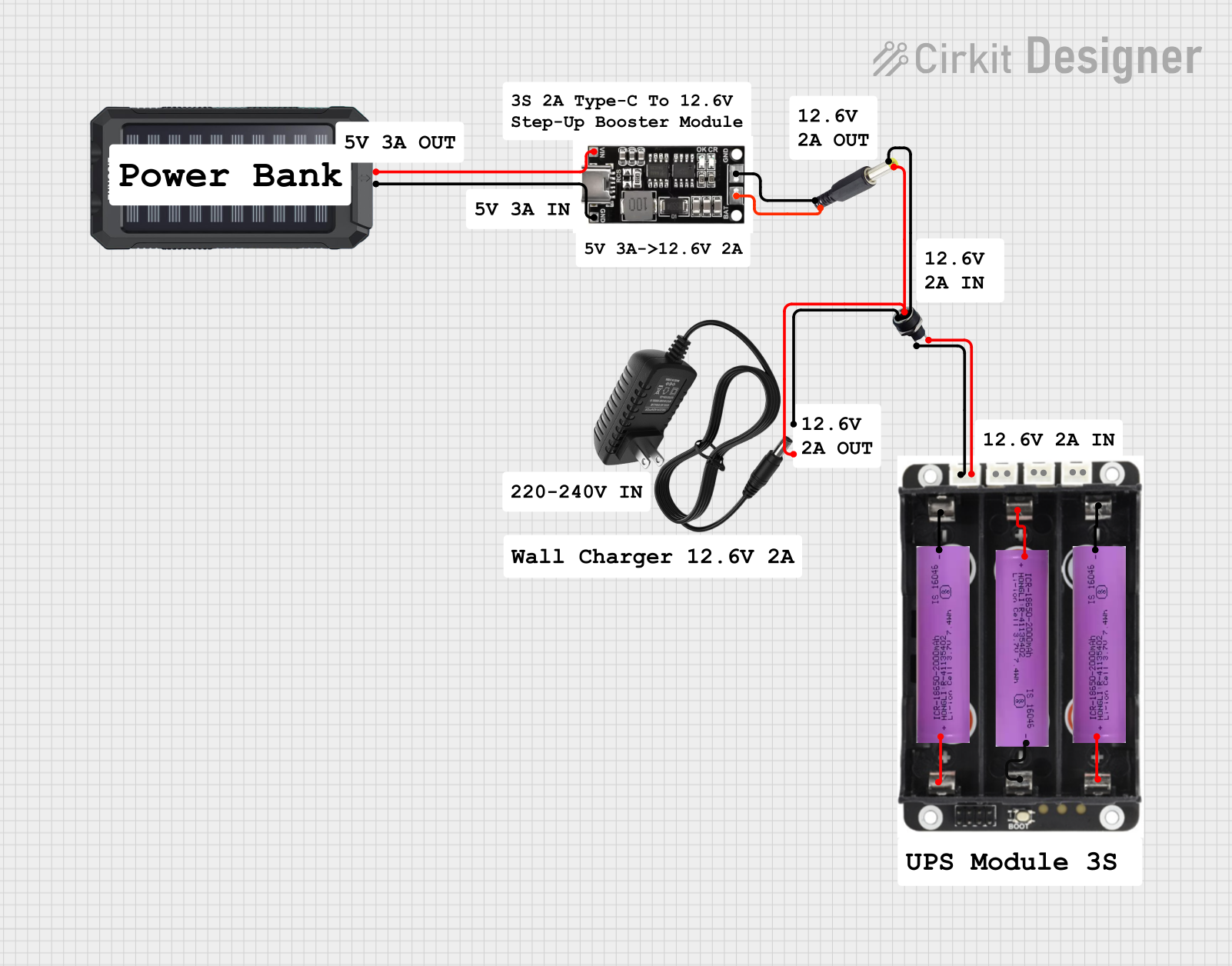 Open Project in Cirkit Designer
 Open Project in Cirkit Designer
 Open Project in Cirkit Designer
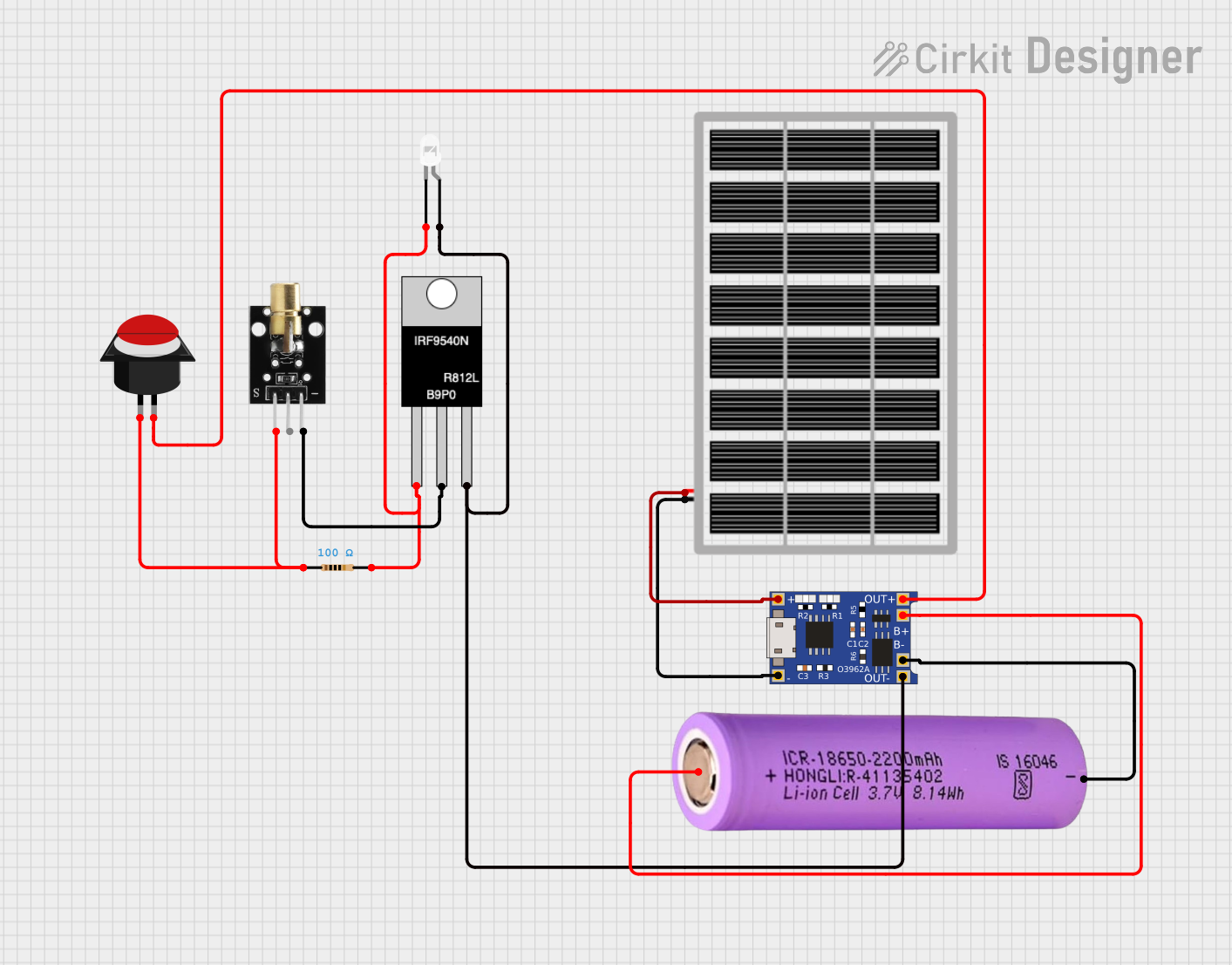 Open Project in Cirkit Designer
Explore Projects Built with 立创 · 天猛星MSPM0G3507
Open Project in Cirkit DesignerOpen Project in Cirkit DesignerOpen Project in Cirkit DesignerOpen Project in Cirkit DesignerCommon Applications:
- Industrial automation and control systems
- Internet of Things (IoT) devices
- Consumer electronics
- Motor control and robotics
- Data acquisition and signal processing
Technical Specifications
Key Technical Details:
| Parameter | Specification |
|---|---|
| Manufacturer | 立创 |
| Part ID | ml_000001 |
| Core Architecture | ARM Cortex-M0+ |
| Operating Voltage | 1.8V to 3.6V |
| Maximum Clock Speed | 48 MHz |
| Flash Memory | 128 KB |
| SRAM | 32 KB |
| GPIO Pins | 32 |
| Communication Interfaces | UART, SPI, I2C, CAN |
| ADC Resolution | 12-bit |
| Timers | 16-bit and 32-bit timers |
| Operating Temperature | -40°C to 85°C |
| Package Type | LQFP-48 |
Pin Configuration:
The 天猛星MSPM0G3507 comes in an LQFP-48 package. Below is the pin configuration:
| Pin Number | Pin Name | Functionality |
|---|---|---|
| 1 | VDD | Power supply (1.8V to 3.6V) |
| 2 | GND | Ground |
| 3 | PA0 | GPIO/ADC Input/Alternate Function |
| 4 | PA1 | GPIO/ADC Input/Alternate Function |
| 5 | PB0 | GPIO/UART TX |
| 6 | PB1 | GPIO/UART RX |
| ... | ... | ... (Refer to the full datasheet) |
| 48 | RESET | Reset Pin |
For a complete pinout and alternate functions, refer to the official datasheet provided by 立创.
Usage Instructions
How to Use the 天猛星MSPM0G3507 in a Circuit:
- Power Supply: Ensure the microcontroller is powered with a stable voltage between 1.8V and 3.6V. Connect VDD to the power source and GND to ground.
- Clock Configuration: Use an external crystal oscillator or the internal clock for timing. Configure the clock settings in your firmware.
- GPIO Configuration: Set up the GPIO pins as input or output based on your application. Use pull-up or pull-down resistors if necessary.
- Peripheral Initialization: Initialize communication interfaces (UART, SPI, I2C, etc.) and peripherals (ADC, timers) as required.
- Programming: Use a compatible programmer/debugger to upload firmware to the microcontroller. The 天猛星MSPM0G3507 supports SWD (Serial Wire Debug) for programming and debugging.
Example: Interfacing with an Arduino UNO
The 天猛星MSPM0G3507 can communicate with an Arduino UNO via UART. Below is an example Arduino sketch to send data to the microcontroller:
// Arduino UNO UART Communication Example
// Sends data to the 天猛星MSPM0G3507 microcontroller via UART

void setup() {
  Serial.begin(9600); // Initialize UART at 9600 baud rate
  delay(1000);        // Wait for the serial connection to stabilize
}

void loop() {
  Serial.println("Hello, 天猛星MSPM0G3507!"); // Send data to the microcontroller
  delay(1000);                              // Wait 1 second before sending again
}
On the 天猛星MSPM0G3507 side, configure the UART peripheral to receive data at 9600 baud and process the incoming data accordingly.
Important Considerations:
- Voltage Levels: Ensure all connected devices operate at compatible voltage levels. Use level shifters if necessary.
- Decoupling Capacitors: Place decoupling capacitors (e.g., 0.1 µF) near the VDD pin to stabilize the power supply.
- Reset Pin: Connect the RESET pin to a pull-up resistor (e.g., 10 kΩ) to ensure proper operation.
- Programming Interface: Use the SWD interface for reliable programming and debugging.
Troubleshooting and FAQs
Common Issues and Solutions:
Microcontroller Not Powering On:
- Cause: Incorrect power supply voltage or missing decoupling capacitors.
- Solution: Verify the power supply voltage is within the 1.8V to 3.6V range. Add a 0.1 µF decoupling capacitor near the VDD pin.
UART Communication Fails:
- Cause: Mismatched baud rates or incorrect wiring.
- Solution: Ensure both devices are configured with the same baud rate. Check the TX and RX connections.
Program Upload Fails:
- Cause: Faulty SWD connection or incorrect programmer settings.
- Solution: Verify the SWD connections (SWDIO, SWCLK, GND). Check the programmer configuration.
GPIO Pins Not Responding:
- Cause: Incorrect pin configuration or missing pull-up/pull-down resistors.
- Solution: Double-check the GPIO initialization code and add pull-up/pull-down resistors if needed.
FAQs:
Q1: Can the 天猛星MSPM0G3507 operate at 5V?
A1: No, the microcontroller operates within a voltage range of 1.8V to 3.6V. Exceeding this range may damage the device.
Q2: How do I reset the microcontroller?
A2: Pull the RESET pin low momentarily to reset the microcontroller. Ensure a pull-up resistor is connected to the RESET pin.
Q3: Does the microcontroller support low-power modes?
A3: Yes, the 天猛星MSPM0G3507 supports multiple low-power modes for energy-efficient operation. Refer to the datasheet for details on configuring low-power modes.
Q4: What is the maximum ADC sampling rate?
A4: The maximum ADC sampling rate is 1 MSPS (Mega Samples Per Second).
For additional support, refer to the official documentation or contact 立创 technical support.