
How to Use Power Inverter: Examples, Pinouts, and Specs
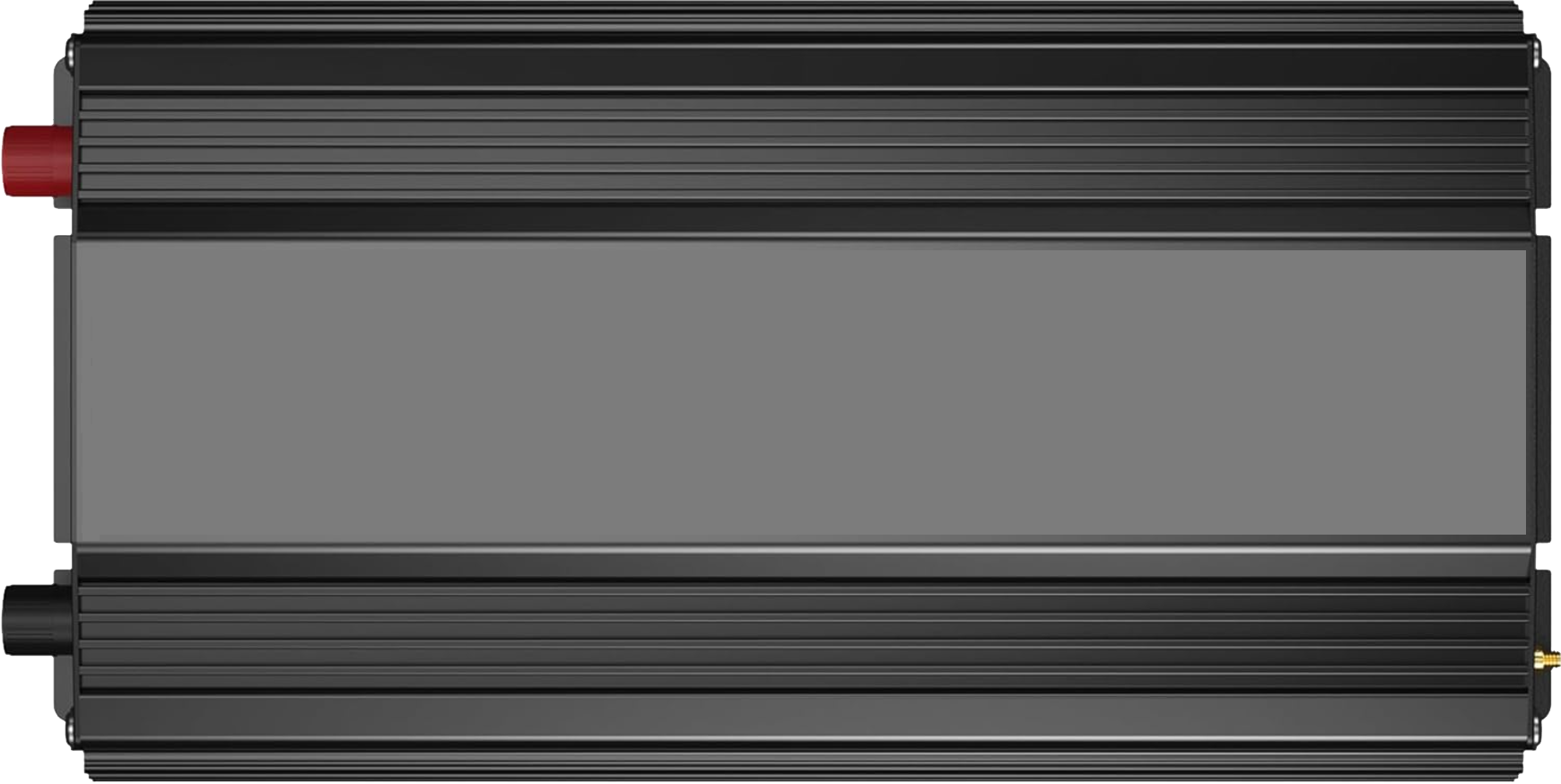
 Design with Power Inverter in Cirkit Designer
Introduction
The VOLTWORKS Store ETL UL458 12V DC to 48V 220V AC 2000W Power Inverter is a high-performance electronic device designed to convert direct current (DC) from sources such as batteries into alternating current (AC). This enables the use of standard AC-powered devices in environments where only DC power is available, such as in vehicles, off-grid solar systems, or remote locations.
Explore Projects Built with Power Inverter
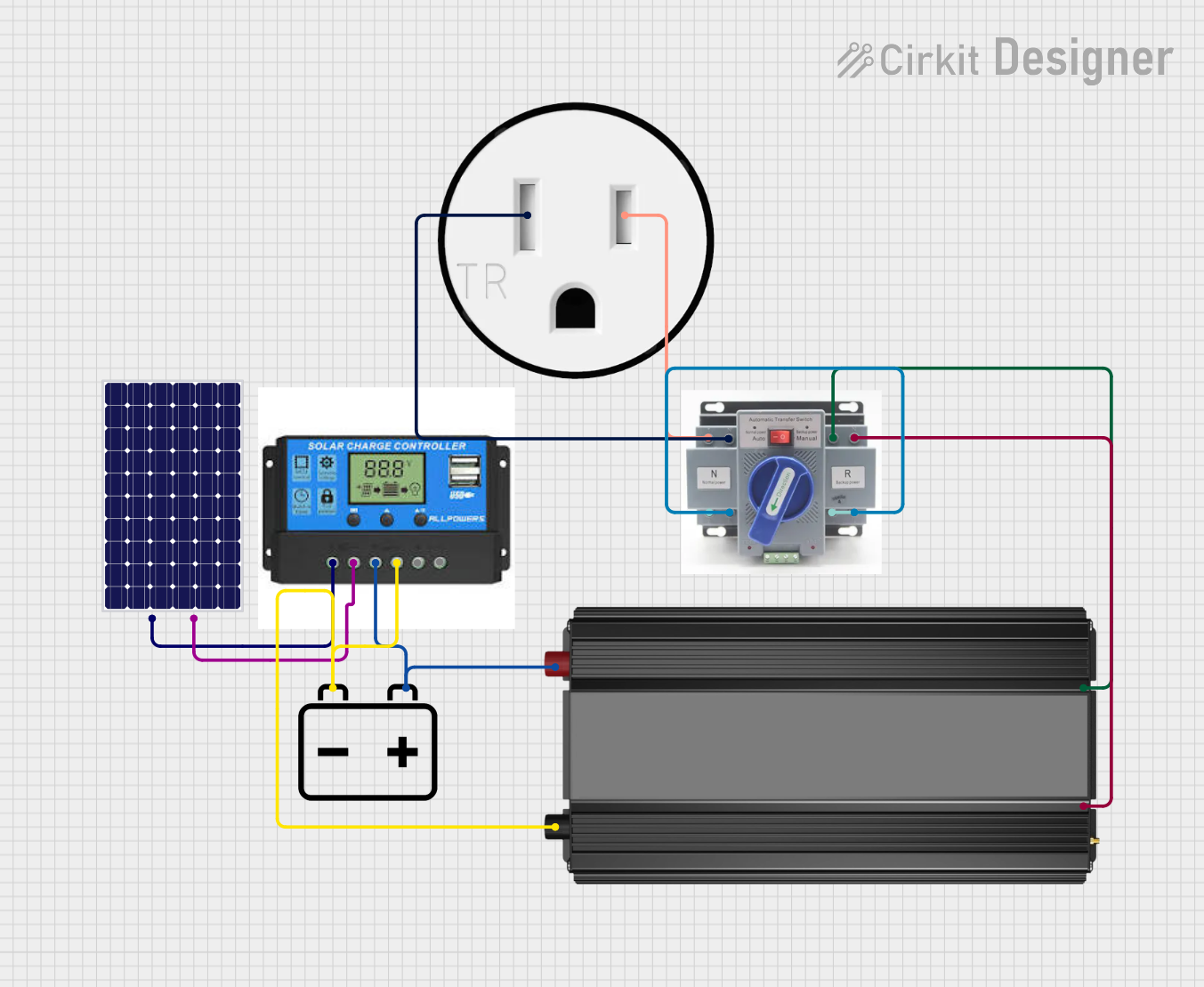 Open Project in Cirkit Designer
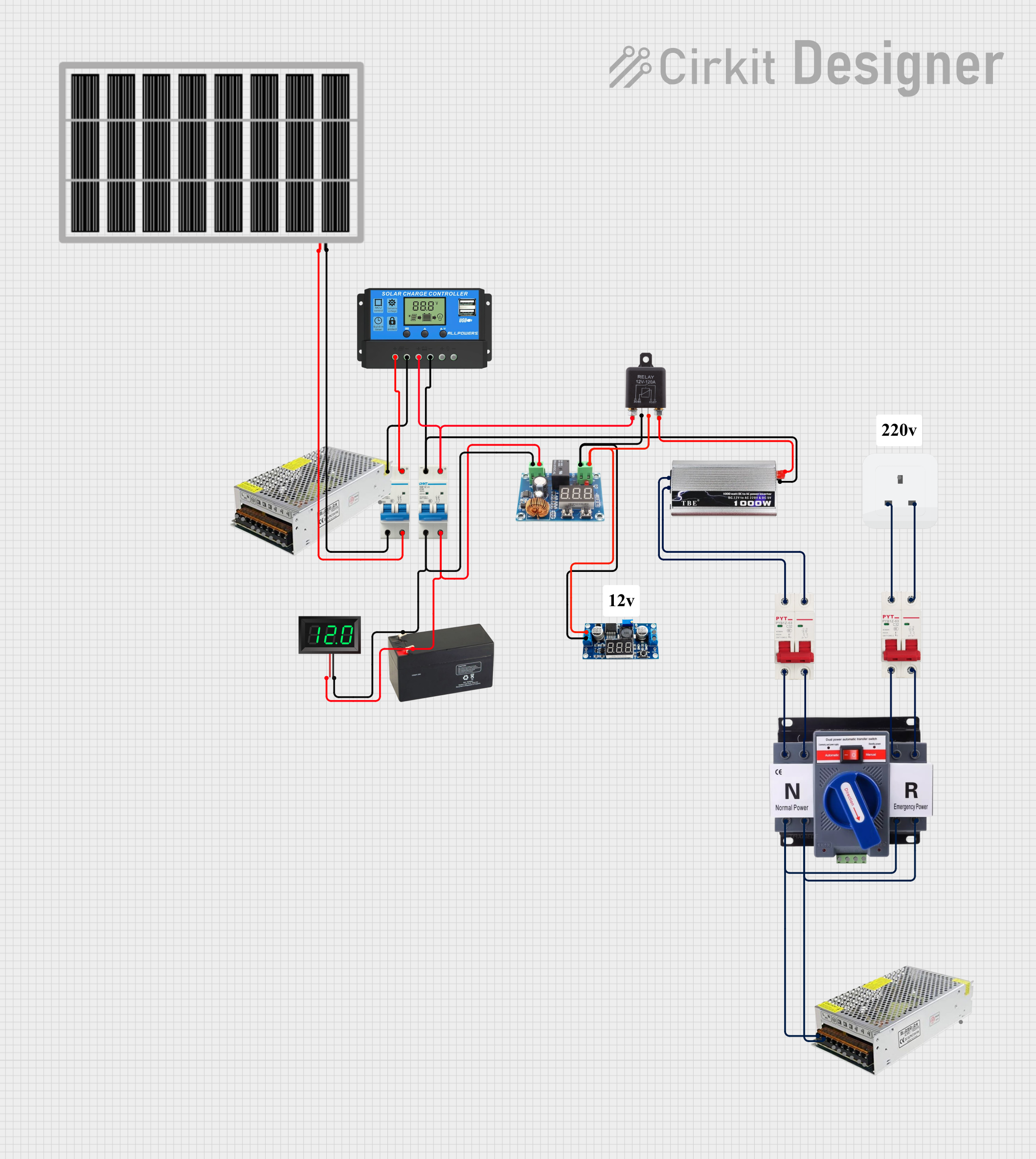 Open Project in Cirkit Designer
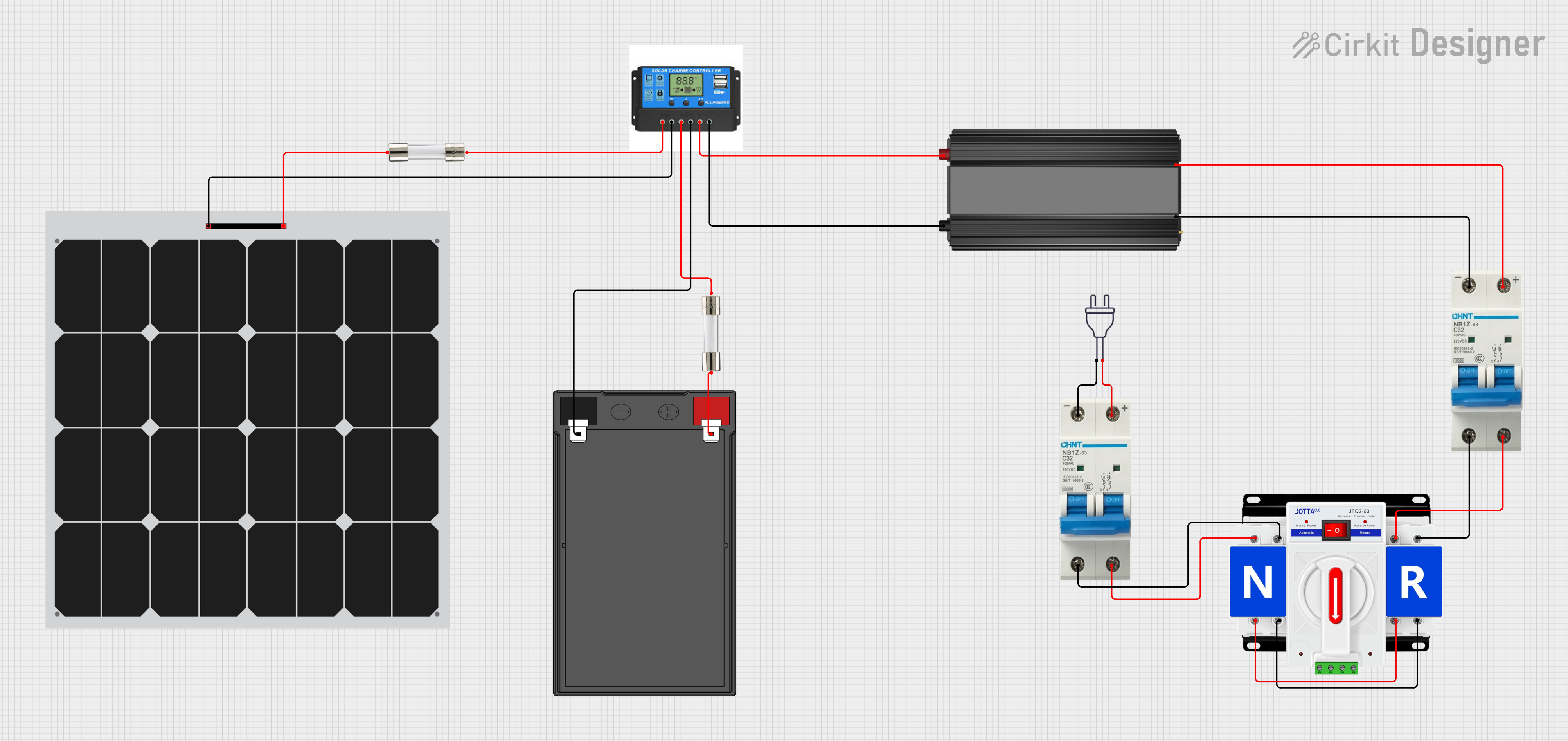 Open Project in Cirkit Designer
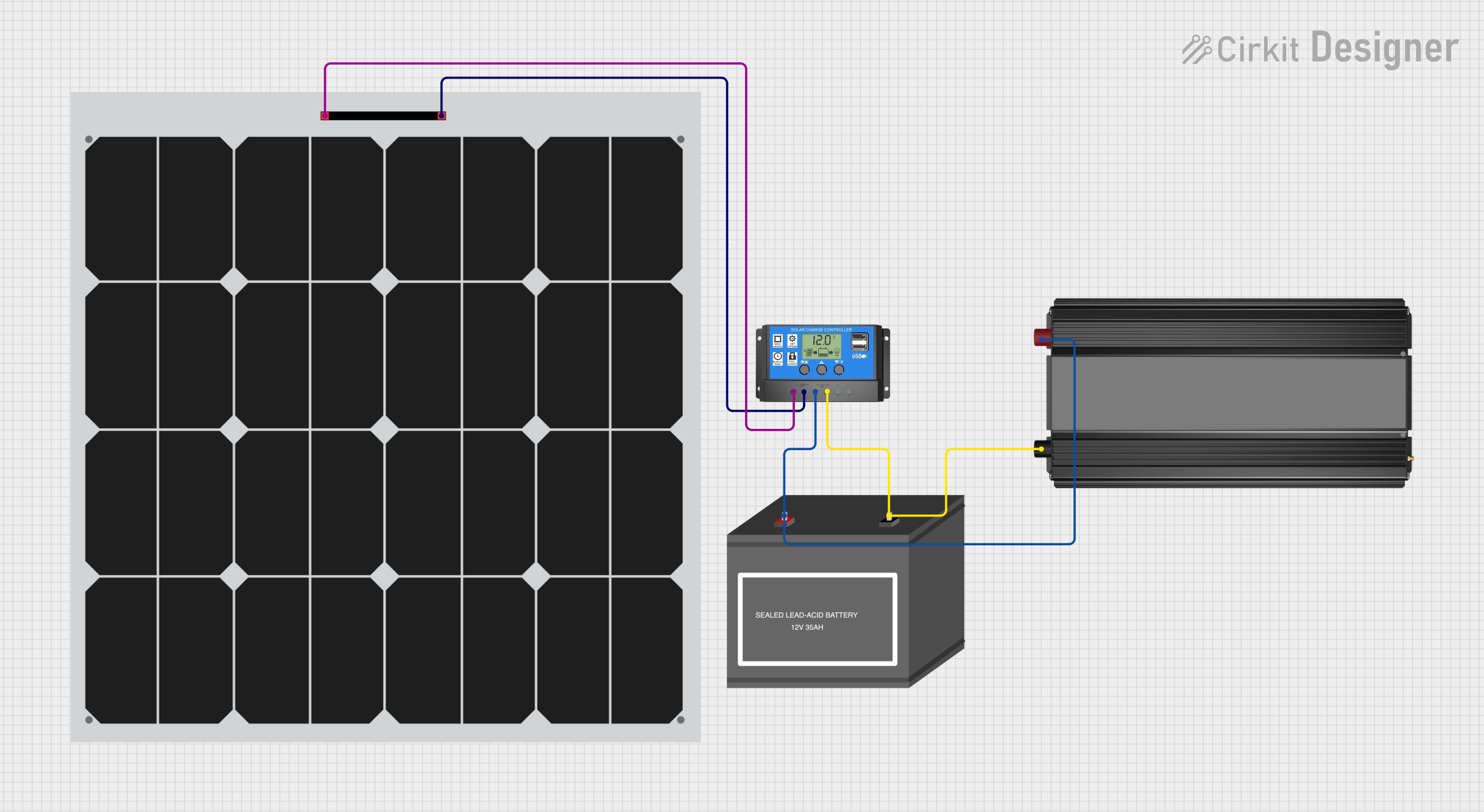 Open Project in Cirkit Designer
Explore Projects Built with Power Inverter
Open Project in Cirkit DesignerOpen Project in Cirkit DesignerOpen Project in Cirkit DesignerOpen Project in Cirkit DesignerCommon Applications and Use Cases
- Powering household appliances (e.g., refrigerators, TVs, and fans) from a 12V DC battery.
- Supporting off-grid solar power systems by converting stored DC energy into usable AC power.
- Providing backup power during outages.
- Enabling the use of AC tools and devices in vehicles, RVs, or boats.
Technical Specifications
Below are the key technical details of the ETL UL458 12V DC to 48V 220V AC 2000W Power Inverter:
| Specification | Details |
|---|---|
| Input Voltage Range | 12V DC (nominal) |
| Output Voltage | 220V AC ± 5% |
| Output Frequency | 50Hz ± 1% |
| Continuous Power Output | 2000W |
| Peak Power Output | 4000W (for surge loads) |
| Efficiency | Up to 90% |
| Output Waveform | Pure Sine Wave |
| Protection Features | Overload, over-temperature, short circuit, low voltage, and over-voltage |
| Operating Temperature | -10°C to 40°C |
| Cooling System | Intelligent temperature-controlled fan |
| Dimensions | 15.7 x 7.8 x 3.9 inches (approx.) |
| Weight | 10.5 lbs (approx.) |
Pin Configuration and Descriptions
The power inverter has the following key input/output connections:
| Pin/Port | Description |
|---|---|
| DC Input Terminals | Connect to a 12V DC battery (positive and negative terminals). |
| AC Output Sockets | Standard 220V AC outlets for connecting appliances. |
| USB Ports | USB output ports for charging small devices (e.g., phones, tablets). |
| Ground Terminal | Provides grounding for safety and noise reduction. |
| Remote Control Port | Allows connection to an optional remote control for convenient operation. |
Usage Instructions
How to Use the Power Inverter in a Circuit
Connect the DC Input Terminals:
- Ensure the battery voltage matches the inverter's input voltage (12V DC).
- Use appropriately rated cables to connect the positive and negative terminals of the inverter to the battery.
- Tighten the connections securely to avoid loose contacts.
Ground the Inverter:
- Connect the ground terminal of the inverter to a proper earth ground to ensure safety and reduce electrical noise.
Connect AC Devices:
- Plug your AC appliances into the inverter's output sockets.
- Ensure the total power consumption of connected devices does not exceed the inverter's continuous power rating (2000W).
Power On the Inverter:
- Turn on the inverter using the power switch or optional remote control.
- Verify that the status indicators (e.g., power, fault) are functioning correctly.
Monitor Operation:
- Check the inverter's cooling fan and ensure it operates as needed to prevent overheating.
- Avoid running the inverter continuously at maximum load to prolong its lifespan.
Important Considerations and Best Practices
- Battery Capacity: Use a battery with sufficient capacity to support the inverter's power requirements. For example, a 200Ah battery is recommended for extended use at full load.
- Cable Sizing: Use thick, low-resistance cables to minimize voltage drops and heat generation.
- Ventilation: Place the inverter in a well-ventilated area to ensure proper cooling.
- Load Management: Avoid connecting devices with a combined power rating exceeding 2000W. For devices with high startup currents (e.g., refrigerators), ensure the peak power (4000W) is not exceeded.
- Safety: Disconnect the inverter from the battery when not in use to prevent accidental discharge.
Arduino UNO Integration Example
While power inverters are not directly controlled by microcontrollers like the Arduino UNO, you can use an Arduino to monitor the inverter's input/output voltage or control a relay to switch the inverter on/off. Below is an example of using an Arduino to monitor the inverter's input voltage:
// Arduino code to monitor the inverter's input voltage
// Ensure the voltage divider reduces the 12V input to a safe level for the Arduino (0-5V).

const int voltagePin = A0;  // Analog pin connected to the voltage divider
float voltage = 0.0;        // Variable to store the calculated voltage

void setup() {
  Serial.begin(9600);  // Initialize serial communication
}

void loop() {
  int sensorValue = analogRead(voltagePin);  // Read the analog input
  voltage = (sensorValue * 5.0 / 1023.0) * 4.0;  // Convert to actual voltage
  // Adjust the multiplier (4.0) based on your voltage divider ratio

  Serial.print("Input Voltage: ");
  Serial.print(voltage);
  Serial.println(" V");

  delay(1000);  // Wait for 1 second before the next reading
}
Troubleshooting and FAQs
Common Issues and Solutions
| Issue | Possible Cause | Solution |
|---|---|---|
| Inverter does not turn on | Loose or incorrect battery connections | Check and secure all connections. Ensure correct polarity. |
| Overload protection activates | Connected devices exceed power rating | Reduce the load to within the inverter's 2000W continuous power limit. |
| Low voltage alarm or shutdown | Battery voltage is too low | Recharge the battery or use a higher-capacity battery. |
| Overheating | Poor ventilation or excessive load | Ensure proper airflow and reduce the load if necessary. |
| No AC output | Faulty wiring or internal fault | Check connections and consult the user manual or manufacturer support. |
FAQs
Can I use this inverter with a 24V battery?
- No, this inverter is designed for 12V DC input only. Using a 24V battery may damage the device.
What type of appliances can I power with this inverter?
- You can power most household appliances, provided their total power consumption does not exceed 2000W.
How do I know if the inverter is overloaded?
- The inverter will activate overload protection, and the fault indicator will light up. Reduce the load to resolve the issue.
Can I use this inverter with solar panels?
- Yes, as long as the solar panel system includes a 12V battery for energy storage.
Is the inverter safe for sensitive electronics?
- Yes, the pure sine wave output ensures compatibility with sensitive devices like laptops and medical equipment.