Introduction
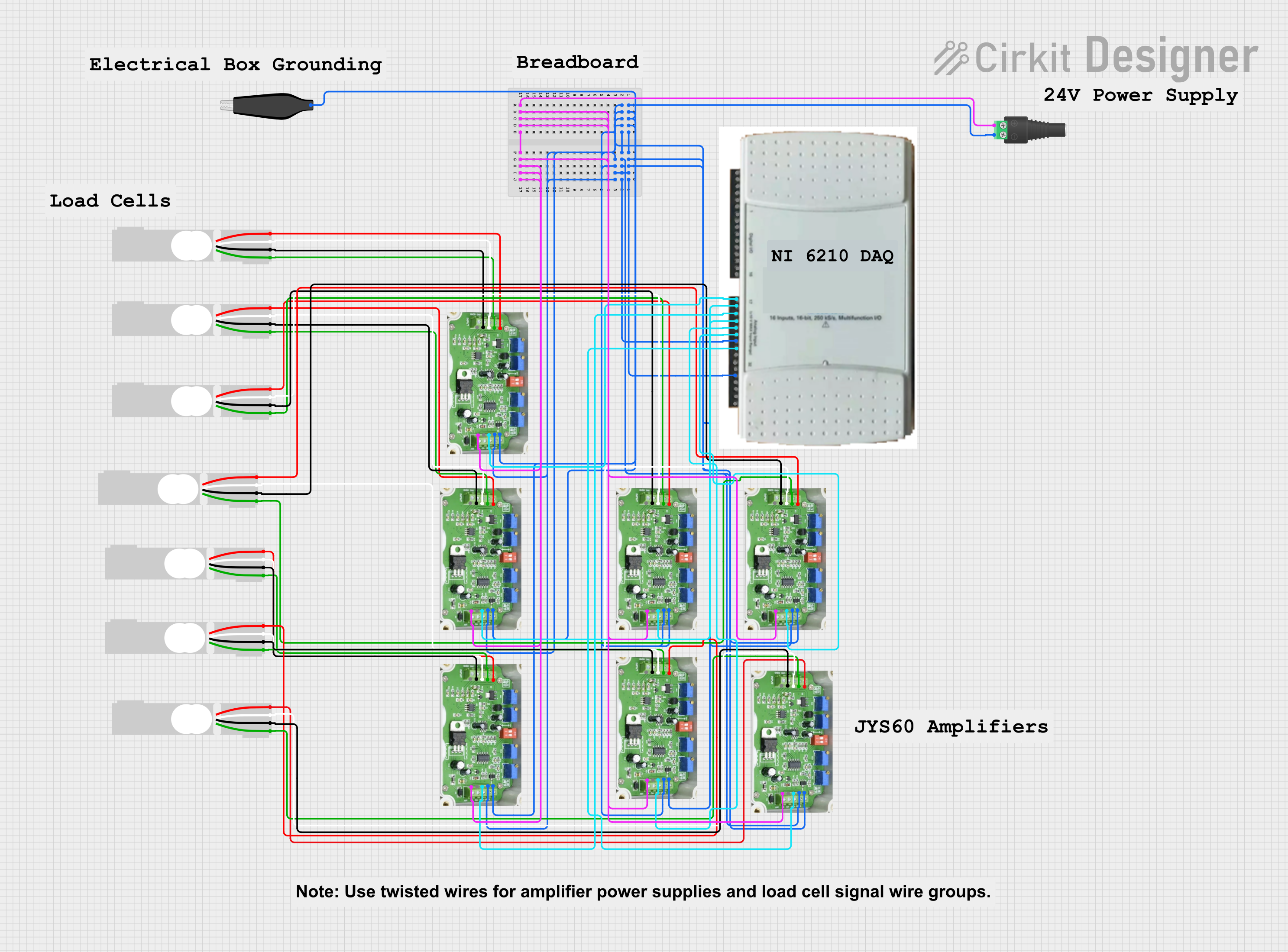
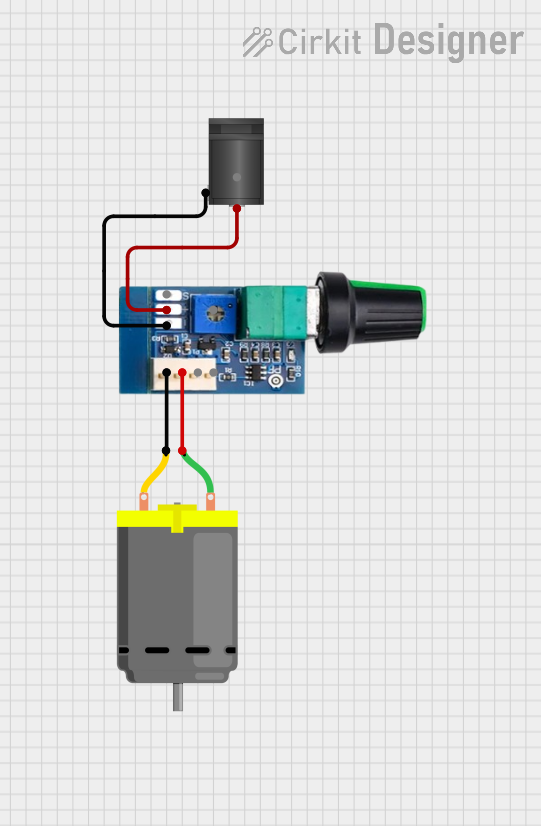
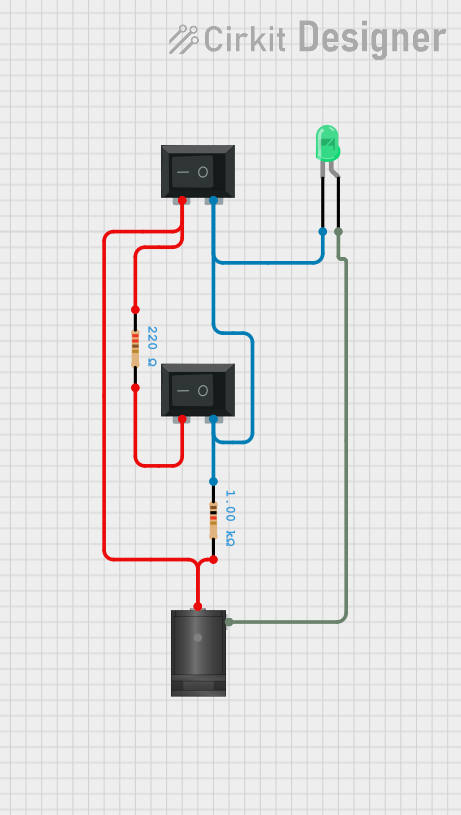
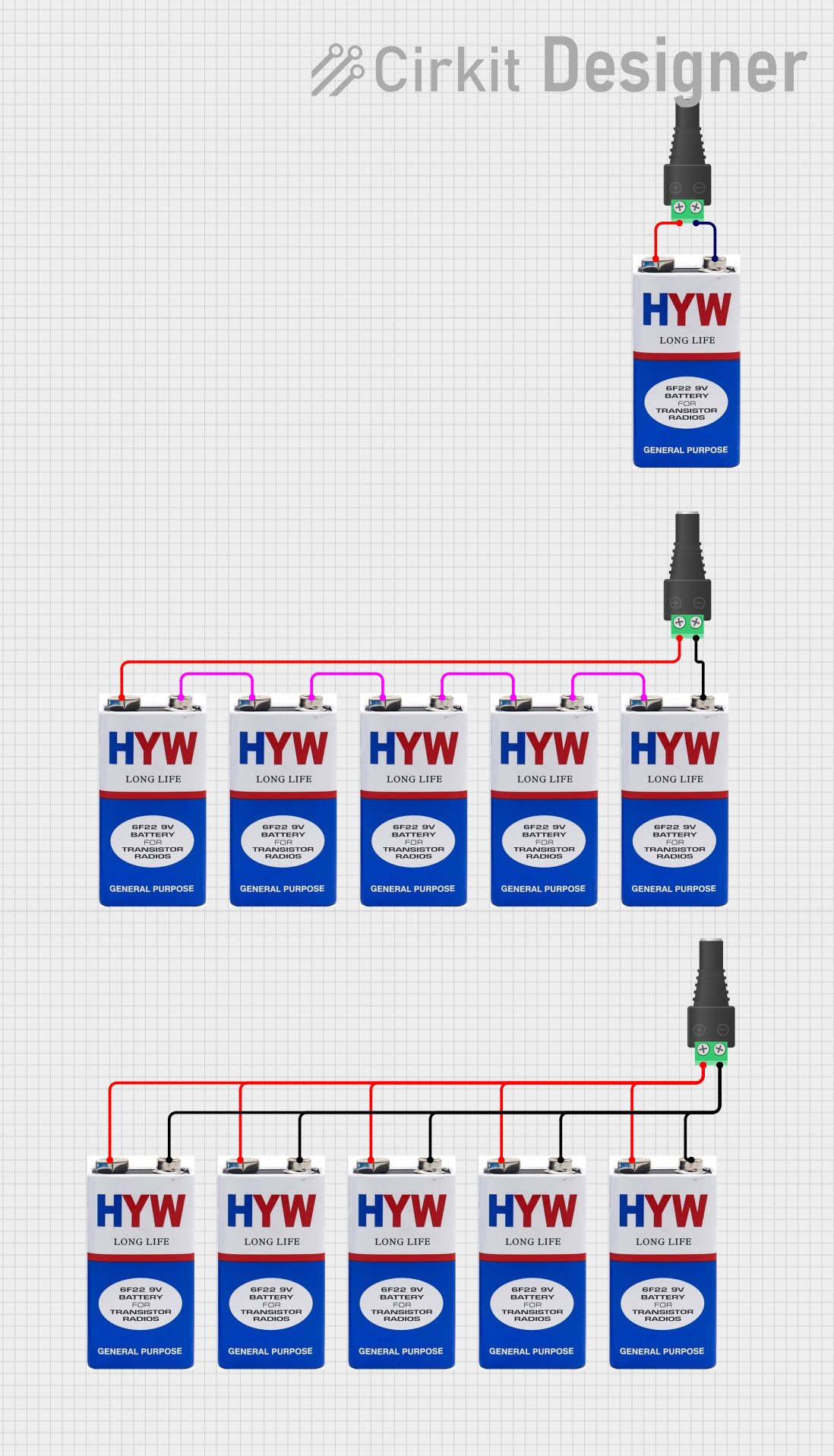
The 2.1mm DC Barrel Jack is a common power connector used in a variety of electronic devices and projects. It is designed to receive a 2.1mm male DC power plug, providing a convenient way to supply power to a circuit. This type of jack is often found in small to medium-sized electronics, such as portable devices, DIY electronics projects, and is frequently used with Arduino boards to provide an external power source.
Common Applications and Use Cases
- Power supply for Arduino and other microcontroller boards
- Portable electronic devices
- DIY electronics projects
- Small home appliances
Technical Specifications
Key Technical Details
- Rated Voltage: Typically up to 20V DC
- Rated Current: Usually 1A to 5A, depending on the specific model
- Contact Resistance: Typically less than 50 milliohms
- Insulation Resistance: Typically greater than 100 megohms
- Operating Temperature Range: -25°C to +70°C
Pin Configuration and Descriptions
Usage Instructions
How to Use the Component in a Circuit
- Mounting: Secure the DC Barrel Jack to your project's enclosure or PCB, ensuring proper alignment of the pins.
- Wiring: Solder the ground wire to pin 1 and the positive voltage wire to pin 2. Make sure to avoid short circuits.
- Power Supply Connection: Insert a compatible 2.1mm DC power plug into the jack. Ensure the power supply's voltage and current ratings are within the specifications of the jack and your circuit.
Important Considerations and Best Practices
- Polarity: Ensure that the polarity of the power supply matches the requirements of your circuit. The center pin is typically positive.
- Voltage and Current Ratings: Do not exceed the voltage and current ratings of the DC Barrel Jack to prevent damage.
- Strain Relief: Provide strain relief for the cables connected to the jack to prevent mechanical stress on the solder joints.
Troubleshooting and FAQs
Common Issues Users Might Face
- Loose Connections: If the device is not powering on, check for loose solder joints or a loose power plug.
- Incorrect Polarity: Reversed polarity can lead to circuit damage. Always verify the polarity before connecting the power supply.
- Overheating: If the jack is overheating, it may be due to exceeding the current rating or a poor connection.
Solutions and Tips for Troubleshooting
- Resoldering: If connections are loose, resolder the pins to ensure a secure connection.
- Polarity Check: Use a multimeter to verify the polarity of the power supply and the jack connections.
- Current Check: Ensure the power supply does not exceed the current rating of the jack. If necessary, use a power supply with a lower current rating.
FAQs
Q: Can I use a power supply with a higher voltage rating than the jack's rating?
A: No, using a power supply with a higher voltage than the jack's rating can damage the component and the connected circuit.
Q: What happens if I reverse the polarity?
A: Reversing the polarity can cause permanent damage to the electronic components in your circuit. Always double-check the polarity before use.
Q: Is it possible to use the DC Barrel Jack with an AC power supply?
A: No, the DC Barrel Jack is designed for DC voltages only. Using an AC power supply can damage the jack and the connected devices.
Example Code for Arduino UNO
// There is no direct code associated with powering an Arduino via a DC Barrel Jack.
// However, when using an external power source, you can write code that checks if the Arduino is powered.

void setup() {
  // Initialize the built-in LED pin as an output.
  pinMode(LED_BUILTIN, OUTPUT);
}

void loop() {
  // Turn the LED on and off to indicate that the Arduino is powered.
  digitalWrite(LED_BUILTIN, HIGH); // Turn the LED on
  delay(1000);                     // Wait for a second
  digitalWrite(LED_BUILTIN, LOW);  // Turn the LED off
  delay(1000);                     // Wait for a second
}

// Note: This code assumes that the Arduino is properly powered through the DC Barrel Jack.
// It simply blinks the built-in LED to show that the board is operational.
Remember to ensure that the power supply connected to the DC Barrel Jack matches the requirements of your Arduino UNO, which typically operates at 7-12V DC when powered externally.


 Open Project in Cirkit Designer