
How to Use inverter: Examples, Pinouts, and Specs
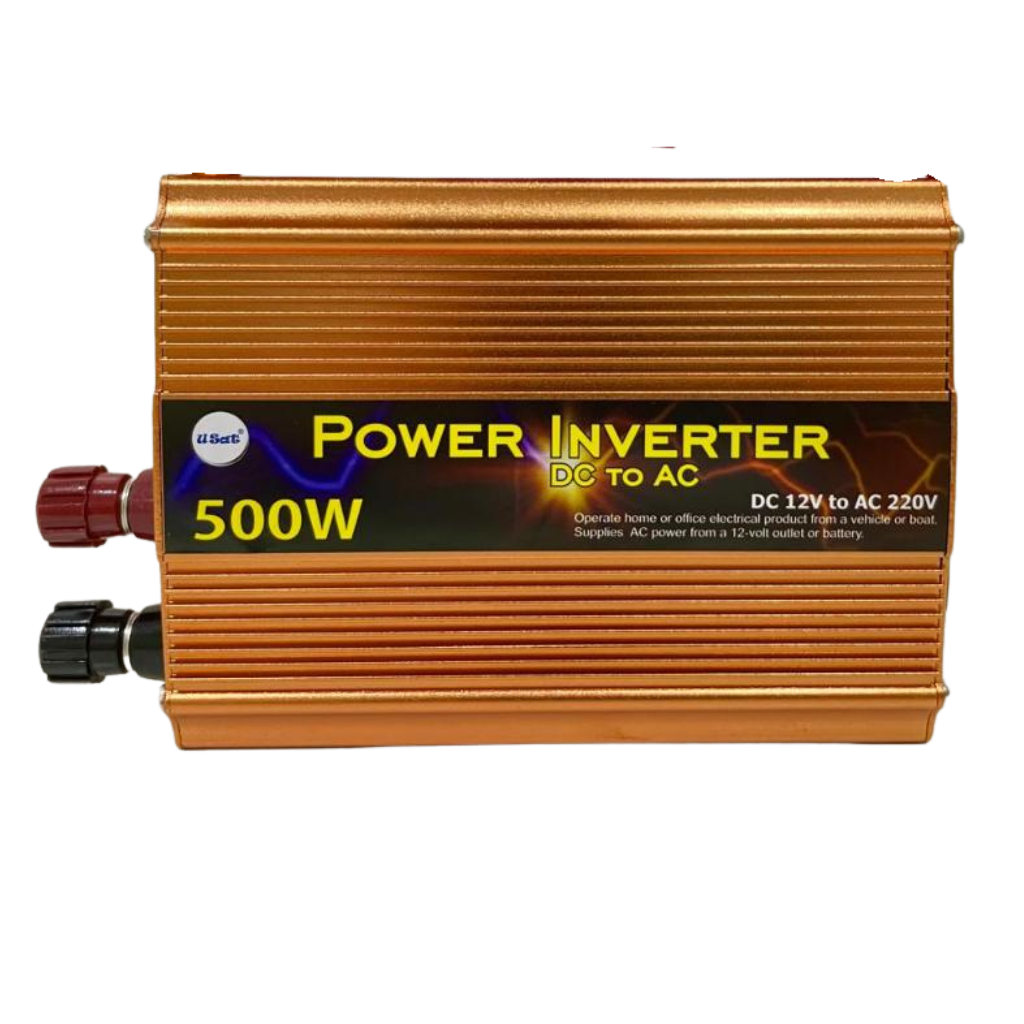
 Design with inverter in Cirkit Designer
Introduction
An inverter is an electronic device that converts direct current (DC) into alternating current (AC). This conversion allows DC power sources, such as batteries or solar panels, to power AC appliances and devices. Inverters are essential in renewable energy systems, uninterruptible power supplies (UPS), and portable power solutions.
The DEWA AUDI VARIASI inverter is a reliable and efficient solution for converting DC to AC, making it suitable for a wide range of applications, including home energy systems, industrial equipment, and off-grid power setups.
Explore Projects Built with inverter
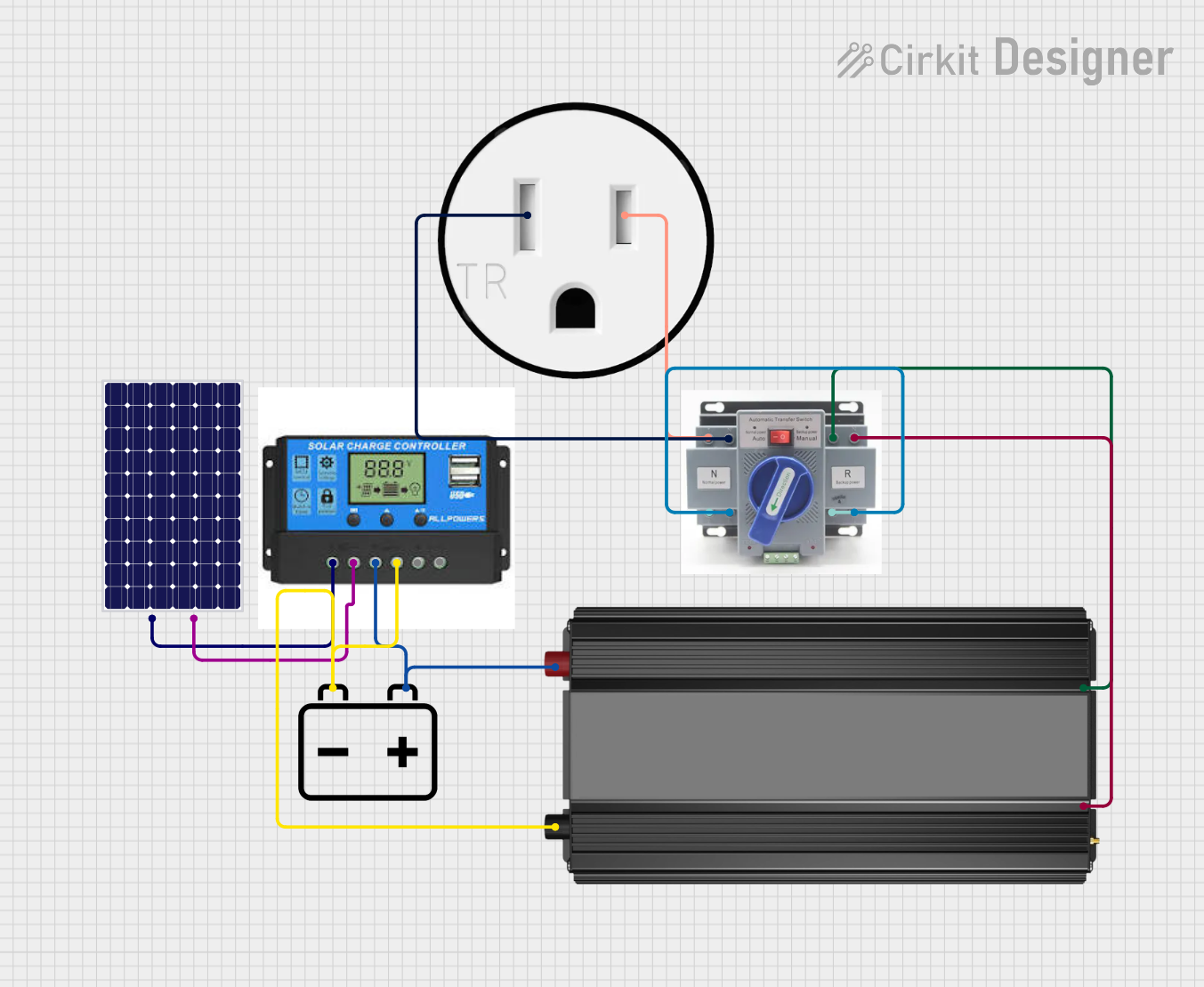 Open Project in Cirkit Designer
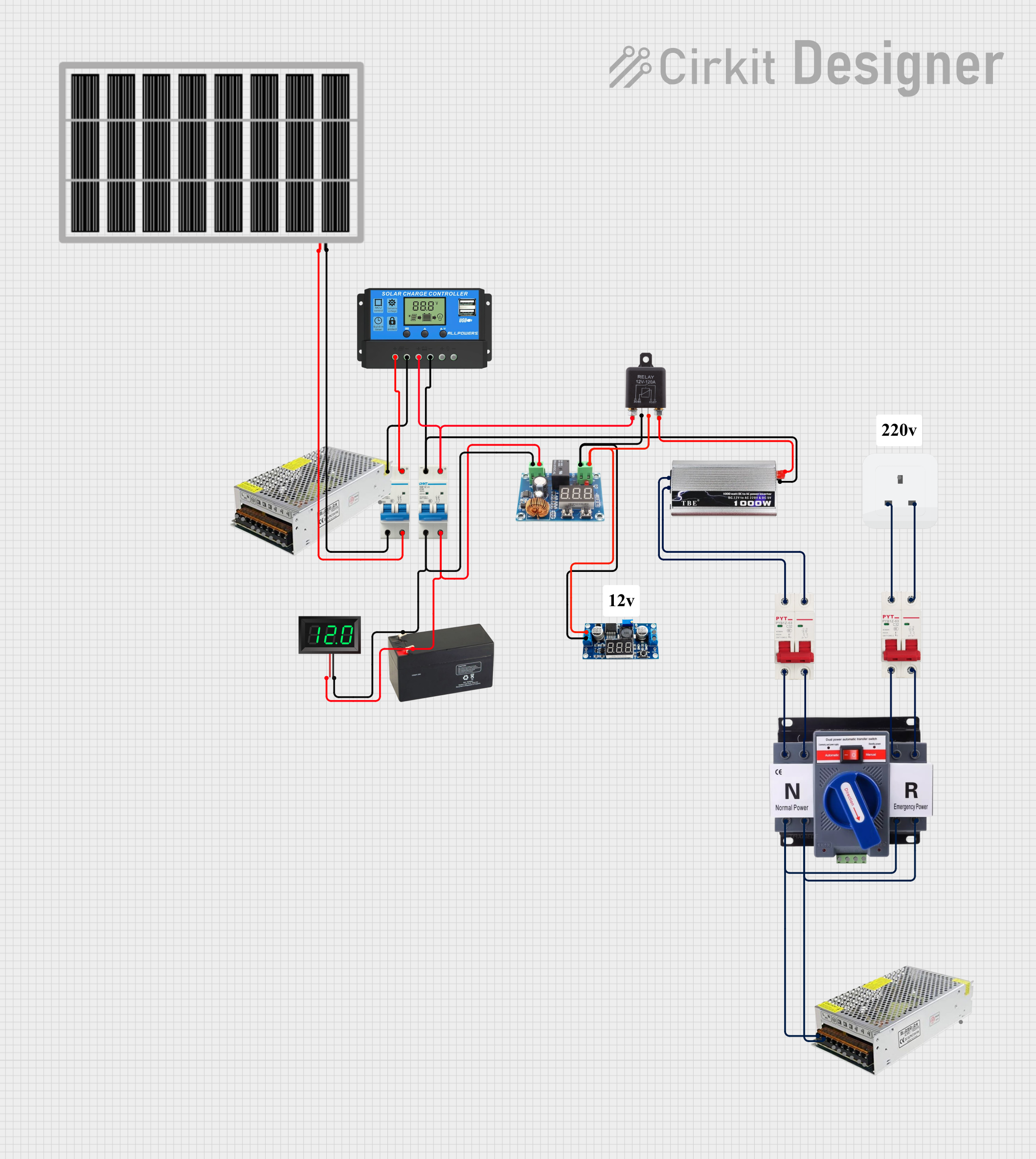 Open Project in Cirkit Designer
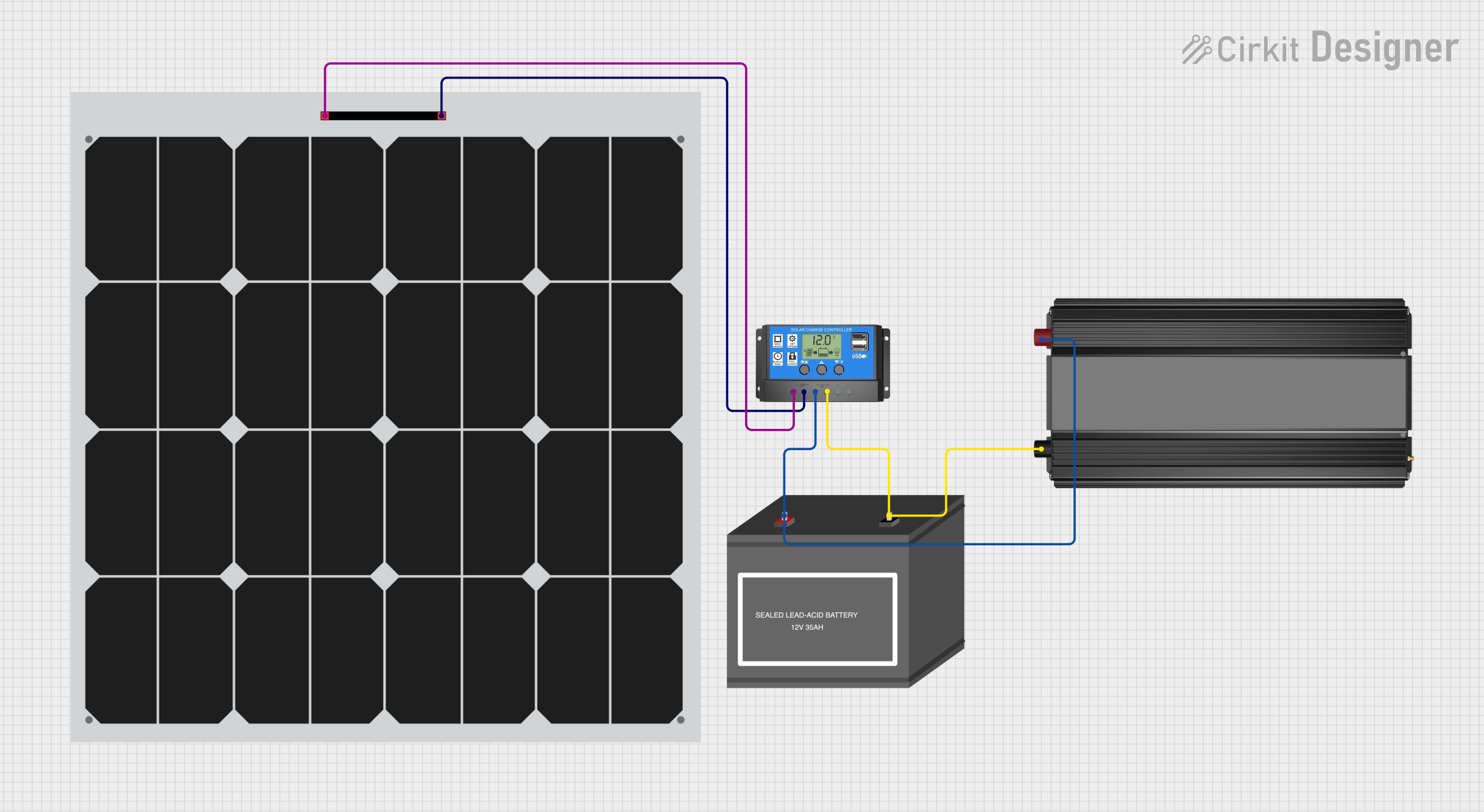 Open Project in Cirkit Designer
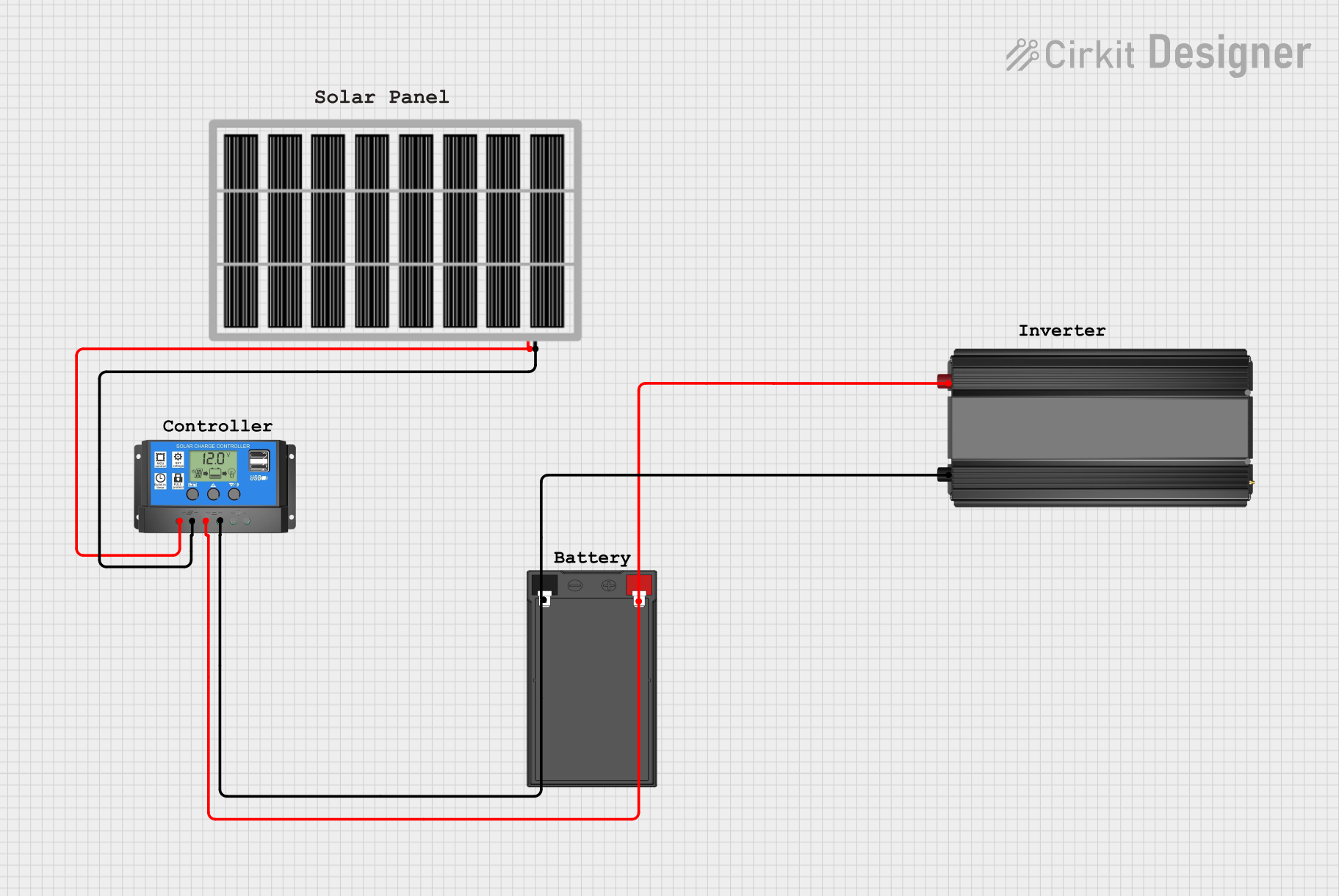 Open Project in Cirkit Designer
Explore Projects Built with inverter
Open Project in Cirkit DesignerOpen Project in Cirkit DesignerOpen Project in Cirkit DesignerOpen Project in Cirkit DesignerTechnical Specifications
Below are the key technical details of the DEWA AUDI VARIASI inverter:
General Specifications
| Parameter | Value |
|---|---|
| Manufacturer | DEWA |
| Part ID | AUDI VARIASI |
| Input Voltage Range | 12V DC to 48V DC |
| Output Voltage | 110V AC or 220V AC (selectable) |
| Output Frequency | 50Hz or 60Hz (selectable) |
| Output Waveform | Pure Sine Wave |
| Efficiency | Up to 95% |
| Power Rating | 500W, 1000W, 2000W (varies by model) |
| Operating Temperature | -10°C to 50°C |
| Protection Features | Overload, short circuit, over-temperature, low voltage, and overvoltage protection |
Pin Configuration and Descriptions
The DEWA AUDI VARIASI inverter typically includes the following input/output connections:
| Pin/Port Name | Description |
|---|---|
| DC Input Terminals | Connect to the DC power source (e.g., battery). |
| AC Output Socket | Provides AC power to connected appliances. |
| Ground Terminal | Ensures proper grounding for safety. |
| Power Switch | Turns the inverter on or off. |
| LED Indicators | Displays status (e.g., power, fault, overload). |
| USB Port (optional) | Provides 5V DC output for charging small devices. |
Usage Instructions
How to Use the Inverter in a Circuit
Connect the DC Input:
- Ensure the DC power source (e.g., battery or solar panel) matches the inverter's input voltage range.
- Connect the positive (+) and negative (-) terminals of the DC source to the inverter's DC input terminals.
Connect the AC Load:
- Plug the AC appliance or device into the inverter's AC output socket.
- Ensure the total power consumption of connected devices does not exceed the inverter's power rating.
Power On the Inverter:
- Turn on the inverter using the power switch.
- Verify that the LED indicators show normal operation (e.g., power ON, no fault).
Monitor Operation:
- Regularly check the inverter's status indicators to ensure proper functioning.
- Disconnect the inverter if any fault or overload condition occurs.
Important Considerations and Best Practices
- Match Voltage Levels: Ensure the DC input voltage matches the inverter's specified range to avoid damage.
- Avoid Overloading: Do not connect devices that exceed the inverter's power rating.
- Proper Ventilation: Place the inverter in a well-ventilated area to prevent overheating.
- Grounding: Always connect the ground terminal to a proper earth ground for safety.
- Battery Protection: Use a fuse or circuit breaker between the battery and inverter to protect against short circuits.
Arduino UNO Integration Example
While inverters are not directly controlled by microcontrollers like the Arduino UNO, you can use an Arduino to monitor the inverter's status or control its power switch via a relay. Below is an example of how to use an Arduino to control the inverter's power switch:
// Arduino code to control an inverter's power switch using a relay module
const int relayPin = 7; // Pin connected to the relay module

void setup() {
  pinMode(relayPin, OUTPUT); // Set relay pin as output
  digitalWrite(relayPin, LOW); // Ensure relay is off at startup
}

void loop() {
  // Example: Turn the inverter ON for 10 seconds, then OFF for 10 seconds
  digitalWrite(relayPin, HIGH); // Turn relay ON (inverter ON)
  delay(10000); // Wait for 10 seconds
  digitalWrite(relayPin, LOW); // Turn relay OFF (inverter OFF)
  delay(10000); // Wait for 10 seconds
}
Note: Ensure the relay module is rated for the inverter's power switch voltage and current.
Troubleshooting and FAQs
Common Issues and Solutions
| Issue | Possible Cause | Solution |
|---|---|---|
| Inverter does not turn on | DC input voltage is too low or too high. | Check the DC power source and ensure it matches the input range. |
| No AC output | Overload or short circuit protection is active. | Disconnect all loads, reset the inverter, and reconnect within the power limit. |
| Overheating | Poor ventilation or high ambient temperature. | Ensure proper airflow around the inverter and reduce the load. |
| LED indicates fault | Internal fault or incorrect connections. | Check all connections and consult the user manual for fault codes. |
FAQs
Can I use this inverter with a solar panel?
- Yes, as long as the solar panel's output voltage matches the inverter's input range. A charge controller is recommended for battery-based systems.
What type of appliances can I power with this inverter?
- The DEWA AUDI VARIASI inverter can power most AC appliances, including lights, fans, TVs, and small kitchen appliances, as long as their total power consumption does not exceed the inverter's rating.
How do I know if the inverter is overloaded?
- The inverter's LED indicators will show an overload condition, and the device may shut down to protect itself.
Can I connect multiple batteries to the inverter?
- Yes, you can connect batteries in series or parallel to match the inverter's input voltage and increase capacity. Ensure proper wiring and safety precautions.
By following this documentation, users can effectively utilize the DEWA AUDI VARIASI inverter for their power conversion needs.