
How to Use Raspberry Pi 4B: Examples, Pinouts, and Specs
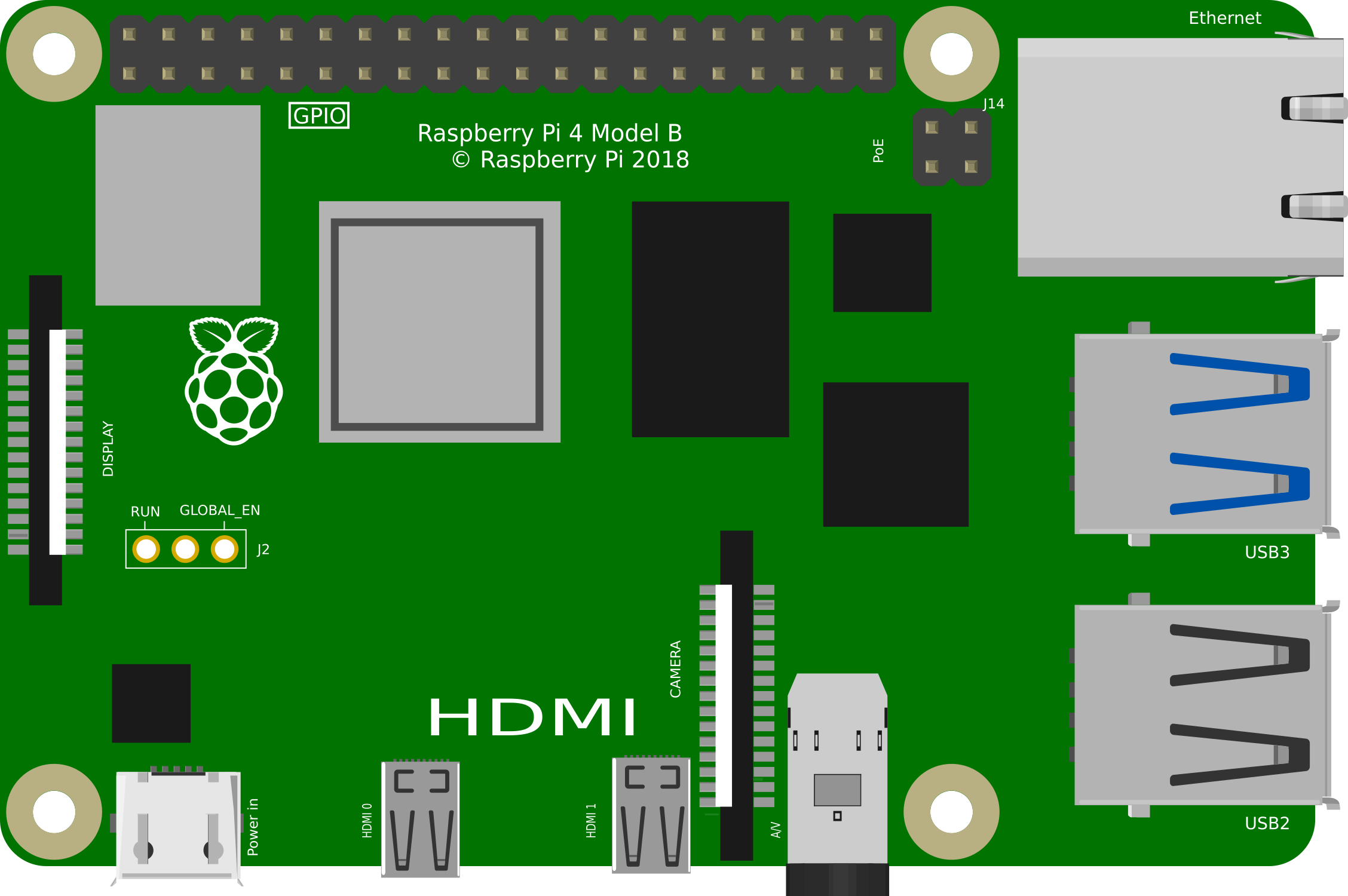
 Design with Raspberry Pi 4B in Cirkit Designer
Introduction
The Raspberry Pi 4B is a compact, affordable single-board computer designed for a wide range of applications. It features a powerful quad-core processor, up to 8GB of RAM, multiple USB ports, dual micro-HDMI outputs, and built-in Wi-Fi and Bluetooth connectivity. Its versatility makes it ideal for projects such as programming, robotics, IoT devices, media centers, and more. The Raspberry Pi 4B is widely used by hobbyists, educators, and professionals alike due to its performance and affordability.
Explore Projects Built with Raspberry Pi 4B
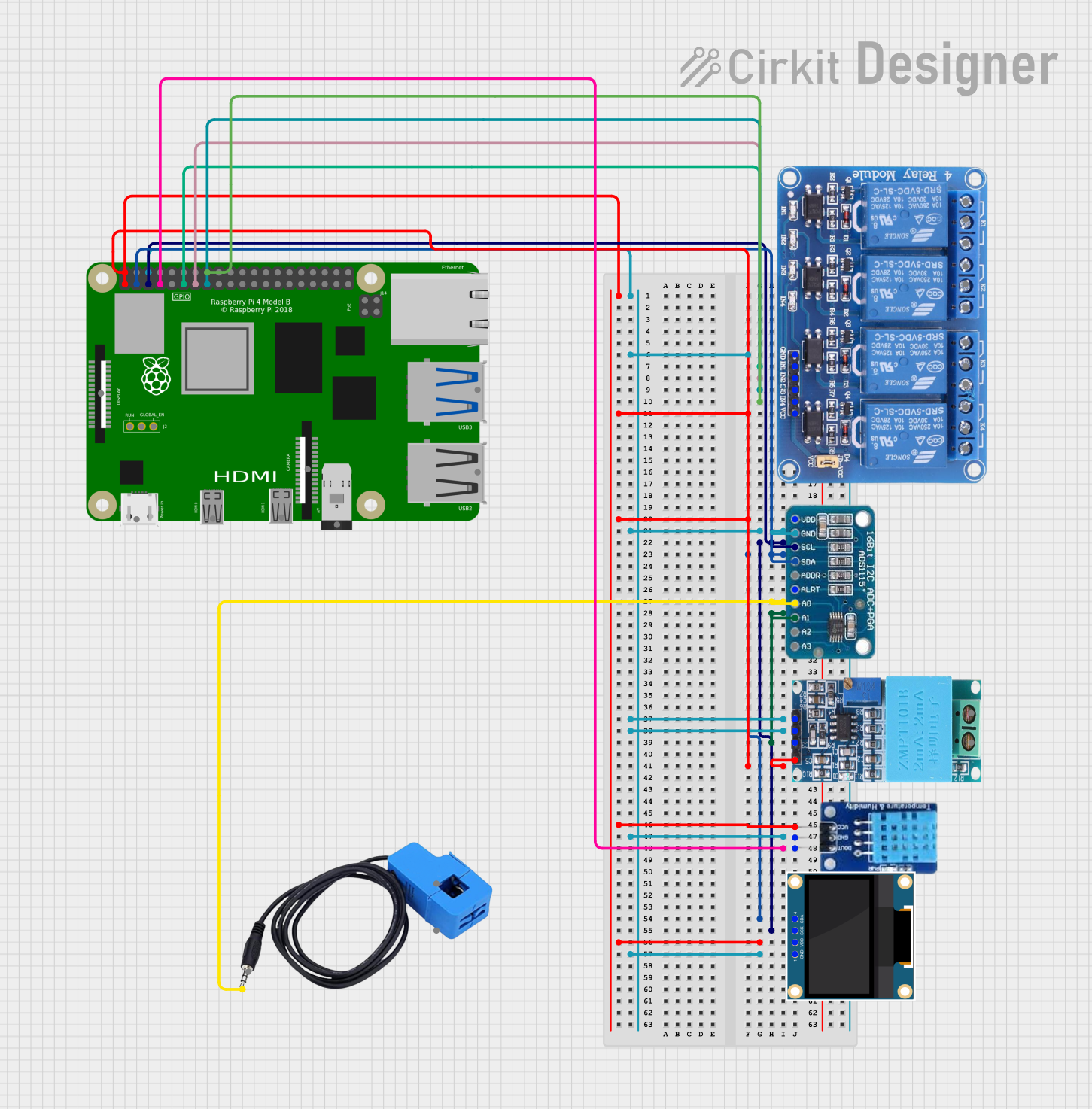 Open Project in Cirkit Designer
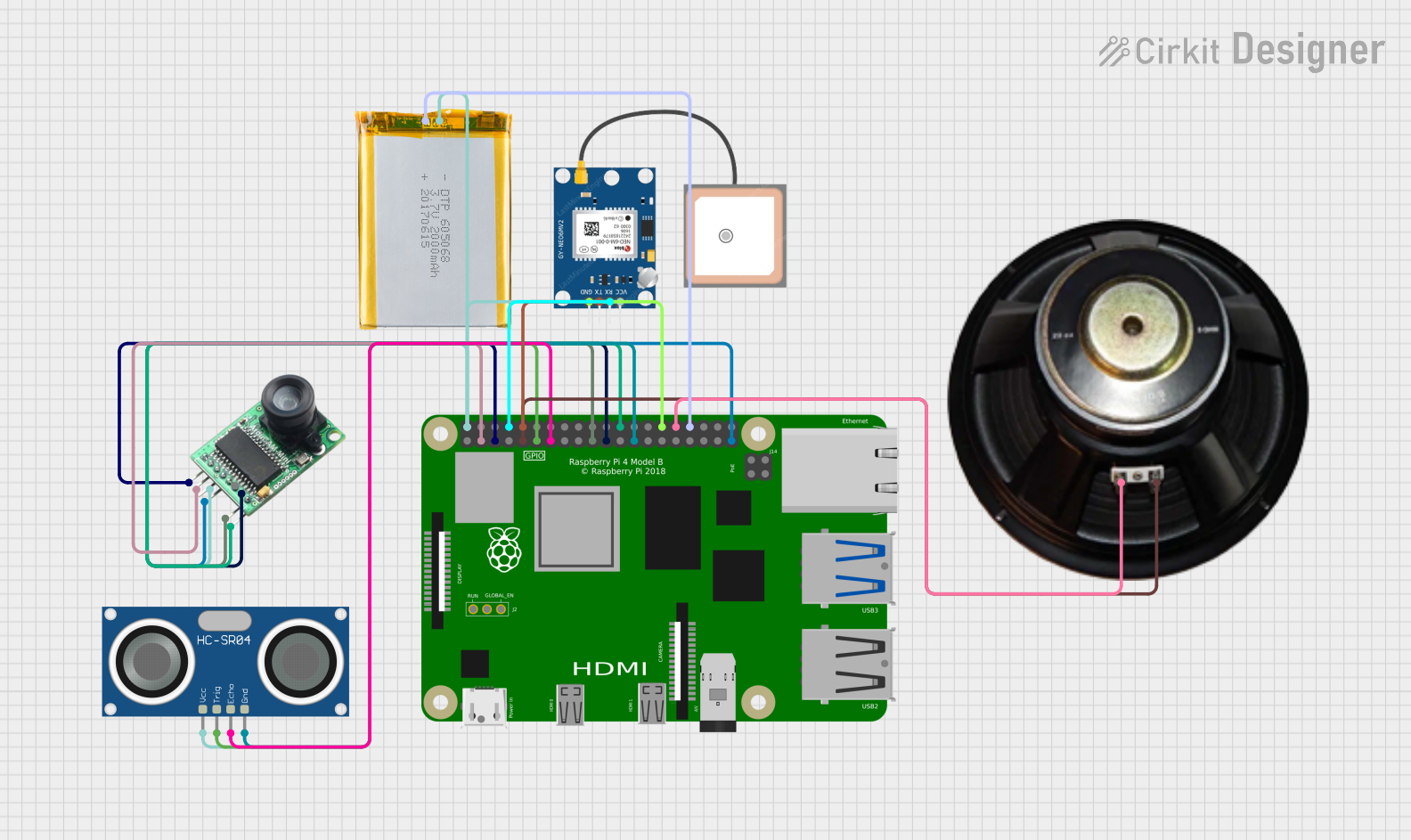 Open Project in Cirkit Designer
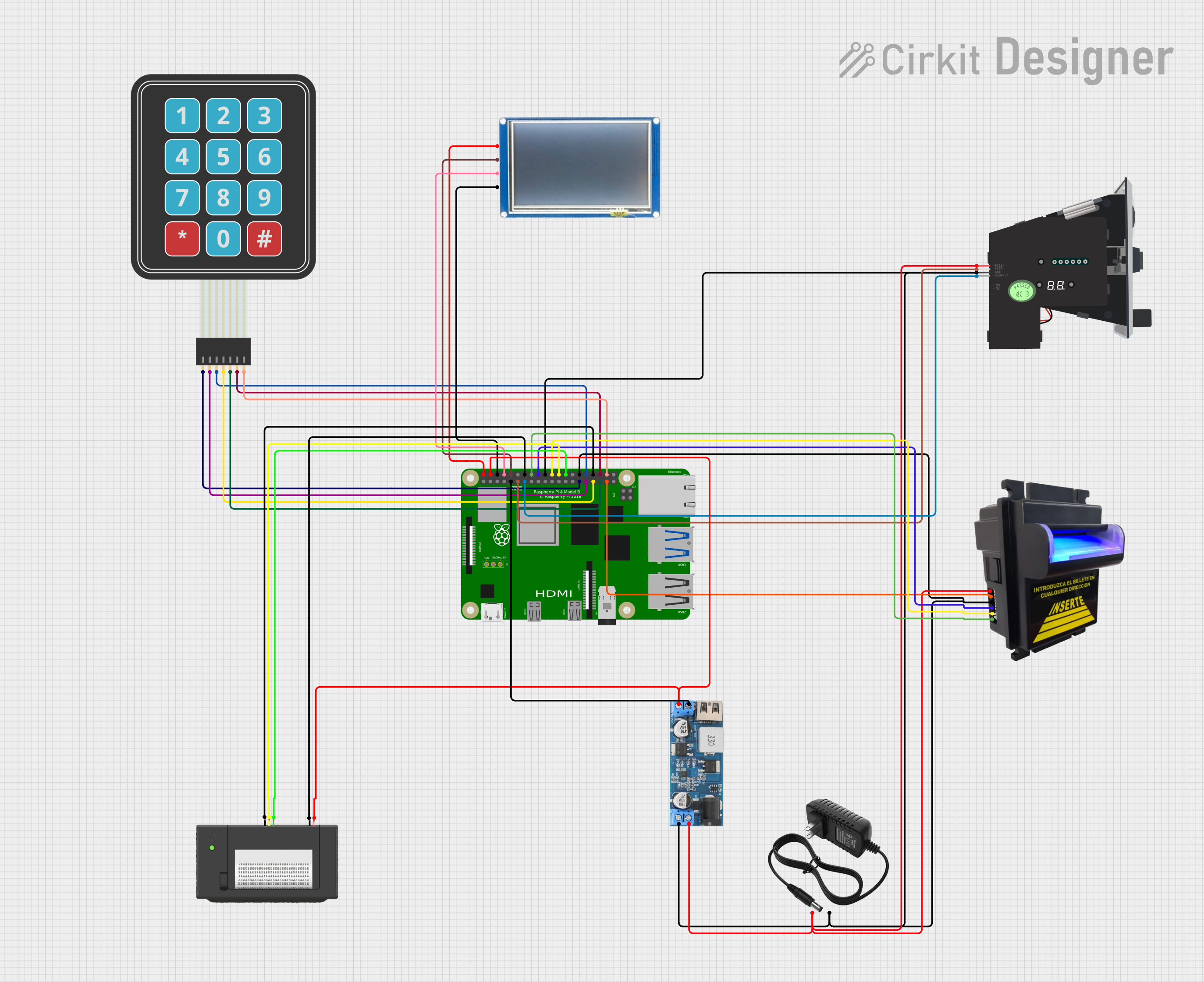 Open Project in Cirkit Designer
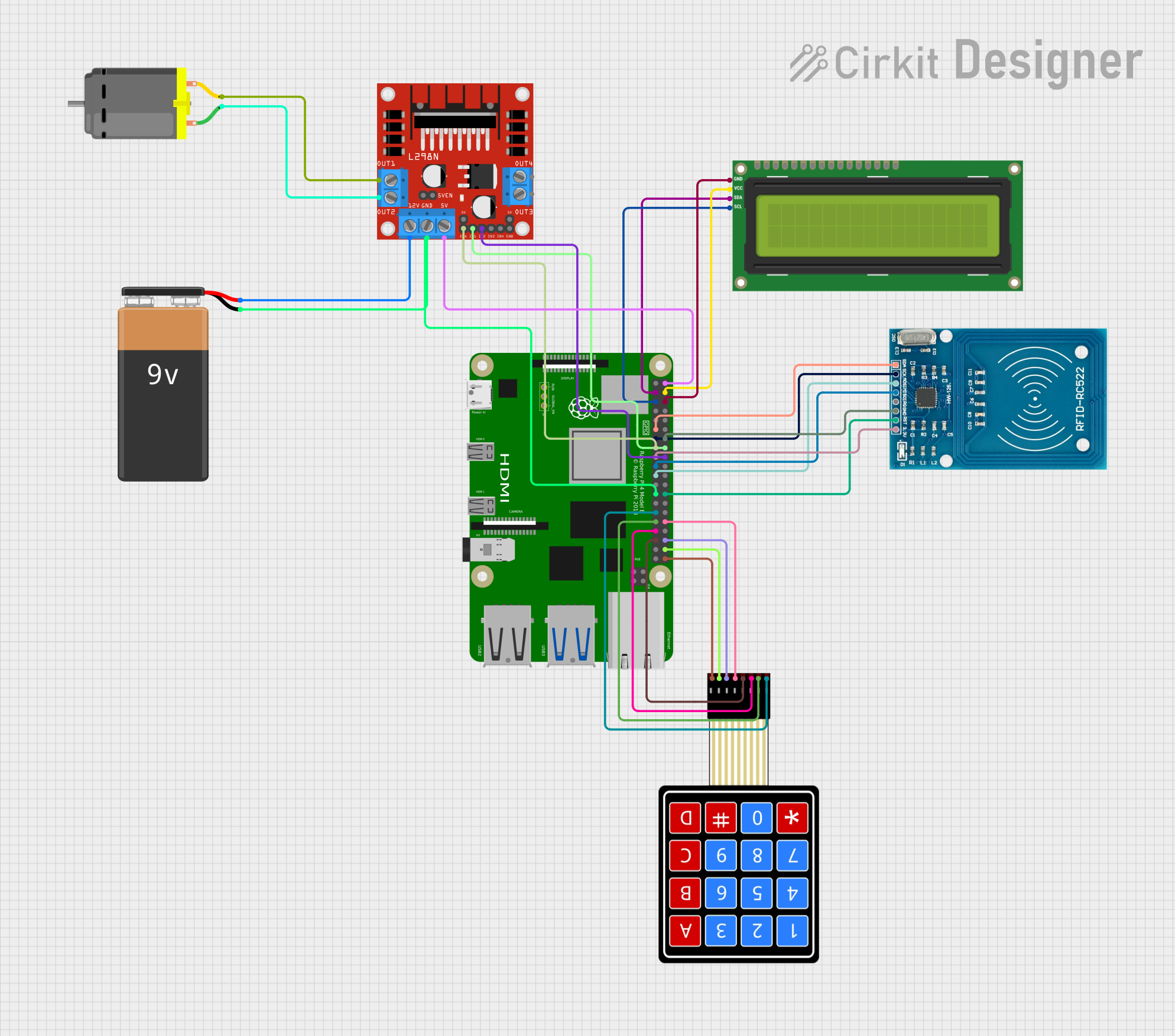 Open Project in Cirkit Designer
Explore Projects Built with Raspberry Pi 4B
Open Project in Cirkit DesignerOpen Project in Cirkit DesignerOpen Project in Cirkit DesignerOpen Project in Cirkit DesignerTechnical Specifications
The Raspberry Pi 4B offers impressive hardware capabilities for its size and price. Below are the key technical details:
General Specifications
| Feature | Specification |
|---|---|
| Processor | Broadcom BCM2711, Quad-core Cortex-A72 (ARM v8) 64-bit SoC @ 1.5GHz |
| RAM Options | 2GB, 4GB, or 8GB LPDDR4-3200 SDRAM |
| GPU | VideoCore VI, supporting OpenGL ES 3.0 |
| Storage | MicroSD card slot for OS and data storage |
| Connectivity | 2.4GHz and 5.0GHz IEEE 802.11b/g/n/ac Wi-Fi, Bluetooth 5.0, BLE |
| Ethernet | Gigabit Ethernet |
| USB Ports | 2 × USB 3.0, 2 × USB 2.0 |
| Video Output | 2 × micro-HDMI ports (up to 4Kp60 supported) |
| Audio Output | 3.5mm stereo audio and composite video jack |
| GPIO | 40-pin GPIO header |
| Power Supply | 5V/3A via USB-C or GPIO header |
| Dimensions | 85.6mm × 56.5mm × 17mm |
Pin Configuration
The Raspberry Pi 4B features a 40-pin GPIO header, which provides access to various input/output pins for connecting peripherals and sensors. Below is a summary of the pin configuration:
| Pin Number | Pin Name | Functionality |
|---|---|---|
| 1 | 3.3V Power | 3.3V power supply |
| 2 | 5V Power | 5V power supply |
| 3 | GPIO2 (SDA1) | I2C Data |
| 4 | 5V Power | 5V power supply |
| 5 | GPIO3 (SCL1) | I2C Clock |
| 6 | Ground | Ground |
| 7 | GPIO4 | General-purpose I/O |
| 8 | GPIO14 (TXD0) | UART Transmit |
| 9 | Ground | Ground |
| 10 | GPIO15 (RXD0) | UART Receive |
| ... | ... | ... (Refer to official documentation) |
For the full GPIO pinout, refer to the official Raspberry Pi documentation.
Usage Instructions
Setting Up the Raspberry Pi 4B
- Prepare the MicroSD Card:
- Download the Raspberry Pi OS from the official Raspberry Pi website.
- Use a tool like Raspberry Pi Imager or Balena Etcher to flash the OS onto a microSD card.
- Connect Peripherals:
- Insert the microSD card into the Raspberry Pi.
- Connect a keyboard, mouse, and monitor via USB and HDMI ports.
- Optionally, connect to a network via Ethernet or Wi-Fi.
- Power On:
- Connect a 5V/3A USB-C power supply to the Raspberry Pi.
- The Raspberry Pi will boot into the Raspberry Pi OS.
Using GPIO Pins
The GPIO pins can be used to interface with sensors, LEDs, and other peripherals. Below is an example of controlling an LED using Python:
Import the GPIO library
import RPi.GPIO as GPIO import time
Set the GPIO mode to BCM (Broadcom pin numbering)
GPIO.setmode(GPIO.BCM)
Define the GPIO pin connected to the LED
LED_PIN = 18
Set up the LED pin as an output
GPIO.setup(LED_PIN, GPIO.OUT)
Blink the LED in a loop
try: while True: GPIO.output(LED_PIN, GPIO.HIGH) # Turn the LED on time.sleep(1) # Wait for 1 second GPIO.output(LED_PIN, GPIO.LOW) # Turn the LED off time.sleep(1) # Wait for 1 second except KeyboardInterrupt: # Clean up GPIO settings on exit GPIO.cleanup()
Best Practices
- Use a high-quality power supply to ensure stable operation.
- Avoid shorting GPIO pins or connecting them to voltages higher than 3.3V.
- Use heat sinks or a fan for cooling during intensive tasks to prevent overheating.
- Regularly update the Raspberry Pi OS for security and performance improvements.
Troubleshooting and FAQs
Common Issues
- The Raspberry Pi does not boot:
- Ensure the microSD card is properly inserted and contains a valid OS image.
- Check the power supply for sufficient voltage and current.
- No display on the monitor:
- Verify the HDMI cable is securely connected.
- Ensure the monitor is set to the correct input source.
- Use the
config.txtfile on the microSD card to adjust display settings if needed.
- Wi-Fi connectivity issues:
- Check the Wi-Fi credentials and ensure the network is within range.
- Update the Raspberry Pi OS to resolve potential driver issues.
FAQs
- Can I power the Raspberry Pi 4B via GPIO pins?
- Yes, you can supply 5V to the 5V and GND pins on the GPIO header, but ensure the power source is stable and regulated.
- What operating systems are supported?
- The Raspberry Pi 4B supports Raspberry Pi OS, Ubuntu, and other Linux-based distributions. It can also run lightweight versions of Windows.
- How do I enable SSH for remote access?
- Place an empty file named
ssh(without any extension) in the boot partition of the microSD card before booting the Raspberry Pi.
- Place an empty file named
By following this documentation, you can effectively set up and use the Raspberry Pi 4B for a variety of projects.