Introduction
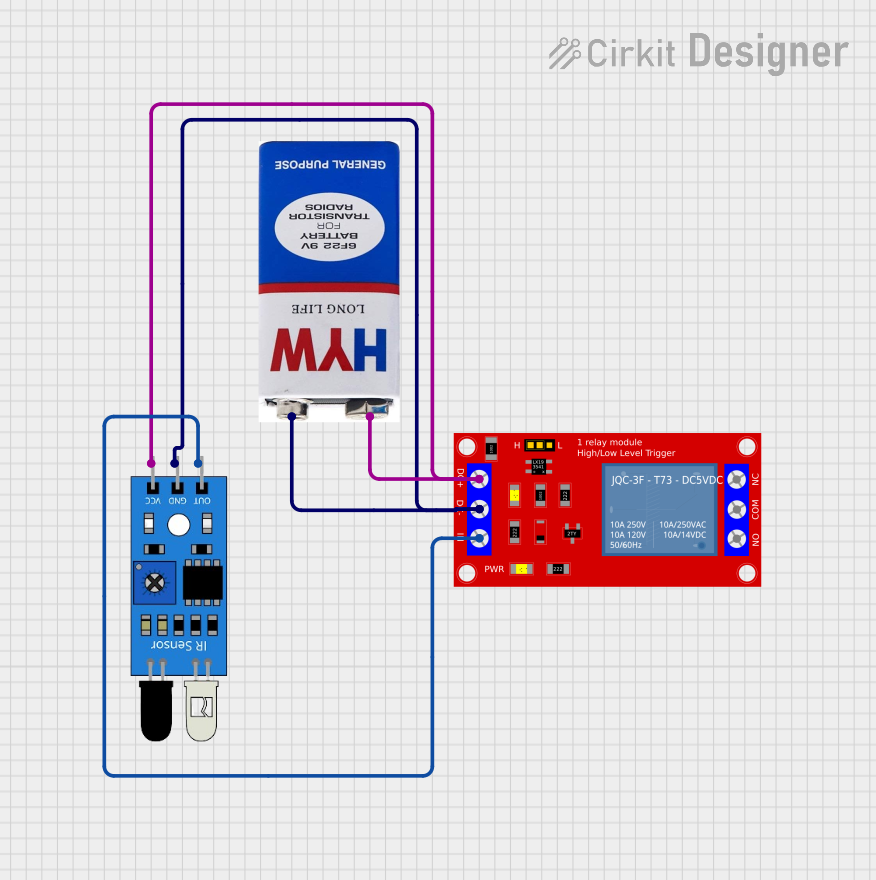
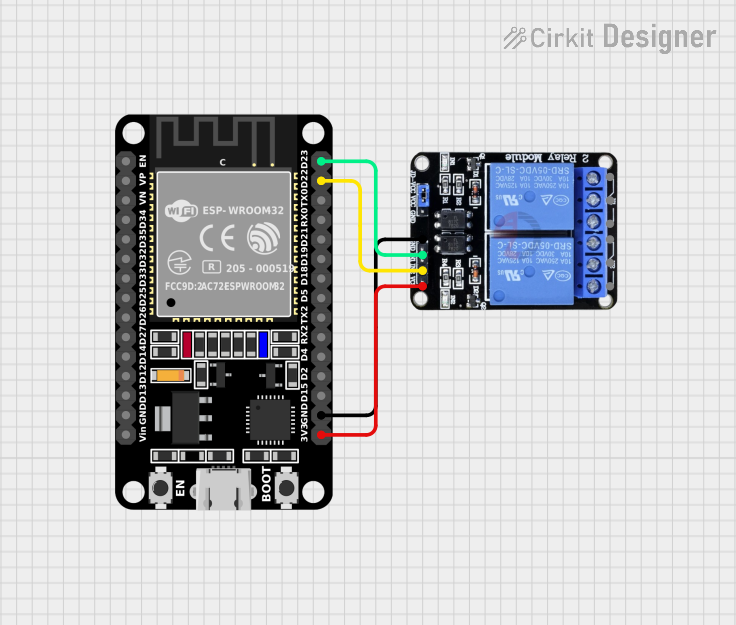
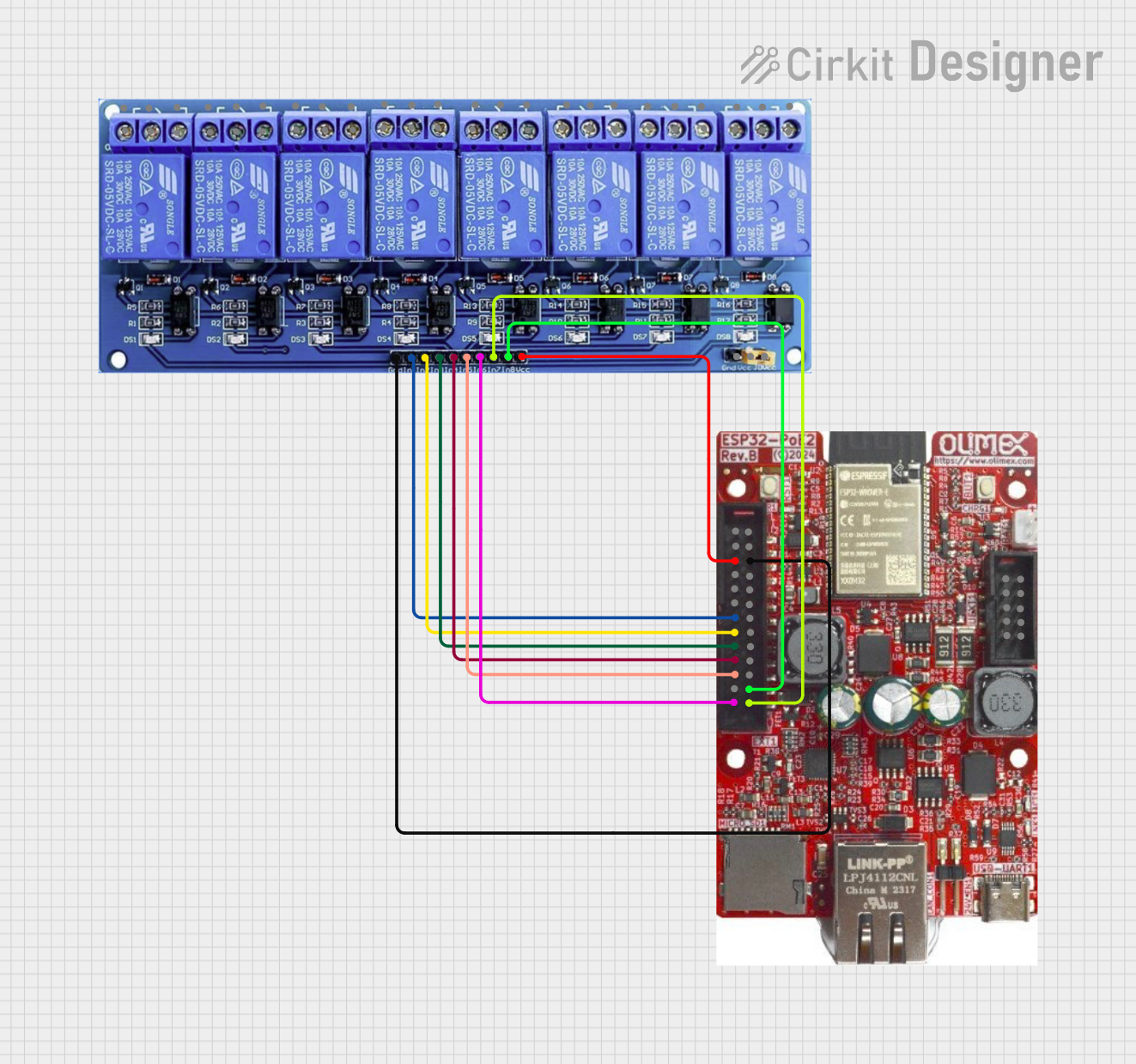
The Relay Module 3V 1 Channel is an electronic component designed to control high-voltage devices using low-voltage signals. It operates at a 3V input signal, making it compatible with a wide range of microcontrollers and low-power circuits. This module features a single channel, allowing it to switch one device or circuit on or off. It is widely used in automation, home appliances, robotics, and IoT projects where electrical isolation and high-voltage control are required.
Common Applications and Use Cases
- Home automation systems (e.g., controlling lights, fans, or appliances)
- Industrial automation and control
- Robotics and motor control
- IoT projects for remote device management
- Safety-critical systems requiring electrical isolation
Technical Specifications
Below are the key technical details and pin configuration for the Relay Module 3V 1 Channel:
Key Technical Details
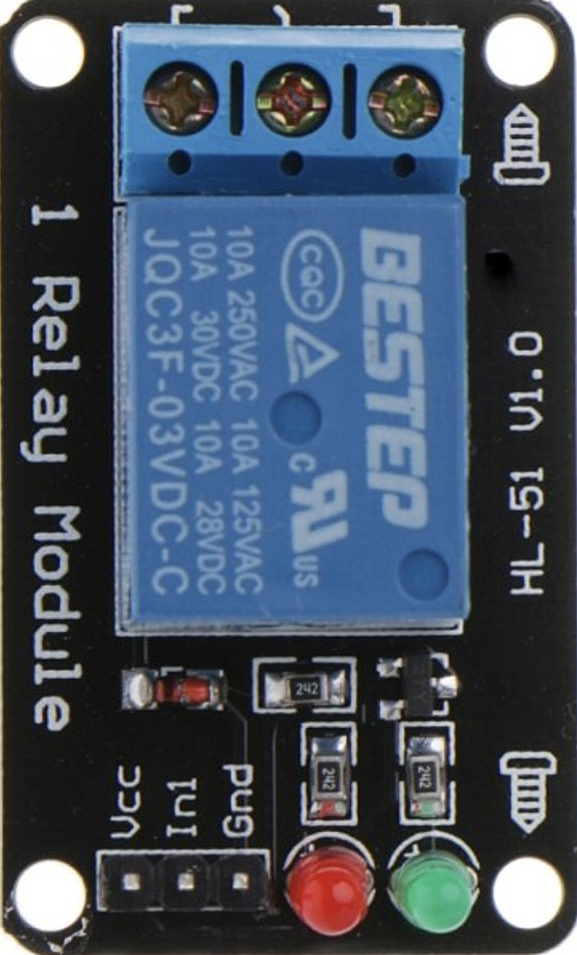
Pin Configuration and Descriptions
Usage Instructions
How to Use the Component in a Circuit
- Power the Module: Connect the
VCC pin to a 3V DC power source and the GND pin to the ground.
- Control Signal: Connect the
IN pin to a microcontroller or other control circuit capable of providing a 3V signal.
- Load Connection:
- For devices that should remain OFF by default, connect the load between
COM and NO.
- For devices that should remain ON by default, connect the load between
COM and NC.
- Isolation: Ensure proper electrical isolation between the low-voltage control circuit and the high-voltage load to prevent damage or hazards.
Important Considerations and Best Practices
- Current Ratings: Ensure the load does not exceed the relay's maximum current rating of 10A.
- Flyback Diode: If controlling an inductive load (e.g., motors or solenoids), use a flyback diode across the load to protect the relay from voltage spikes.
- Signal Stability: Avoid noisy or fluctuating signals on the
IN pin, as this may cause erratic relay operation.
- Safety: When working with high-voltage loads, ensure proper insulation and follow safety guidelines to prevent electric shock or fire hazards.
Example: Connecting to an Arduino UNO
Below is an example of how to use the Relay Module 3V 1 Channel with an Arduino UNO to control a light bulb.
Circuit Connections
- Connect the
VCC pin of the relay module to the 3.3V pin on the Arduino.
- Connect the
GND pin of the relay module to the GND pin on the Arduino.
- Connect the
IN pin of the relay module to digital pin 7 on the Arduino.
- Connect the light bulb to the
COM and NO terminals of the relay module.
- Power the Arduino using a USB cable or external power supply.
Arduino Code
// Define the pin connected to the relay module
const int relayPin = 7;

void setup() {
  // Set the relay pin as an output
  pinMode(relayPin, OUTPUT);

  // Ensure the relay is off at startup
  digitalWrite(relayPin, LOW);
}

void loop() {
  // Turn the relay ON (light bulb ON)
  digitalWrite(relayPin, HIGH);
  delay(5000); // Keep the light ON for 5 seconds

  // Turn the relay OFF (light bulb OFF)
  digitalWrite(relayPin, LOW);
  delay(5000); // Keep the light OFF for 5 seconds
}
Troubleshooting and FAQs
Common Issues and Solutions
Relay Not Activating:
- Cause: Insufficient voltage or current on the
IN pin.
- Solution: Ensure the control signal is within the 2.7V to 3.3V range and can supply enough current.
Erratic Relay Behavior:
- Cause: Noisy or unstable control signal.
- Solution: Use a pull-down resistor on the
IN pin to stabilize the signal.
Load Not Switching:
- Cause: Incorrect wiring of the load to the relay terminals.
- Solution: Verify the load is connected to the correct terminals (
COM, NO, or NC).
Relay Stuck in One State:
- Cause: Relay contacts may be damaged or welded due to overcurrent.
- Solution: Replace the relay module and ensure the load does not exceed the rated current.
FAQs
Q1: Can I use this relay module with a 5V microcontroller?
A1: Yes, but you will need a level shifter or resistor divider to step down the control signal to 3V.
Q2: Is the relay module safe for switching AC loads?
A2: Yes, it can switch AC loads up to 250V, but ensure proper insulation and follow safety precautions.
Q3: Can I control multiple relay modules with one microcontroller?
A3: Yes, as long as the microcontroller has enough GPIO pins and can supply the required current for each module.
Q4: What is the purpose of the optocoupler in the relay module?
A4: The optocoupler provides electrical isolation between the low-voltage control circuit and the high-voltage load, enhancing safety and protecting the microcontroller.

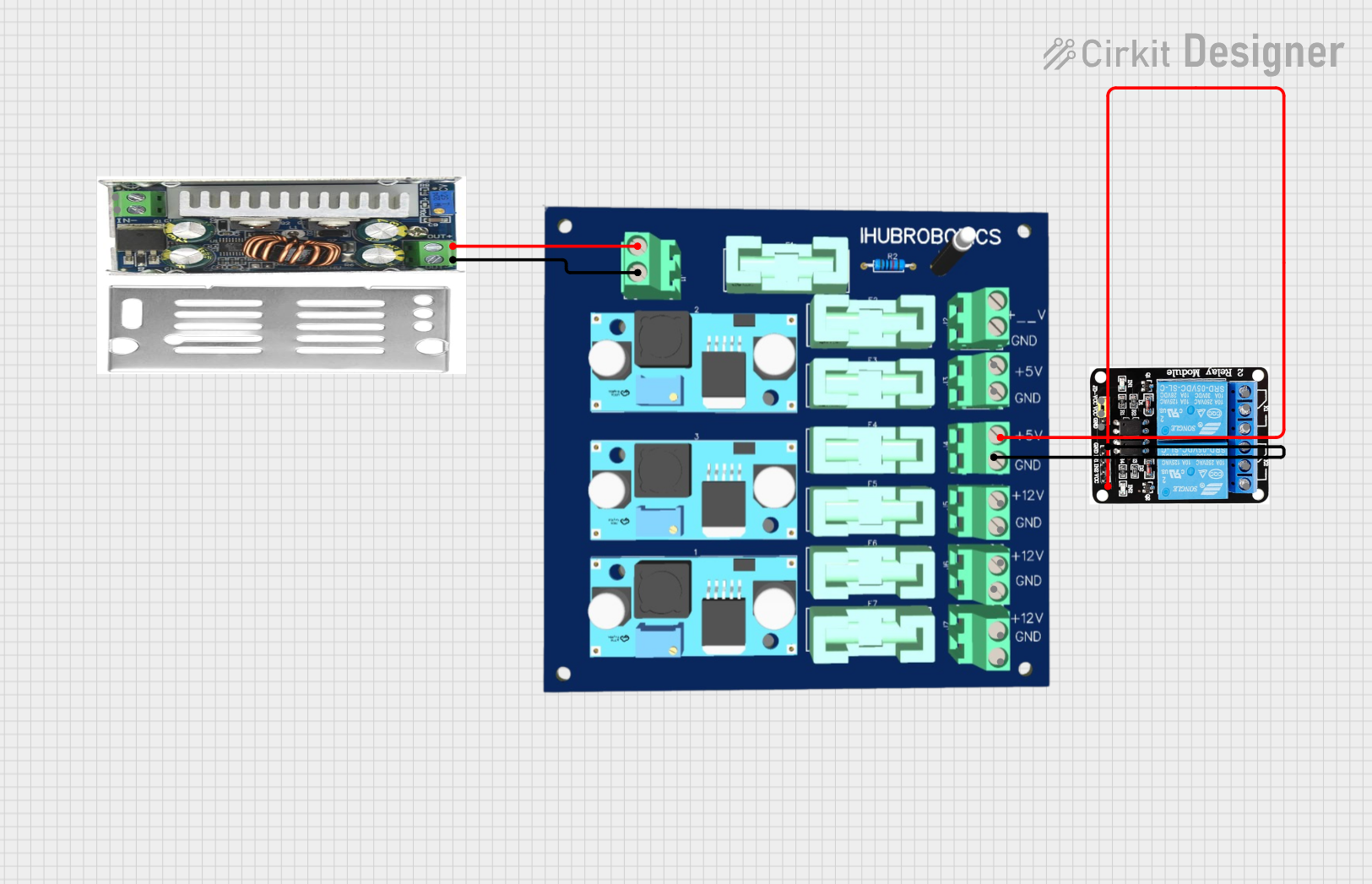
 Open Project in Cirkit Designer