
How to Use Pushbutton: Examples, Pinouts, and Specs

 Design with Pushbutton in Cirkit Designer
Introduction
A pushbutton is a momentary switch that completes a circuit when pressed and breaks the circuit when released. It is a simple yet essential component in electronics, commonly used for user input in devices such as calculators, remote controls, and microcontroller-based projects. Pushbuttons are available in various sizes and designs, making them versatile for a wide range of applications.
Explore Projects Built with Pushbutton
 Open Project in Cirkit Designer
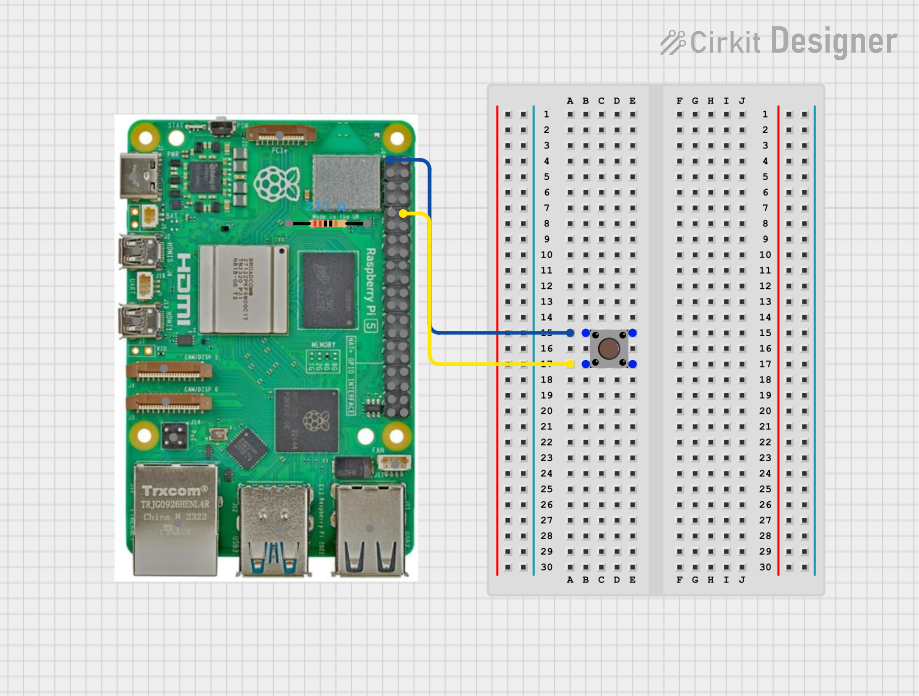 Open Project in Cirkit Designer
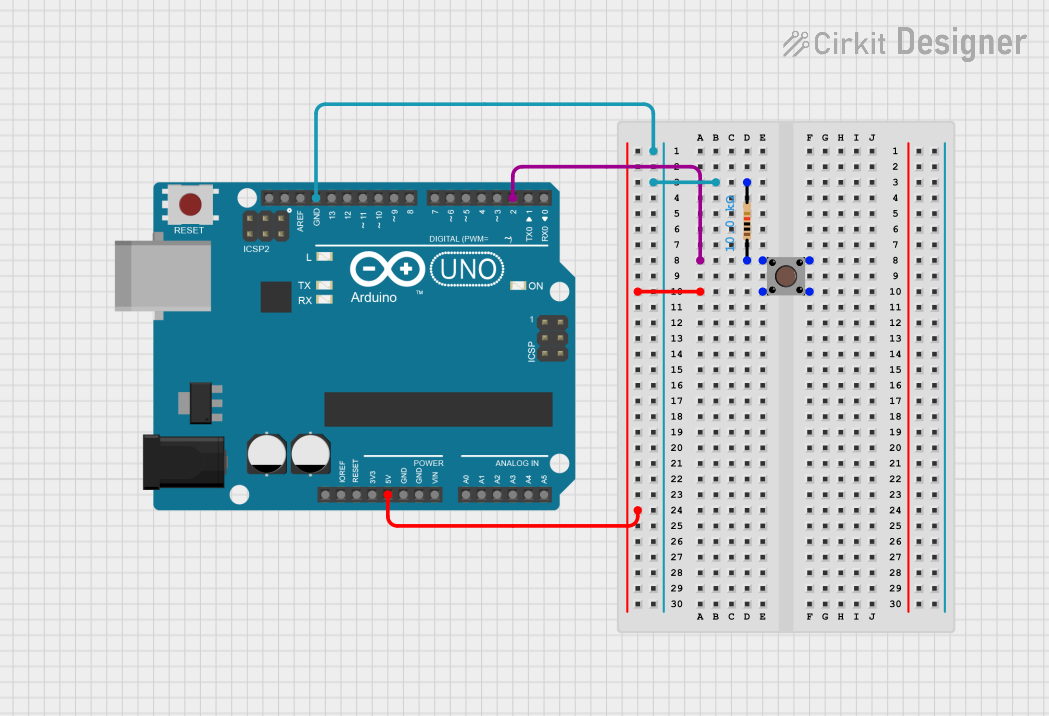 Open Project in Cirkit Designer
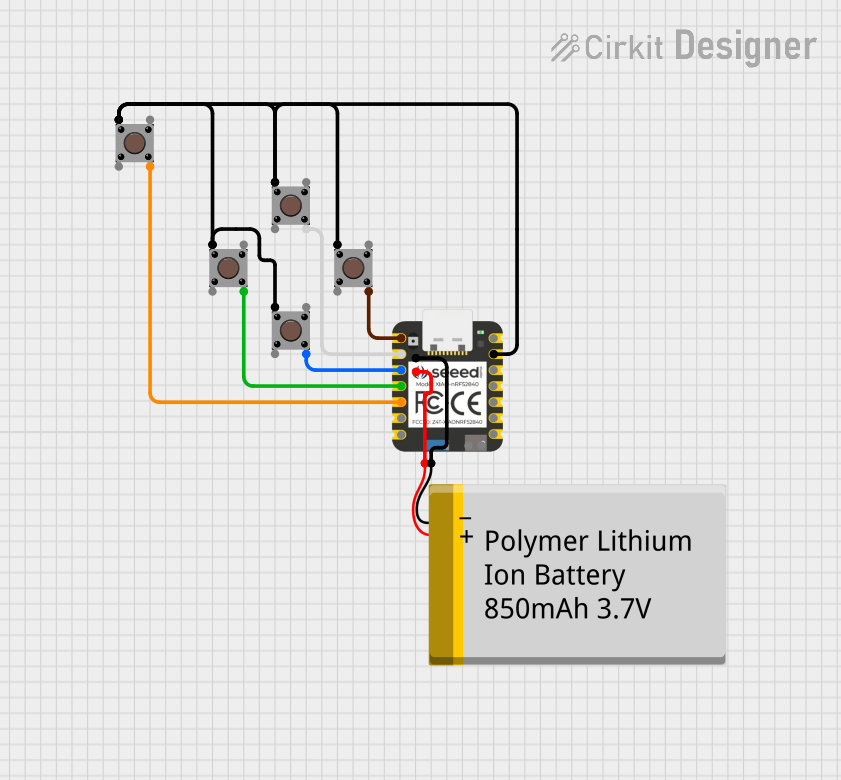 Open Project in Cirkit Designer
Explore Projects Built with Pushbutton
Open Project in Cirkit DesignerOpen Project in Cirkit DesignerOpen Project in Cirkit DesignerOpen Project in Cirkit DesignerCommon Applications and Use Cases
- User input for microcontroller projects (e.g., Arduino, Raspberry Pi)
- Reset or power buttons in electronic devices
- Control panels for industrial equipment
- Keyboards and gaming controllers
- Doorbells and alarm systems
Technical Specifications
Below are the general technical specifications for a standard pushbutton:
| Parameter | Value |
|---|---|
| Operating Voltage | 3.3V to 12V (typical) |
| Maximum Current Rating | 50mA to 500mA (depending on type) |
| Contact Resistance | < 100 mΩ |
| Insulation Resistance | > 100 MΩ |
| Operating Temperature | -20°C to +70°C |
| Mechanical Lifespan | 100,000 to 1,000,000 presses |
Pin Configuration and Descriptions
A standard pushbutton typically has four pins, arranged in two pairs. The pins are internally connected as shown below:
| Pin Number | Description |
|---|---|
| Pin 1 | Connected to one side of the switch |
| Pin 2 | Internally connected to Pin 1 |
| Pin 3 | Connected to the other side of the switch |
| Pin 4 | Internally connected to Pin 3 |
Note: Pins 1 and 2 are electrically connected, as are Pins 3 and 4. When the button is pressed, the circuit between these two pairs is completed.
Usage Instructions
How to Use the Pushbutton in a Circuit
- Identify the Pins: Use a multimeter to confirm which pins are internally connected (Pins 1 & 2, and Pins 3 & 4).
- Connect to Power and Load:
- Connect one pair of pins (e.g., Pins 1 and 2) to the power source or signal input.
- Connect the other pair (e.g., Pins 3 and 4) to the load or signal output.
- Debounce the Button: Pushbuttons can produce noise or "bouncing" when pressed. Use a capacitor (e.g., 0.1 µF) or a software debounce algorithm to ensure stable operation.
- Test the Circuit: Press the button to verify that it completes the circuit and activates the load.
Example: Connecting a Pushbutton to an Arduino UNO
Below is an example of how to connect a pushbutton to an Arduino UNO and read its state:
Circuit Diagram
- Connect one side of the pushbutton (Pins 1 and 2) to a digital input pin (e.g., Pin 2) on the Arduino.
- Connect the other side (Pins 3 and 4) to the ground (GND).
- Use a pull-up resistor (10kΩ) between the digital input pin and 5V to ensure a stable HIGH state when the button is not pressed.
Arduino Code
// Define the pin connected to the pushbutton
const int buttonPin = 2;  // Pushbutton connected to digital pin 2

// Variable to store the button state
int buttonState = 0;

void setup() {
  // Set the button pin as an input with an internal pull-up resistor
  pinMode(buttonPin, INPUT_PULLUP);

  // Initialize serial communication for debugging
  Serial.begin(9600);
}

void loop() {
  // Read the state of the pushbutton
  buttonState = digitalRead(buttonPin);

  // Print the button state to the Serial Monitor
  if (buttonState == LOW) {
    // Button is pressed (LOW because of pull-up resistor)
    Serial.println("Button Pressed");
  } else {
    // Button is not pressed
    Serial.println("Button Released");
  }

  // Add a small delay to avoid spamming the Serial Monitor
  delay(100);
}
Important Considerations and Best Practices
- Debouncing: Always account for switch bounce using hardware (capacitors) or software (timing logic).
- Current Rating: Ensure the pushbutton's current rating matches the load to avoid damage.
- Pull-up/Pull-down Resistors: Use pull-up or pull-down resistors to stabilize the input signal and prevent floating states.
- Durability: For high-use applications, select a pushbutton with a higher mechanical lifespan.
Troubleshooting and FAQs
Common Issues and Solutions
Button Not Responding:
- Cause: Incorrect wiring or loose connections.
- Solution: Double-check the wiring and ensure all connections are secure.
Button Produces Erratic Behavior:
- Cause: Switch bounce.
- Solution: Add a debounce circuit (e.g., capacitor) or implement software debouncing.
Button Stuck in One State:
- Cause: Mechanical failure or dirt inside the button.
- Solution: Clean the button or replace it if damaged.
Arduino Reads Incorrect State:
- Cause: Missing pull-up or pull-down resistor.
- Solution: Add a pull-up or pull-down resistor to stabilize the input.
FAQs
Q: Can I use a pushbutton without a pull-up resistor?
A: While possible, it is not recommended. Without a pull-up resistor, the input pin may float, leading to unreliable readings.
Q: How do I debounce a pushbutton in software?
A: Use a delay or timing logic to ignore rapid state changes. For example, wait 50ms after detecting a button press before checking the state again.
Q: Can I use a pushbutton to control high-power devices?
A: No, pushbuttons are designed for low-power signals. Use a relay or transistor to control high-power devices.
Q: What is the difference between a pushbutton and a toggle switch?
A: A pushbutton is momentary (only active while pressed), whereas a toggle switch maintains its state until toggled again.