
How to Use keysight MSO2014A: Examples, Pinouts, and Specs
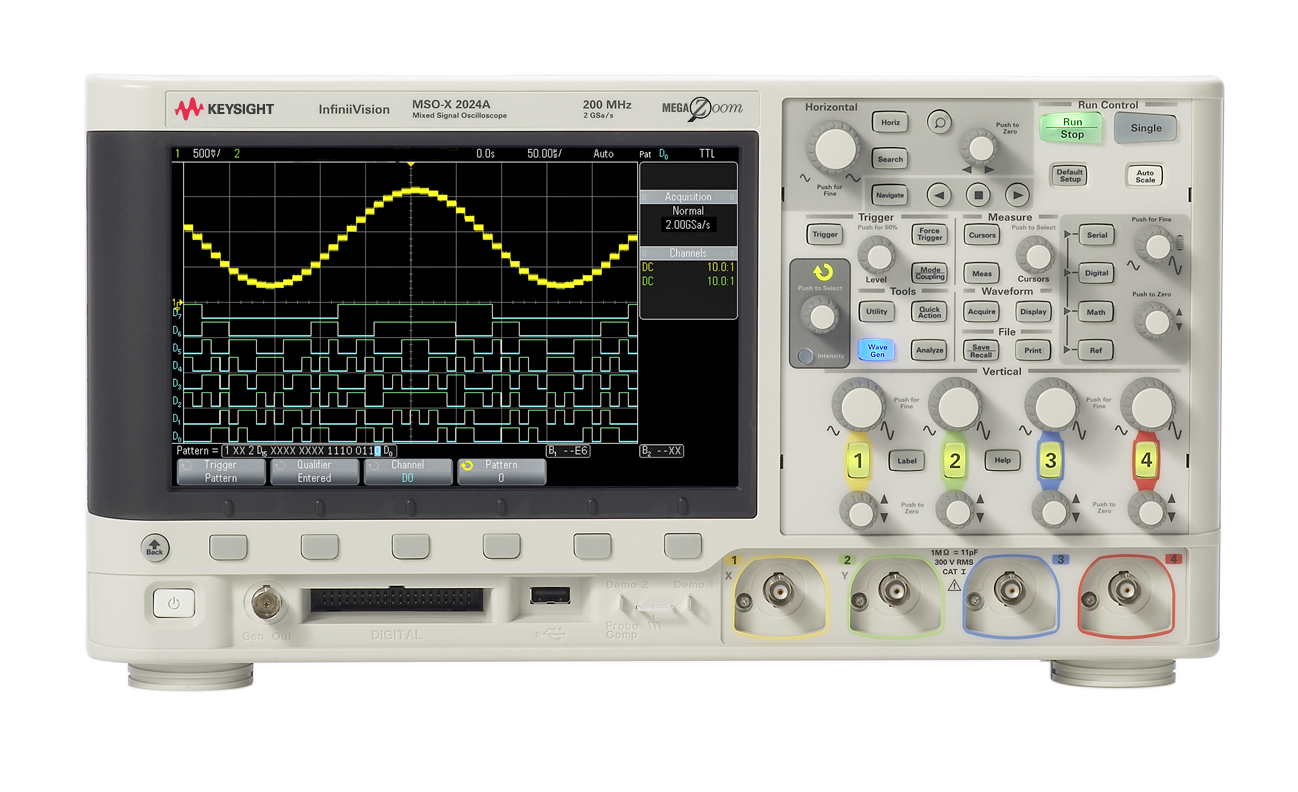
 Design with keysight MSO2014A in Cirkit Designer
Introduction
The Keysight MSO2014A is a mixed signal oscilloscope designed to provide both analog and digital signal analysis capabilities. With a 100 MHz bandwidth, 4 analog channels, and 16 digital channels, it is an ideal tool for debugging and analyzing complex electronic designs. This oscilloscope is equipped with a user-friendly interface, advanced triggering options, and a comprehensive set of measurement tools, making it suitable for engineers, technicians, and hobbyists working on a wide range of applications.
Explore Projects Built with keysight MSO2014A
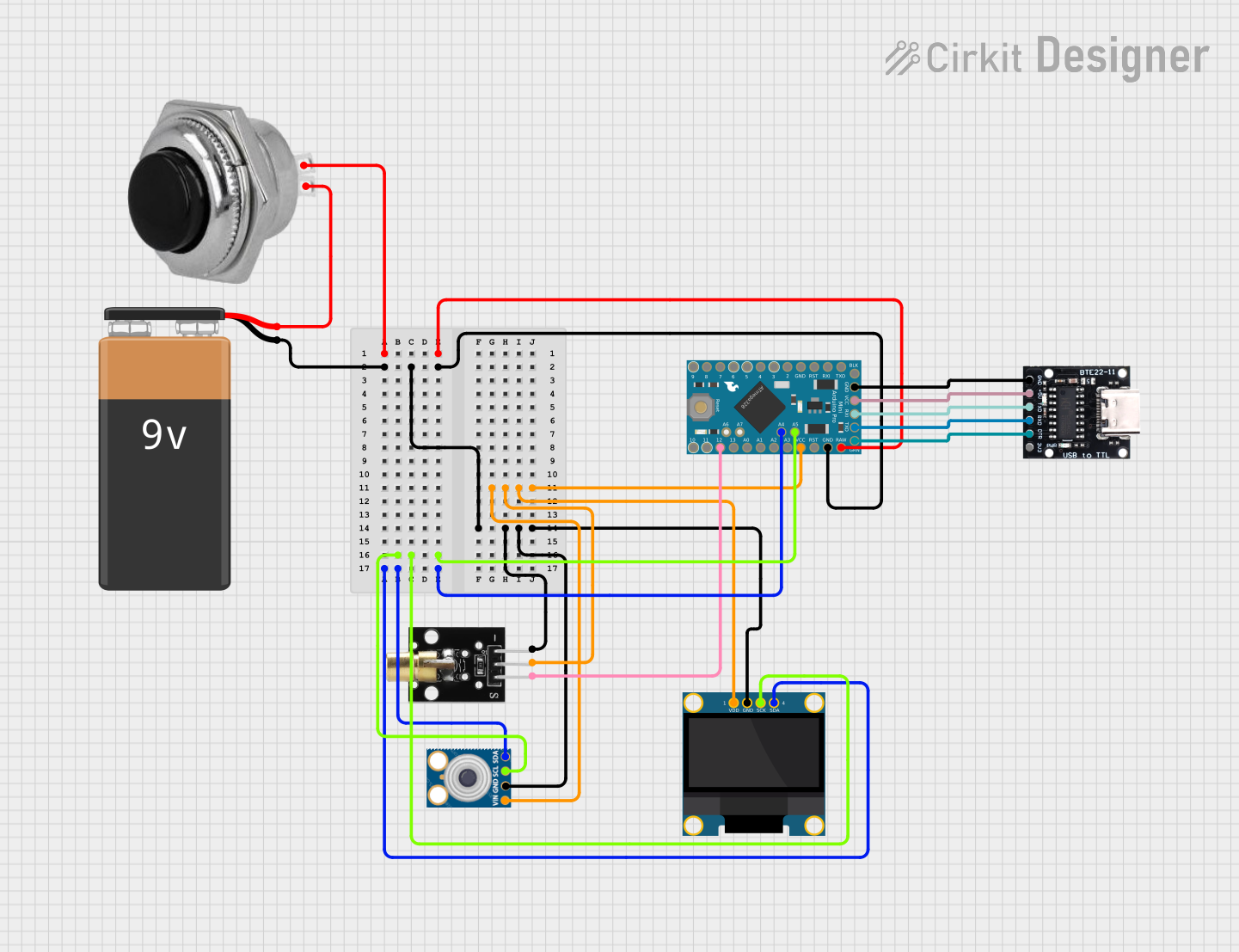 Open Project in Cirkit Designer
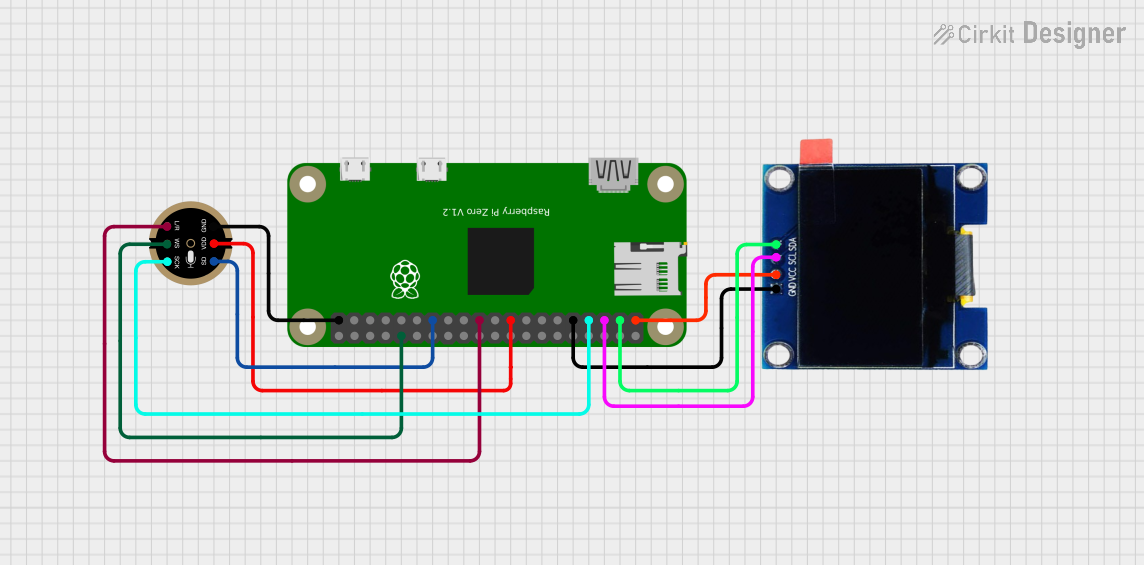 Open Project in Cirkit Designer
 Open Project in Cirkit Designer
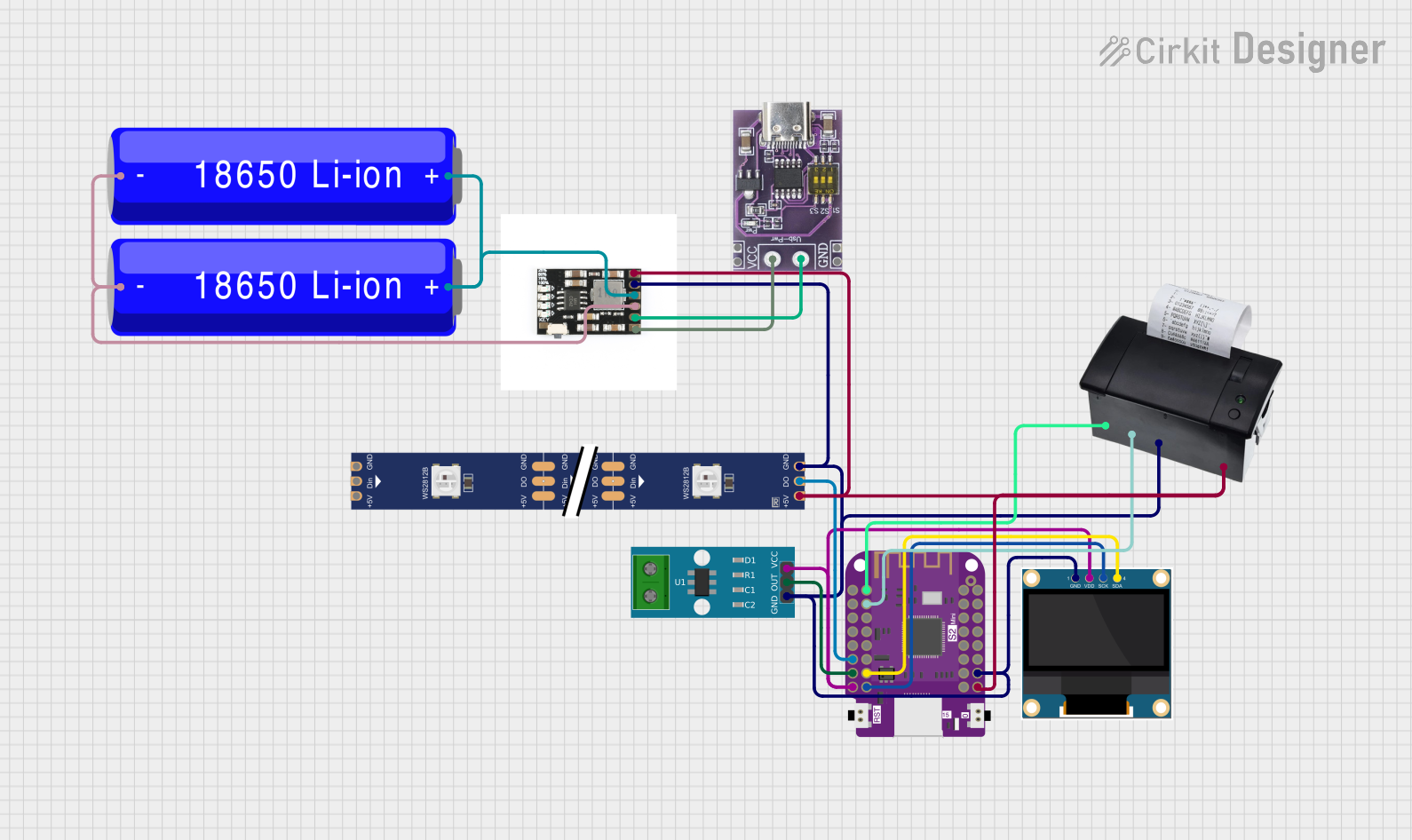 Open Project in Cirkit Designer
Explore Projects Built with keysight MSO2014A
Open Project in Cirkit DesignerOpen Project in Cirkit DesignerOpen Project in Cirkit DesignerOpen Project in Cirkit DesignerCommon Applications and Use Cases
- Debugging embedded systems with both analog and digital signals
- Analyzing communication protocols such as I²C, SPI, and UART
- Power electronics testing and analysis
- Signal integrity testing in high-speed designs
- Educational purposes in electronics and signal processing labs
Technical Specifications
Key Technical Details
| Specification | Value |
|---|---|
| Bandwidth | 100 MHz |
| Analog Channels | 4 |
| Digital Channels | 16 |
| Maximum Sample Rate | 2 GSa/s (giga-samples per second) |
| Memory Depth | 1 Mpts (mega-points) |
| Display | 8.5-inch WVGA (800x480) color LCD |
| Input Impedance | 1 MΩ ± 1% |
| Vertical Sensitivity | 1 mV/div to 5 V/div |
| Time Base Range | 5 ns/div to 50 s/div |
| Trigger Types | Edge, Pulse Width, Pattern, etc. |
| Connectivity | USB, LAN (optional), GPIB (optional) |
| Power Supply | 100-240 VAC, 50/60 Hz |
| Dimensions | 15.2 cm x 38.1 cm x 15.9 cm |
| Weight | 4.4 kg |
Pin Configuration and Descriptions
The Keysight MSO2014A does not have traditional "pins" like an IC but features several input/output ports and connectors. Below is a table describing the key ports:
| Port/Connector | Description |
|---|---|
| Analog Input Channels (1-4) | BNC connectors for analog signal input. Supports probes with 1 MΩ impedance. |
| Digital Input Channels (D0-D15) | 16-channel digital input via a logic probe connector. |
| USB Host Port | For connecting USB drives to save data or update firmware. |
| USB Device Port | For connecting the oscilloscope to a PC for remote control or data transfer. |
| LAN Port (optional) | Enables network connectivity for remote operation and data sharing. |
| GPIB Port (optional) | For integration into automated test systems. |
| Trigger Input/Output | External trigger input and output for synchronization with other devices. |
| Power Input | AC power input for the oscilloscope. |
Usage Instructions
How to Use the Keysight MSO2014A in a Circuit
Power On the Oscilloscope:
- Connect the power cable to the oscilloscope and plug it into an AC outlet.
- Press the power button to turn on the device.
Connect Probes:
- Attach the appropriate probes to the analog or digital input channels.
- For analog signals, use the BNC connectors (Channels 1-4).
- For digital signals, connect the logic probe to the digital input port.
Configure the Channels:
- Use the front panel controls or the touchscreen interface to enable and configure the desired channels.
- Set the vertical scale (e.g., volts/div) and horizontal time base (e.g., seconds/div) for each channel.
Set Up Triggering:
- Select a trigger source (e.g., Channel 1, external trigger).
- Choose a trigger type (e.g., edge, pulse width) and configure the trigger level.
Capture and Analyze Signals:
- Press the "Run/Stop" button to start capturing signals.
- Use the measurement tools to analyze parameters such as frequency, amplitude, and rise time.
Save or Export Data:
- Insert a USB drive into the USB host port to save screenshots or waveform data.
- Alternatively, connect the oscilloscope to a PC via USB or LAN for remote data transfer.
Important Considerations and Best Practices
- Probe Compensation: Always perform probe compensation before using the oscilloscope to ensure accurate measurements.
- Bandwidth Limiting: Use the bandwidth limit feature to reduce noise when measuring low-frequency signals.
- Grounding: Ensure proper grounding of the oscilloscope and probes to avoid measurement errors or damage.
- Firmware Updates: Regularly check for firmware updates on the Keysight website to access new features and improvements.
- Protocol Decoding: Use the built-in protocol decoding tools for analyzing communication protocols like I²C, SPI, and UART.
Example: Using the MSO2014A with an Arduino UNO
To analyze a PWM signal generated by an Arduino UNO, follow these steps:
- Connect the oscilloscope's Channel 1 probe to the Arduino's PWM output pin (e.g., Pin 9).
- Connect the probe's ground clip to the Arduino's GND pin.
- Configure the oscilloscope's Channel 1 for a vertical scale of 1 V/div and a time base of 1 ms/div.
- Set the trigger source to Channel 1 and the trigger type to "Edge" with a rising edge trigger.
Here is an example Arduino code to generate a PWM signal:
// Arduino code to generate a PWM signal on Pin 9
void setup() {
  pinMode(9, OUTPUT); // Set Pin 9 as an output
}

void loop() {
  analogWrite(9, 128); // Generate a 50% duty cycle PWM signal
  delay(1000);         // Wait for 1 second
}
Troubleshooting and FAQs
Common Issues and Solutions
| Issue | Possible Cause | Solution |
|---|---|---|
| No signal displayed on screen | Incorrect probe connection or settings | Verify probe connections and ensure the correct channel is enabled. |
| Signal appears noisy | High-frequency noise or improper grounding | Enable bandwidth limiting or check the probe's ground connection. |
| Trigger not working | Incorrect trigger source or level | Verify the trigger source and adjust the trigger level appropriately. |
| USB drive not recognized | Incompatible file system | Format the USB drive to FAT32 before use. |
| Oscilloscope freezes or crashes | Firmware issue | Restart the device and check for firmware updates on the Keysight website. |
FAQs
Can I use the MSO2014A to decode serial protocols?
- Yes, the oscilloscope supports protocol decoding for I²C, SPI, UART, and other common protocols.
What is the maximum voltage the oscilloscope can measure?
- The maximum input voltage is 300 V (DC + peak AC) with a 10:1 probe.
Can I control the oscilloscope remotely?
- Yes, the MSO2014A supports remote control via USB, LAN (optional), or GPIB (optional).
How do I update the firmware?
- Download the latest firmware from the Keysight website, copy it to a USB drive, and follow the on-screen instructions after inserting the drive into the oscilloscope.
Is the MSO2014A suitable for educational purposes?
- Absolutely! Its user-friendly interface and versatile features make it an excellent tool for teaching and learning electronics.