Cirkit Designer LogoCirkit DesignerYour all-in-one circuit design IDE Launch Cirkit Designer App

How to Use LM2526 DC-DC Buck Converter: Examples, Pinouts, and Specs

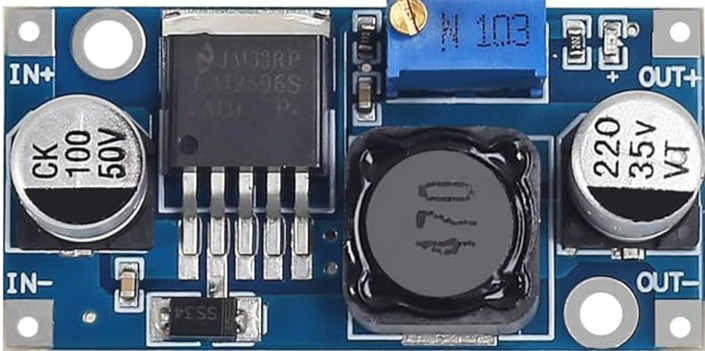
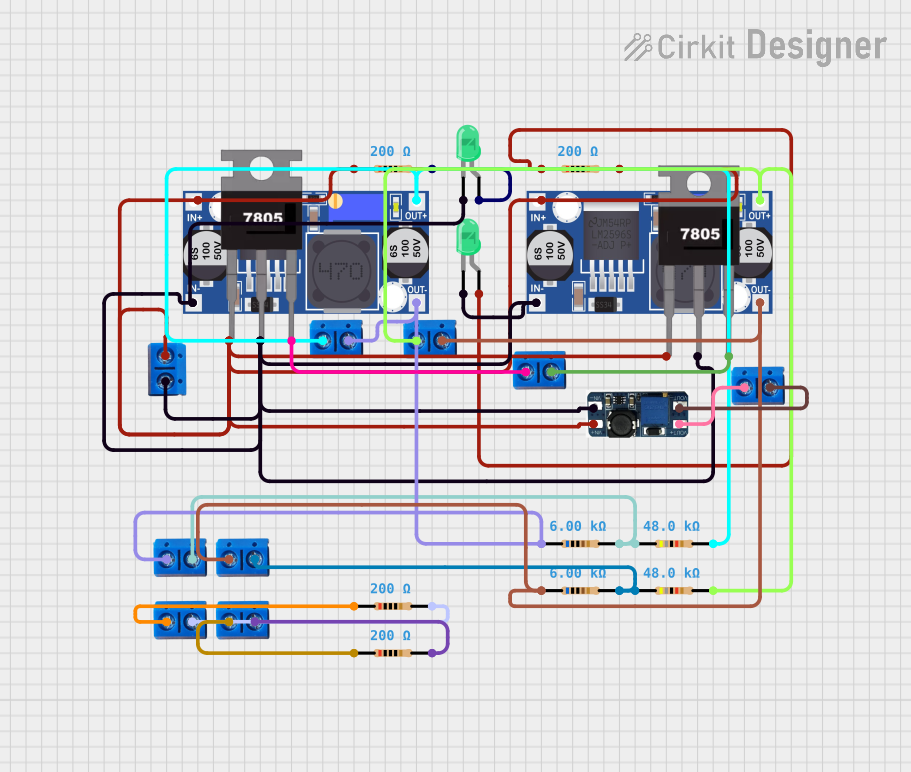
Image of LM2526 DC-DC Buck ConverterDesign with LM2526 DC-DC Buck Converter in Cirkit Designer

Introduction

The LM2526 is a step-down voltage regulator, commonly referred to as a DC-DC buck converter. It efficiently converts a higher input voltage to a lower output voltage, making it ideal for powering devices with lower voltage requirements. This component is widely used in applications such as battery-powered systems, industrial equipment, and embedded systems where energy efficiency and stable voltage regulation are critical.

Explore Projects Built with LM2526 DC-DC Buck Converter

Use Cirkit Designer to design, explore, and prototype these projects online. Some projects support real-time simulation. Click "Open Project" to start designing instantly!
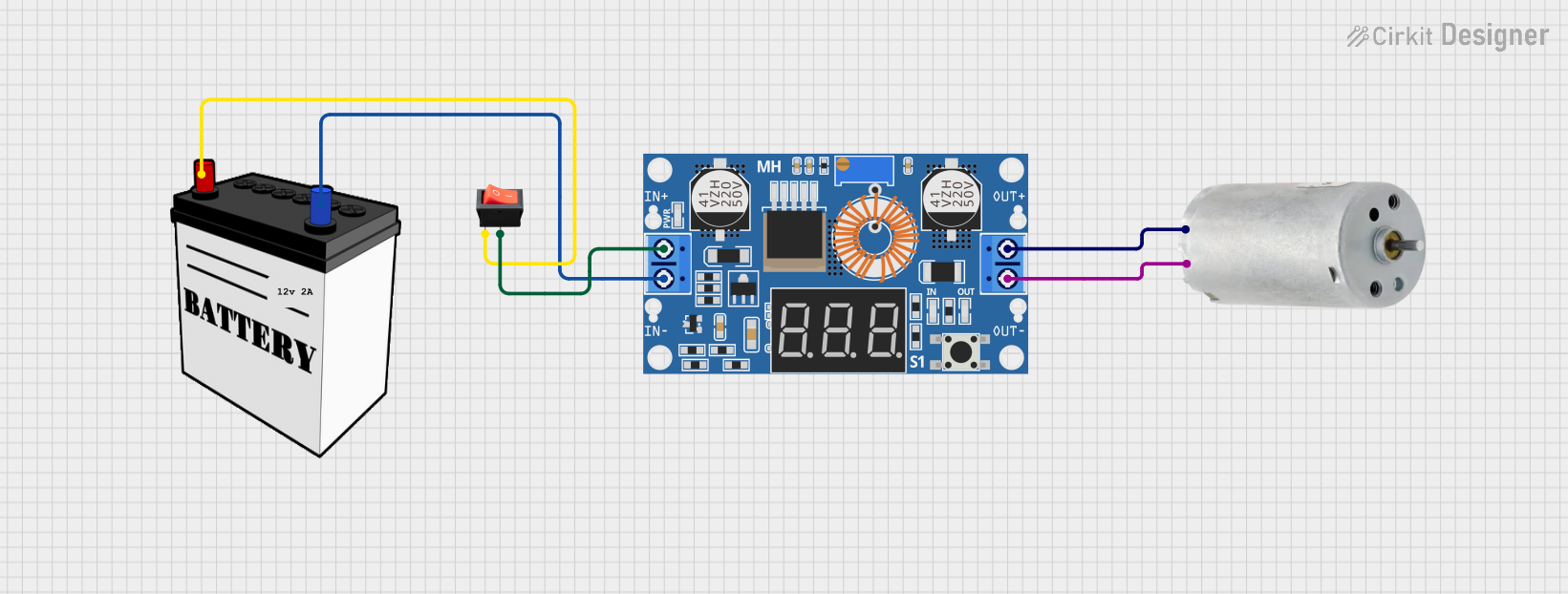
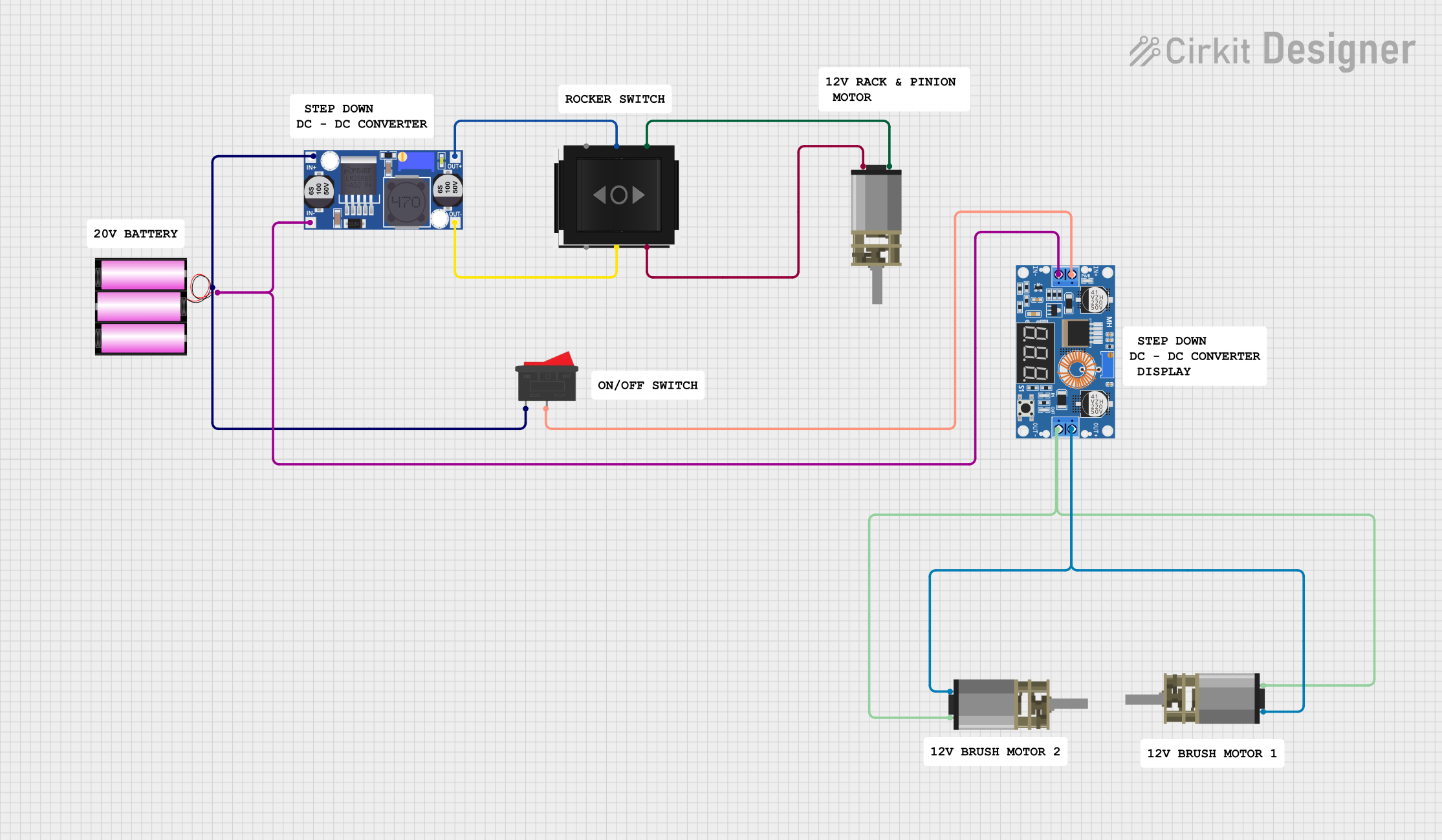
Image of Dual Motor Control Circuit with Directional Switching and Voltage Regulation: A project utilizing LM2526 DC-DC Buck Converter in a practical application
Dual Motor Control Circuit with Directional Switching and Voltage Regulation

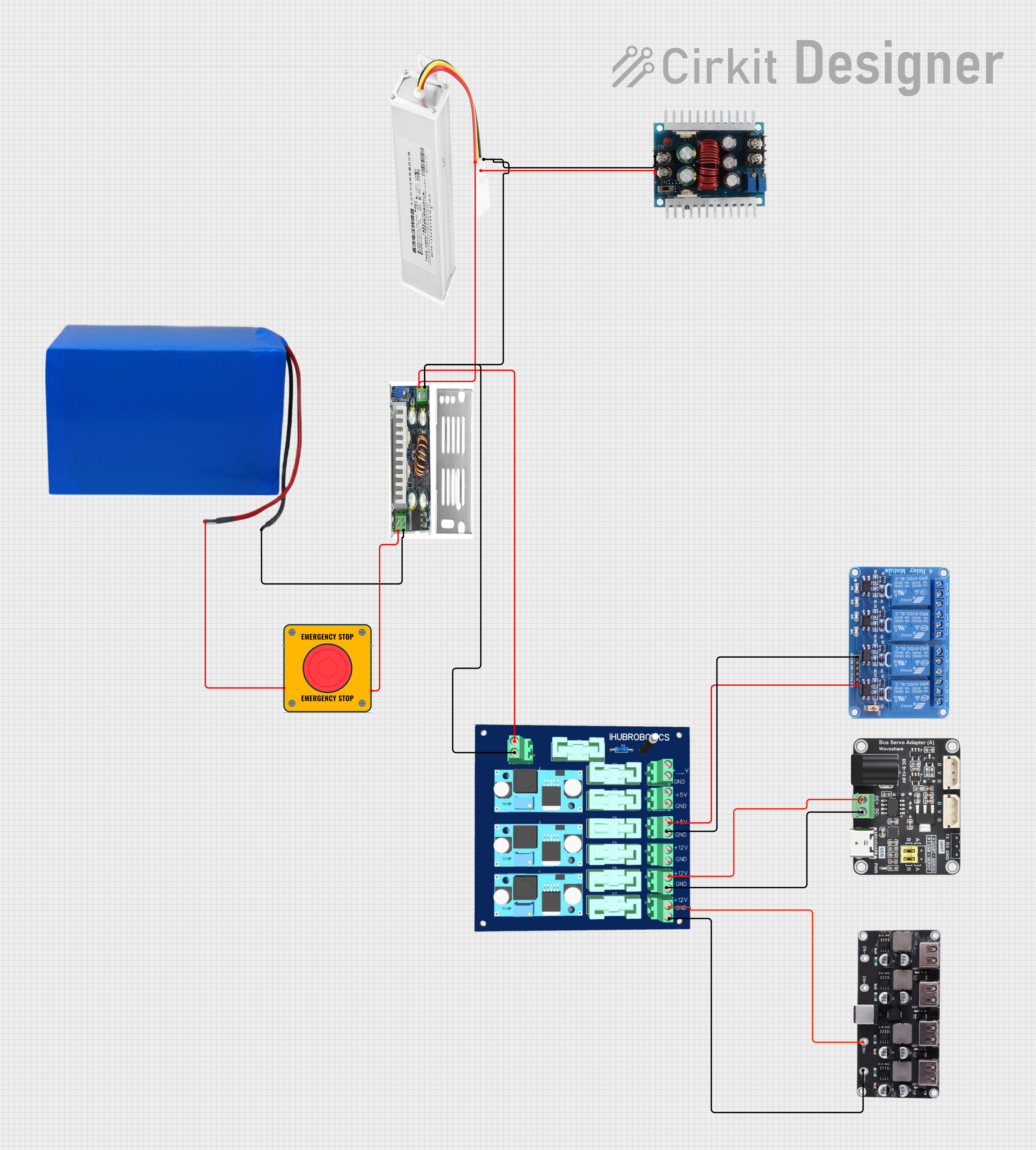
This circuit features a 12V battery connected through a rocker switch to two buck converters, one of which steps down the voltage to power two DC mini metal gear motors, and the other is connected to a directional switch that controls a third DC mini metal gear motor. The XL4015 5A DC Buck Step-down converter's output is connected to two motors, allowing them to run at a reduced voltage, while the other buck converter's output is routed through a directional switch to control the direction of the third motor.

Open Project in Cirkit Designer

Common Applications:

Technical Specifications

Key Technical Details:

Pin Configuration and Descriptions:

The LM2526 typically comes in a 5-pin package. Below is the pinout and description:

Pin Number Pin Name Description
1 VIN Input voltage pin. Connect to the higher input voltage (4.5V to 40V).
2 GND Ground pin. Connect to the system ground.
3 VOUT Output voltage pin. Provides the regulated lower voltage.
4 FB Feedback pin. Used to set the output voltage via an external resistor divider.
5 EN Enable pin. Used to turn the converter on or off.

Usage Instructions

How to Use the LM2526 in a Circuit:

  1. Input Voltage: Connect the input voltage (VIN) to the VIN pin. Ensure the input voltage is within the specified range (4.5V to 40V).
  2. Output Voltage Adjustment: Use a resistor divider network connected to the FB pin to set the desired output voltage. The output voltage can be calculated using the formula: [ V_{OUT} = V_{REF} \times \left(1 + \frac{R1}{R2}\right) ] where ( V_{REF} ) is 1.23V (internal reference voltage), and ( R1 ) and ( R2 ) are the resistors in the divider.
  3. Output Capacitor: Connect a low-ESR capacitor (e.g., 100 µF) to the VOUT pin to stabilize the output voltage.
  4. Inductor Selection: Choose an inductor with appropriate current rating and inductance value to ensure efficient operation.
  5. Enable Pin: Connect the EN pin to VIN or a control signal to enable the converter. Pulling this pin low disables the converter.
  6. Ground Connection: Ensure all ground connections are properly connected to the GND pin.

Important Considerations:

Example: Using LM2526 with Arduino UNO

The LM2526 can be used to power an Arduino UNO by stepping down a 12V input to 5V. Below is an example circuit and Arduino code to demonstrate its use.

Circuit:

Arduino Code:

// Example code to blink an LED using Arduino UNO powered by LM2526
// The LM2526 provides a stable 5V to the Arduino UNO.

const int ledPin = 13; // Built-in LED pin on Arduino UNO

void setup() {
  pinMode(ledPin, OUTPUT); // Set the LED pin as an output
}

void loop() {
  digitalWrite(ledPin, HIGH); // Turn the LED on
  delay(1000);               // Wait for 1 second
  digitalWrite(ledPin, LOW);  // Turn the LED off
  delay(1000);               // Wait for 1 second
}

Troubleshooting and FAQs

Common Issues and Solutions:

  1. No Output Voltage:

    • Cause: The EN pin is not connected or is pulled low.
    • Solution: Ensure the EN pin is connected to VIN or a high logic level.
  2. Output Voltage is Incorrect:

    • Cause: Incorrect resistor values in the feedback network.
    • Solution: Recalculate the resistor values using the output voltage formula and verify connections.
  3. Excessive Heat:

    • Cause: High current load or insufficient cooling.
    • Solution: Use a heatsink or improve ventilation. Ensure the load does not exceed 3A.
  4. High Output Ripple:

    • Cause: Insufficient output capacitance or poor PCB layout.
    • Solution: Use a low-ESR capacitor and minimize trace lengths.
  5. Converter Not Starting:

    • Cause: Input voltage is below 4.5V.
    • Solution: Verify the input voltage and ensure it is within the specified range.

FAQs: