
How to Use powerbank (20000mAh): Examples, Pinouts, and Specs
 Design with powerbank (20000mAh) in Cirkit Designer
Introduction
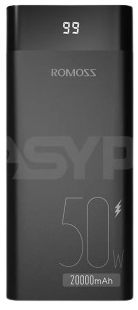
The Romoss Powerbank (20000mAh) is a portable battery pack designed to charge electronic devices such as smartphones, tablets, and other USB-powered gadgets on the go. With its high capacity of 20000mAh, it provides multiple charging cycles for most devices, making it an essential accessory for travelers, commuters, and anyone needing reliable power backup.
Explore Projects Built with powerbank (20000mAh)
 Open Project in Cirkit Designer
 Open Project in Cirkit Designer
 Open Project in Cirkit Designer
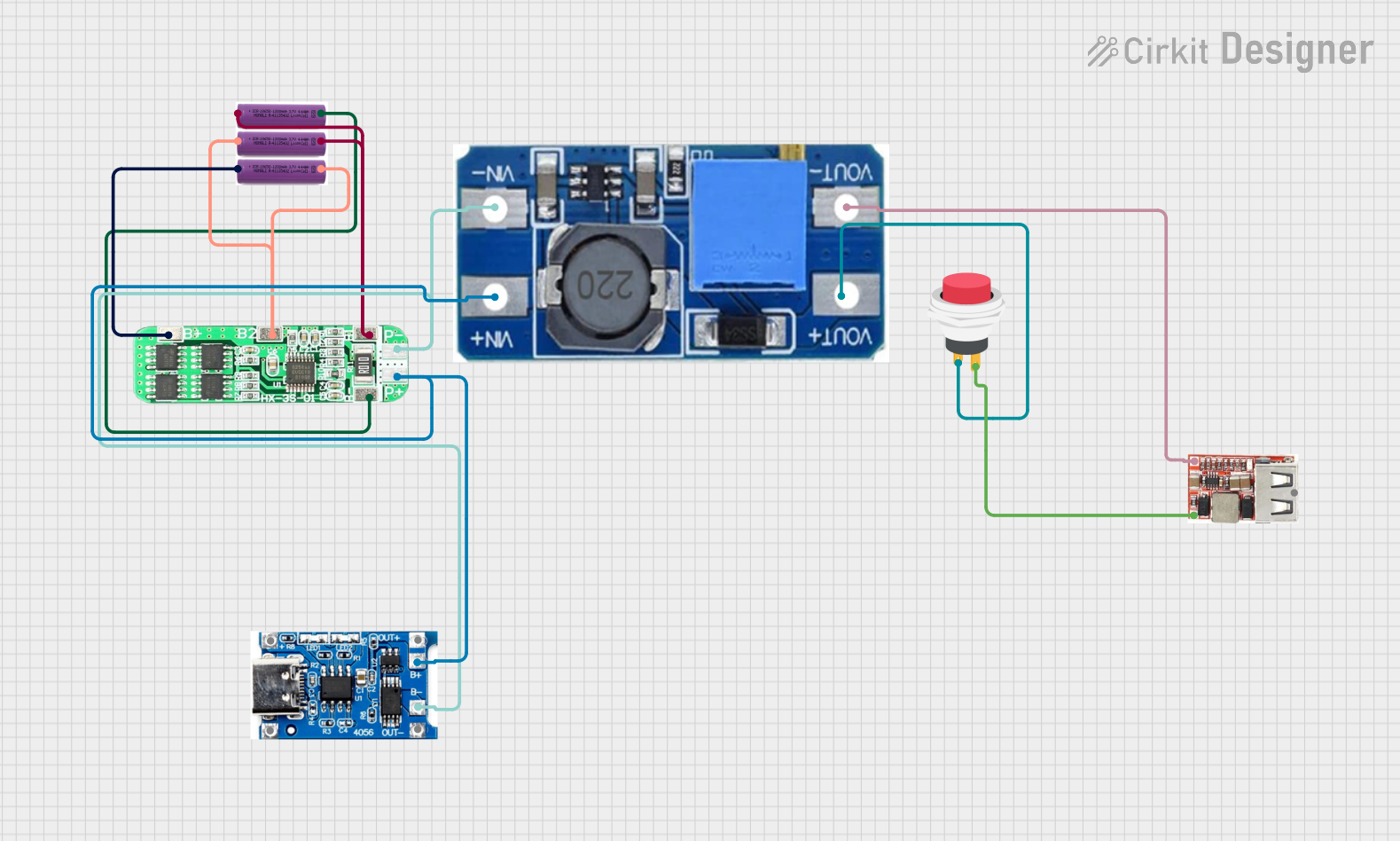 Open Project in Cirkit Designer
Explore Projects Built with powerbank (20000mAh)
Open Project in Cirkit DesignerOpen Project in Cirkit DesignerOpen Project in Cirkit DesignerOpen Project in Cirkit DesignerCommon Applications and Use Cases
- Charging smartphones, tablets, and smartwatches during travel.
- Providing backup power for USB-powered devices like Bluetooth headphones, cameras, and portable speakers.
- Emergency power supply during power outages.
- Supporting outdoor activities such as camping or hiking where access to power outlets is limited.
Technical Specifications
Key Technical Details
| Specification | Value |
|---|---|
| Manufacturer | Romoss |
| Part ID | Powerbank |
| Battery Capacity | 20000mAh |
| Input Ports | Micro-USB, USB-C |
| Input Voltage/Current | 5V/2.1A (Micro-USB/USB-C) |
| Output Ports | 2 x USB-A, 1 x USB-C |
| Output Voltage/Current | 5V/2.1A (USB-A/USB-C) |
| Dimensions | 6.5 x 3.1 x 0.9 inches |
| Weight | ~450g |
| Charging Time | ~10 hours (using 2.1A input) |
| Safety Features | Overcharge, overcurrent, and short-circuit protection |
Port Configuration and Descriptions
| Port Name | Type | Description |
|---|---|---|
| Micro-USB | Input | Used to charge the powerbank. Supports 5V/2.1A input. |
| USB-C | Input/Output | Dual-purpose port for charging the powerbank or powering external devices. |
| USB-A 1 | Output | Standard USB-A port for charging devices. Supports 5V/2.1A output. |
| USB-A 2 | Output | Additional USB-A port for charging devices. Supports 5V/2.1A output. |
Usage Instructions
How to Use the Powerbank
Charging the Powerbank:
- Connect the Micro-USB or USB-C input port to a power source (e.g., wall adapter or computer) using a compatible cable.
- Ensure the power source provides at least 5V/2.1A for optimal charging speed.
- The LED indicators on the powerbank will light up to show the charging progress.
Charging Devices:
- Connect your device to one of the output ports (USB-A or USB-C) using the appropriate cable.
- The powerbank will automatically start charging the connected device.
- Monitor the LED indicators to ensure sufficient charge remains in the powerbank.
Checking Battery Level:
- Press the power button on the powerbank to display the remaining battery level via the LED indicators.
Important Considerations and Best Practices
- Use high-quality cables to ensure efficient charging and prevent damage to devices.
- Avoid exposing the powerbank to extreme temperatures (below 0°C or above 40°C).
- Do not use the powerbank while it is being charged to prevent overheating.
- Fully charge the powerbank before first use for optimal performance.
- Disconnect devices once fully charged to conserve the powerbank's battery life.
Example: Using the Powerbank with an Arduino UNO
The powerbank can be used to power an Arduino UNO via its USB-A output port. Below is an example of how to connect and use it:
- Connect the Arduino UNO's USB cable to one of the USB-A output ports on the powerbank.
- The Arduino UNO will power on automatically, drawing 5V from the powerbank.
// Example Arduino code to blink an LED while powered by the powerbank
// This code assumes an LED is connected to pin 13 on the Arduino UNO.

void setup() {
  pinMode(13, OUTPUT); // Set pin 13 as an output pin
}

void loop() {
  digitalWrite(13, HIGH); // Turn the LED on
  delay(1000);            // Wait for 1 second
  digitalWrite(13, LOW);  // Turn the LED off
  delay(1000);            // Wait for 1 second
}
Troubleshooting and FAQs
Common Issues and Solutions
| Issue | Possible Cause | Solution |
|---|---|---|
| Powerbank not charging devices | Low battery level or faulty cable | Check the battery level and use a different cable if necessary. |
| Powerbank not charging itself | Faulty input cable or power source | Ensure the input cable and power source are functioning properly. |
| Device charging slowly | Using a low-quality or incompatible cable | Use a high-quality cable that supports 2.1A current. |
| Powerbank overheating | Charging multiple devices simultaneously | Disconnect some devices and allow the powerbank to cool down. |
FAQs
How many times can the powerbank charge my smartphone?
- The number of charges depends on your smartphone's battery capacity. For example, a 3000mAh smartphone can be charged approximately 5-6 times.
Can I charge the powerbank and charge devices simultaneously?
- Yes, but this is not recommended as it may reduce the lifespan of the powerbank.
How do I know when the powerbank is fully charged?
- All LED indicators will remain lit when the powerbank is fully charged.
Is the powerbank safe to use on airplanes?
- Yes, the 20000mAh capacity is within the TSA's allowable limit for carry-on batteries.
By following this documentation, users can maximize the performance and lifespan of their Romoss Powerbank (20000mAh) while ensuring safe and efficient operation.