
How to Use PLC siemens s7-1200: Examples, Pinouts, and Specs
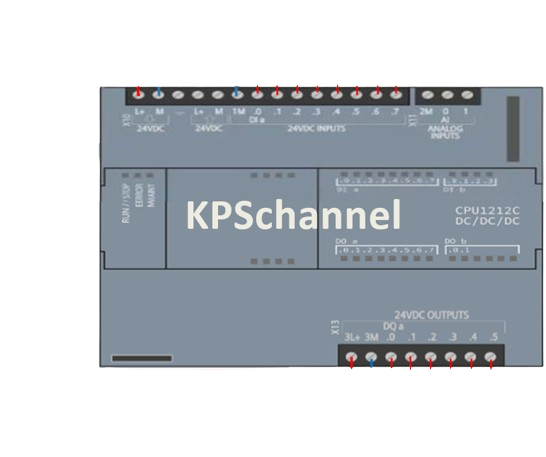
 Design with PLC siemens s7-1200 in Cirkit Designer
Introduction
The Siemens S7-1200 is a modular programmable logic controller (PLC) designed for automation tasks in industrial environments. It is part of Siemens' SIMATIC series and is known for its compact design, integrated I/O options, and robust performance. The S7-1200 supports various communication protocols, including PROFINET, making it ideal for small to medium-sized automation applications. Its flexibility and scalability allow it to be used in a wide range of industries, including manufacturing, process control, and building automation.
Explore Projects Built with PLC siemens s7-1200
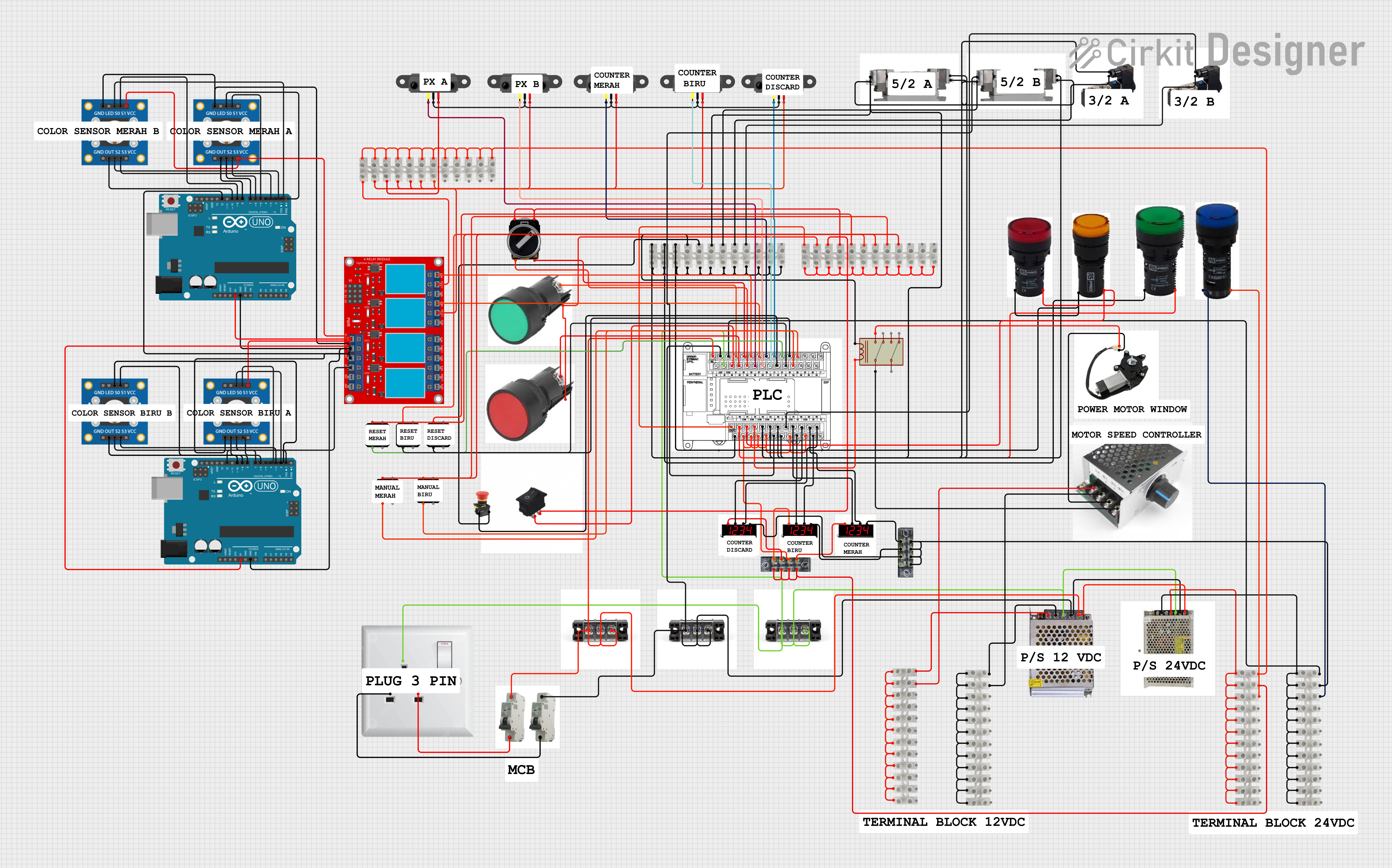 Open Project in Cirkit Designer
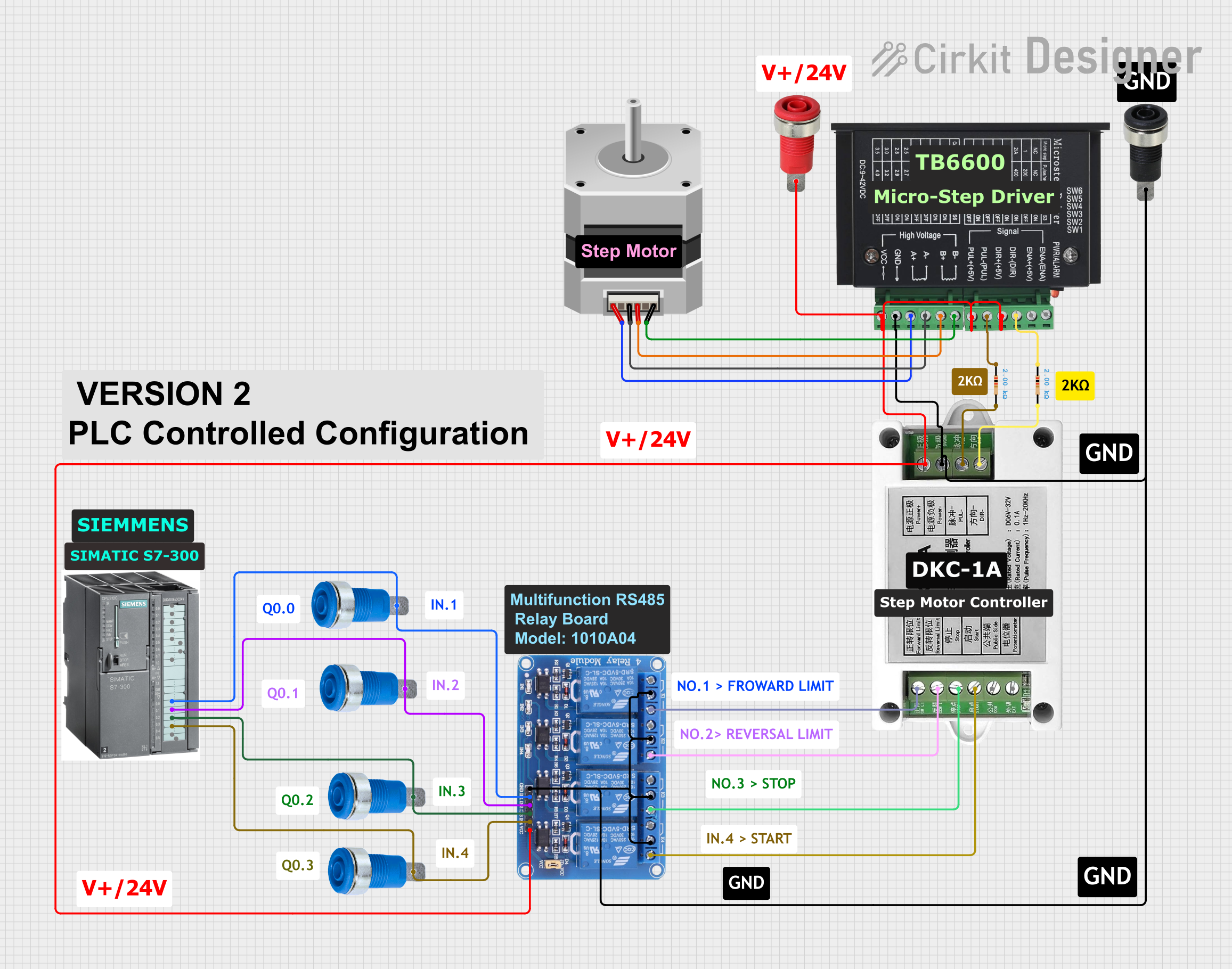 Open Project in Cirkit Designer
 Open Project in Cirkit Designer
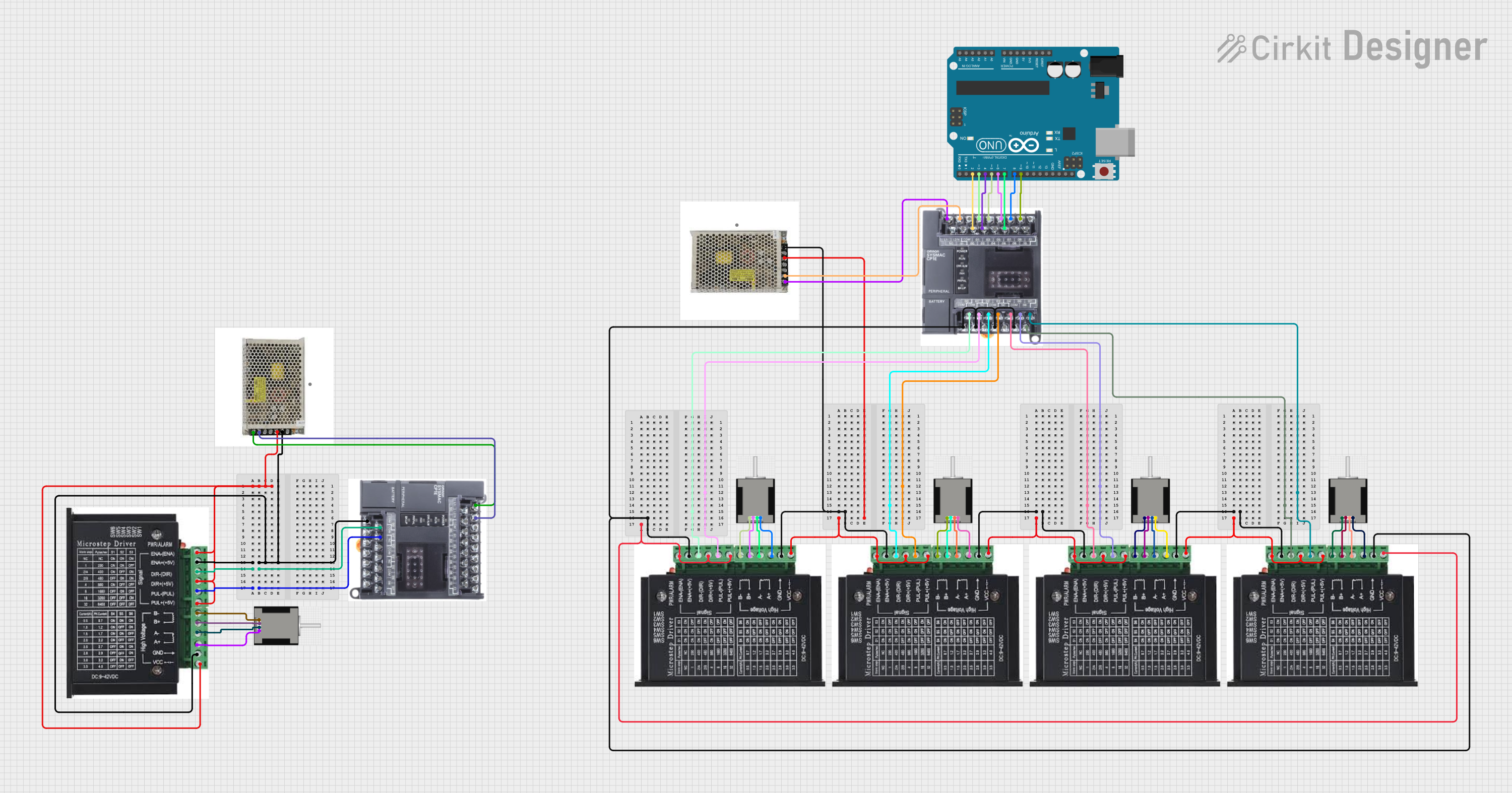 Open Project in Cirkit Designer
Explore Projects Built with PLC siemens s7-1200
Open Project in Cirkit DesignerOpen Project in Cirkit DesignerOpen Project in Cirkit DesignerOpen Project in Cirkit DesignerCommon Applications and Use Cases
- Industrial automation and process control
- Machine control and monitoring
- Building automation systems
- Data acquisition and remote monitoring
- Integration with SCADA and HMI systems
Technical Specifications
The Siemens S7-1200 PLC is available in various models, each with different specifications. Below are the general technical details for the S7-1200 series:
Key Technical Details
- Power Supply Voltage: 24 V DC
- CPU Variants: Multiple options (e.g., CPU 1211C, CPU 1212C, CPU 1214C)
- Integrated I/O: Digital and analog inputs/outputs (varies by model)
- Communication Protocols: PROFINET, Modbus TCP, and optional communication modules
- Programming Software: TIA Portal (Totally Integrated Automation Portal)
- Memory: Up to 125 KB for program and 2 MB for data
- Operating Temperature: -20°C to +60°C
- Dimensions: Compact design, typically 90 mm x 100 mm x 75 mm (varies by model)
Pin Configuration and Descriptions
The S7-1200 PLC has a modular design, and the pin configuration depends on the specific CPU and I/O modules used. Below is an example of the pin configuration for the CPU 1212C:
| Pin Number | Pin Name | Description |
|---|---|---|
| 1-4 | Digital Inputs | Accepts 24 V DC signals for input |
| 5-8 | Digital Outputs | Provides 24 V DC signals for output |
| 9-12 | Analog Inputs | Accepts 0-10 V or 4-20 mA signals |
| 13-16 | Analog Outputs | Provides 0-10 V or 4-20 mA signals |
| 17-18 | Power Supply (+/-) | Connects to 24 V DC power supply |
| 19-20 | PROFINET Ports | Ethernet communication for networking |
Note: The exact pin configuration may vary depending on the specific CPU and I/O modules used. Refer to the Siemens S7-1200 datasheet for detailed information.
Usage Instructions
How to Use the S7-1200 in a Circuit
- Power Connection: Connect a 24 V DC power supply to the power input terminals of the PLC.
- I/O Wiring: Wire the digital and analog inputs/outputs to the respective devices (e.g., sensors, actuators).
- Communication Setup: Use the PROFINET port to connect the PLC to a network or other devices.
- Programming: Use Siemens' TIA Portal software to create and upload the control logic to the PLC.
- Testing: Verify the connections and test the program to ensure proper operation.
Important Considerations and Best Practices
- Power Supply: Ensure the power supply voltage is stable and within the specified range (24 V DC).
- Grounding: Properly ground the PLC to avoid electrical noise and interference.
- I/O Protection: Use appropriate protection devices (e.g., fuses, diodes) to safeguard the I/O terminals.
- Communication: Configure the network settings (e.g., IP address) correctly for seamless communication.
- Firmware Updates: Keep the PLC firmware updated to the latest version for improved performance and security.
Example Code for Arduino UNO Integration
Although the S7-1200 is not typically used with Arduino, it can communicate with an Arduino UNO via Modbus TCP. Below is an example of Arduino code to read data from the S7-1200:
#include <Ethernet.h>
#include <ModbusTCP.h>

// Define Modbus TCP client
ModbusTCP modbus;

// Ethernet settings
byte mac[] = { 0xDE, 0xAD, 0xBE, 0xEF, 0xFE, 0xED }; // MAC address
IPAddress plcIP(192, 168, 0, 1); // IP address of the S7-1200
int plcPort = 502; // Modbus TCP port

void setup() {
  // Initialize Ethernet connection
  Ethernet.begin(mac);
  Serial.begin(9600);
  while (!Serial) {
    ; // Wait for serial port to connect
  }
  Serial.println("Connecting to PLC...");

  // Connect to the PLC
  if (modbus.connect(plcIP, plcPort)) {
    Serial.println("Connected to PLC!");
  } else {
    Serial.println("Failed to connect to PLC.");
  }
}

void loop() {
  // Read a holding register (e.g., address 40001)
  int value = modbus.readHoldingRegisters(0, 1);
  if (modbus.isConnected()) {
    Serial.print("Register Value: ");
    Serial.println(value);
  } else {
    Serial.println("Connection lost. Reconnecting...");
    modbus.connect(plcIP, plcPort);
  }
  delay(1000); // Wait 1 second before next read
}
Note: Replace the plcIP and mac values with the actual IP address and MAC address of your setup. Ensure the S7-1200 is configured to communicate via Modbus TCP.
Troubleshooting and FAQs
Common Issues and Solutions
PLC Not Powering On
- Cause: Incorrect power supply voltage or loose connections.
- Solution: Verify the power supply voltage (24 V DC) and check the wiring.
Communication Failure
- Cause: Incorrect network settings or faulty cables.
- Solution: Check the IP address, subnet mask, and cable connections. Use a network diagnostic tool if needed.
I/O Not Responding
- Cause: Incorrect wiring or configuration.
- Solution: Verify the I/O wiring and ensure the program logic is correct.
Program Upload Fails
- Cause: Incompatible firmware or software version.
- Solution: Update the PLC firmware and ensure the TIA Portal version matches the PLC model.
FAQs
Q: Can the S7-1200 be expanded with additional modules?
- A: Yes, the S7-1200 supports expansion modules for additional I/O, communication, and functionality.
Q: What programming languages are supported?
- A: The S7-1200 supports Ladder Logic (LAD), Function Block Diagram (FBD), and Structured Text (ST).
Q: Is the S7-1200 compatible with SCADA systems?
- A: Yes, the S7-1200 can be integrated with SCADA systems using communication protocols like PROFINET or Modbus TCP.
Q: How do I reset the PLC to factory settings?
- A: Use the TIA Portal software or the hardware reset button (if available) to reset the PLC.
This documentation provides a comprehensive overview of the Siemens S7-1200 PLC, including its specifications, usage, and troubleshooting tips. For more detailed information, refer to the official Siemens user manual.