Cirkit Designer LogoCirkit DesignerYour all-in-one circuit design IDE Launch Cirkit Designer App

How to Use Pressure Sensor Module: Examples, Pinouts, and Specs

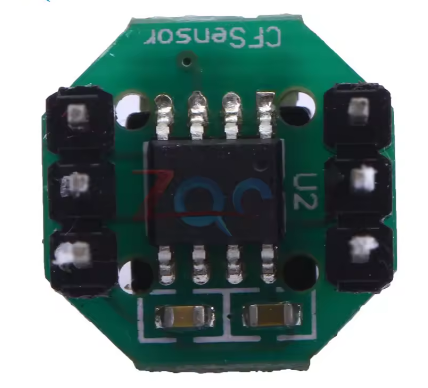
Image of Pressure Sensor ModuleDesign with Pressure Sensor Module in Cirkit Designer

Introduction

The CFSensor XGZP6857 Pressure Sensor Module is a high-precision device designed to measure the pressure of gases or liquids and convert it into an electrical signal. This module is widely used in industrial, automotive, and medical applications where accurate pressure monitoring and control are essential. Its compact design and reliable performance make it suitable for integration into a variety of systems.

Explore Projects Built with Pressure Sensor Module

Use Cirkit Designer to design, explore, and prototype these projects online. Some projects support real-time simulation. Click "Open Project" to start designing instantly!
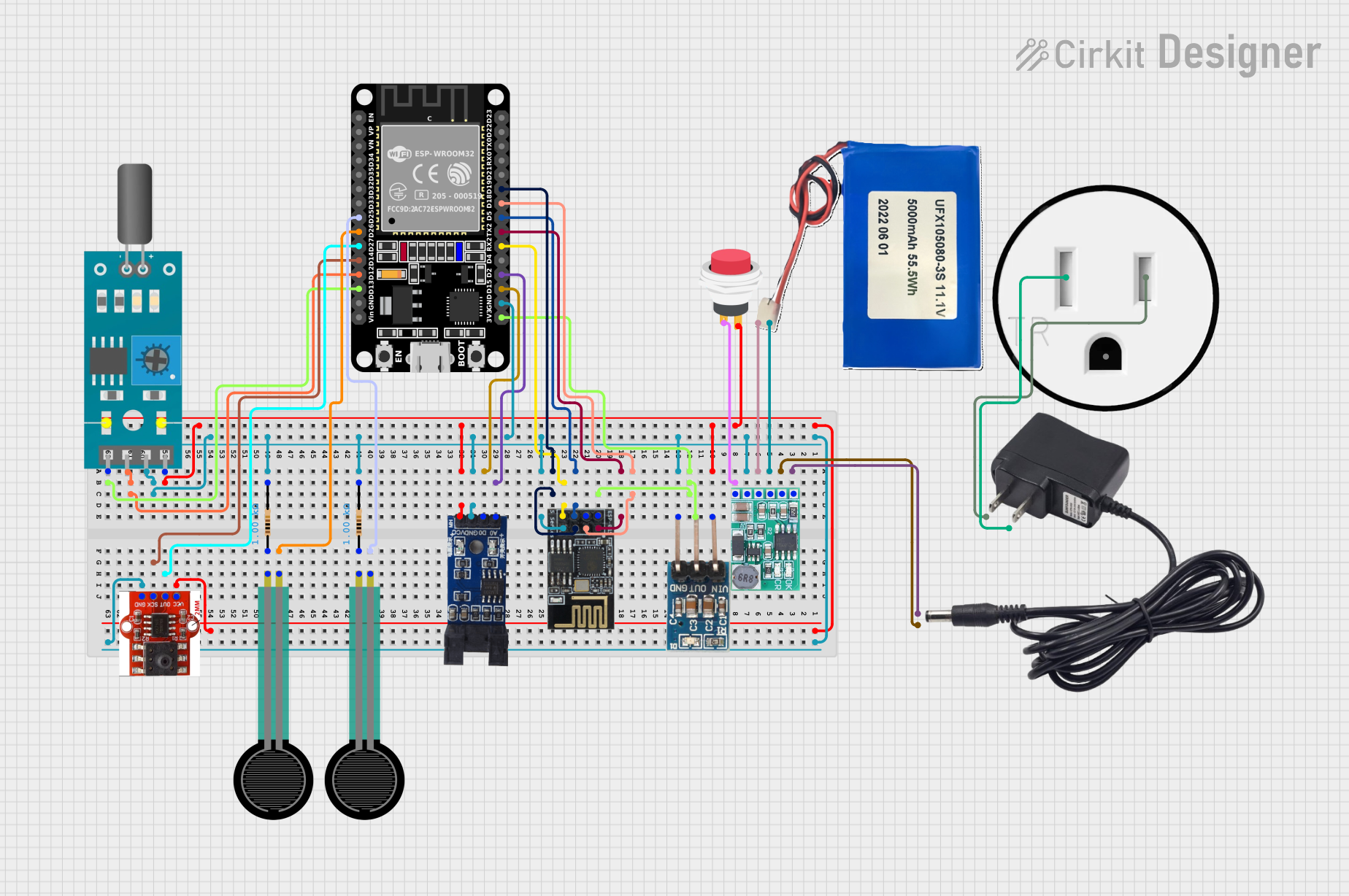
Image of ESP32 and ESP8266 Wi-Fi Controlled Sensor Hub with Battery Backup: A project utilizing Pressure Sensor Module in a practical application

ESP32 and ESP8266 Wi-Fi Controlled Sensor Hub with Battery Backup

This circuit is a sensor monitoring and data transmission system powered by a Li-ion battery and a 12V adapter. It includes various sensors (tilt, optical encoder, force sensing resistors, and air pressure) connected to an ESP32 microcontroller, which reads sensor data and transmits it via a WiFi module (ESP8266-01). The system is designed to provide real-time sensor data over a WiFi network.

Open Project in Cirkit Designer
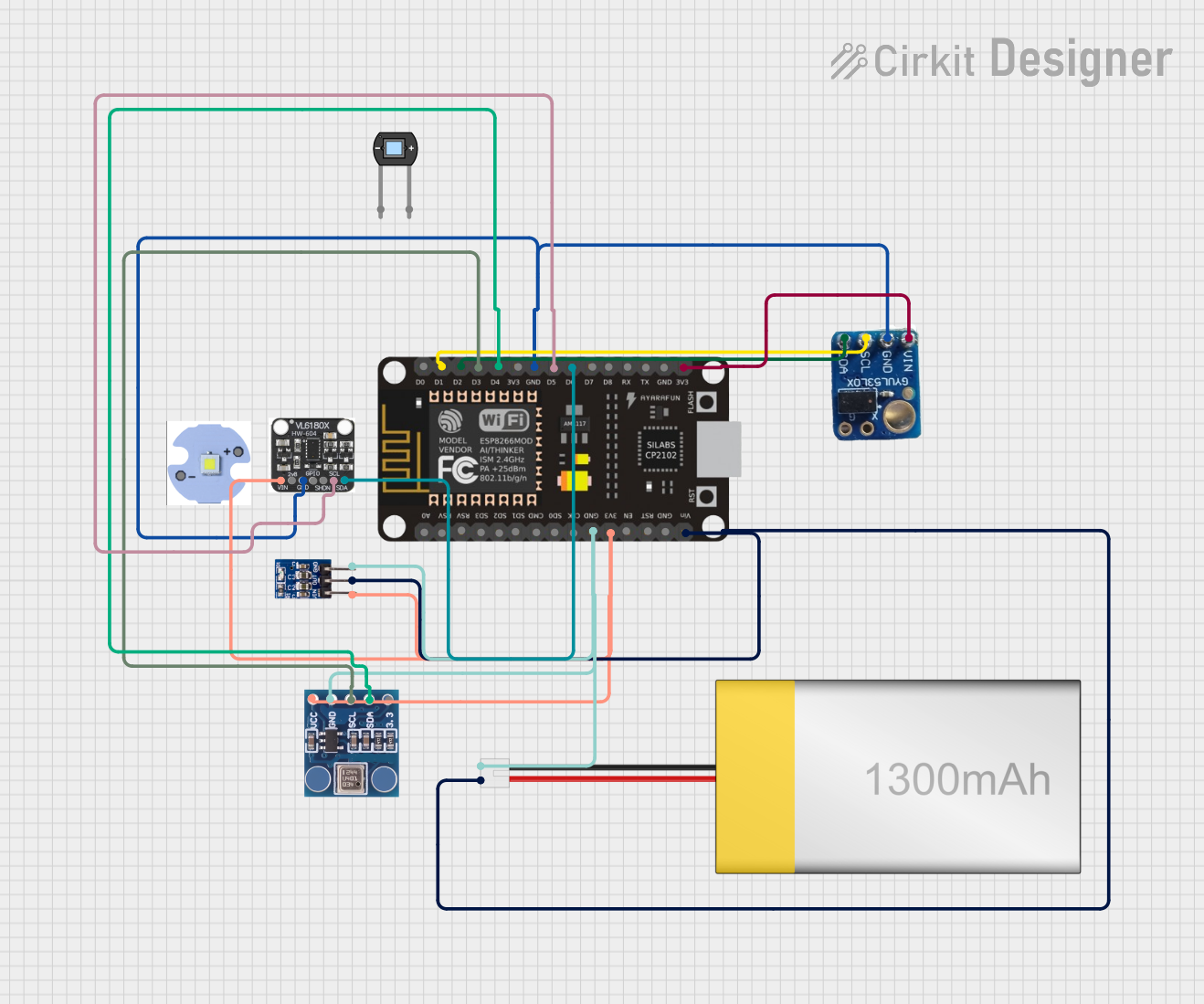
Image of ESP8266 NodeMCU Based Multi-Sensor Monitoring System: A project utilizing Pressure Sensor Module in a practical application
ESP8266 NodeMCU Based Multi-Sensor Monitoring System

This circuit is designed around an ESP8266 NodeMCU microcontroller, which interfaces with a BMP180 barometric pressure sensor, a VL53L0X time-of-flight distance sensor, and a VL6180X proximity and ambient light sensor. The microcontroller collects environmental data such as atmospheric pressure, temperature, and distances to objects, and processes this information to monitor conditions such as eye pressure. The circuit is powered by a LiPoly battery, regulated by an AMS1117 3.3V voltage regulator, and is likely intended for applications in health monitoring or environmental sensing.

Open Project in Cirkit Designer

Common Applications and Use Cases

Technical Specifications

The following table outlines the key technical details of the XGZP6857 Pressure Sensor Module:

Parameter Value
Manufacturer CFSensor
Part ID XGZP6857
Pressure Range 0 to 100 kPa
Supply Voltage 3.3V to 5V
Output Signal Analog Voltage (0.5V to 4.5V)
Accuracy ±1% Full Scale
Operating Temperature -40°C to +85°C
Response Time < 1 ms
Interface Type Analog
Dimensions 18mm x 12mm x 8mm

Pin Configuration and Descriptions

The XGZP6857 module has a 3-pin interface. The pinout is as follows:

Pin Name Description
1 VCC Power supply input (3.3V to 5V)
2 GND Ground connection
3 OUT Analog output signal proportional to pressure input

Usage Instructions

How to Use the Component in a Circuit

  1. Power the Module: Connect the VCC pin to a 3.3V or 5V power supply and the GND pin to the ground of your circuit.
  2. Read the Output Signal: The OUT pin provides an analog voltage signal that corresponds to the measured pressure. This signal can be read using an analog-to-digital converter (ADC) on a microcontroller, such as an Arduino UNO.
  3. Calibrate the Sensor: For accurate measurements, calibrate the sensor by mapping the output voltage range (0.5V to 4.5V) to the pressure range (0 to 100 kPa).

Important Considerations and Best Practices

Example Code for Arduino UNO

The following code demonstrates how to interface the XGZP6857 Pressure Sensor Module with an Arduino UNO to read and display pressure values:

// Define the analog pin connected to the sensor's OUT pin
const int sensorPin = A0;

// Define the pressure range and output voltage range of the sensor
const float pressureMin = 0.0;    // Minimum pressure in kPa
const float pressureMax = 100.0;  // Maximum pressure in kPa
const float voltageMin = 0.5;     // Minimum output voltage in volts
const float voltageMax = 4.5;     // Maximum output voltage in volts

void setup() {
  Serial.begin(9600); // Initialize serial communication at 9600 baud
}

void loop() {
  // Read the analog value from the sensor
  int sensorValue = analogRead(sensorPin);

  // Convert the analog value to a voltage (assuming 5V reference)
  float voltage = sensorValue * (5.0 / 1023.0);

  // Map the voltage to the pressure range
  float pressure = (voltage - voltageMin) * (pressureMax - pressureMin) /
                   (voltageMax - voltageMin) + pressureMin;

  // Print the pressure value to the Serial Monitor
  Serial.print("Pressure: ");
  Serial.print(pressure);
  Serial.println(" kPa");

  delay(1000); // Wait for 1 second before the next reading
}

Troubleshooting and FAQs

Common Issues and Solutions

  1. No Output Signal:

    • Cause: Incorrect wiring or insufficient power supply.
    • Solution: Verify the connections and ensure the power supply voltage is within the specified range (3.3V to 5V).
  2. Inaccurate Readings:

    • Cause: Sensor not calibrated or exposed to electrical noise.
    • Solution: Calibrate the sensor and ensure proper grounding and shielding.
  3. Fluctuating Output:

    • Cause: Unstable power supply or mechanical vibrations.
    • Solution: Use a regulated power supply and secure the sensor in a stable position.

FAQs