
How to Use Tower Pro MG995 DIGI HI-SPEED Servo Moto: Examples, Pinouts, and Specs
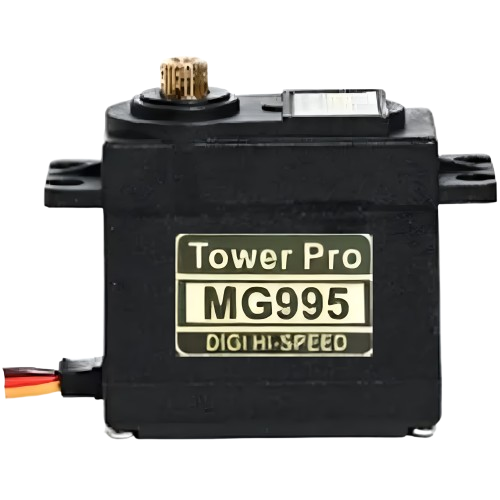
 Design with Tower Pro MG995 DIGI HI-SPEED Servo Moto in Cirkit Designer
Introduction
The Tower Pro MG995 DIGI HI-SPEED Servo Motor is a high-torque digital servo motor renowned for its precision, speed, and reliability. It is widely used in robotics, remote-controlled (RC) vehicles, drones, and other applications requiring precise angular motion. With its metal gear construction, the MG995 offers durability and the ability to handle high loads, making it a popular choice for hobbyists and professionals alike.
Explore Projects Built with Tower Pro MG995 DIGI HI-SPEED Servo Moto
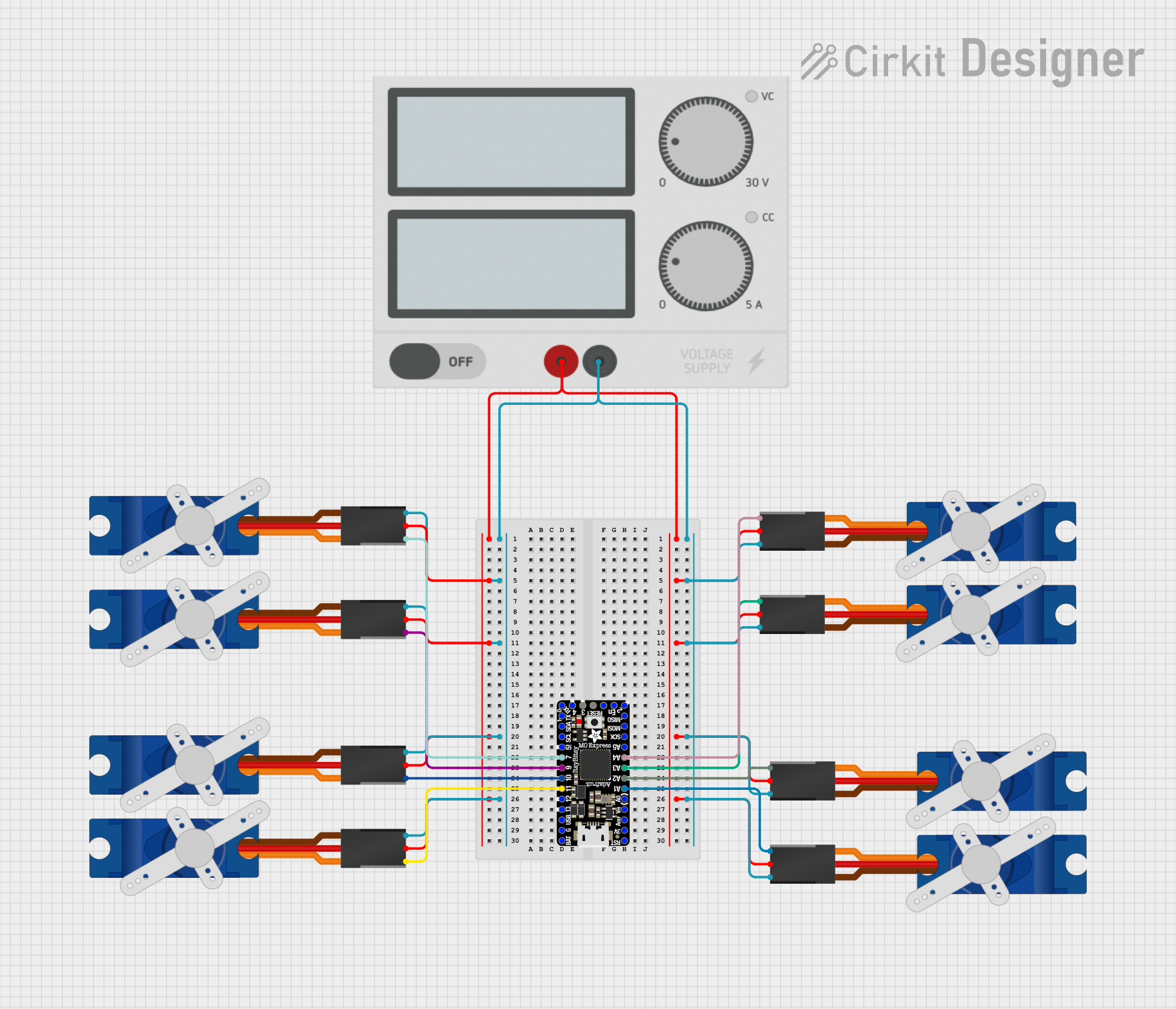 Open Project in Cirkit Designer
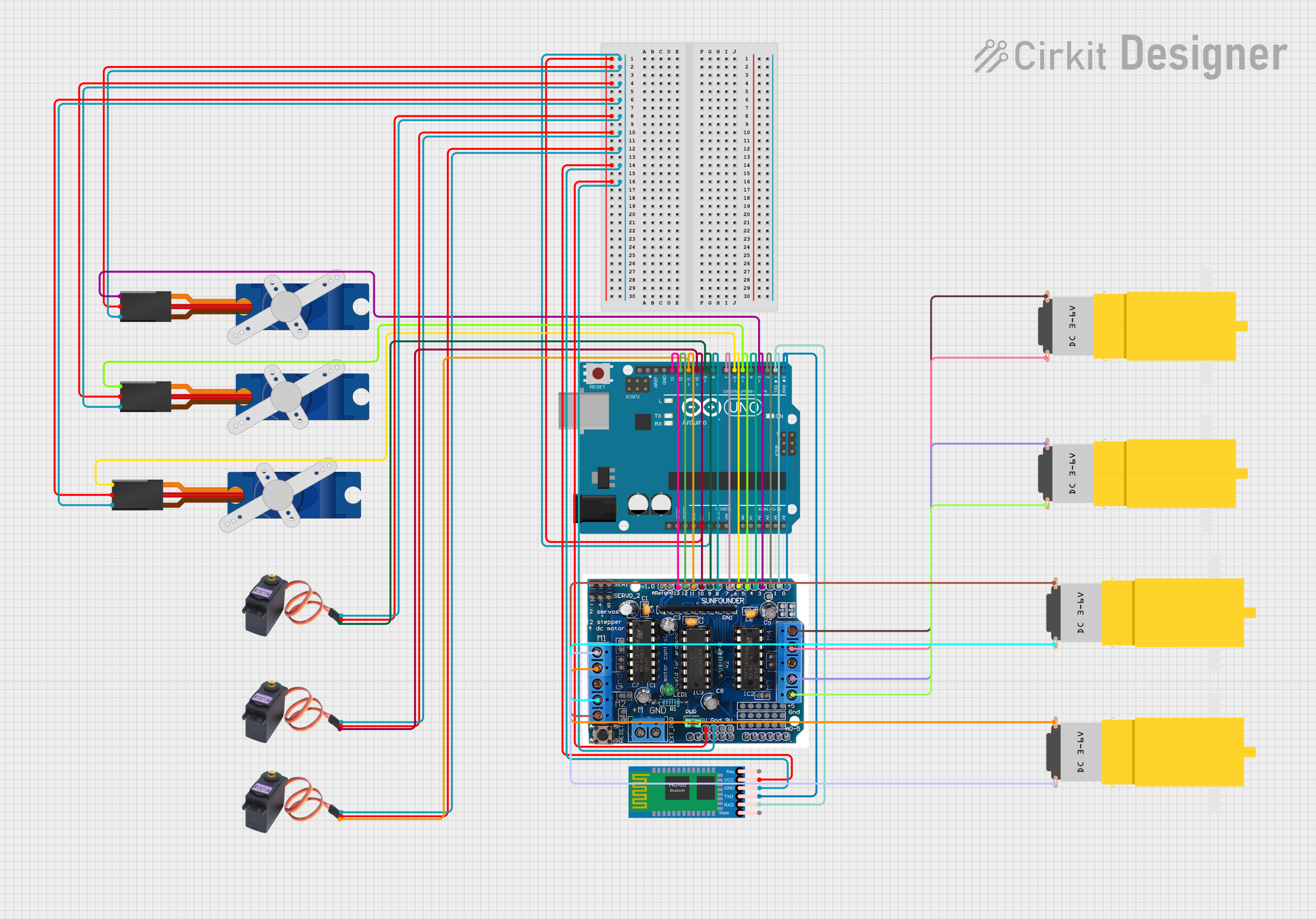 Open Project in Cirkit Designer
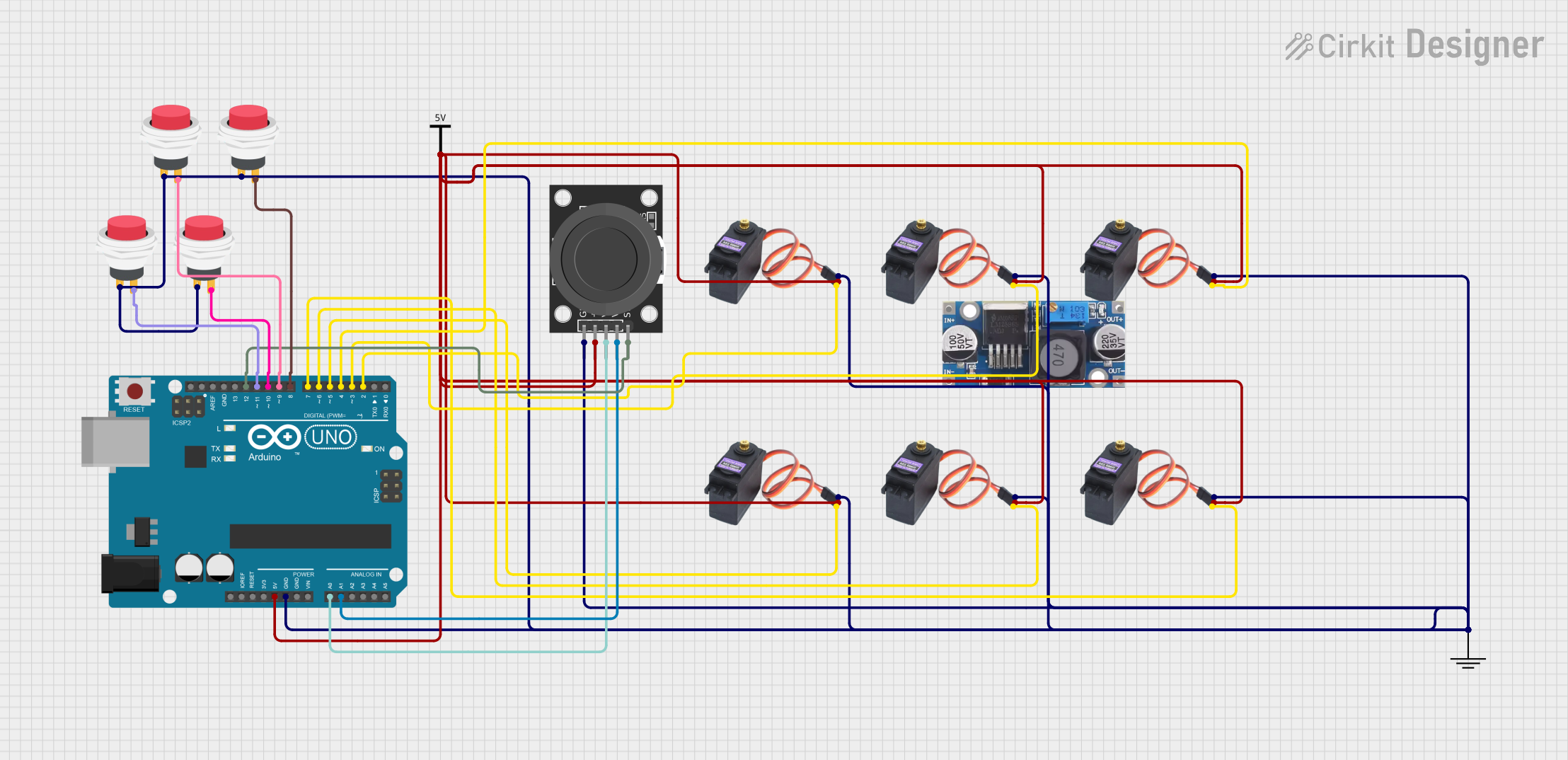 Open Project in Cirkit Designer
 Open Project in Cirkit Designer
Explore Projects Built with Tower Pro MG995 DIGI HI-SPEED Servo Moto
Open Project in Cirkit DesignerOpen Project in Cirkit DesignerOpen Project in Cirkit DesignerOpen Project in Cirkit DesignerCommon Applications
- Robotic arms and grippers
- RC cars, boats, and airplanes
- Pan-tilt camera systems
- Automated mechanisms and animatronics
- DIY projects requiring precise angular control
Technical Specifications
Below are the key technical details of the Tower Pro MG995 Servo Motor:
| Parameter | Value |
|---|---|
| Operating Voltage | 4.8V to 7.2V |
| Stall Torque | 9.4 kg·cm (4.8V), 11 kg·cm (6V) |
| Operating Speed | 0.20 sec/60° (4.8V), 0.16 sec/60° (6V) |
| Gear Type | Metal |
| Control Signal | PWM (Pulse Width Modulation) |
| PWM Pulse Range | 500 µs to 2500 µs |
| Rotation Angle | 0° to 180° |
| Weight | 55g |
| Dimensions | 40.7mm x 19.7mm x 42.9mm |
Pin Configuration
The MG995 servo motor has a 3-pin connector. Below is the pin configuration:
| Pin | Wire Color | Description |
|---|---|---|
| 1 | Brown | Ground (GND) |
| 2 | Red | Power Supply (VCC) |
| 3 | Orange | Signal (PWM Input) |
Usage Instructions
Connecting the MG995 Servo Motor
- Power Supply: Connect the red wire to a power source (4.8V to 7.2V). Ensure the power supply can provide sufficient current (at least 1.5A) to avoid performance issues.
- Ground: Connect the brown wire to the ground (GND) of your circuit.
- Signal: Connect the orange wire to the PWM output pin of your microcontroller (e.g., Arduino).
Important Considerations
- Power Requirements: Use a separate power supply for the servo motor if your microcontroller cannot provide sufficient current.
- PWM Signal: Ensure the PWM signal is within the range of 500 µs to 2500 µs for proper operation.
- Avoid Overloading: Do not exceed the torque rating to prevent damage to the motor or gears.
- Mounting: Use appropriate screws and brackets to securely mount the servo motor.
Example: Using MG995 with Arduino UNO
Below is an example code to control the MG995 servo motor using an Arduino UNO:
#include <Servo.h> // Include the Servo library

Servo myServo; // Create a Servo object to control the MG995

void setup() {
  myServo.attach(9); // Attach the servo to pin 9 on the Arduino
}

void loop() {
  myServo.write(0); // Move the servo to 0 degrees
  delay(1000); // Wait for 1 second

  myServo.write(90); // Move the servo to 90 degrees
  delay(1000); // Wait for 1 second

  myServo.write(180); // Move the servo to 180 degrees
  delay(1000); // Wait for 1 second
}
Best Practices
- Use capacitors across the power supply to reduce noise and voltage fluctuations.
- Avoid sudden changes in the servo position to minimize wear on the gears.
- Test the servo with a low load before integrating it into your project.
Troubleshooting and FAQs
Common Issues and Solutions
Servo Not Moving:
- Cause: Insufficient power supply.
- Solution: Ensure the power source provides at least 1.5A and is within the voltage range.
Jittery or Erratic Movement:
- Cause: Electrical noise or unstable PWM signal.
- Solution: Add a capacitor (e.g., 100 µF) across the power supply and ensure proper grounding.
Overheating:
- Cause: Prolonged operation under high torque or incorrect voltage.
- Solution: Reduce the load or ensure the voltage is within the specified range.
Limited Rotation:
- Cause: The MG995 is a standard servo with a 180° rotation limit.
- Solution: Use a continuous rotation servo if 360° rotation is required.
FAQs
Q: Can the MG995 be powered directly from the Arduino?
A: No, the Arduino cannot supply sufficient current for the MG995. Use an external power source.
Q: How do I calibrate the servo for precise angles?
A: Use the Servo.writeMicroseconds() function in Arduino to fine-tune the PWM signal.
Q: Can I use the MG995 for continuous rotation?
A: The MG995 is not designed for continuous rotation. Consider modifying it or using a dedicated continuous rotation servo.
Q: What is the lifespan of the MG995?
A: With proper usage and maintenance, the MG995 can last for thousands of cycles. Avoid overloading and overheating to extend its lifespan.