
How to Use Jetson Orin NX: Examples, Pinouts, and Specs
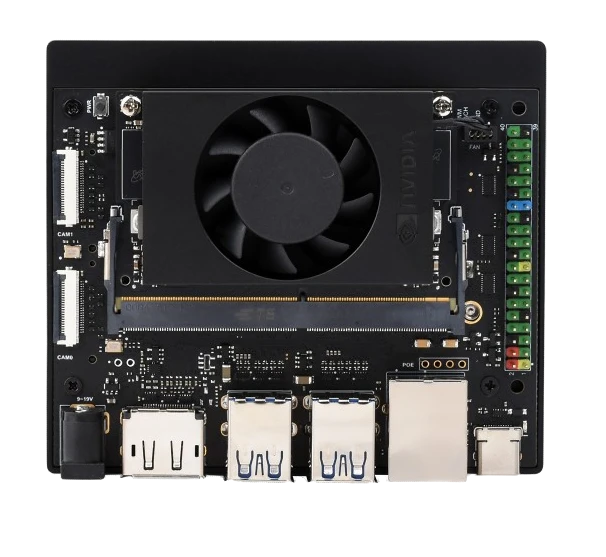
 Design with Jetson Orin NX in Cirkit Designer
Introduction
The Jetson Orin NX, manufactured by NVIDIA, is a high-performance AI computing module designed for edge devices. It combines a powerful GPU and CPU architecture to deliver exceptional performance for advanced machine learning, deep learning, and computer vision applications. With its compact form factor and energy-efficient design, the Jetson Orin NX is ideal for robotics, autonomous machines, smart cameras, and other AI-driven embedded systems.
Explore Projects Built with Jetson Orin NX
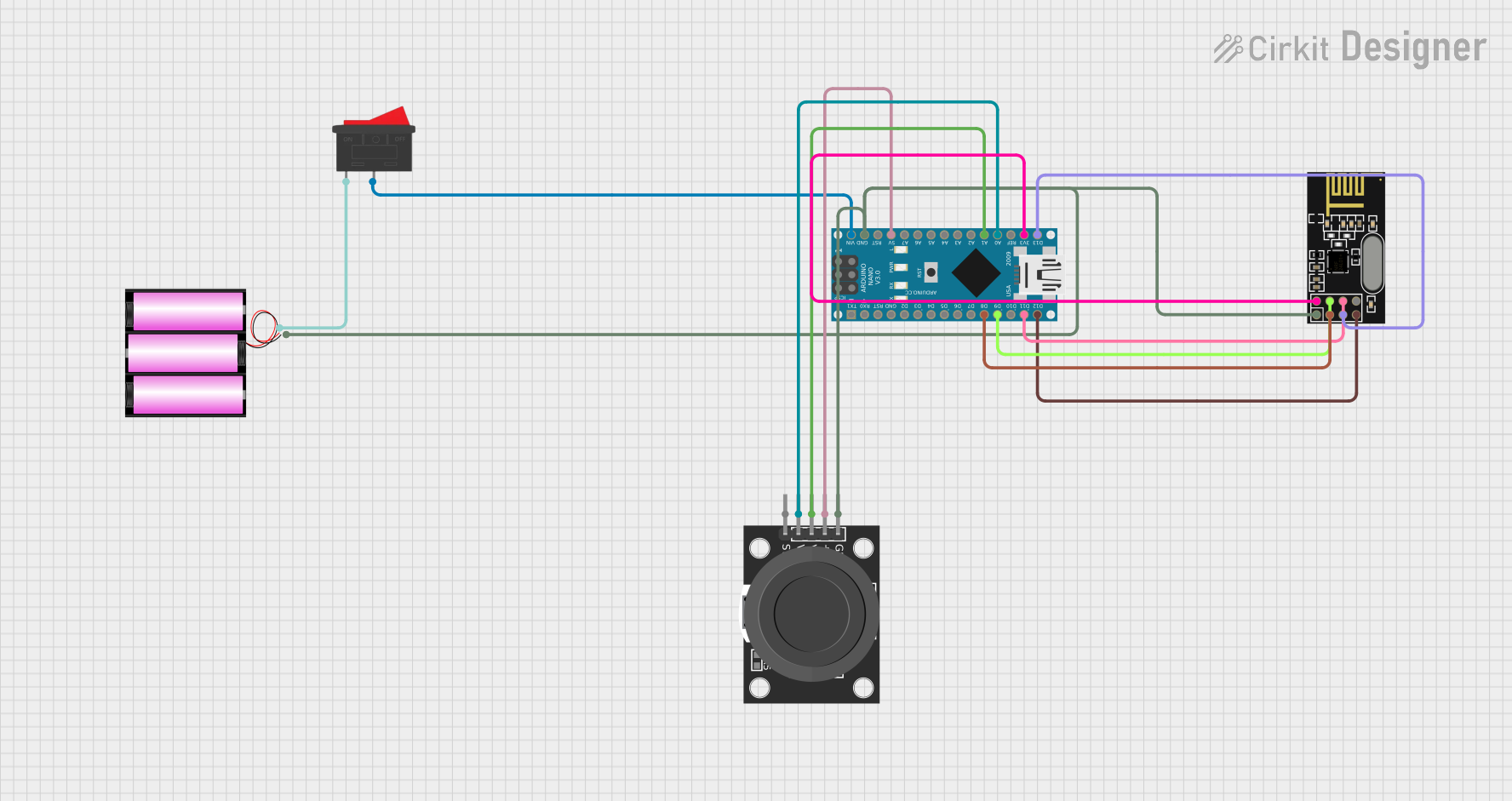 Open Project in Cirkit Designer
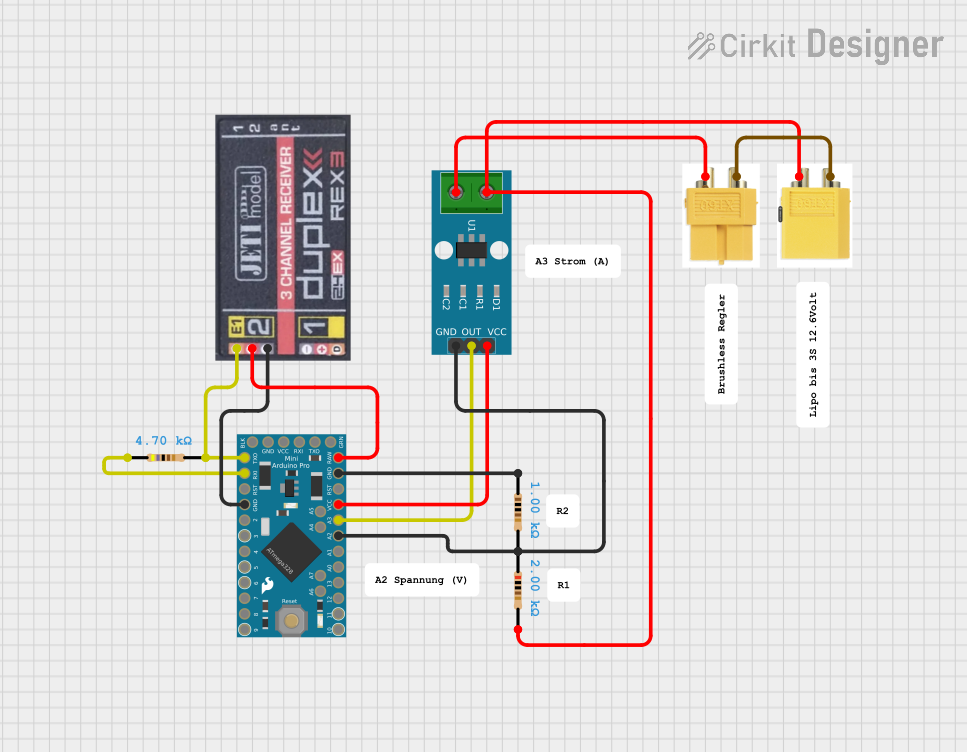 Open Project in Cirkit Designer
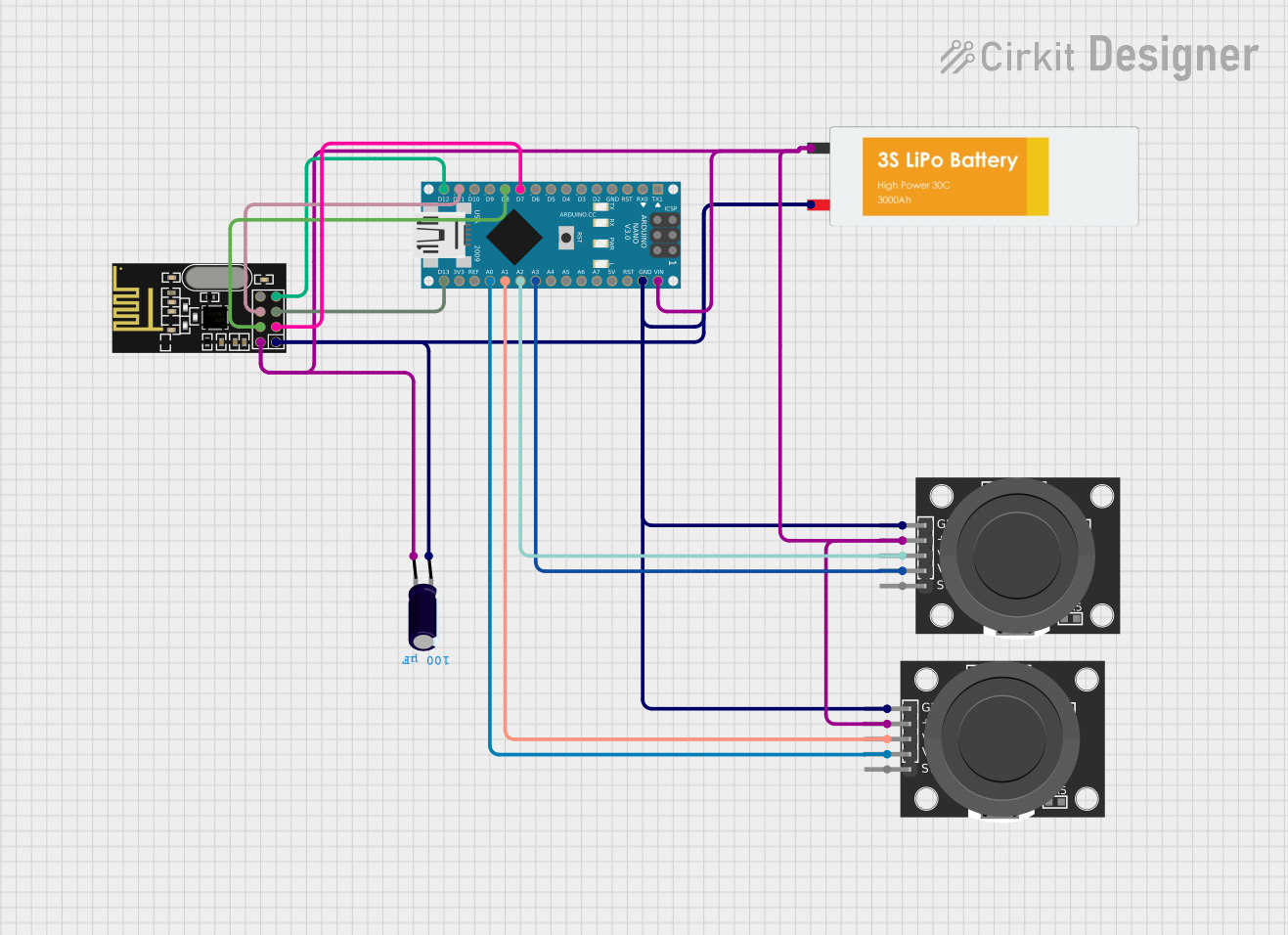 Open Project in Cirkit Designer
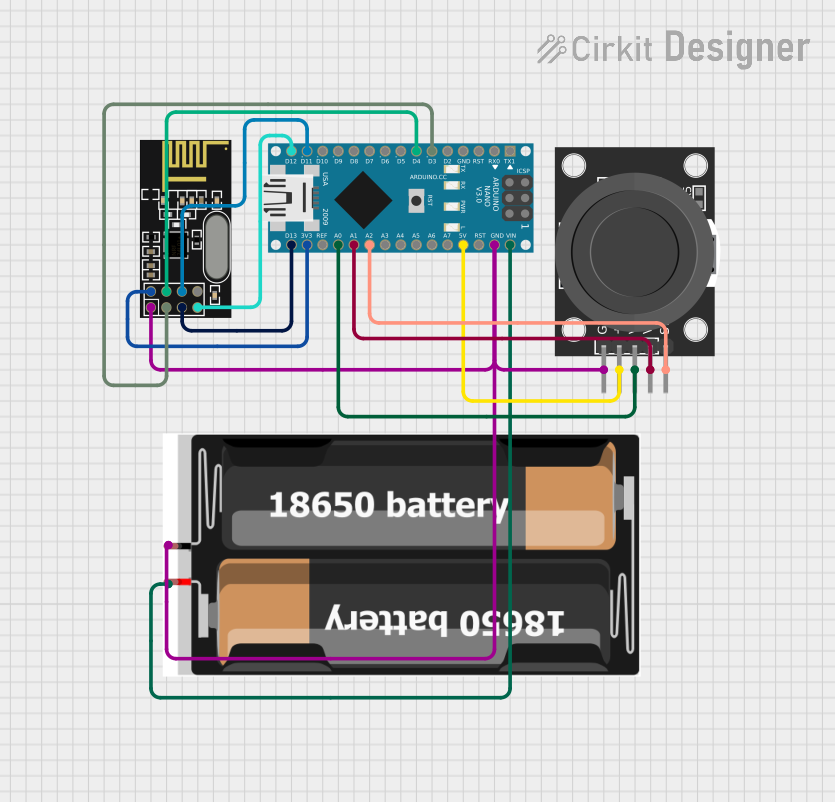 Open Project in Cirkit Designer
Explore Projects Built with Jetson Orin NX
Open Project in Cirkit DesignerOpen Project in Cirkit DesignerOpen Project in Cirkit DesignerOpen Project in Cirkit DesignerCommon Applications and Use Cases
- Robotics and autonomous machines
- Smart cameras and video analytics
- Industrial automation and IoT devices
- Natural language processing and speech recognition
- Edge AI applications requiring real-time inference
Technical Specifications
Key Technical Details
| Specification | Details |
|---|---|
| Manufacturer | NVIDIA |
| Part ID | Jetson Orin NX |
| GPU Architecture | NVIDIA Ampere with 1024 CUDA cores and 32 Tensor Cores |
| CPU | 6-core ARM Cortex-A78AE v8.2 64-bit processor |
| Memory | 8GB or 16GB LPDDR5 (depending on model) |
| Storage | 32GB eMMC 5.1 |
| AI Performance | Up to 100 TOPS (Tera Operations Per Second) |
| Power Consumption | Configurable between 10W and 25W |
| Interfaces | PCIe Gen4, I2C, SPI, UART, GPIO, USB 3.2, Ethernet |
| Operating System Support | Ubuntu-based NVIDIA JetPack SDK |
| Dimensions | 70mm x 45mm |
Pin Configuration and Descriptions
The Jetson Orin NX uses a 260-pin SO-DIMM connector. Below is a summary of key pin groups:
| Pin Group | Description |
|---|---|
| Power Supply Pins | Provides power to the module (e.g., VIN, VDD_IN, GND). |
| GPIO Pins | General-purpose input/output pins for custom interfacing. |
| I2C Pins | For communication with sensors and peripherals using the I2C protocol. |
| SPI Pins | High-speed communication interface for peripherals like displays or sensors. |
| UART Pins | Serial communication interface for debugging or external devices. |
| USB Pins | USB 3.2 interface for connecting peripherals like cameras or storage devices. |
| Ethernet Pins | For high-speed network connectivity. |
| PCIe Pins | High-speed PCIe Gen4 interface for external devices like GPUs or SSDs. |
For a complete pinout diagram, refer to the official NVIDIA Jetson Orin NX datasheet.
Usage Instructions
How to Use the Jetson Orin NX in a Circuit
- Power Supply: Ensure a stable power supply within the module's operating range (10W–25W). Use a compatible power adapter or custom power circuit.
- Cooling: Install an appropriate heatsink or active cooling solution to maintain optimal operating temperatures.
- Carrier Board: The Jetson Orin NX requires a compatible carrier board for interfacing with peripherals. NVIDIA provides a developer kit with a reference carrier board.
- Peripheral Connections: Connect peripherals like cameras, sensors, or displays to the appropriate interfaces (e.g., USB, I2C, SPI).
- Software Setup:
- Download and install the NVIDIA JetPack SDK on a host computer.
- Flash the Jetson Orin NX module with the JetPack image using the NVIDIA SDK Manager.
- Configure the module for your application using the JetPack tools and libraries.
Important Considerations and Best Practices
- Power Management: Use the power mode settings in JetPack to optimize performance and energy efficiency.
- Thermal Management: Monitor the module's temperature using the
tegrastatstool and ensure adequate cooling. - Software Updates: Regularly update the JetPack SDK to access the latest features and security patches.
- Peripheral Compatibility: Verify that connected peripherals are compatible with the Jetson Orin NX and its supported interfaces.
Example: Using Jetson Orin NX with an Arduino UNO
The Jetson Orin NX can communicate with an Arduino UNO via UART. Below is an example of Python code to send data from the Jetson Orin NX to the Arduino UNO:
import serial
import time
Initialize serial communication with the Arduino
Replace '/dev/ttyUSB0' with the correct port for your setup
arduino = serial.Serial(port='/dev/ttyUSB0', baudrate=9600, timeout=1)
Function to send data to the Arduino
def send_data(data): try: # Encode the string data to bytes and send it arduino.write(data.encode('utf-8')) print(f"Sent: {data}") except Exception as e: print(f"Error: {e}")
Main loop
if name == "main": while True: # Example data to send data_to_send = "Hello, Arduino!" send_data(data_to_send)
    # Wait for 1 second before sending the next message
    time.sleep(1)
**Note**: Ensure the Arduino is programmed to receive and process the data sent from the Jetson Orin NX.
Troubleshooting and FAQs
Common Issues and Solutions
Module Not Powering On:
- Verify the power supply voltage and current ratings.
- Check the connections to the carrier board and ensure proper seating of the module.
Overheating:
- Ensure the heatsink or cooling fan is properly installed.
- Reduce the power mode or workload if necessary.
Peripheral Not Detected:
- Confirm that the peripheral is compatible with the Jetson Orin NX.
- Check the connections and ensure the correct interface is being used.
- Verify that the required drivers are installed in the JetPack SDK.
Flashing Issues:
- Ensure the Jetson Orin NX is in recovery mode before flashing.
- Use the latest version of the NVIDIA SDK Manager.
FAQs
Q: Can the Jetson Orin NX run multiple AI models simultaneously?
A: Yes, the Jetson Orin NX is capable of running multiple AI models concurrently, thanks to its powerful GPU and Tensor Cores.
Q: What is the maximum supported camera resolution?
A: The Jetson Orin NX supports multiple camera streams with resolutions up to 4K, depending on the configuration and bandwidth.
Q: Is the Jetson Orin NX compatible with older Jetson carrier boards?
A: Compatibility depends on the specific carrier board. Refer to the carrier board's documentation for compatibility details.
Q: How do I monitor system performance?
A: Use the tegrastats tool included in the JetPack SDK to monitor CPU, GPU, and memory usage in real time.
For additional support, refer to the official NVIDIA Jetson Orin NX documentation and community forums.