
How to Use ADL200 Single phase AC energy meter: Examples, Pinouts, and Specs
 Design with ADL200 Single phase AC energy meter in Cirkit Designer
Introduction
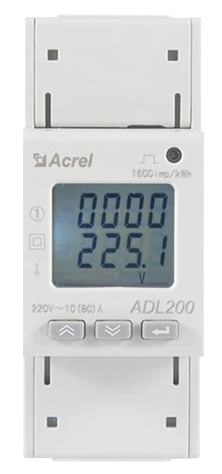
The ADL200 Single Phase AC Energy Meter, manufactured by Acrel, is a compact and reliable device designed to measure energy consumption in single-phase AC electrical circuits. It provides accurate readings in kilowatt-hours (kWh), making it ideal for energy monitoring, billing, and efficiency analysis. The ADL200 is widely used in residential, commercial, and industrial applications where precise energy measurement is essential.
Explore Projects Built with ADL200 Single phase AC energy meter
 Open Project in Cirkit Designer
 Open Project in Cirkit Designer
 Open Project in Cirkit Designer
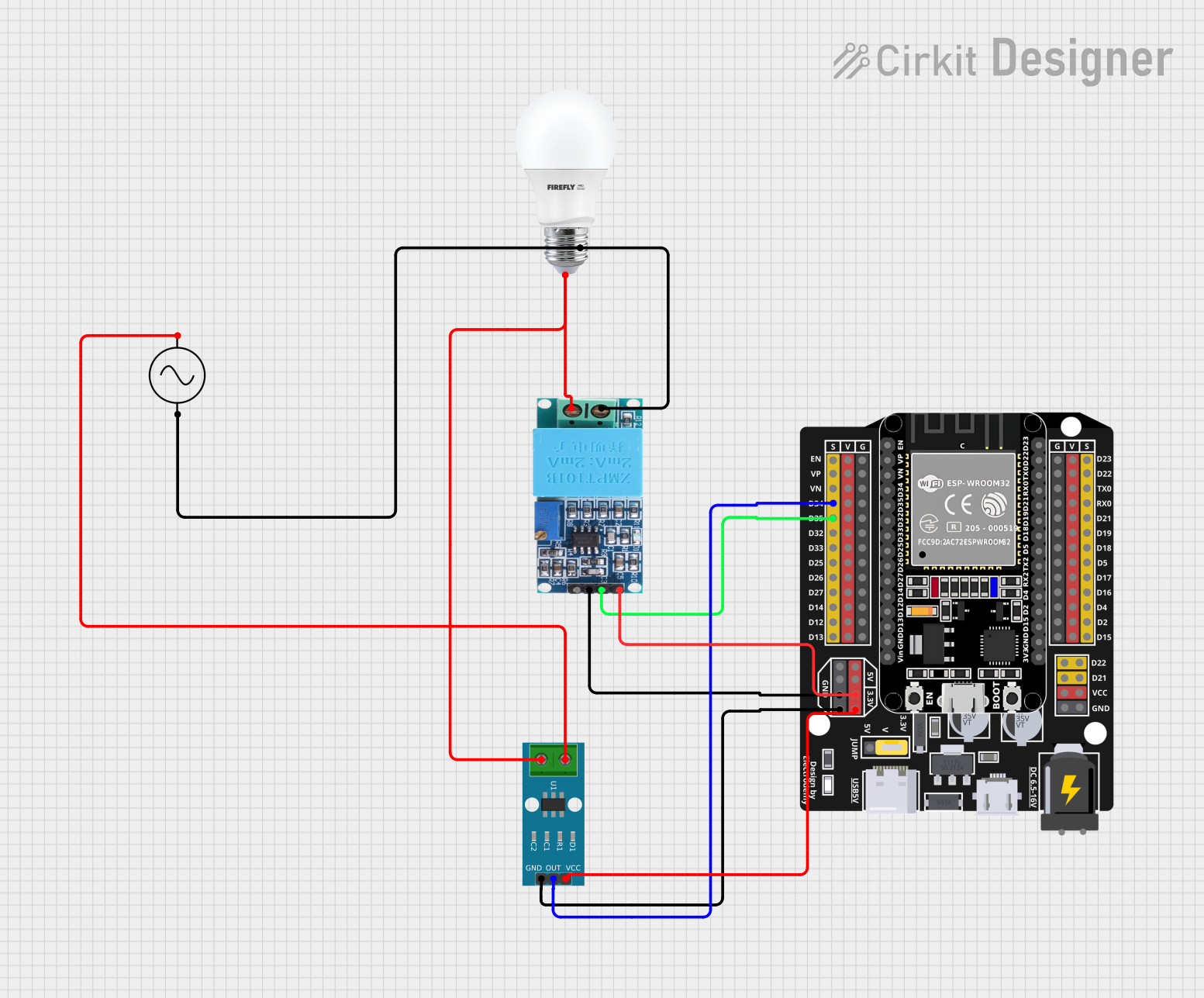 Open Project in Cirkit Designer
Explore Projects Built with ADL200 Single phase AC energy meter
Open Project in Cirkit DesignerOpen Project in Cirkit DesignerOpen Project in Cirkit DesignerOpen Project in Cirkit DesignerCommon Applications
- Residential energy monitoring for individual households
- Commercial energy billing in offices, shops, and malls
- Industrial energy management for equipment and machinery
- Renewable energy systems to track energy production and consumption
- Sub-metering in multi-tenant buildings
Technical Specifications
Key Technical Details
| Parameter | Value |
|---|---|
| Manufacturer | Acrel |
| Part ID | ADL200 |
| Measurement Type | Single-phase AC energy |
| Voltage Range | 220V AC ±20% |
| Current Range | 0.25A to 100A (depending on model) |
| Frequency | 50Hz / 60Hz |
| Accuracy Class | Class 1 (±1% accuracy) |
| Display Type | LCD |
| Communication Interface | RS485 (Modbus-RTU protocol) |
| Power Consumption | ≤2W / ≤10VA |
| Operating Temperature | -25°C to +55°C |
| Storage Temperature | -40°C to +70°C |
| Dimensions | 72mm x 88mm x 65mm |
| Mounting Type | DIN rail |
Pin Configuration and Descriptions
The ADL200 features terminal connections for power input, load, and communication. Below is the pin configuration:
Power and Load Terminals
| Terminal No. | Description |
|---|---|
| 1 | Line (L) Input |
| 2 | Neutral (N) Input |
| 3 | Line (L) Output to Load |
| 4 | Neutral (N) Output to Load |
Communication Terminals (RS485)
| Terminal No. | Description |
|---|---|
| 5 | RS485-A (Data+) |
| 6 | RS485-B (Data-) |
Usage Instructions
How to Use the ADL200 in a Circuit
- Mounting: Secure the ADL200 on a DIN rail in an electrical panel.
- Wiring:
- Connect the Line (L) and Neutral (N) wires from the power source to terminals 1 and 2, respectively.
- Connect the load to terminals 3 (Line) and 4 (Neutral).
- For communication, connect the RS485-A and RS485-B terminals to the corresponding pins of your RS485 network.
- Power On: Once all connections are secure, power on the device. The LCD will display energy readings.
- Communication Setup:
- Configure the RS485 communication parameters (baud rate, parity, etc.) as per your system requirements.
- Use the Modbus-RTU protocol to read energy data from the meter.
Important Considerations and Best Practices
- Ensure all connections are made with the power supply turned off to avoid electrical hazards.
- Use appropriately rated wires for the current and voltage levels in your circuit.
- Verify the RS485 communication settings (e.g., baud rate, device ID) to ensure compatibility with your monitoring system.
- Regularly inspect the device for signs of wear or damage, especially in industrial environments.
Arduino UNO Integration Example
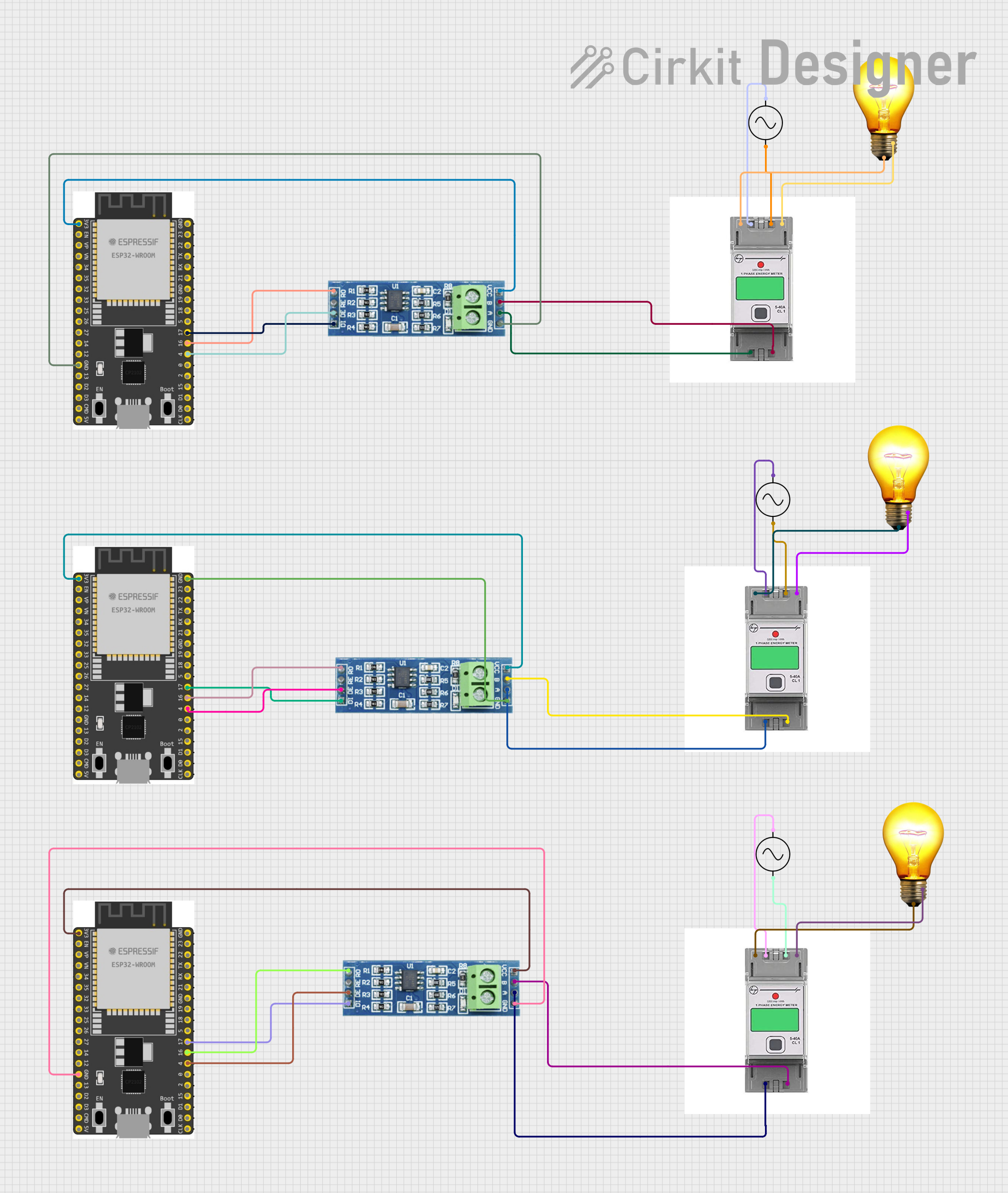
The ADL200 can be connected to an Arduino UNO via an RS485 module to read energy data. Below is an example code snippet:
#include <ModbusMaster.h>

// Instantiate ModbusMaster object
ModbusMaster node;

// RS485 communication pins
#define RE_PIN 2  // Receiver Enable pin
#define DE_PIN 3  // Driver Enable pin

void preTransmission() {
  digitalWrite(RE_PIN, HIGH); // Enable RS485 transmitter
  digitalWrite(DE_PIN, HIGH);
}

void postTransmission() {
  digitalWrite(RE_PIN, LOW);  // Disable RS485 transmitter
  digitalWrite(DE_PIN, LOW);
}

void setup() {
  // Initialize serial communication
  Serial.begin(9600);
  Serial.println("ADL200 Energy Meter Reading");

  // Initialize RS485 communication
  pinMode(RE_PIN, OUTPUT);
  pinMode(DE_PIN, OUTPUT);
  digitalWrite(RE_PIN, LOW);
  digitalWrite(DE_PIN, LOW);

  // Configure Modbus communication
  node.begin(1, Serial); // Set Modbus ID to 1
  node.preTransmission(preTransmission);
  node.postTransmission(postTransmission);
}

void loop() {
  uint8_t result;
  uint16_t data[2];

  // Read energy data (e.g., total kWh from register 0x0000)
  result = node.readInputRegisters(0x0000, 2);
  if (result == node.ku8MBSuccess) {
    data[0] = node.getResponseBuffer(0); // High byte
    data[1] = node.getResponseBuffer(1); // Low byte
    float energy = (data[0] << 16 | data[1]) / 100.0; // Convert to kWh
    Serial.print("Energy Consumption: ");
    Serial.print(energy);
    Serial.println(" kWh");
  } else {
    Serial.println("Failed to read data from ADL200");
  }

  delay(1000); // Wait 1 second before next reading
}
Notes:
- Use an RS485-to-TTL module to interface the ADL200 with the Arduino UNO.
- Adjust the Modbus ID and register addresses based on your specific ADL200 configuration.
Troubleshooting and FAQs
Common Issues and Solutions
No Display on LCD:
- Cause: Incorrect wiring or no power supply.
- Solution: Verify the Line (L) and Neutral (N) connections and ensure the power source is active.
Incorrect Energy Readings:
- Cause: Loose connections or incorrect wiring.
- Solution: Check all terminal connections and ensure proper wiring as per the pin configuration.
RS485 Communication Failure:
- Cause: Incorrect baud rate, device ID, or wiring.
- Solution: Verify the RS485 settings and ensure proper A/B terminal connections.
Device Overheating:
- Cause: Overcurrent or high ambient temperature.
- Solution: Ensure the load does not exceed the rated current and improve ventilation around the device.
FAQs
Can the ADL200 measure reactive power?
- No, the ADL200 is designed to measure active energy (kWh) only.
What is the maximum cable length for RS485 communication?
- The RS485 standard supports cable lengths up to 1200 meters, but this may vary depending on the baud rate and cable quality.
Is the ADL200 compatible with solar energy systems?
- Yes, it can measure energy consumption or production in single-phase solar setups.
How do I reset the energy readings?
- Refer to the user manual for instructions on resetting the meter, as this may vary by model.
By following this documentation, users can effectively integrate and operate the ADL200 Single Phase AC Energy Meter in their applications.