
How to Use ESP32-S3-CAM: Examples, Pinouts, and Specs
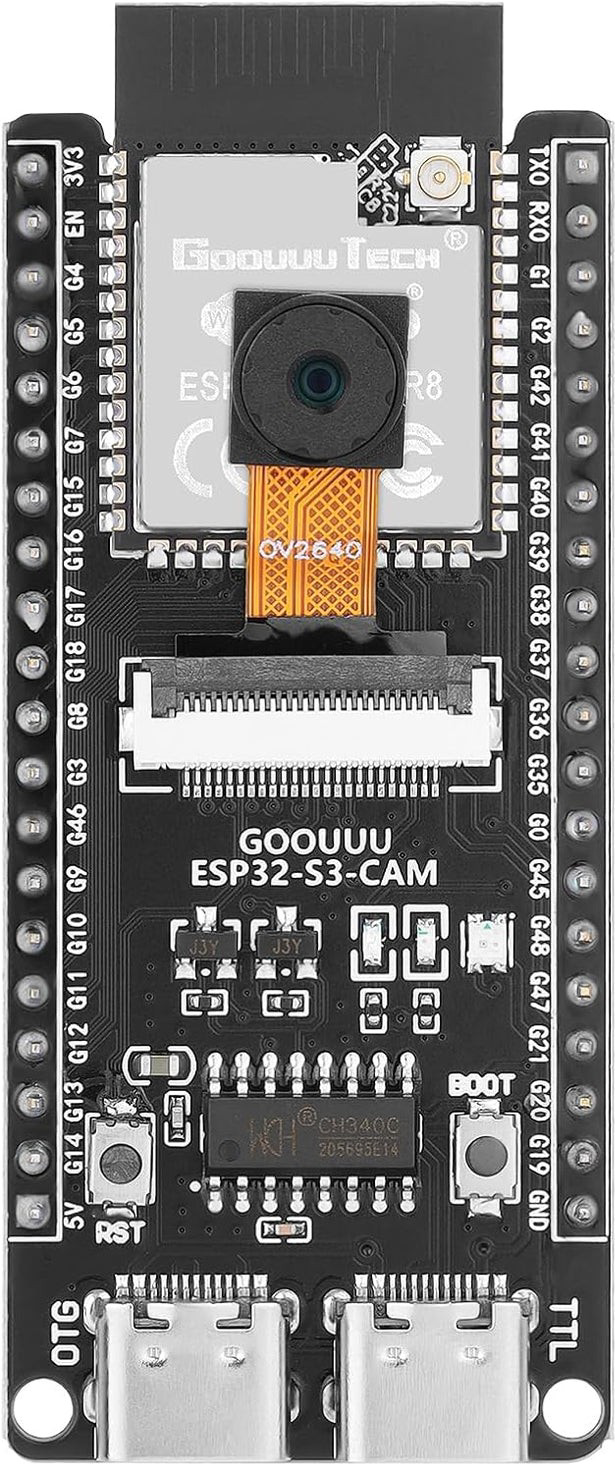
 Design with ESP32-S3-CAM in Cirkit Designer
Introduction
The ESP32-S3-CAM is a low-cost, low-power system on a chip (SoC) developed by Espressif Systems (Manufacturer Part ID: N16R8). It features integrated Wi-Fi and Bluetooth capabilities, along with a dedicated camera interface for image capture and processing. This makes it an excellent choice for IoT applications, smart devices, and projects requiring image recognition or video streaming.
Explore Projects Built with ESP32-S3-CAM
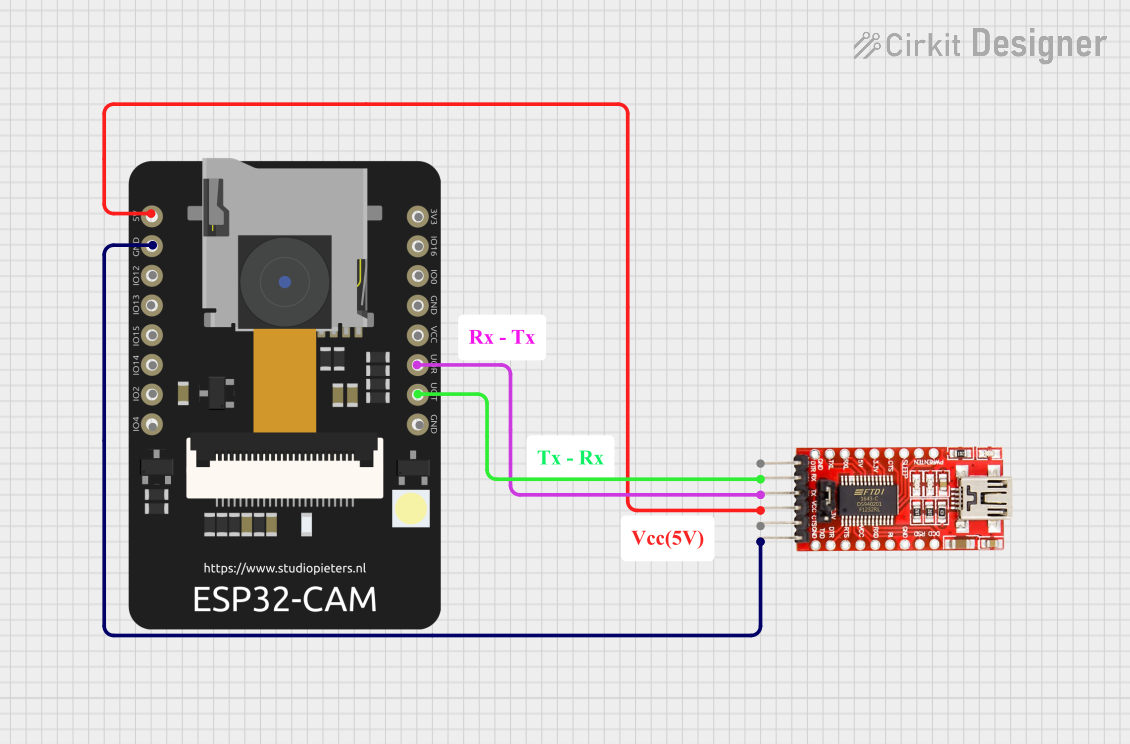 Open Project in Cirkit Designer
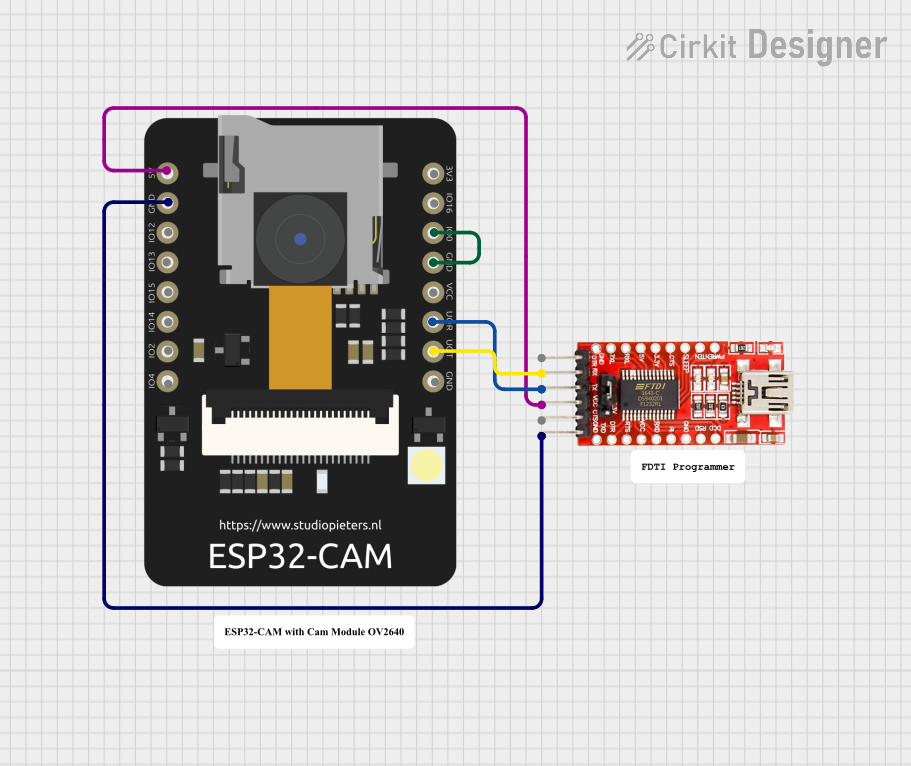 Open Project in Cirkit Designer
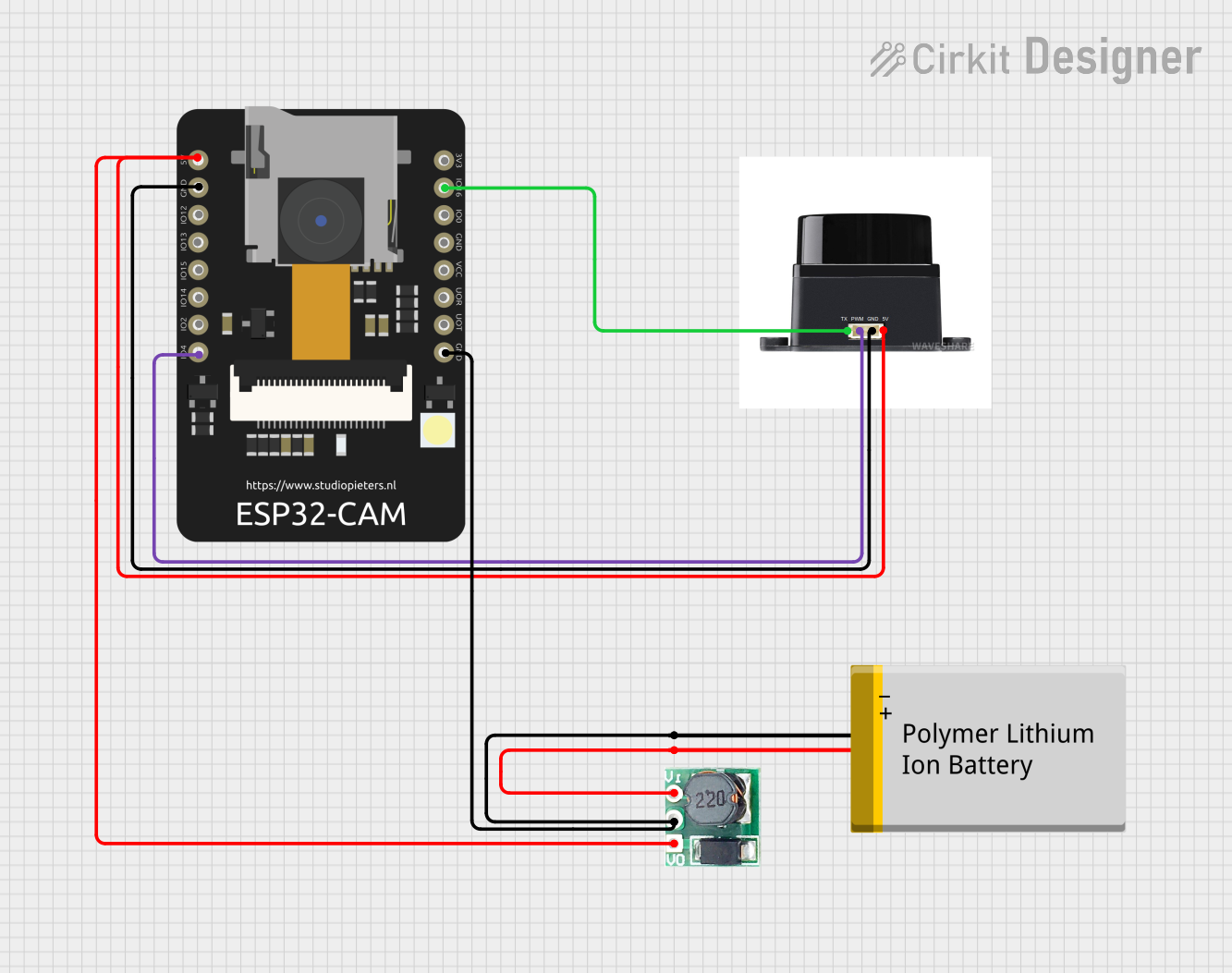 Open Project in Cirkit Designer
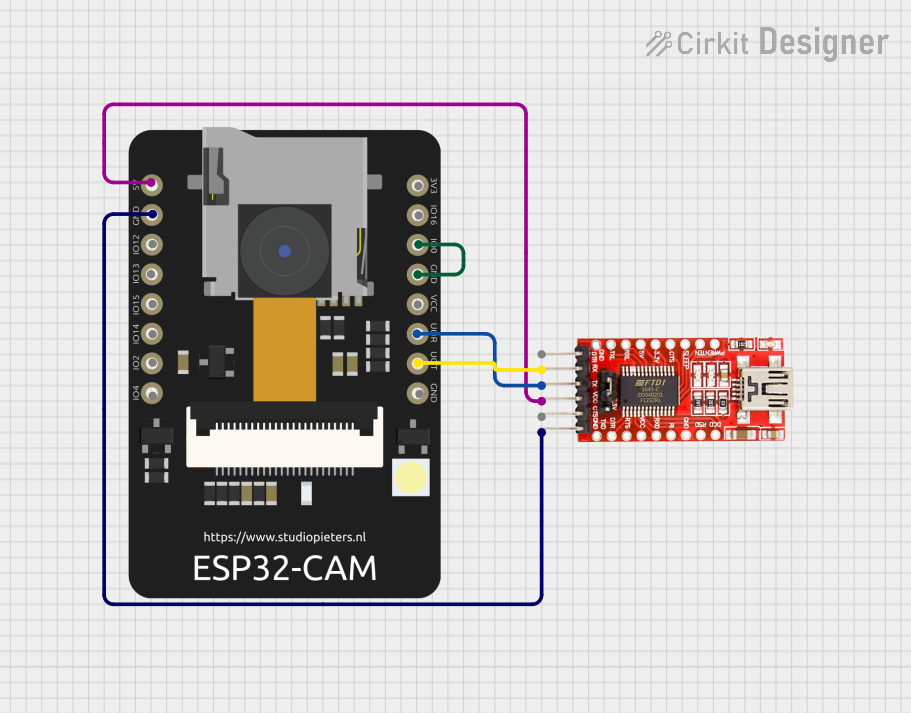 Open Project in Cirkit Designer
Explore Projects Built with ESP32-S3-CAM
Open Project in Cirkit DesignerOpen Project in Cirkit DesignerOpen Project in Cirkit DesignerOpen Project in Cirkit DesignerCommon Applications
- Smart home devices (e.g., security cameras, video doorbells)
- IoT-based surveillance systems
- Face recognition and object detection
- Wireless image transmission
- Robotics and automation systems
Technical Specifications
Key Technical Details
| Parameter | Specification |
|---|---|
| Manufacturer | Espressif Systems |
| Part ID | N16R8 |
| Processor | Dual-core Xtensa® LX7 CPU |
| Clock Speed | Up to 240 MHz |
| Wireless Connectivity | Wi-Fi 802.11 b/g/n, Bluetooth 5.0 (LE) |
| Camera Interface | 8-bit DVP interface |
| Flash Memory | Up to 16 MB |
| PSRAM | Up to 8 MB |
| GPIO Pins | 44 (multipurpose, configurable) |
| Operating Voltage | 3.3V |
| Power Consumption | Ultra-low power in deep sleep mode (~10 µA) |
| Operating Temperature | -40°C to 85°C |
| Dimensions | Compact module design |
Pin Configuration and Descriptions
The ESP32-S3-CAM module includes a variety of pins for power, communication, and camera interfacing. Below is the pinout description:
Power and Ground Pins
| Pin Name | Description |
|---|---|
| 3V3 | 3.3V power input |
| GND | Ground |
Camera Interface Pins
| Pin Name | Description |
|---|---|
| D0-D7 | Camera data pins (8-bit DVP) |
| VSYNC | Vertical sync signal |
| HREF | Horizontal reference signal |
| PCLK | Pixel clock |
| XCLK | External clock input |
Communication Pins
| Pin Name | Description |
|---|---|
| TXD | UART transmit |
| RXD | UART receive |
| SCL | I2C clock |
| SDA | I2C data |
| MOSI | SPI master-out, slave-in |
| MISO | SPI master-in, slave-out |
| SCK | SPI clock |
| CS | SPI chip select |
GPIO Pins
| Pin Name | Description |
|---|---|
| GPIO0 | General-purpose I/O |
| GPIO1 | General-purpose I/O |
| ... | Additional GPIOs available |
Usage Instructions
How to Use the ESP32-S3-CAM in a Circuit
- Power Supply: Connect the 3V3 pin to a stable 3.3V power source and GND to ground.
- Camera Connection: Attach a compatible camera module (e.g., OV2640) to the camera interface pins (D0-D7, VSYNC, HREF, PCLK, XCLK).
- Programming: Use the UART pins (TXD, RXD) or USB interface for programming the module with firmware.
- Communication: Utilize I2C, SPI, or UART for interfacing with other devices or sensors.
- Antenna: Ensure the onboard antenna has a clear path for optimal Wi-Fi and Bluetooth performance.
Important Considerations
- Voltage Levels: Ensure all connected peripherals operate at 3.3V logic levels to avoid damage.
- Power Supply: Use a low-noise, stable power source to prevent interference with the camera or wireless communication.
- Heat Management: If operating at high loads, consider adding a heatsink to manage heat dissipation.
- Firmware: Use the latest ESP-IDF (Espressif IoT Development Framework) for optimal performance and compatibility.
Example Code for Arduino UNO Integration
Below is an example of how to use the ESP32-S3-CAM with an Arduino IDE for basic image capture and Wi-Fi streaming:
#include <WiFi.h>
#include <esp_camera.h>

// Replace with your Wi-Fi credentials
const char* ssid = "Your_SSID";
const char* password = "Your_PASSWORD";

void setup() {
  Serial.begin(115200);

  // Connect to Wi-Fi
  WiFi.begin(ssid, password);
  while (WiFi.status() != WL_CONNECTED) {
    delay(500);
    Serial.print(".");
  }
  Serial.println("\nWi-Fi connected!");

  // Initialize the camera
  camera_config_t config;
  config.ledc_channel = LEDC_CHANNEL_0;
  config.ledc_timer = LEDC_TIMER_0;
  config.pin_d0 = 5;  // Example pin for D0
  config.pin_d1 = 18; // Example pin for D1
  // Configure other camera pins here...
  config.xclk_freq_hz = 20000000; // 20 MHz clock
  config.pixel_format = PIXFORMAT_JPEG;

  if (!esp_camera_init(&config)) {
    Serial.println("Camera initialized successfully!");
  } else {
    Serial.println("Camera initialization failed!");
    return;
  }
}

void loop() {
  // Capture an image
  camera_fb_t* fb = esp_camera_fb_get();
  if (!fb) {
    Serial.println("Failed to capture image");
    return;
  }

  // Print image size
  Serial.printf("Captured image size: %d bytes\n", fb->len);

  // Free the frame buffer
  esp_camera_fb_return(fb);

  delay(5000); // Wait 5 seconds before capturing the next image
}
Notes:
- Replace the pin numbers in the
camera_config_tstructure with the actual pins used in your setup. - Ensure the camera module is compatible with the ESP32-S3-CAM.
Troubleshooting and FAQs
Common Issues
Wi-Fi Connection Fails:
- Ensure the SSID and password are correct.
- Check if the Wi-Fi signal strength is sufficient.
Camera Initialization Fails:
- Verify the camera module is properly connected to the interface pins.
- Ensure the camera is compatible with the ESP32-S3-CAM.
Image Capture Issues:
- Check the power supply for stability.
- Verify the camera configuration settings in the code.
Overheating:
- Reduce the clock speed or add a heatsink if the module overheats during operation.
Tips for Troubleshooting
- Use a multimeter to check voltage levels on the power and GPIO pins.
- Monitor the serial output for error messages during debugging.
- Update the firmware to the latest version using the ESP-IDF or Arduino IDE.
FAQs
Q: Can the ESP32-S3-CAM stream video over Wi-Fi?
A: Yes, the module supports video streaming over Wi-Fi using the appropriate firmware and configuration.
Q: What camera modules are compatible with the ESP32-S3-CAM?
A: The module is compatible with cameras like the OV2640 and OV7670, which support the DVP interface.
Q: Can I use the ESP32-S3-CAM for face recognition?
A: Yes, the module supports face recognition and detection when paired with the appropriate software libraries.
Q: What is the maximum resolution supported by the camera interface?
A: The maximum resolution depends on the camera module used, but the ESP32-S3-CAM can handle resolutions up to 1600x1200 (UXGA) with compatible cameras.