
How to Use P33V1: Examples, Pinouts, and Specs
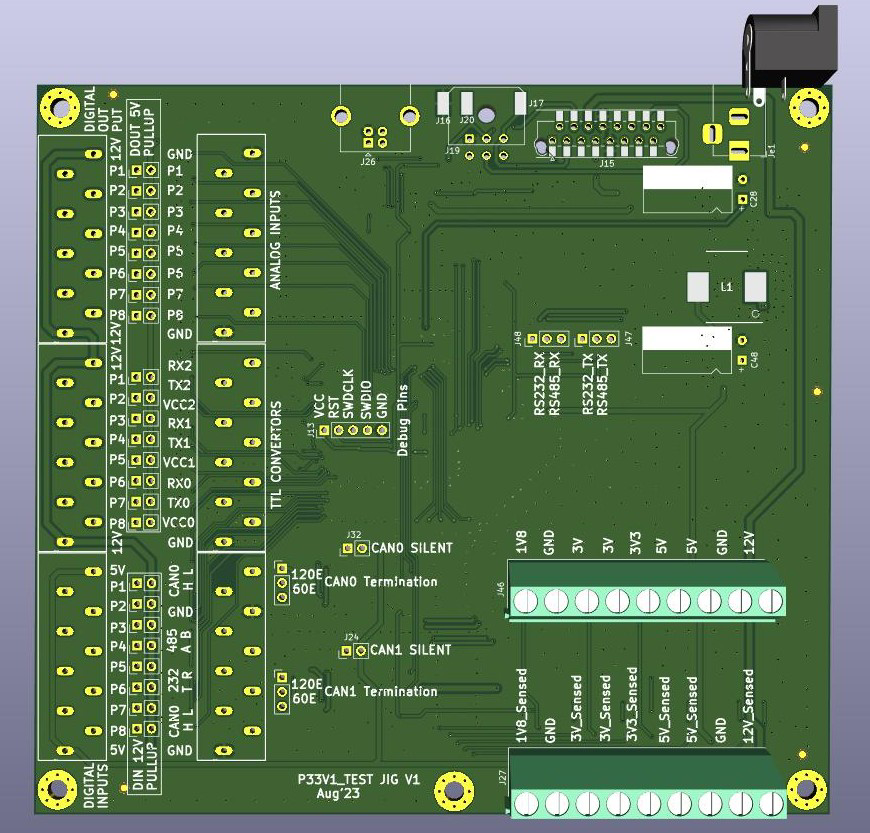
 Design with P33V1 in Cirkit Designer
Introduction
The P33V1 is a voltage regulator manufactured by ITPL with the part ID IO. It is designed to provide a stable output voltage of 3.3V, making it an essential component in electronic circuits that require low-voltage power. The P33V1 is widely used to power microcontrollers, sensors, and other low-power devices, ensuring reliable operation by maintaining a consistent voltage level.
Explore Projects Built with P33V1
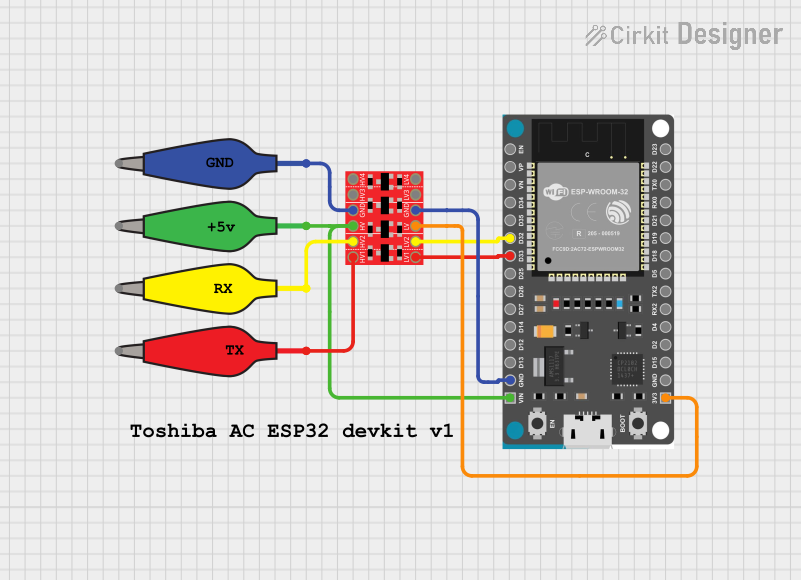 Open Project in Cirkit Designer
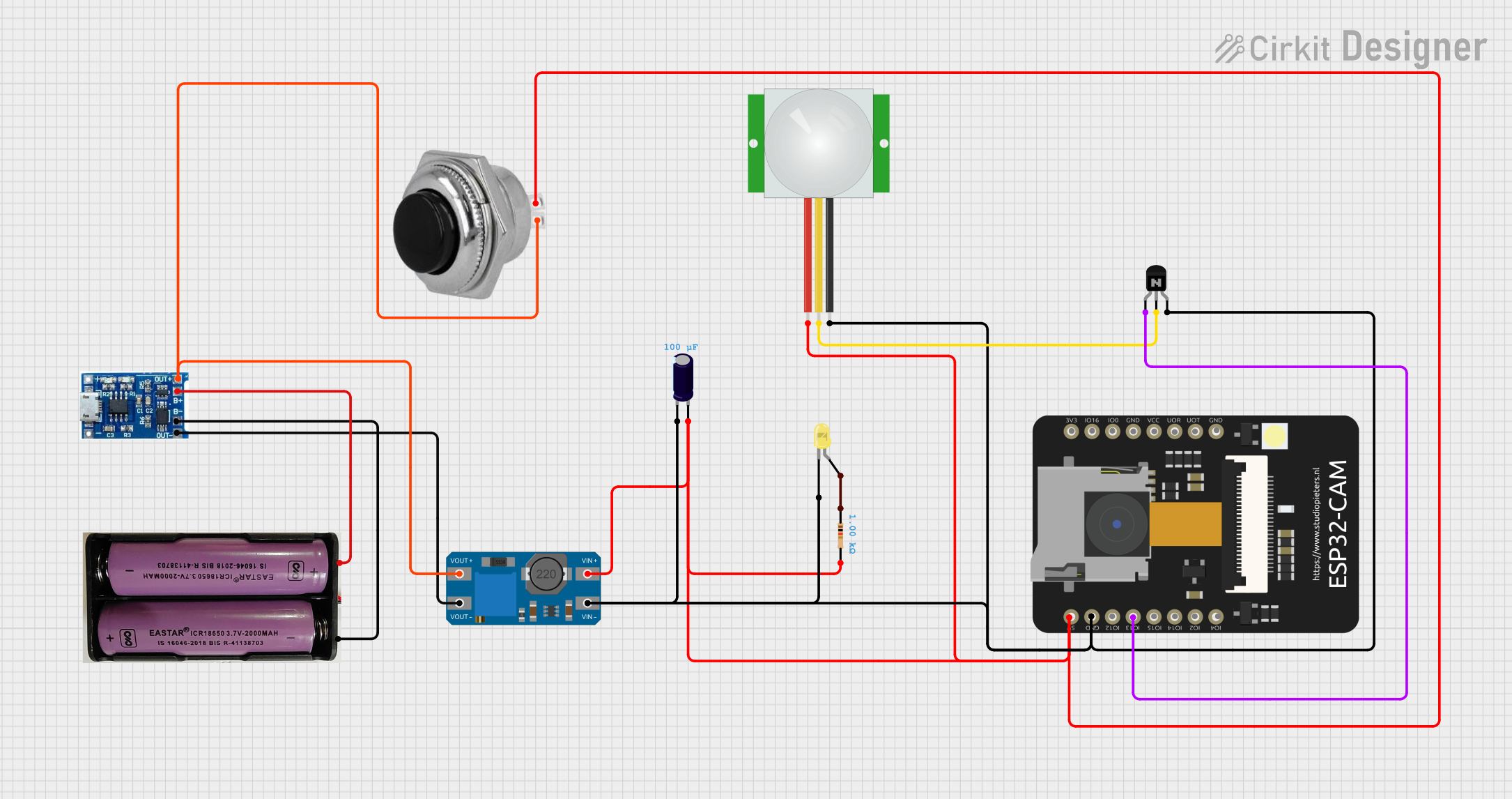 Open Project in Cirkit Designer
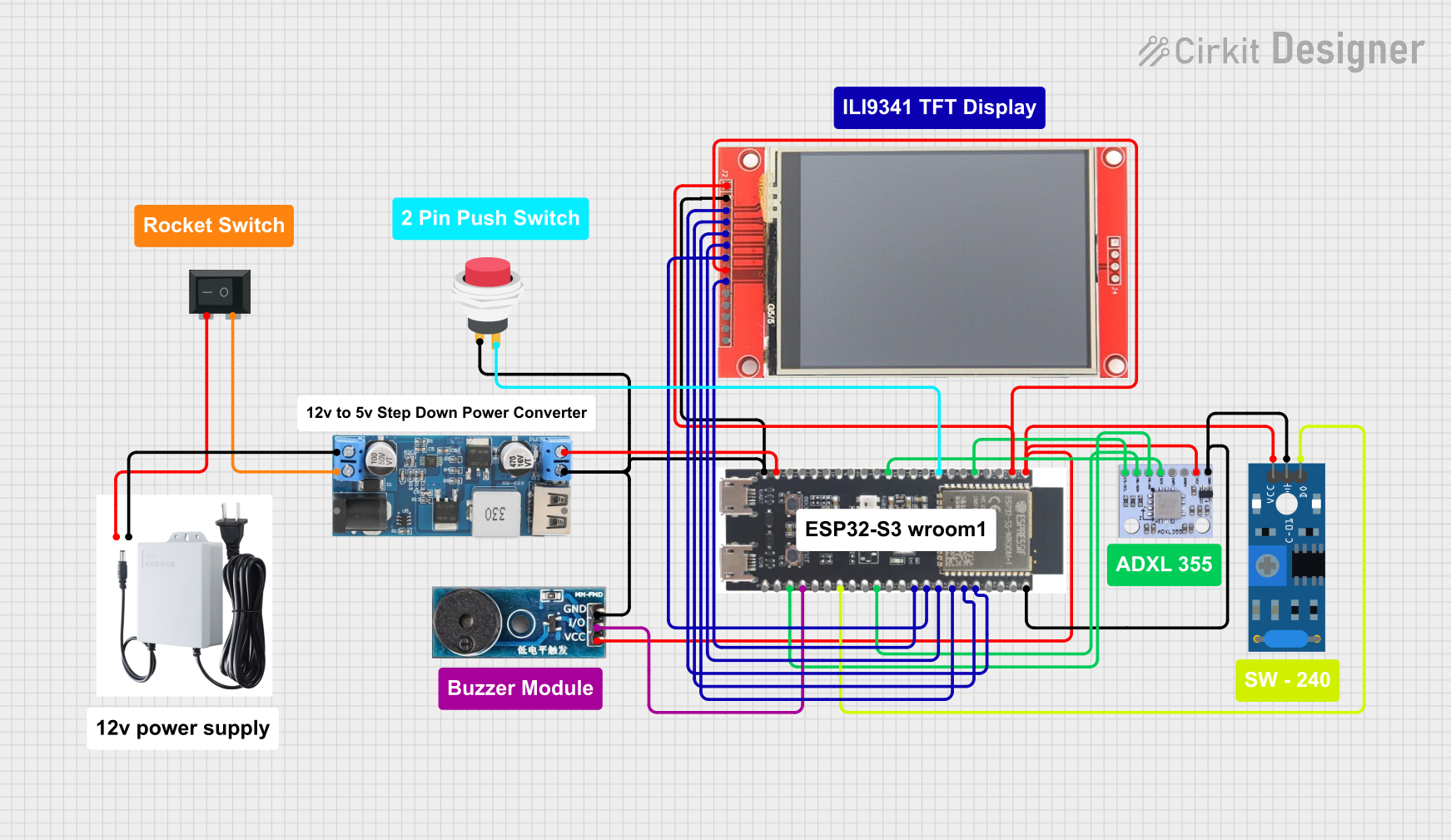 Open Project in Cirkit Designer
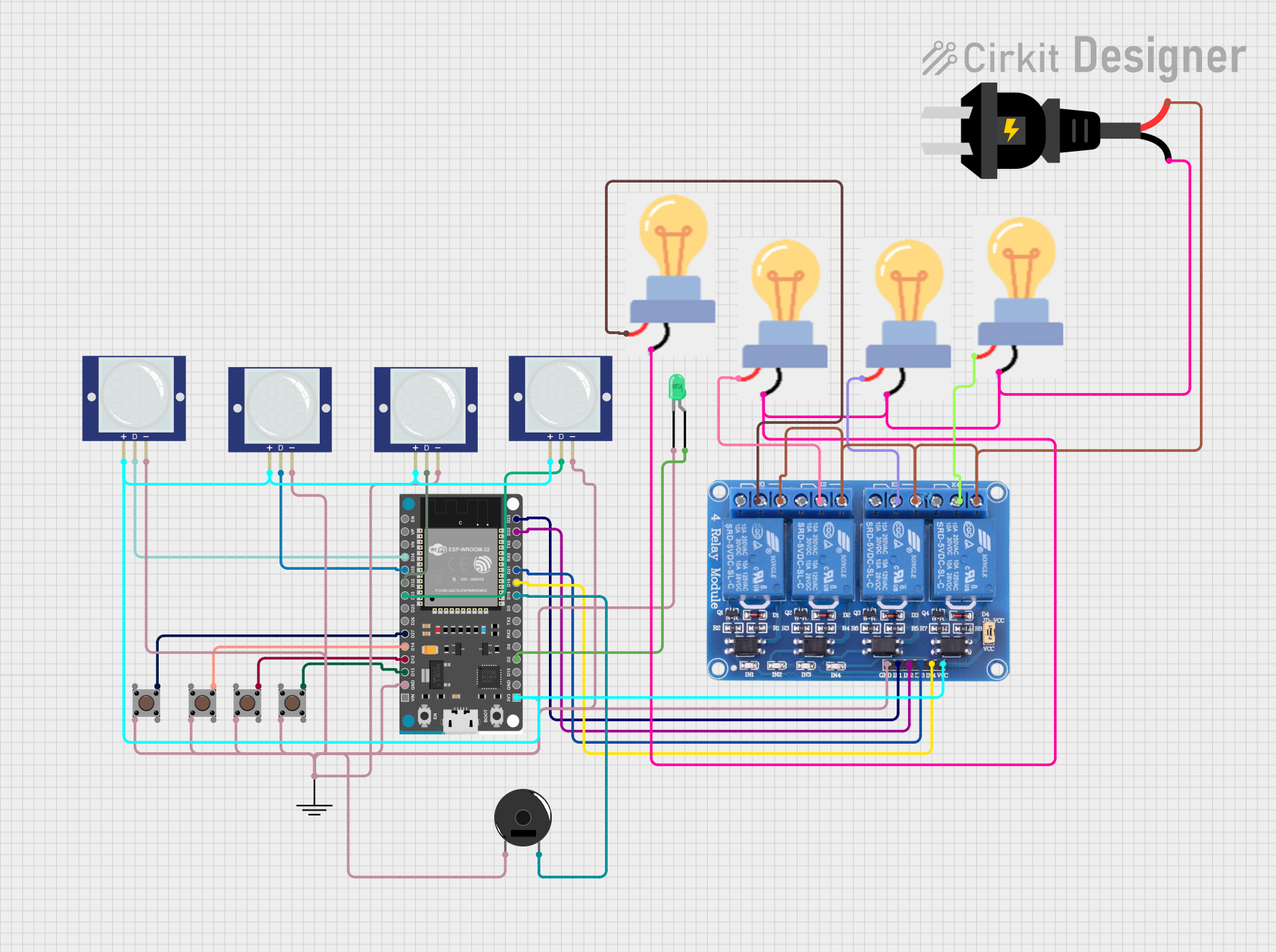 Open Project in Cirkit Designer
Explore Projects Built with P33V1
Open Project in Cirkit DesignerOpen Project in Cirkit DesignerOpen Project in Cirkit DesignerOpen Project in Cirkit DesignerCommon Applications
- Powering microcontrollers (e.g., Arduino, ESP32, STM32)
- Supplying stable voltage to sensors and modules
- Voltage regulation in battery-powered devices
- Low-power IoT devices and embedded systems
Technical Specifications
Key Specifications
| Parameter | Value |
|---|---|
| Input Voltage Range | 4.5V to 12V |
| Output Voltage | 3.3V ± 2% |
| Maximum Output Current | 1A |
| Dropout Voltage | 1.1V (at 1A load) |
| Quiescent Current | 5mA (typical) |
| Operating Temperature | -40°C to +85°C |
| Package Type | TO-220, SOT-223 |
Pin Configuration
TO-220 Package
| Pin Number | Name | Description |
|---|---|---|
| 1 | Input (VIN) | Connect to the unregulated input voltage |
| 2 | Ground (GND) | Connect to circuit ground |
| 3 | Output (VOUT) | Provides regulated 3.3V output |
SOT-223 Package
| Pin Number | Name | Description |
|---|---|---|
| 1 | Input (VIN) | Connect to the unregulated input voltage |
| 2 | Ground (GND) | Connect to circuit ground |
| 3 | Output (VOUT) | Provides regulated 3.3V output |
| Tab | Ground (GND) | Thermal and electrical ground |
Usage Instructions
How to Use the P33V1 in a Circuit
- Input Voltage: Connect the input pin (VIN) to a DC voltage source within the range of 4.5V to 12V. Ensure the input voltage is at least 1.1V higher than the desired 3.3V output to account for the dropout voltage.
- Output Voltage: Connect the output pin (VOUT) to the load that requires a 3.3V supply.
- Ground Connection: Connect the ground pin (GND) to the circuit ground.
- Capacitors: Place a 10µF capacitor on the input pin and a 22µF capacitor on the output pin to ensure stability and reduce noise.
- Heat Dissipation: If the regulator is operating near its maximum current rating (1A), attach a heatsink to the package to prevent overheating.
Example Circuit
Below is an example of how to connect the P33V1 to power a microcontroller:
+12V DC
   |
   +----[10µF Capacitor]----+
   |                        |
  VIN                      GND
   |                        |
  P33V1 Voltage Regulator   |
   |                        |
  VOUT                     GND
   |                        |
   +----[22µF Capacitor]----+
   |
  +3.3V to Microcontroller
Using P33V1 with Arduino UNO
Although the Arduino UNO operates at 5V, the P33V1 can be used to power 3.3V peripherals. Below is an example Arduino sketch to demonstrate its use:
// Example: Reading data from a 3.3V sensor powered by P33V1

const int sensorPin = A0; // Analog pin connected to the sensor output

void setup() {
  Serial.begin(9600); // Initialize serial communication
  pinMode(sensorPin, INPUT); // Set sensor pin as input
}

void loop() {
  int sensorValue = analogRead(sensorPin); // Read sensor value
  float voltage = sensorValue * (3.3 / 1023.0); // Convert to voltage
  Serial.print("Sensor Voltage: ");
  Serial.print(voltage);
  Serial.println(" V");
  delay(1000); // Wait for 1 second
}
Best Practices
- Always use decoupling capacitors (10µF and 22µF) to ensure stable operation.
- Avoid exceeding the maximum input voltage (12V) or output current (1A).
- Use a heatsink if the regulator becomes warm during operation.
- Ensure proper grounding to minimize noise and interference.
Troubleshooting and FAQs
Common Issues and Solutions
| Issue | Possible Cause | Solution |
|---|---|---|
| Output voltage is unstable | Missing or insufficient capacitors | Add 10µF input and 22µF output capacitors |
| Regulator overheating | Excessive current draw or poor ventilation | Use a heatsink or reduce load current |
| No output voltage | Incorrect wiring or damaged component | Verify connections and replace the regulator if necessary |
| Output voltage too low | Input voltage too close to 3.3V | Ensure input voltage is at least 4.5V |
FAQs
Q1: Can the P33V1 be used with a 9V battery?
A1: Yes, the P33V1 can regulate a 9V input to 3.3V, provided the current draw does not exceed 1A.
Q2: What happens if I exceed the maximum current rating?
A2: Exceeding 1A may cause the regulator to overheat or shut down. Use a heatsink or reduce the load.
Q3: Can I use the P33V1 without capacitors?
A3: It is not recommended. Capacitors are essential for stability and noise reduction.
Q4: Is the P33V1 suitable for powering high-frequency circuits?
A4: Yes, but ensure proper decoupling and grounding to minimize noise.
By following this documentation, you can effectively integrate the P33V1 voltage regulator into your projects for reliable 3.3V power delivery.